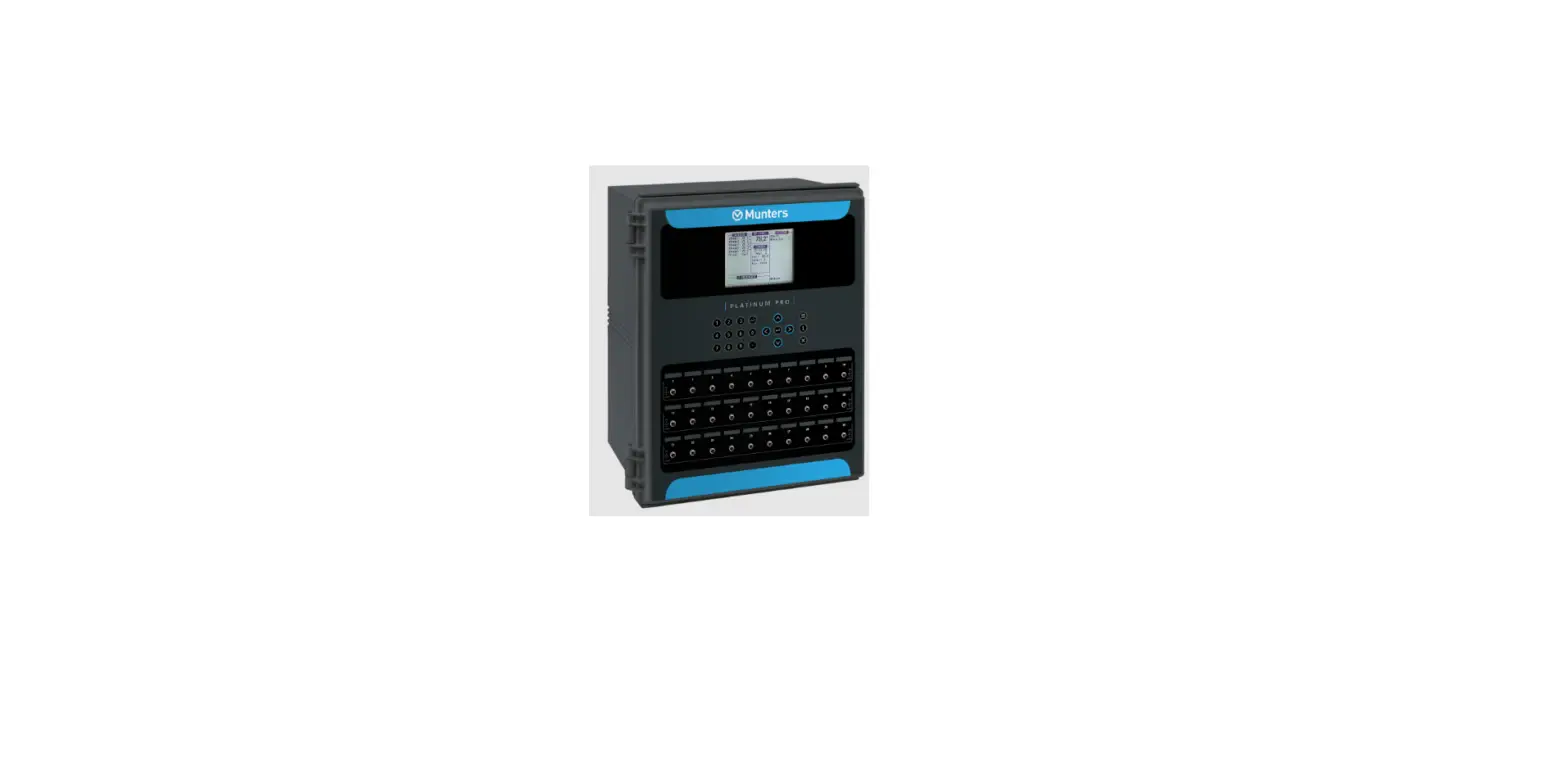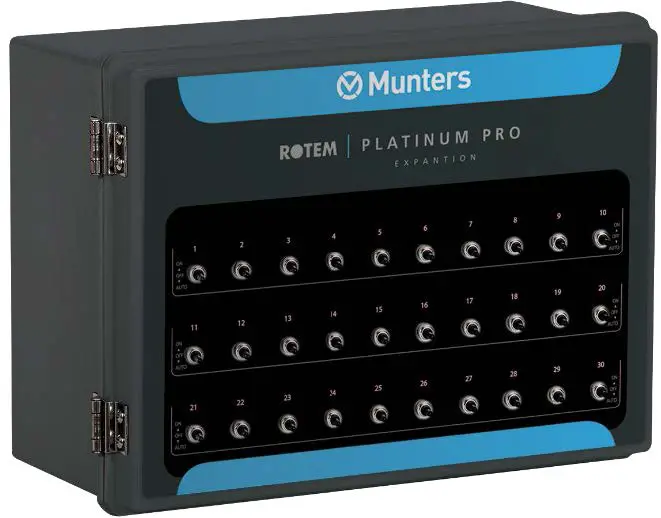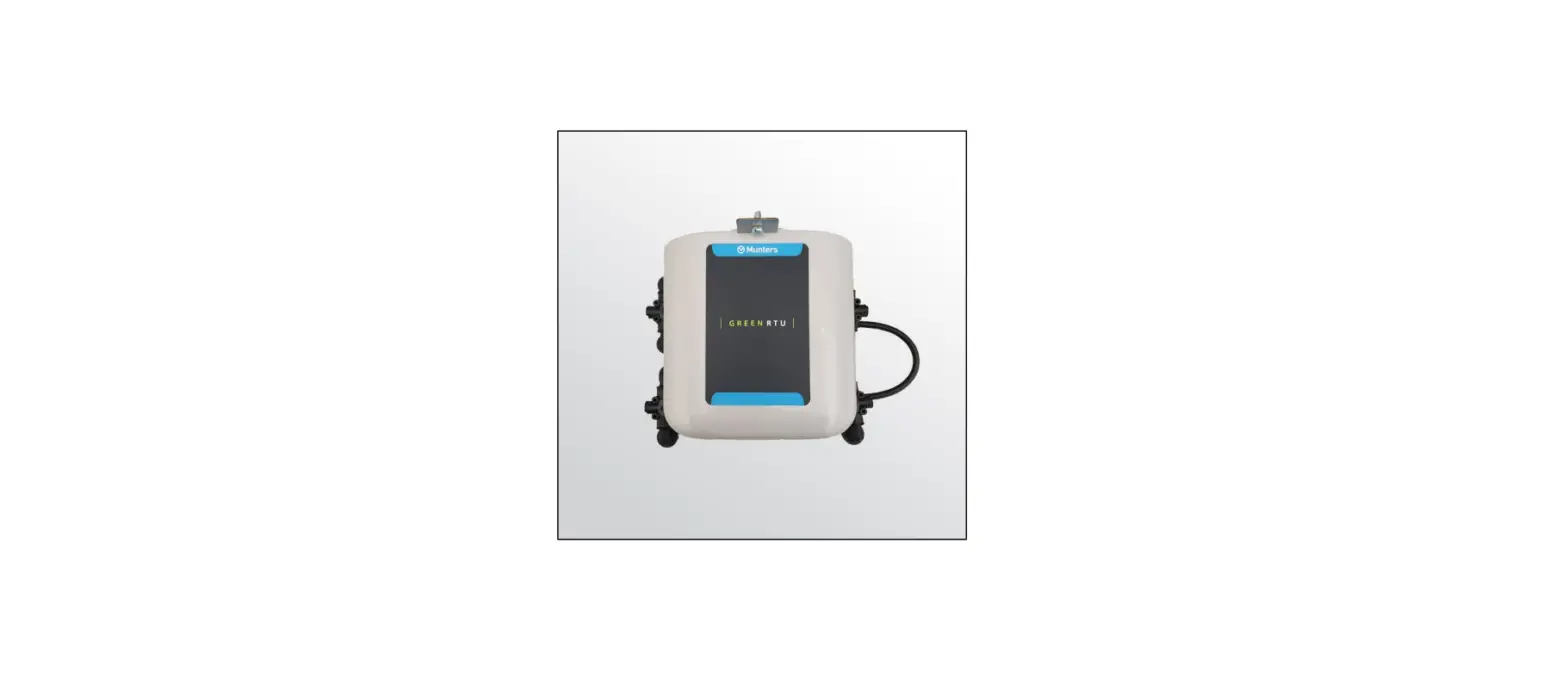
Munters 1 RSU-2 Platinum Pro Installation Guide
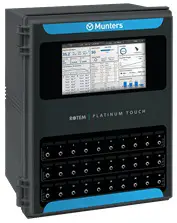
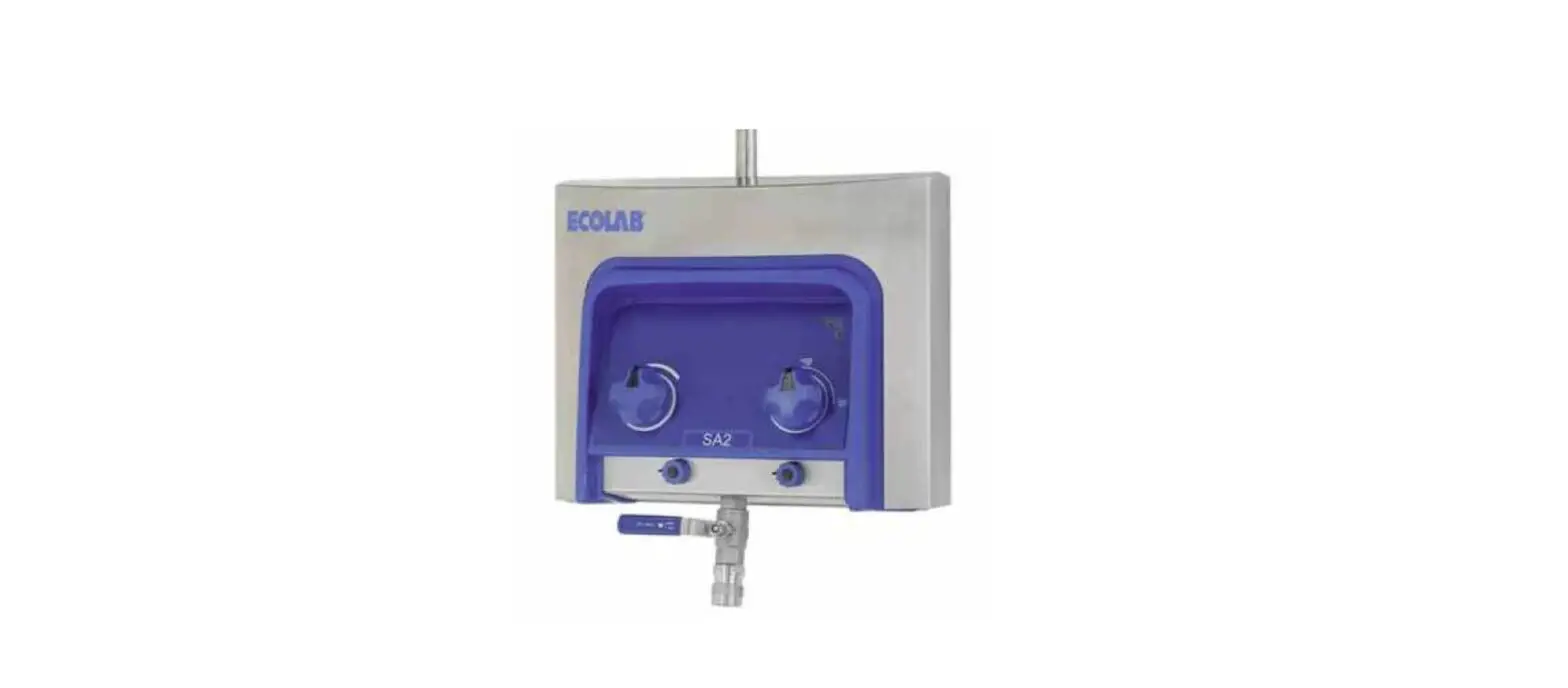
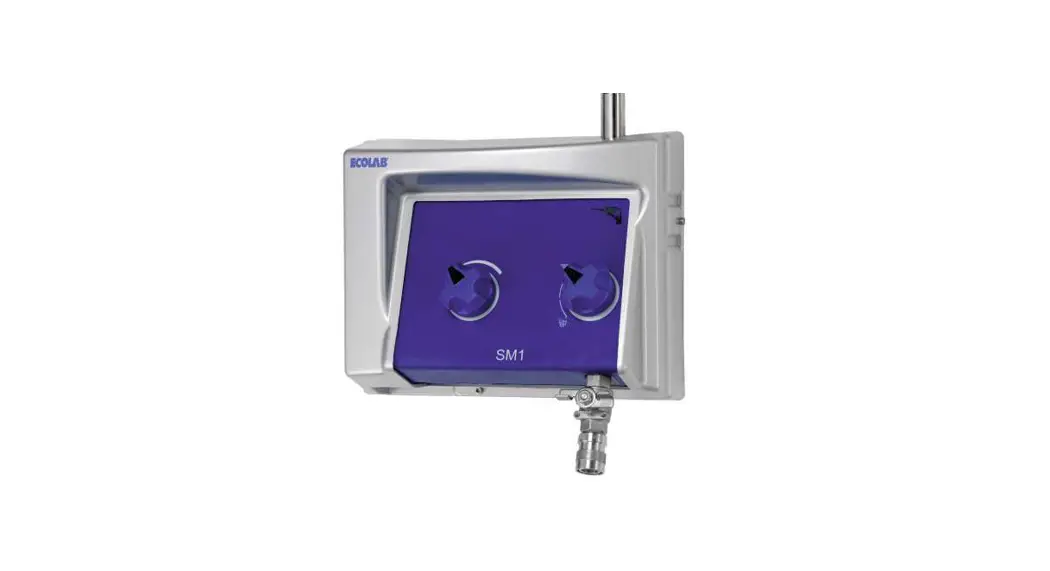
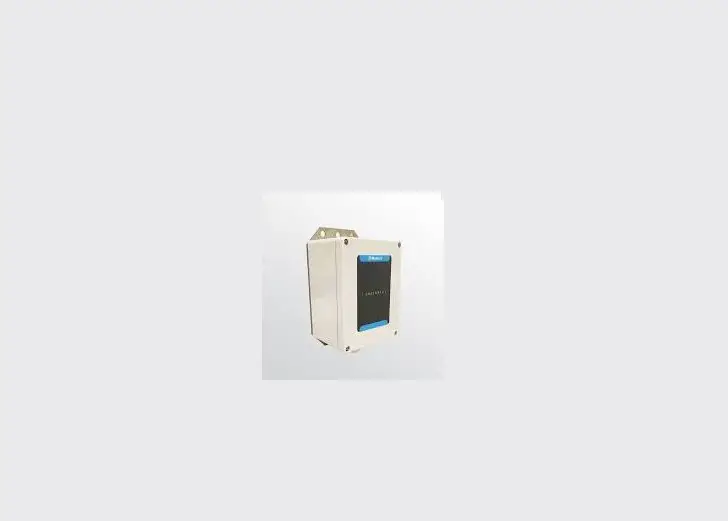
Munters’ RSU-2 enables long distance remote scale/feed bin weighing and calibration, managed via the Platinum Pro/Rotem One.
- Each RSU-2 supports two weighing devices.
- Each Platinum Pro supports:
- up to two RSU-2 units (Version X.17 and below)
- up to five RSU-2 units (Version X.18 and above)

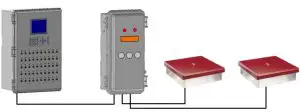
Controller – RSU-2 Wiring
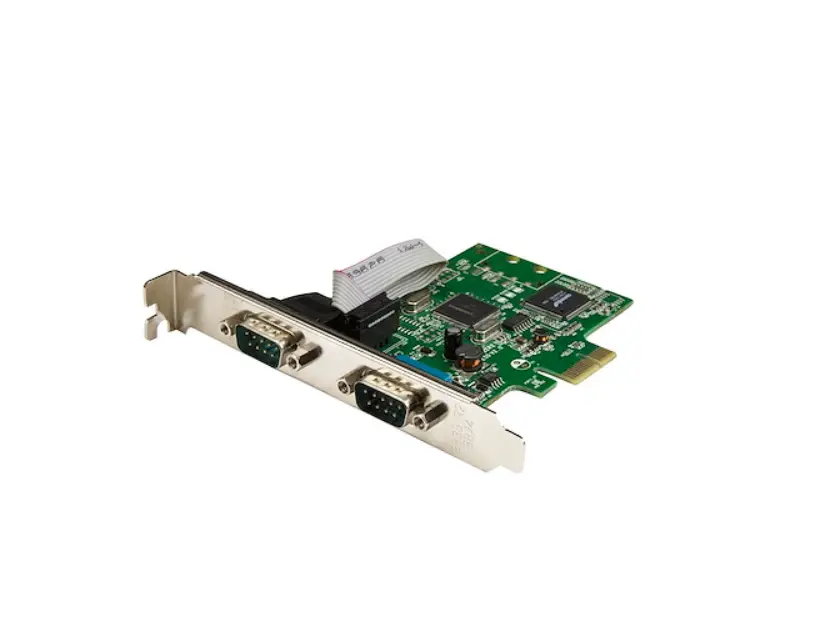
- RSU-2 requires RS-485 infrastructure.
- Platinum Pro – RSU-2 installations support a daisy chain only.
NOTE Employing a Munters HUB-4 enables star configuration installations. Refer to the HUB-4 manual. - Install a 120-ohm termination unit on the last RSU-2 in the chain. Failure to install a terminator results in a non-functional system!
- Apply 24VAC from an independent power supply.
- Wiring requirements:
- RSU-2 – Controller wiring: Shielded 22 AWG. Maximum distance: 200 meters/650 feet.
- RSU – power supply wiring: 0.75 mm2 , 2-wire
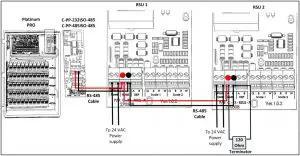
Figure : 1 Platinum Pro RSU-2 Wiring
CAUTION To ensure interference and lightning immunity, use shielded cable only (22 AWG minimum)!
CAUTION Power and signal wires must be in separate cables.
Table 1: Transformer R96 AC-AC 50VA (Ver.2) 14.05.2015 Specifications
Input voltage | Out Load | Output voltage |
| 230 VAC | 0 mA | 24.0 VAC +/-5% |
| 230VAC | 1.86 A | 21.1 VAC < Vout |
| 115Vac | 0 mA | 24.0 VAC +/-5% |
| 115Vac | 1.86 A | 21.1 VAC < Vout |
Table 2: Color Code
| 1 | Brown wire | 4 | Blue wire |
| 2 | White wire | 5 | Black wire |
| 3 | Green wire | 6 | Red wire |
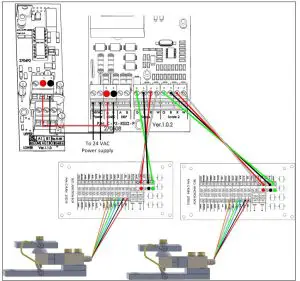
Figure : 2 RSU-2 – Junction Box Wiring
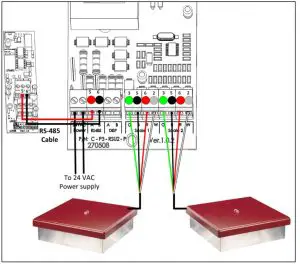
Figure : 3 RSU-2 – Bird Scale Wiring
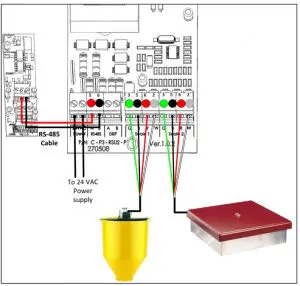
Figure : 4 RSU-2 – Bird Scale / Silo Wiring
2 Using the RSU-2
The following section describes how to use the RSU-2. Wire each RSU-2 to the Platinum Pro before beginning.
Configuring the RSU-2
- On the RSU-2, press down the Select button until Addr appears.
- Press each arrow key to define each card as Card 1 or Card
- In the Platinum Pro, go to Scale > Scale Layout.
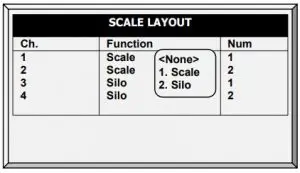
For each RSU-2, map the channel to the address that you defined above.
Viewing the RSU-2 Data
- The RSU-2 screen displays:
- The weight of the last bird weighed (connected to bird scale)
- The current amount of feed in the silo (connected to a silo).
- 0.00 (card address not defined)
- The weight of the last bird weighed (connected to bird scale)
- View the RSU-2 data in the Platinum Pro:
- Hot Key 5
- Scale > Calibration
- Scale > Test
- Hot Key 5