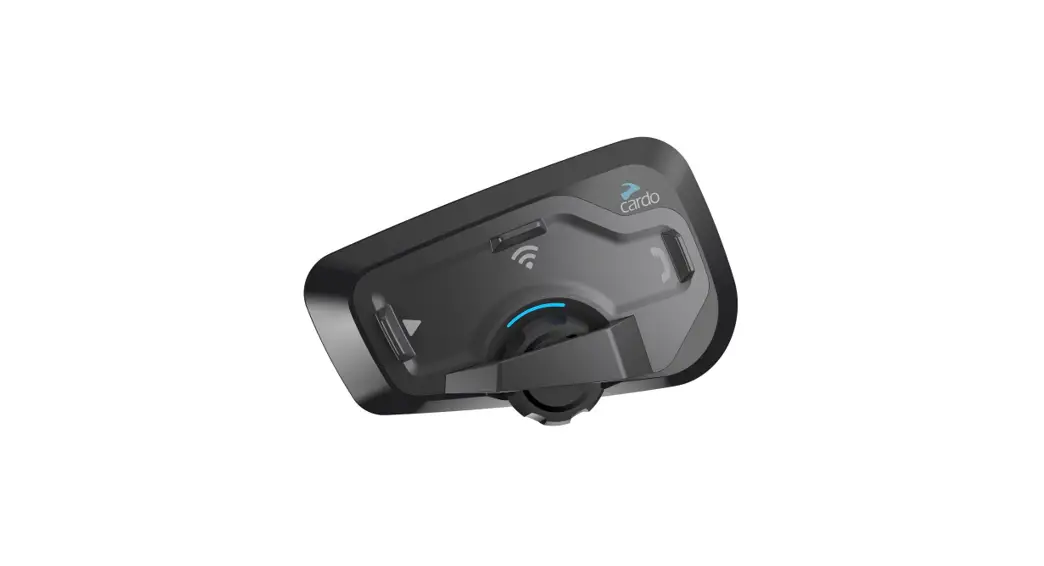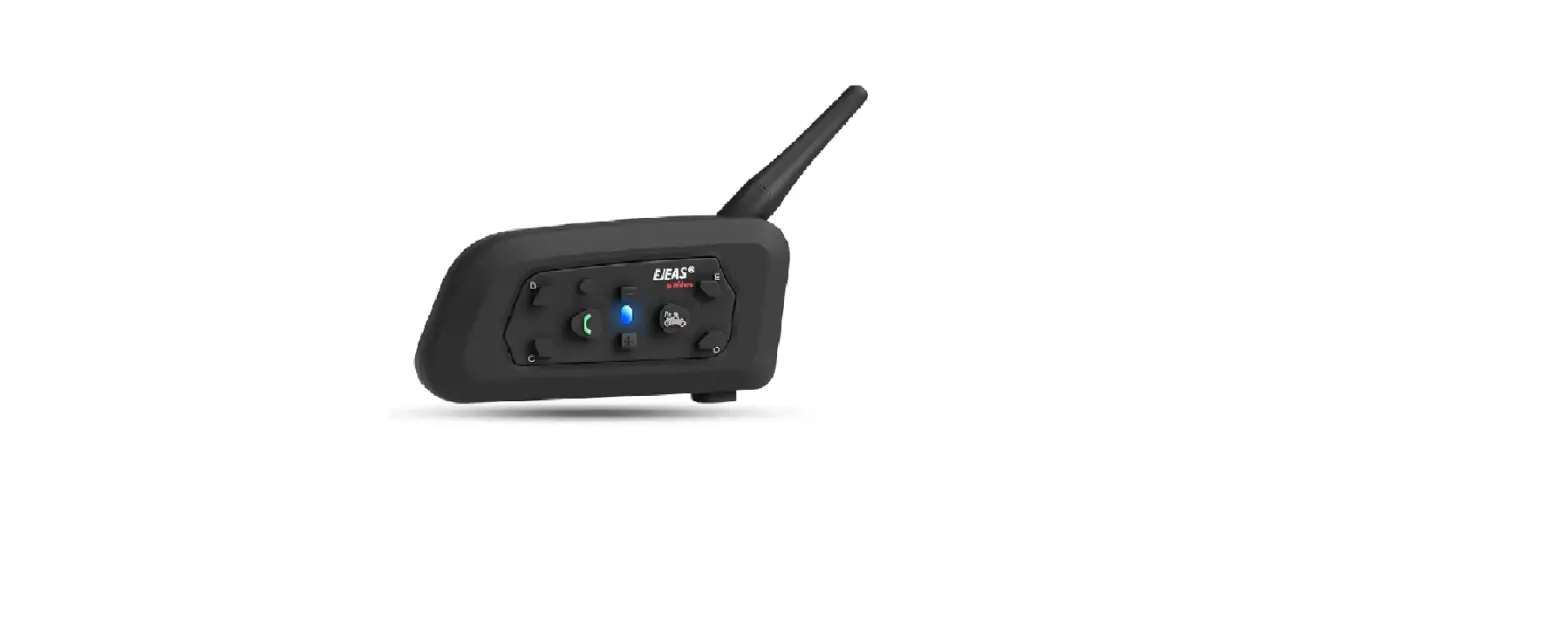
Shenzhen Winnerelec Industrial F2 Long Distance Communication 2-Way Intercom
Overview
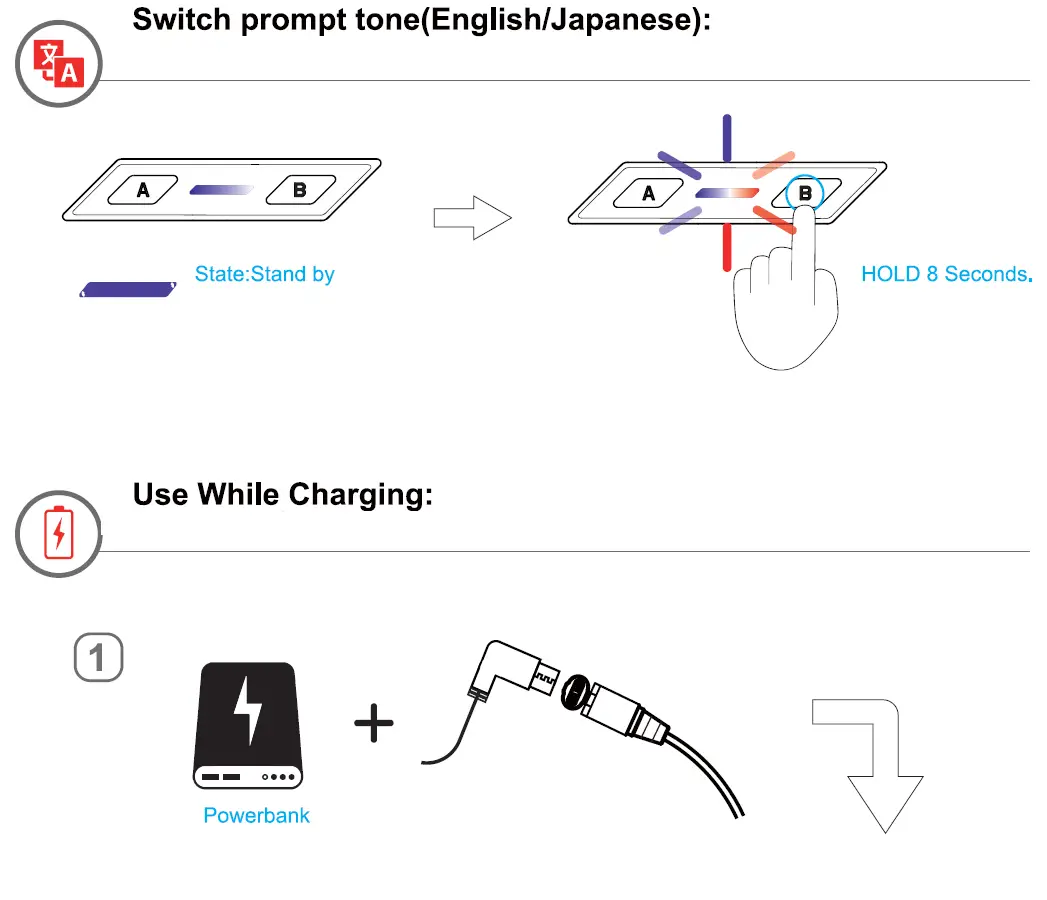
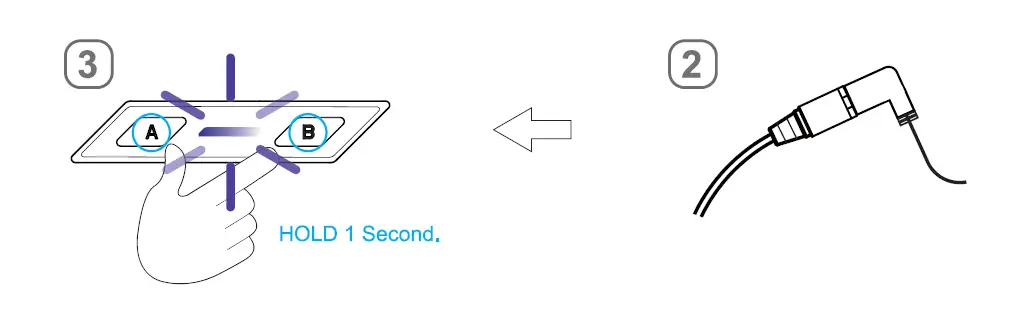
Basic Operations
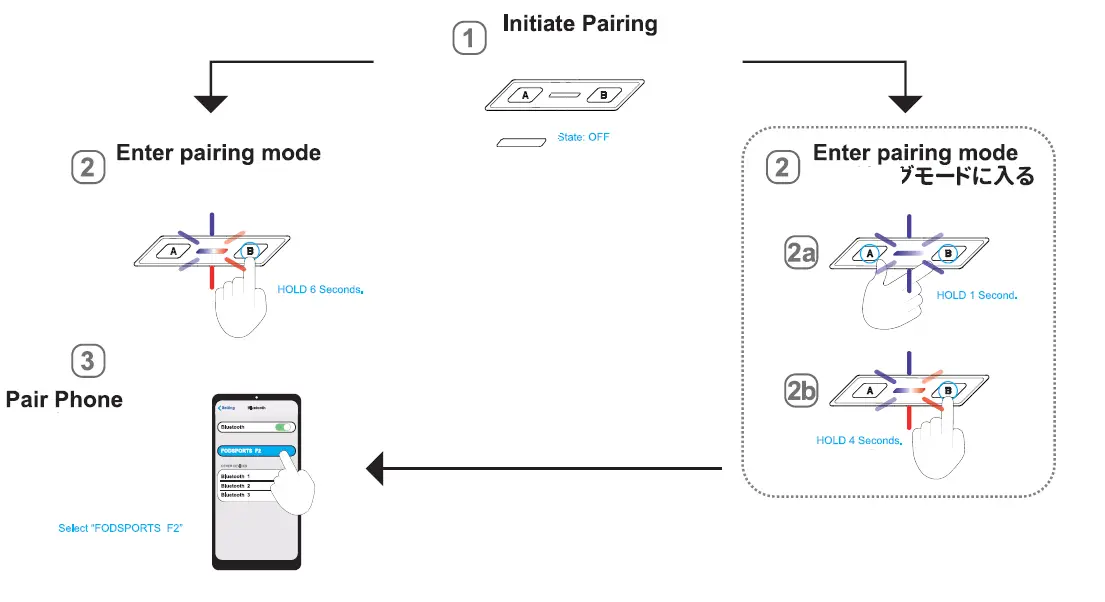
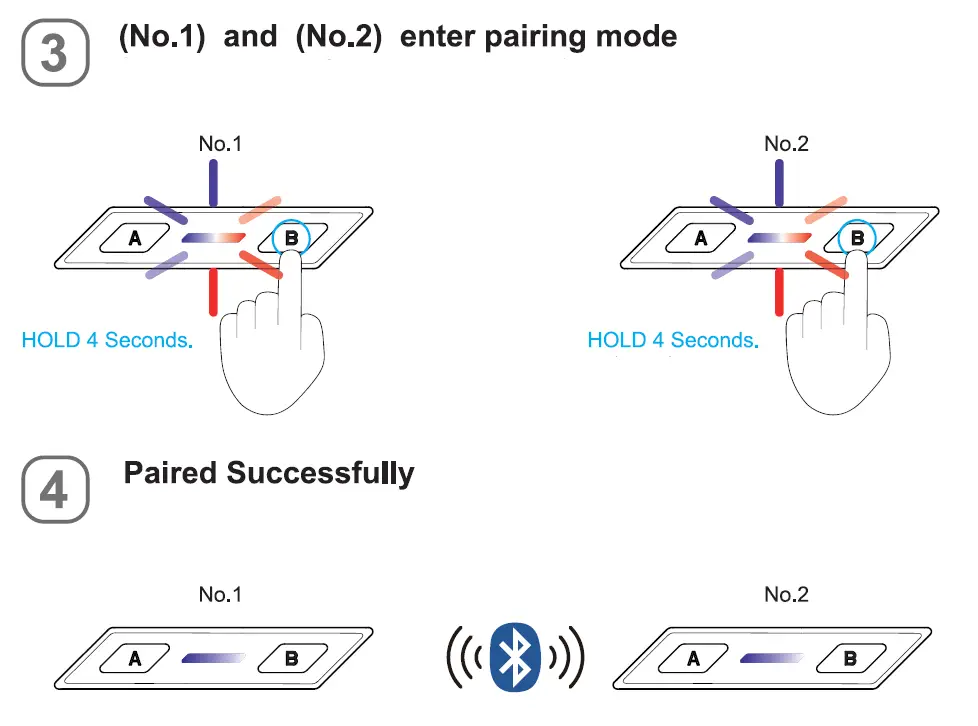
Pair Device (Mobile phone)
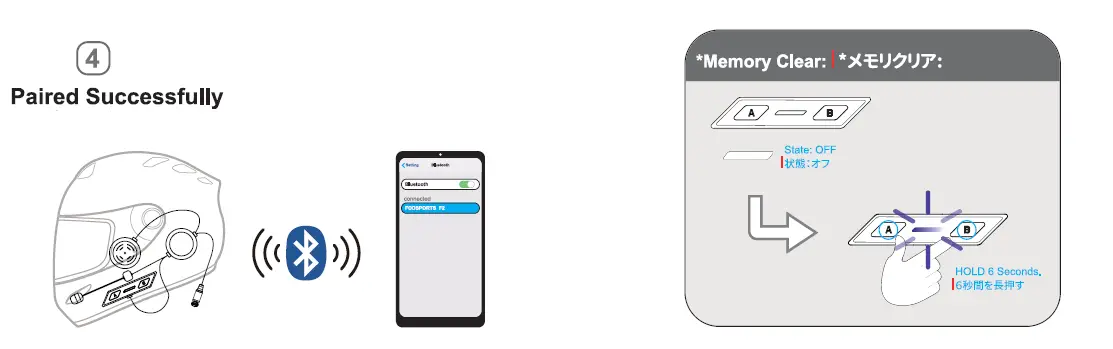
Mobile Phone
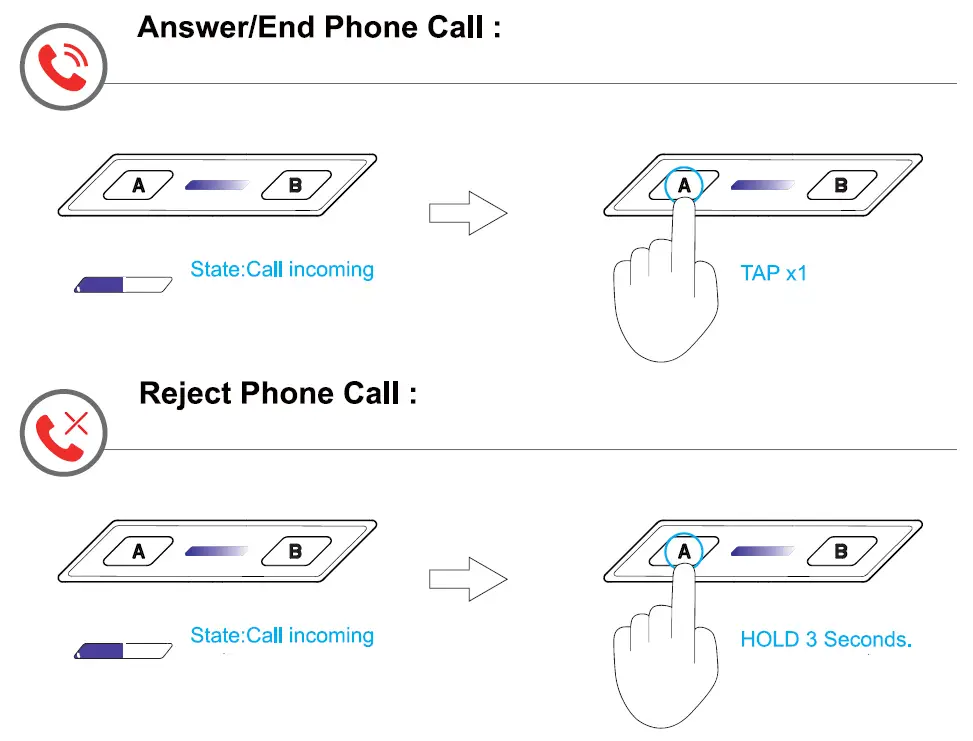
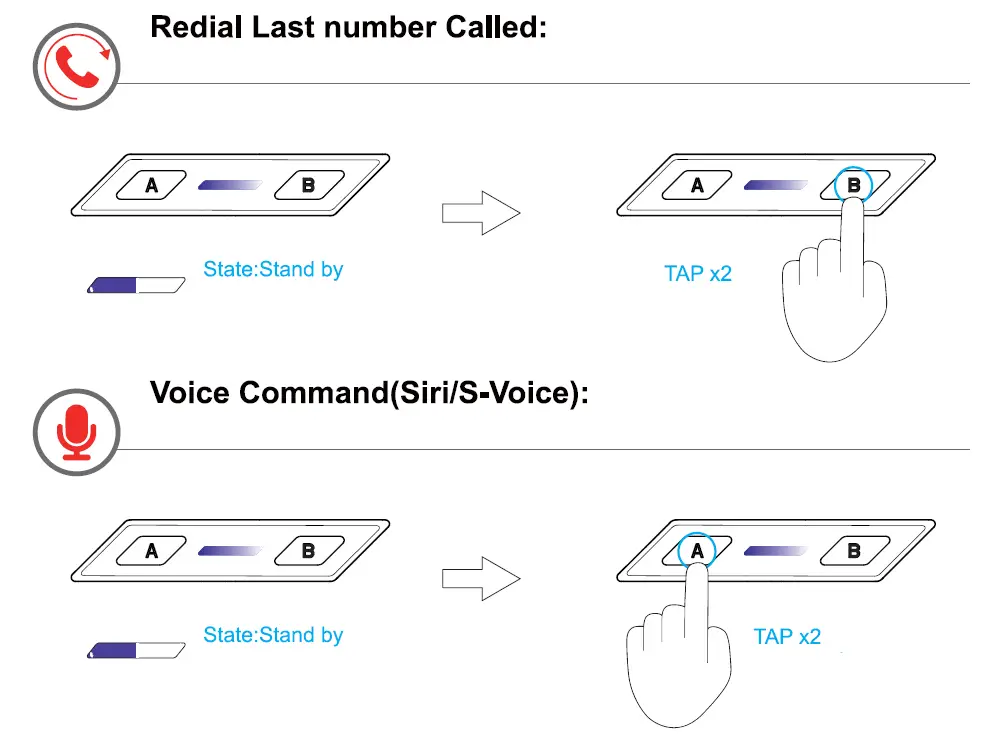
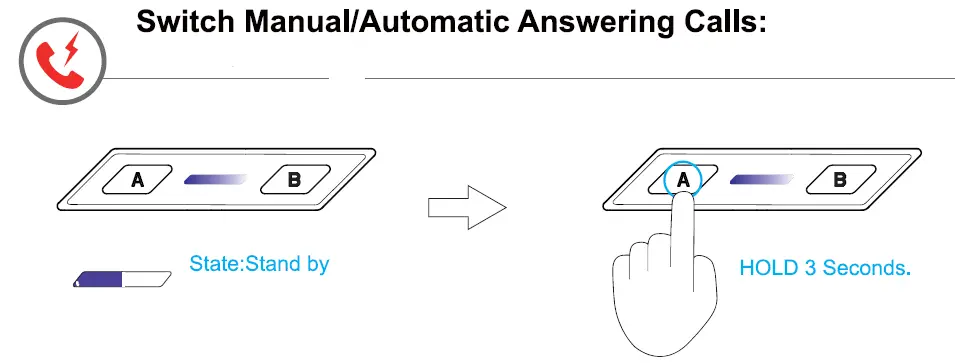
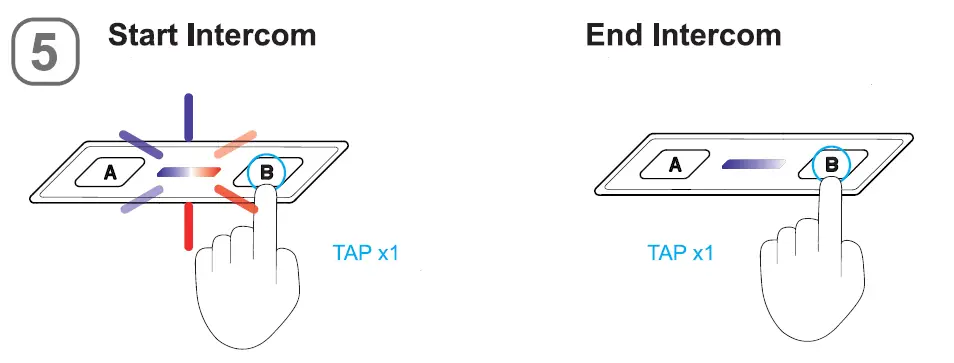
Intercom
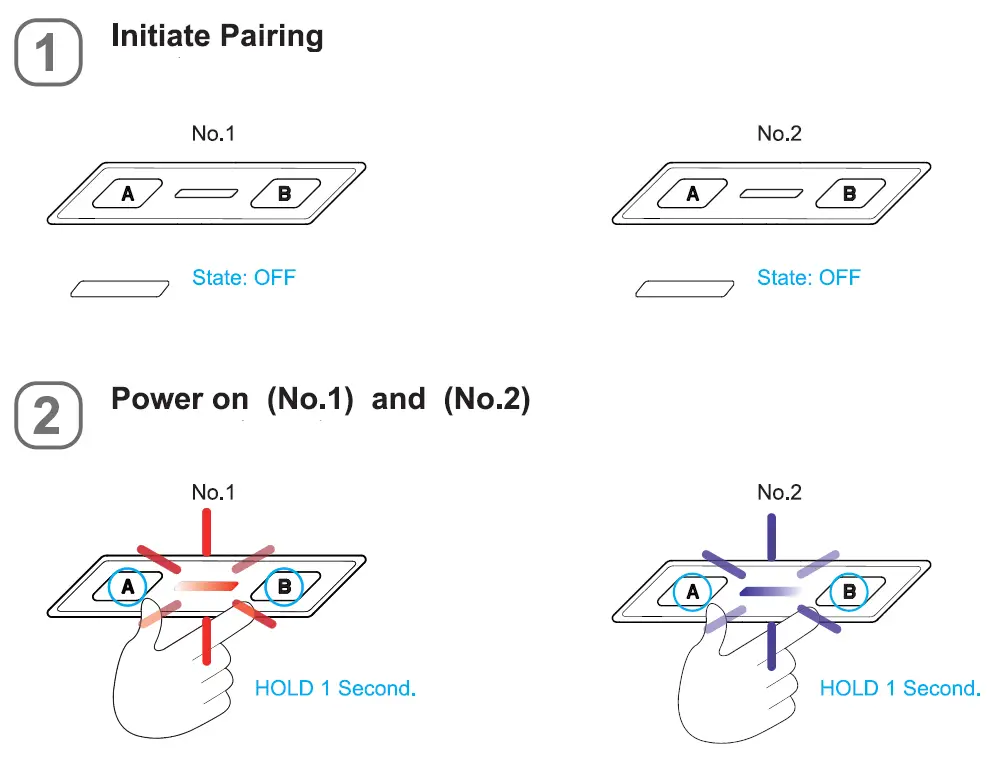
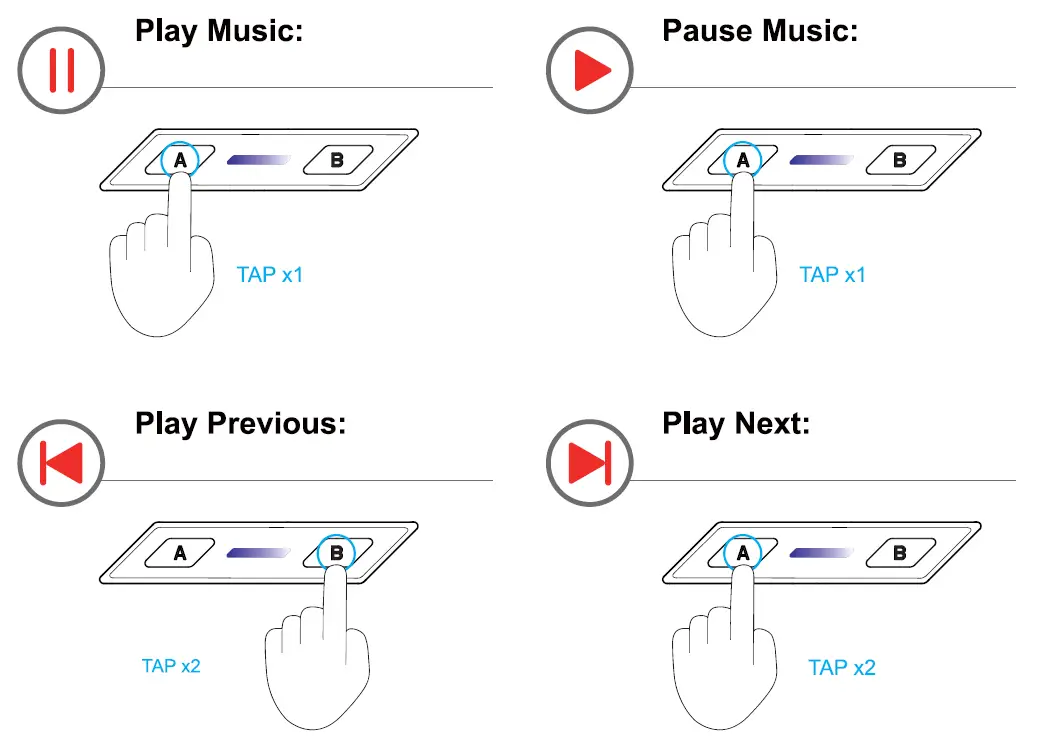
Music


Package Include
|
|
|
|
|
|
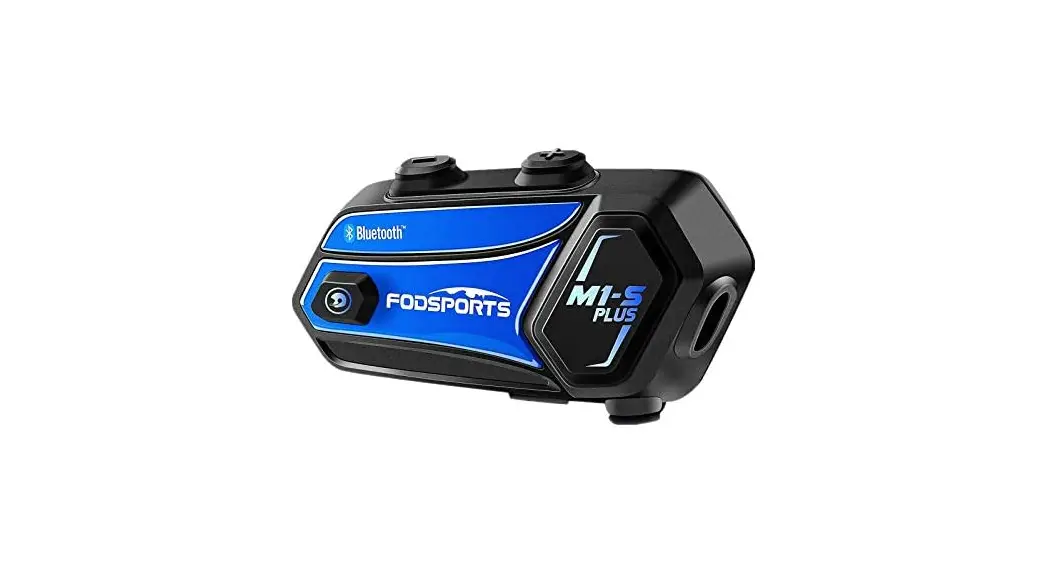
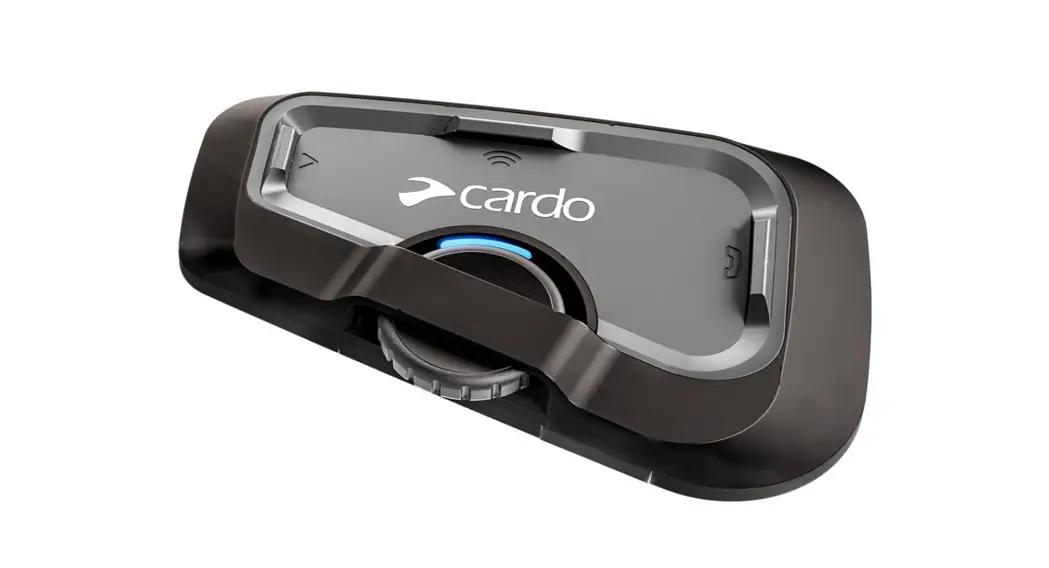
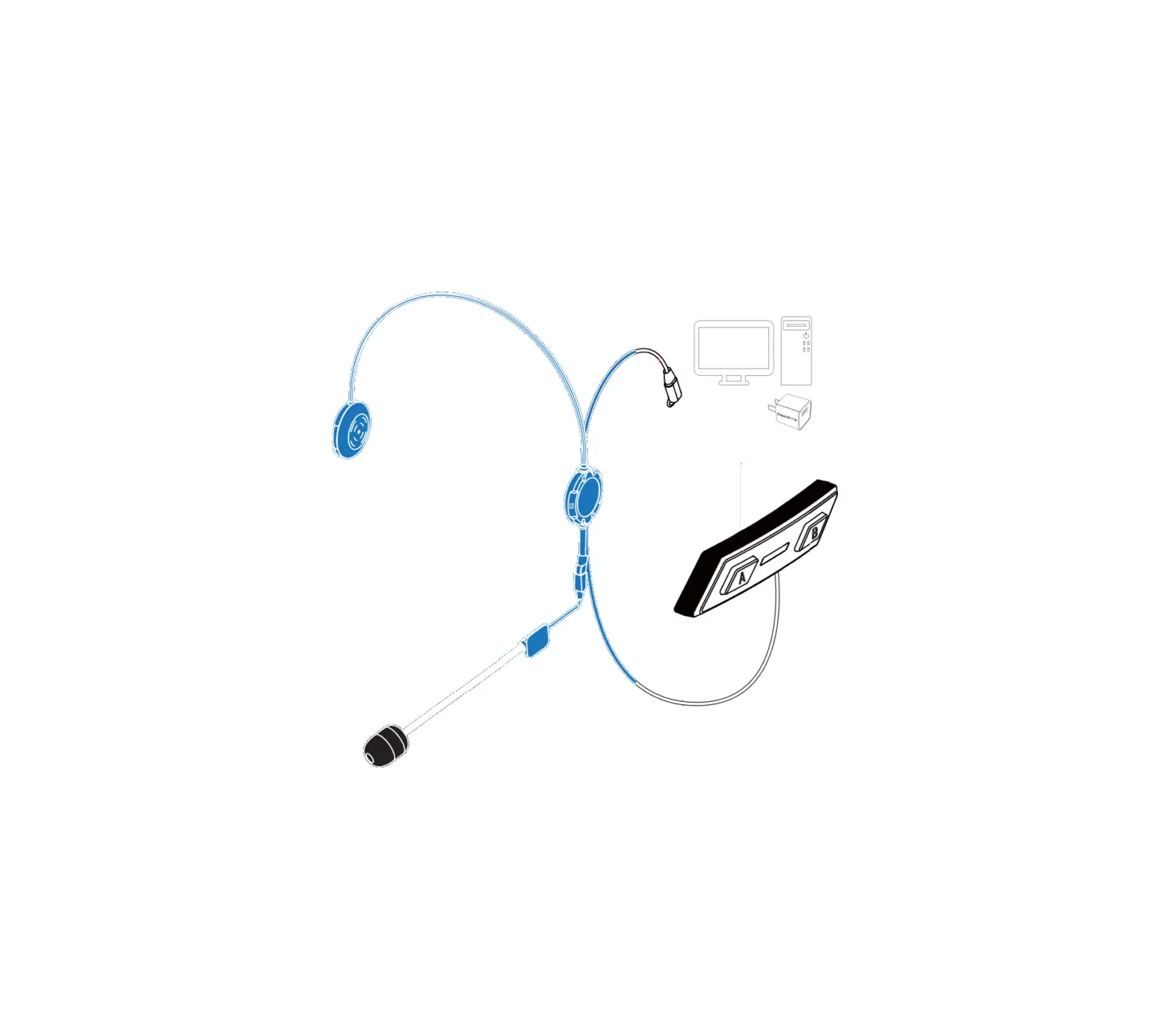
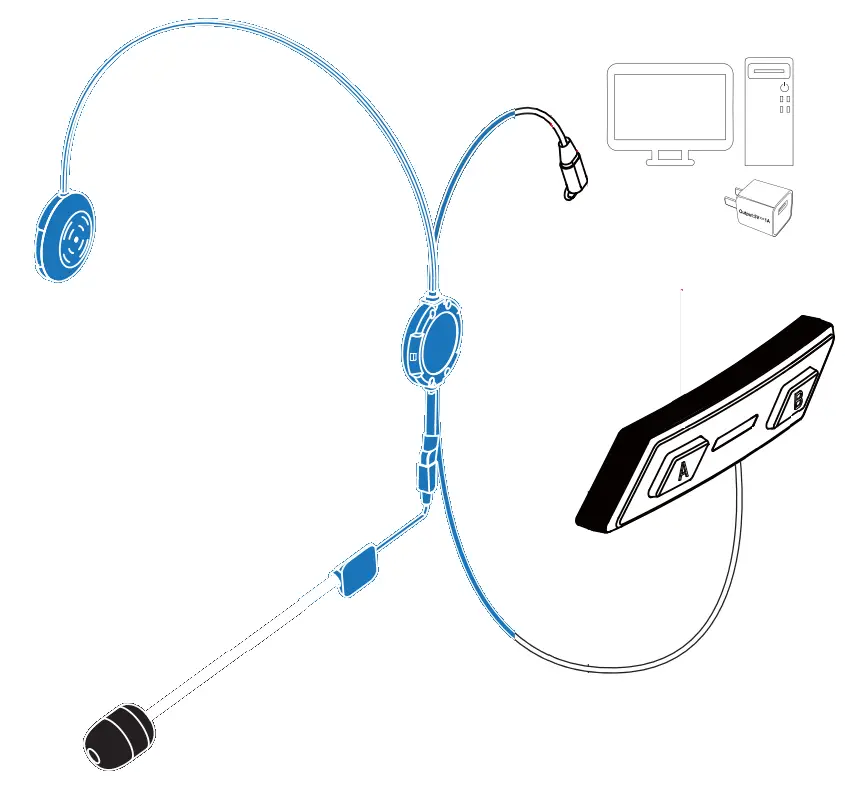
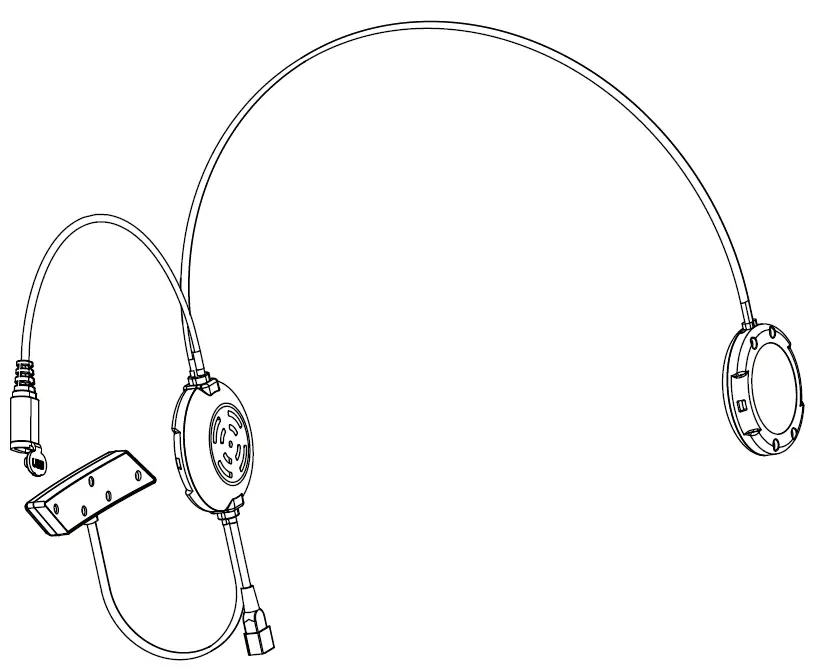 1 x F2 host
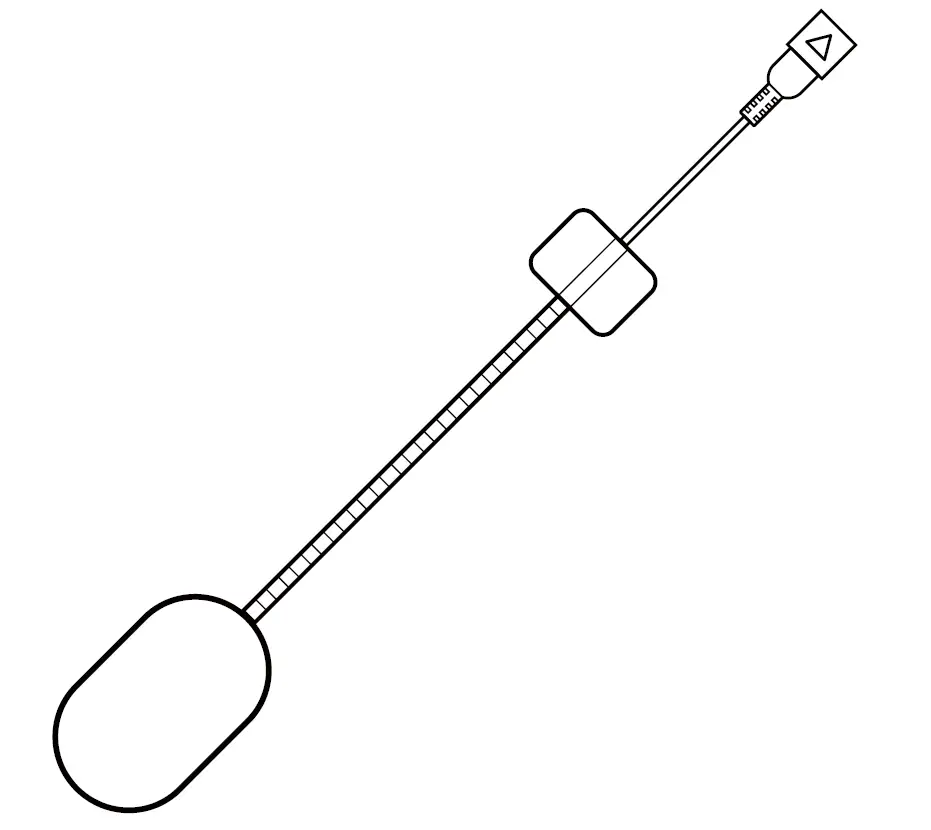 1 x Hard Tube Microphone
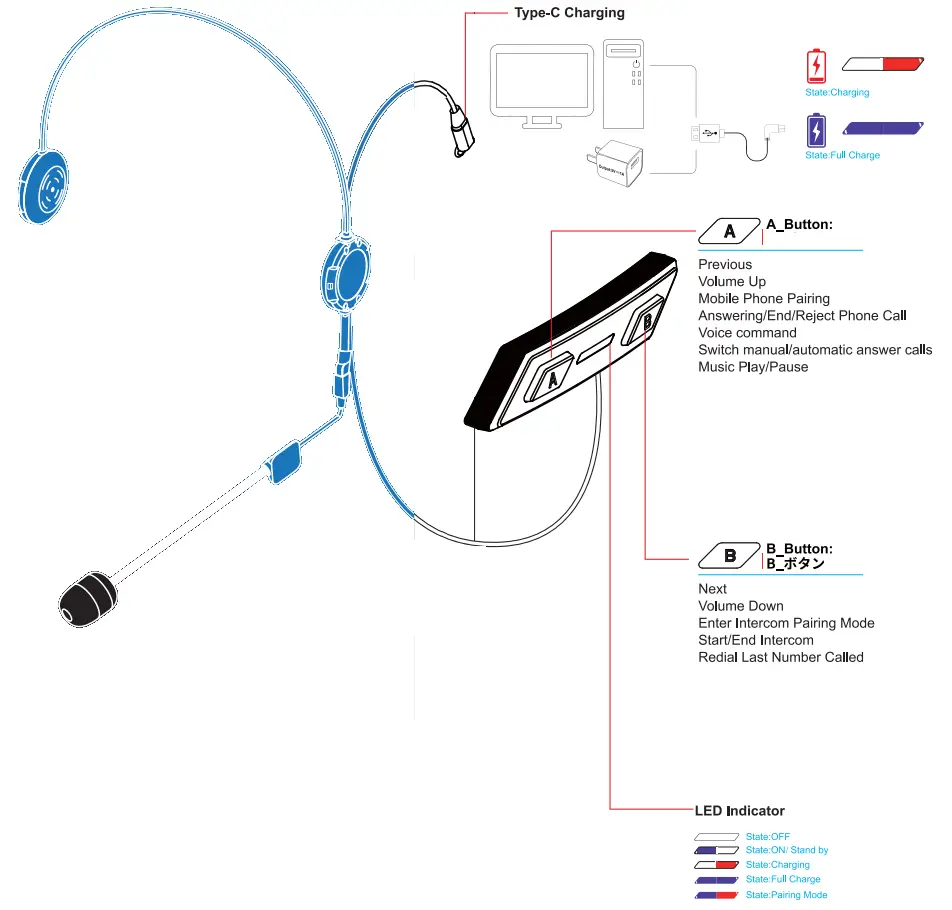
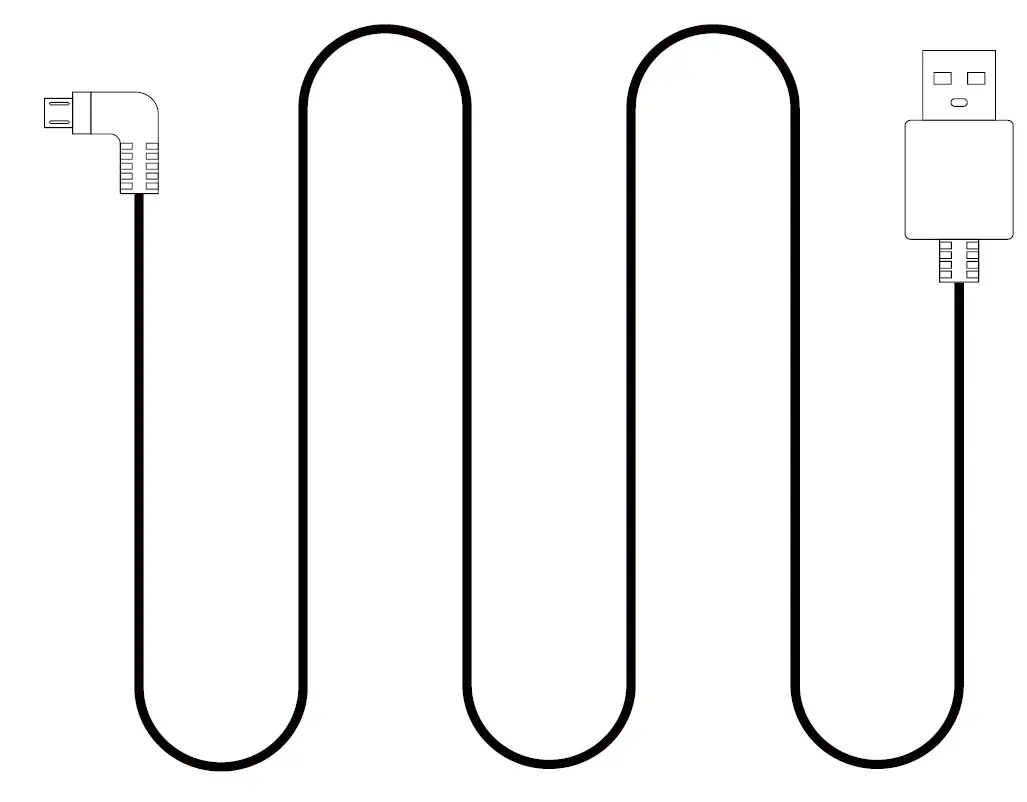 1 x USB Cable(TYPE-C)
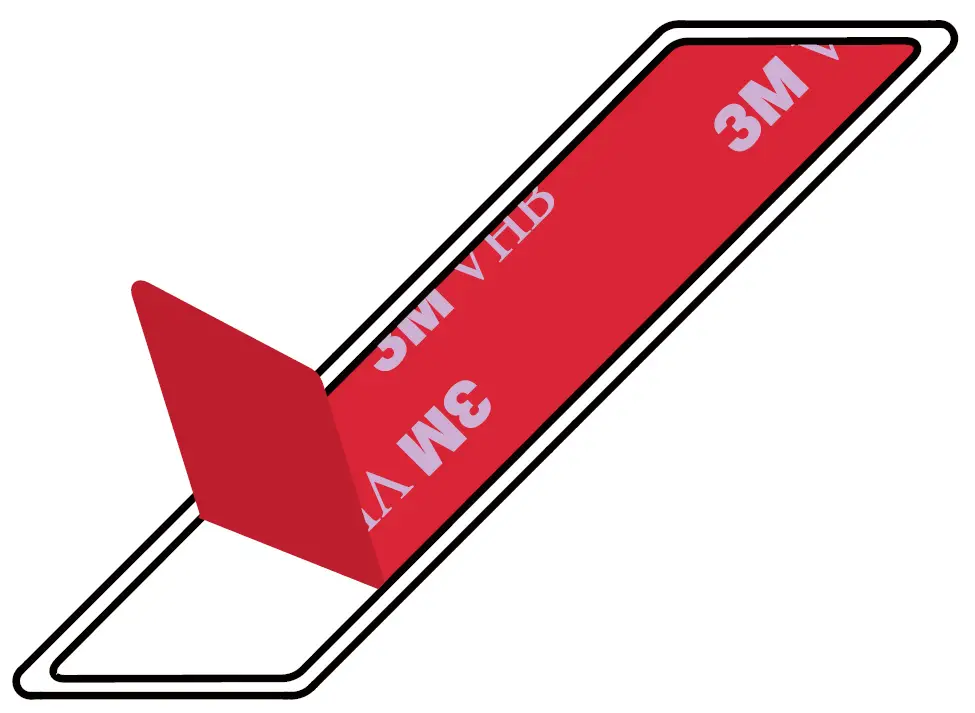 1 x 3M Glue Velcro
 3 x Velcro
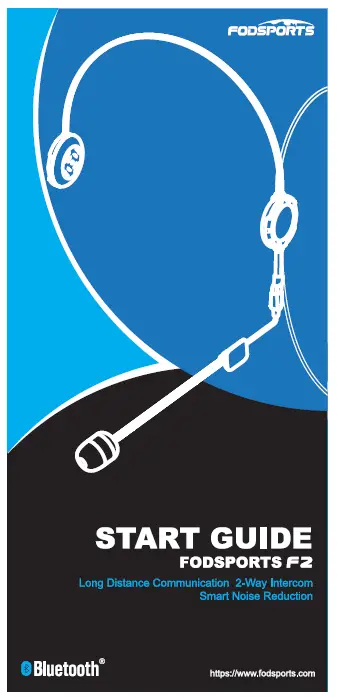 1 x START GUIDE
Installation
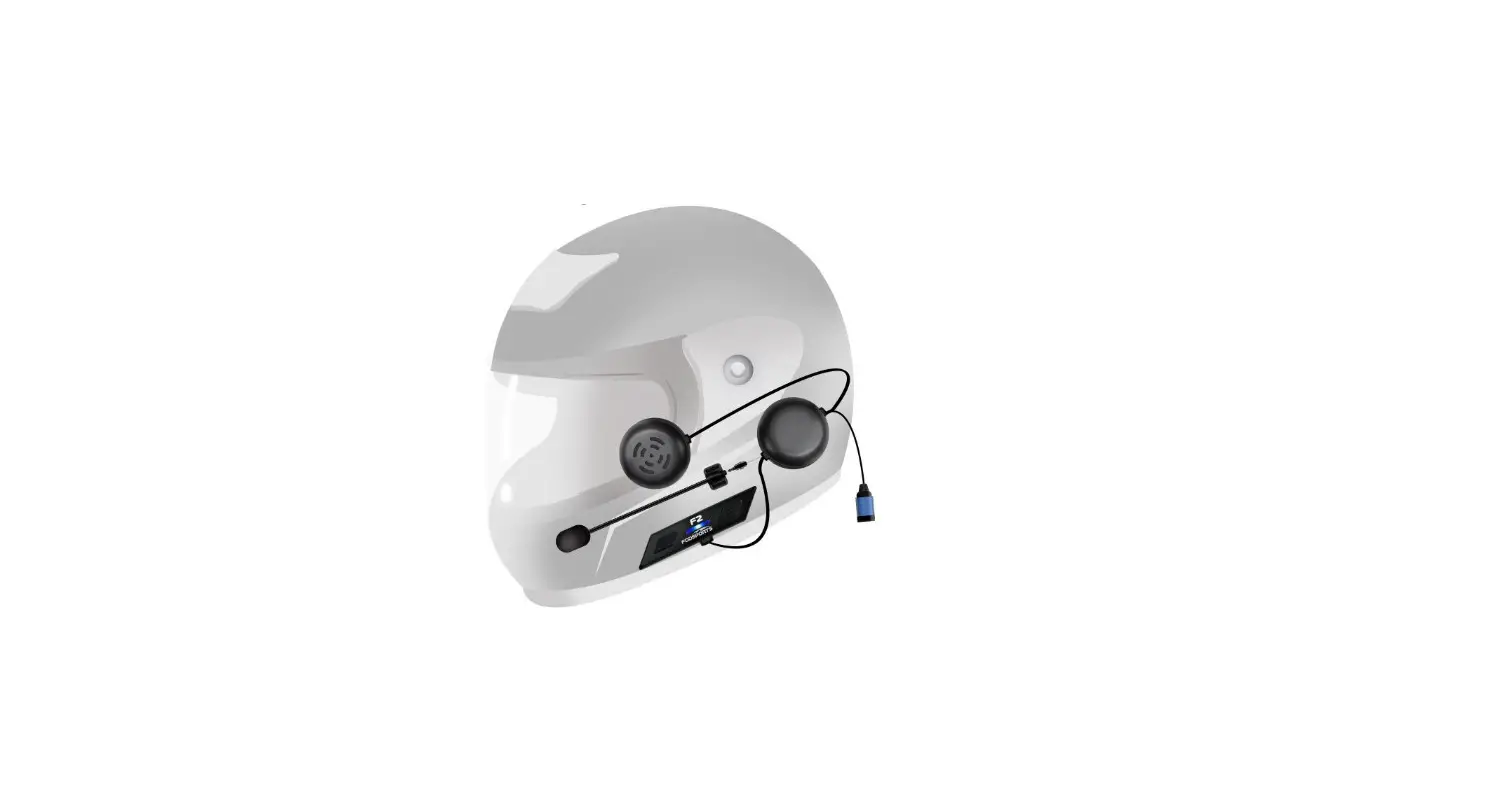
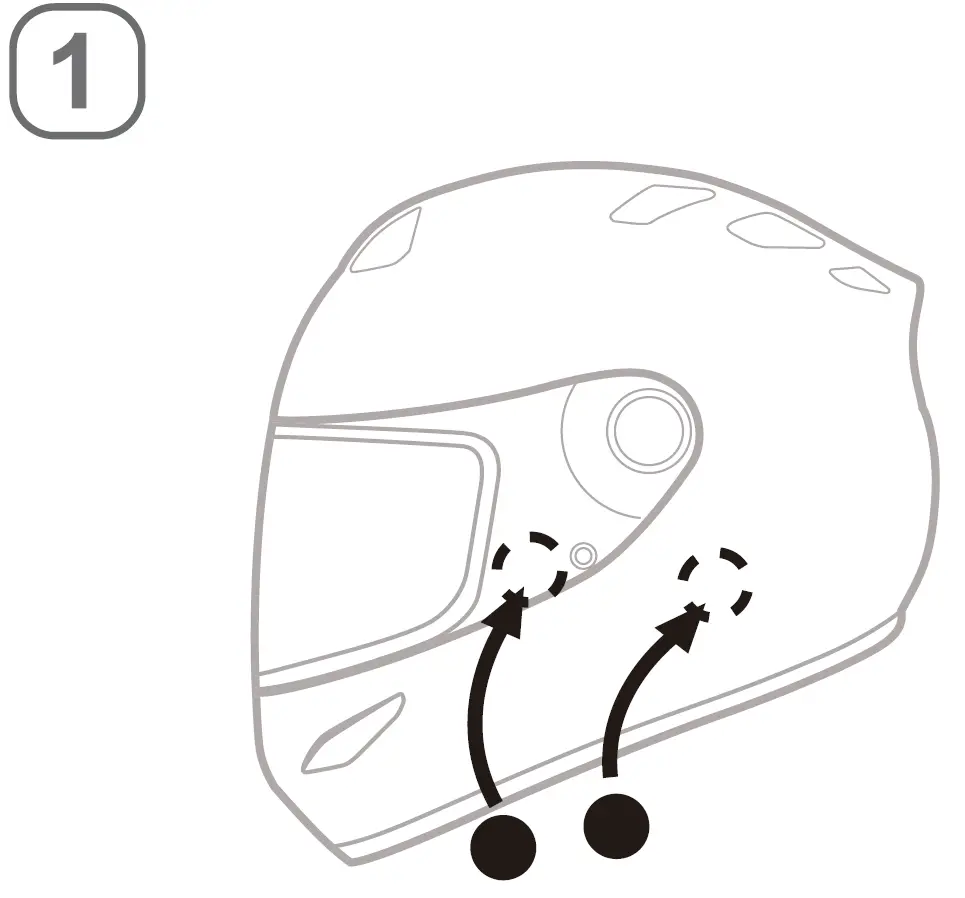
- Open the inner lining on the ear position of the helmet attach the VELCRO loop.

- Attach the headphone velcro hook to the loop (the short-line $peaker is on the left.)

- Stick the microphone and Velcro on the left side of the helmet at a suitableposition, aim the microphone at the mouth position. and arrange the wires to the inner lining.

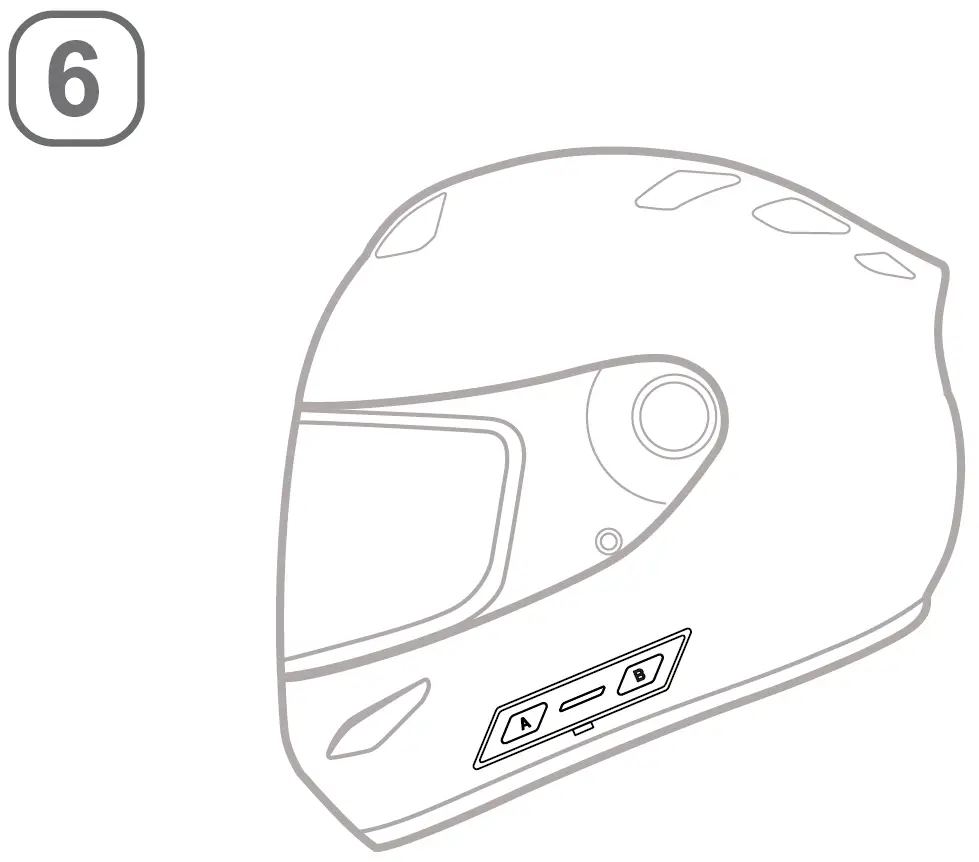
- Open the 3M Glue Velcro on the back of the host.

- Attach the host to helmet.

- Installation completed.

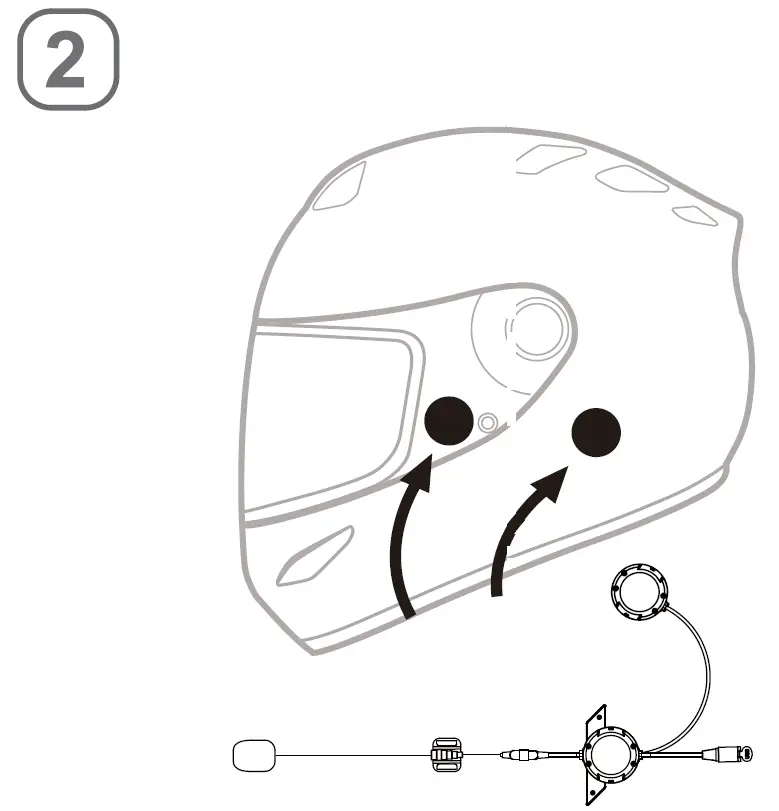
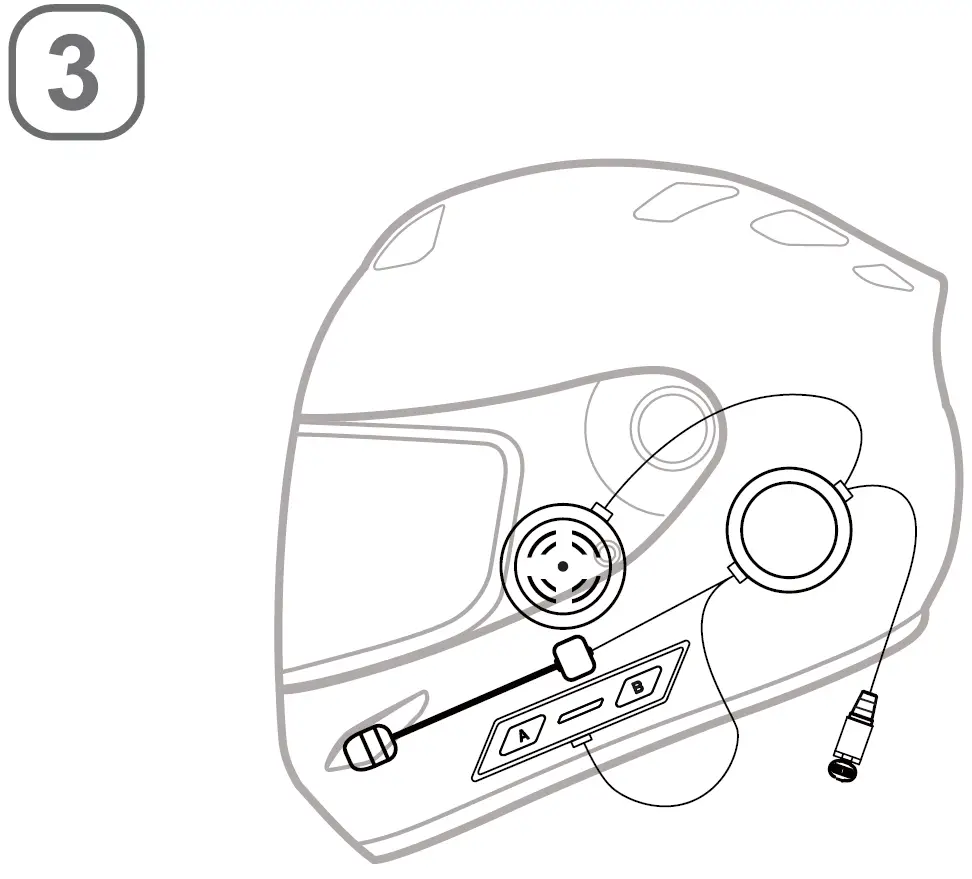
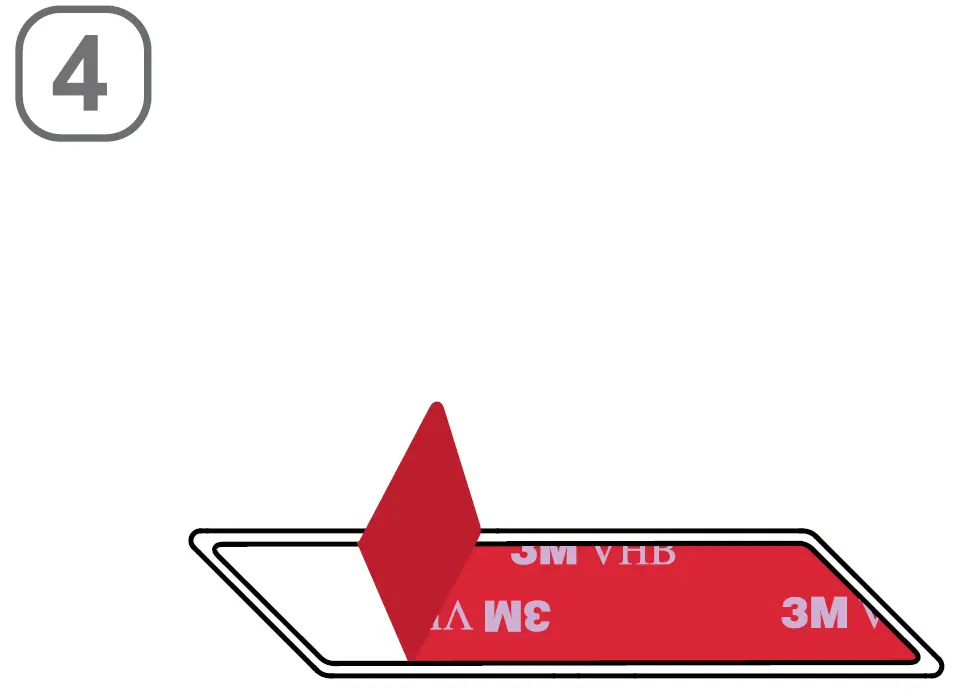
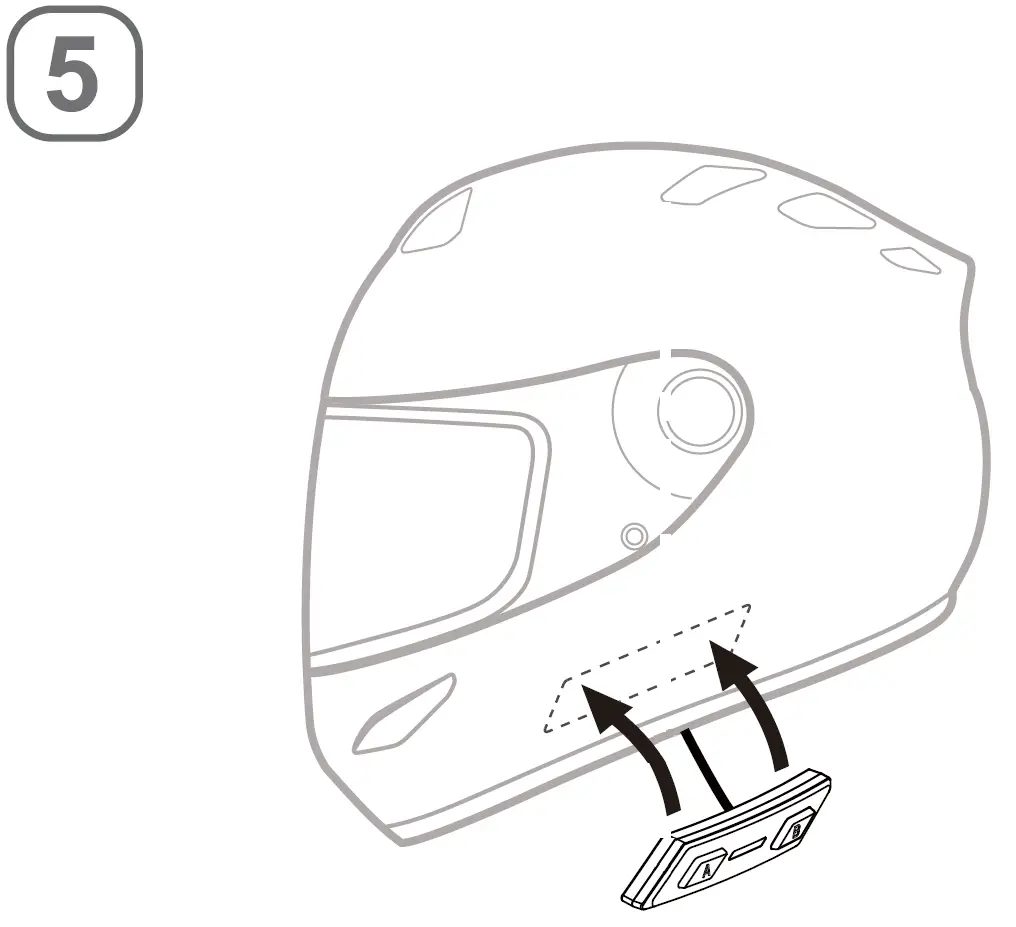
Technical Specifications
| Bluetooth 5.0 Support | HSP,HFP,A2DP,AVRCP |
| Battery | Lithium battery, 400mAh /3. 7v |
| Dimensions | 75mm *15mm * 10mm |
| Intercom users | Two riders |
| Working time | 12 hours |
| Standby time | 200 hours |
| Charging time | 2 hours |
| Weight | 30g |
| Frequency Range | 2.4G-2.485G |
| Operating temperature | -20 C-50 °C |
| Certification | CE FCC ROHS BQB TELEC |
| USB Adapter standard charge voltage | DC 5V±0.2V |
| USB Adapter standard charge circuit | DC 1A+0.5A |
NOTE: This equipment has been tested and found to comply with the limits for a Class B digital device, pursuant to part 15 of the FCC Rules.
These limits are designed to provide reasonable protection against harmful interference in a residential installation. This equipment generates uses and can radiate radio frequency energy and, if not installed and used in accordance with the instructions, may cause harmful interference to radio communications.
However, there is no guarantee that interference will not occur in a particular installation. If this equipment does cause harmful interference to radio or television reception, which can be determined by turning theequipment off and on, the user is encouraged to try to correct the interference by one or more of the following measures:
- Reorient or relocate the receiving antenna.
- Increase the separation between the equipment and receiver.
- Connect the equipment into an outlet on a circuit different from that to which the receiver is connected.
- Consult the dealer or an experienced radio/TV technician for help
Changes or modifications not expressly approved by the party responsible for compliance could void the user’s amhority to operate the equipment.