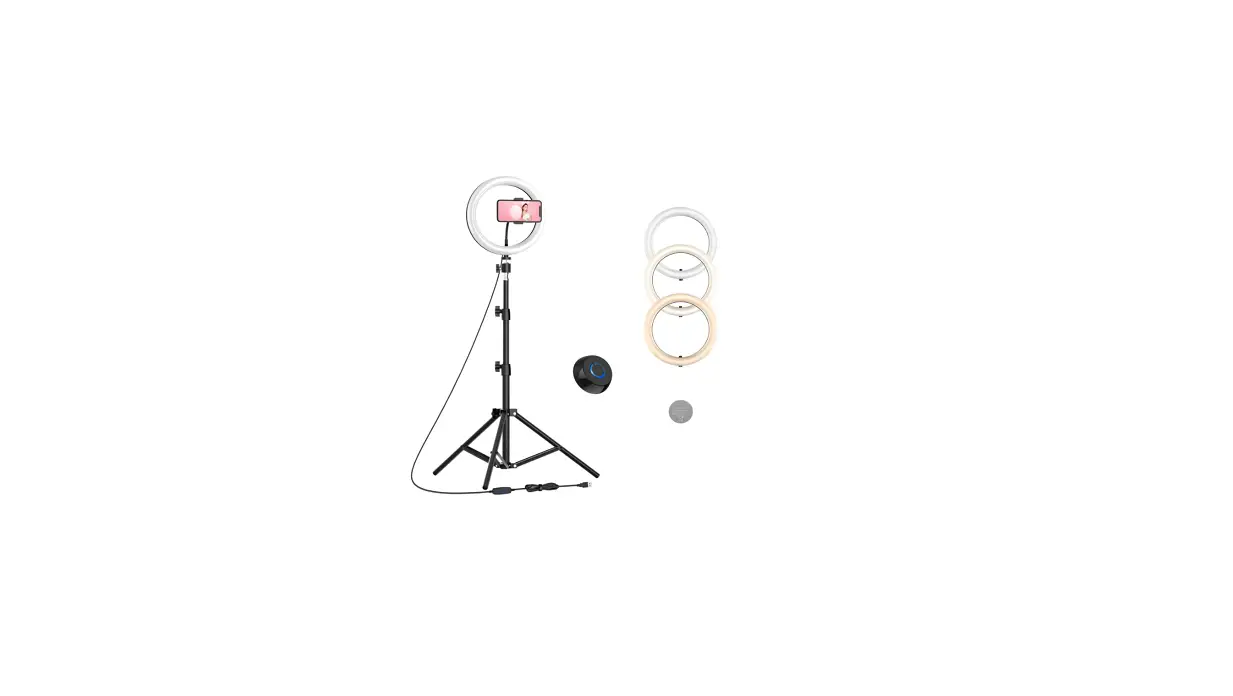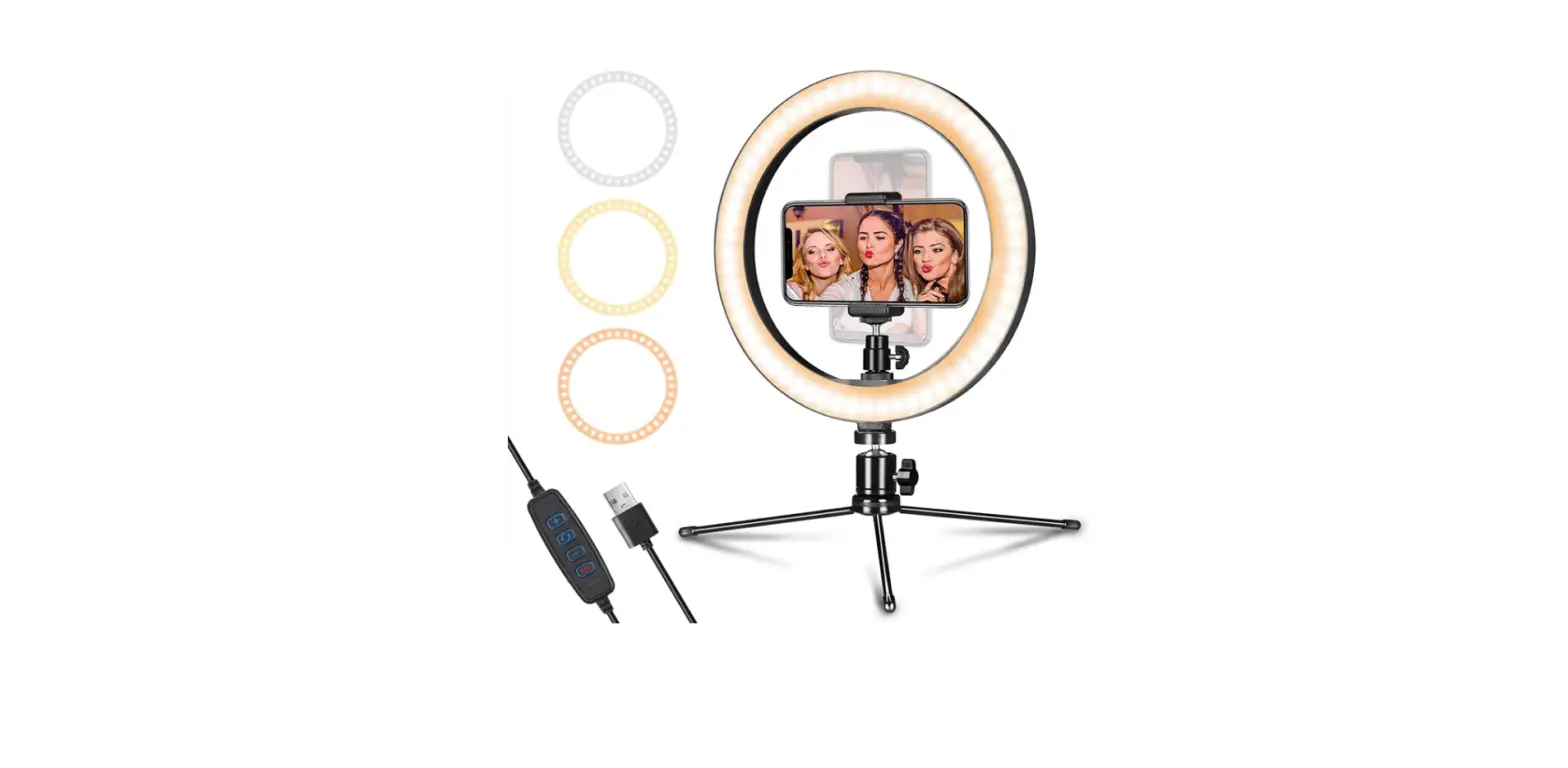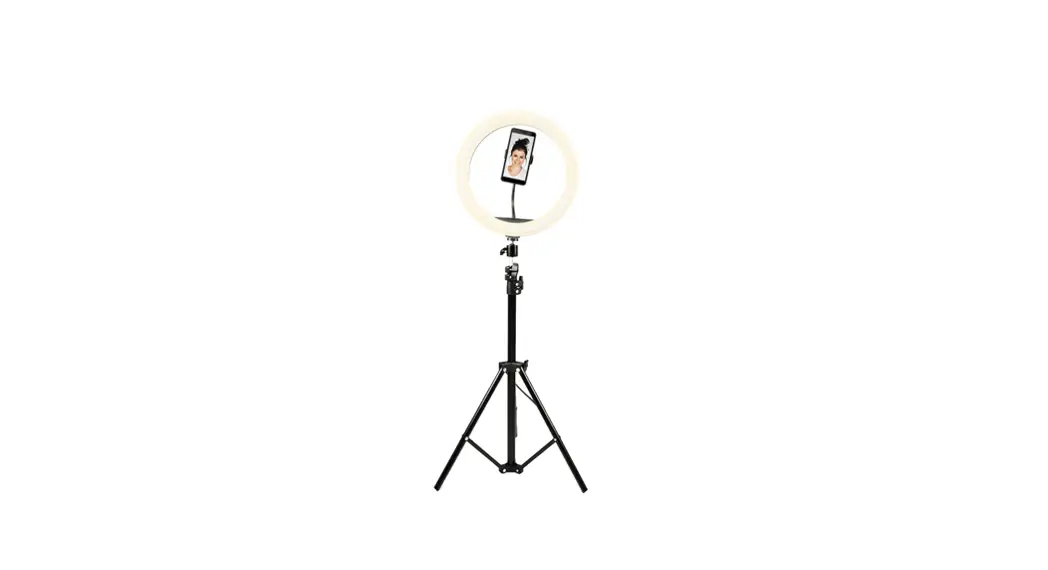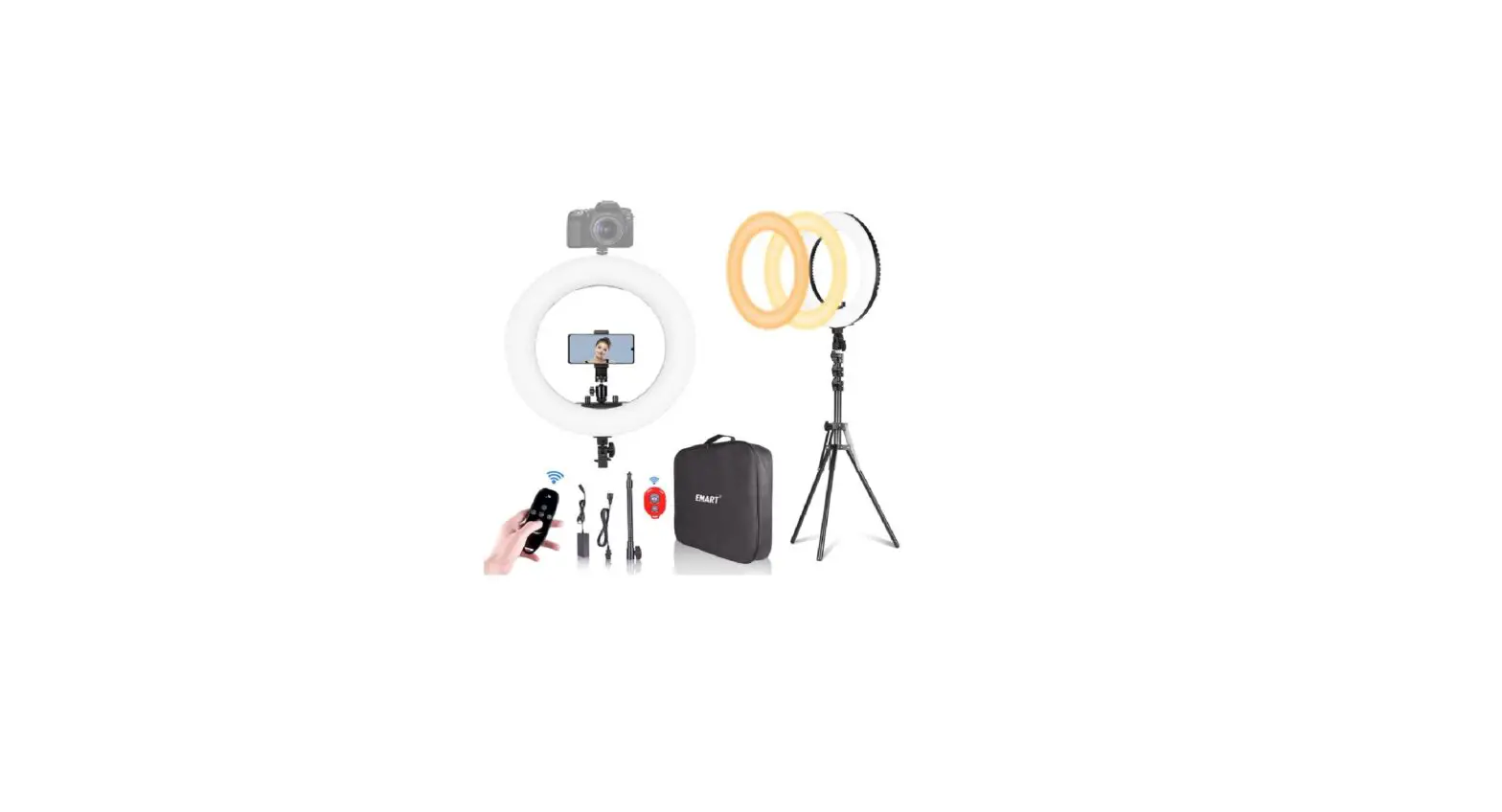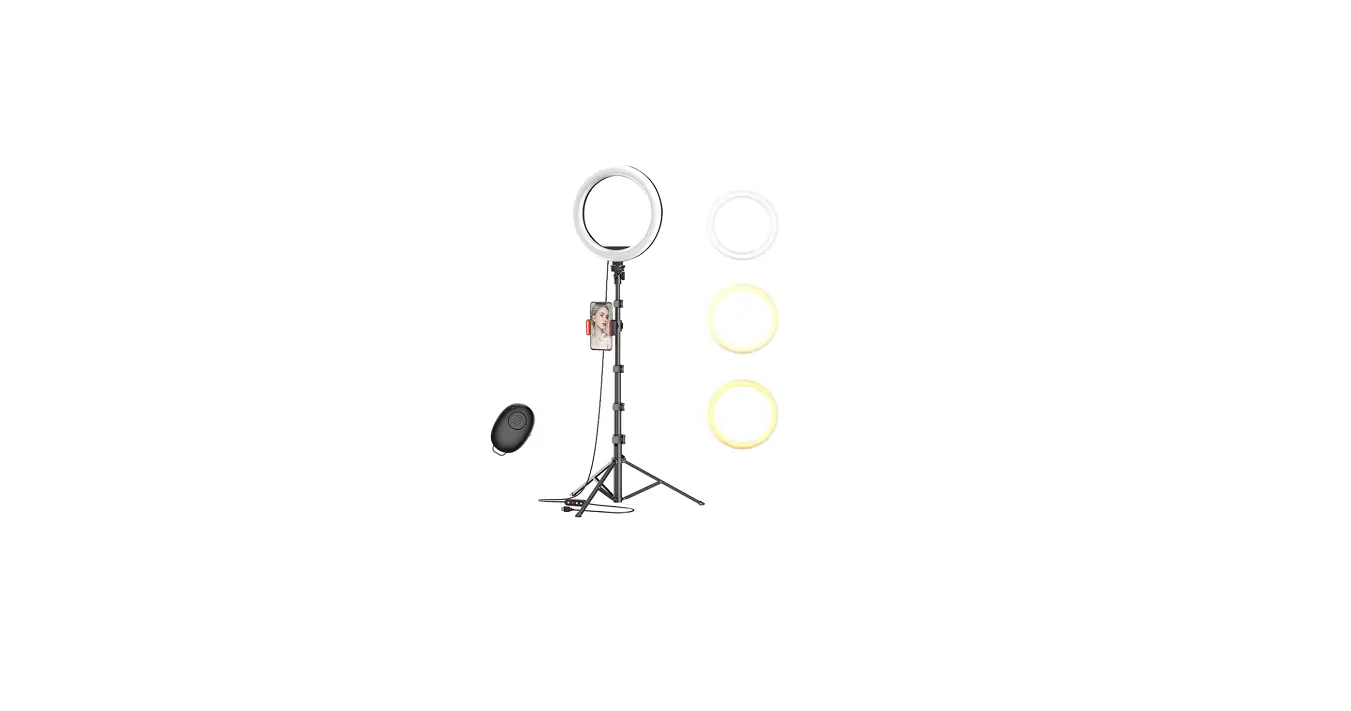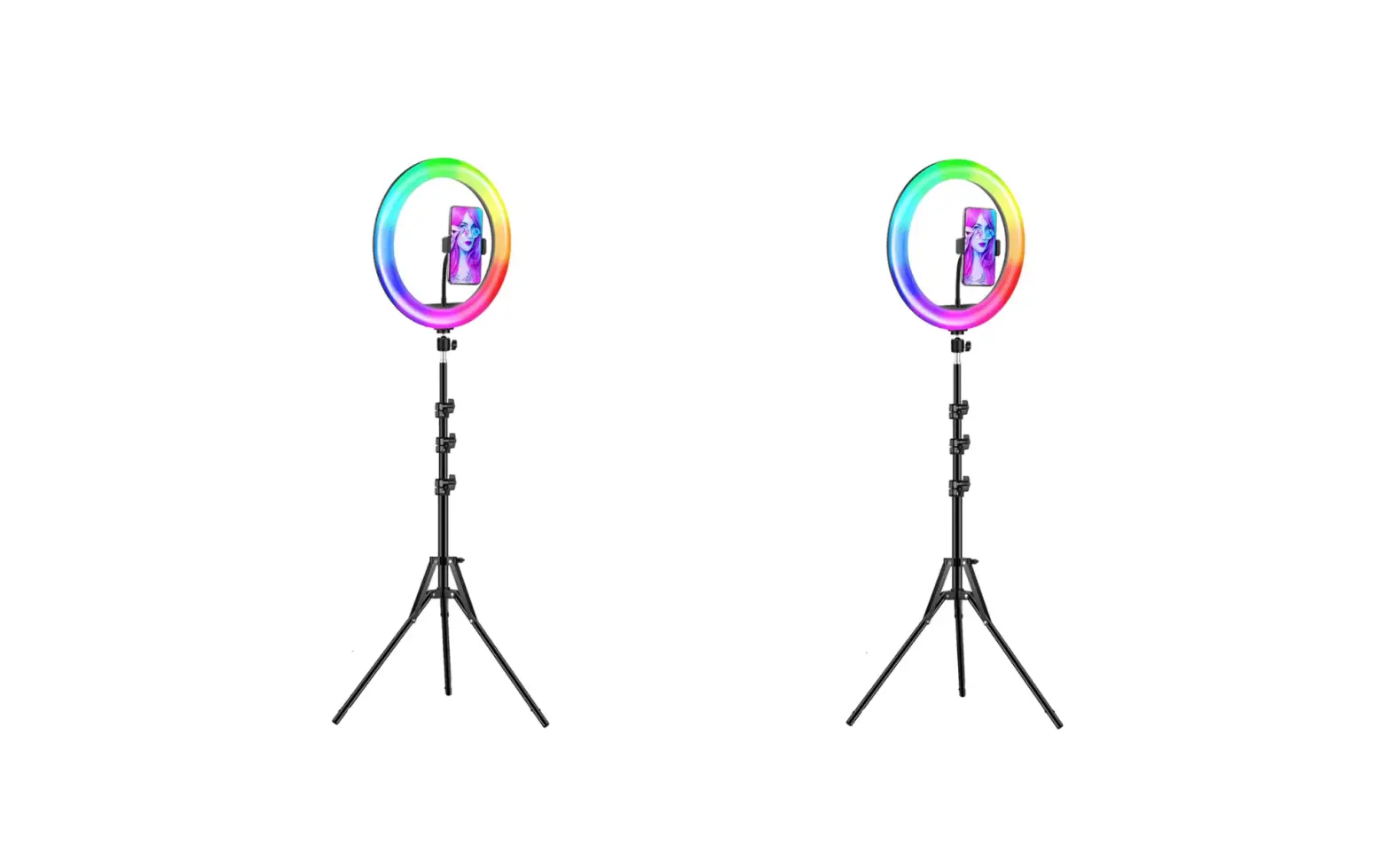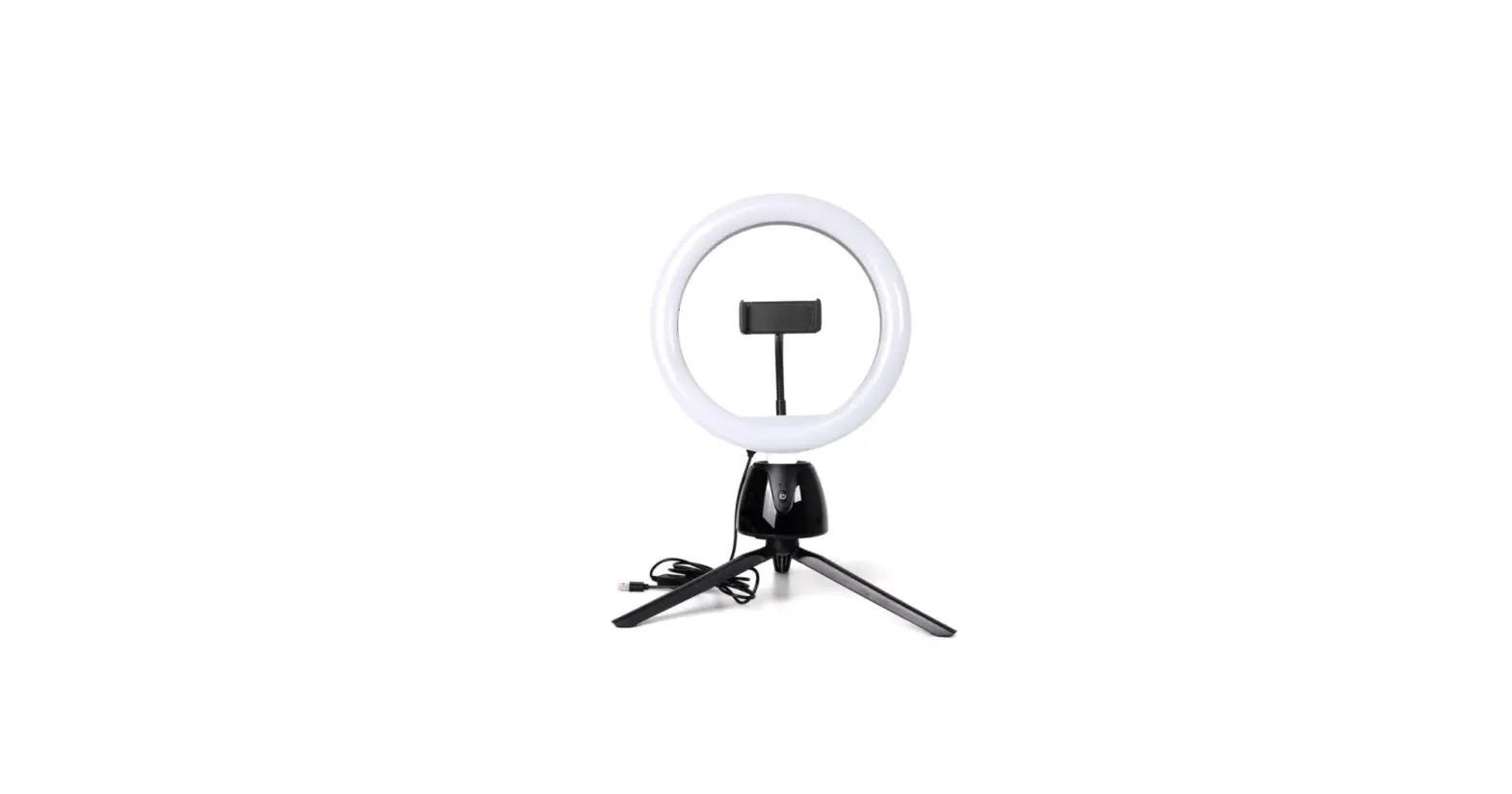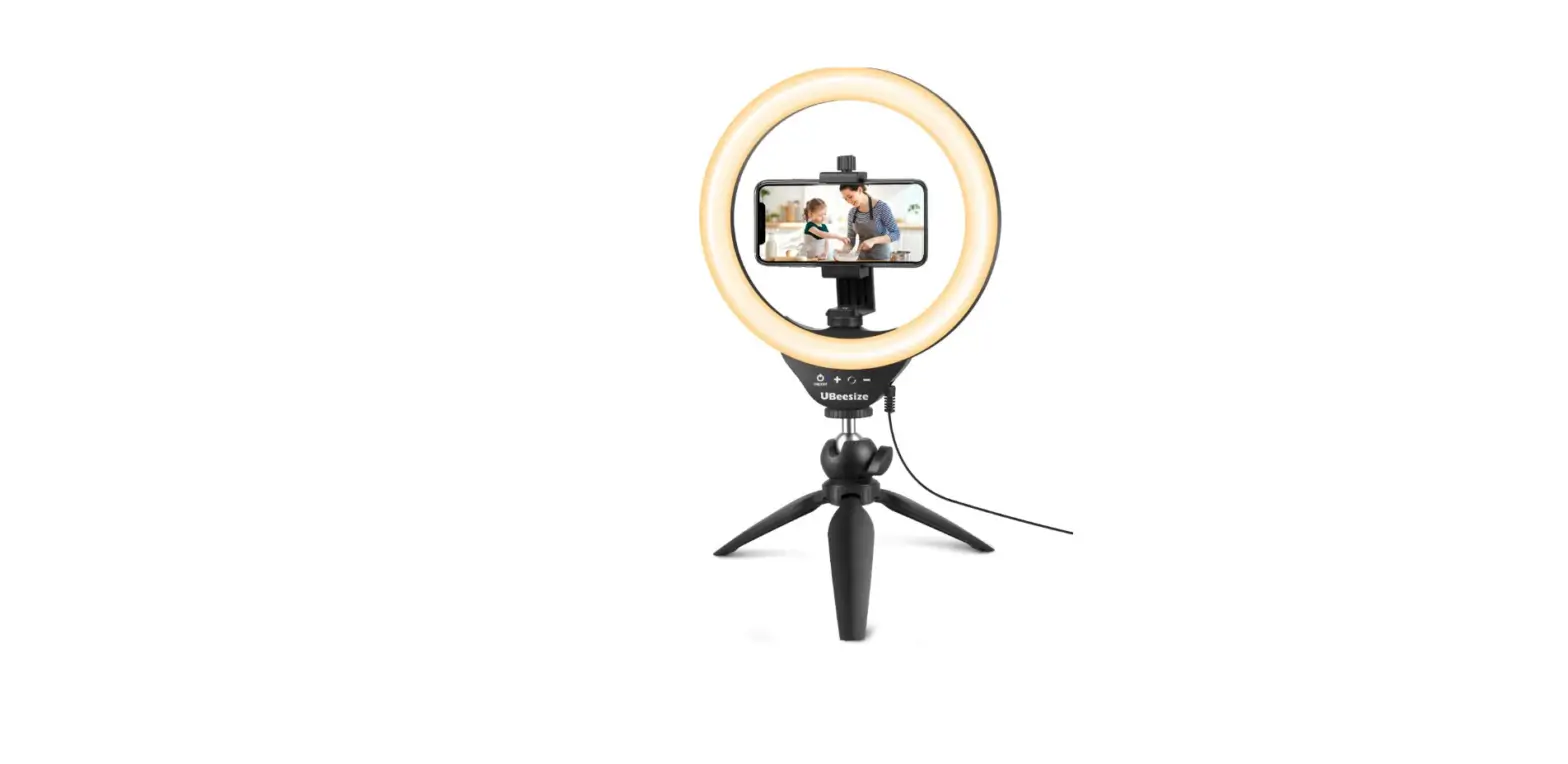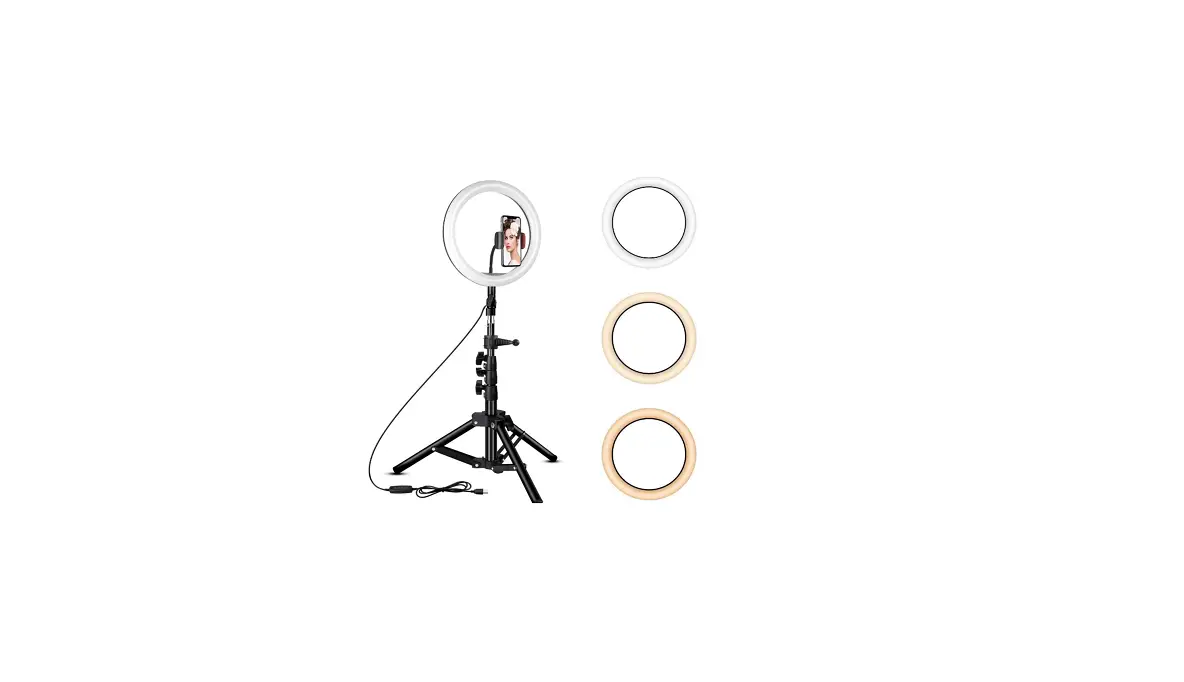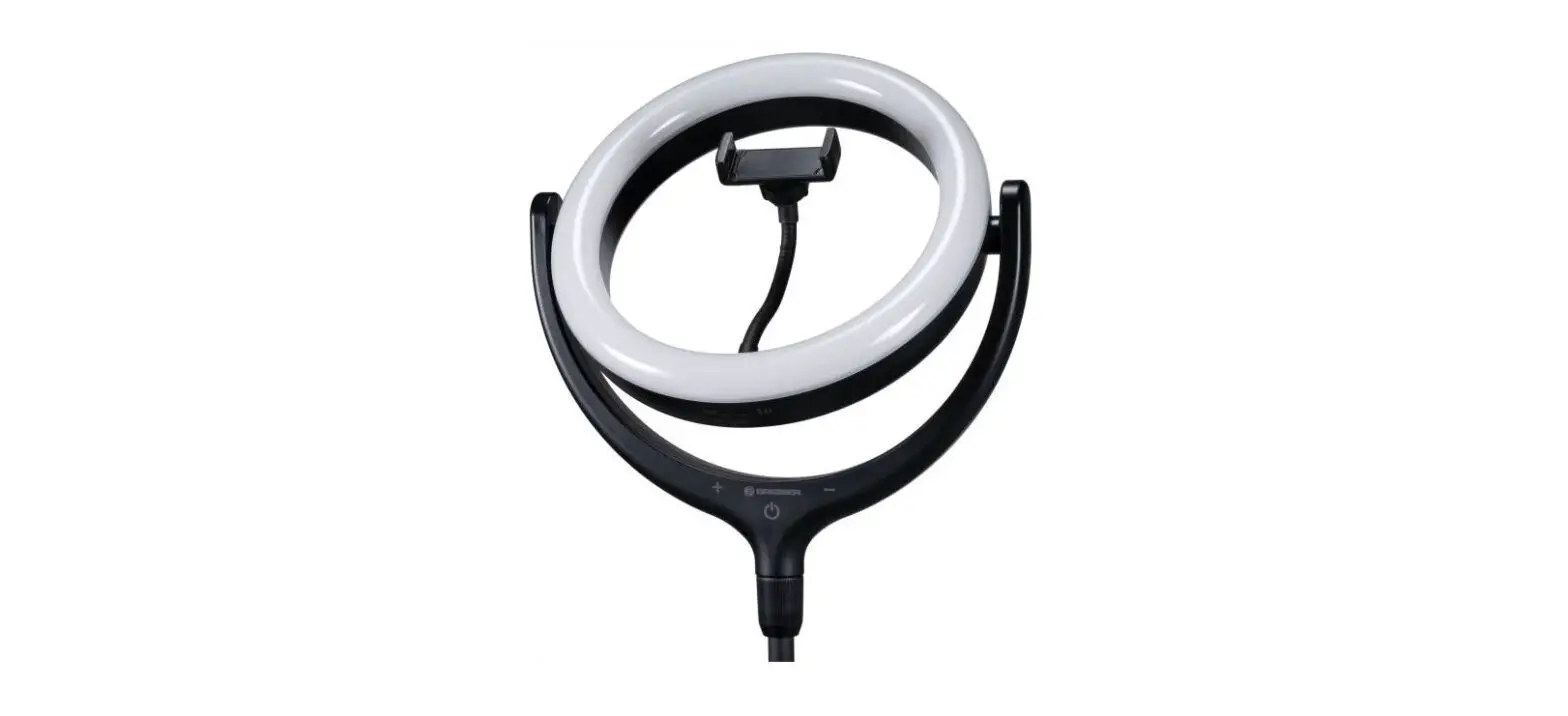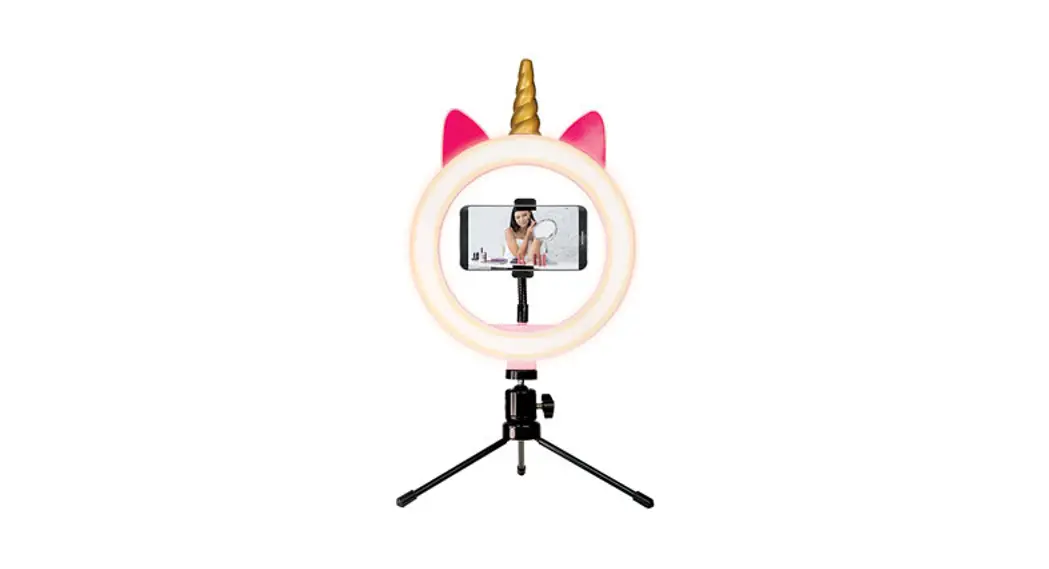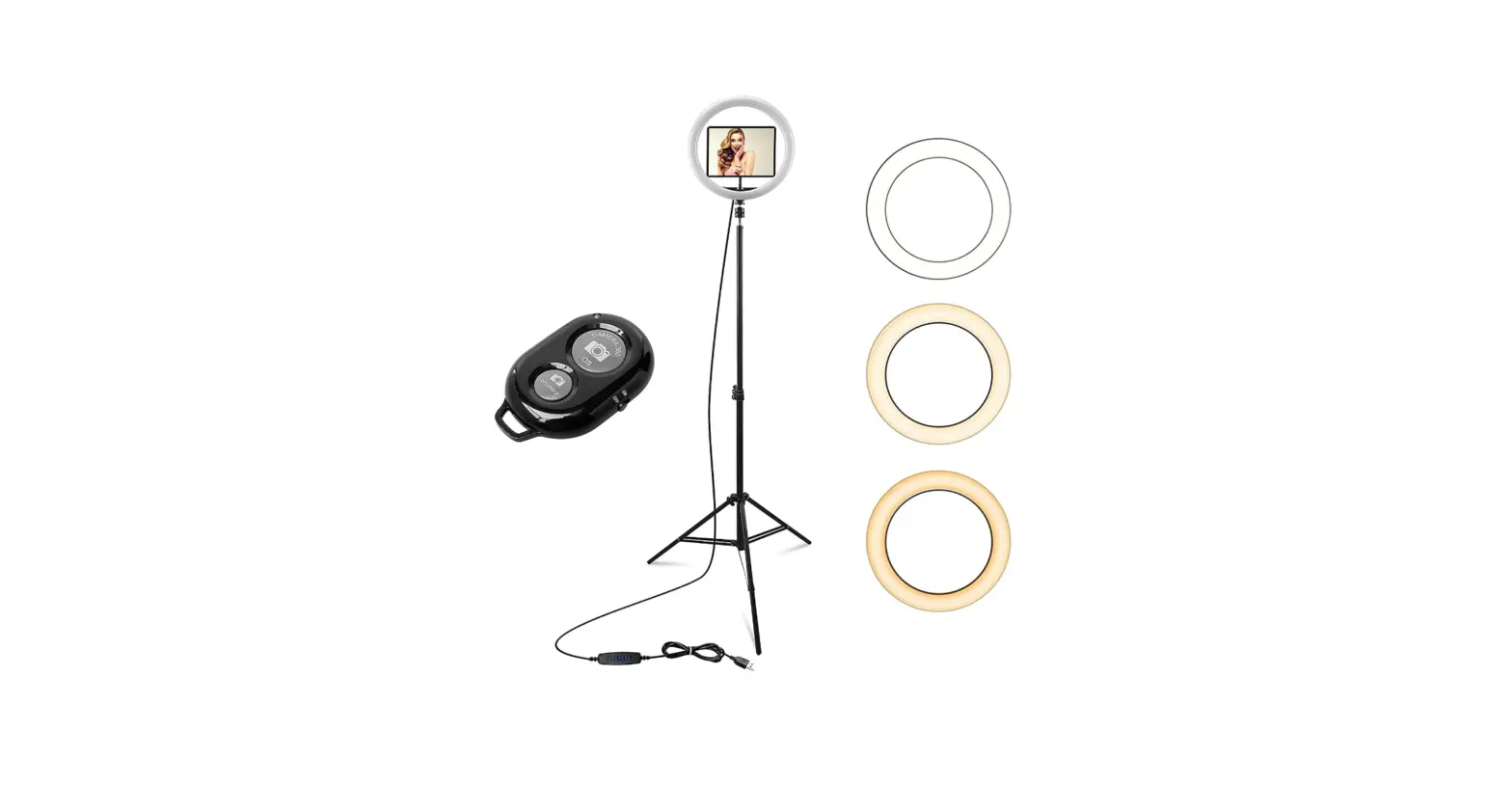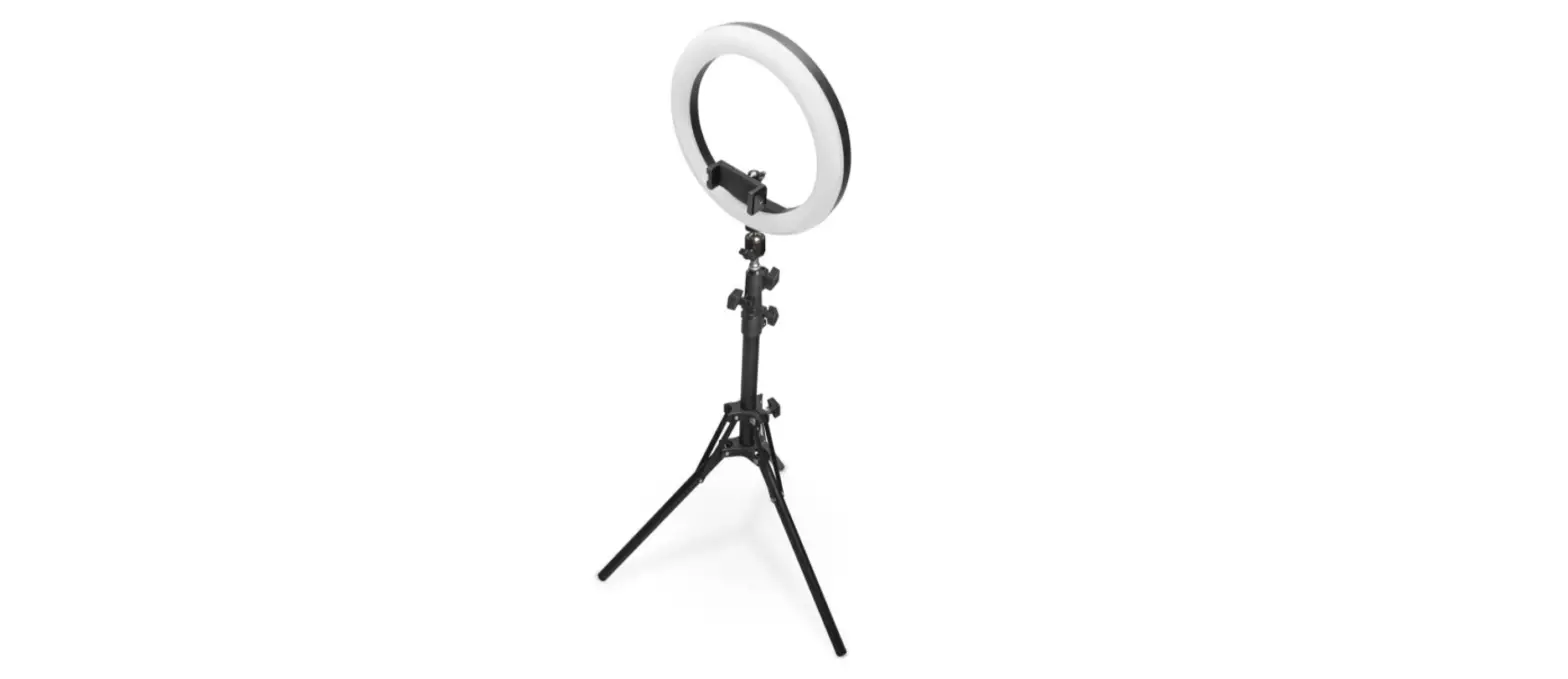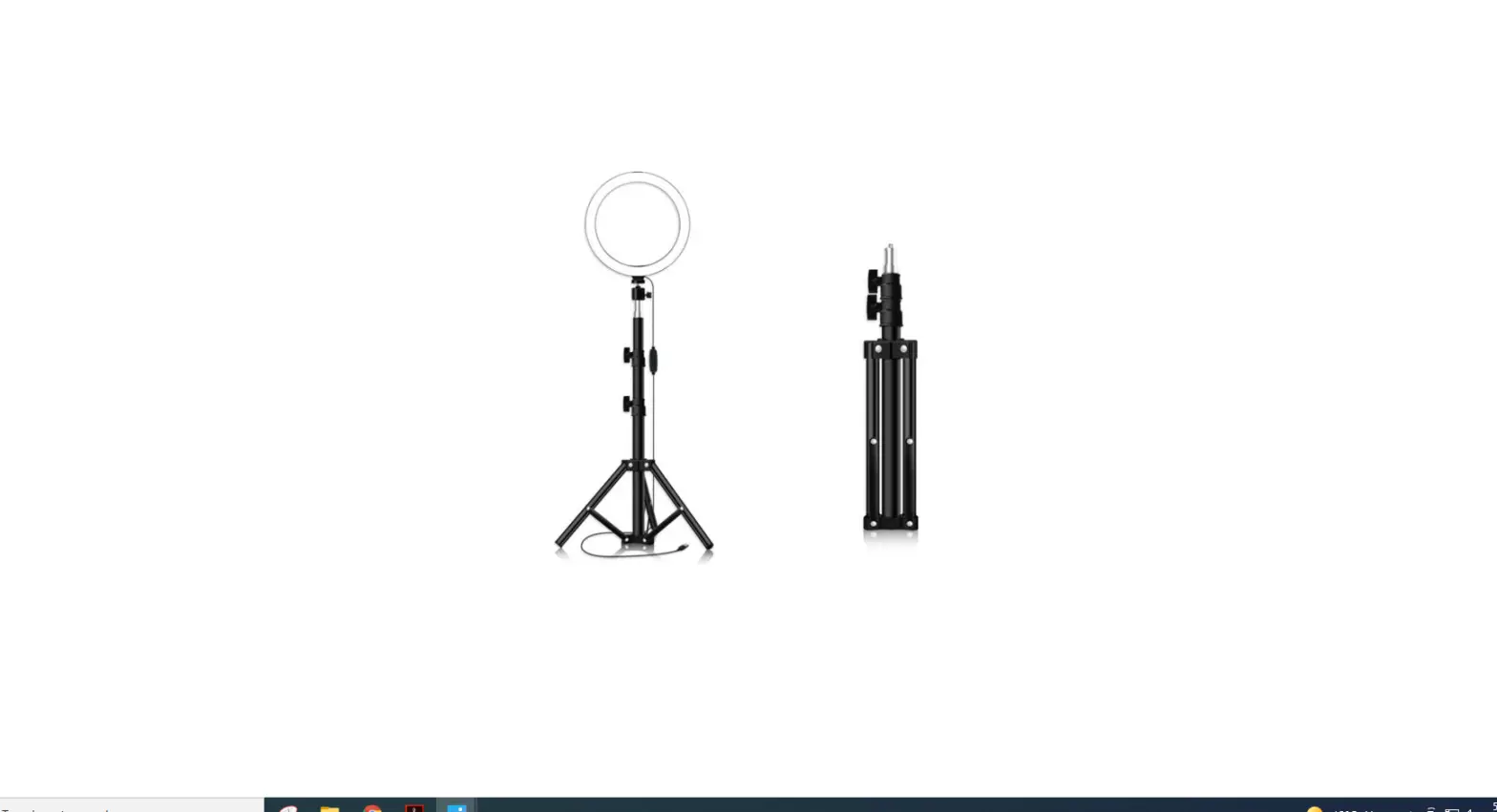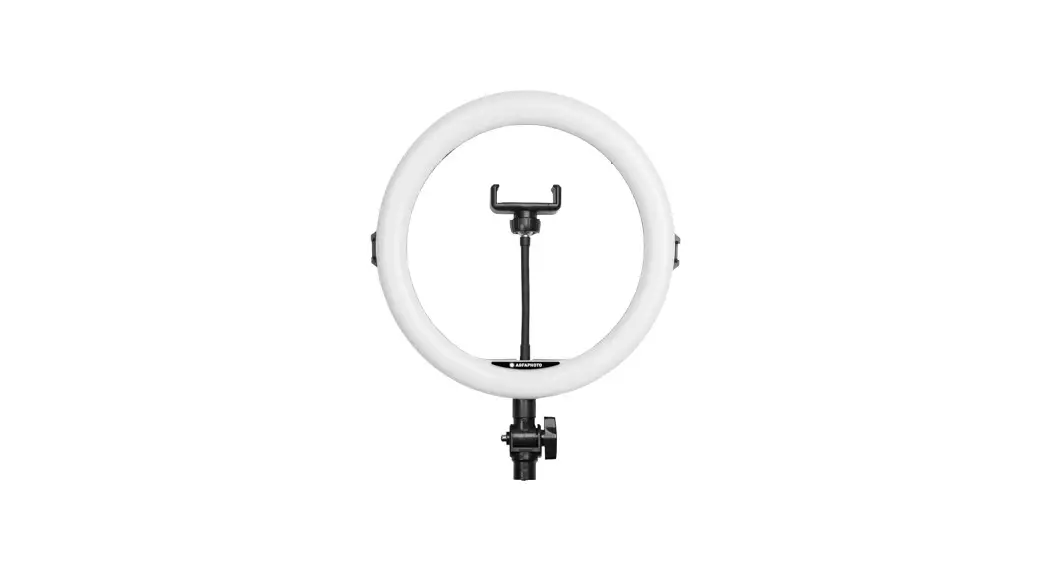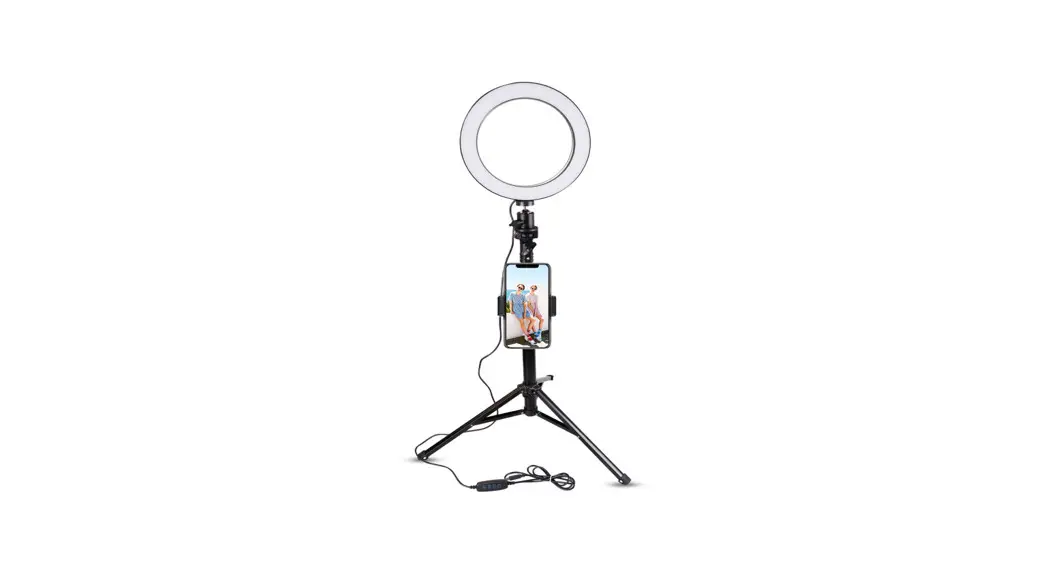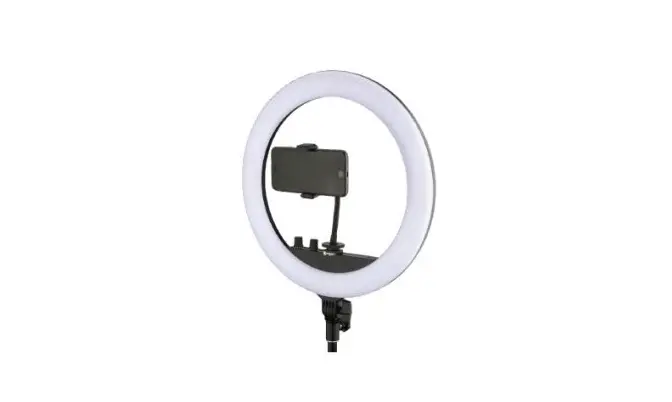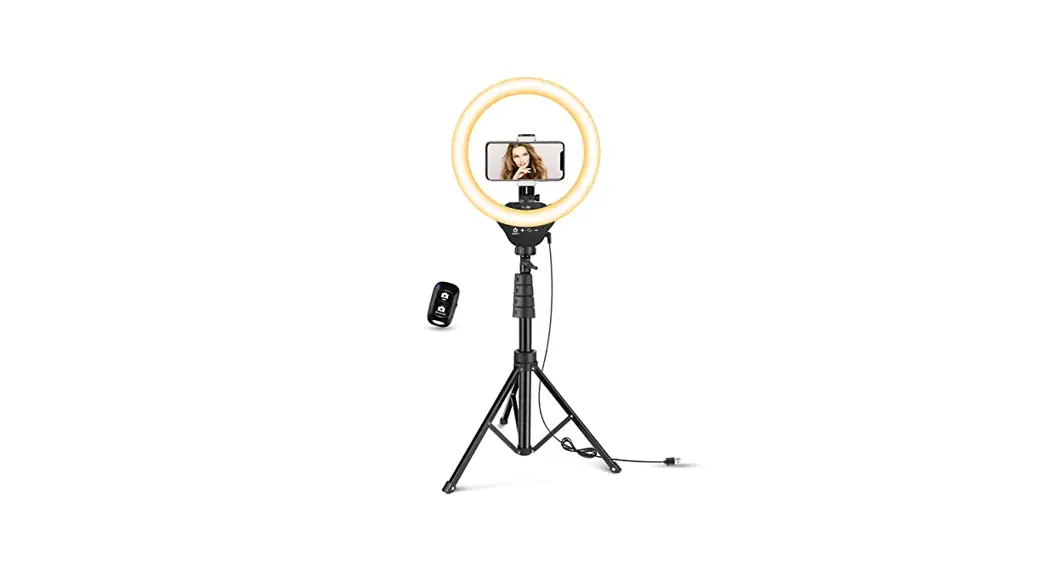

18N LED Ring Light with Tripod Stand
User Manual
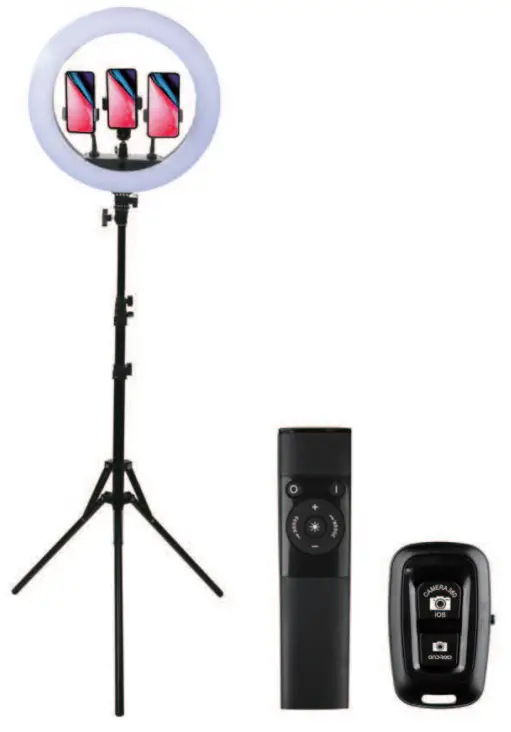
 |  |
| https://www.eotolight.com/user-guide/ | https://eotolight.com/warranty/ |
ACTIVATE YOUR 18-MONTH WARRANTY
Register within 2 weeks after receiving your new product. ‘ visit: www.eotolight.com/warranty
CUSTOMER SERVICE Scan the Messenger QR code to Start Live chat
 [email protected]
 +86 181 7136 3020
 @eotolight
 www.eotolight.com
SPECIFICATIONS
| Working voltage | 110-240V |
| Power supply | 55W |
| LED Beads | 112 pcs |
| Luminous Flux | 125-135 I’m/LED bead |
| Color Temperature | 3000K-6000K |
| CRI (Color Rendering Index) | 90+ |
| Dimmable or not | Dimmable |
| Working temperature | 32°F-104T(-0°C-40°C) |
| Materials | ABS;PC |
PACKAGE INCLUDING
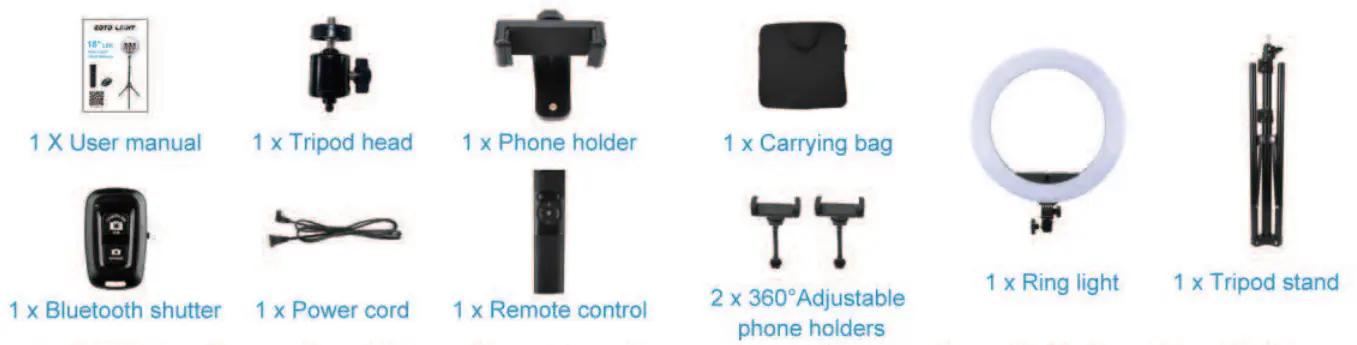
Before installation, please check the package to make sure no part is missing or defective. If you find any part missing or defective, please contact the seller at [email protected] for further assistance.
PRODUCT OVERVIEW
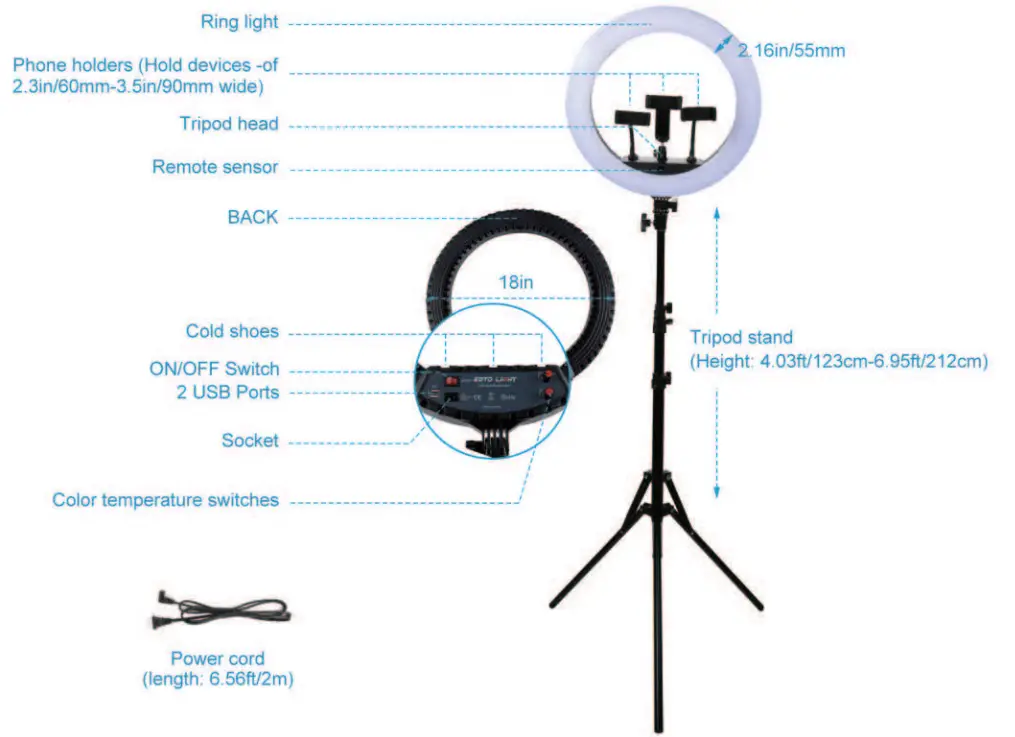
APPLICATIONS
- This ring light is suitable to meet various illuminating needs in photography and beyond, including seines, making-up, and live-streaming. vlogging, filming, etc
- It features 4 color modes – dim neutral white, neutral white, warm white, and cool white. Each mode is adjustable from 3000K to 6000K and dimmable between 10 brightness levels.
- With the tripod stand and adjustable phone holders. you can easily adjust the angles of the ring light and your phones/cameras to meet all your photographing needs.
- A supplied remote enables easy control of the ring light from turning on/off to changing color temperatures and brightness. Two USB ports on the back of the ring light offer convenient charging support for your phones while photographing or filming. No worry about interruption due to a phone running out of power. Two-color temperature switches –
- Turn the 6000K switch clockwise or counterclockwise to add or reduce white light to your existing color: turn the 32000 switches clockwise or counterclockwise to add or reduce yellow light.
INSTALLATION
Step 1: Set the tripod stand.
- Unfold the tripod legs. (Make sure the legs are fully unfolded, in case the tripod stand falls down when its head is too heavy.)

- Screw the locking knob to fasten the base.
- Turn the center column locking knobs counterclockwise to unlock the center column. Pull out the center column to a certain height, and fasten the locking knobs to fix the height.
 * Note. Extending the center column too high may leave the tripod less stable.
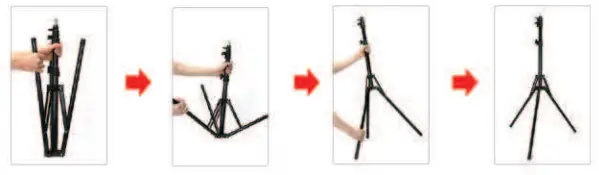
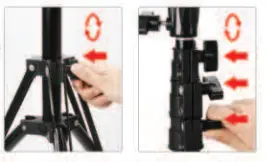 * Note. Extending the center column too high may leave the tripod less stable.
Step 2: Install the ring light.
- Turn the locking knob (at the bottom of the ring light) counterclockwise until the thread end is nearly flush with its screw hole.
- Put the ring light on the tripod stand.
- Turn the locking knob clockwise to fasten the light
- Turn the upper locking knob counterclockwise, bend the light forward or backward to your desired position, and lock it in place by turning the upper locking knob clockwise.
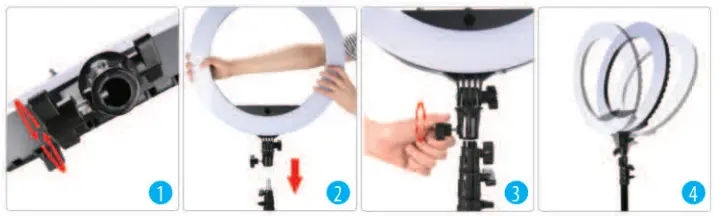
Step 3: Mount the phone holders and the tripod head.
- Slide the phone holders/tripod head into the cold shoes
- Twist the shoe mount to fasten the phone holders/tripod head.
- You can mount a phone holder or a camera on the tripod head.

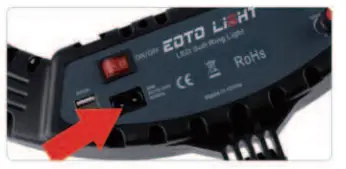
- Connect the socket connector to the socket on the back of the ring light. Plug in the power cord. Turn on the ON/OFF switch on the back of the ring light.

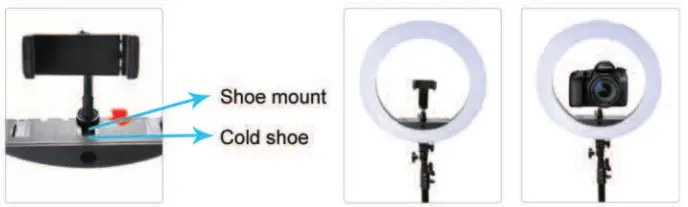
REMOTE CONTROL
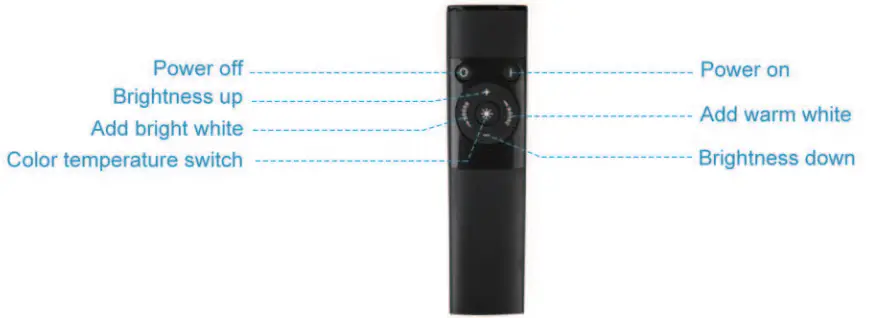
 ON&OFF Button
Press the ON button to turn on the light; press the OFF button to turn off.
* Note that you can only use the remote to turn on and off the light when the main switch on the back of the ring light is ON. Color Temperature Switch
Press this button to select between 4 color modes: Dim neutral white; Neutral white; Warm white; Cool white. Add Bright White
Each time you press this button, the light will become more white. Add Warm White
Each time you press this button, the light will become more yellow. Brightness Add&Minus Switch
Add or minus the brightness within 10 levels for each color temperature.
* Note: Aim at the remote sensor while using the remote. The remote doesn’t work through walls or other physical barriers, or from the back of the ring light. 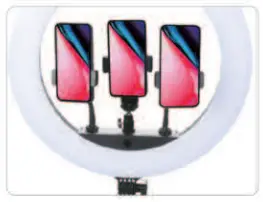
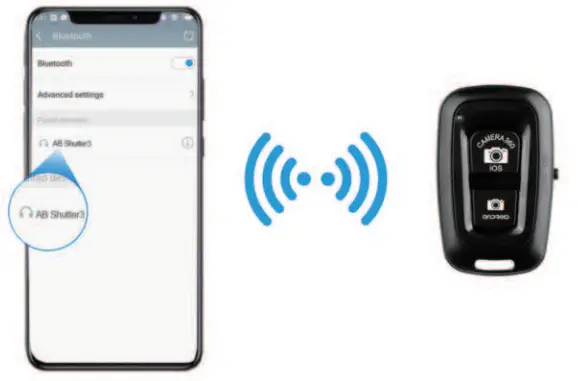
BLUETOOTH REMOTE SHUTTER
- Turn on the Bluetooth switch on the left side (the blue light flash)
- Open your smartphone’s Bluetooth setting.
- Search for “AB Shutter r and connect it (the light stops flashing after connection).
- Open your camera, and click the button the take photos or video
IMPORTANT NOTES
- The ring light is not waterproof. Keep it away from rain or another source of water that may cause damage to the unit.
- Twist tight every lock for a more secure assembling after the desired angle of light and camera is set
- Do not open the ring light casing. Any damage caused to the ring light in the dismantling process is not included in the warranty coverage. If you need technical support, please contact us for help.
- Keep the ring light out of reach of children.
FCC Caution:
This device complies with part 15 of the FCC Rules. Operation is subject to the following two conditions: (1) This device may not cause harmful interference, and (2) this device must accept any interference received, including interference that may cause undesired operation. Any changes or modifications not expressly approved by the party responsible for compliance could void the user’s authority to operate the equipment.
Note: This equipment has been tested and found to comply with the limits for a Class B digital device, pursuant to part 15 of the FCC Rules. These limits are designed to provide reasonable protection against harmful interference in a residential installation. This equipment generates uses and can radiate radio frequency energy and, if not installed and used in accordance with the instructions, may cause harmful interference to radio communications. However, there is no guarantee that interference will not occur in a particular installation. If this equipment does cause harmful interference to radio or television reception, which can be determined by turning the equipment off and on, the user is encouraged to try to correct the interference by one or more of the following measures:
- Reorient or relocate the receiving antenna.
- Increase the separation between the equipment and receiver.
- Connect the equipment into an outlet on a circuit different from that to which the receiver is connected.
- Consult the dealer or an experienced radio/TV technician for help.
The device has been evaluated to meet general RF exposure requirements. The device can be used in portable exposure conditions without restriction.