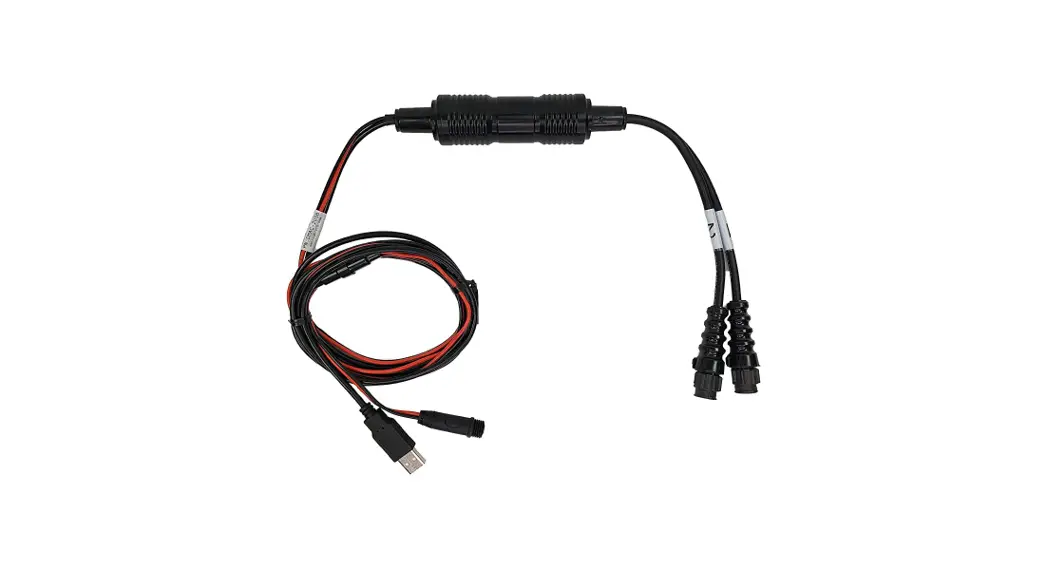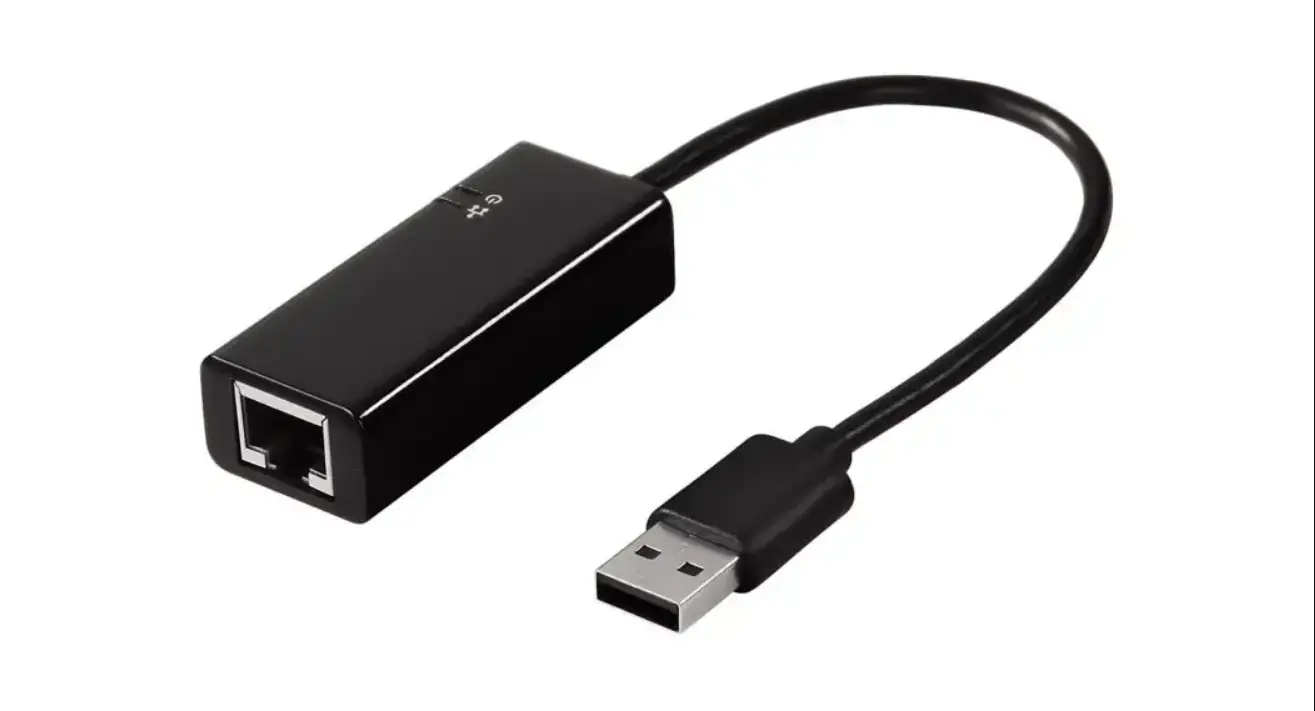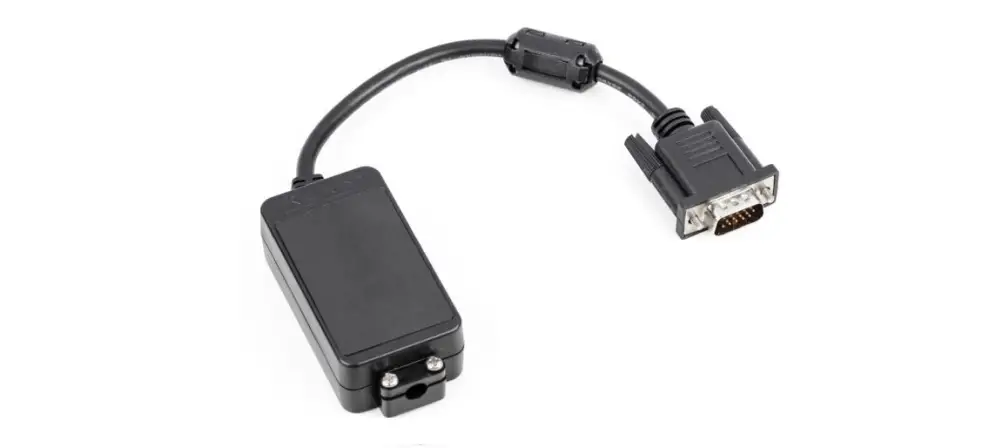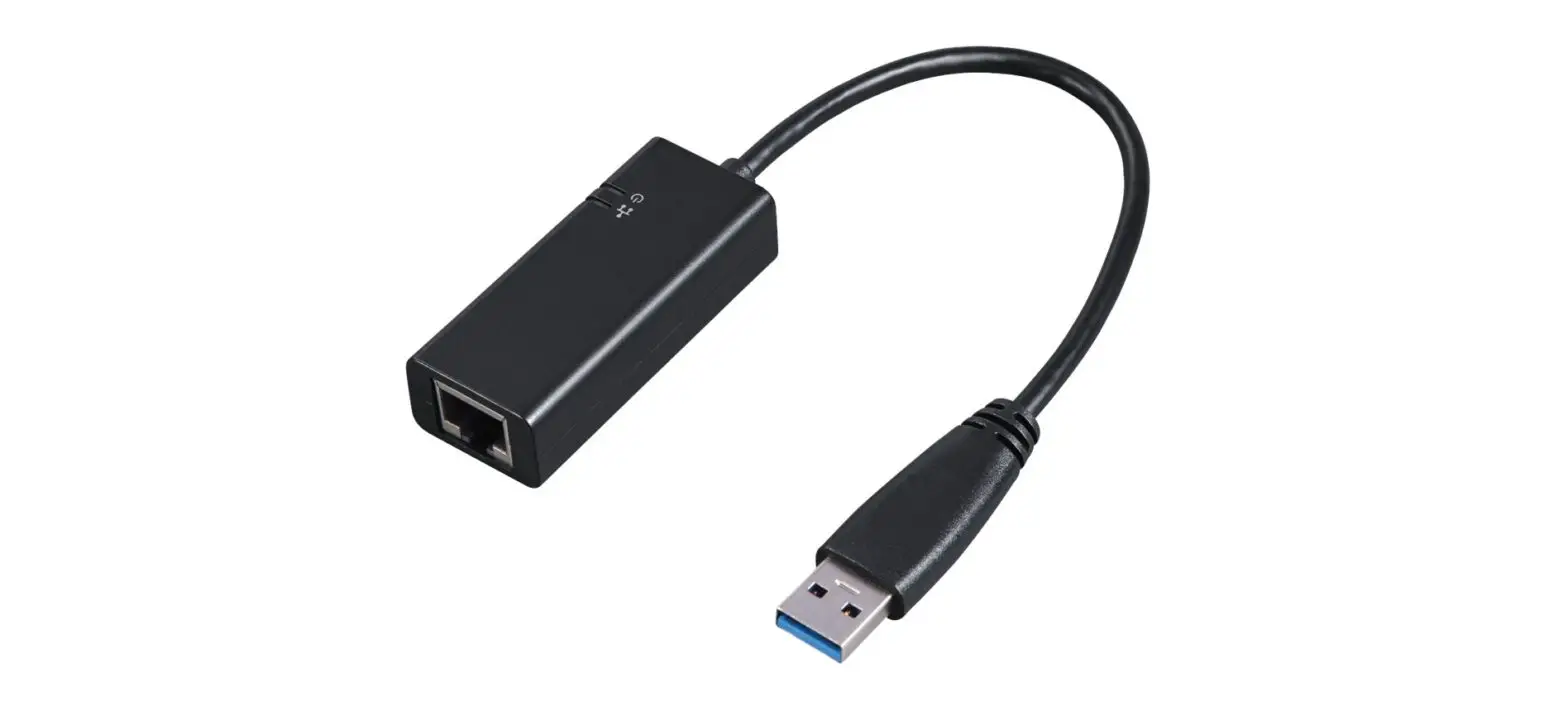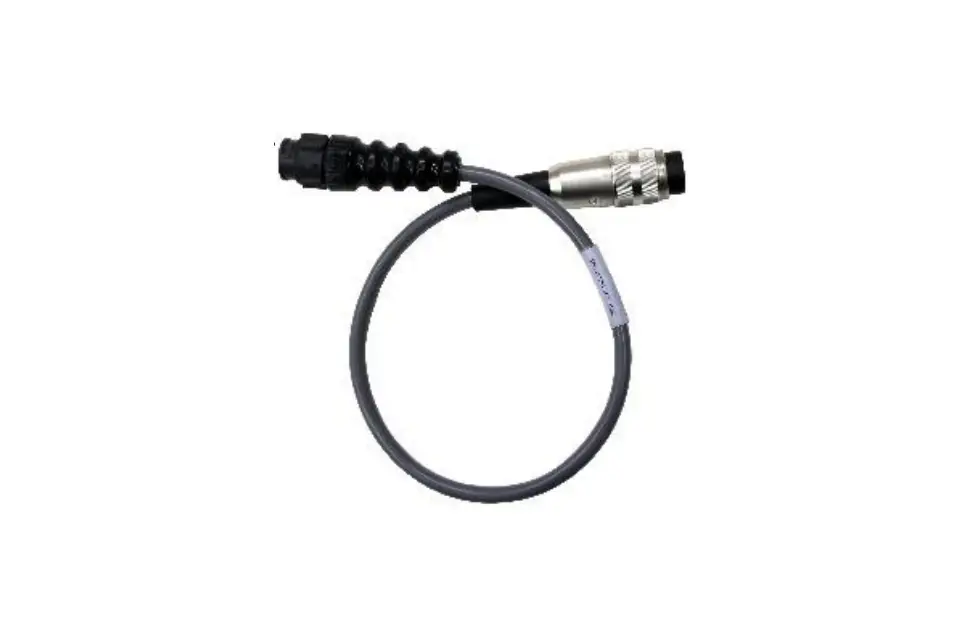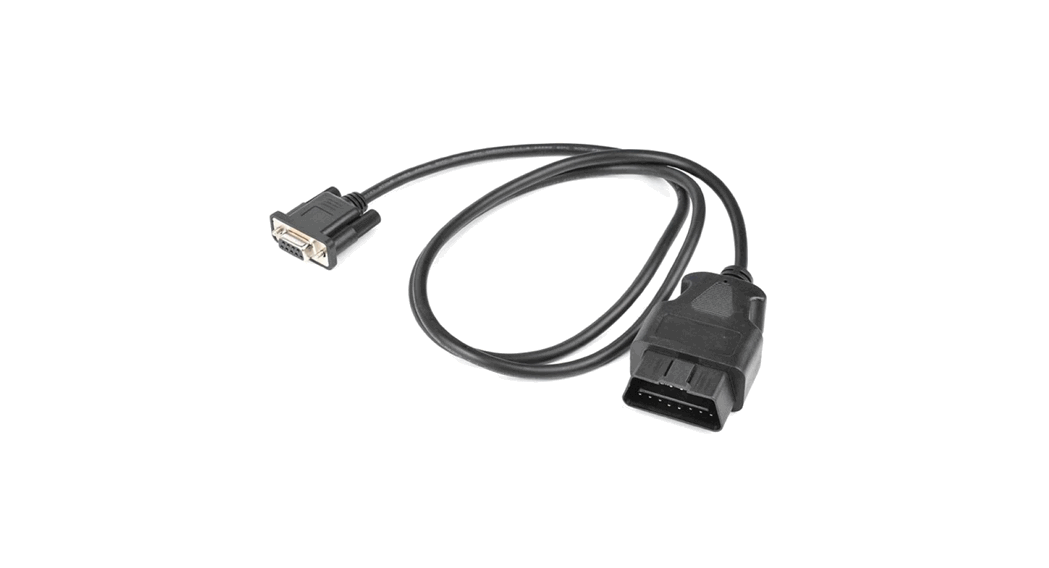
 YKUP-01 Interface Adapter with Cable
User Manual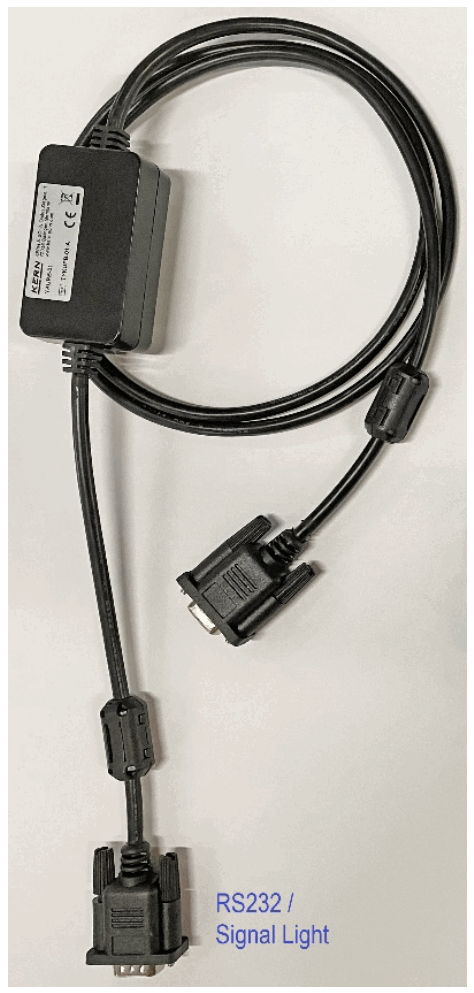
YKUP-01 Interface Adapter with Cable
Type TYKUP-01-A
Version 1.0 2021-09 GB You will find the current version of these instructions also online under: https://www.kern-sohn.com/shop/de/DOWNLOADS/ Under the column Operating instructions
General hints
Cable length: 1.5 m
 Via the interfaces weighing data may be exchanged with connected peripheral devices.
- Issue may be made to a printer, PC or control displays. Control commands and data input may also occur at reverse order via the connected devices.
- Only KERN KUP adapters may be connected to the 15-pol-sub-Dplug of the device!
1.1 Installation
- Switch off the balance
- Plug in the KUP adapter (RS232) at the 15-pol-sub-D-plug of the device
- Switch on device
- The KUP adapter is automatically recognised by the appliance
1.1.1 Allocation of connections KUP adapter:
| Sub-D bushing 9 pol. (bushing = to balance) | ||
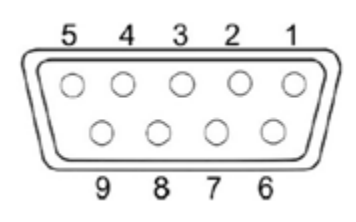 | Pin 1 | VB |
| Pin 2 | TXD (RS232) | |
| Pin 3 | RXD (RS232) | |
| Pin 4 | VCC | |
| Pin 5 | Signal ground (RS232) | |
| Pin 6 | Low Signal (signal light for Checkweighing) | |
| Pin 7 | Hi Signal (signal light for Checkweighing) | |
| Pin 8 | OK Signal (signal light for Checkweighing) | |
| Pin 9 | No assignment | |
1.1.2 Setting communication parameters:The communication parameters (baud rate, bits and parity) of balance and printer/PC must match.
KERN standard settings (factory setting):
- baud 9600
- 8 data bit
- 1 stop bit
- No parity
KERN & Sohn GmbH
Ziegelei 1 72336 Balingen-Frommern Germany +0049-[0]7433-9933-0
 +0049-[0]7433-9933-149
 [email protected]
 RealNames | A more meaningful email address
 KERN & SOHN GmbH