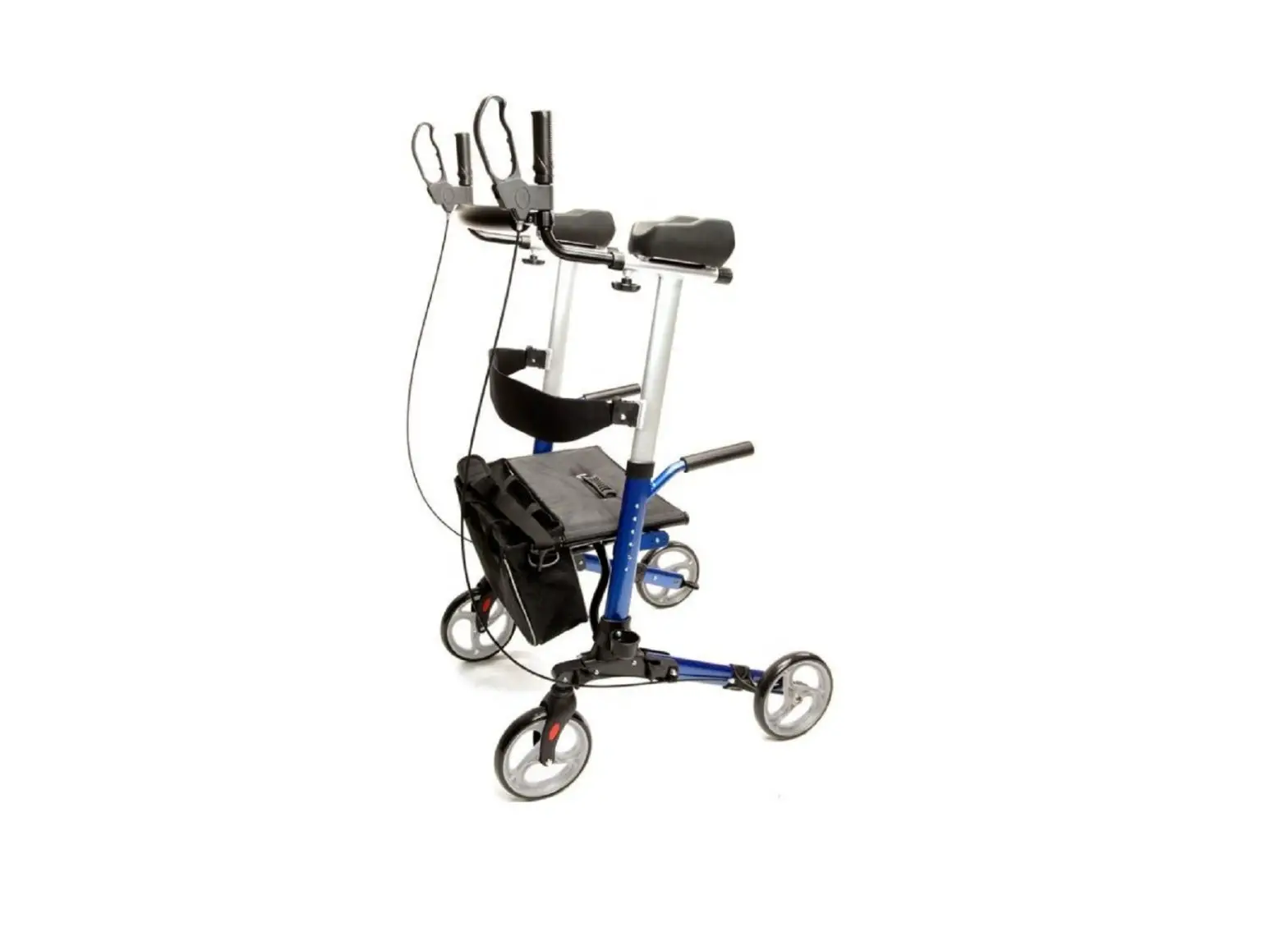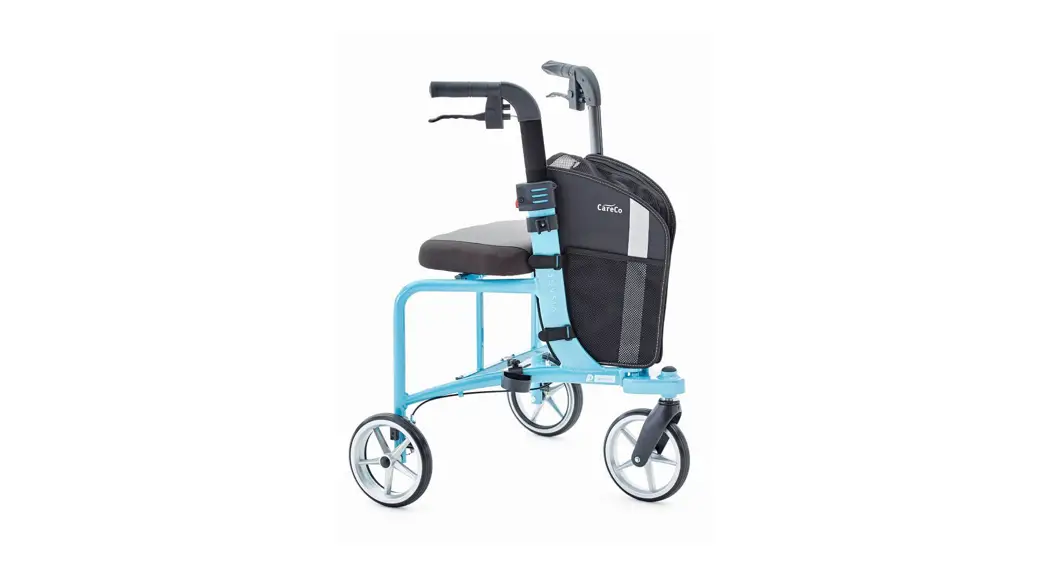


NERO Sport Tri Walker User Manual
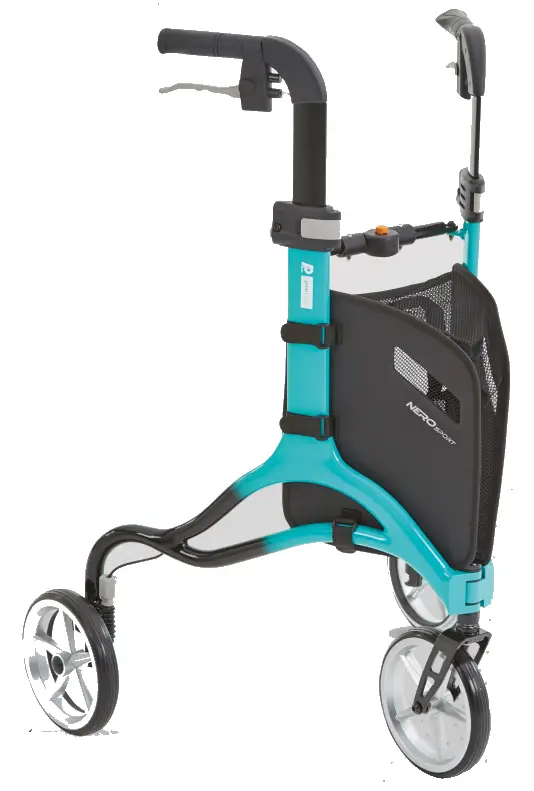
PRODUCT CODE WA01010005.TFD
INTRODUCTION
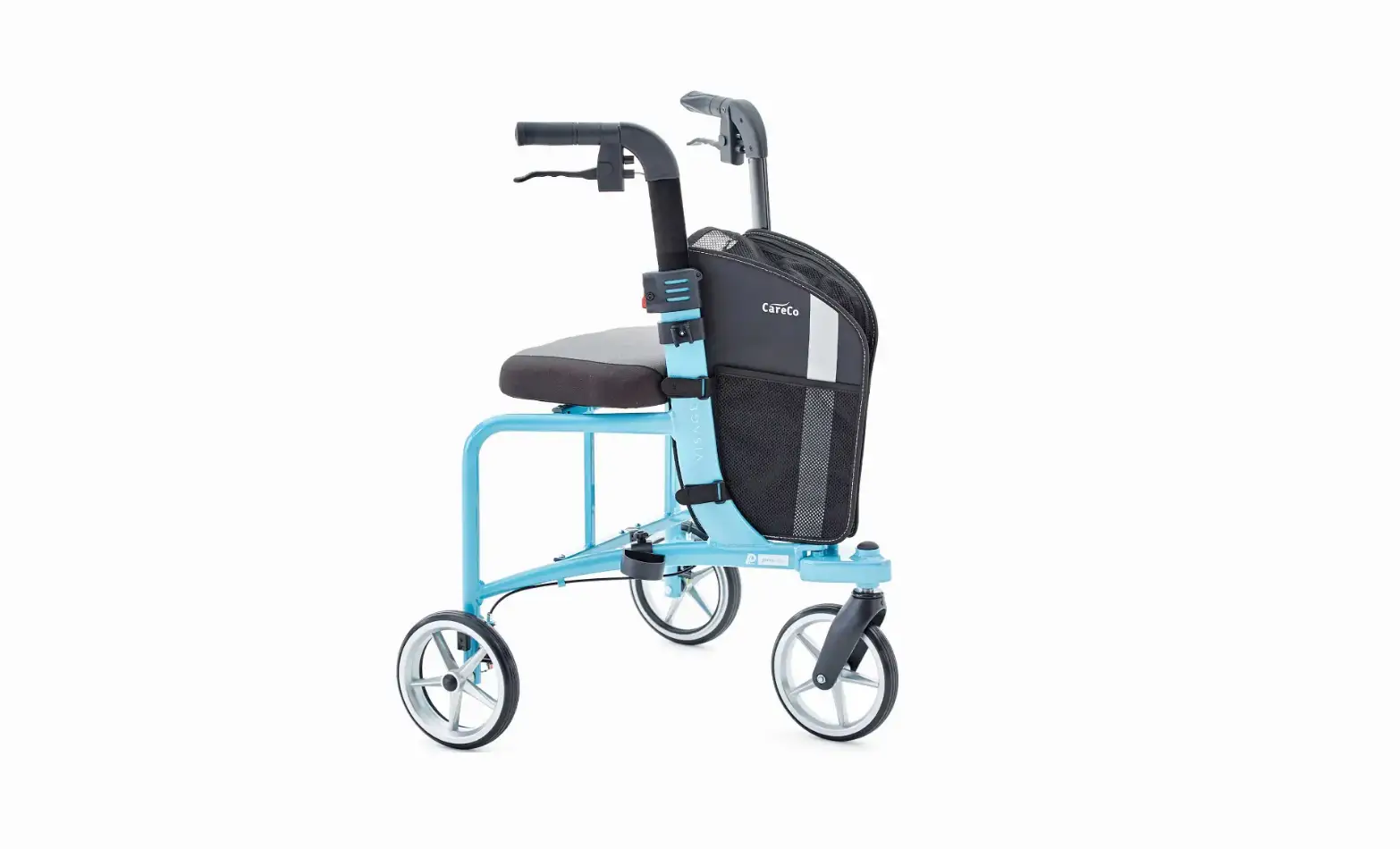
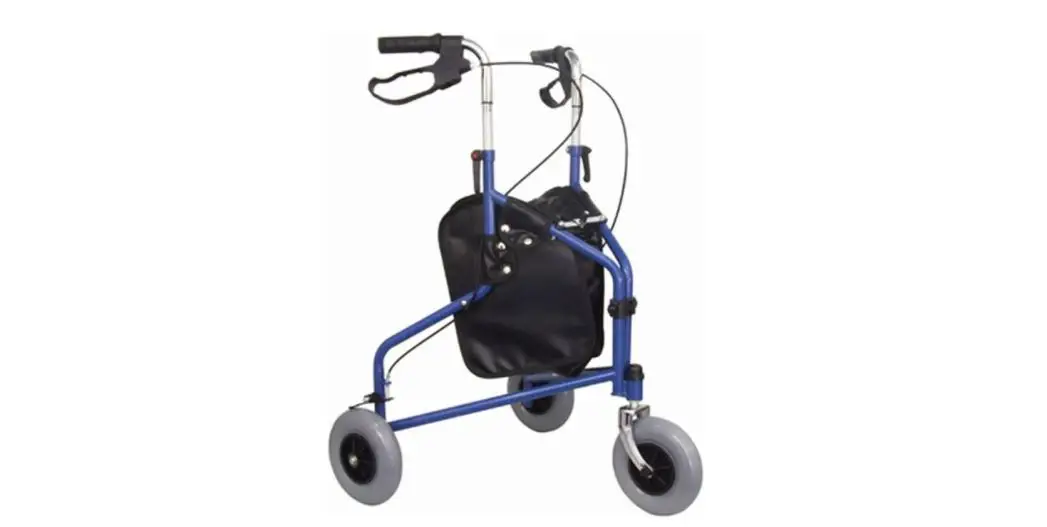
The Nero Sport is a tri-walker to aid a user with limited mobility. It is ideal for indoor and outdoor use, helping the user to walk and prevent falls.
PARTS DESCRIPTION
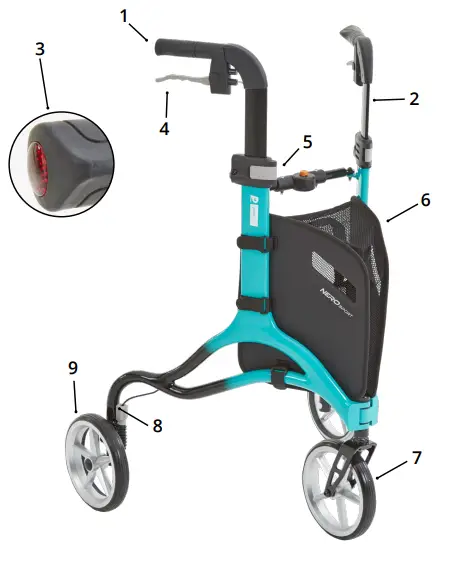
- Hand grip
- Height adjustable tubing
- Rear reflector on hand grip
- Brake lever
- Interlock button for height adjustment
- Bag
- Front wheel
- Brake adjust screw
- Rear wheel
 MAXIMUM WEIGHT CAPACITY: 135kg (21st)
SAFETY INSTRUCTIONS
- Only use the tri-walker for it’s intended use.
- Only use the tri-walker on even and solid surfaces.
- Make sure to regularly check fittings and fasteners and re tighten if necessary.
- Do not over fill the bag. Maximum load: 5kg
- Please make sure the tri-walker is fully opened, and locked.
- Make sure both the interlock buttons are at equal heights and are fully locked before using. Test the tri-walker for stability before applying full weight to hand grips.
- Test the brake lever before operating the tri-walker.
- Replace damaged or significantly worn parts.
- Incorrect use can lead to hazardous situation – Do not use the product to transport a person.
- Surface temperatures can increase / decrease when exposed to external sources of heat (e.g. sunlight, outdoor environment).
CLEANING / MAINTENANCE
Only use the tri-walker for it’s intended use. Clean regularly with a damp cloth by hand. Only use mild detergents.
UNFOLDING THE TRI-WALKER
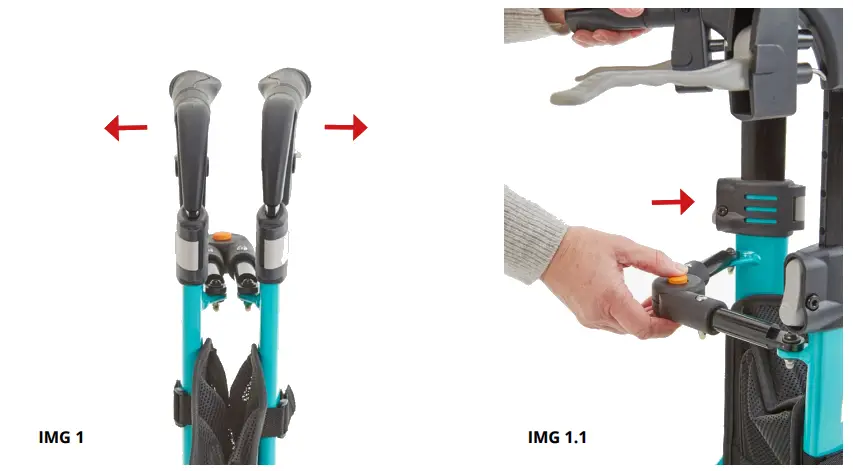
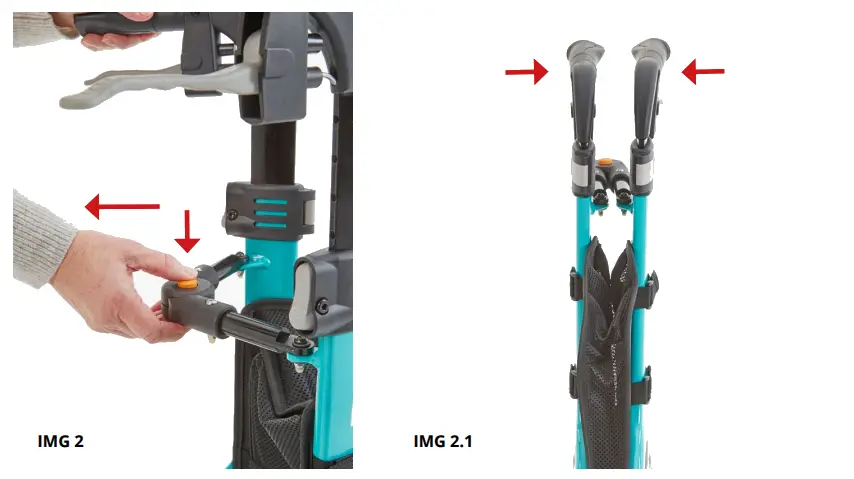
Hold both handles and pull apart to open. Secure the walker by pushing the frame mechanism until locked.
FOLDING THE TRI-WALKER
Press the centre button to unlock the frame mechanism. Hold both handles and push together to close.
HEIGHT ADJUSTMENT
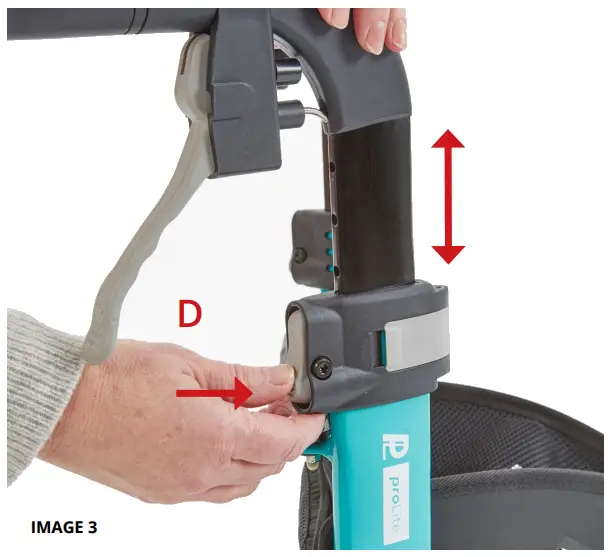
To change the height of the handles, press and hold the interlock buttons (D) on both sides and move the hand grips up or down to achieve the correct height. When the desired height is achieved, release the interlock buttons and the hand grips will lock into a height position.
BRAKING / LOCKING
Pull both brake levers at the same time towards the hand grip (IMAGE 4) to use the brakes.
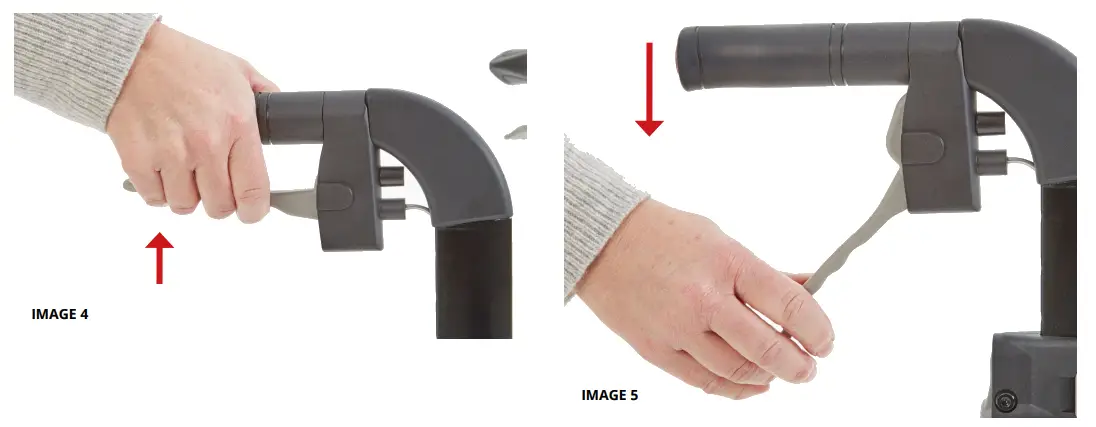
To lock the brakes, ensure the Nero Sport is stationary and press both brake levers down until they lock into position (IMAGE 5). To release the brakes from the locked position pull up on the brake levers. Regularly test the brakes
ADJUSTMENT OF BRAKES
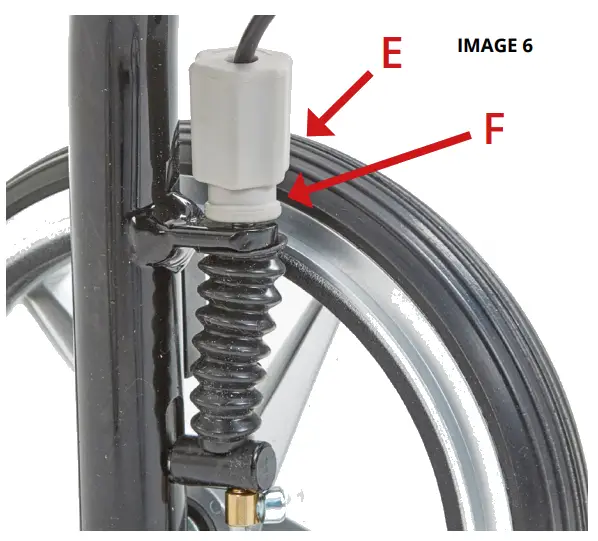
To tighten the brake, unscrew the brake cable adjuster (E) to add tension to the cable. Ensure that the stopper bolt (F) is tight to the frame.
Always test that the brakes are working before each use.
SPECIFICATIONS
| Height (Adjustable) (mm) | 830-960 |
| Width (mm) | 665 |
| Depth (mm) | 610 |
| Folded Width (mm) | 250±5 |
| Max User Weight | 136kg / 21.4st |
| Front Castor | 8” PU tyre |
| Rear Castor | 8” PU tyre |
| Product Weight | 4.97kg / 10.7lb |
| Frame | Aluminium |
WARRANTY
 The frame of your proLite Nero Sport tri-walker is warranted to be free of defects in material and workmanship for 5 years.
For all other parts of the tri-walker there is a 1 year warranty. This does not extend to non-durable components, such as grips, tyres, and rubber accessories. These are subject to normal wear and need periodic replacement.
The warranty does not cover any failure due to owner misuse or negligence, or that of normal wear and tear.
If you have any questions about your ProLite Nero Sport tri-walker, please contact your local dealer.
 WA01010005
 Tri-Walker
 SEE PRODUCT LABEL
 SEE PRODUCT LABEL
 CareCo (UK) Limited, 1 Turing Court, Great Notley, Braintree, CM77 7AT, Engind
CareCo (UK) Limited, 1 Turing Court, Great Notley, Braintree, CM77 7AT, England