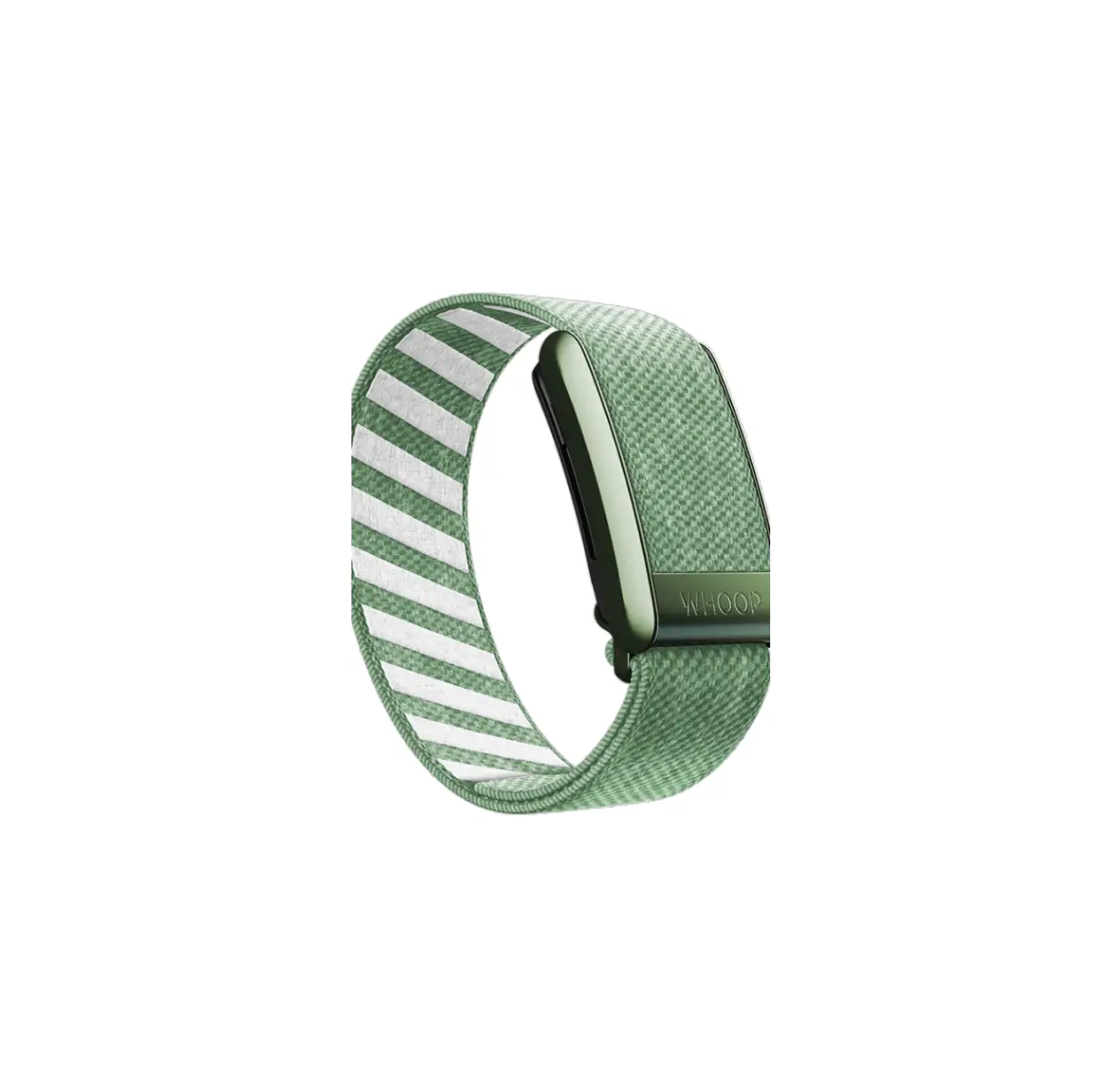
whoop 4.0 Superknit Band
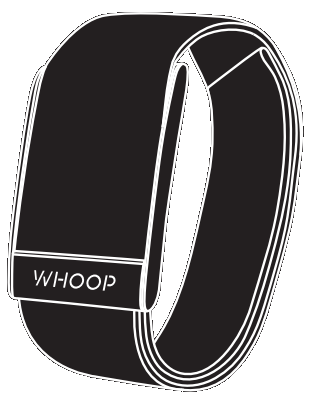
SET UP.
GET UP. GO.
Download the WHOOP app to get started.
 |
 |
Instruction For Use
- OPEN
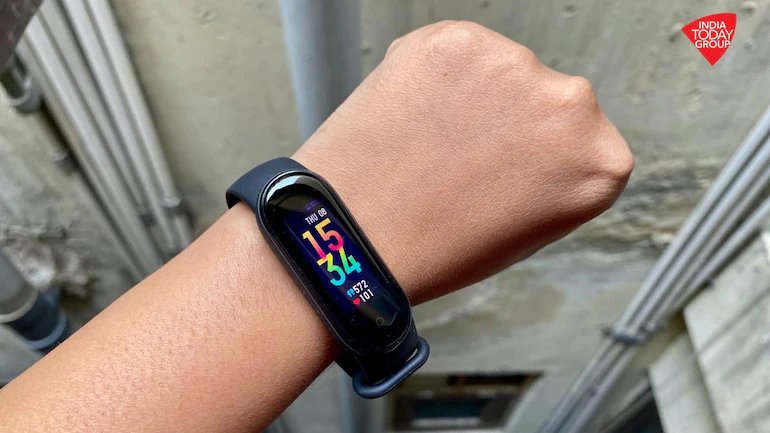
Open the clasp firmly and slide your WHOOP 4.0 onto either wrist – preferably on your non-dominant arm.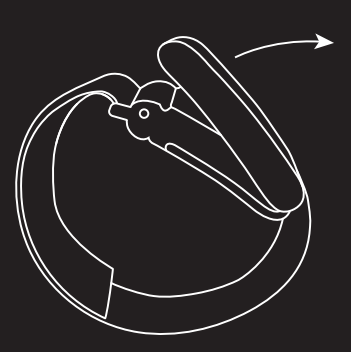
- POSITION
Place the device approximately 1 inch above your wrist bone-at the start of your forearm. Close the clasp.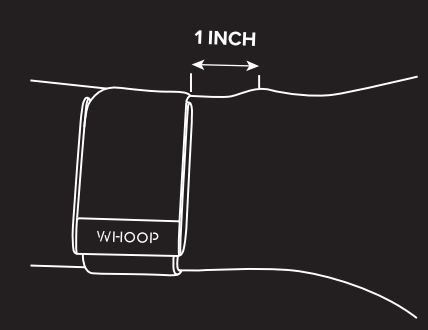
- FIT
Your WHOOP 4.0 should feel tight enough to ensure that the sensor is pressed firmly against your skin.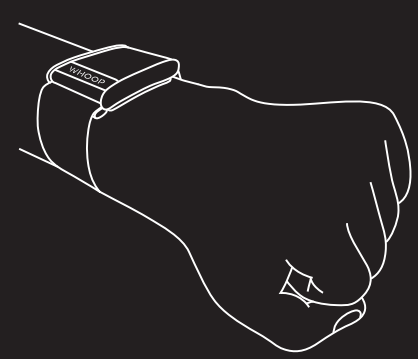
- ADJUST
It should be hard to fit a finger underneath the sensor. Too tight? Open the clasp and readjust band length as needed.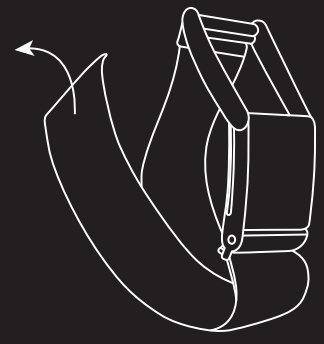
WHOOP 4.0:
WHAT’S INCLUDED
- 4.0 DEVICE

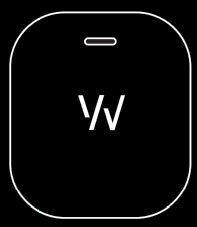
- BATTERY PACK
- SUPERKUT BAND

- USB CABLE


WEAR IT WITH WHOOP BODY
Capture your data with WHOOP Body featuring Any-Wear™ technology. Insert device into apparel or accessories and wear it ,on the go. Available only for WHOOP 4.0 at shop.whoop.com.

CUSTOMIZE WHOOP 4.0
Shop WHOOP 4.0 bands, Hydro sleeves, and more. Plus, personalize your device with thousands of color combinations from WHOOP Your Way.

STAY CONNECTED
There’s power in numbers. Join the WHOOP Community, create teams, and stay motivated with like-minded members.

CHARGE ON THE GO
Get continuous data for days. Slide on the waterproof* battery pack to charge. Use the included USB cable to recharge battery pack.
*Battery pack is IP68 dustproof and water-resistant up to 1 meter for 2 hrs.
Customer Service
FOLLOW US
WHOOP is constantly evolving, just like you. Stay in the know by following us on Twitter, Instagram, Facebook, and more.
Have questions or need help?
Chat us in the app or visit support.whoop.com.