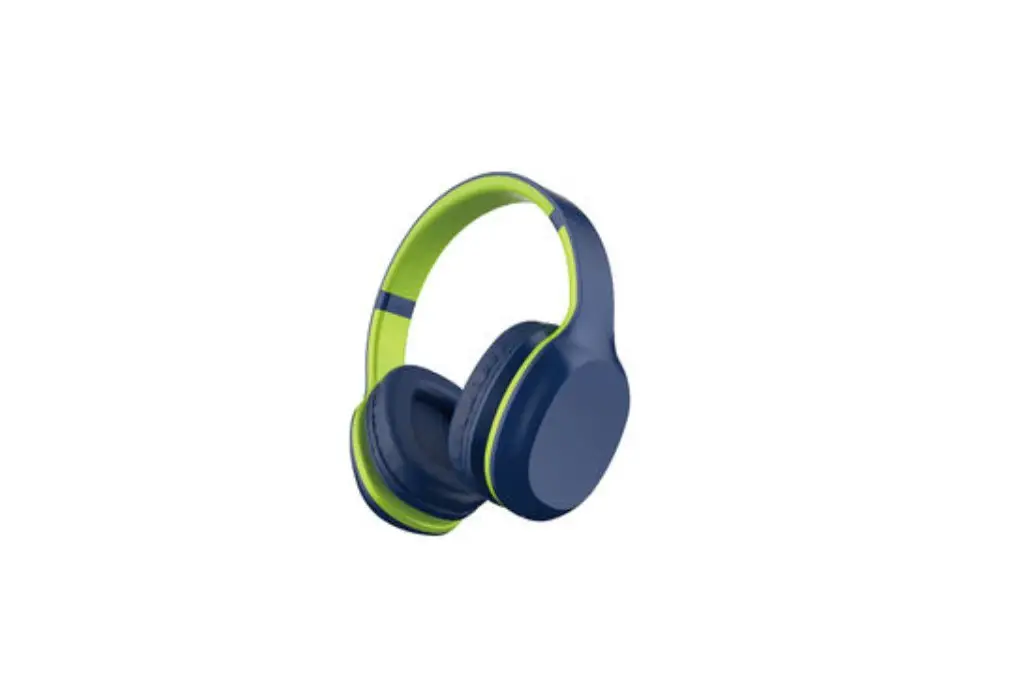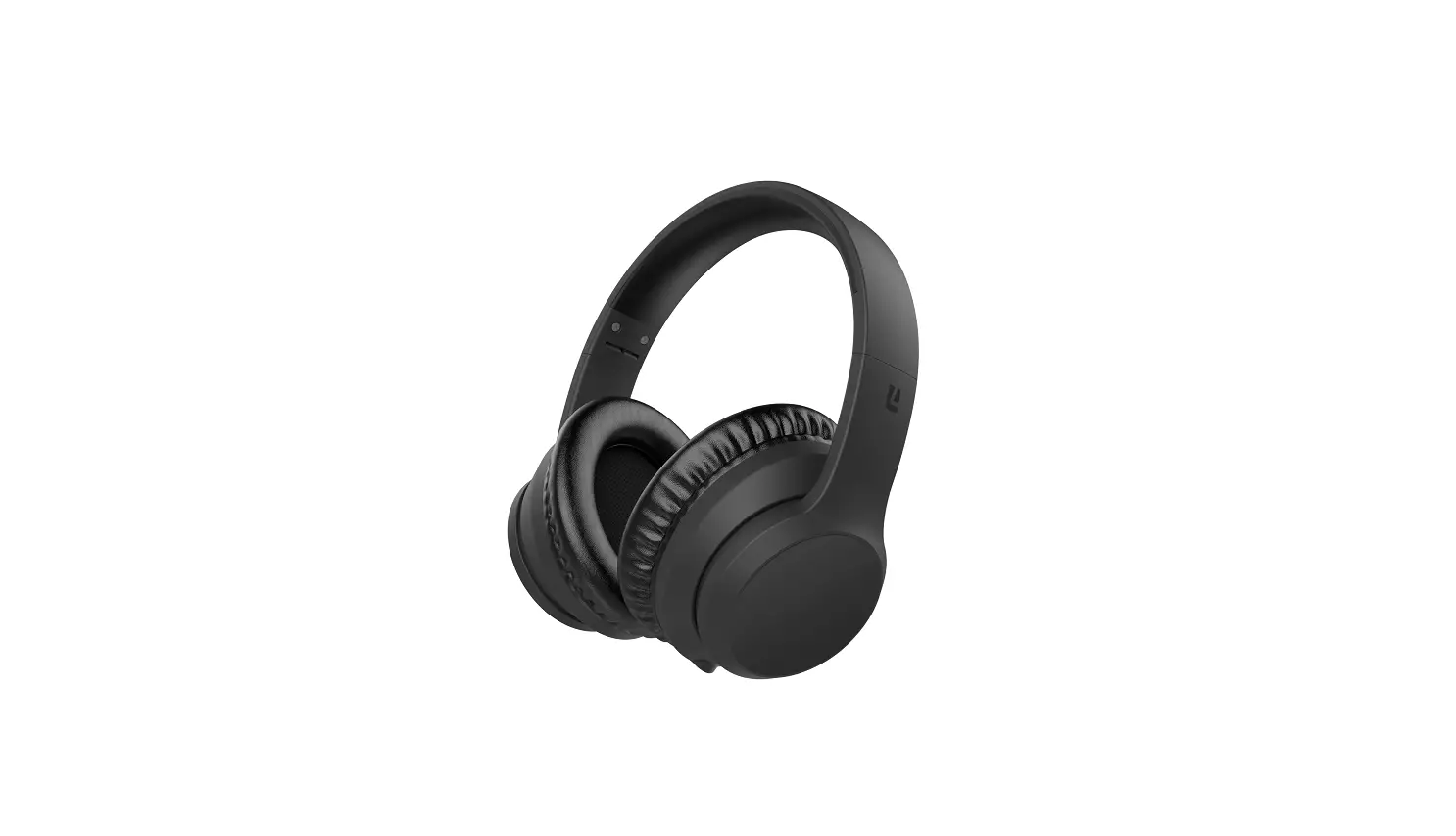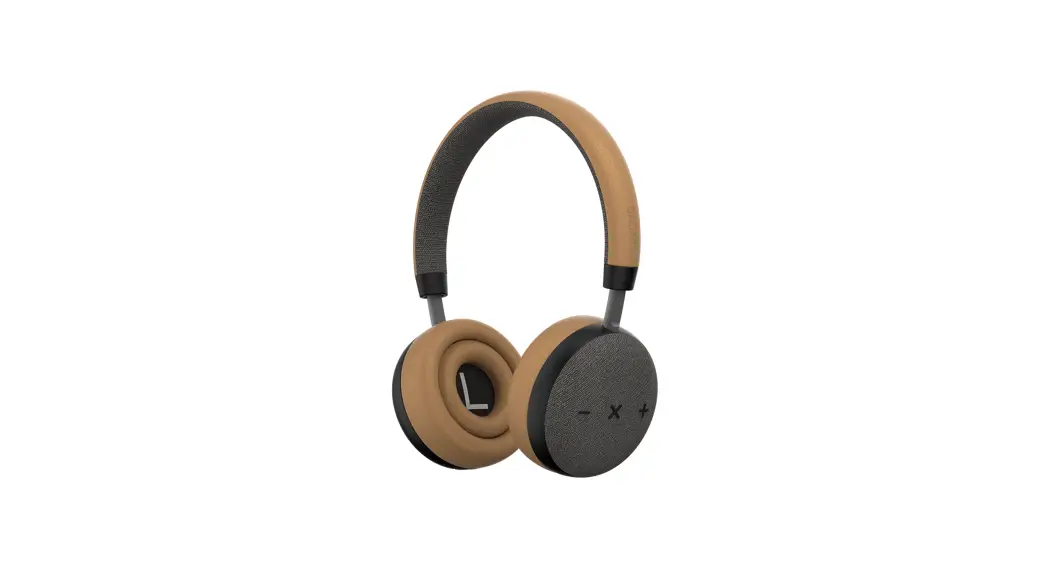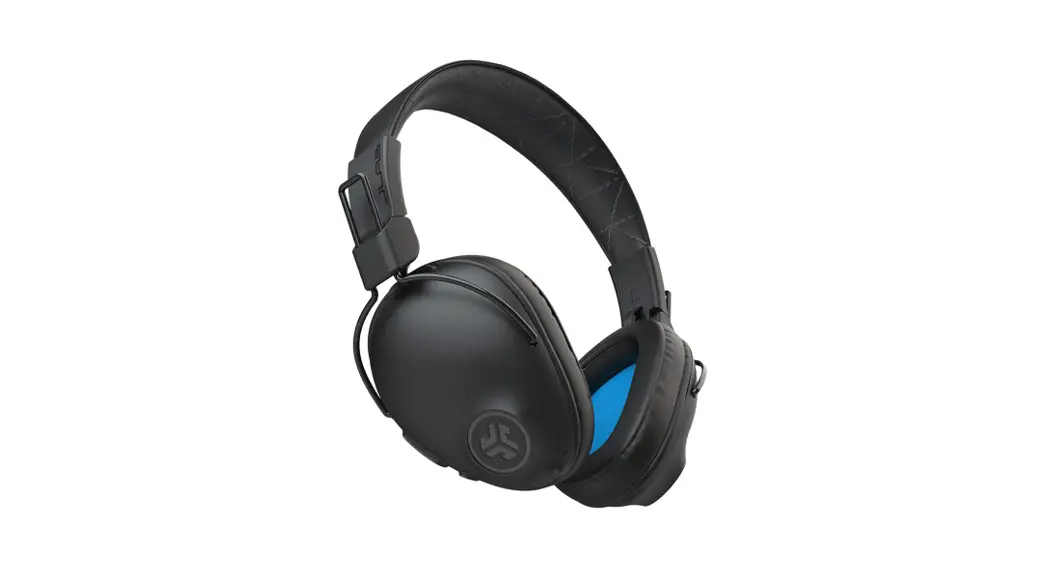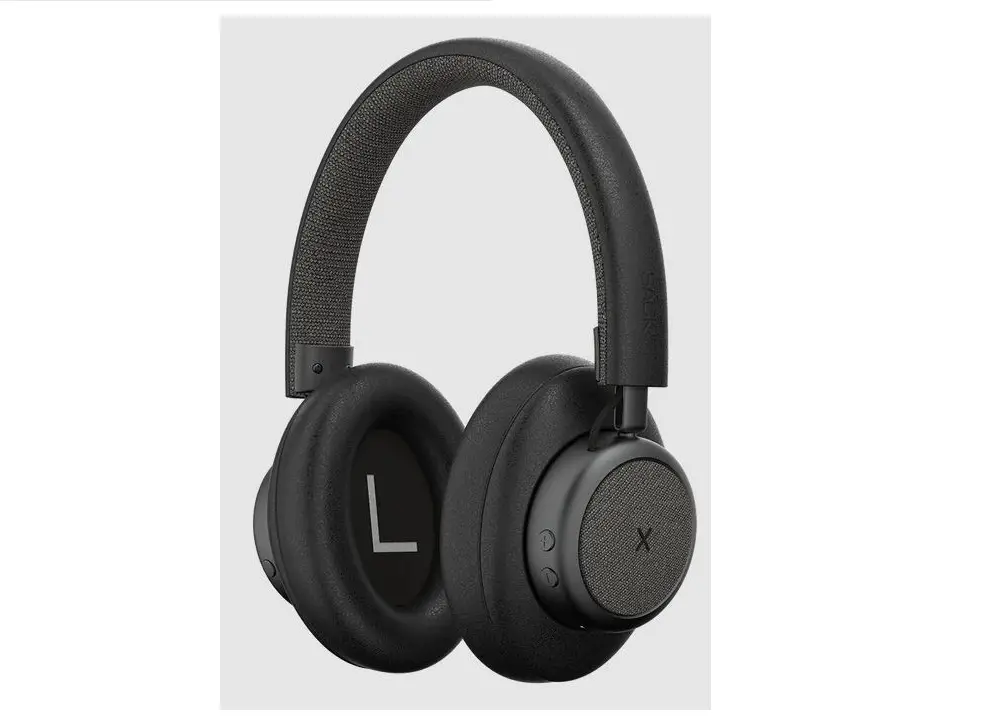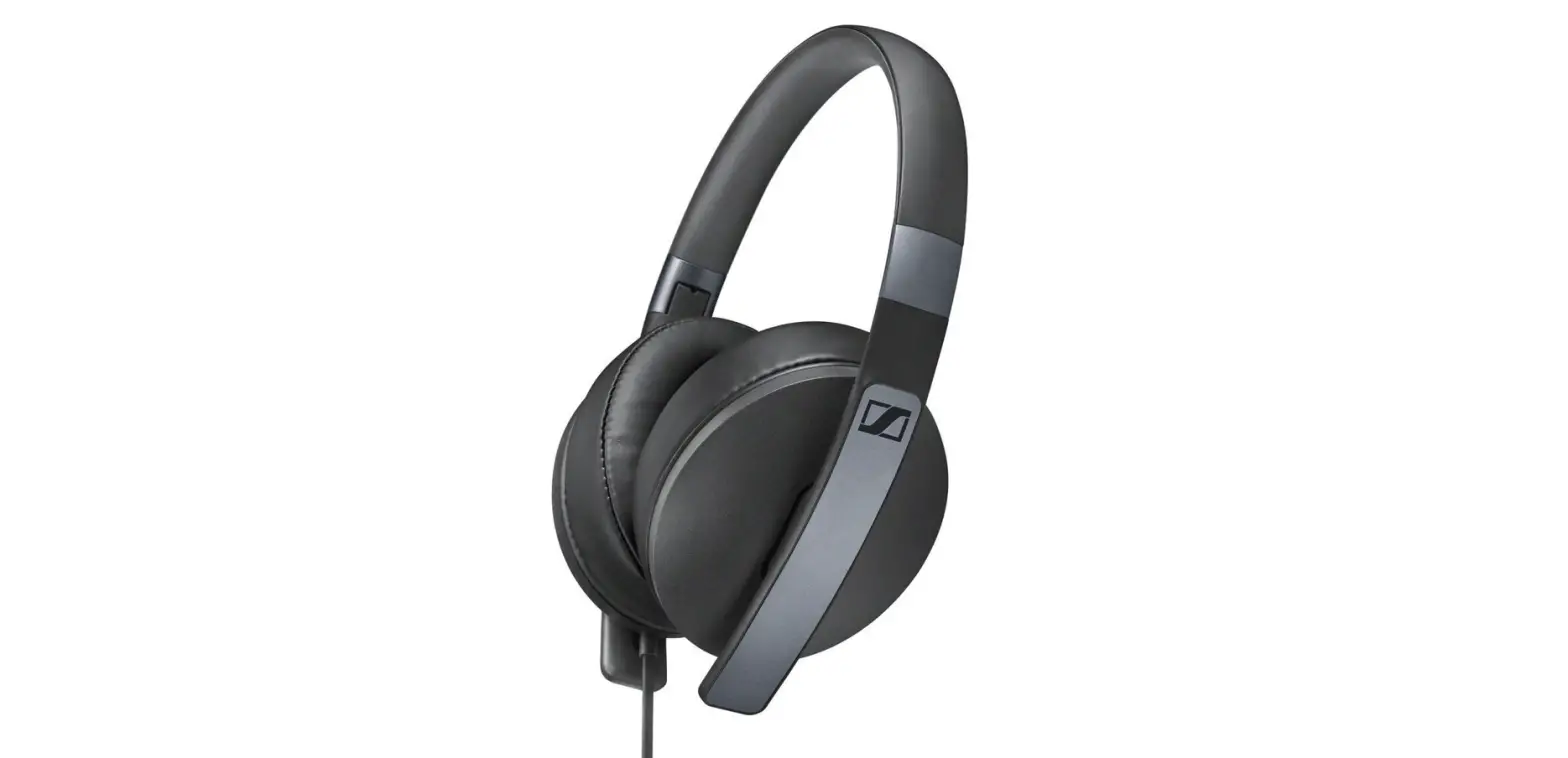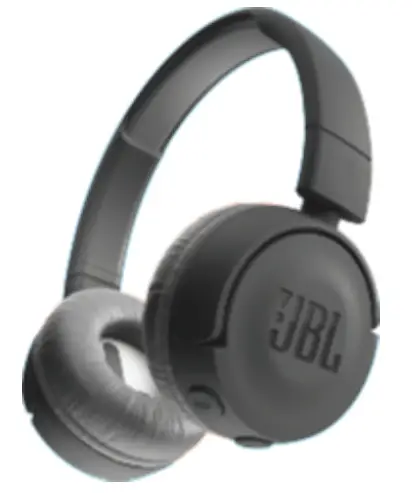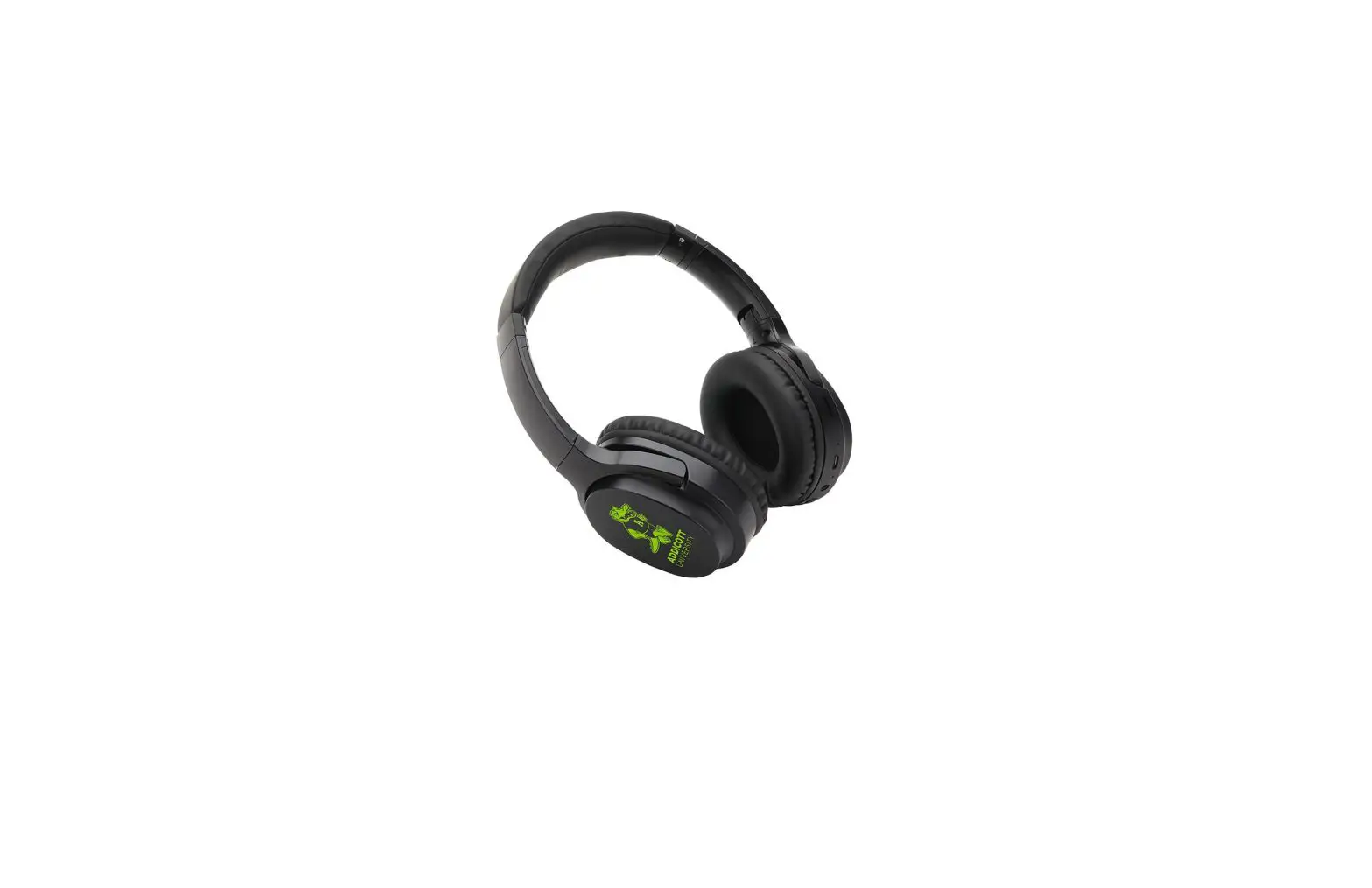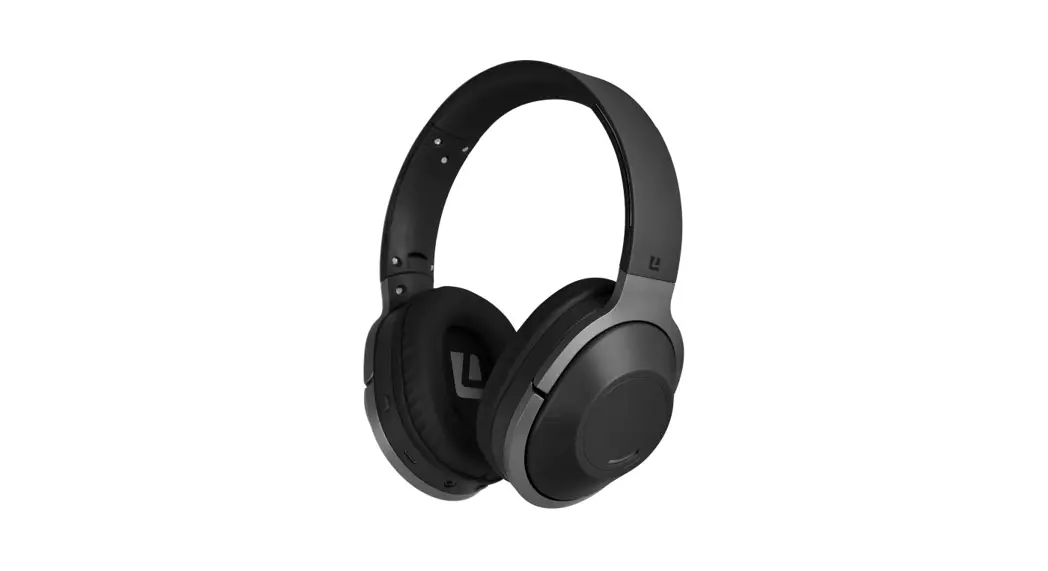

WIRELESS HEADPHONES
LE2OBTOHBK, LE2OBTOHBL, LE2OBTOHRD,
LE2OBTOHWH, LE2OBTOHTL
Specifications:
Driver Size: 40mm
Impedance: 32 Ohm ±15%
Sensitivity: 99dB ± 3dB at 1 kHz
Frequency Response: 20Hz – 20kHz
Wireless Range: 10m
Play Time: 25 Hours
Standby Time: 65 Hours
Battery Size: 400mAh
Charge Time: 2 Hours
Included:
1 x Wireless Headphone
1 x USB to Micro USB charging cable
1 x 3.5mm Audio cable
Battery Charge:
This wireless headphone is powered by a rechargeable Li-ion battery. When the battery is low the headphones will emit a sound to remind you to recharge it.
- Insert the USB charging cable into a suitable USB port for charging.
- Connect the USB charging cable with the Micro USB port on the headphone.
- The LED indicator turns red to show the battery is charging.
- The LED indicator turns off when the battery is fully charged.
- It takes about 2 hours to fully charge the headphone.
How to use these headphones:
A. Power ON/OFF
| Function | Operation | LED indicator |
| Power ON | Press and hold the power button (1) for 3 seconds | LED indicator LED indicator turns blue and the headphone issues a voice prompt ‘Power On’ |
| Power OFF | Press and hold the power button (1) for 3 seconds | LED indicator flashes red, then goes out and headphone issues a voice prompt ‘Power Off’ |
B. Pairing the Headphone
- To enter pairing mode, ensure the headphone is OFF, then press and hold the power button (1) for 5 seconds until the LED indicator flashes blue and red, and a voice prompt ‘Pairing Mode’can be heard.
- On your device search for the pairing name: LE2OBTOHBK (Black), LE2OBTOHBL (Blue), LE2OBTOHRD (Red), LE2OBTOHWH (White), LE2OBTOHTL (Teal). Once connected the voice prompt ‘Connected’ can be heard.
(Note: The headphones can be connected directly via the 3.5mm audio cable).
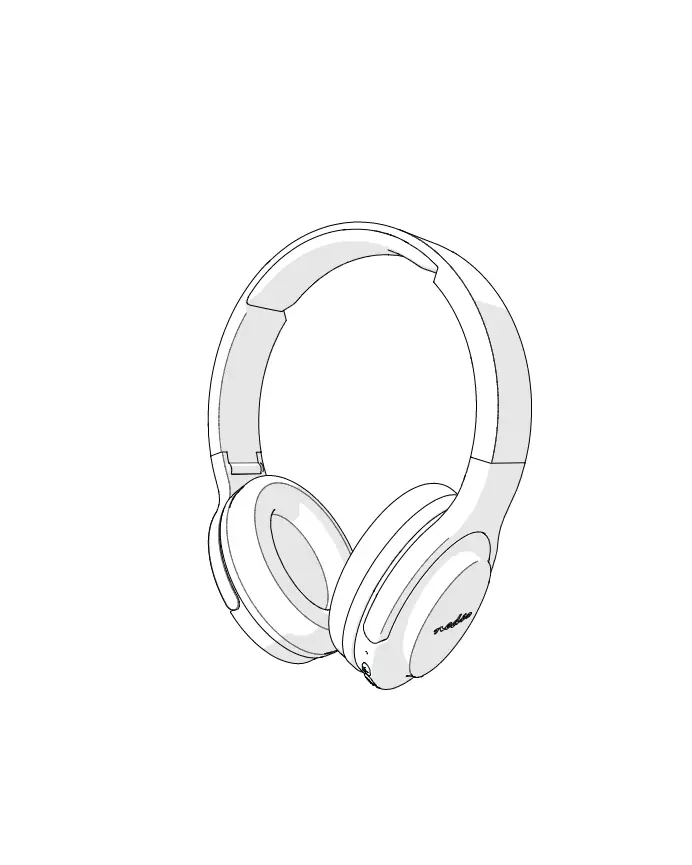
Overview:
- Power button
- Micro USB charging port
- LED indicator
- 3.5mm Audio cable port
- Built-in microphone
- Decrease volume/Previous track
- Play/Pause/Answer call/End call/Reject call
- Increase volume/Next track
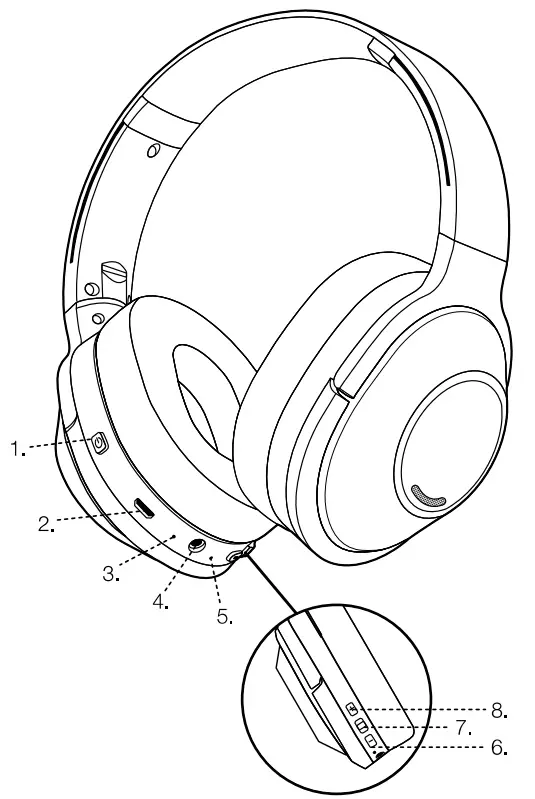
| Function | Operation |
| Pause | Press button (7) |
| Play | Press button (7) |
| Next Song | Press and hold button (8) |
| Previous Song | Press and hold button (6) |
| Volume Up | Press button (8) When the volume is adjusted to the maximum you will hear an indication tone |
| Volume Down | Press button (6) |
| Answer Call | Press button (7) |
| End Call | Press button (7) |
| Reject Call | Press and hold button (7) for 2 seconds |
| Call Last Number | Press button (7) twice in quick succession |
| Voice Activation | Press and hold button (7) for 3 seconds until activated |
Liquid Ears™ PO Box 5658 Brendale QLD Australia 4500
Customer Support 1800 812 261
www.liquidears.com
DESIGNED IN AUSTRALIA
Continuous use at the full output may damage hearing.
Liquid Ear is a registered trademark.