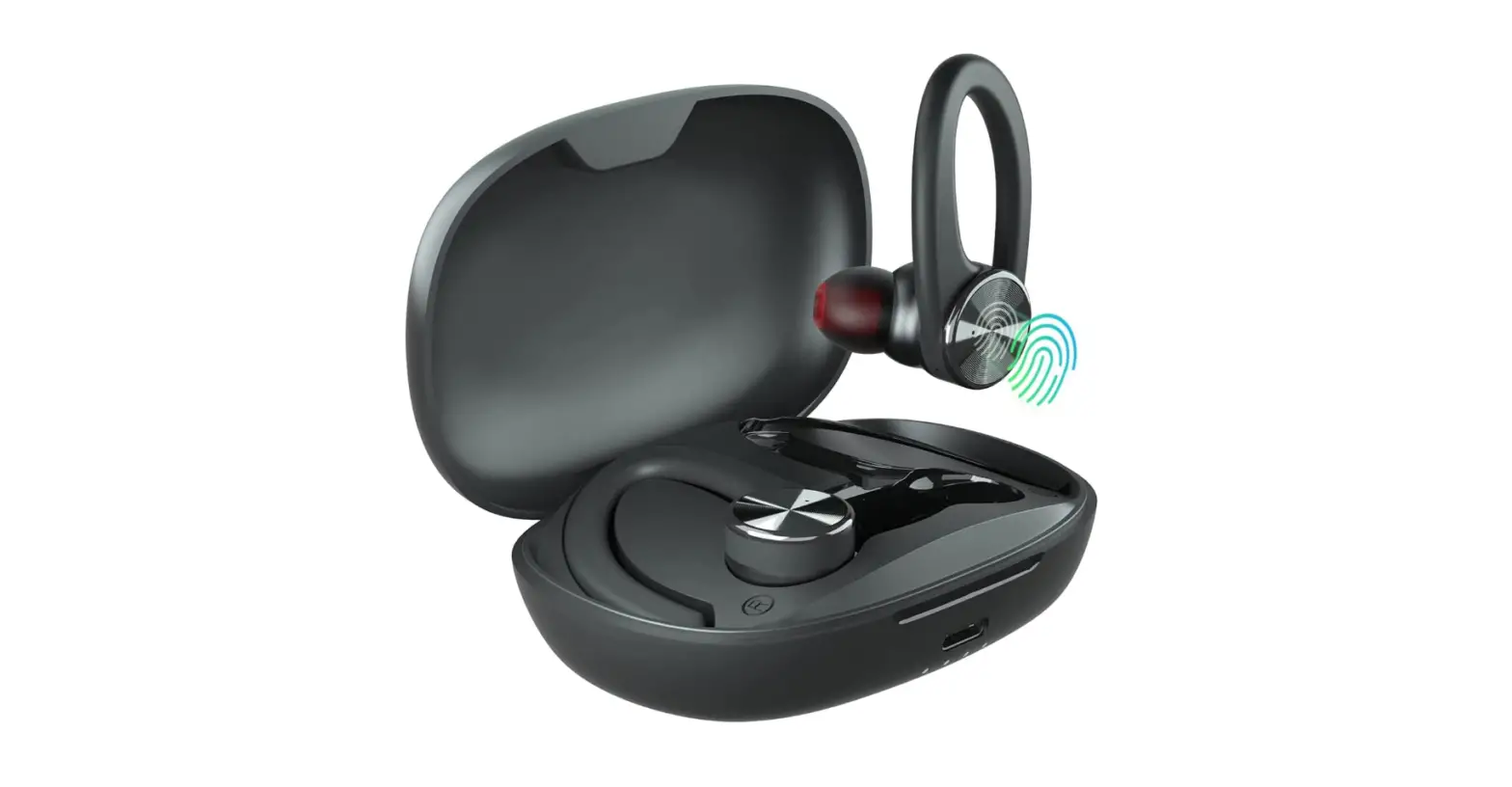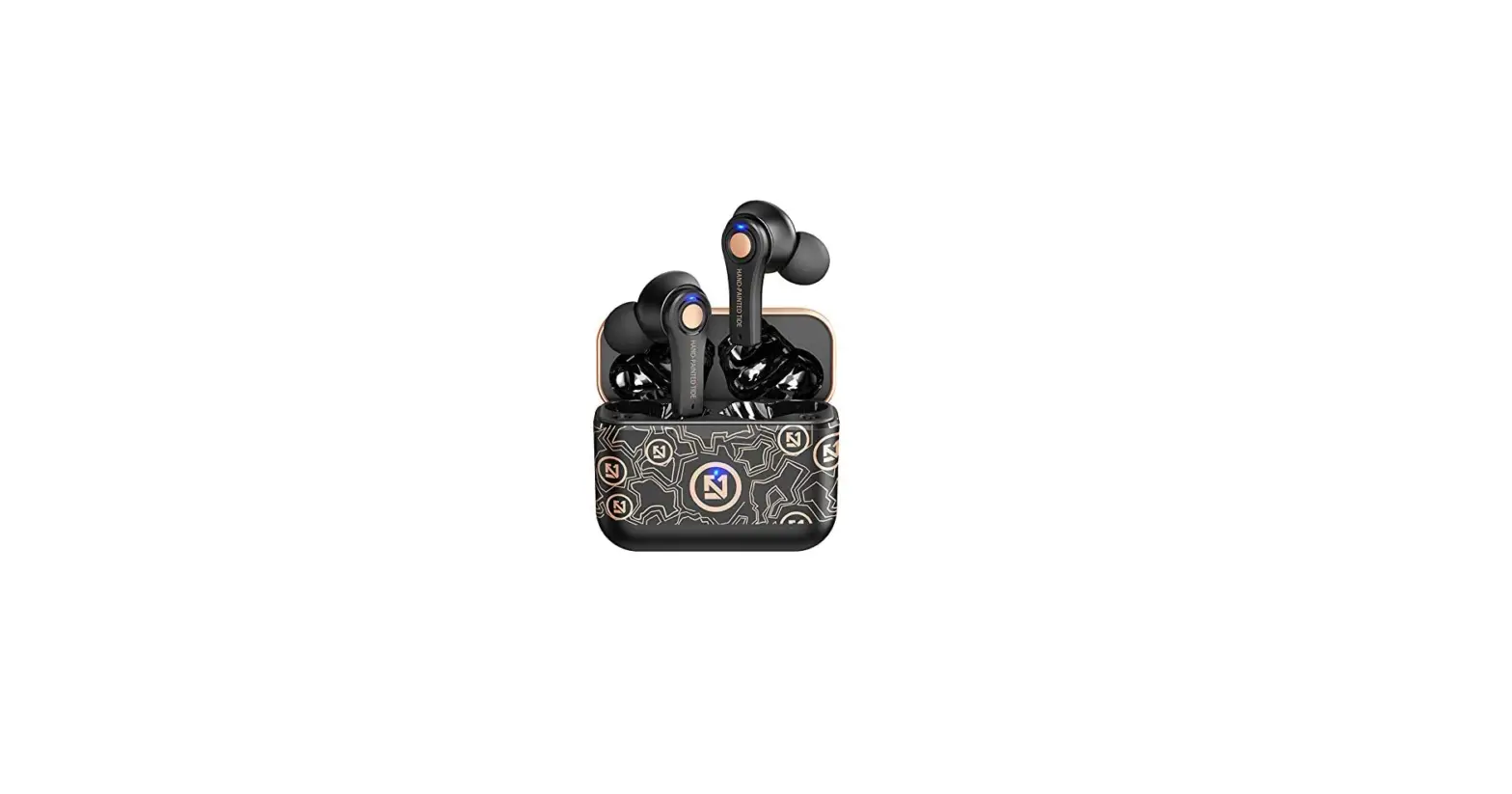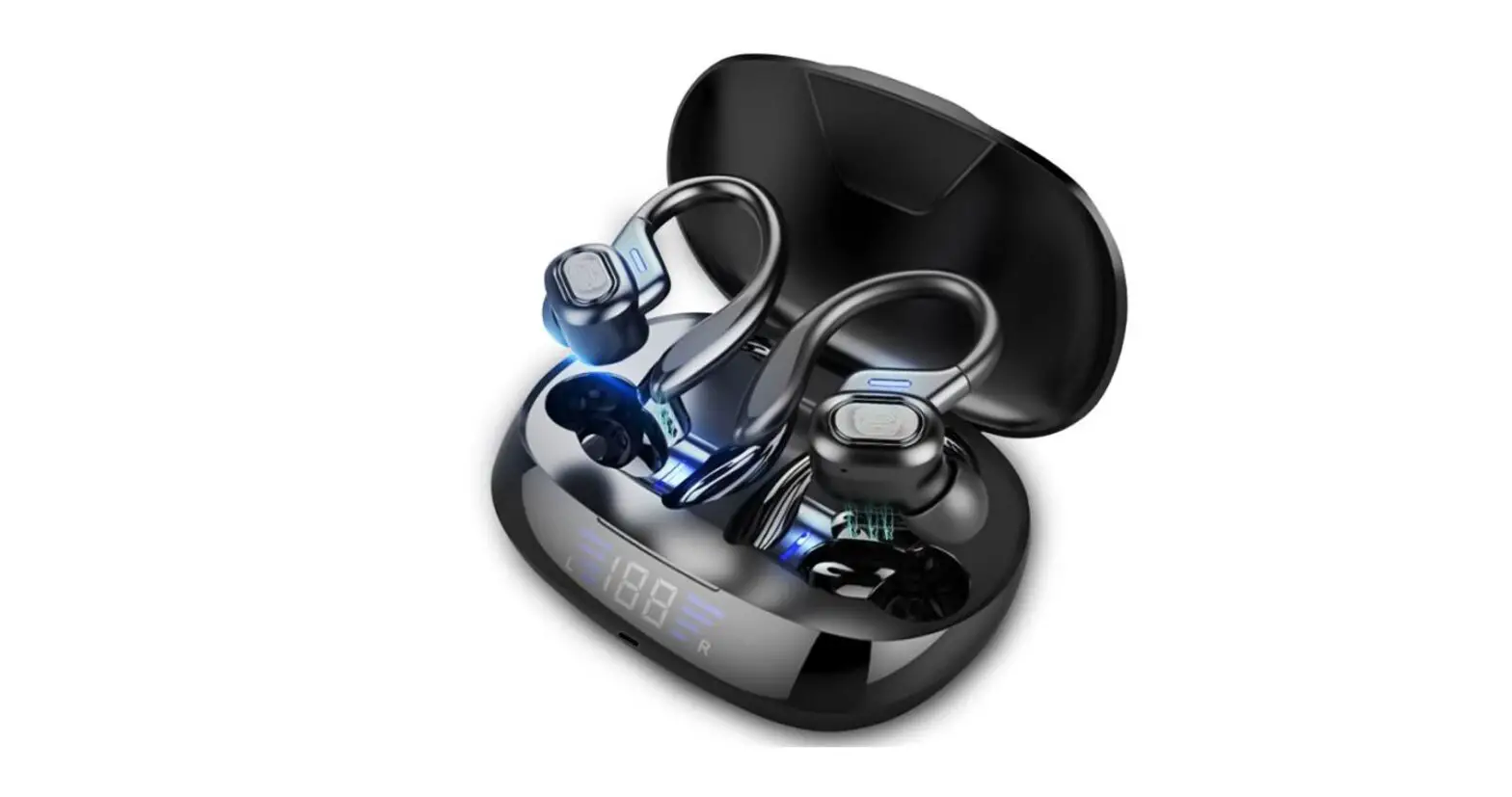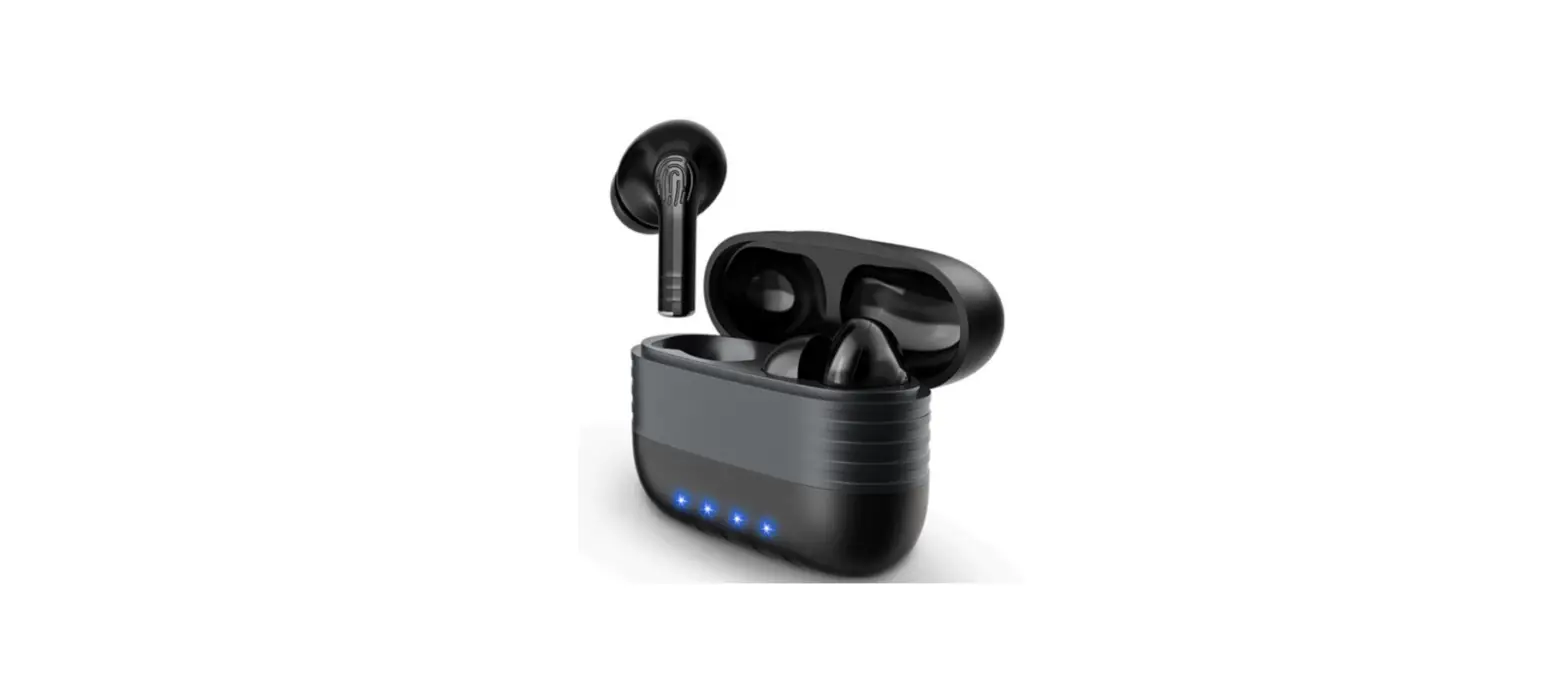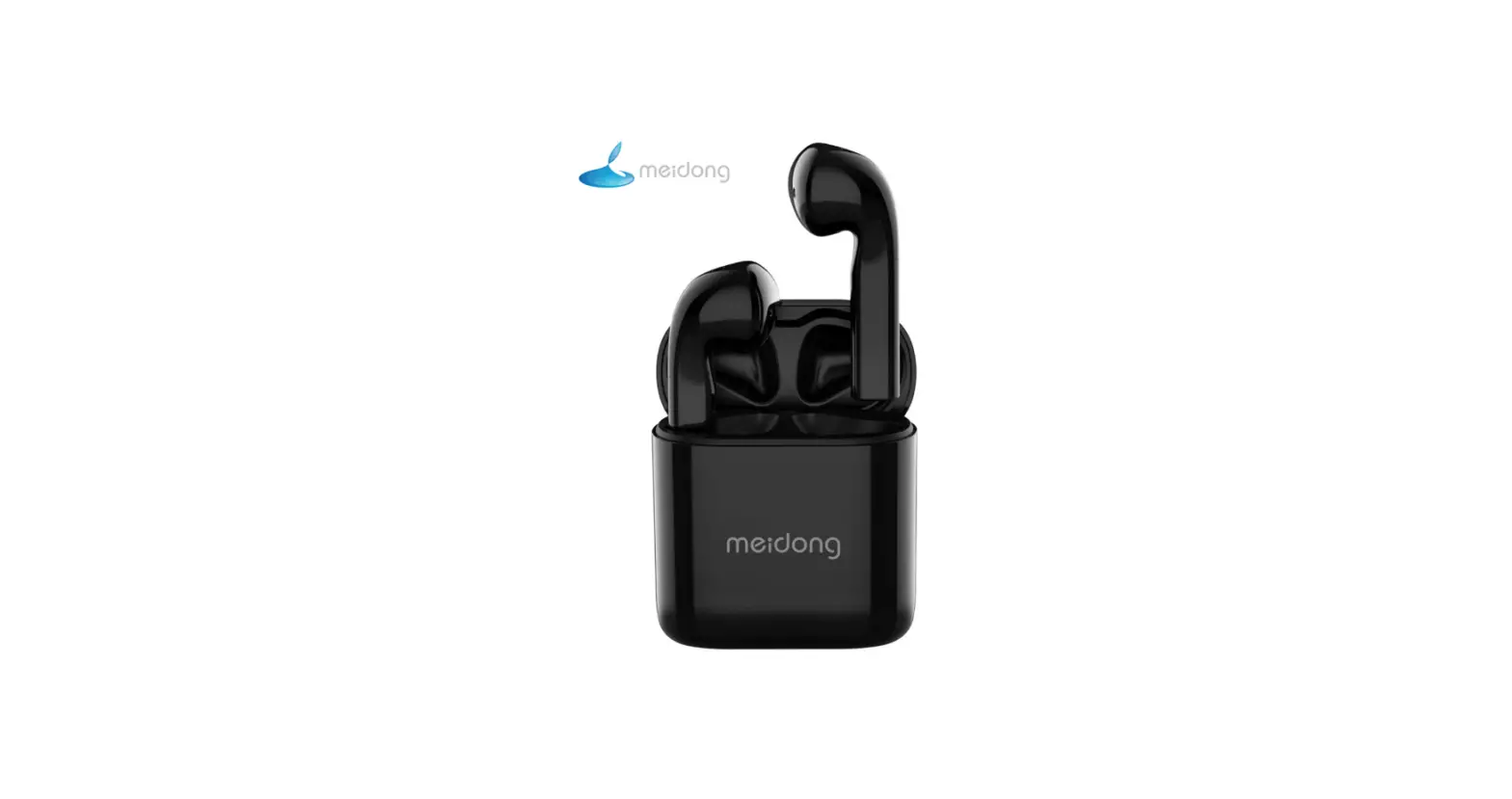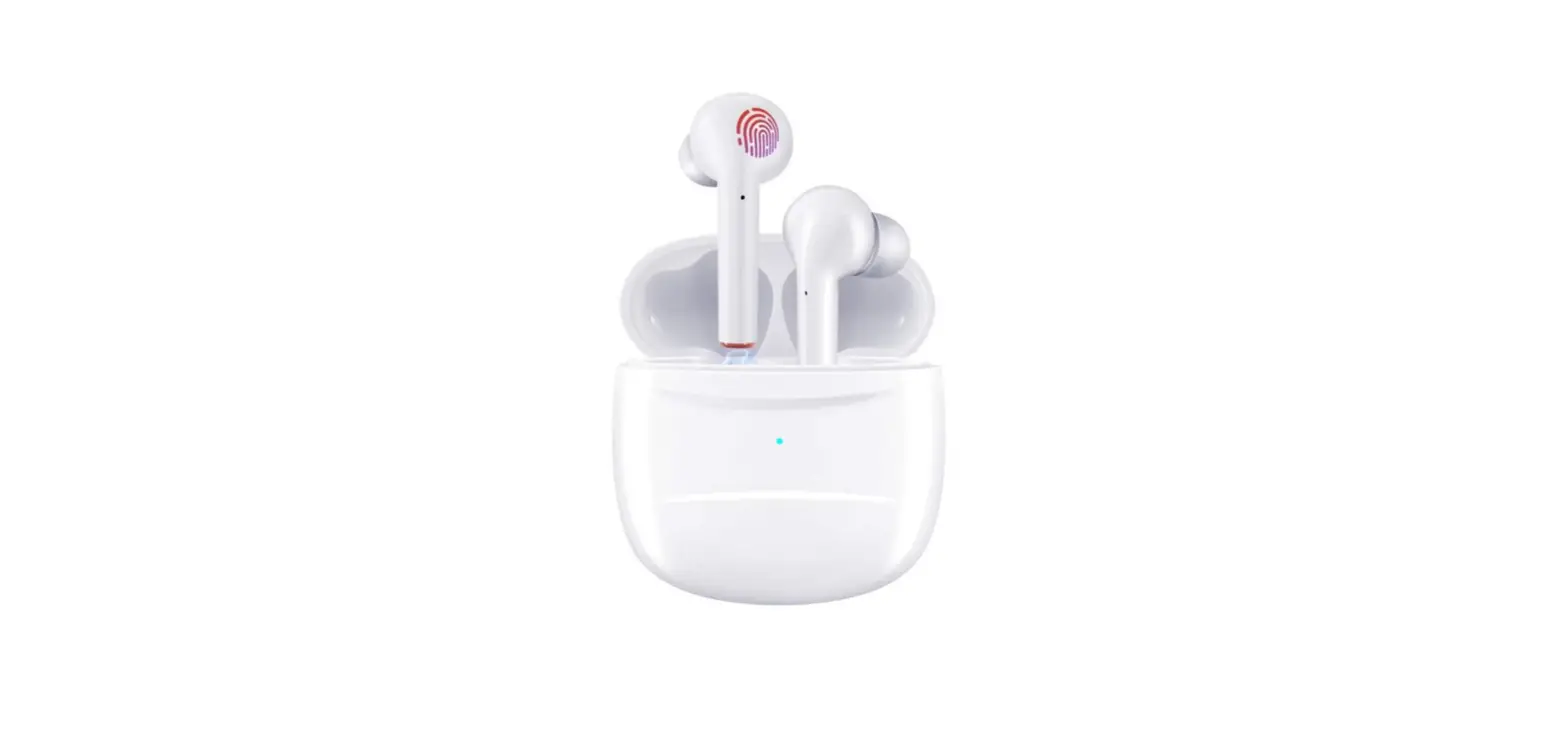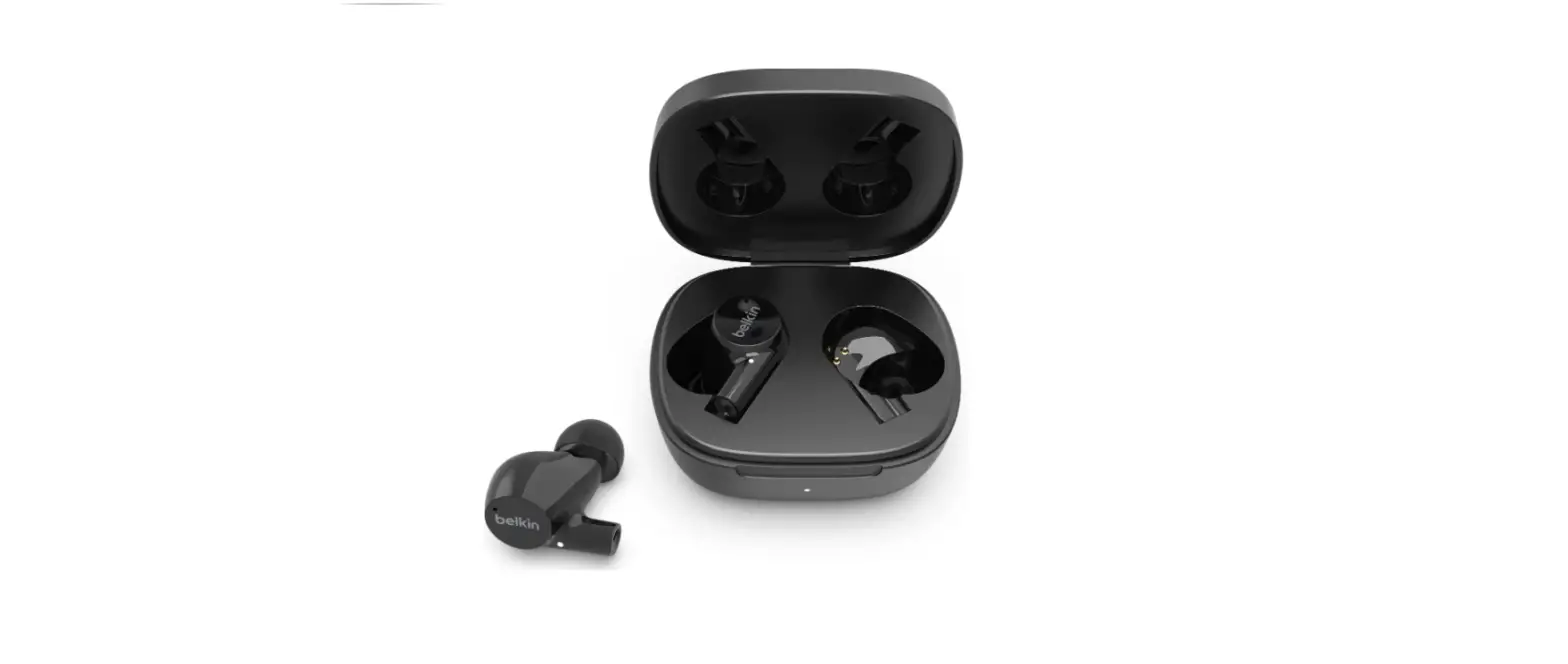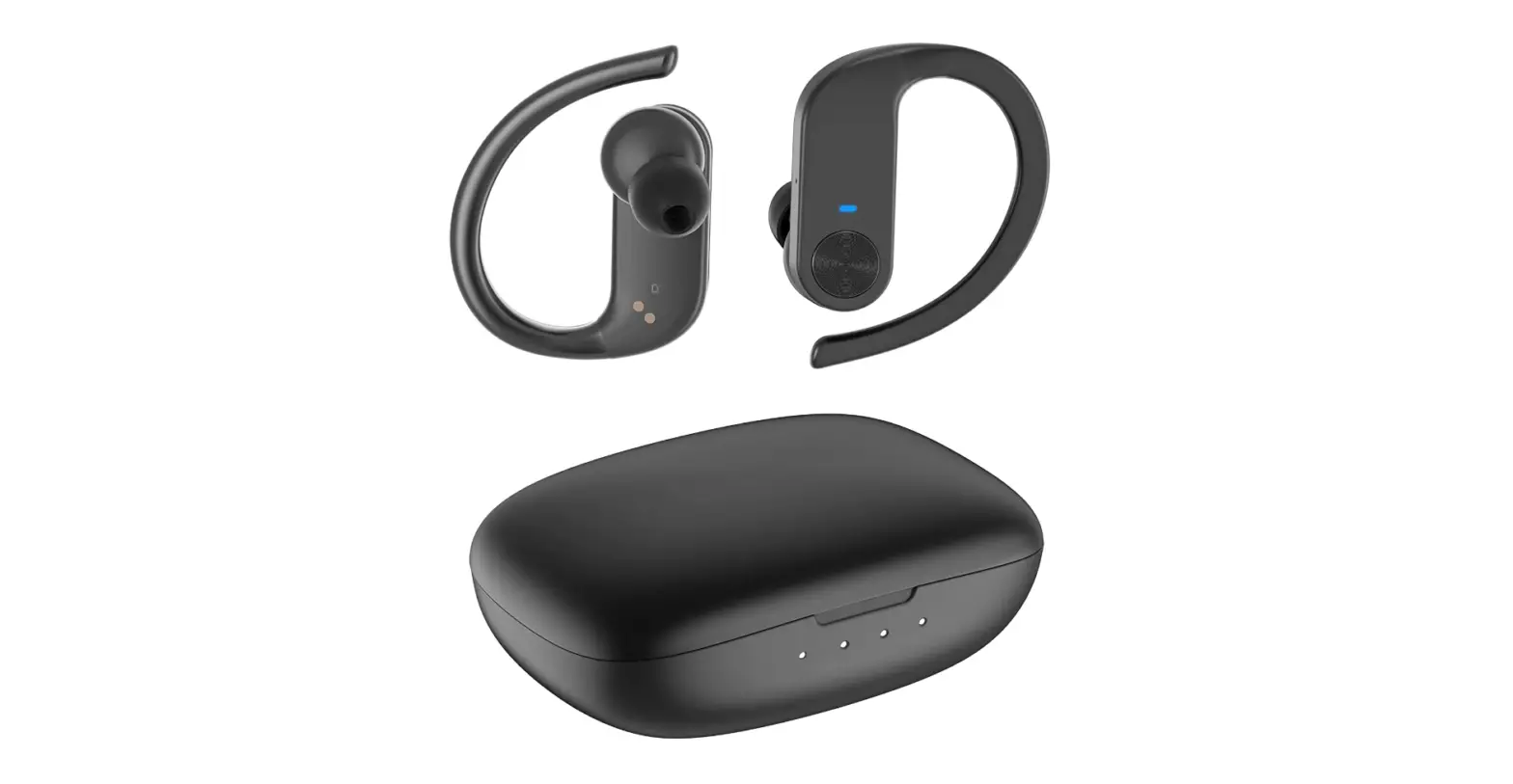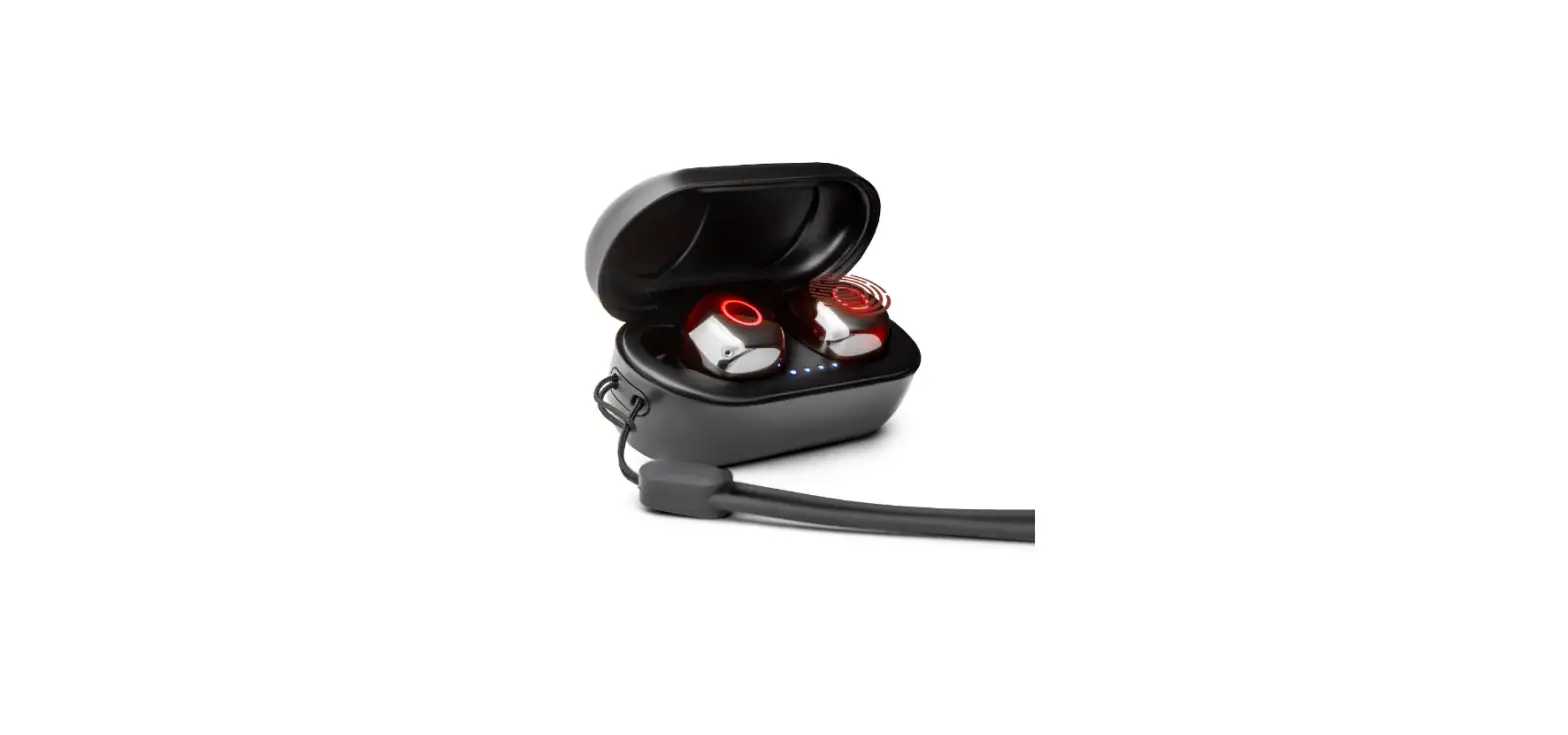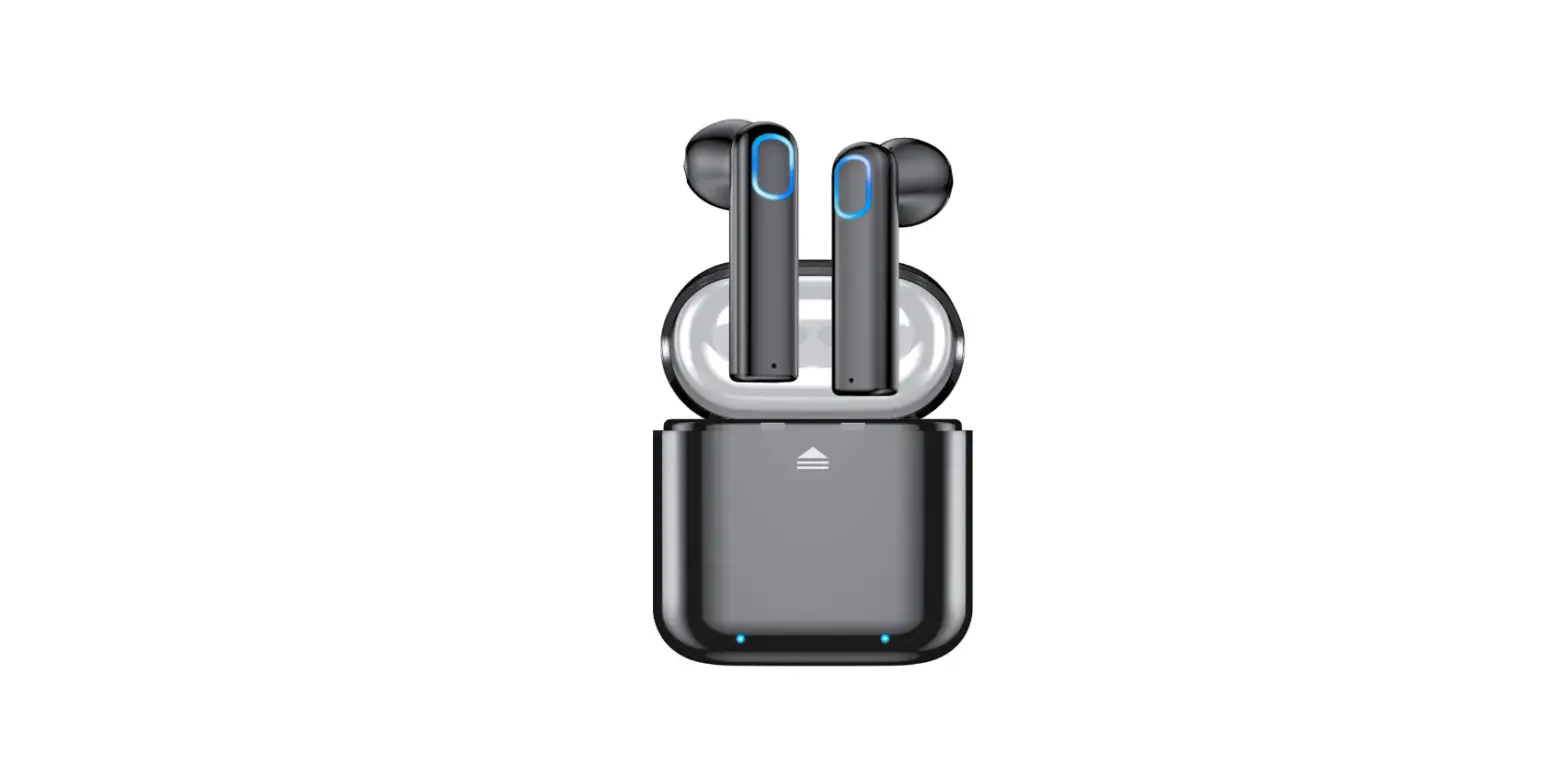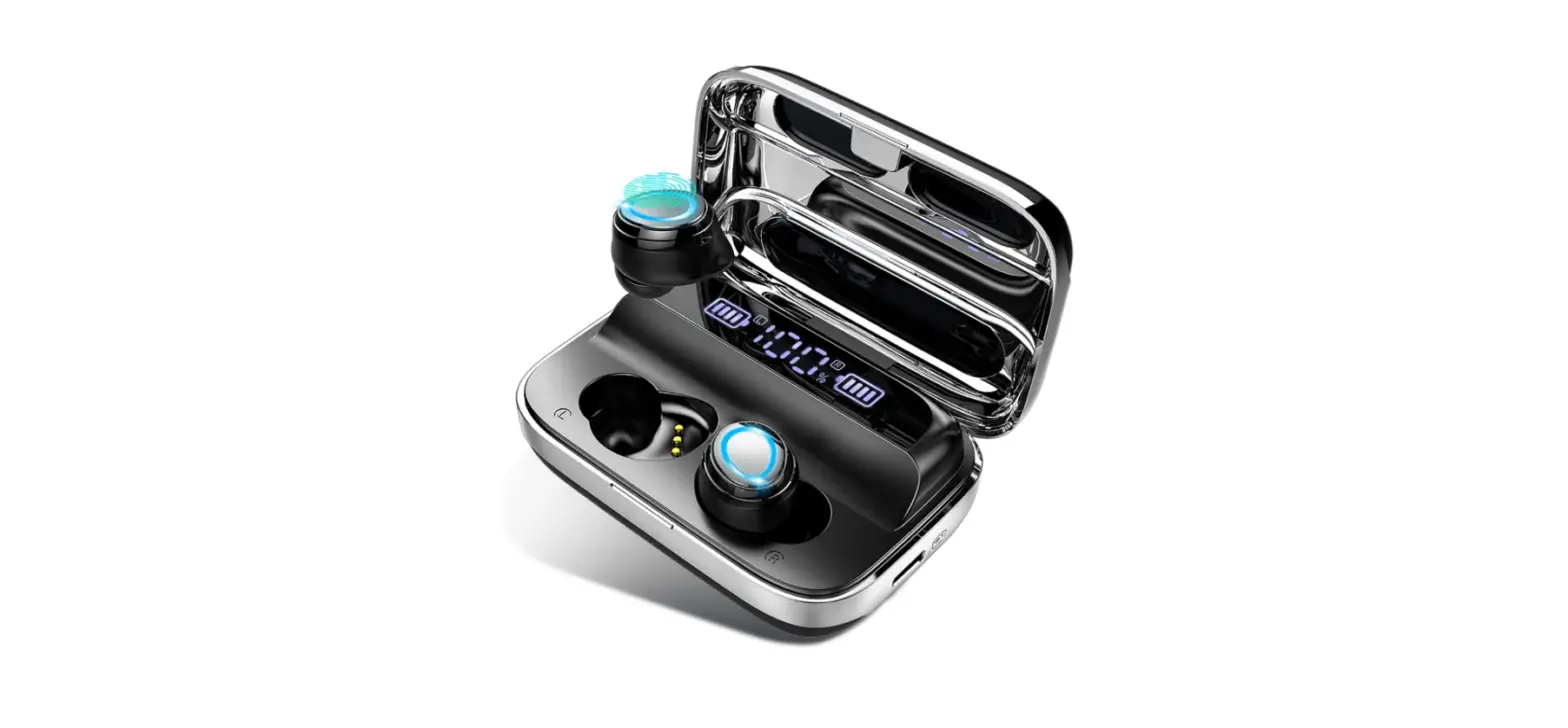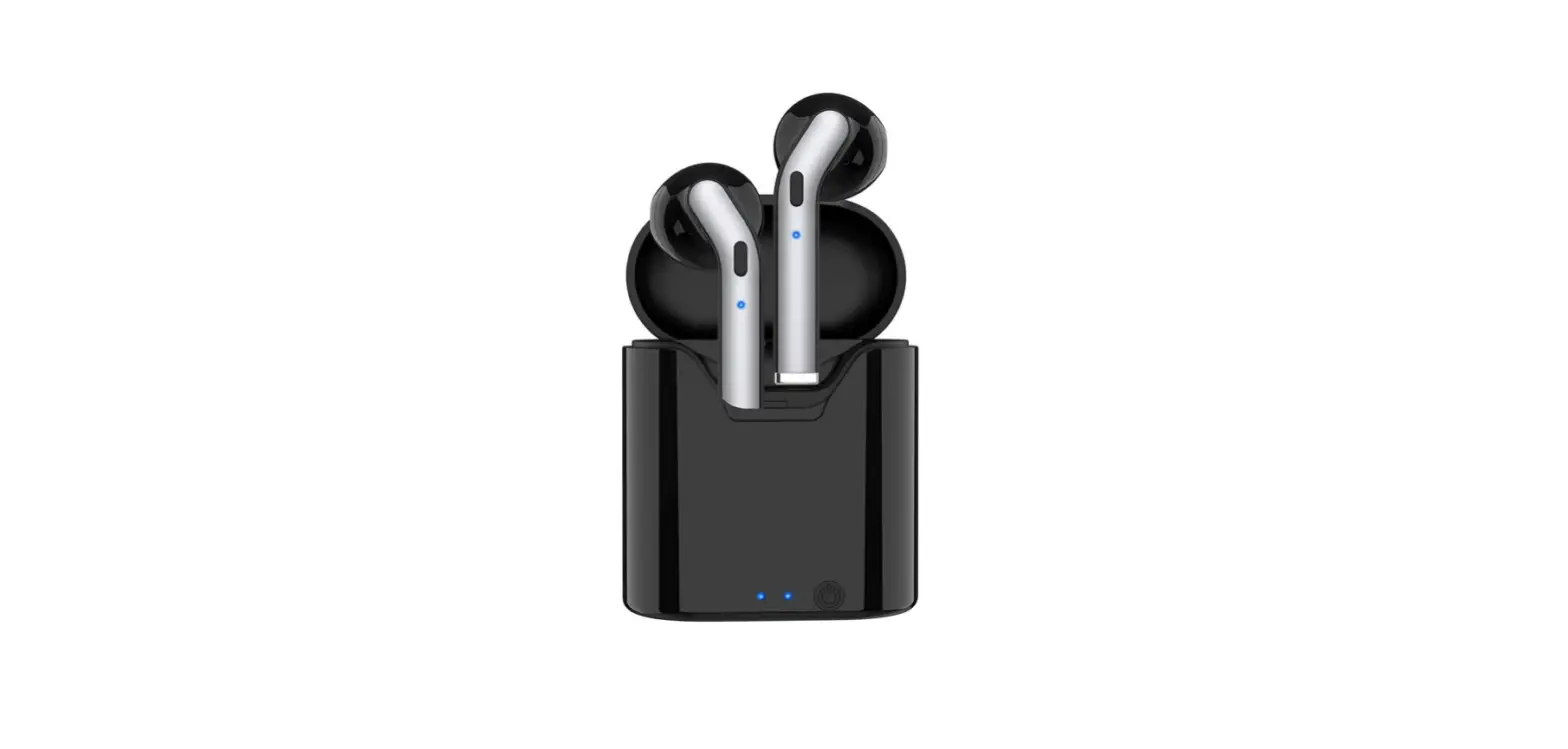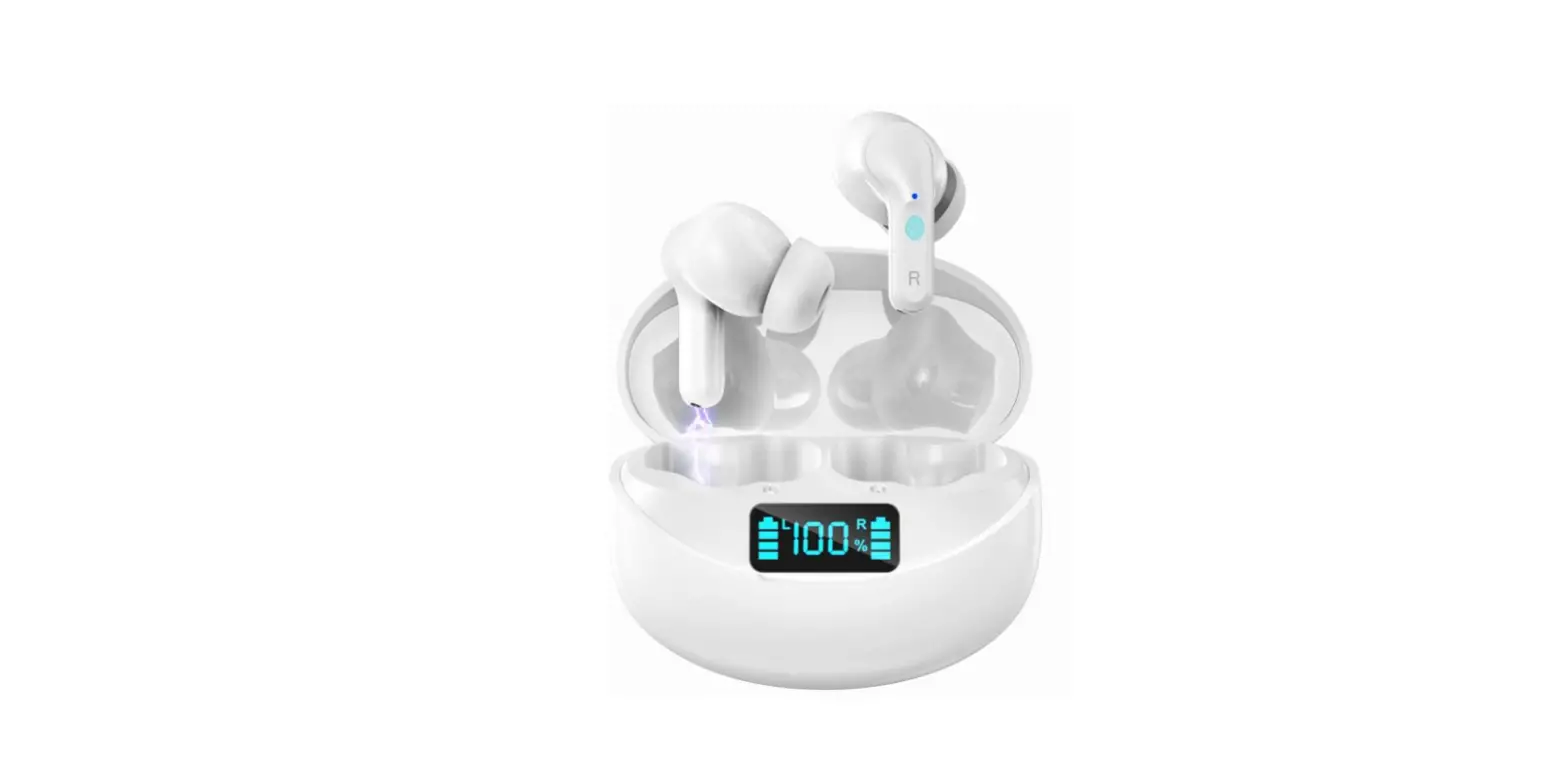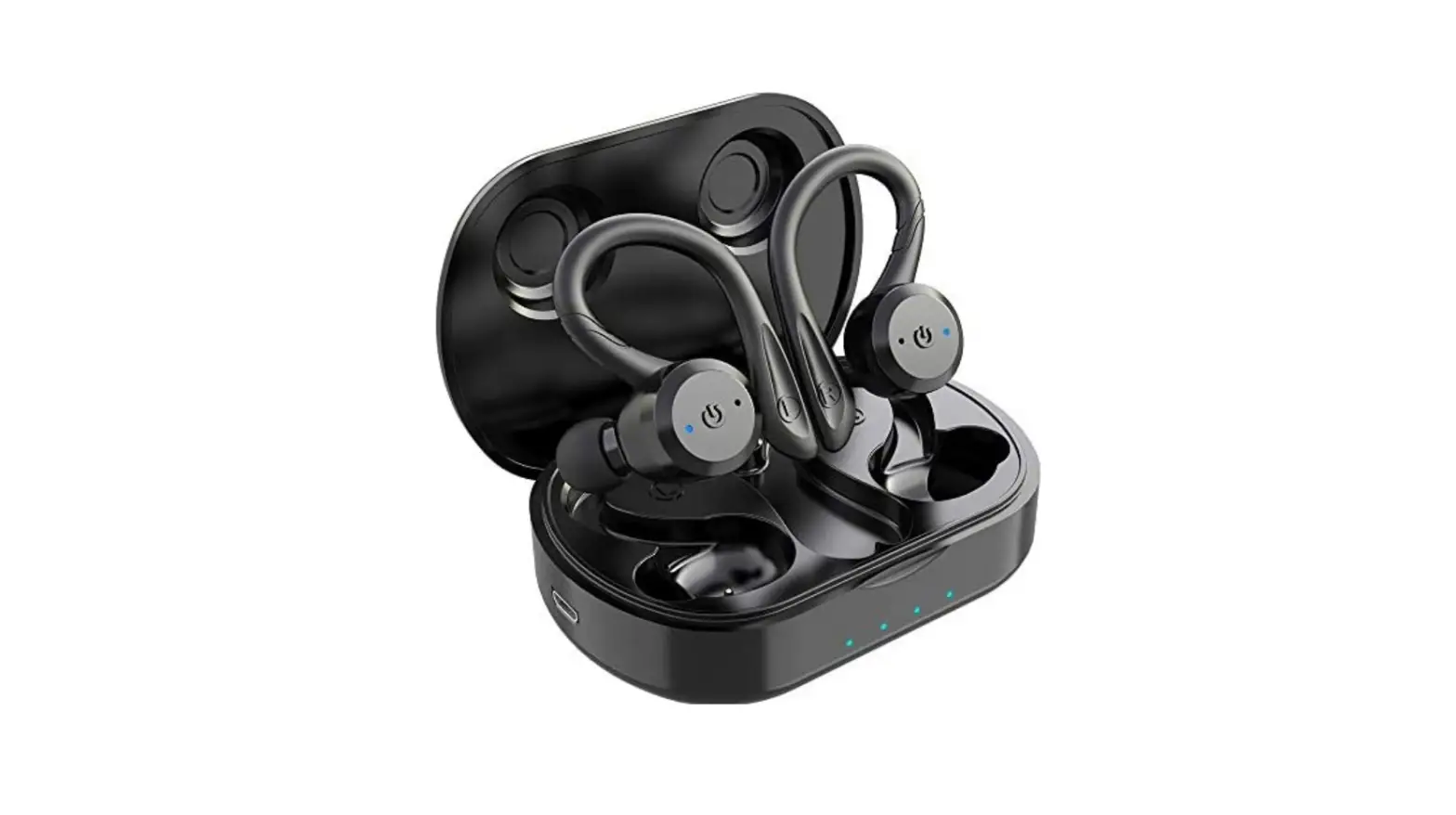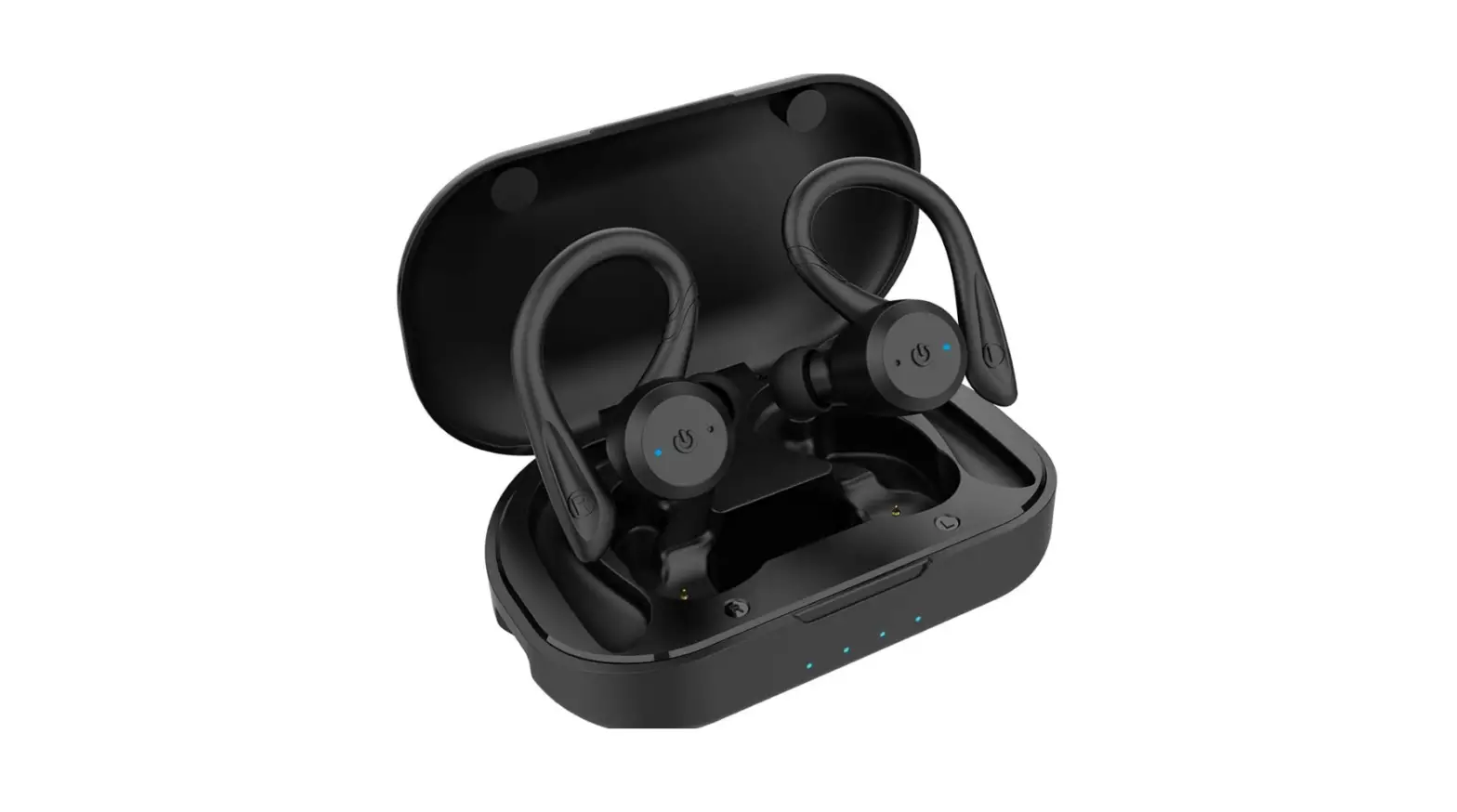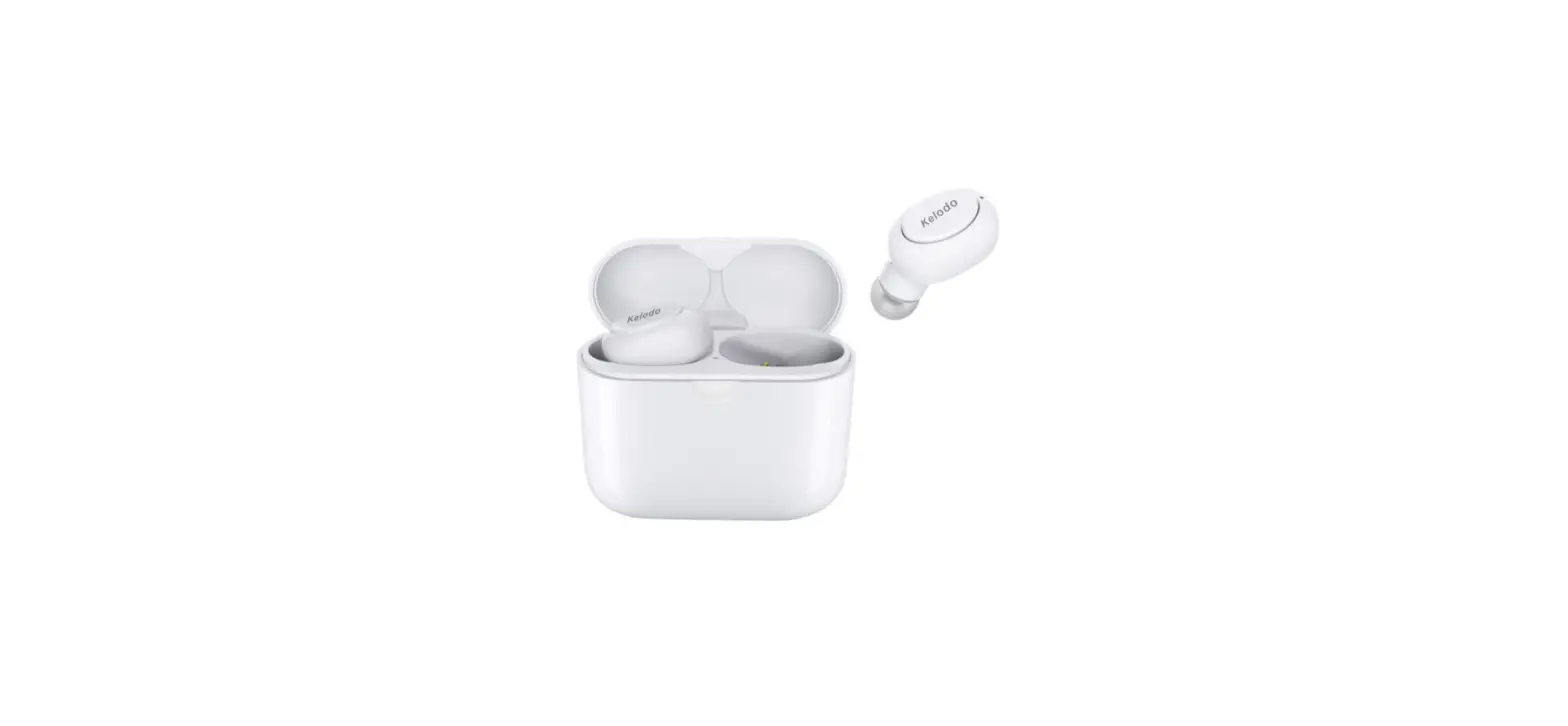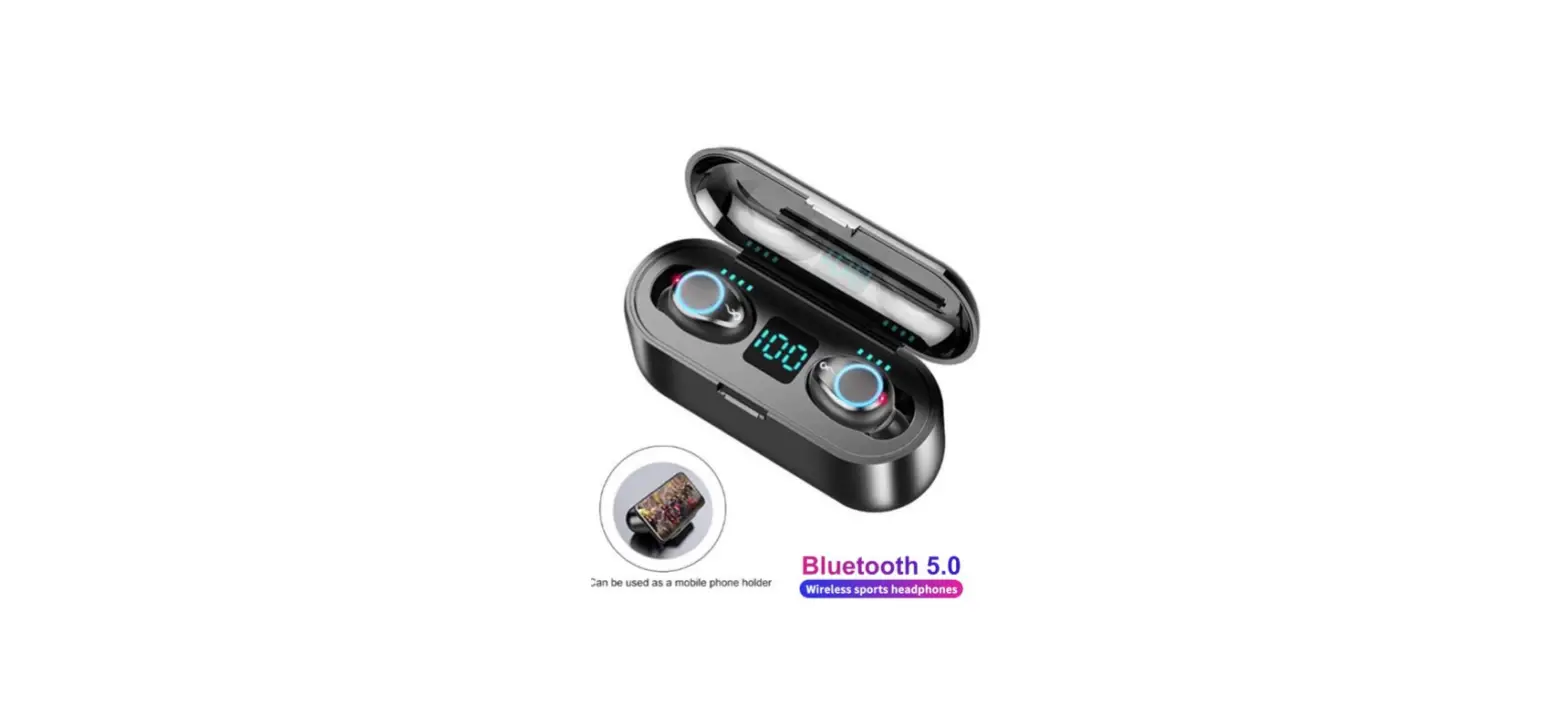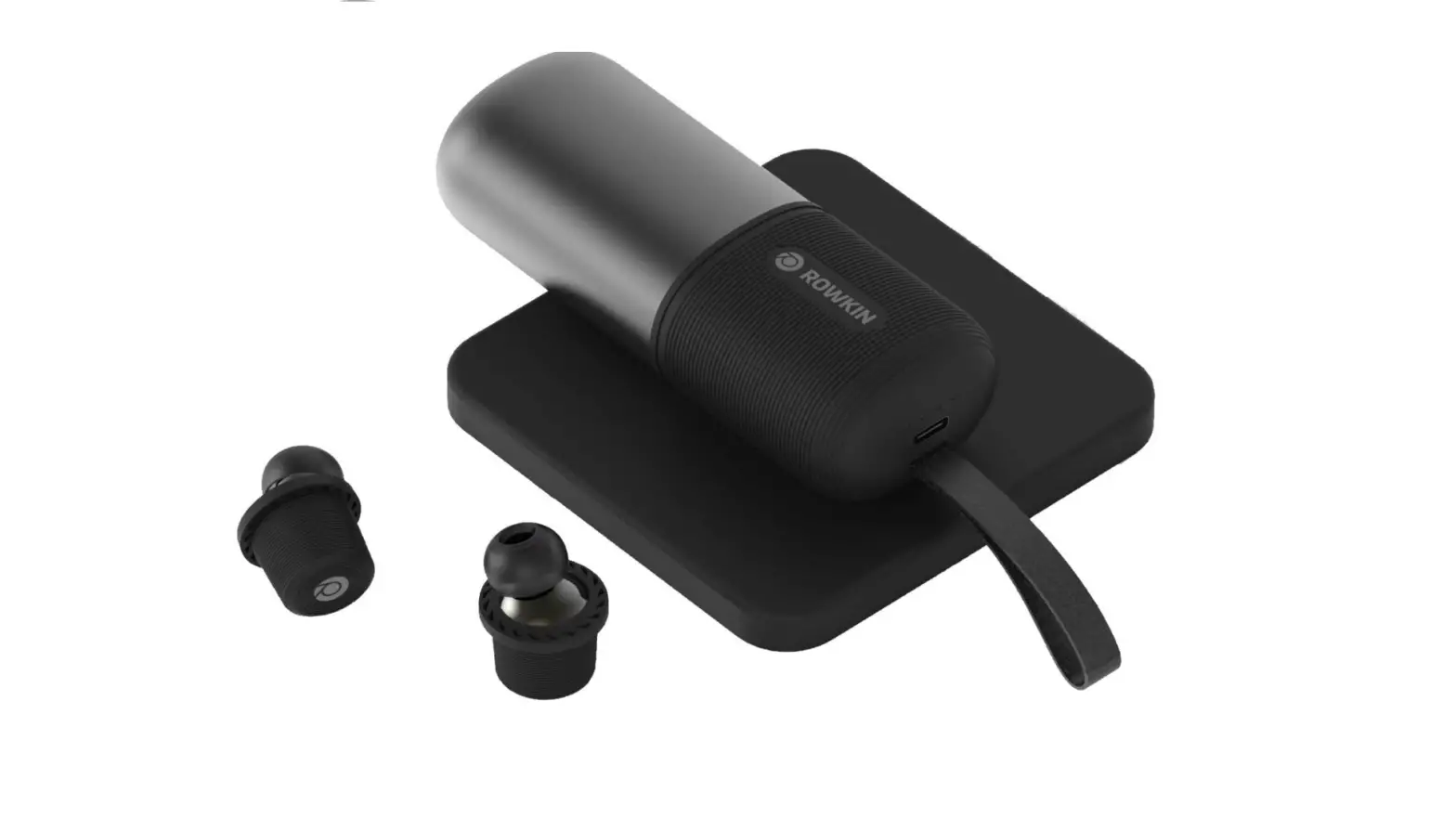
Rowkin Ascent Charge+ True Wireless Earbuds Headphones: 50+ Hours Bluetooth 5 Smallest Earphones
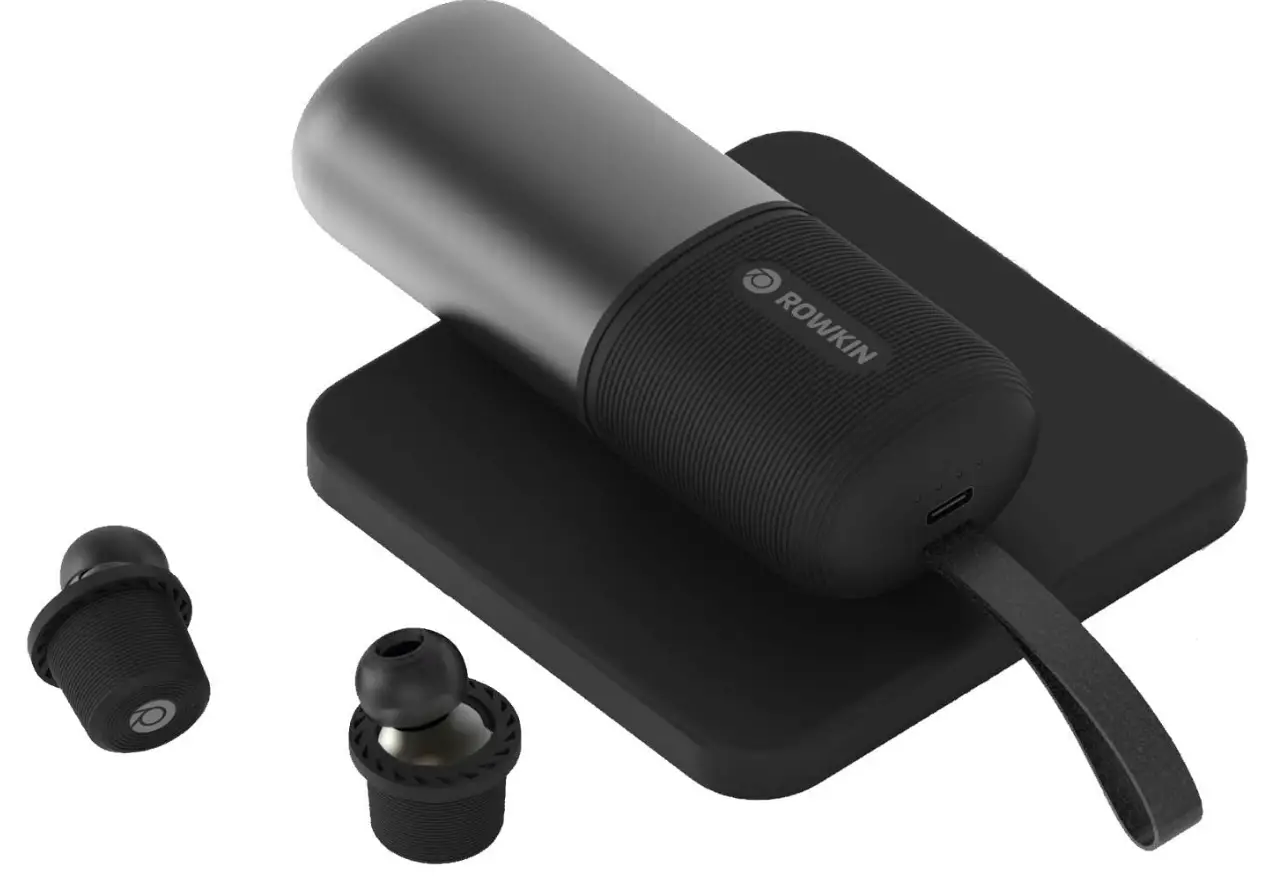
Specification
- Product Dimensions
4.45 x 1.71 x 1.28 inches - Item Weight
4.9 ounces - Batteries
3 Lithium Ion batteries required - Form Factor
In Ear - Wireless Communication Technology
Bluetooth - Brand
Rowkin
Introduction
Rowkin has developed an earbud that fits comfortably in the ear and stays in place during vigorous adventure sports, in contrast to other brands that try to suit the entire ear. The detachable rubber wheel makes retention simple and bulk-free. Your wireless headphones will be virtually undetectable, looking like little dots in your ears. It is simple to use and store because there are no wires or cords. For their extremely small size, these Bluetooth earphones are technologically advanced.
IN-THE-BOX
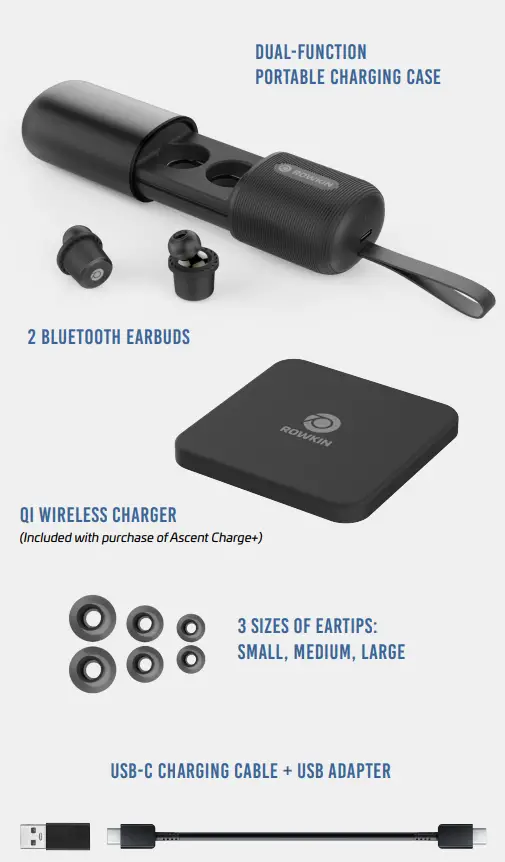
- DUAL-FUNCTION
PORTABLE CHARGING CASE - BLUETOOTH EARBUDS
QI WIRELESS CHARGER
(Included with purchase of Ascent Charge+) - SIZES OF EARTIPS:
SMALL, MEDIUM, LARGE
SB-C CHARGING CABLE + USB ADAPTER
FEATURES
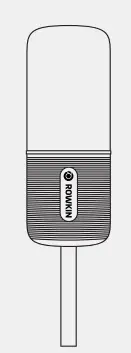
DUAL-FUNCTION PORTABLE CHARGING CASE
- Charges earbuds
- USB-C port for charging your mobile device
- Premium metal finish
- Durable carrying strap
- Qi-compatible
LEFT & RIGHT BLUETOOTH EARBUDS
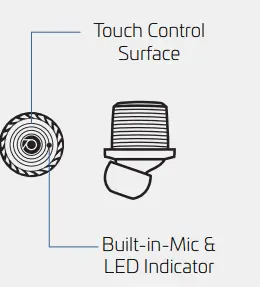
- Capacitive touch
- Noise cancelling
- Quality sound
- IPX5 water-resistant technology
WIRELESS QI CHARGER
(Included with purchase of Ascent Charge+)
The 5W single coil Qi charger allows you to charge your Ascent Charge and other compatible mobile devices.
ROWKIN APP
Download the Rowkin Mobile App on your phone to access “Find My Earbuds” feature and sound customization.
CHARGE DEVICE
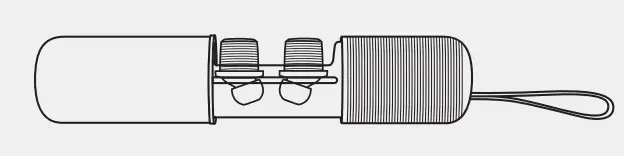
To charge your earbuds place both earbuds in the charging case. When earbuds are charging, the red LED will blink. Once they are fully charged, the LED will turn.
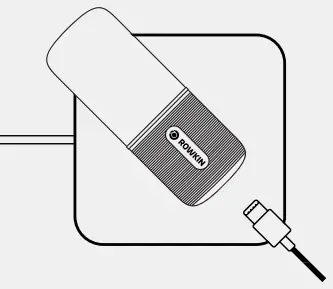
To charge the charging case, place charging case directly on top of Qi wireless charger
OR
Plug the USB-C cable into the port on the bottom of the case and then connect to power.
The charging case also acts as a power bank for your other devices. Simply plug the USB-C cable into the port on the bottom of the case and then connect the other end to your device.
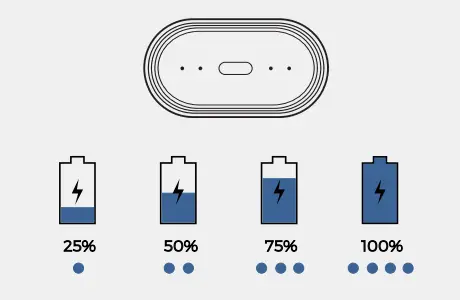
BATTERY LEVEL INDICATOR LED
Lightly shake charging case to check battery levels. Each LED indicates 25% charge level.
QI CHARGER
(Included with purchase of Ascent Charge+)
The 5W single coil Qi charger charges your Rowkin Ascent products and other Qi-compatible devices.
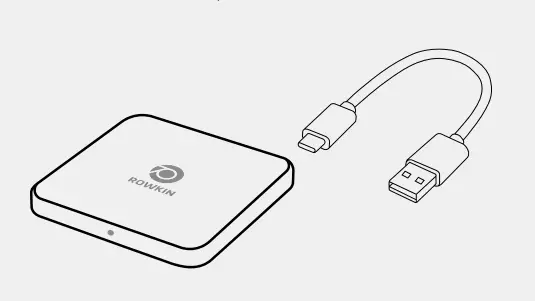
To use the Qi charger, plug the charging pad into a power source using the included USB cable. The LED light should turn on.
To charge the Ascent charging case, place charging case directly on top of Qi wireless charging pad. Charge pad LED light will slowly blink as device charges.
For optimal performance, your device should be placed in the proper location on the pad. Refer to diagram below.
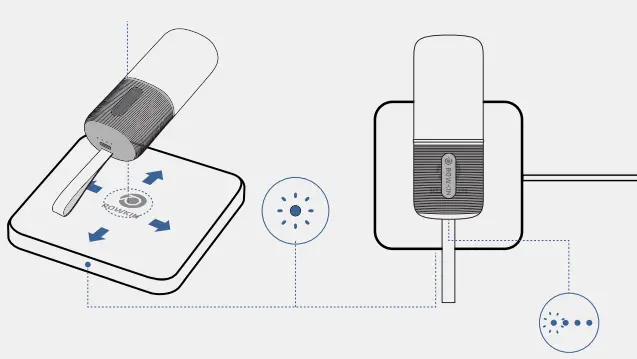
Do not place other objects on Qi charging pad.
SYNC + PAIR
TRUE WIRELESS NEEDS BLUETOOTH.
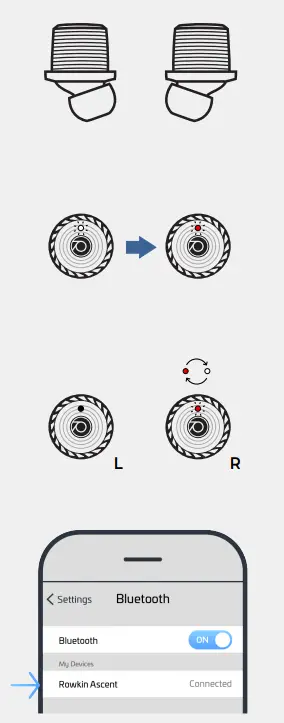
These earbuds will automatically sync to each other.
- Remove earbuds from case and place next to each other on a flat surface. Be sure to place them so the LED lights are visible.
- Earbuds turn on automatically when they are removed from the case. You will hear “Power On” from both earbuds.
- A red LED light will be lit followed by blinking white LED lights, (takes approximately 5 seconds.)
- Once the earbuds are synced to each other, the Right earbud will flash red and white to indicate it has entered pairing mode.
- Go to Bluetooth settings on your device and select “Rowkin Ascent”.
- Once the LED stops flashing red and white on the Right earbud, you are connected and ready to experience true wireless sound
FOR SUBSEQUENT USE
POWER ON
Take earbuds out of the case orpress and hold the earbud surface until you hear “Power On” (approx. 3 seconds)
POWER OFF
Place earbuds back in the case or press and hold the button until you hear “Power O” (approx. 5 seconds)
CONTROLS
LEFT EARBUD
- NEXT TRACK
DOUBLE TAP - PREVIOUS TRACK
TRIPLE TAP
RIGHT EARBUD
- PLAY/PAUSE
DOUBLE TAP - SIRI/GOOGLE
TRIPLE TAP
EITHER EARBUD
- ANSWER CALL
TAP AND HOLD
FOR 3 SECONDS - END CALL
TAP AND HOLD
FOR 3 SECONDS - REJECT CALL
TRIPLE TAP - MUTE MIC
DOUBLE TAP - SECOND CALL
END FIRST CALL
THEN TAP AND HOLD
FOR 3 SECONDS - PLACE ON HOLD
TAP AND HOLD
FOR 5 SECONDS
RESET
FACTORY RESET
If you experience any malfunction with the earbuds, follow these instructions to reset your device.
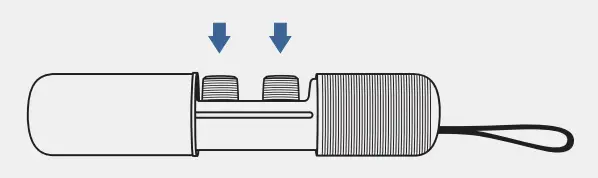
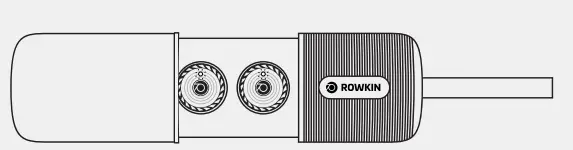
- Place both earbuds into the charging case and make sure they are charging.
- Press and hold touch surface of either earbud.

- Hold until earbud light blinks white twice. (approximately 10 seconds)
- Follow the initial setup instructions to reconnect the earbuds to your device.
OTHER IMPORTANT NOTES
Do not place earbuds logo-side down on a surface, as this can wear down touch capabilities.
TROUBLESHOOTING
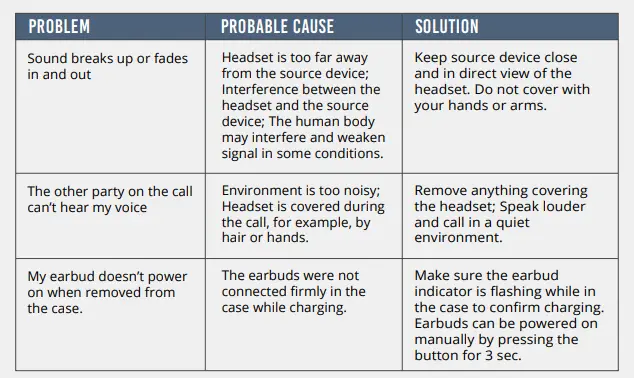
For the best Bluetooth connection, keep source device in direct view of the earbuds. The human body may interfere and weaken signal in some conditions.
SAFETY INFORMATION / STATEMENTS
SAFETY INFORMATION
Use Responsibly
Do not use earphones when it is unsafe to do so: while operating a vehicle, crossing the street, or during any activity or in an environment where your full attention to your surroundings is required. It is dangerous to drive while wearing the earphones and in many places illegal because it decreases your changes of hearing life-saving sounds outside of your vehicle, such as another car’s horn and emergency vehicle sirens. Please avoid wearing our earphones while driving.
Listen Responsibly
To avoid hearing damage, make sure that the volume on your music player is turned down before connecting your earphones . After placing the earphones in your ear, gradually turn up the volume until you reach a comfortable listening level. Noise levels are measured in decibels (dB); exposure to any noise at or above 85 dB can cause gradual hearing loss. Monitor your use; hearing loss is function of loudness versus time. The louder it is, the less time you can be exposed to it. To prevent possible hearing damage, do not listen at high volume levels for long periods.
STATEMENTS
FCC and IC Compliance Statement
This device complies with Part 15 of the FCC rules and industry Canada license-exempt RSS standards. Operation is subject to the following two conditions: (1) This device may not cause harmful interference; and (2) this deice must accept any interference received, including interference that may cause undesired operation.
EU Compliance Statement
Rowkin hereby declares that this wireless device is in compliance with the essential requirements and other relevant provisions of the R&TTE Directive.
Caution Statement
Any changes or modifications not expressly approved by the party responsible for compliance could void the user’s authority to operate this equipment
WARNIN
Do not expose this product to liquid or excessive heat.
Disposal Information
The symbol indicates that this product and/or battery should not be disposed of with household waste. When you decide to dispose or this product and/or is battery, do so in accordance with local environment laws and guidlines.
SUPPORT
CUSTOMER SUPPORT
If you experience any problems with your Rowkin product(s) please review our FAQs or contact our support team at
WARRANTY
Your Products are warranted against defects in materials and workmanship for a period of 1 year from the date of original retail purchase (if purchased at a retailer) or 1 year from the date of shipment (if purchased on rowkin.com) (“Warranty Period”) when used in accordance with the applicable usage documentation. If a defect arises during the Warranty Period, Rowkin will, at its option, (1) repair the Product at no charge using new parts or parts that are equivalent to new in performance and reliability, (2) exchange the Product with a functionally equivalent Product that is new or formed from new and/or previously used parts that are equivalent to new in performance and reliability or, with your consent, a Product that is at least functionally equivalent to the Product it replaces; or (3) refund the original purchase price for the Product . This warranty excludes normal depletion of consumable parts unless failure has occurred due to a defect in materials or workmanship, and damage resulting from abuse, accident, modifications, unauthorized repairs, or other causes that are not defects in materials and workmanship. No other person is authorized to modify this limited warranty.
THANK YOU
Thank you for supporting Rowkin. If you enjoy our product(s) please share the love on social media with the hashtags #Rowkin and #RowkInspired
Frequently Asked Questions
This particular product is garbage. The left earpiece doesn’t hold a charge. Not worth the money, try JBL or something.
No, they don’t.
You can use the right bud while the left is charging. I’m not sure about using the left while the right is charging.
2 earbuds, charging station, wireless charging pad, and a cord to connect the wireless charging pad to a USB port.
Yes, when you hold both headphones down to pair with each other, L will pair with R and then the L light turns off. You then pair R to your device (do not connect L to your device). If you are still having trouble, I highly recommend going to Rowkin’s website for the online user manual and help guide.
As far as I’m aware, the ascent ear hooks are only available on Rowkin’s website.
This particular product is garbage. Not worth the money. Try JBL or something.
The rings are available on rowkin’s website, but the ear hooks from earlier products can be found on Amazon.
No, but the tv has to be blue-tooth enabled.
They have greater audio quality than the corded earbuds that come with an iPhone or iPod. However, the bass is somewhat lacklustre while having a strong midrange and high range. Although they don’t sound tinny, they lack the power of a typical over-the-ear headphone, largely because of their small size.