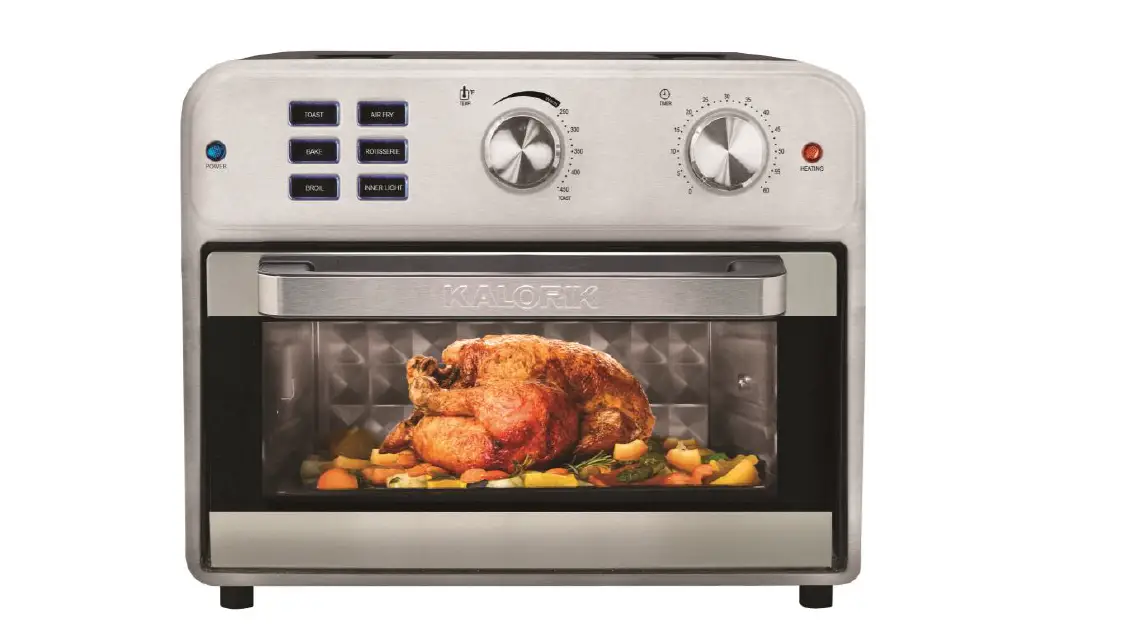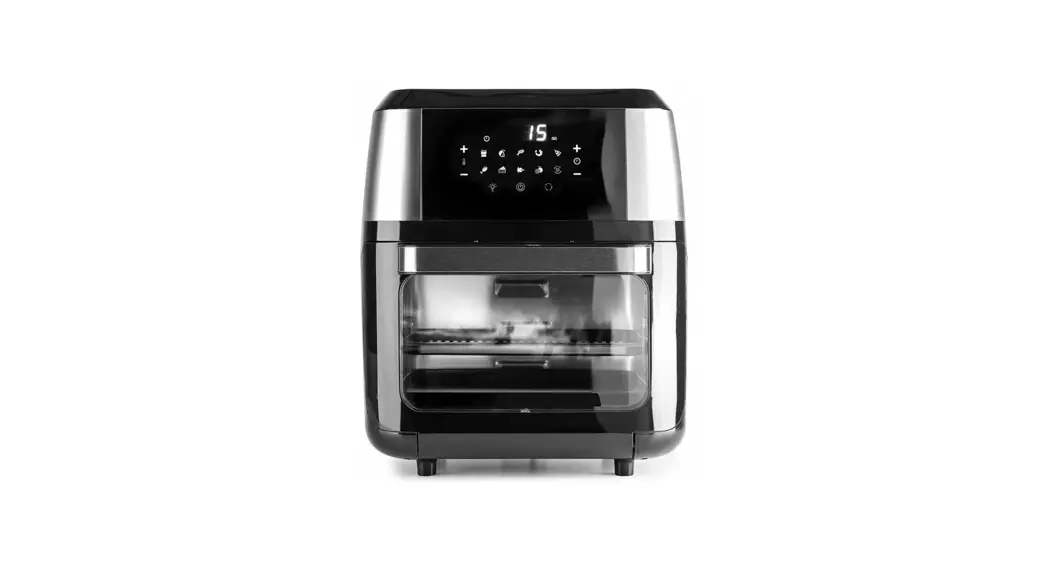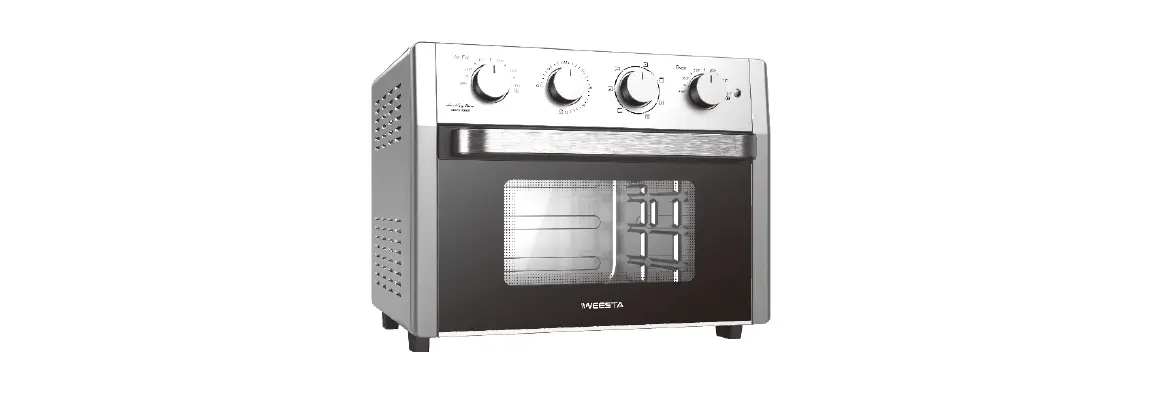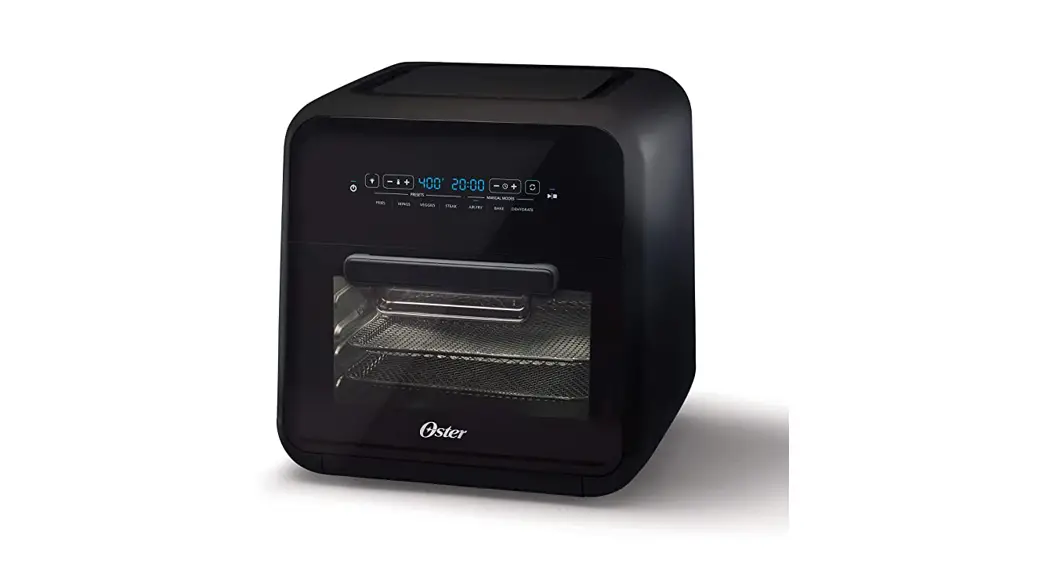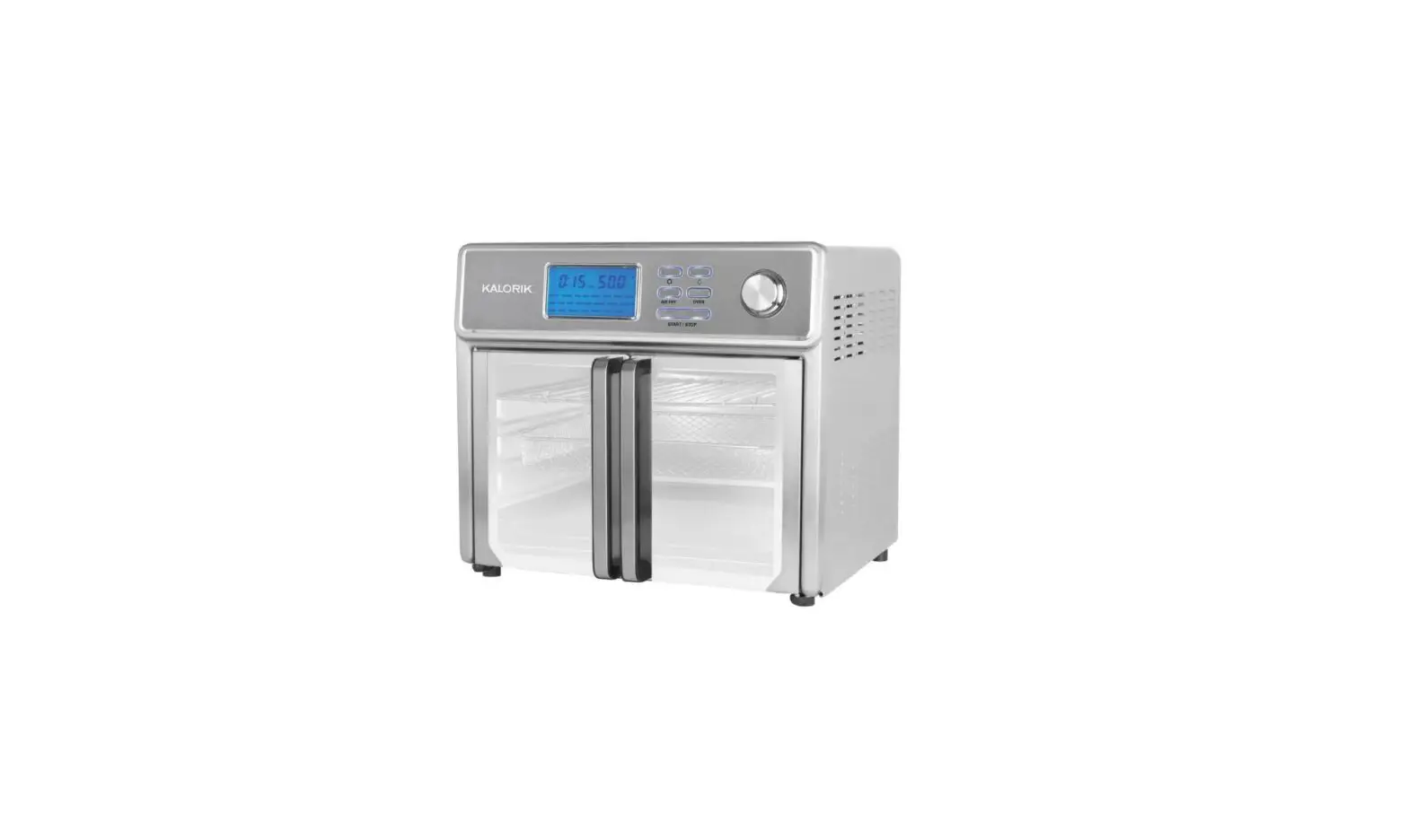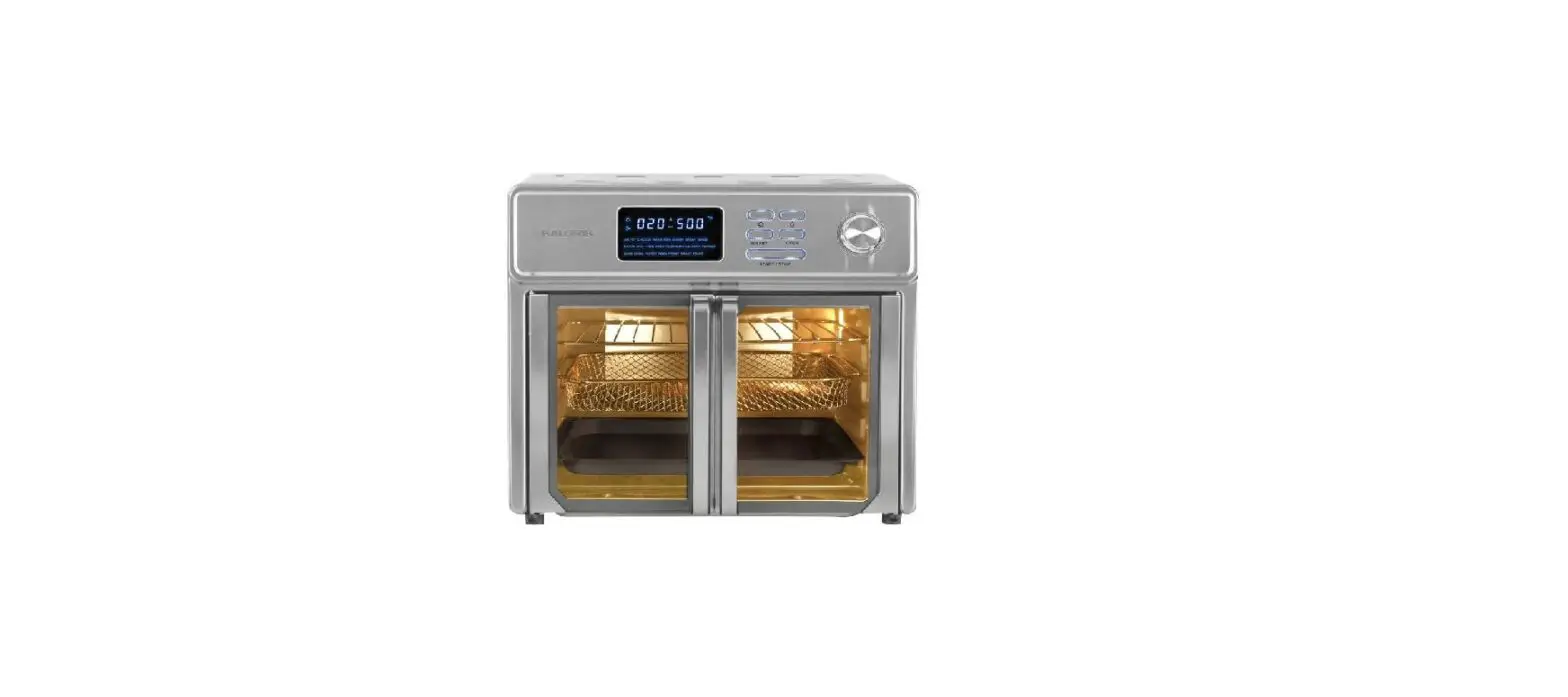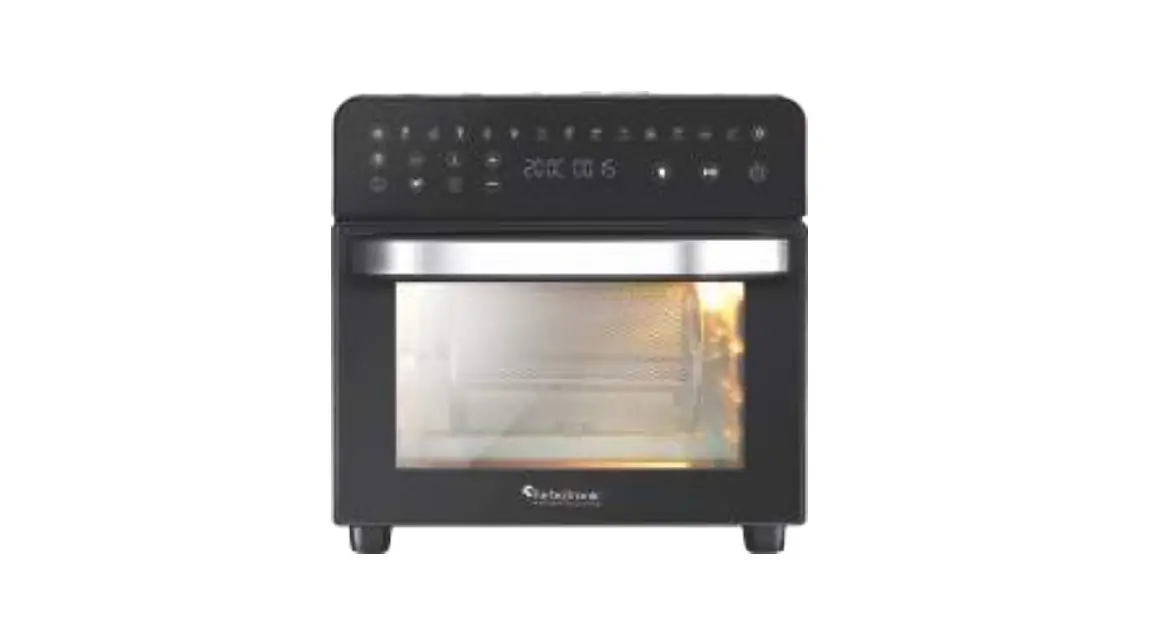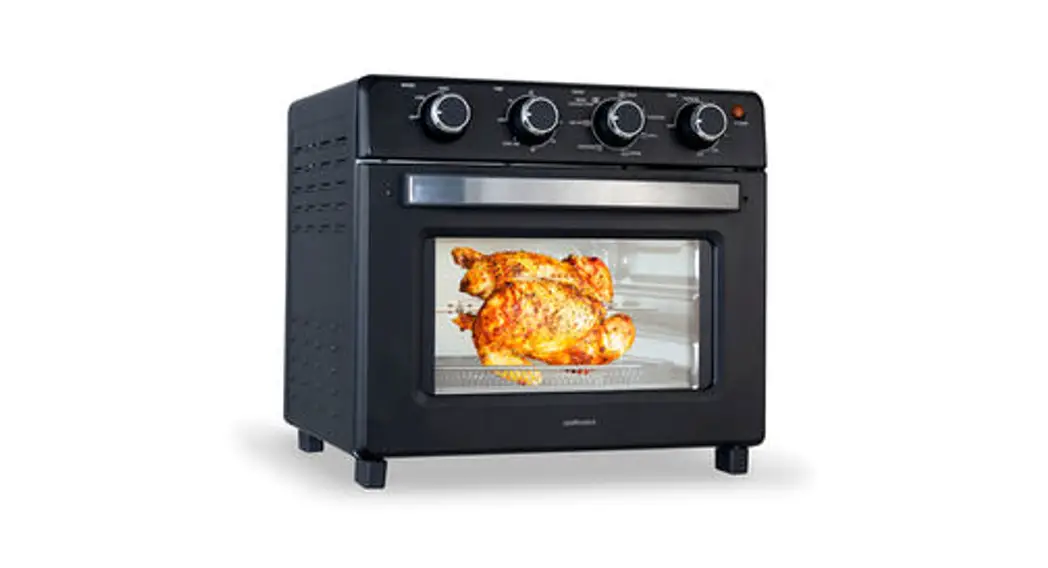

Kalamera KAF-HD23DL Air Fryer Oven
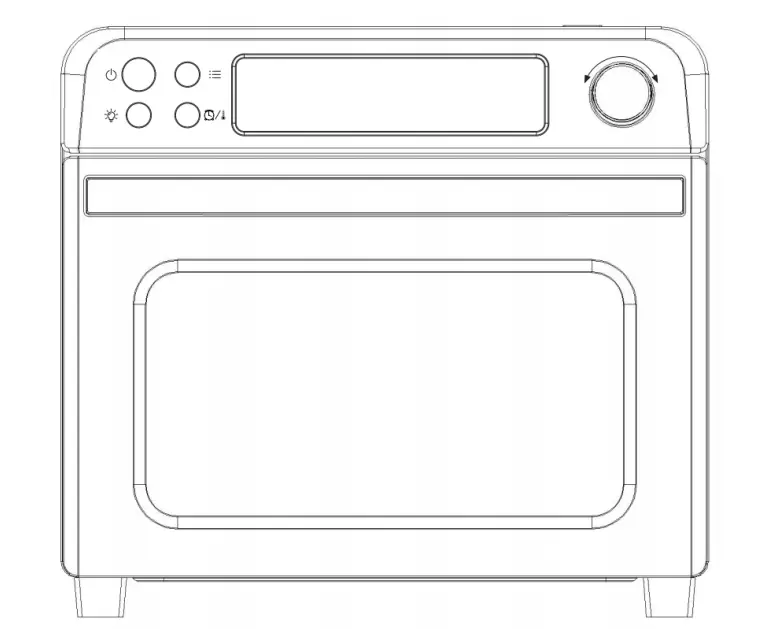
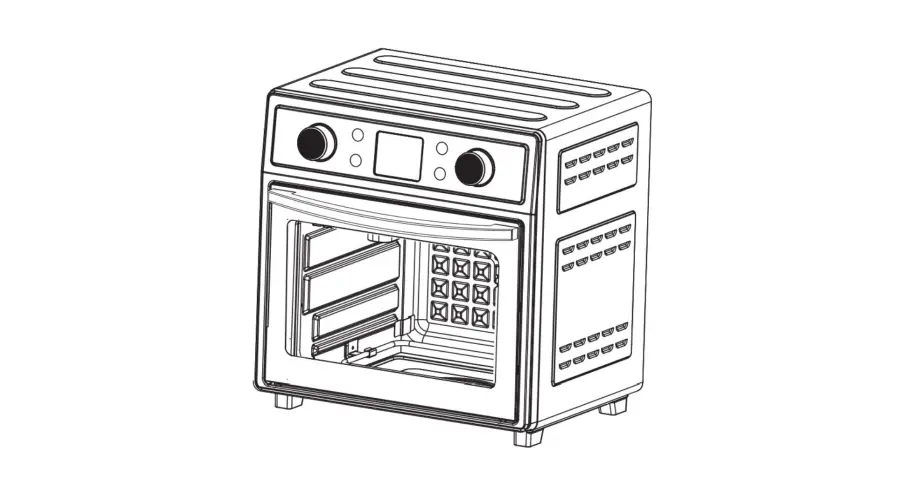
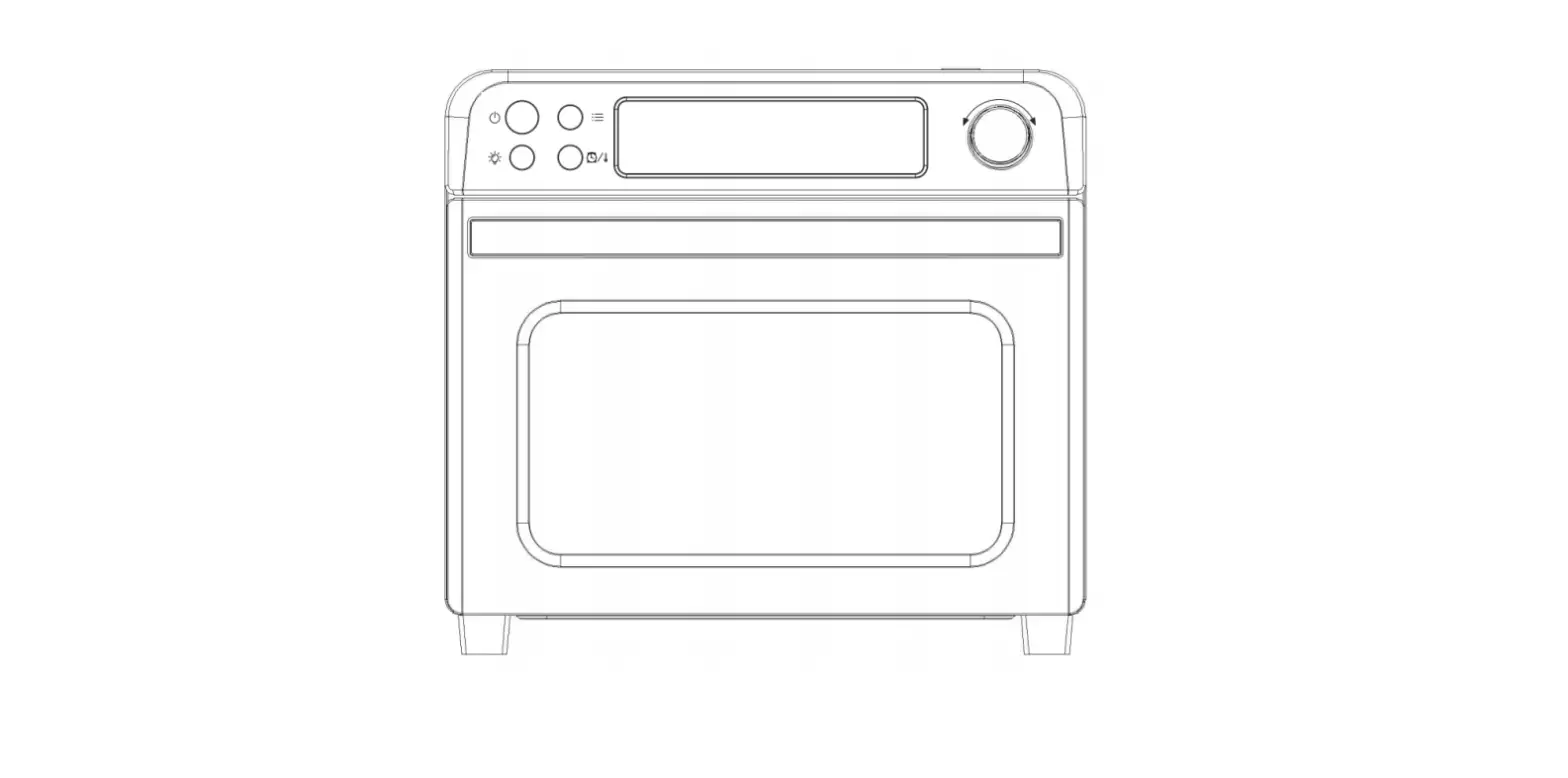
Illustration
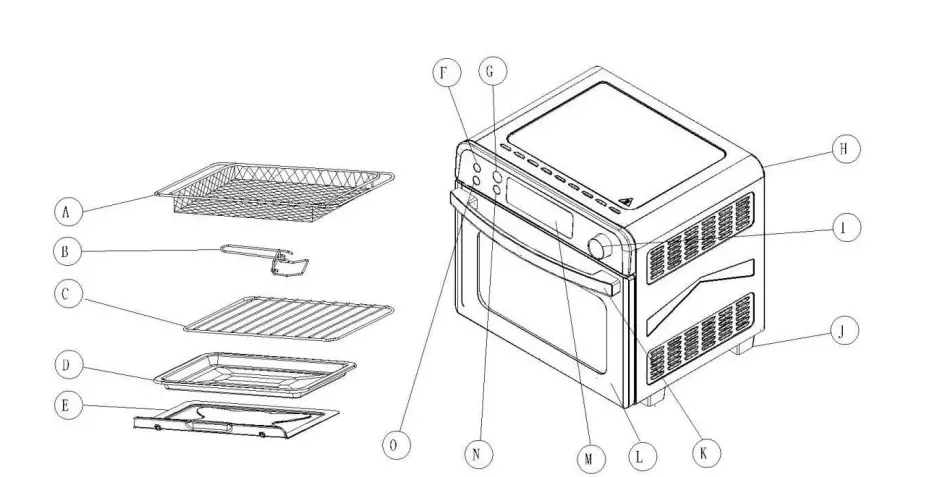
- A: Crisper tray
- B: Tray handle
- C: Wire rack
- D: Bake tray
- E: Crumb tray
- F: Power
- G: Menu selection button H: Main enclosure
- I: Temp./ Time adjust button J: Furnace feet
- K: Door handle
- L: Door
- M: Display window
- N: Function selected button
- O: Lamp ON/OFF button
Technical Specifications
- Voltage: 120/V.A.C., 60Hz.
- Power: 1700 Watts.
*Illustrations may differ from actual product.
Top of outer heating element: 900Watts, Top of inner heating element: 800 Watts,Bottom heating element: 800 Watts.
How to use your air fryer oven
Control panel
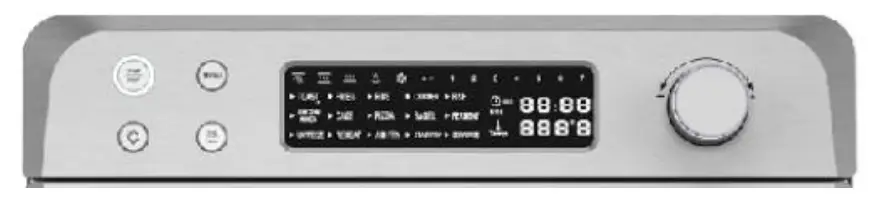
The operation of Air fryer oven
- The display will not turn on when plug in the power. Press the power key “
 ” to turn on the oven. On the screen, timer/clock icon, hour/minute character and temperature digits/temperature icon, ℉ character are displaying. At the same time, 3 temperature digits and 4 timer digits are flashing.
 - The 15 smart menu buttons are shown as below. Only ONE function can be chosen at a time.
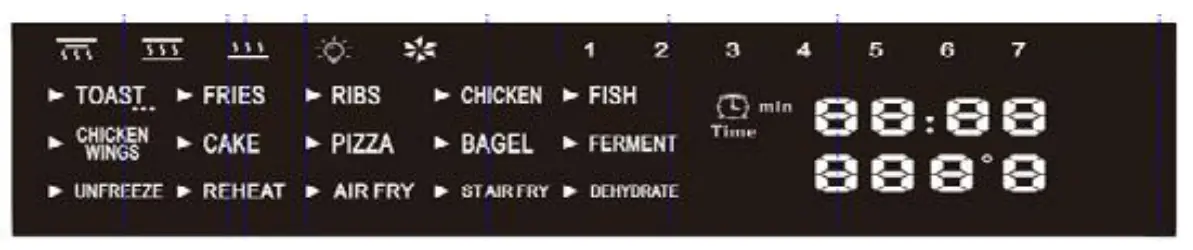
It can only be used for a single selection, and no-repeat selection is allowed. Turn the FUNCTION knob, the corresponding menu will more for-ward and be highlighted on the screen, preset temperature and time will show up. Change the selection, the system automatically cancels the previous selection, the newly selected menu corresponding to the font flashing display, temperature and time follow the change of the preset value. When button is pressed, the buzzer will beep once. If pressed and held, the buzzer will beep continuously.
Preset menus–showing time, temperature and mode setting will work as below function combination:
|
Function | Time | Temp | 1=Bottom 2=Top of inner 3=Top of outer Heating element | Broiling Air | |||
| Default Timing (Min.) | Adjustable (Min.) | Default ℉ | Adjustable ℉ | ||||
| 1 | TOAST | 6 | 1-15 | 400 | 180-450 | 1+3 | Slow |
| 2 | FRIES | 18 | 1-60 | 400 | 180-450 | 1+3 | Strong |
| 3 | RIBS | 18 | 1-60 | 400 | 180-450 | 2+3 | Strong |
| 4 | CHICKEN | 40 | 1-60 | 350 | 180-450 | 2+3 | Strong |
| 5 | FISH | 22 | 1-60 | 400 | 180-450 | 1+3 | Strong |
| 6 | CHICKEN WINGS | 16 | 1-60 | 400 | 180-450 | 2+3 | Strong |
| 7 | CAKE | 40 | 1-60 | 350 | 180-450 | 1+3 | Slow |
| 8 | PIZZA | 20 | 1-60 | 400 | 180-450 | 1+3 | Slow |
| 9 | BAGEL | 20 | 1-60 | 400 | 180-450 | 1+3 | Slow |
| 10 | FERMENT | 120 | 1-12H | 100 | N/A | 1 | / |
| 11 | UN- FREEZE | 15 | 1-90 | 130 | 130-180 | 1 | Strong |
| 12 | REHEAT | 20 | 1-60 | 200 | 130-210 | 1 | Slow |
| 13 | AIRFRY | 20 | 1-60 | 450 | 180-450 | 1+3 | Slow |
| 14 | STAIRFRY | 15 | 1-60 | 450 | 180-450 | 2+3 | Strong |
| 15 | DEHY- DRATE | 120 | 1-24H | 130 | 120-180 | 2 | Strong |
Note: During the working process, both time and temperature could be adjusted by the relative buttons. After the adjustment, the display will flash for 3 seconds, and the oven will automatically confirm and resume working. The error of each temperature point is ± 18 ℉, and the reset temperature is 40 ~ 80 ℉. At the beginning of the power on, the screen is displaying, the position selected by the menu, triangle symbol, heating element sym-bol, rotisserie and light are flashing. After the menu is selected, the corresponding menu is on for a long time, the triangle symbol is flashing, and other irrelevant menus are not on. Time and temperature symbols are always on.
The internal cooling fan outputs 12V voltage to control the fan (1.8W) to rotate. When the program is finished, the fan will continue to rotate for 3 minutes before the end of the operation. When the cooling fan does not work, the display board and program control stop working.
The working mode button is shown in the figure below。
 Press this menu button,
 Use this selected knob, twist it which can choose menu, and display in the corresponding menu flashing. Move one table for each grid of menu
 After selecting the menu, press the stop/start button to start the work menu. Then press the button to stop the work. Every time the button is pressed, the buzzer will ring, Press and sound.
 Press the button to start lighting work, then press the button, the inside lamp is off, the icon is displayed, and so on. And the lighting button is always valid after the product is turned on.
 Press the temperature key to adjust the operating temperature plus or minus, and the corresponding temperature picture will be lit up. Adjust 5 degrees per grid. The temperature display is fixed by menu adjustment and does not increase or decrease with the liner cavity temperature.
- Press the time key to adjust the working time plus or minus, and the corresponding time picture will be lit up
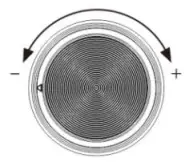 Adjust the time/temperature knob, twist the optional time (in one minute)/ temperature (in one degree) plus or minus, maximum adjustable 24 hours, minimum adjustable one minute, In addition, the corresponding menu in the display screen shows the adjusted time/temperature. The maximum set temperature is 450℉ and the minimum set temperature is 100℉ After 5 seconds of flash-ing, the adjusted temperature will be automatically confirmed. The first two grids show the time, and the second two grids show the minutes. After the work starts, the minutes decrease with time;
Screen display represents the function
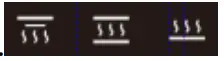 when bottom heating element works“
  ” The display displays the corresponding symbols; When inner & outer of top heating elements works“
  ” The display displays the corresponding symbols; when top & bottom heating elements works “
  ” The display displays the corresponding symbols
- When inside lamp works“
 ” The display displays the corresponding symbols, When the oven is baking, turn it on and then off, and the interior lamp will be on by default. Turn off and start re-press
- When convection works“
 ” The display displays the corresponding symbols,,which will turn slowly in low gear and quickly in strong wind;
 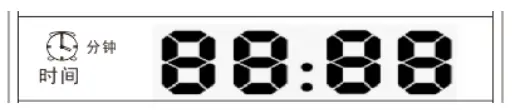 The time display screen displays the required time when selecting the time, displays the required time when entering each mode corresponding to the above table, and displays the countdown time when working;Time adjustment: 5 minutes for dehydrating function and every minute for other functions.
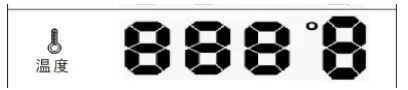 The temperature display screen displays room temperature under normal conditions, the required temperature is displayed when selecting the temperature, the required temperature is displayed when entering each mode, and the corresponding required temperature is displayed when entering each mode, and the real-time temperature is displayed when working;
The display screen does not display the corresponding font/icon. The hardware only increases or decreases the components
Positioning of the Wire Racks
Cookies – Use bottom and middle Support Guides.
Layer Cakes – Use bottom Support Guide only (bake one at a time). Pies – Use bottom and middle Support Guides.
CAUTION: Always use extreme care when removing bake tray, wire rack or any hot container from a hot Air Fryer Oven. Always use the rack handle, or an oven mitt when removing hot items from the Air Fryer Ov-en.