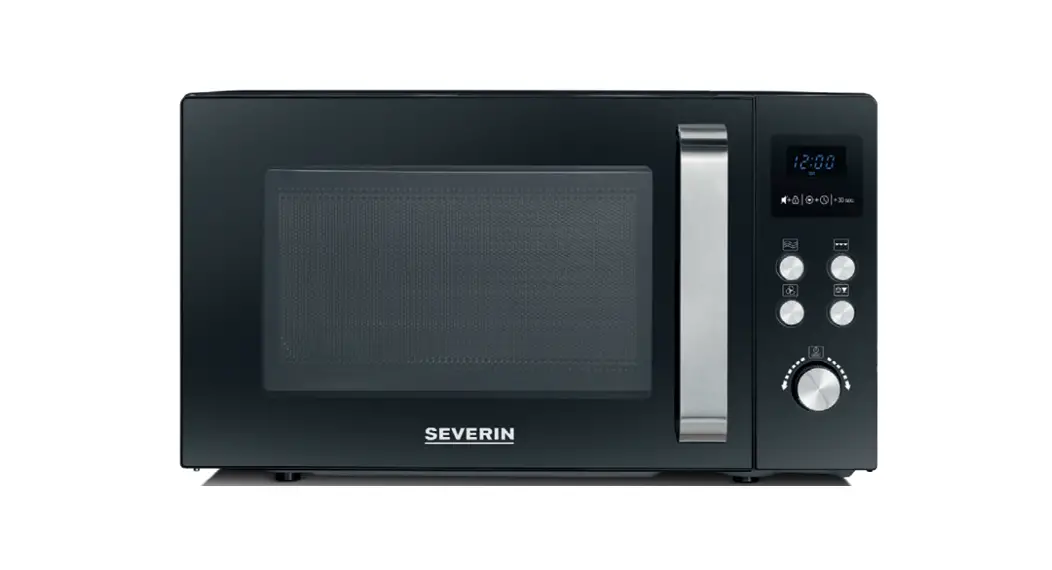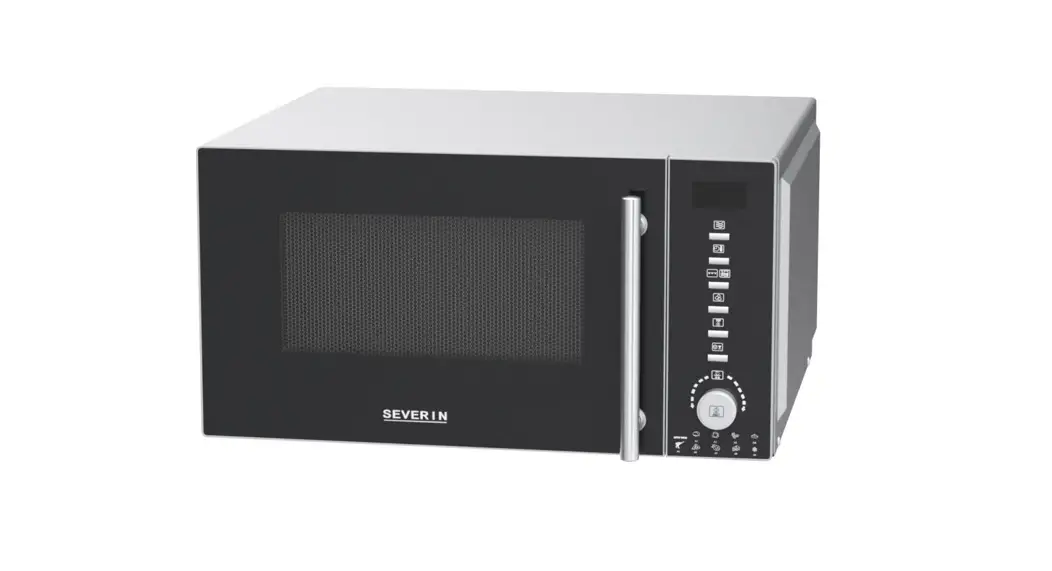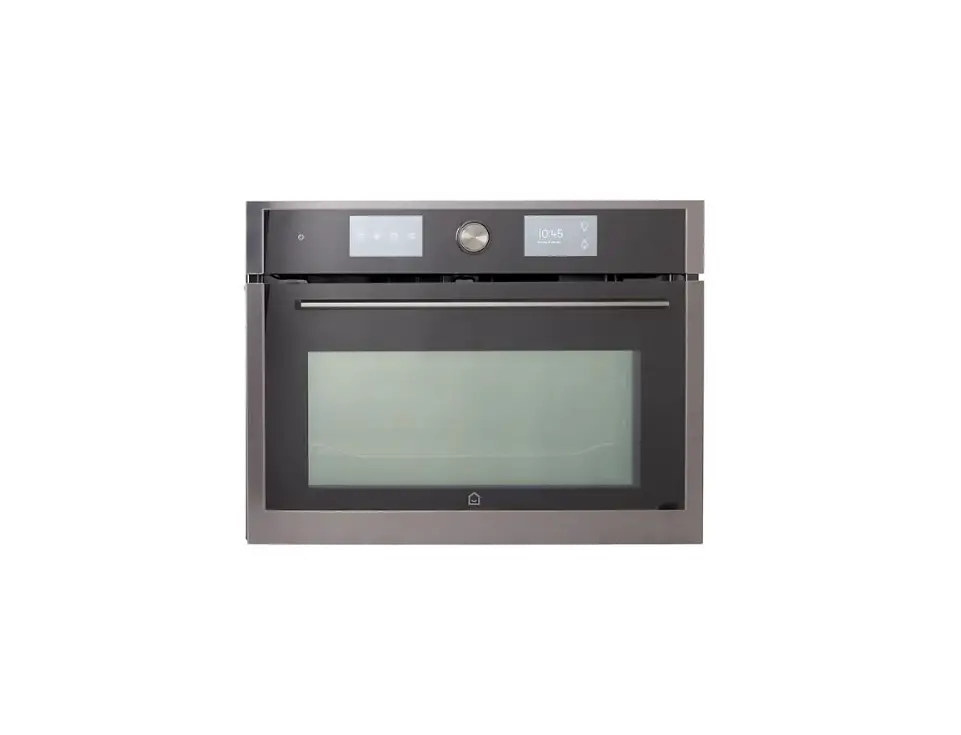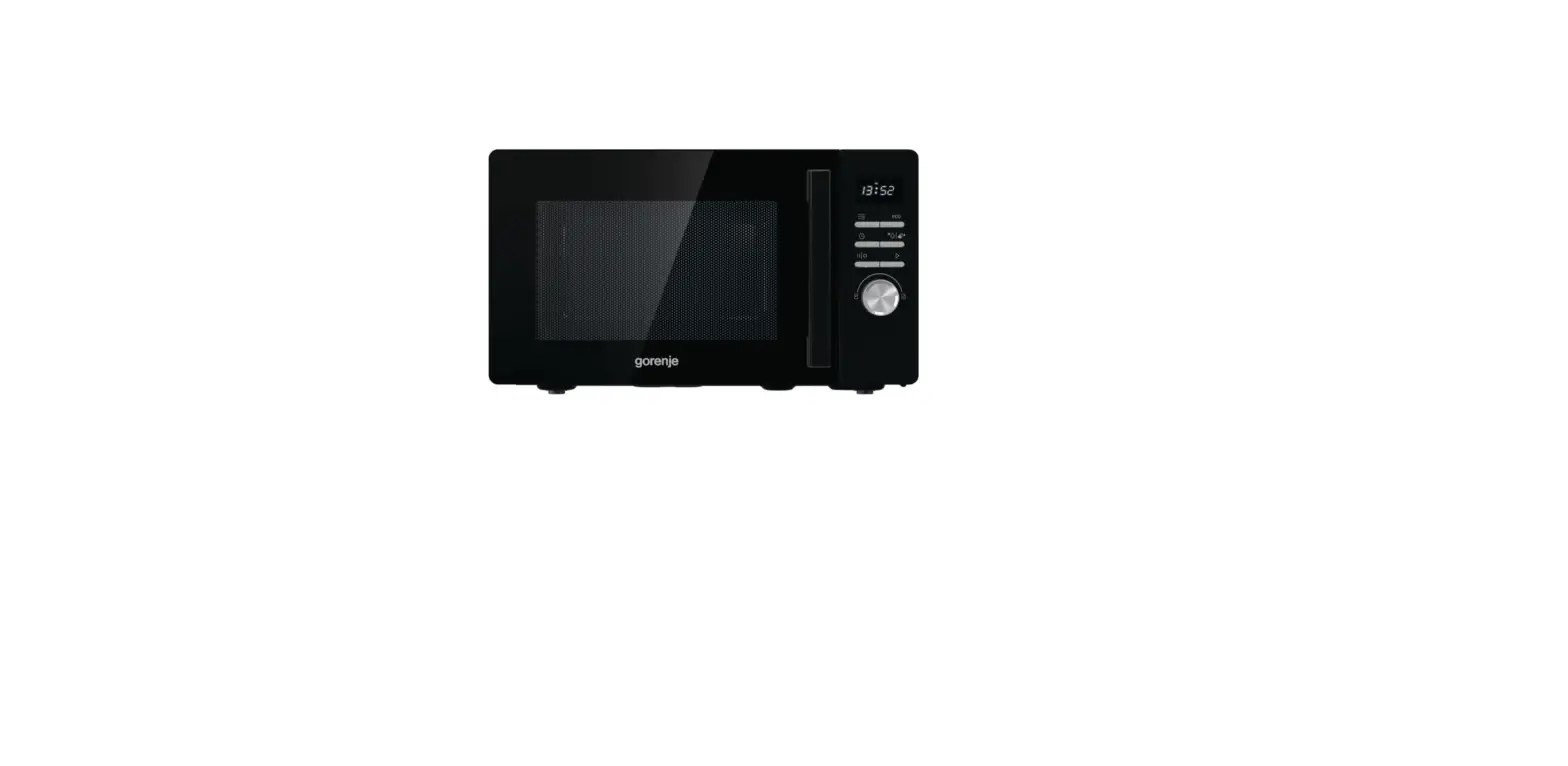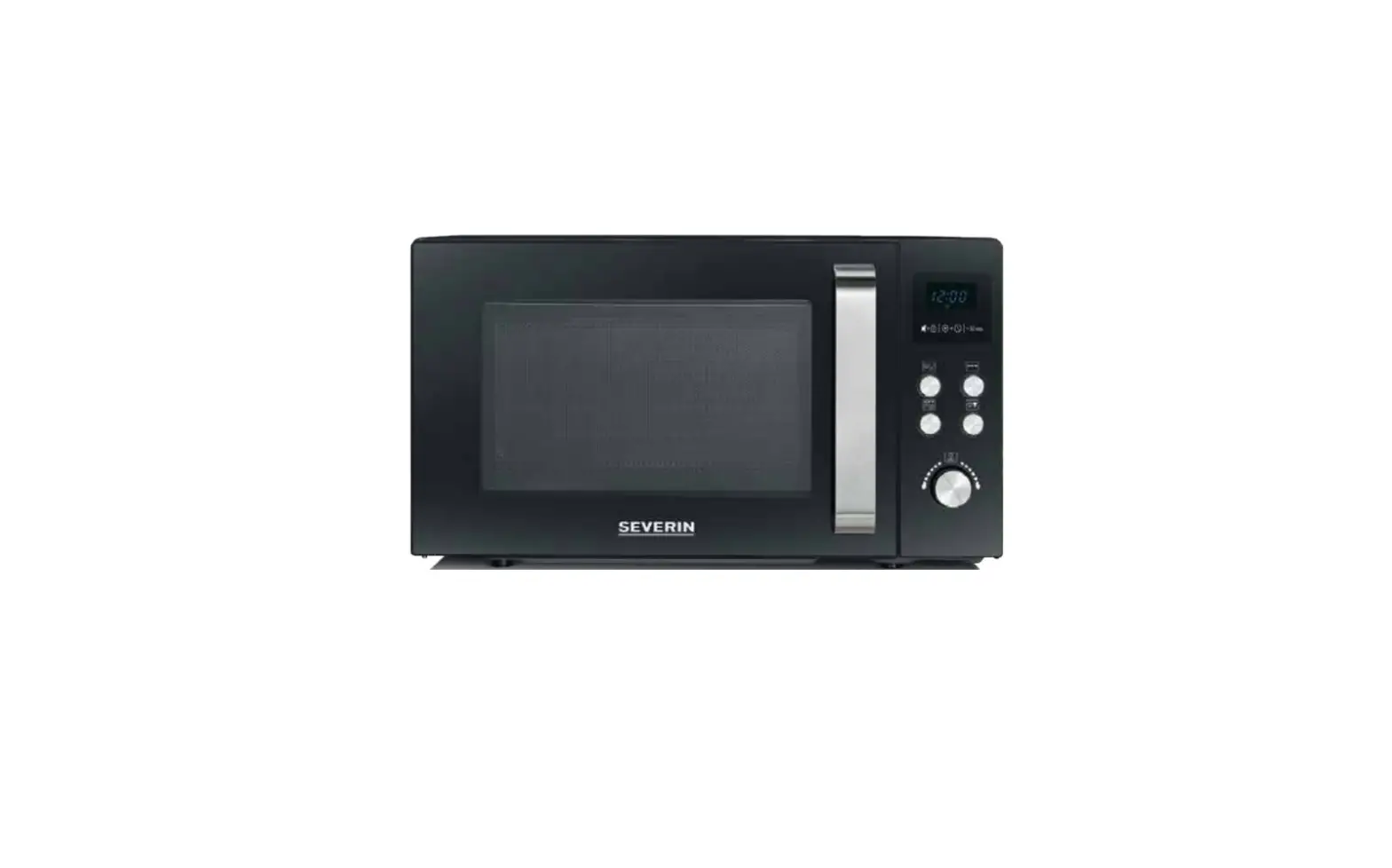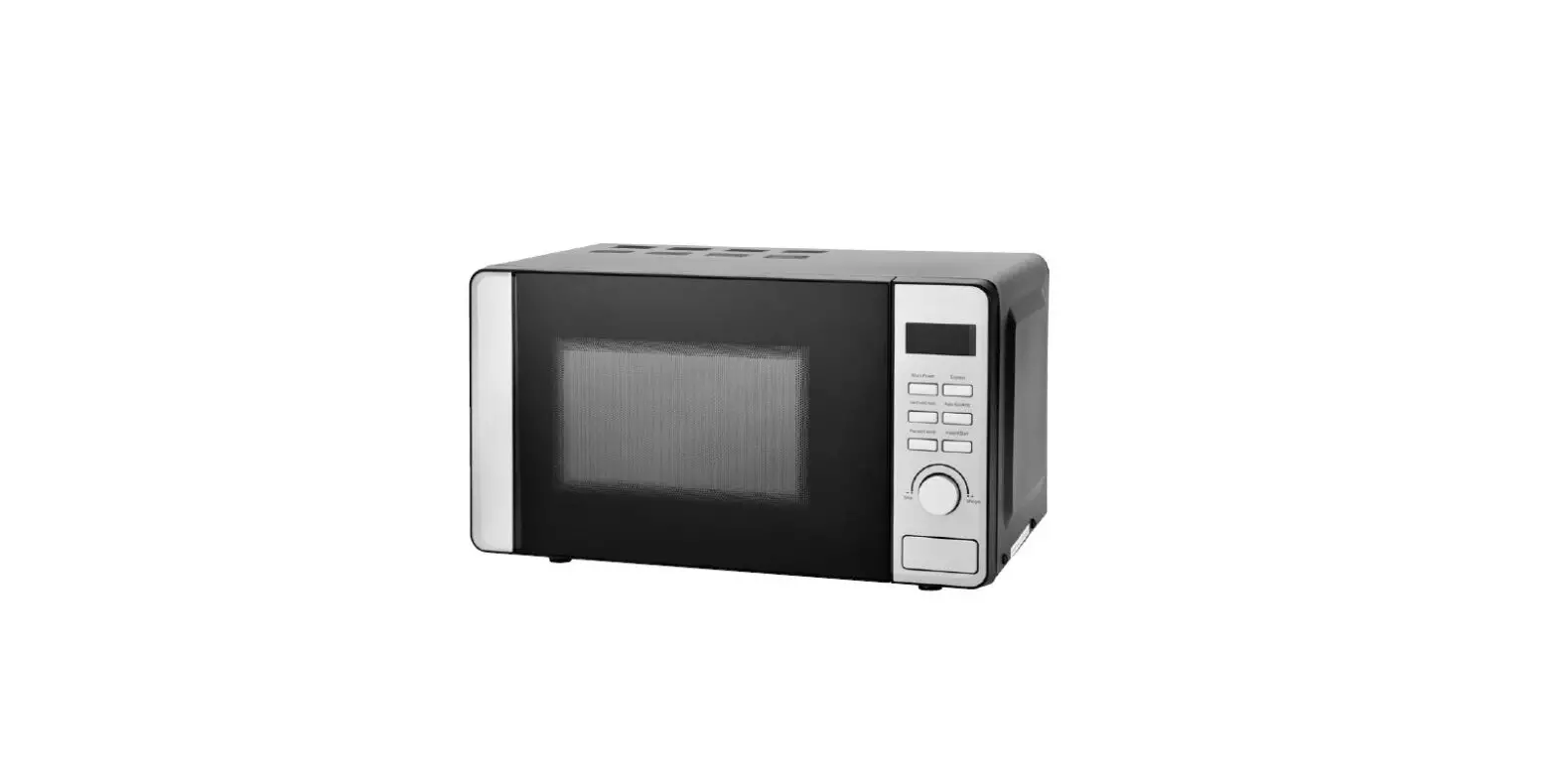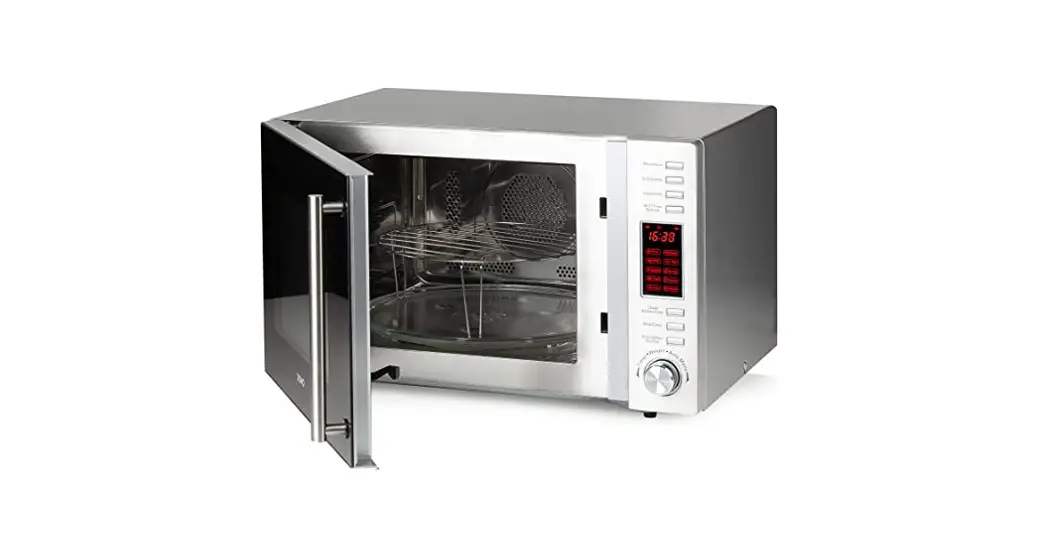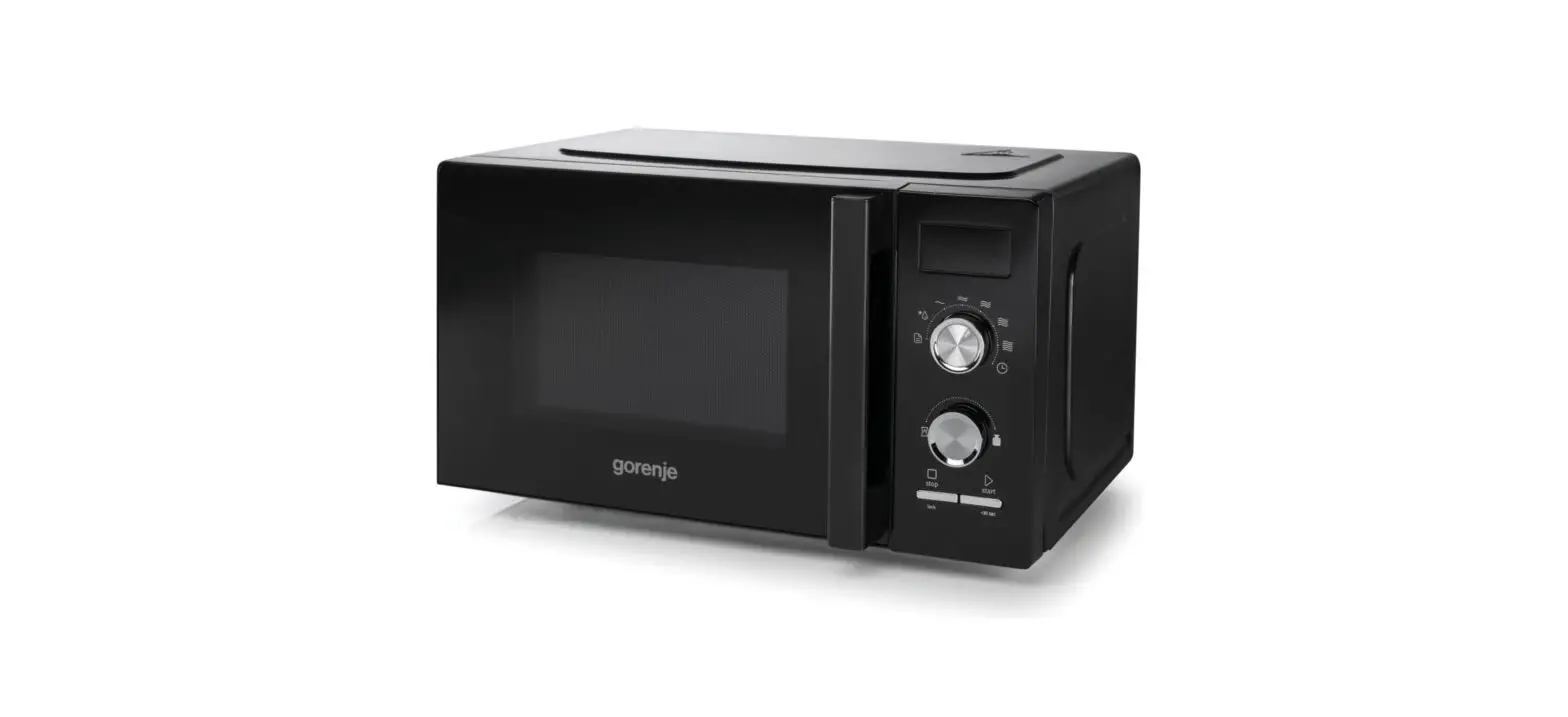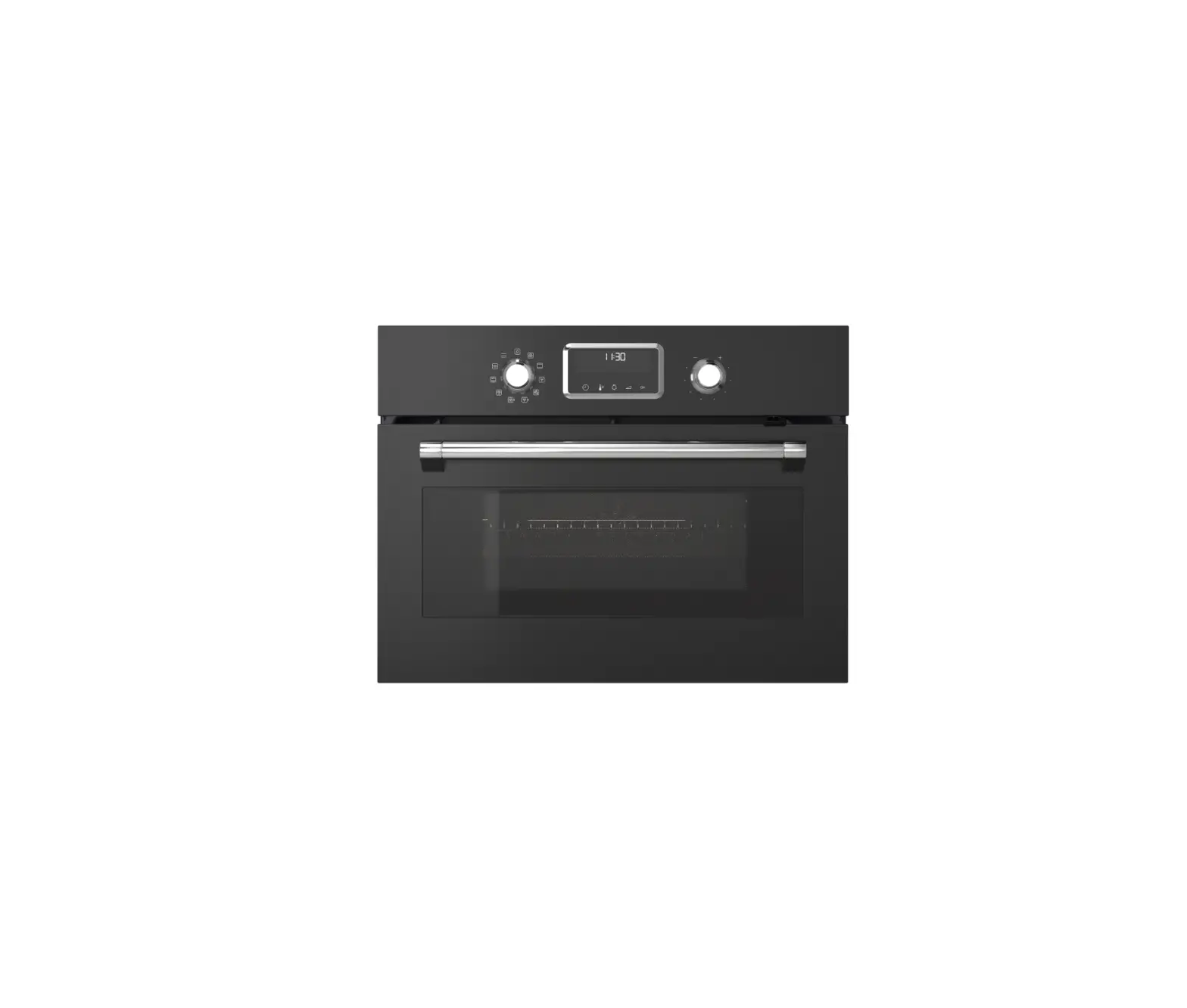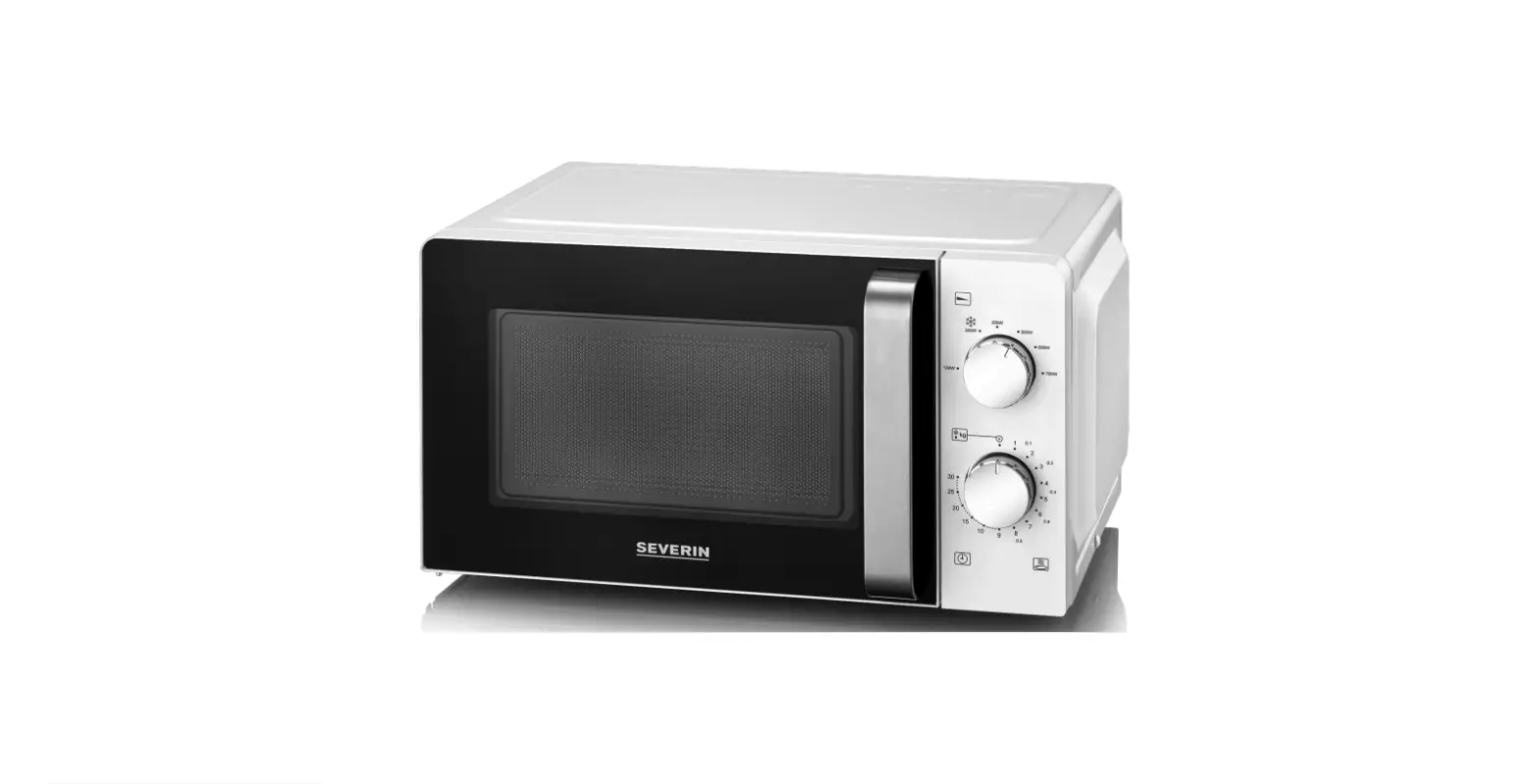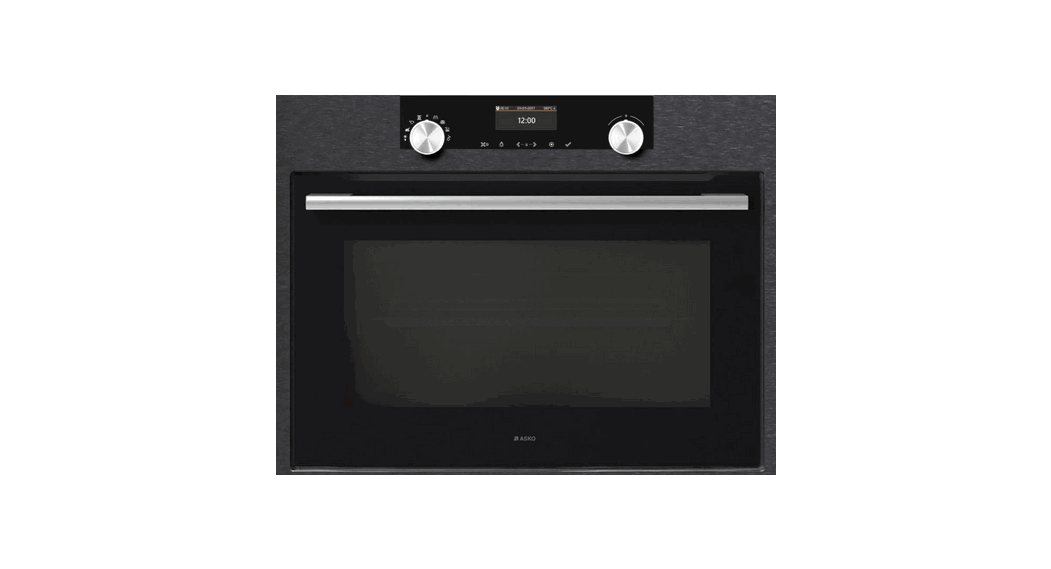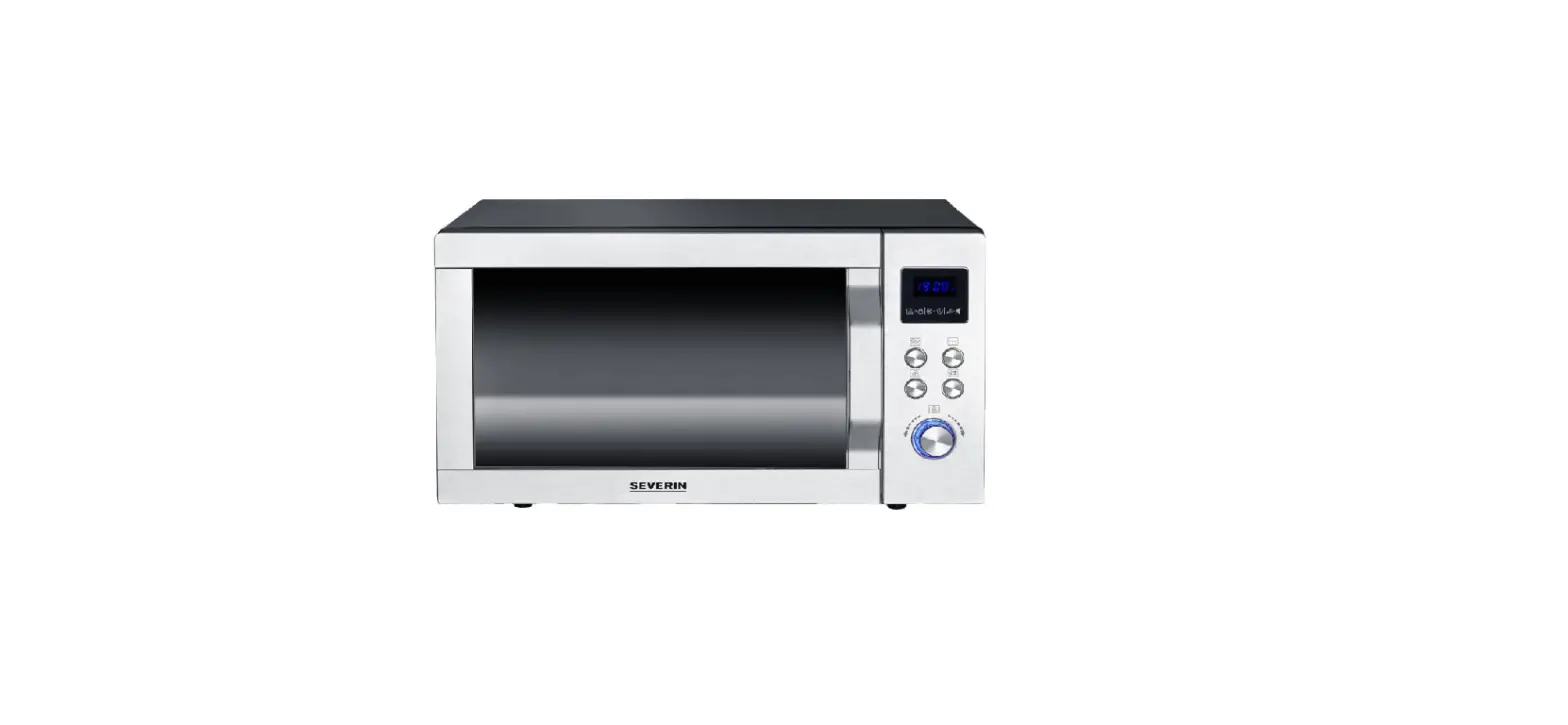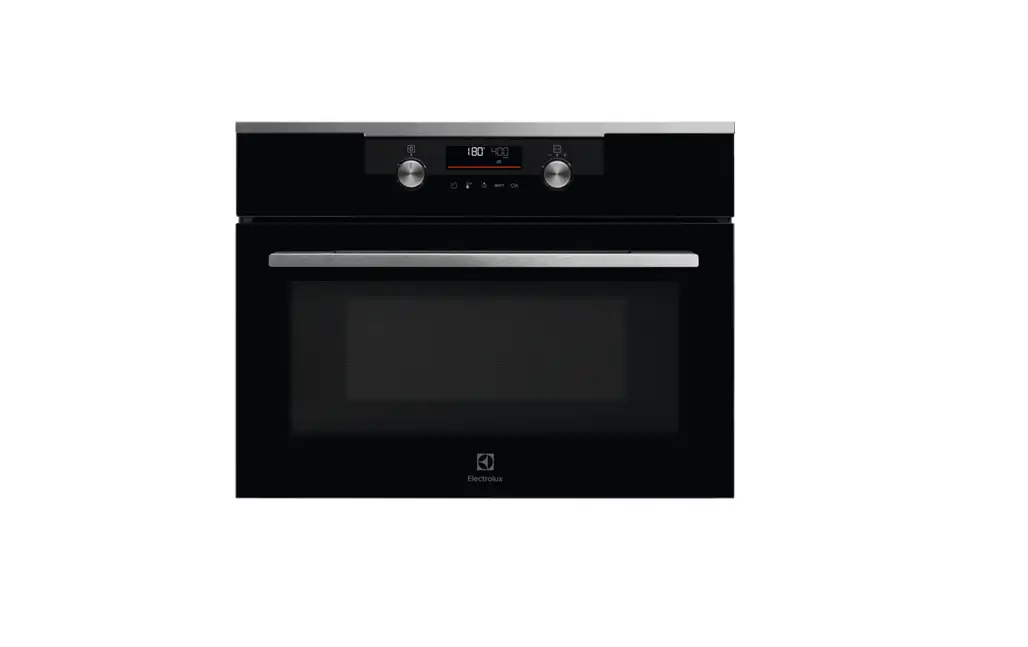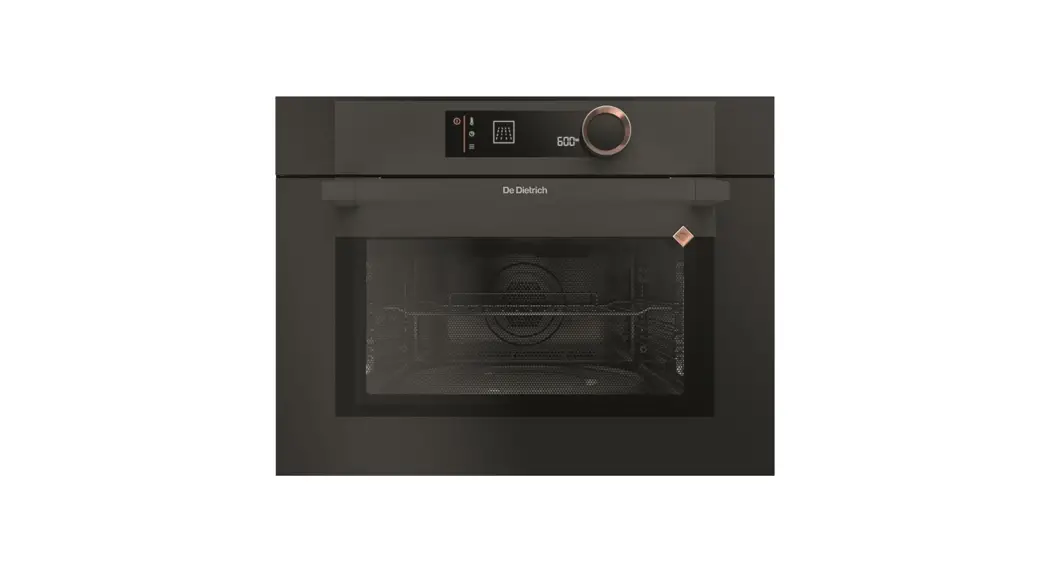
 COMBI MICROWAVE OVEN
DEAR CUSTOMER,
Discovering a De Dietrich product means experiencing a range of unique emotions.
The attraction is immediate, from the moment you set eyes on the product. The sheer quality of the design shines through, thanks to the timeless style and outstanding finishes which make each component an elegant and refined masterpiece in its own right, each one in perfect harmony with the others. Next, comes the irresistible urge to touch it.
De Dietrich’s design makes extensive use of robust and prestigious materials, where the accent is placed firmly upon authenticity. By combining state-of-the-art technology with top-quality materials, De Dietrich produces beautifully crafted products to help you get the most from the culinary arts, a passion shared by all lovers of cooking and fine food. We hope that you enjoy using this new appliance.
Thank you for choosing a De Dietrich product.
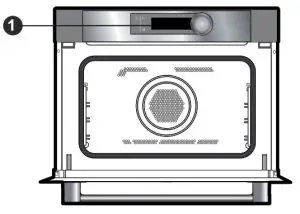
DESCRIPTION OF THE OVEN
CONTROL PANEL
THE DISPLAY
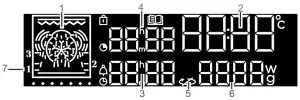
- Cooking modes display
- Oven temperature and clock display
- End of cooking time indicator
- Cooking time indicator
- Stopping the turntable
- Power/weight indicator
- Shelf runner indicator
 | Control locking indicator |
 | “Recipes” function indicator |
 | Cooking time indicator |
 | Minute minder indicator |
 | Cooking end indicator |
BUTTONS
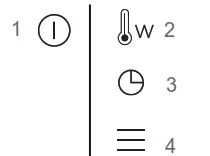
- On/Off
- Adjusting the temperature and power
- Adjusting the clock, the time and the end of cooking, the minute minder
- Access the settings MENU
CONTROL KNOB
This is a rotating knob with a central button to choose programs, increase or reduce values and confirm.
The drawings on the control knob are symbolized as follows:
 | TURN the knob. |
 | PRESS the center of the knob to confirm. |
ACCESSORIES
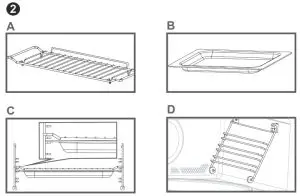
Anti-tip safety rack (fig. A).
This allows you to toast, brown or grill. The rack should never be used with other metal cookware on the microwave, grill + microwave or forced air + microwave modes. However, you can reheat food in an aluminum tray providing this is isolated from the rack using a plate.
The glass drip tray (fig. B).
This can be used half-filled with water for double-boiler cooking methods in fan cooking. It can be used as a cooking dish. Note: Take care to place the drip tray in the center of the side racks to avoid affecting air circulation.
Rack + glass drip tray (fig.C) to roast and retain the cooking juices, place the rack on the drip tray. The shelf supports (fig.D) 2 hanging supports allow you to use the rack at three heights.
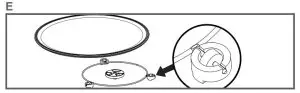
The turntable (fig.E) The turntable ensures equal cooking of food throughout with no need to intervene. It rotates in both directions. If it does not turn, verify that all components are properly positioned. It may be used as a cooking dish. For easy removal, wells are provided on either side. Rotation is controlled by the driveshaft and the wheel support. If you take out the support with the drive spindle, make sure you do not let water get into the motor spindle orifice. Remember to put back the support, the support wheels, and the glass turntable. Do not try to rotate the glass turntable manually, as you could damage the drive system. If it does not turn smoothly, make sure that there is nothing in the well beneath the turntable.
When the turntable is in the stop position, large dishes can be used which cover the entire surface of the oven. In this case, it is necessary to turn the container or to mix its content halfway through the program.
OPERATING PRINCIPLE
The microwaves used for cooking are electromagnetic waves. They are commonly found in our environment in the form of radio waves, light and infrared rays. Their frequency is in the 2450 MHz range. Their behavior:
- They are reflected by metals.
They travel through all other materials. - They are absorbed by water, fat, and sugar molecules.
When food is exposed to microwaves its molecules begin moving rapidly, causing it to heat up. The penetration depth of waves into the food is approximately 2.5 cm; if the food is thicker, the center of the food will be cooked by conduction, as in conventional cooking. Note that microwaves cause a simple thermal phenomenon within the food and are not harmful to health.
 SETTINGS
 SETTINGS
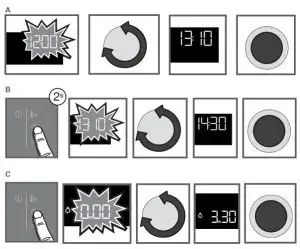
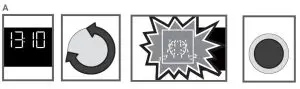
SETTING THE CLOCK (fig. A)
When switching on, the display flashes at 12:00.
Adjust the time by turning the dial then pressing to validate.
If there is a power cut, the clock flashes.
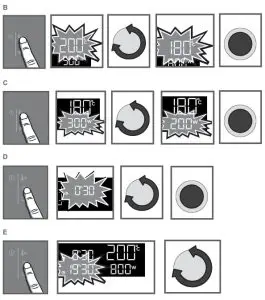
CHANGING THE CLOCK (fig. B)
Press the button for a few seconds until the clock flashes. Adjust the clock by turning the knob and then press to confirm.
MINUTE MINDER (fig. C)
This function can only be used when the oven is off.
Press. 00:00 flashes. Set the minute minder by turning the knob and then press to confirm.
The timer starts.
Once the time has elapsed, there is a sound signal. To stop it, press any key.
NB: NB: You can modify or cancel the timer at any time.
To cancel, return to the timer’s menu and set to 00:00.
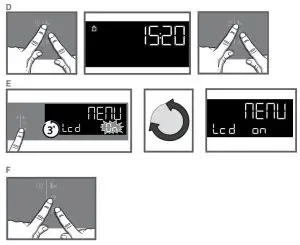
CONTROL LOCKING Child safety (fig. D)
Press  and at the same time until the symbol
  appears on the screen. Control locking is accessible during cooking or when the oven has stopped.
N.B.:only the button remains active during cooking.
To unlock the keypad, press and together until the symbol disappears off the screen.
You can adjust different settings on your oven: contrast, sounds, and demo mode.
To do this, press for a few seconds to access the settings menu.
See the table below:
| Default settings | |
 | Sounds – beeps: Position ON sounds active. Position OFF, no sounds. |
 | Contrast: The brightness of the display is adjustable from 20 to 100%. |
 | DEMO mode: Position ON, mode active. Position OFF, normal mode. |
To modify the different settings if necessary, turn the control knob and then press to confirm.
To come out of the settings menu at any time, press.
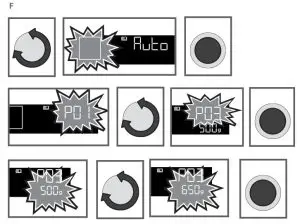
CONTROLLING THE TURNTABLE (fig.F)
If you think that there is not enough space for it to rotate freely in the oven, you can stop the turntable before or during the program.
– Press the and buttons at the same time for a few seconds.
The symbol appears in the display.
• Restarting the turntable Press and hold the and buttons simultaneously for a few seconds until the symbol appears in the display.
 USE
USE
 USE
USECOOKING
This oven allows you to access 4 different types of cooking modes:
– The Microwave function
– The combined microwave functions (microwave + Traditional cooking).
– The traditional cooking functions.
– The Automatic cooking functions.
MICROWAVE FUNCTIONS
| Position | Power | Use | |
 | Microwave | 1000W | Quick reheating drinks, water, and dishes that contain a large quantity of liquid. Cooking food that contains a lot of water (soups, sauces, tomatoes, etc.). |
| Microwave | 800W / 900W | Cooking fresh or frozen vegetables. |
| Microwave | 600W | Melting chocolate. |
| Microwave | 500W | Cooking fish and seafood. Heating on 2 levels. Cooking dry vegetables over low heat. Reheating or cooking fragile egg-based foods. |
| Microwave | 400W / 300W | Cooking dairy products and jam at low heat. |
| Microwave | 200W | Manual defrost. Softening butter and ice cream. |
| Microwave | 100W | Defrosting pastries that contain cream. |
 | Defrosting | 200W | |
COMBINED MICROWAVE FUNCTIONS
| Position | Recommended T°C and power mini-maxi | Use | |
 | Fan cooking + microwave | 200°C 50°C – 200°C 300W 100W – 300W | This function combines microwave cooking with fan cooking to save you a considerable amount of time. Recommended for meat, chicken and roasts placed in a dish. |
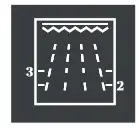 | 2 1-4 500W 100W – 700W | This function lets you use the grill and the micro-wave simultaneously, which makes cooking very quick. This function lets you cook and brown foods such as gratin dishes and meats. It can be used before or after cooking, depending on the recipe. | |
| Full grill + microwave | 4 1-4 500W 100W – 700W | Cooking in full grill + microwave to grill meat and fish. |
TRADITIONAL COOKING FUNCTIONS
| Position | T°C recommended mini – maxi | Use | |
| Full grill | 2 1 – 4 | Recommended for grilling cutlets, sausages, toasting bread and prawns placed on the grill. | |
| Pulsed full grill | 200°C 50°C – 200°C | Roasts and poultry are juicy and crisp all over. To retain the moist texture of fish steaks. | |
| Fan cooking* | 200°C 50°C – 220°C | Recommended for keeping white meat, fish and vegetables moist. | |
IMMEDIATE COOKING (fig.A)
The programmer must only display the time. It should not be flashing. Turn the control knob until you get to the cooking function of your choice, then confirm.
MODIFY THE TEMPERATURE (fig.B)
– Press the key, the Temperature flashes, you may adjust it. Adjust the temperature by turning the knob and then press to confirm.
– Example: 180°C.
MODIFY THE POWER (fig.C)
– Press the key, the power (300W) flashes, you may adjust it.
– Set the power, using the knob.
– Example: 200 Watts. Confirm by pressing the knob.
PROGRAMMING THE COOKING TIME (fig. D)
Use the immediate cooking program, then press; the cooking time flashes and it is now possible to set it. Turn the knob to adjust the cooking time. Press to confirm. Your oven has the “SMART ASSIST” function which, when programming a cooking time, will suggest a cooking time that can be modified depending on the selected cooking mode. The cooking time is saved automatically after a few seconds. NB: Halfway through the cooking time, the oven beeps and displays «TURN» to tell you to turn your food over.
DELAYED START (fig. E)
Proceed as for programmed cooking.
After setting the cooking time, press. The display flashes. Set the cooking end time by turning the knob. The cooking end time is automatically saved after a few seconds. The cooking end time display stops flashing.
THE AUTOMATIC COOKING FUNCTIONS (fig. F)
Programming automatic cooking by weight or time selects the cooking settings for you.
The programmer must only display the time. It should not be flashing.
Select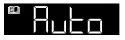 mode using the knob. The logo flashes.
– Select an
AUTOMATIC cooking mode (See table)
– A suggested weight flashes on the screen.
– Example: P3 —> weight, 500G.
-Adjust the weight or time using the knob.
Example: 650g.
| Food | 14 Recipes |
| Fibrous fresh vegetables | P01 |
| Fresh vegetables | P02 |
| Frozen vegetables | P03 |
| Poultry (combined function) | PO4 |
| Beef (combined function) | P05 |
| Fish | P06 |
| Fresh pizza (combined function) | P07 |
| Frozen pizza (combined function) | P08 |
| Frozen pizza (Traditional cooking) | P09 |
| Prepared fresh meal (Microwave) | P10 |
| Prepared frozen meal | P11 |
| Prepared fresh meal (combined function) | P12 |
| Savory tart | P13 |
| Potato gratin quiche | P14 |
– Confirm by pressing the knob once.
-The icon of the cooking mode used and the time calculated automatically is displayed.
The oven starts.
THE AUTOMATIC DEFROSTING FUNCTIONS
This oven allows you to access 3 different types of programs in the defrost mode
– Automatic defrost P1, P2, or P3.
You simply select the type of program and enter the weight.
P1: The automatic defrost mode for meat, poultry, and ready-made meals.
P2: The automatic defrosts mode for fish.
P3: The automatic defrosts mode for bread and pastries.
NB: A delayed start cannot be programmed for defrosting functions.
MEMORISE A COOKING MODE
You can memorize 3 cooking programs of your choice that may be used later.
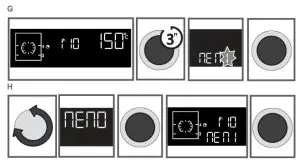
– Programme a memory (fig. G) :
Select a cooking mode, its power, or its temperature, and then press the knob until you get to «MEM 1». Choose one of the 3 memories by turning the control knob and confirming to memorize it. Confirm again to start cooking.
NB: If the 3 memories are saved, any new memorization will replace the previous one. A delayed start cannot be programmed for memorization.
– Select one of the 3 memories already saved (fig.H) :
Turn the knob and go to MEMO, then confirm. Scroll through the memories with the knob and confirm the one you want.
Cooking starts. Note:
To stop the oven at any time, hold down the key.
To pause the cooking in progress, press the knob.
 CARE
CARE
 CARE
CAREEXTERNAL SURFACE
Use a window-washing product applied to a soft cloth. Do not use abrasive creams or scouring sponges. Warning
Do not use scouring products, abrasive sponges, or metal scrapers to clean the glass oven door as this could scratch the surface and cause the glass to shatter.
REPLACING THE LAMP
For all operations on the lamp, contact the After Sales Department or a qualified professional accredited to work on the brand.
? ANOMALIES AND SOLUTIONS
You may resolve certain little problems yourself:
The oven is not heating. Check that the oven is correctly connected and that your installation’s fuse is not out of service. Increase the selected temperature. Check that the oven is not set to demo mode. The oven light is not working.
Replace the bulb or the fuse. Check that the oven is correctly connected.
The cooling fan continues to operate after the oven stops. This is normal; the fan may continue running until a maximum of 1 hour after cooking to lower the temperature inside and outside the oven.
 AFTER-SALES SERVICE
 AFTER-SALES SERVICE
SERVICING AND REPAIRS
Any repairs to your appliance must be made by a qualified professional accredited to work on the brand. When calling, please provide the full references of your appliance (commercial reference, service reference, serial number), so that we can handle your call better. This information appears on the manufacturer’s nameplate on the equipment.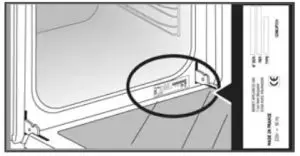
GENUINE PARTS
When having work carried out, insist on the use of genuine, certified spare parts only.
FUNCTION SUITABILITY TESTS
Functional suitability tests in accordance with IEC/EN/NF EN 60705 standards.
The International Electrotechnical Commission, SC.59K, has established a standard for comparative performance tests conducted on various microwave ovens. We recommend the following for this appliance:
| Test | Load | Approx. time | Power level selector | CookwareMps |
| Custard (12.3.1) | 1000 g | 16-18 min | 500 W | Pyrex 227 On the turntable |
| Savoie cake (12.3.2) | 475 g | 6 – 7 min | 700 W | Pyrex 827 On the turntable |
| Meatloaf (12.3.3) | 0, § | 14 min | 700 W | Pyrex 838 Cover with plastic film. On the turntable |
| Defrosting meat (13.3) | 500 g | 11 – 12 min | 200 W | On a flat plate On the turntable |
| Defrosting ras- berries (B.2.1) | 250 g | 6 – 7 min | 200 W | On a flat plate On the turntable |
| Potato gratin (12.3.4) | 1100 g | 23- 25 min | Low grill + 700 W | Pyrex 827 On the turntable |
| Chicken (12.3.6) | 1200 g | 24 – 26 min | Full grill + 500 W | Place on the grill assembly + drip tray Insert the dish at level 1 from the bottom Turn midway through |
| 35 – 40 min | Fan cooking 200°C + 200 W | In an enameled earthen- ware dish Place on the rack at level 1 from the bottom | ||
| Cake (12.3.5) | 700 g | 20 min | Fan cooking 220°C + 200 W | Pyrex 828 Place on the rack at level 1 |
BRANDT FRANCE, Etablissement de CERGY, 5/7 avenue des Béthunes, 95310 SAINT OUEN L’AUMÔNE.
SAS au capital social de 100.000.000 euros RCS NANTERRE 801 250 531.
CZ5703520_00