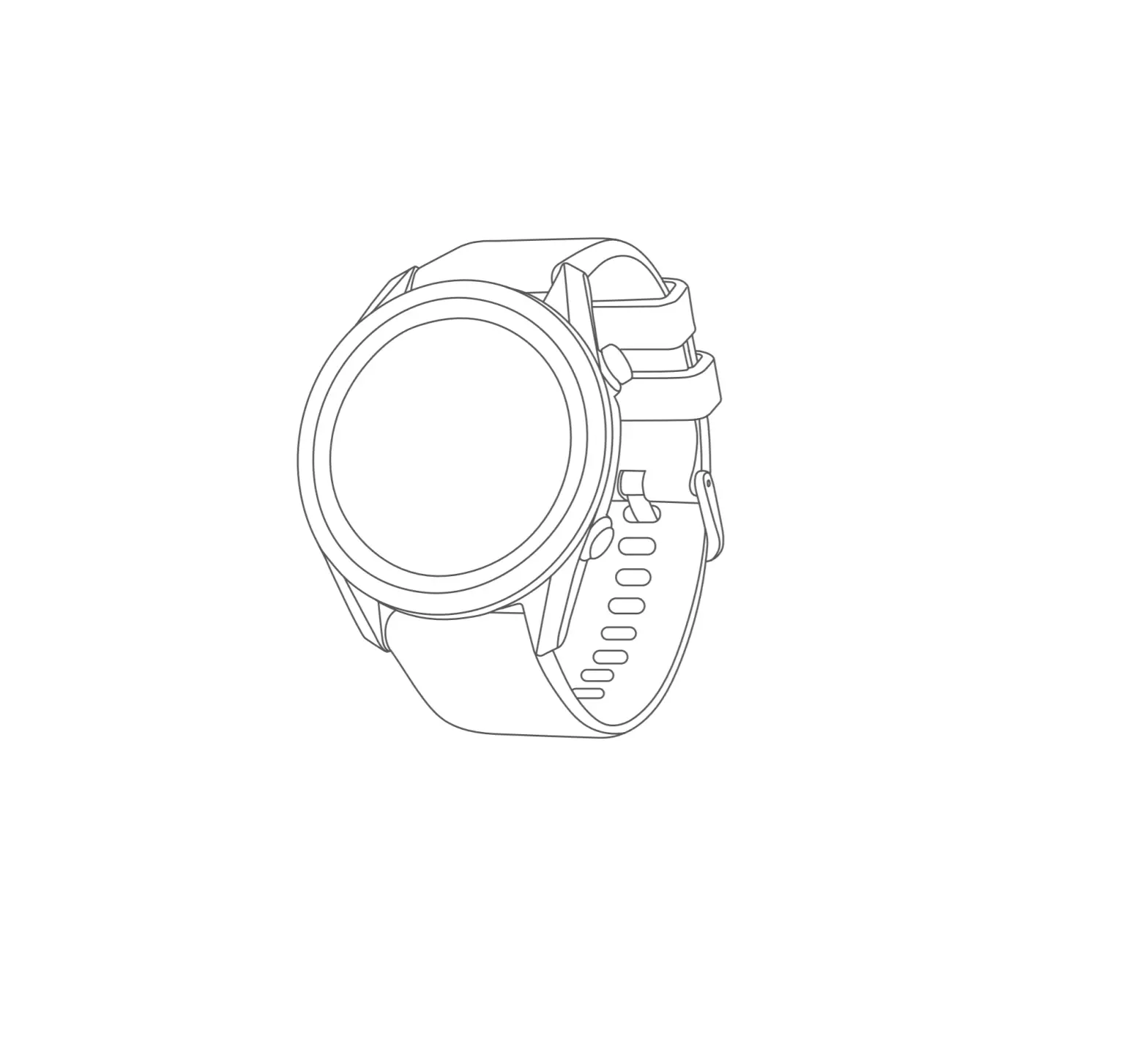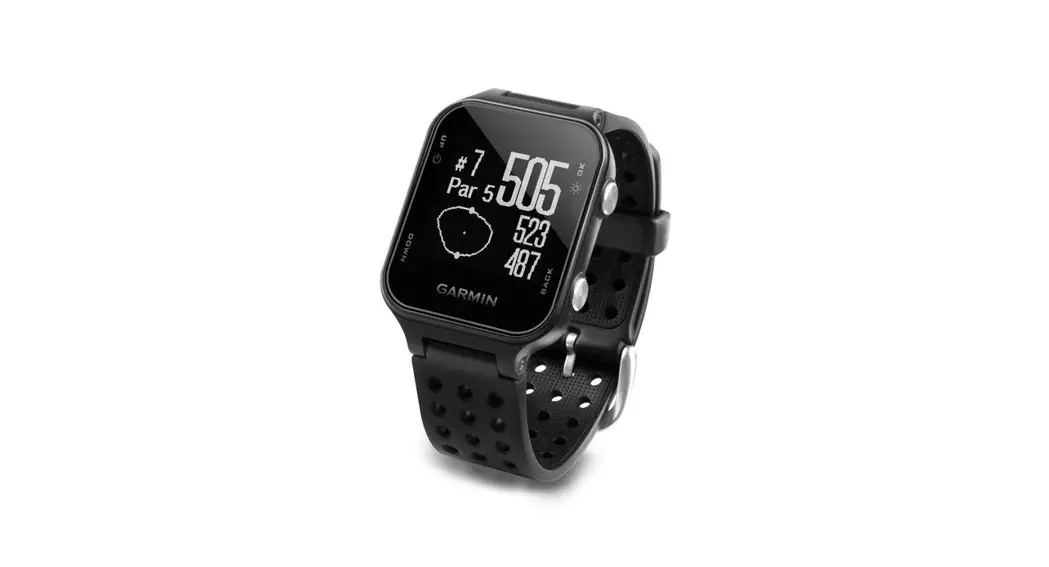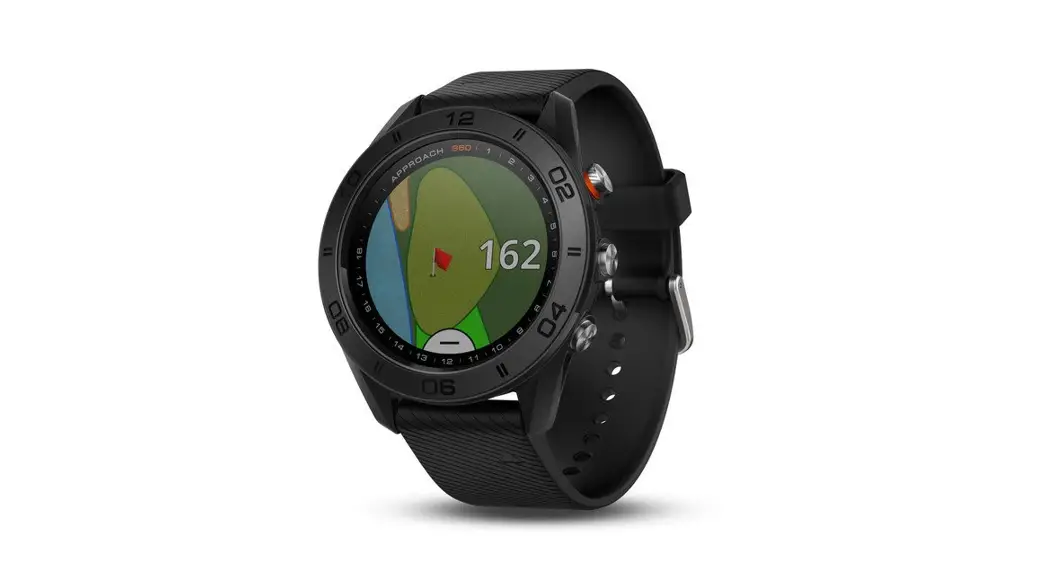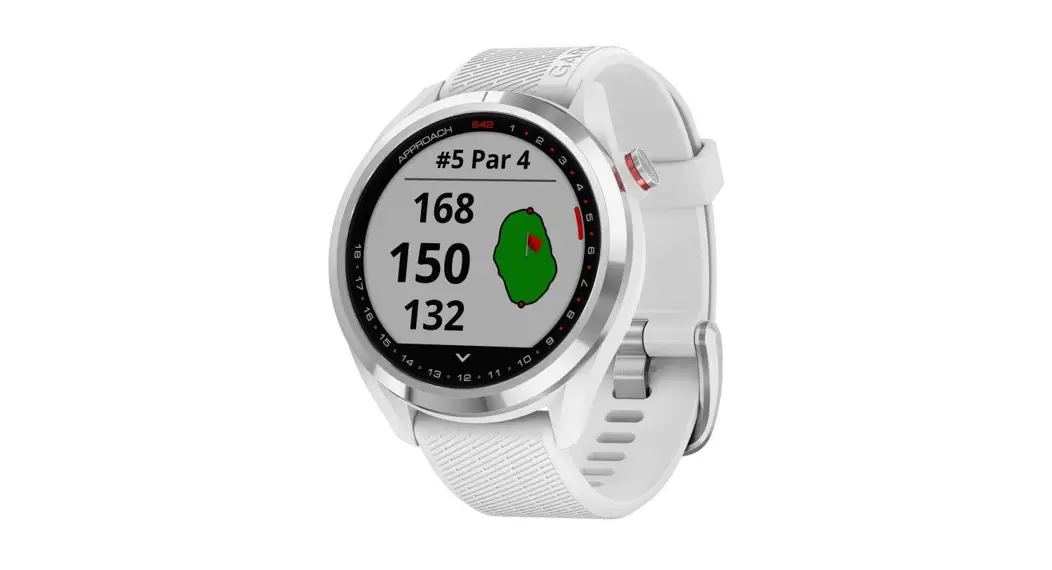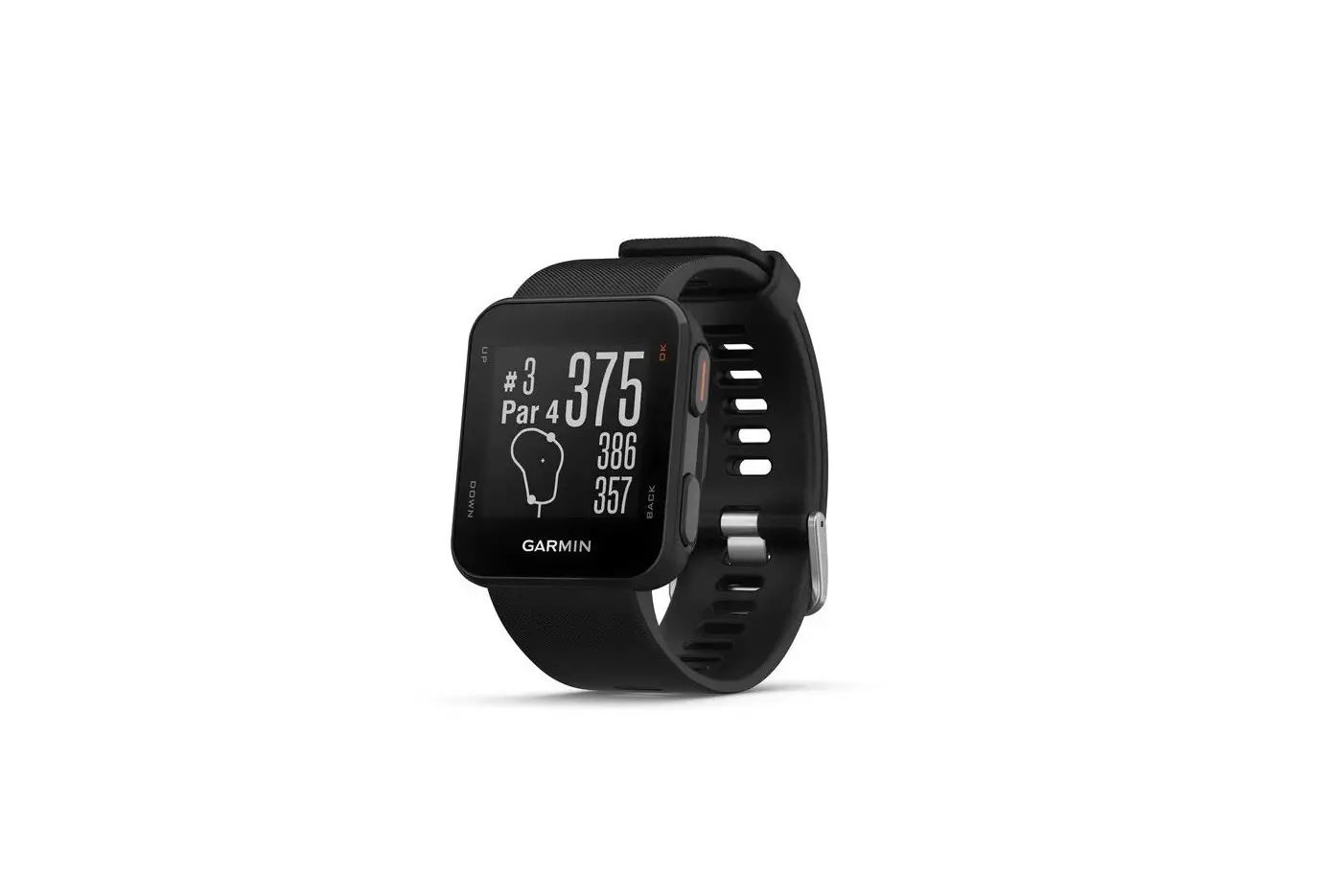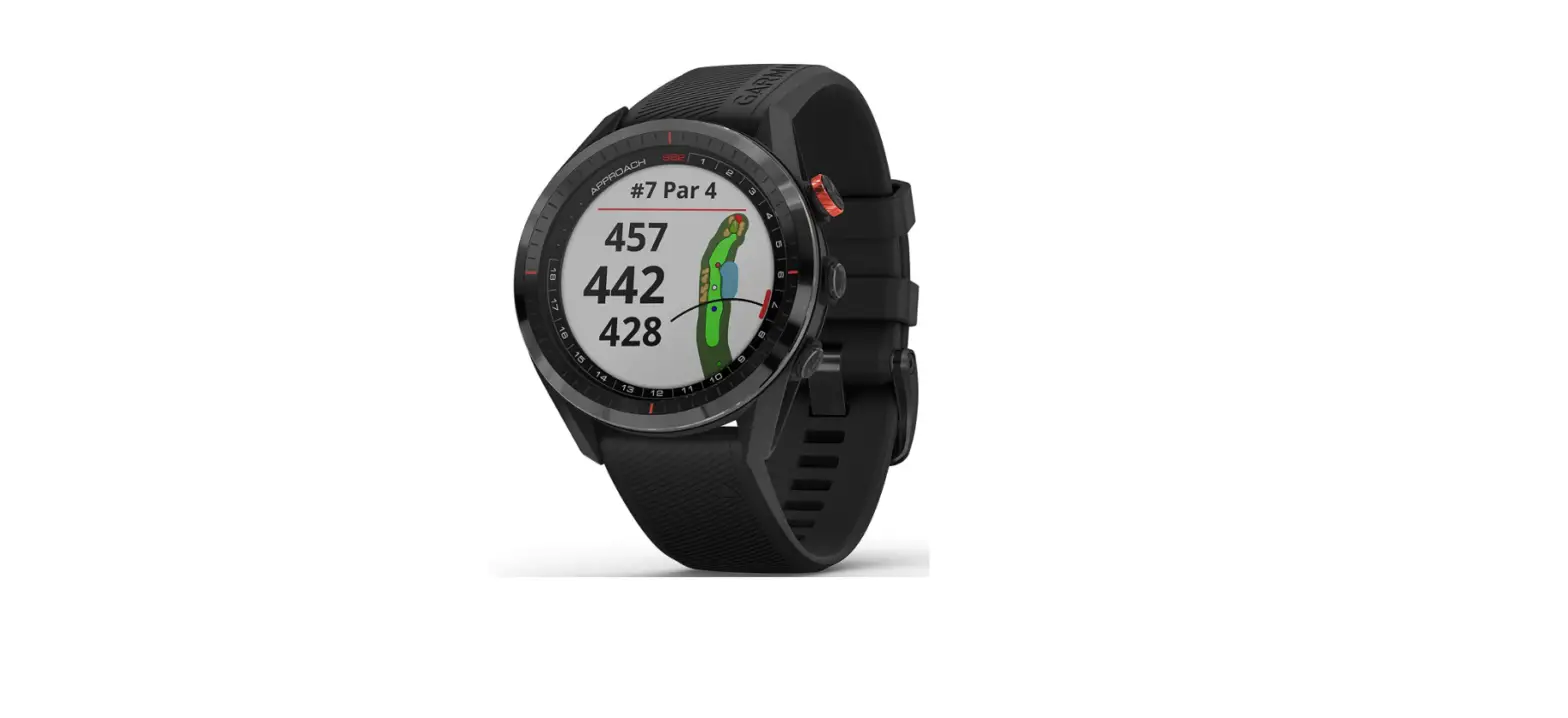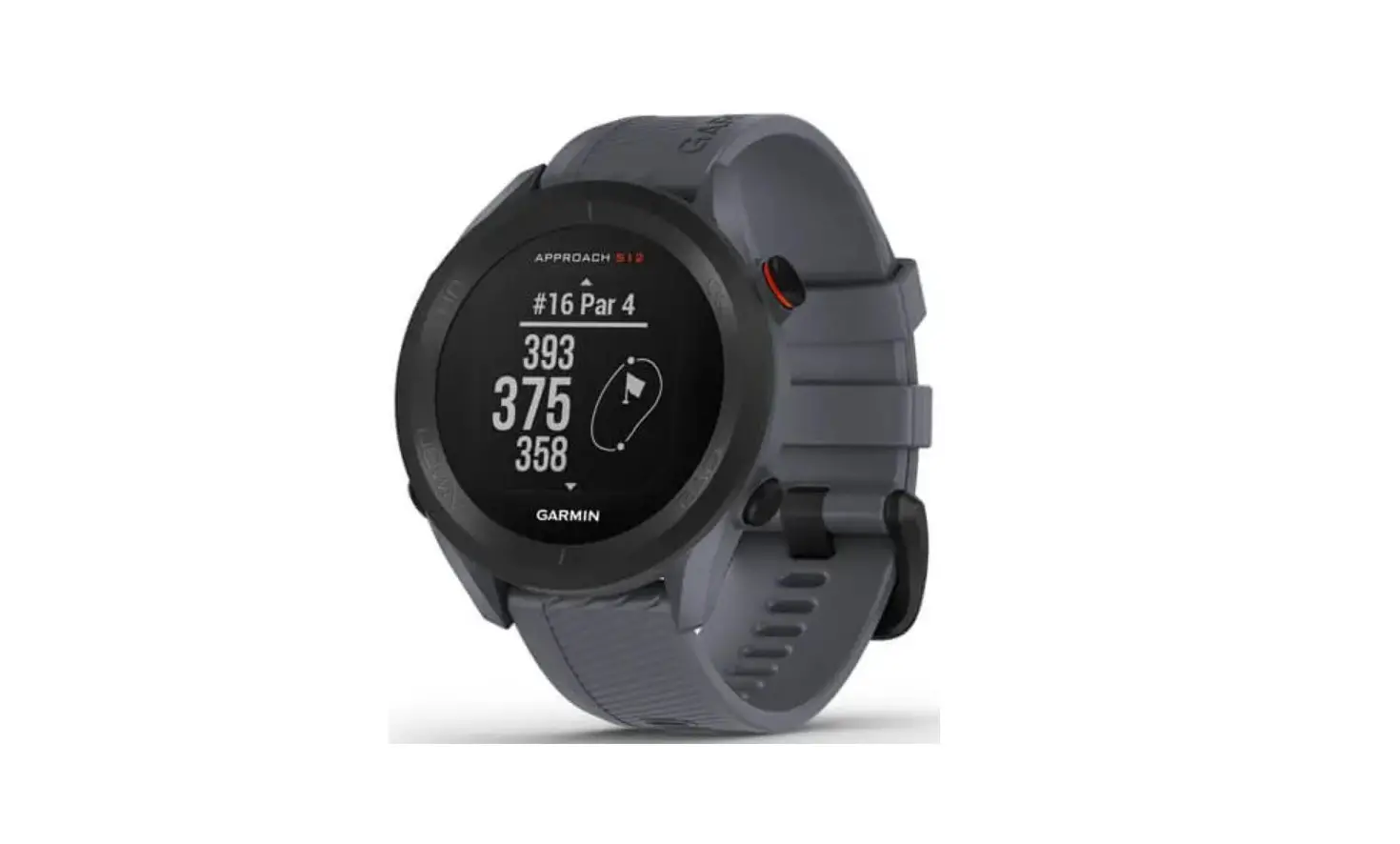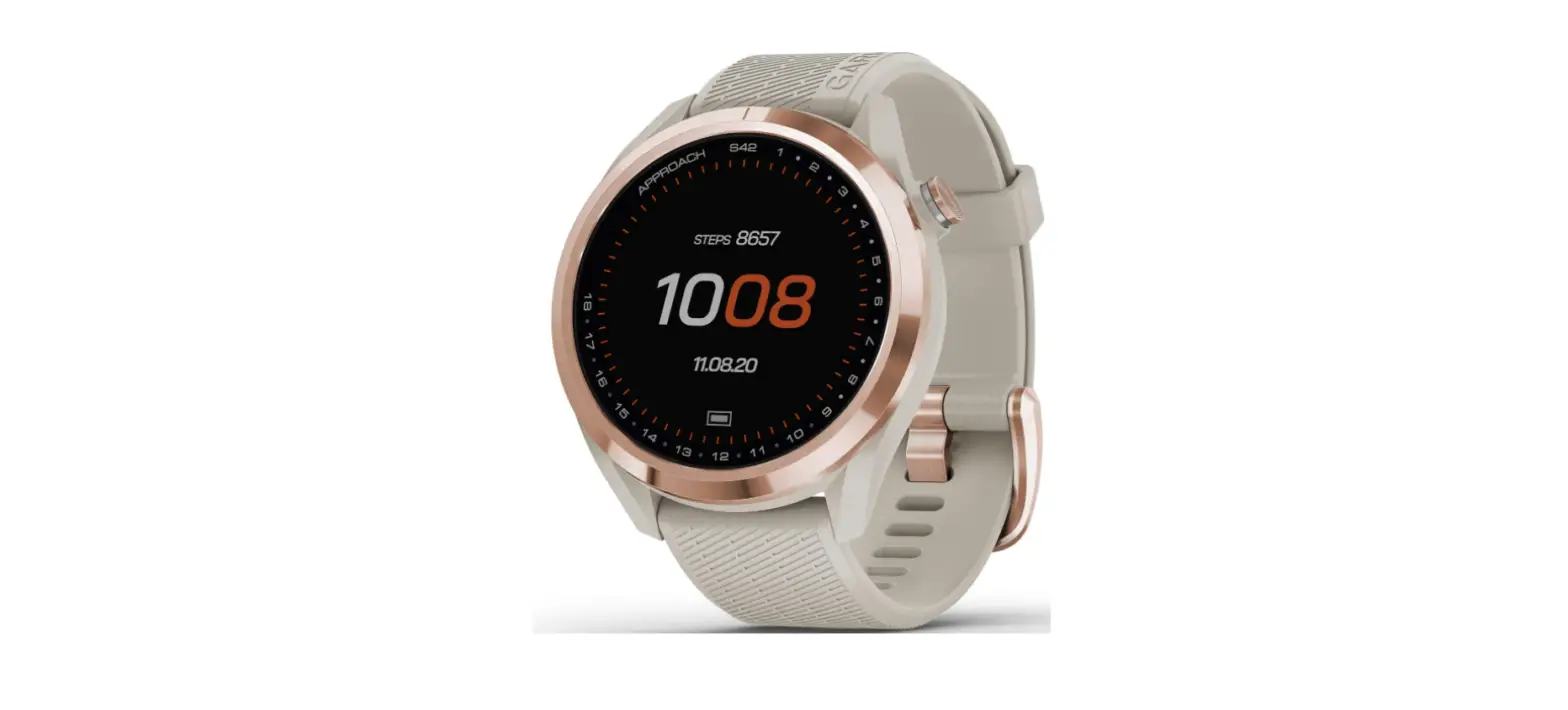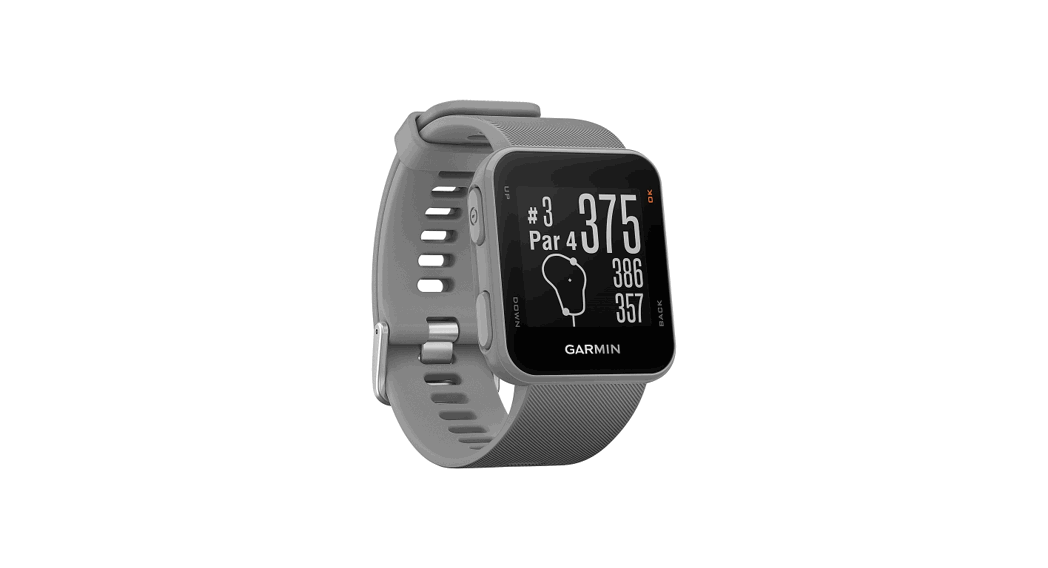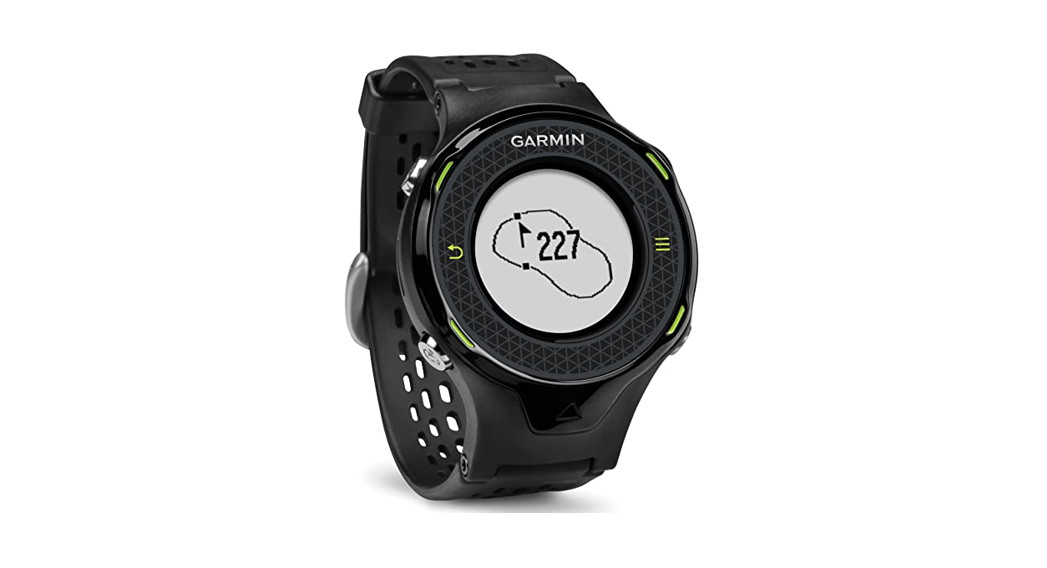

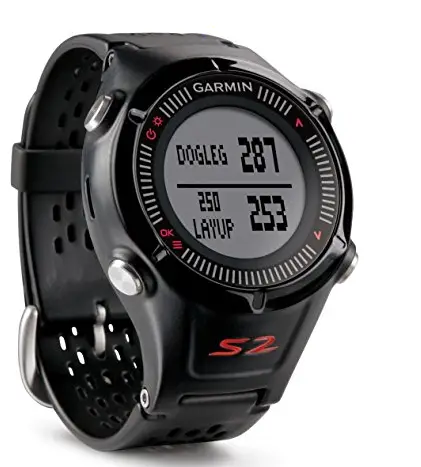
GARMIN Approach S2 Golf Watch
© 2013 Garmin Ltd. or its subsidiaries
All rights reserved. Under the copyright laws, this manual may not be copied, in whole or in part, without the written consent of Garmin. Garmin reserves the right to change or improve its products and to make changes in the content of this manual without obligation to notify any person or organization of such changes or improvements. Go to www.garmin.com for current updates and supplemental information concerning the use of this product.
Garmin®, the Garmin logo, and Approach® are trademarks of Garmin Ltd. or its subsidiaries, registered in the USA and other countries. These trademarks may not be used without the express permission of Garmin.
Windows® is a registered trademark of Microsoft Corporation in the United States and other countries. Mac® is a registered trademark of Apple Computer, Inc. Other trademarks and trade names are those of their respective owners.
Getting Started
WARNING
See the Important Safety and Product Information guide in the product box for product warnings and other important information.
- When using the device the first time, complete these tasks. 1 Charge the device (Charging the Device, page 1).
- Turn on the device (Turning on the Device, page 1).
- Start a round (Playing Golf, page 1).
Charging the Device
WARNING
This device contains a lithium-ion battery. See the Important Safety and Product Information guide in the product box for product warnings and other important information.
NOTE
To prevent corrosion, thoroughly clean and dry the contacts and the surrounding area before charging or connecting to a computer.
- Plug the USB cable into a USB port on your computer.
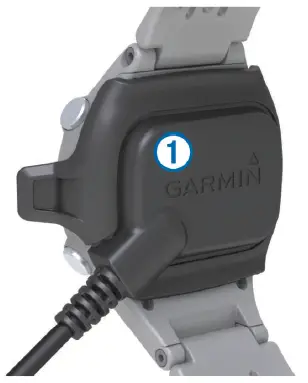
- Align the charger posts with the contacts on the back of the device, and press the charger 1 until it clicks.

- Charge the device completely.
Turning on the Device
The first time you use the device, you are prompted to choose your language.
NOTE: The time of day and date are set automatically when you are outdoors. You can also set them manually (Setting the Time Manually, page 2).
- Hold
 .
. - Select your language.
- Play a game of golf (Playing Golf, page 1).
Keys
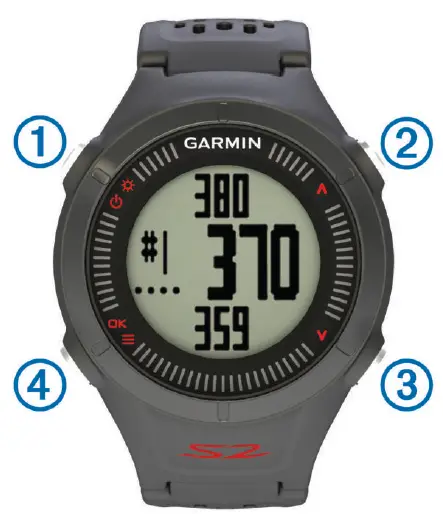
| 1 |  | Hold to turn the device on and off. |
 | Select to turn on the backlight. | |
| 2 |  | Select to scroll through menus, holes, and settings. |
| 3 |  | Select to scroll through menus, holes, and settings. |
| 4 |  | Hold to open the menu for the current screen. |
| OK | Select to choose menu options and acknowledge messages. During play, select to scroll through the different views. |
Icons
 | Battery is low. |
 | Odometer is measuring distance and time (GPS active). |
 | Alarm is on. |
Playing Golf
Before you can play golf, you must wait until the device acquires satellite signals, which may take 30–60 seconds.
- Hold .
- Select Start Round.
- Select a course from the list.
The device automatically starts on the hole closest to your present location.
Hole View
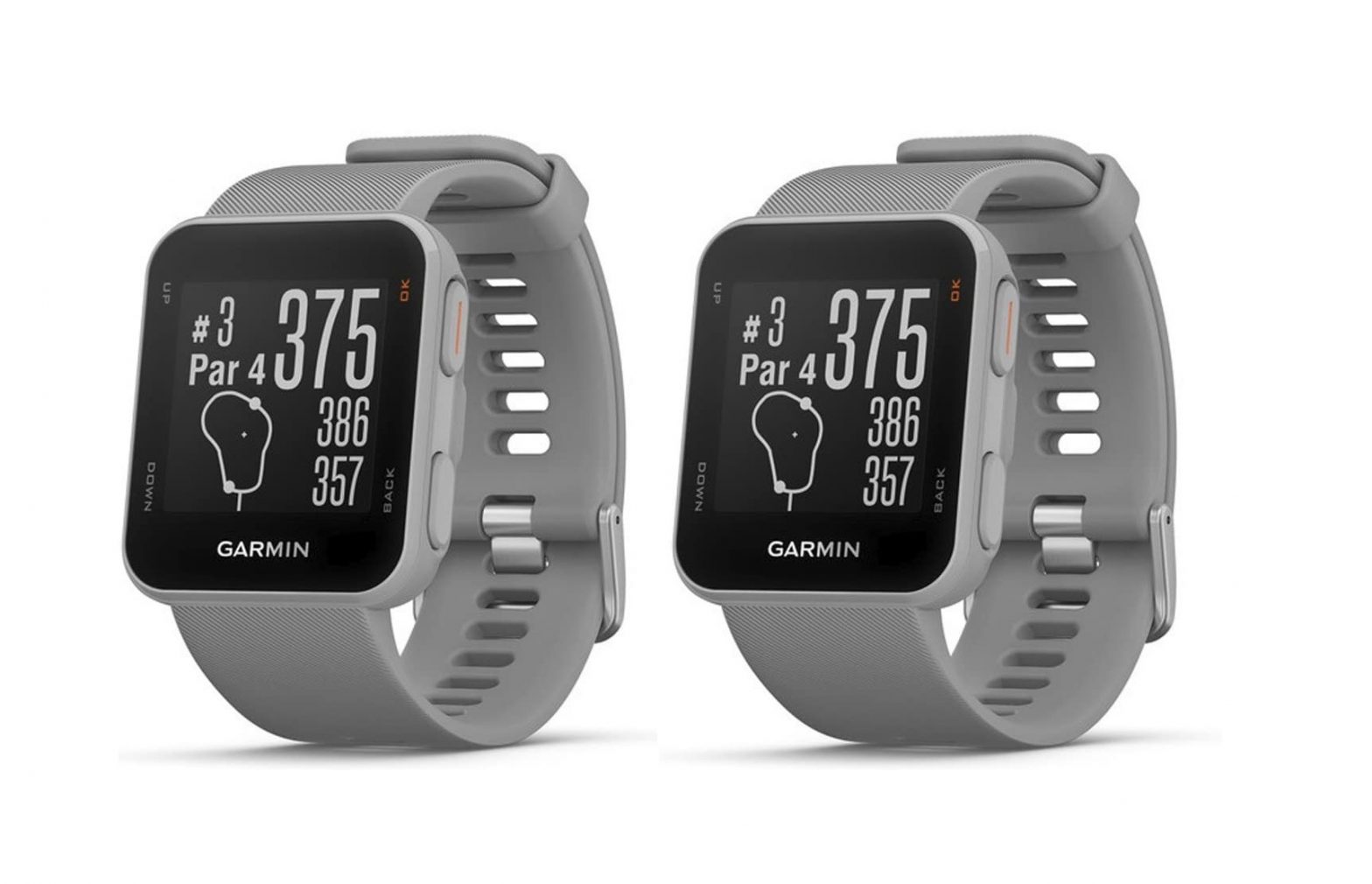
The device shows the current hole you are playing, and automatically transitions when you move to a new hole.
NOTE: Because pin locations change, the device calculates the distance to the front, middle, and back of the green, but not the actual pin location.
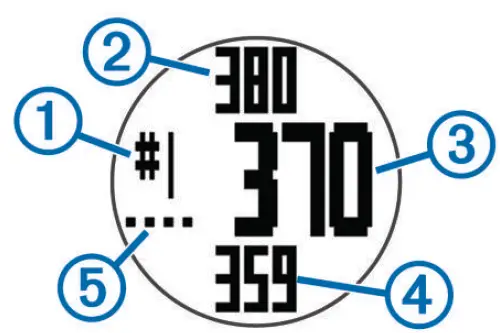
| 1 | Current hole number. |
| 2 | Distance to the back of the green. |
| 3 | Distance to the middle of the green. |
| 4 | Distance to the front of the green. |
| 5 | Par for the hole. |
Measuring a Shot
- Hold
 .
. - Select Measure Shot.
- Walk to your ball.
The distance automatically resets when you move to the next hole.
Viewing Layup and Dogleg Distances
You can view a list of layup and dogleg distances for par 4 and 5 holes.
From the hole view (Hole View, page 1), select .
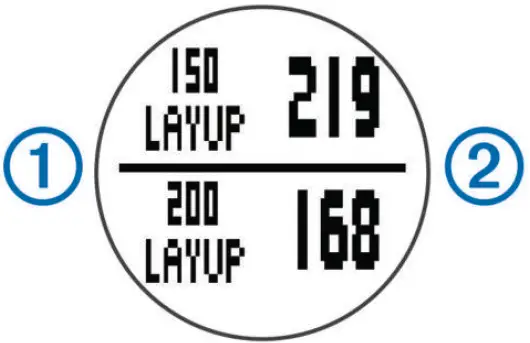
Layup 1 and distance to reach the layup 2 appear on the screen.
NOTE: Distances are removed from the list as you pass them.
Keeping Score
Before you can begin keeping score, you must start a round (Playing Golf, page 1).
- From the hole view (Hole View, page 1), hold .
- Select Start Scoring.
- Select
 or
or  to set the score.
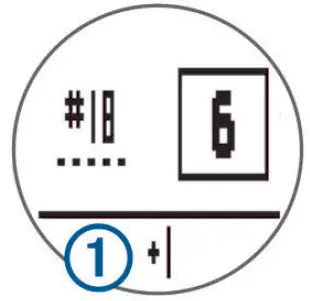
Your total score 1 is updated.
- Select OK to return to the hole view.
Reviewing Scores
You can edit individual scores but not the total score.
- Hold .
- Select Scorecard.
- Select or to select the hole.
- Select OK to edit.
Viewing Scorecards on a Computer
You can view all saved scorecards on your computer.
- Connect the device to a USB port on your computer using the charging cradle.
- The device appears as a removable drive in My Computer on Windows® computers, and as a mounted volume on Mac® computers.
- Open ScorecardViewer.html to view your scorecards.
Using the Odometer
You can use the odometer to record the time and distance traveled. The odometer automatically starts and stops when you start or end a round, and you can also start and stop it manually.
- Hold .
- Select Odometer to view or start the odometer.
- Select an option:
- Select > Continue to keep using the odometer.
- Select > Turn Off to stop the odometer.
- Select > Reset to reset the time and distance.
- Select
Customizing Your Device
Settings
Hold , and select Setup.
Time: Sets the time to automatic or manual (Setting the Time
Manually, page 2).
Format: Sets the time format to 12- or 24-hour.
Tones: Turns audible tones on or off.
Language: Sets the language.
Units: Sets to measure distance in yards or meters.
Setting the Time Manually
By default, the time is set automatically when the device acquires satellite signals.
- Hold .
- Select Setup > Time > Manual.
- Select or to set the hour and minute.
- Select AM or PM.
Setting the Alarm
- Hold .
- Select Alarm > Set.
- Select or to set the hour and minute.
- Select AM or PM.
- Verify the alarm is set to On.
Viewing Device Information
You can view the software version and unit ID.
- Hold .
- Select About.
Appendix
Device Care
NOTICE
Avoid extreme shock and harsh treatment, because it can degrade the life of the product.
Avoid pressing the keys under water.
Do not use a sharp object to clean the device.
Avoid chemical cleaners, solvents, and insect repellents that can damage plastic components and finishes.
Thoroughly rinse the device with fresh water after exposure to chlorine, salt water, sunscreen, cosmetics, alcohol, or other harsh chemicals. Prolonged exposure to these substances can damage the case.
Do not store the device where prolonged exposure to extreme temperatures can occur, because it can cause permanent damage.
Cleaning the Device
NOTE
Even small amounts of sweat or moisture can cause corrosion of the electrical contacts when connected to a charger. Corrosion can prevent charging and data transfer.
- Wipe the device using a cloth dampened with a mild detergent solution.
- Wipe it dry.
After cleaning, allow the device to dry completely.
Specifications
| Battery type | Lithium-ion |
| Battery life | Watch only: 3 weeks Playing golf: 8 hours NOTE: The actual battery life of a fully charged battery depends on how much time you use GPS, the backlight, and power save mode. Exposure to extremely cold temperatures will also reduce battery life. |
| Operating temperature | From -4º to 140º F (from -20º to 60º C) |
| Charging temperature | From 40º to 104º F (from 5º to 40º C) |
| Water resistance | 32.8 ft. (10 m) NOTE: The device is not intended to be used while swimming. |
Power Save
After a period of inactivity, the device goes into power save mode. The device displays the time and date but does not use GPS. The device will not enter power save mode if the odometer is on. You can select to exit power save mode.
Clearing User Data
NOTE: This deletes all user-entered data.
- Hold and simultaneously.
- Select Yes.
Getting More Information
- Go to www.garmin.com/intosports.
- Go to www.garmin.com/learningcenter.
- Go to http://buy.garmin.com, or contact your Garmin® dealer for information about optional accessories and replacement parts.
Registering Your Device
Help us better support you by completing our online registration today.
- Go to http://my.garmin.com.
- Keep the original sales receipt, or a photocopy, in a safe place.
Updating Software and Courses
Before you can update your device software, you must download and install Garmin CourseView Updater on your computer. Go to www.garmin.com/courses for more information.
- Connect the device to the charging cradle.
- Connect the USB end of the charging cradle to a USB port on your computer.
- Start CourseView Updater.
- Follow the on-screen instructions.
Software License Agreement
BY USING THE DEVICE, YOU AGREE TO BE BOUND BY THE TERMS AND CONDITIONS OF THE FOLLOWING SOFTWARE LICENSE AGREEMENT. PLEASE READ THIS AGREEMENT CAREFULLY.
Garmin Ltd. and its subsidiaries (“Garmin”) grant you a limited license to use the software embedded in this device (the “Software”) in binary executable form in the normal operation of the product. Title, ownership rights, and intellectual property rights in and to the Software remain in Garmin and/or its third-party providers.
You acknowledge that the Software is the property of Garmin and/or its third-party providers and is protected under the United States of America copyright laws and international copyright treaties. You further acknowledge that the structure, organization, and code of the Software, for which source code is not provided, are valuable trade secrets of Garmin and/or its third-party providers and that the Software in source code form remains a valuable trade secret of Garmin and/or its third-party providers. You agree not to decompile, disassemble, modify, reverse assemble, reverse engineer, or reduce to human readable form the Software or any part thereof or create any derivative works based on the Software. You agree not to export or re-export the Software to any country in violation of the export control laws of the United States of America or the export control laws of any other applicable country.
Index
- A
accessories 3
alarm 2 - B
battery, charging 1 - C
charging 1
cleaning the device 2
clock 2
course
playing 1
selecting 1
customizing the device 2 - D
deleting, all user data 3
device, registration 3
dogleg 2 - I
icons 1 - K
keys 1, 2 - L
layup 2 - M
measuring a shot 1 - P
power save 3
product registration 3 - R
registering the device 3 - S
scorecard 2
viewing 2
settings 2
software, version 2
software license agreement 2, 3
specifications 3 - T
time 2
troubleshooting 3 - U
unit ID 2
updates
course maps 3
CourseView 3
software 3
REGISTERED No:
ER0104355/13
DEALER No:
0061884/11
 Garmin International | Home
 Garmin International | Account
 Garmin Customer Support
 Garmin International | Home