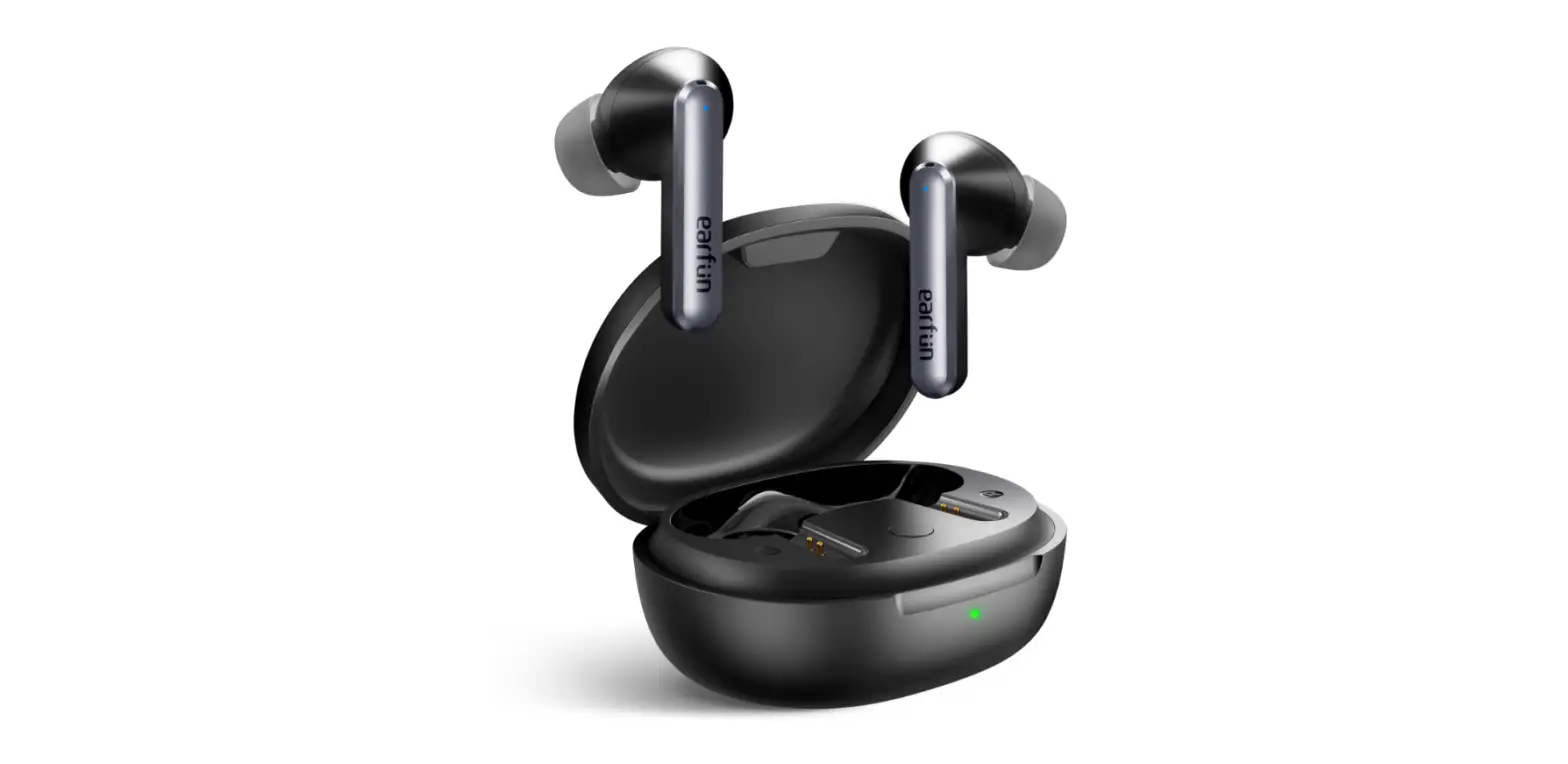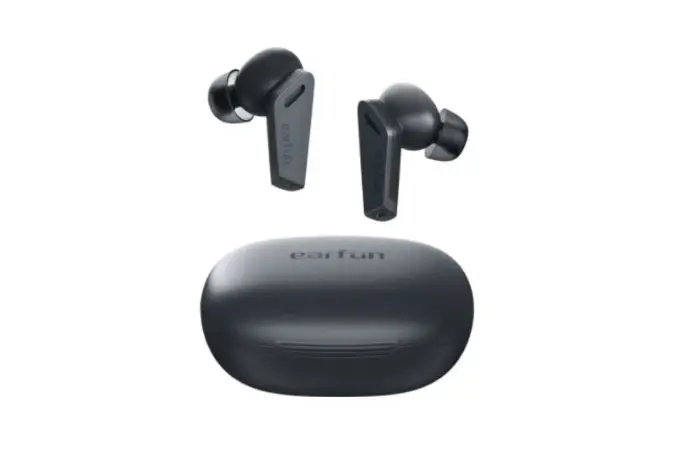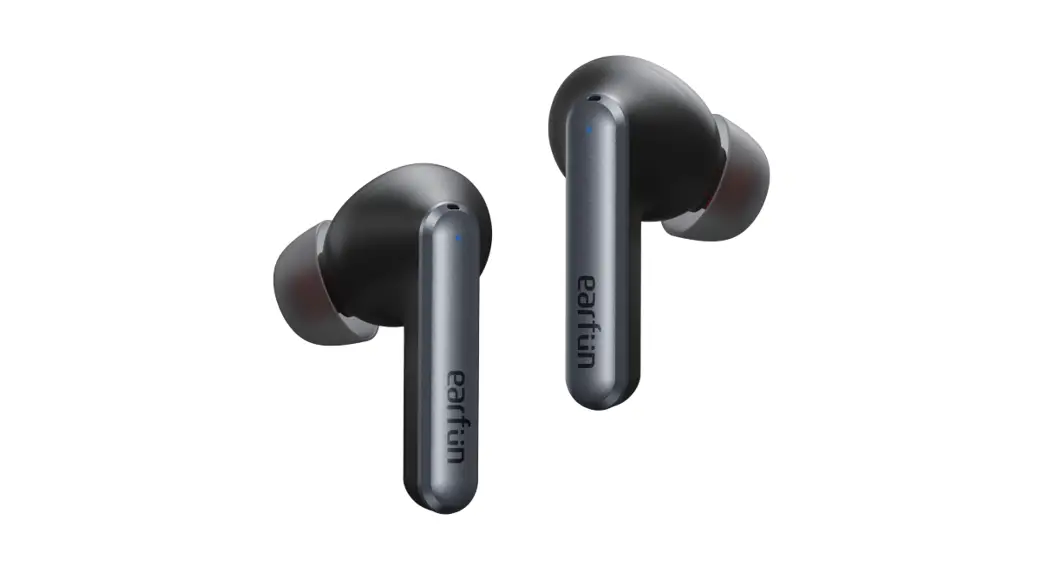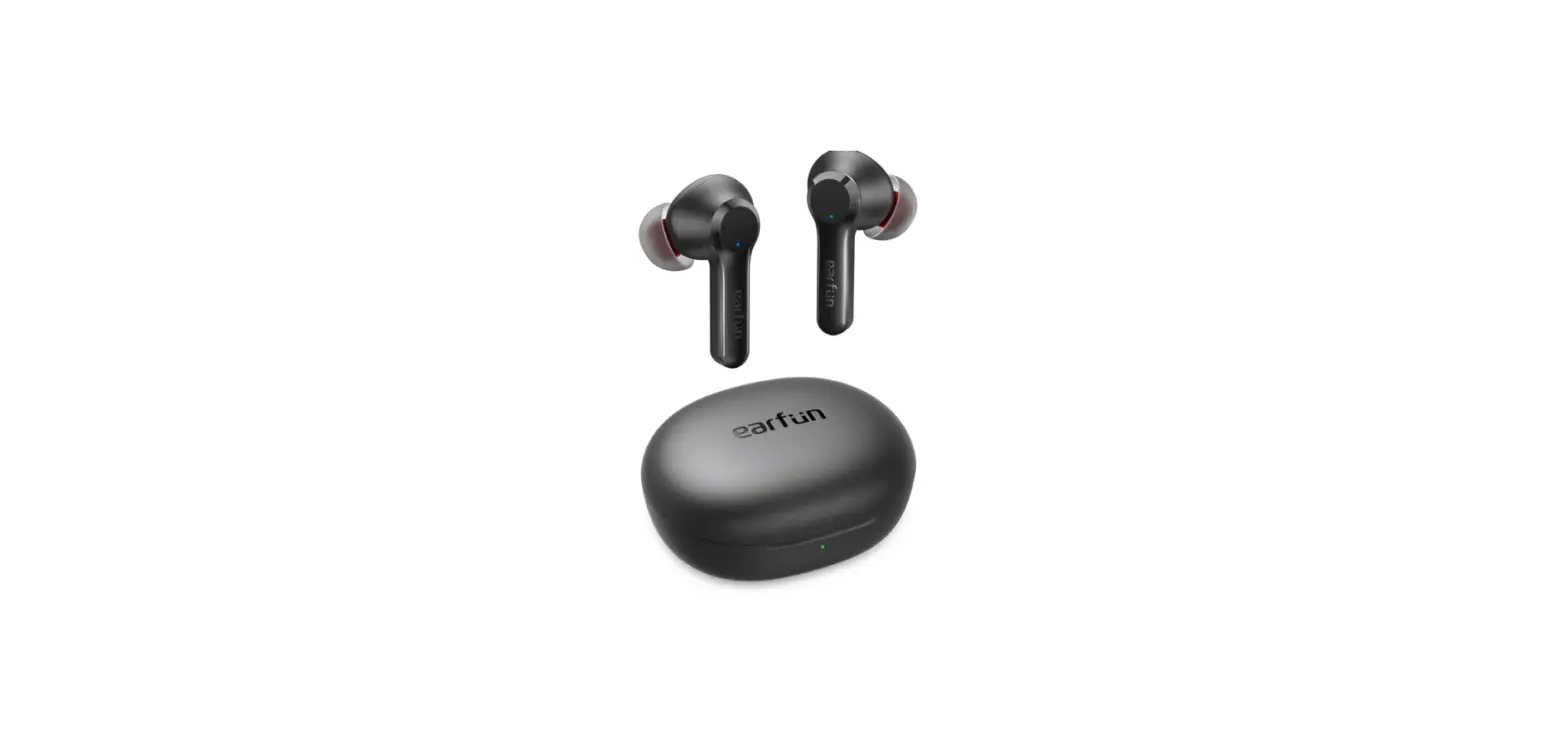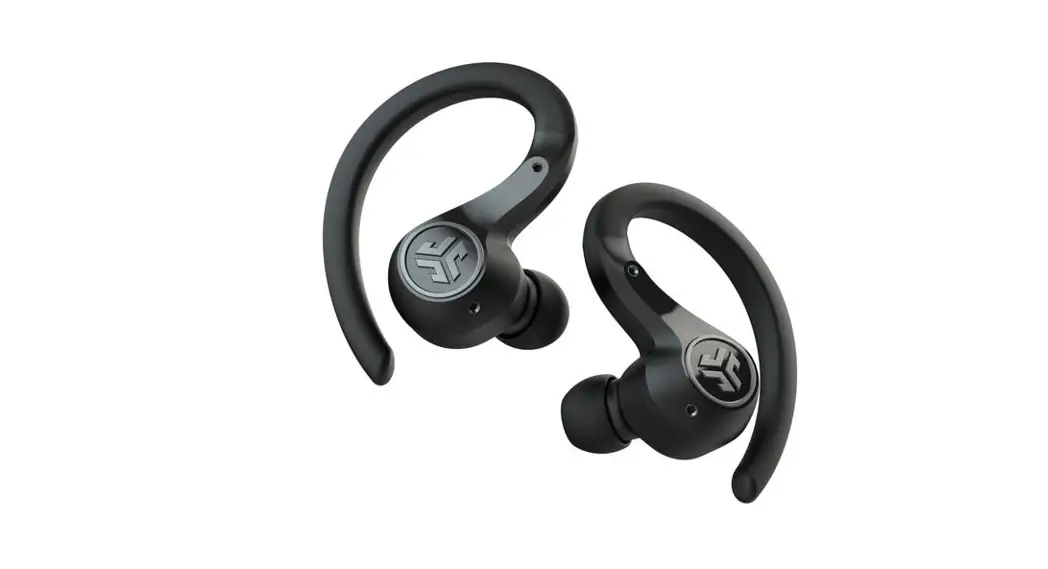


AIRFOCUS
ACTIVE NOISE CANCELLING
WIRELESS IN-EAR HEADPHONES
Contents
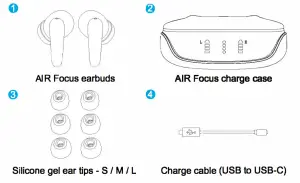
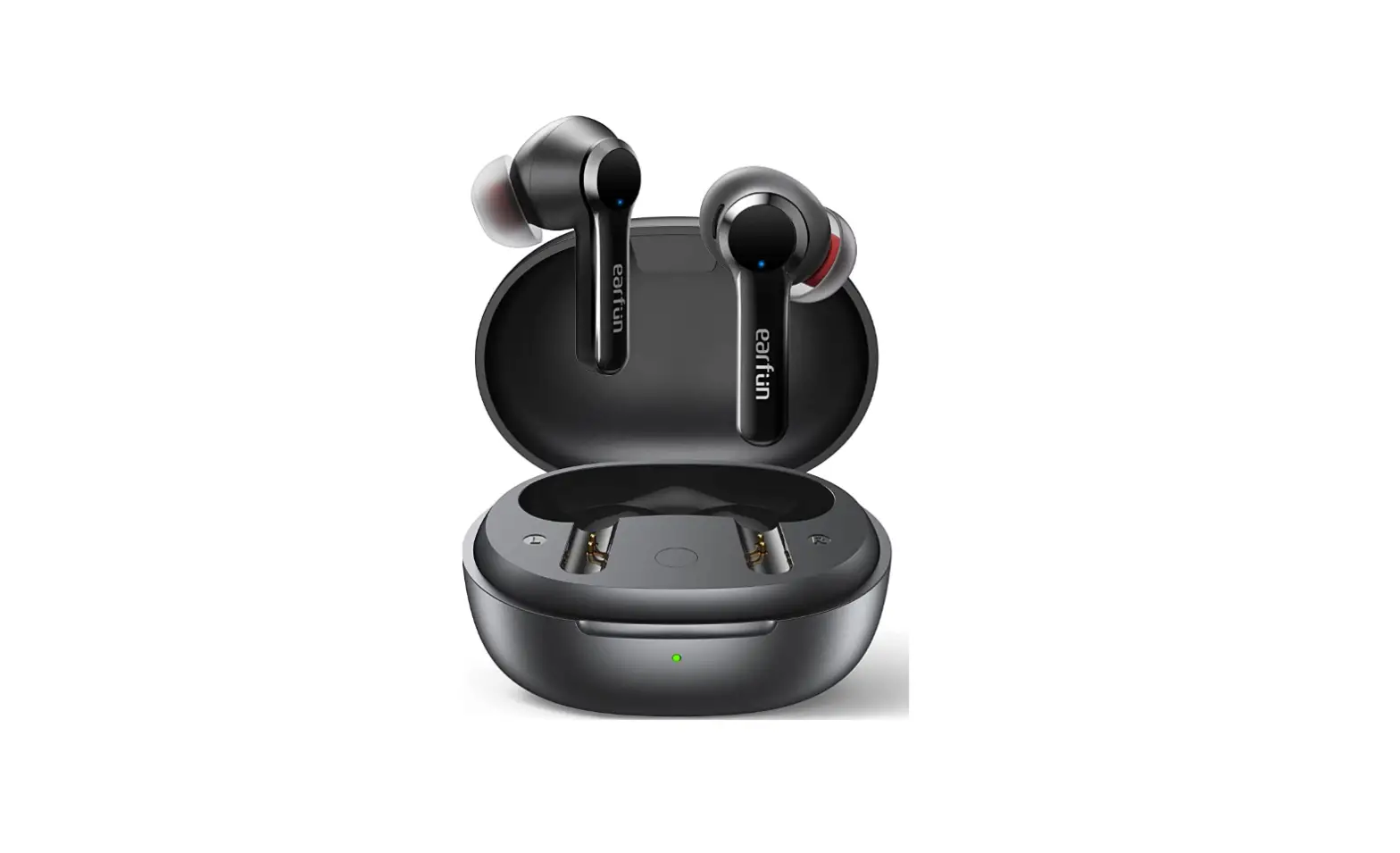
Components
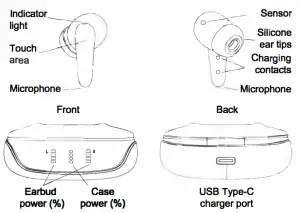
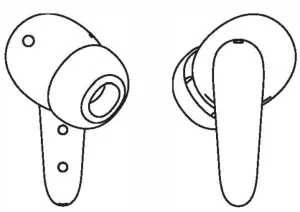
Controls
| Left earbud
| 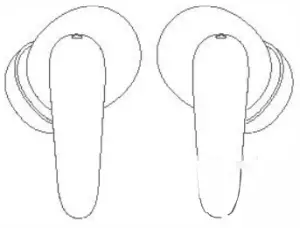 | Right earbud |
| Answer call Volume down |  Single tap Single tap | Answer call Volume up |
| Play / Pause End call | Double tap | Play / Pause End call |
| Previous song | Double tap
| Next song |
| Reject call | Press 1.5 seconds | Reject call |
| ANC on / off | Press 2.0 seconds
| Transparency on/off |
| Power off | Press 5.0 seconds
| Power off |



Power on/off
Powering your AIR Focus on/off
Power on by opening the charging case. Power off by putting the earbuds back into the charging case. Or, hold down the touch area for 5 seconds to turn on/off.
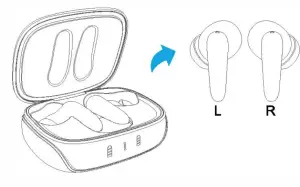
Pairing
Pair your AIR Focus to your device
- Remove the earbuds from the charging case
- Wait one second as the earbuds connect to each other.
- After being connected together, one earbud will blink blue/red.
- On your device, enter settings and select Bluetooth connections.
- Under new connections, select “friends AIR Focus” if prompted, confirm to connect.
- Your device and headphones are now paired. Your device will show friends AIR Focus as “connected”, your headphones will blink blue.
Next time, the earbuds will automatically pair to the last connected device when turned on
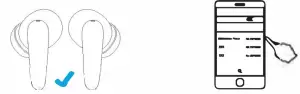
Earbud sensors
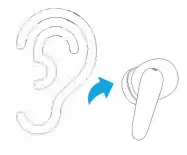
Automatic play and pause
Your friend’s AIR Focus will automatically play and pause music when the earbuds are removed from your ears.
For this feature to work, your connected device needs to be turned on with a music app playing.
Charging the case
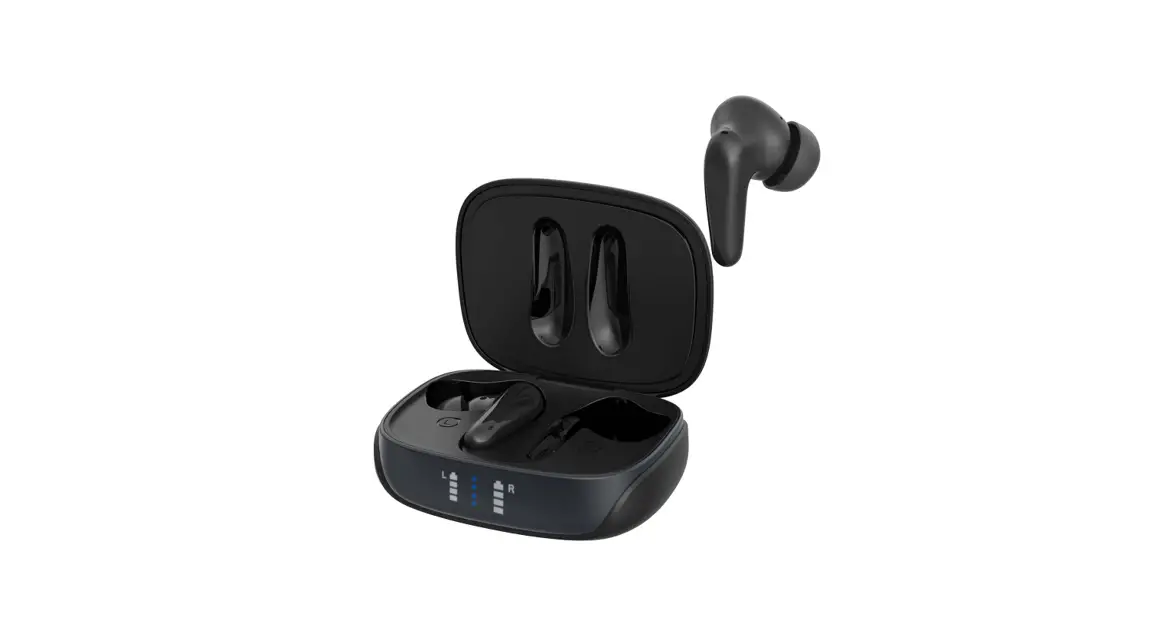
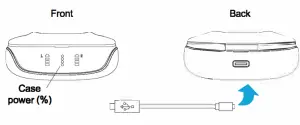
Charging your AIR Focus case
- Plug the USB-C cord into the rear of the charging case.
- Connect the USB cord to a USB port on a computer.
- The blinking light on the charging case shows that charging is underway.
- Each light indicates 25% battery capacity.
- Once the flashing light stops the charging is complete-

Charging the earbuds
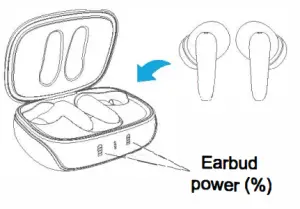
Charging your AIR Focus earbuds
- Place the earbuds in the charging case.
- Unplug the USB-C cable.
- Close the cover.
- The battery icons for each earbud will illuminate.
- Each light is 25% battery capacity.
- Once fully charged the battery icon will turn off.
Troubleshooting
Earbuds are not charging
- Check USB charging cord is not damaged.
- Check USB port from the computer has power.
- Check to charge pins in the charging case are free of dirt, wipe clean
- Check USB charging port is not damaged.
- Ensure the charging cable is disconnected from the charging case to charge earbuds.
Unable to hear music from both earbuds
- Check your paired device Bluetooth settings; are your headphones connected to your device? Your headphones will pair to the last device
- Is the indicator light blinking blue and red? If so, the headphones are not paired to a device. See pairing.
Volume is too low
- Check that the earbud silicone tips are not dirty.
- Check your phone settings volume has not been adjusted.
Music drop-outs
- Check your device and headphones within a 10-meter visual range
- Ensure you have no barriers disrupting connections
- Ensure you have no interference from other 2.5Ghz devices, e.g cordless phones, WiFi.
- Check that both buds are connected to each other before connecting to the device. Only one bud should be connected to your Bluetooth list.
Reset the earbuds
- Press and hold the touch area of both earbuds at the same time for 8 seconds. The red and blue lights will flash quickly on both earbuds The earbuds will then re-sync to each other, once synced only one indicator light will blink.
Listen Responsibly
Headphones are capable of delivering sounds at loud volumes and high-pitched tones. Prolonged exposure to loud sounds can cause irreversible hearing damage. It is dangerous or even illegal in some areas to use your headphones in situations that require your full attention, such as driving a car. Choose the correct ear tip sizing for each ear, so that your ears are not damaged
Specifications
| Charge Case Battery size: Charge time. Usage: Charge cable. Standby time. Dimensions: Additional– | 500mAh Li-Po 2 hours (5V/1A) 6 charges (24 hours of usage) USB Type-C or QI charging pad 220 hours 6.3cm x 5.0cm x 2.7cm Digital battery capacity display |
| Earbuds Battery size: Charge time: Music playback: Talk time: Water resistance: Power on/off: Earbud size: | 40mAh Li-Po each 1 hour (via charge case) 4 hours 4 hours Sweatproof protection Auto on/off from the case 1.5cm x 3.4cm |
| Audio Sensitivity: | 102dB +-3dB 32 0 20-20KHz 10mm Active Noise Cancelling -25-30db Supported |
| Wireless Connections Standard: Frequency range Distance range Protocol | BT5.0 2.402-2.480GHz 10 meters HSP/HFP/A2DP/AVRCP |
| Multi-function controller Media payback: Proximity sensor: |
Play/pause, next/previous track, ANC on/off Volume up/down, transparency on/off |
Weight
Charger: 41.4 grams
Earbud: 4.8 grams
FCC Statement:
This device complies with Part 15 of the FCC rules. Operation is subject to the following two conditions: 1) this device may not cause harmful interference, and 2) this device must accept any interference received, including interference that may cause undesired operation. This equipment has been tested and found to comply with the limits for a Class B digital device, pursuant to Part 15 of the FCC rules. These limits are designed to provide reasonable protection against harmful interference in a residential installation. This equipment generates, uses and can radiate radio frequency energy and if not installed and used in accordance with the instructions, may cause harmful interference to radio communications. However, there is no guarantee that interference will not occur in a particular installation. If this equipment does cause harmful interference to radio or television reception, which can be determined by turning the equipment off and on, the user is encouraged to try to correct the interference by one or more of the following measures:
- Reorient the receiving antenna.
- Increase the separation between the equipment and receiver.
- Connect the equipment into an outlet on a circuit different from that to which the receiver is connected.
- Consult the dealer or an experienced radio/TV technician for help.
Changes or modifications not expressly approved by the party responsible for compliance could void your authority to operate the equipment.
***** Let’s be friends.
Visit https://www.friendle.com.au
Write a review on the AIR Focus product page for
your chance to win prizes and receive your own discount code!
FCC ID:2AURSFRIENDIE3