Keyboards
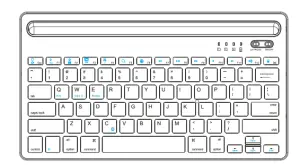
BK230
DUAL-CHANNEL
BLUETOOTH KEYBOARD
OPERATION INSTRUCTION
 | Switch: slide the switch to turn on or off the keyboard |
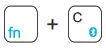 | Press fn+C keys 2-3s and the keyboard enters into pairing mode. |
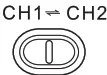 | Slide the button to change the channels |
 | When the LED light is on for capital letters |
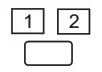 | Connection light: when the device powers on, the LED light twinkles quickly, press fn+C keys 2-3s, LED light will twinkle slowly and enter into pairing mode. 1. When the button is on the CH1 side, please open the Power toggle button, Blue An indicator light turns off after 1 second,press  key combination with 2-3seconds, key combination with 2-3seconds,then Blue Indicator light comes in the pairing status with twinkle .once “Bluetooth keyboard ” connect successfully, Blue Indicator light will be twinkle once every 5 seconds. 2. When the button is on the CH2 side, please open the Power toggle button, Blue An indicator light turns off after 1 second, press key combination with 2-3seconds, then Blue Indicator light comes in the pairing status with twinkle .once “Bluetooth keyboard ” connect successfully, Blue Indicator light will be twinkle once every 5 seconds |
BLUETOOTH KEYBOARD CONNECTION

- Turn on the keyboard, Blue light flicker, Press Fn+C to 2 to 3 seconds, and then the keyboard is undermatching.
- The tablet will show a Bluetooth keyboard, click it to pair.
- During pairing, no need password; Just need to click the device’s keys “Bluetooth keyboard ” if paired successfully, the blue light will twinkle once every 5 seconds.
COMPATIBLE WITH IOS, ANDROID, WINDOWS SYSTEMS
After paired, if your device is an IOS system, please press 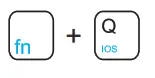
if Android system, please press 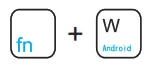
if Windows system, please press
TIPS
- As long as your devices have Bluetooth function, can you connect and use the keyboard?
- If connect a smartphone, it is the same way as a tablet to match.
- When turning on the keyboard, no need to match again. 4. The letter? should be the same color as Fn, when you want to get Fn+? function.
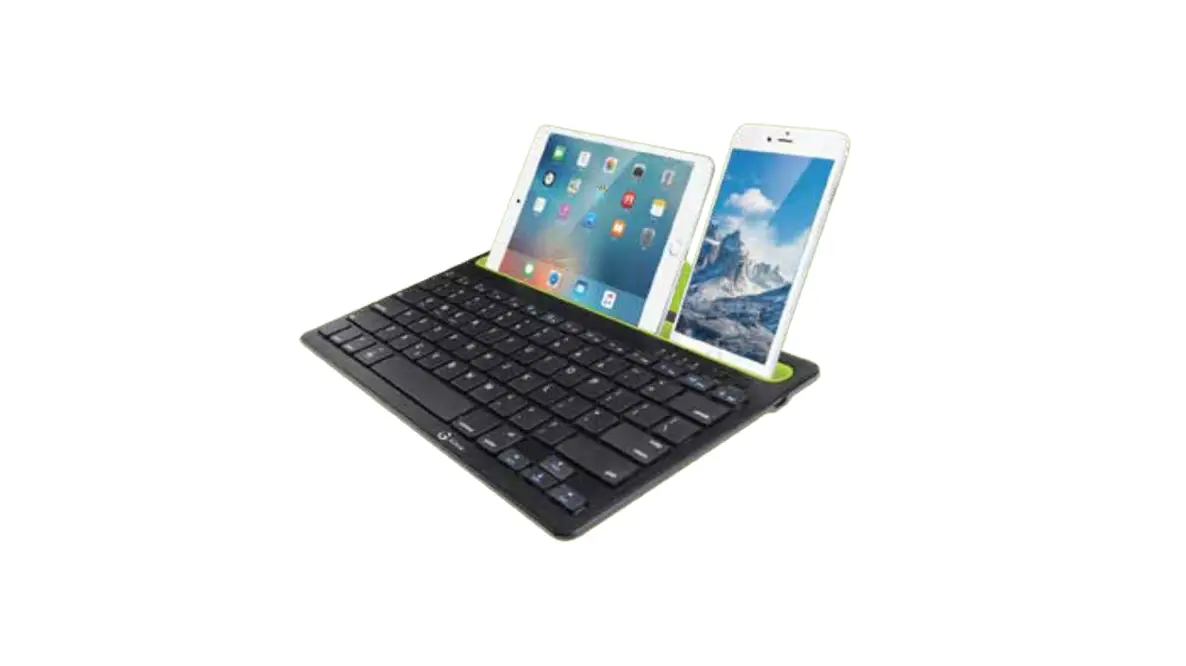
CHANNEL SWITCH FUNCTION - The keyboard has dual channels it can work with two devices at the same time just switch the channel, It will not happen to be disturbed, with no function or disconnection.

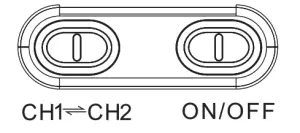
1. The first connection, the switch should be at the CH1 position, connect with 1st device, then slide channel switch to the CH2 position, connect with 2nd device.
2. If just need to use your 1st device, keep the switch at the position of CH1; if you need to use your 2nd device, just slide the switch to the CH2 position.
TIPS
1. When the keyboard restarts, Android or Windows devices, no need to press any keys, just wait for 3 to 5 seconds, it can be automatically connected. For iOS systems, it is common to wait a little longer until the keyboard works.
2. The keyboard is three in one system and two channels, according to different brands of the tablet, smartphone, and computers Bluetooth version, the automatic connection time is different, it is a common phenomenon.
TIPS
1. Android 3.0 or updated
2. IOS 4.0 or updated
3. Windows XP, Windows 7, or updated
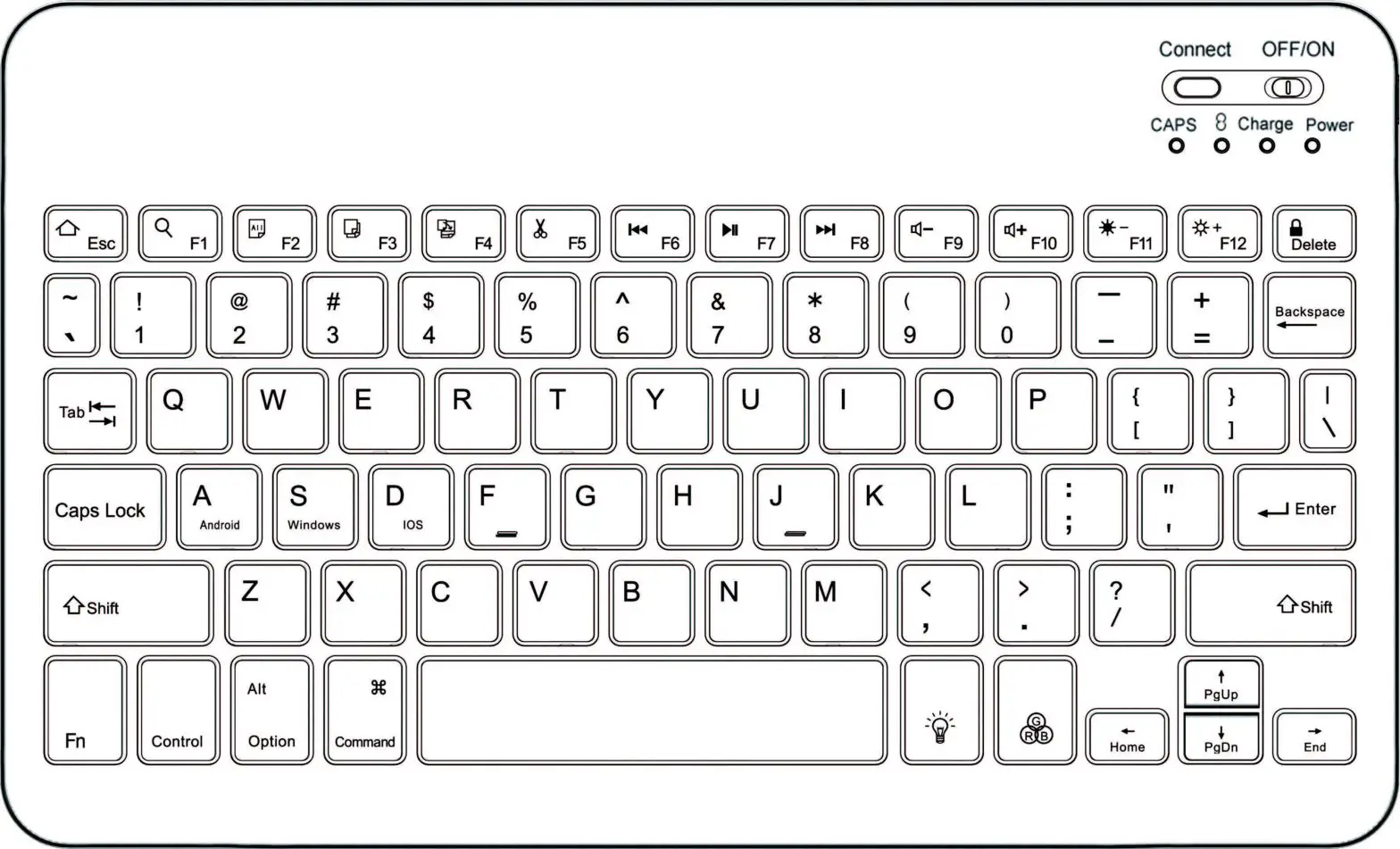
| Key | Fn + on IOS | Fn + on Android | Fn + on Windows | Fn Windows w/o Fn |
 | Home | Home | ESC | ESC |
 | Brightness down | Return | F1 | Fl |

| Brightness up | F2 | F2 | |
 | Virtual keyboard | Menu | F3 | F3 |
 | Screen capture | Media player | F4 | F4 |
 | search | Search | Search | F5 |
 | Language exchange | Language exchange | Language exchange | F6 |
 | Previous track | Previous track | Previous track | F7 |
 | Play/pause | Play/pause | Play/pause | F8 |
 | Next track | Next track | Next track | F9 |
 | Mute | Mute | Mute | Flo |
 | Volume down | Volume down | Volume down | F11 |
 | Volume up | Volume up | Volume up | F12 |
 | Screen lock | Screen lock | Screen lock | Delete |
DESCRIPTION AND SPEC
- WORKING DISTANCE: 8 TO 10 METERS
- BLUETOOTH VERSION: BLUETOOTH 3.0
- WORKING TIME: ABOVE 40 HOURS
- STANDBY TIME: AROUND 6 MONTHS
- CHARGING TIME: 2 TO 3 HOURS
- WEIGHT: 675G
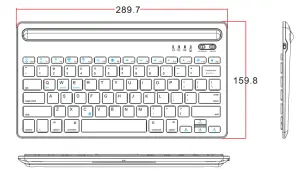
- DIMENSION: 00000000000 0
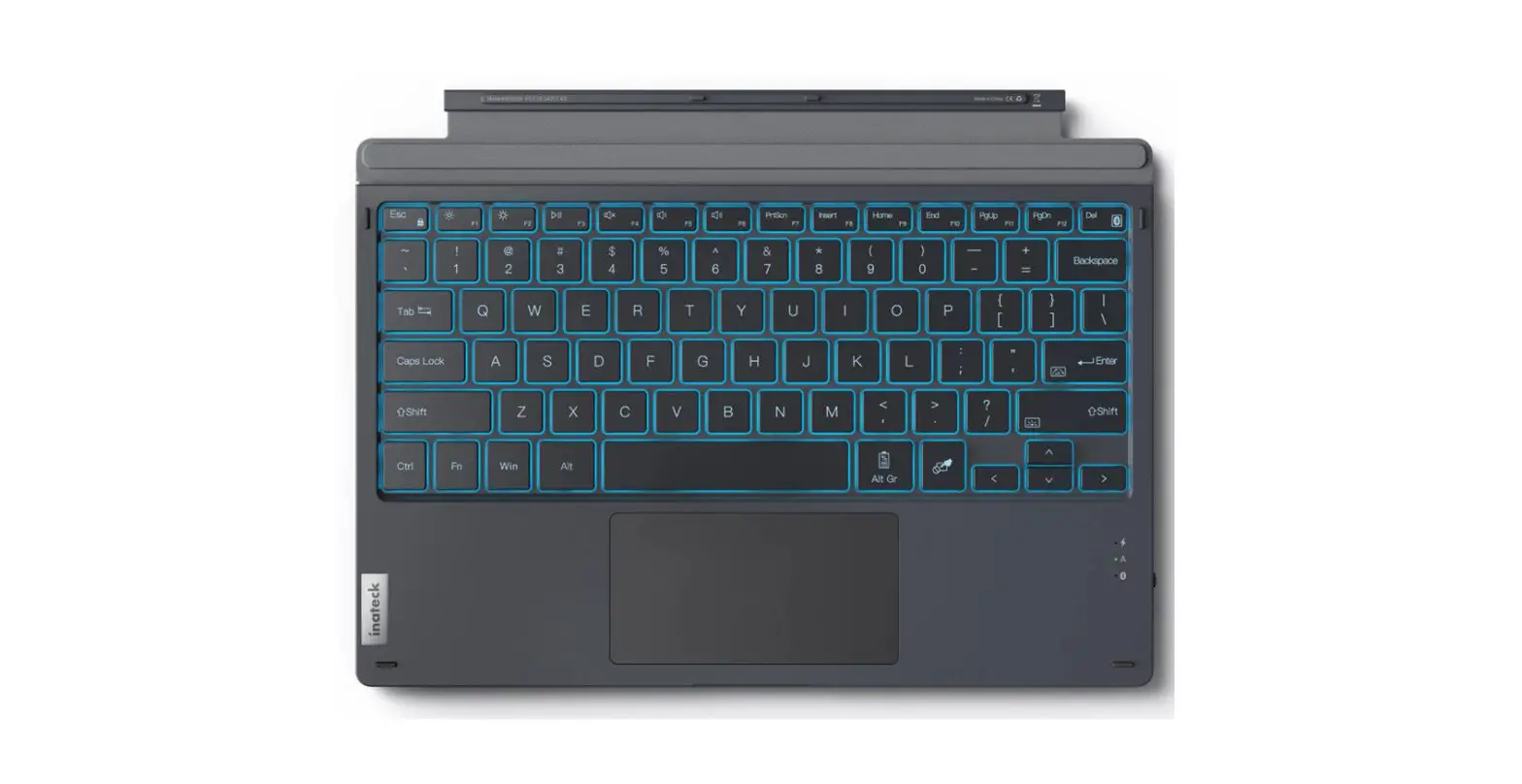
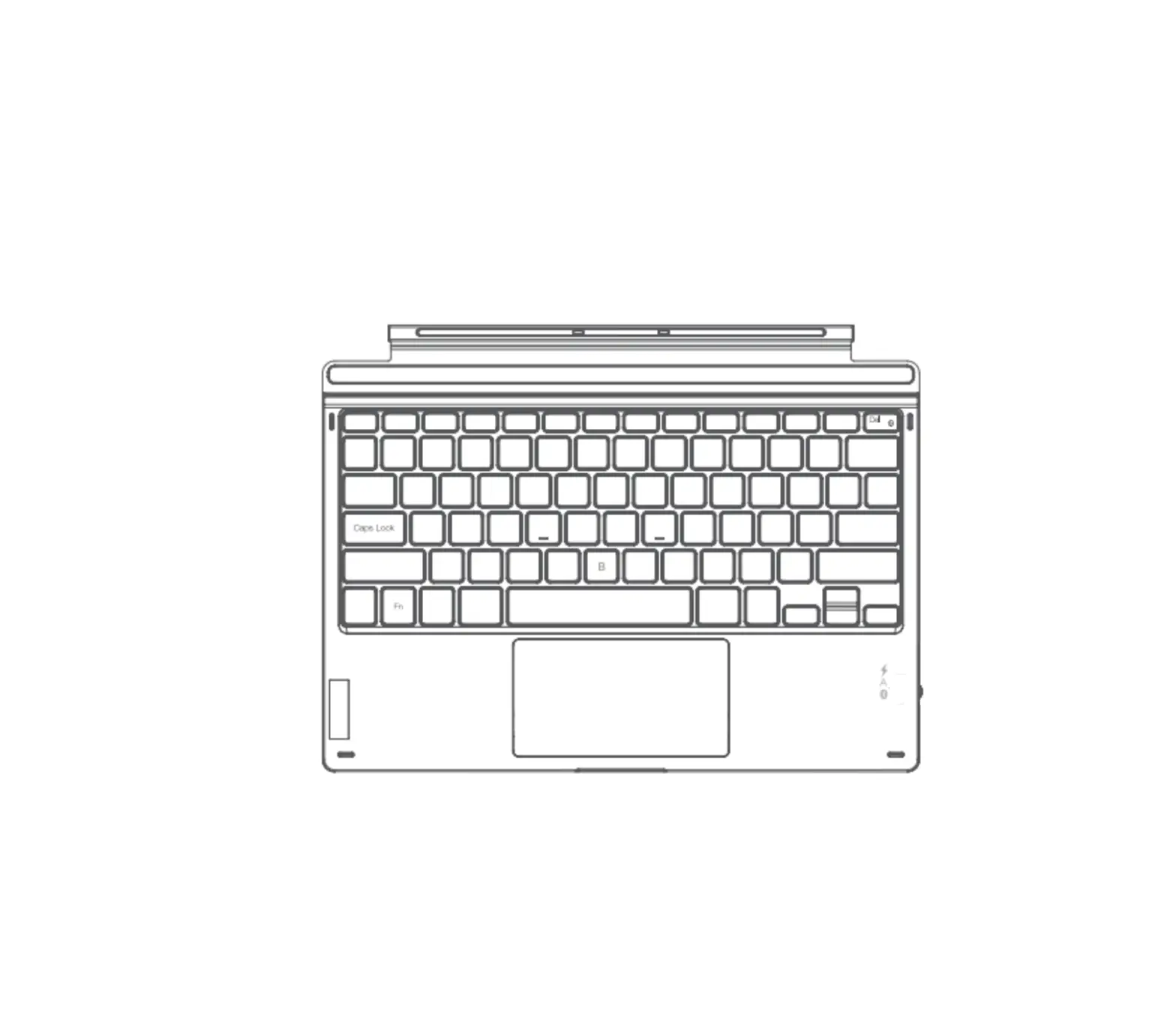
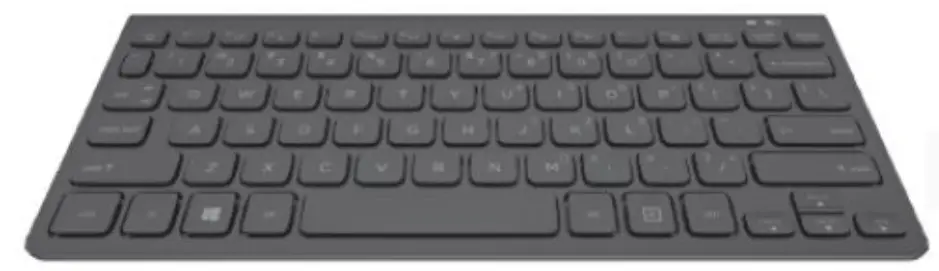
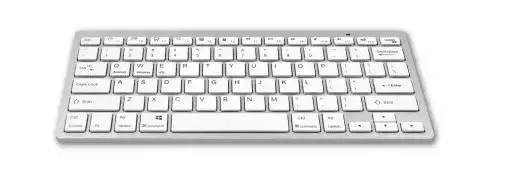
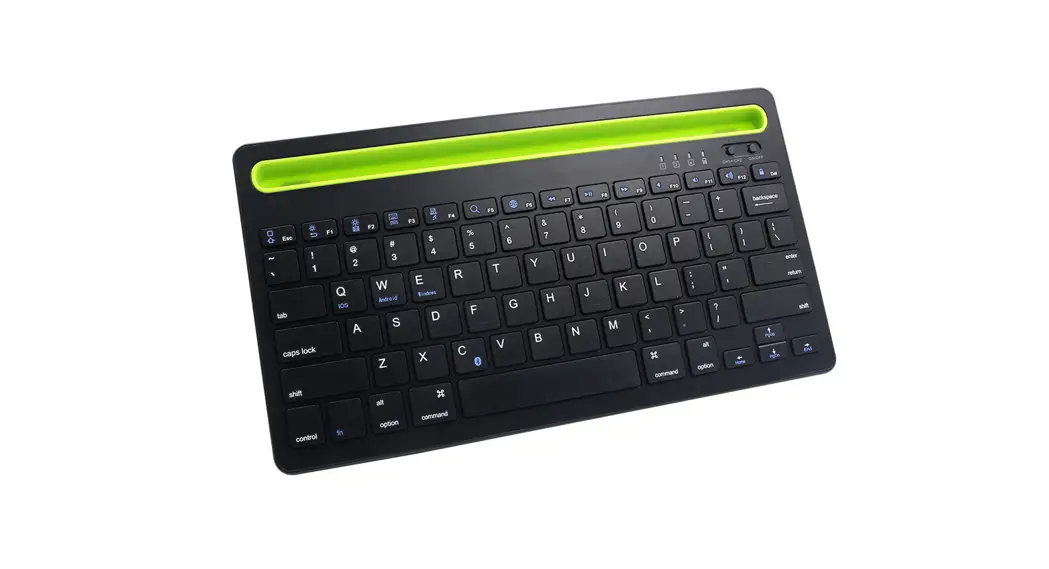
Product appearance and multimedia function keys introduced
SLEEPING MODE
If no operation on the keyboard for 10 minutes, then re-uses the keyboard, press any keys, and wait for 3s, the keyboard will work again.
CHARGING
When the indicator light is red and twinkling, the keyboard needs to charge.
- Plug in the keyboard charging port
- Plug USB into the adapter or the USB port of a computer
- During charging, the LED light is red, when full charging, the LED light turns off

SAFETY INSTRUCTION
 WARNING: IF NOT WORKING AS THE FOLLOWING, MAY CAUSE FIRE, DAMAGE THE DEVICE, OR ELECTRIC SHOCK.
 FAR AWAY FROM EDGE TOOLS
 FAR AWAY FROM MICROWAVE MACHINES FORBIDDEN SQUEEZINGFORBIDDEN CURVING &FAR AWAY FROM OIL, CHEMICAL MATERIAL, OR ORGANIC SOLVENT
MAINTENANCE INSTRUCTION
- you don’t use the keyboard for a long time, please turn it off to protect the battery
- To protect battery life, please charge the keyboard when powering is lower.
- If using the keyboard during charging, please use the original cable. 140*135mm105g