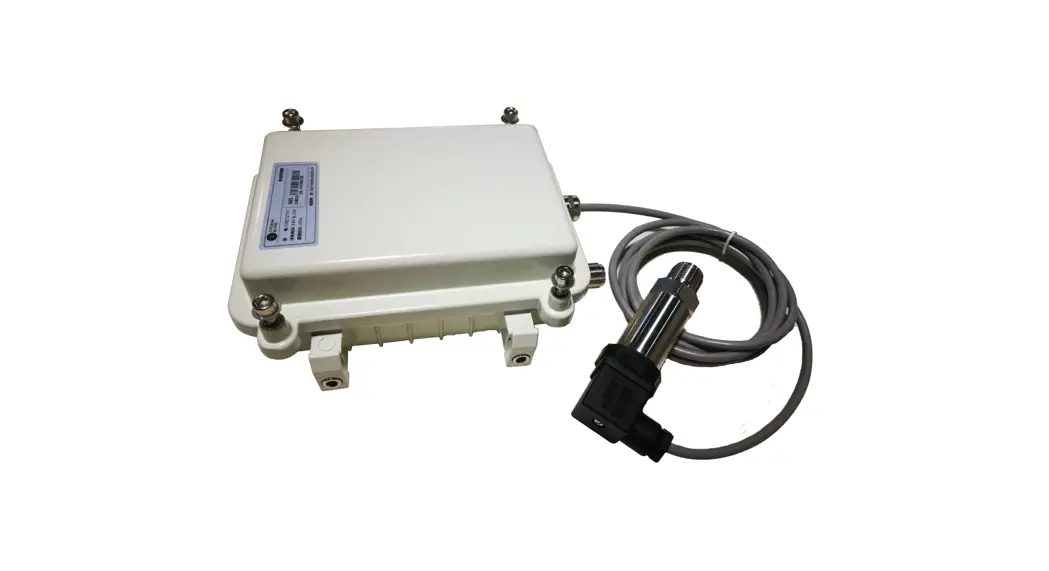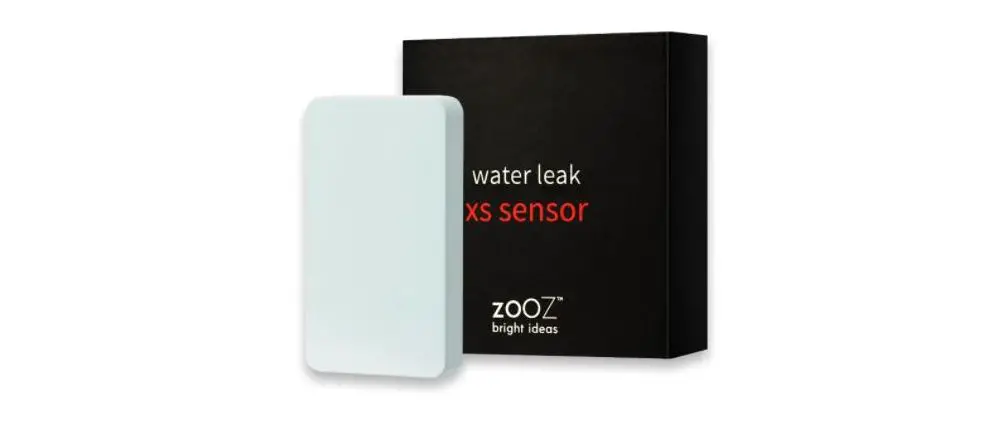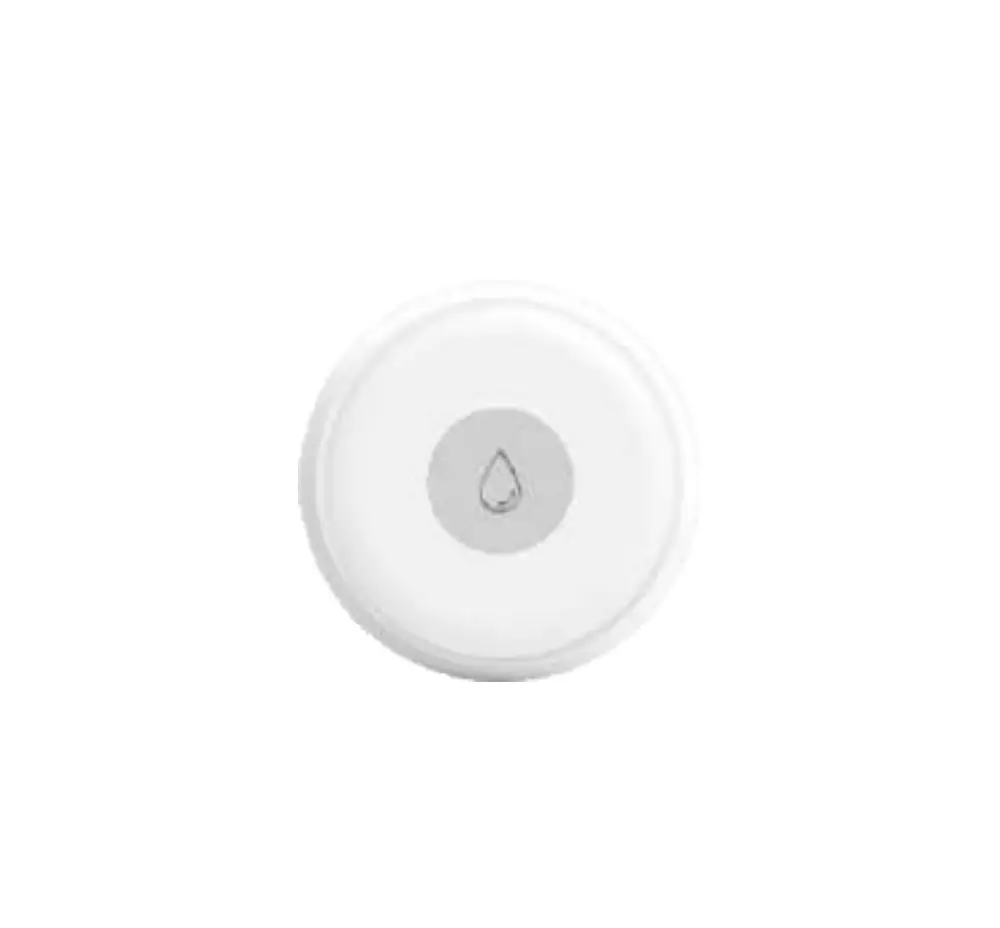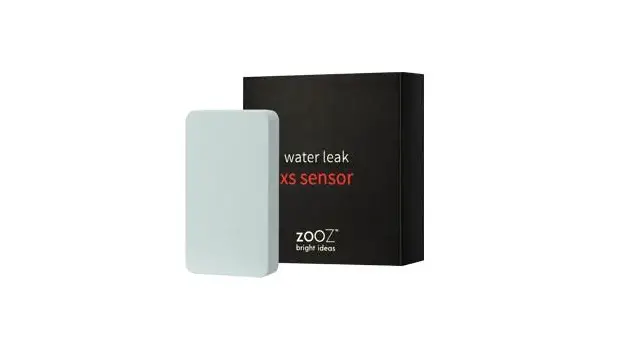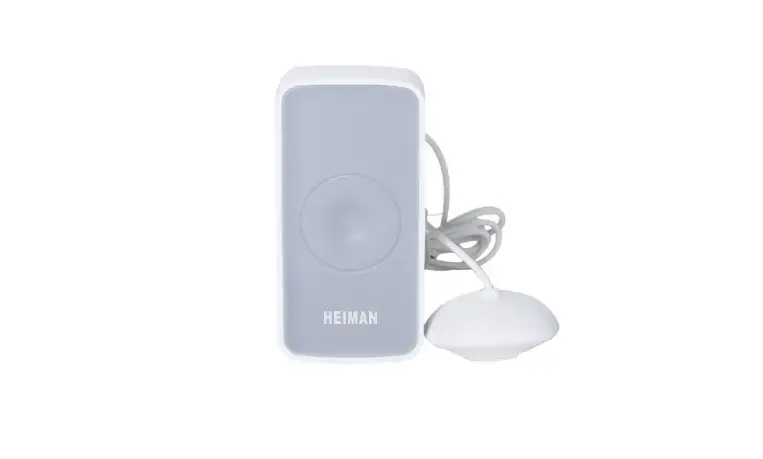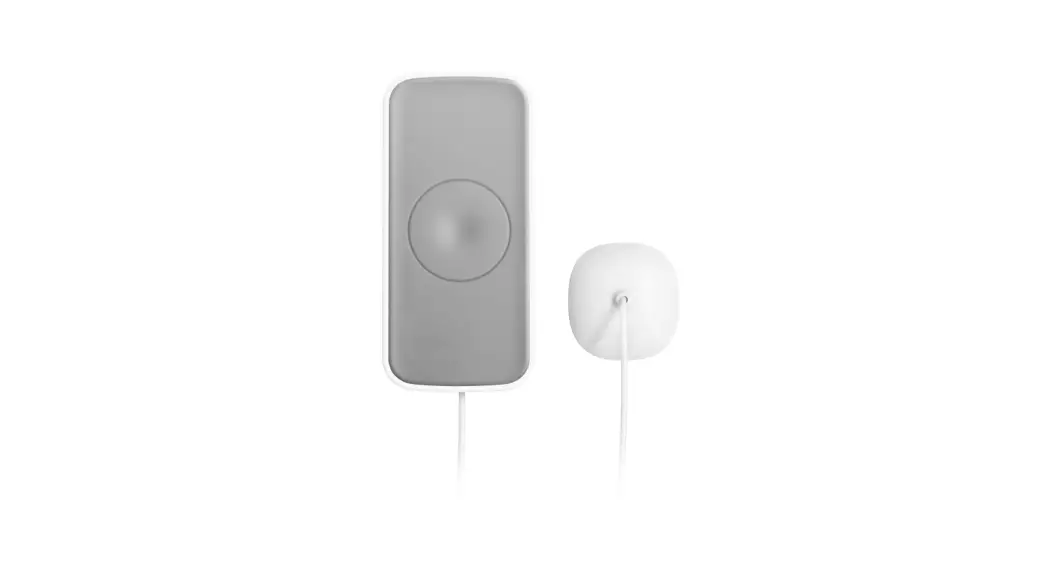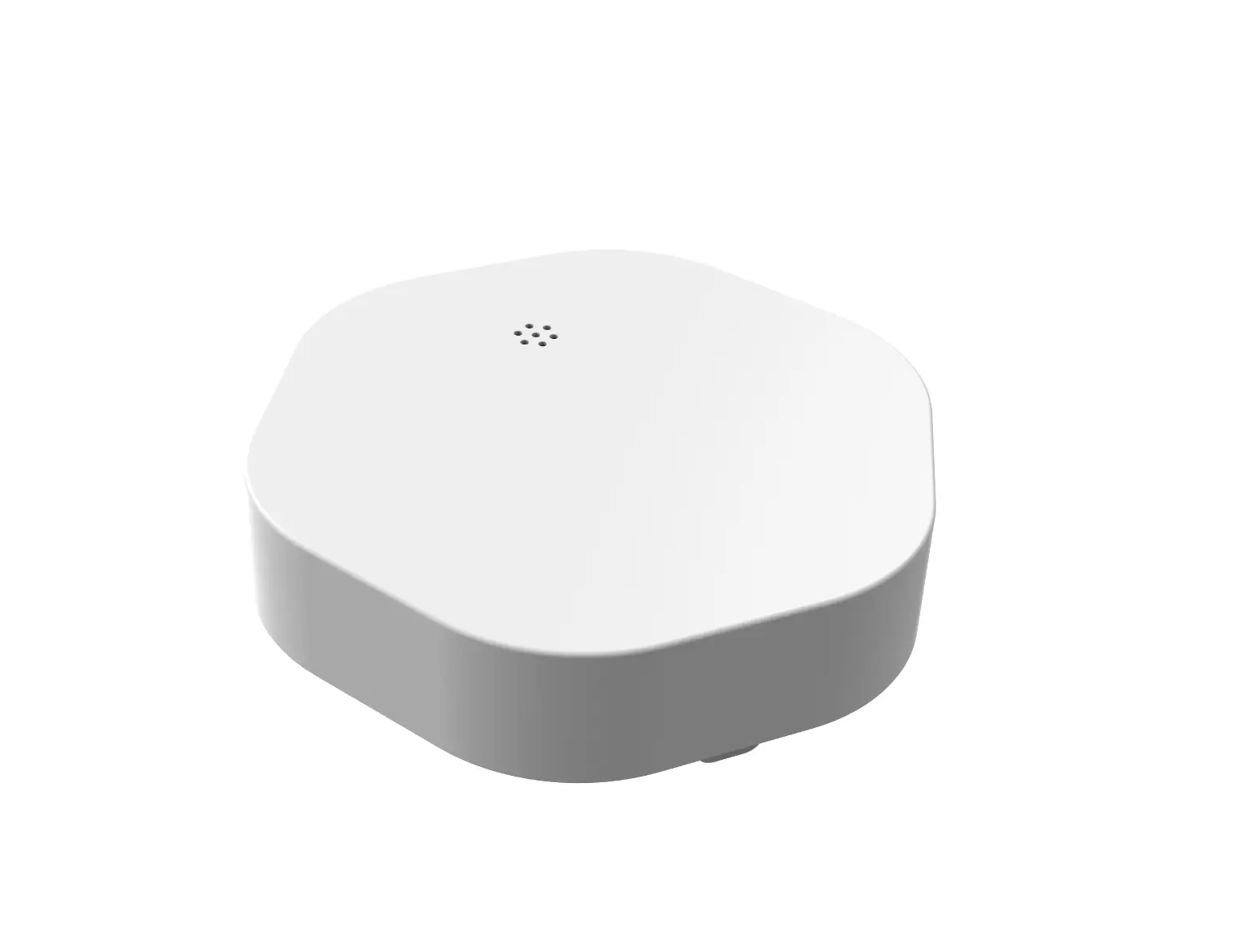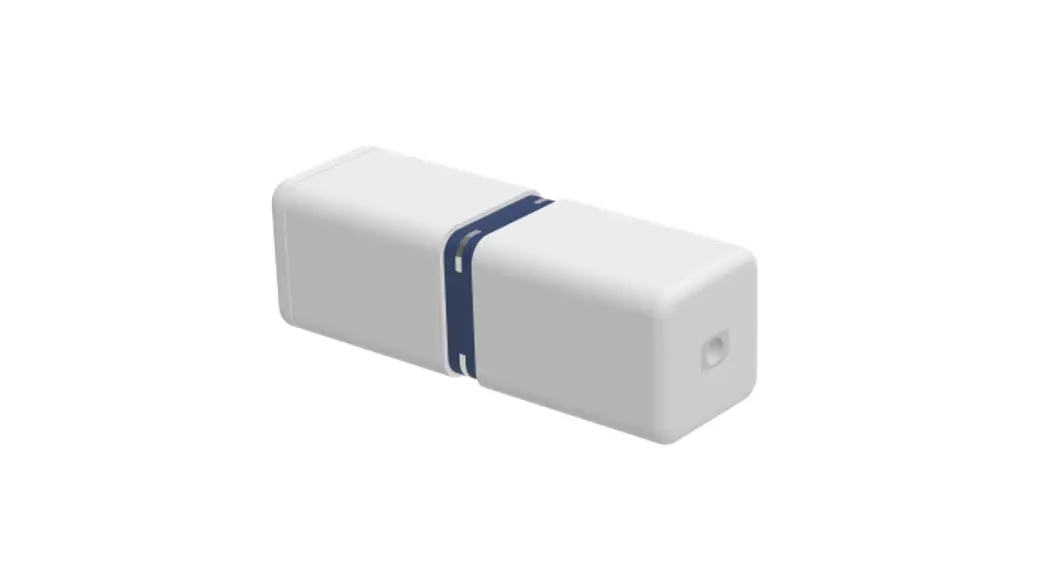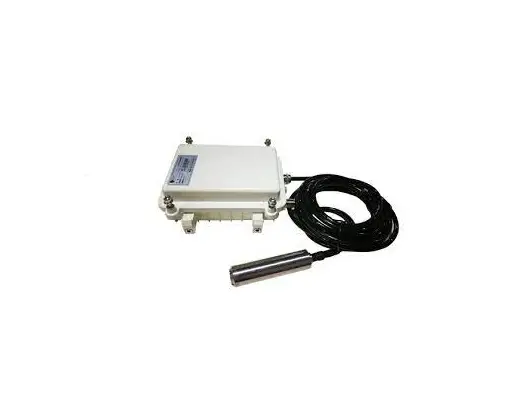

ZiFiSense ZETA WDZ3ZT92 Water Leak Sensor
Copyright Statement
ZiFiSense owns the copyright on this specification. No part of this specification may be reproduced in any form or means, without the prior written consent of ZiFiSense.
Disclaimer
This specification is preliminary and is subject to change at any time without prior notice. ZiFiSense assumes no responsibility for any errors contained herein. ZiFiSense is not responsible for any patent infringement of third party on its use or as a result of its uses. Other products/services not certified by the patent license, shall be deemed within patent ownership of ZiFiSense.
Product Description
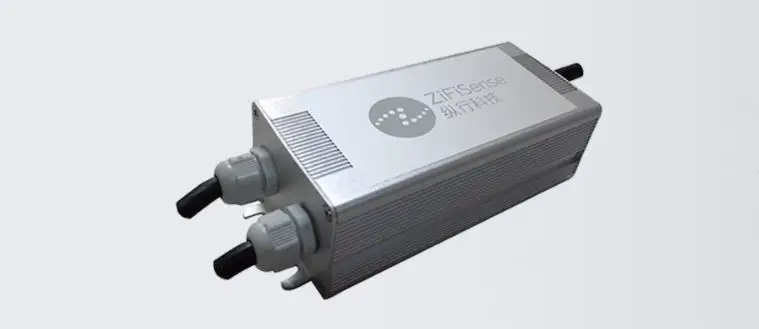
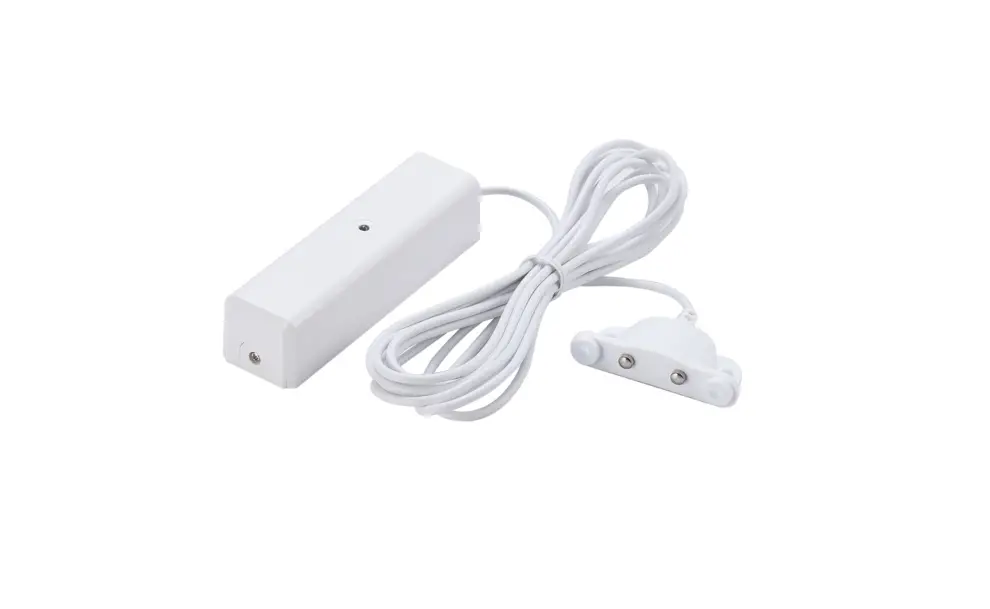
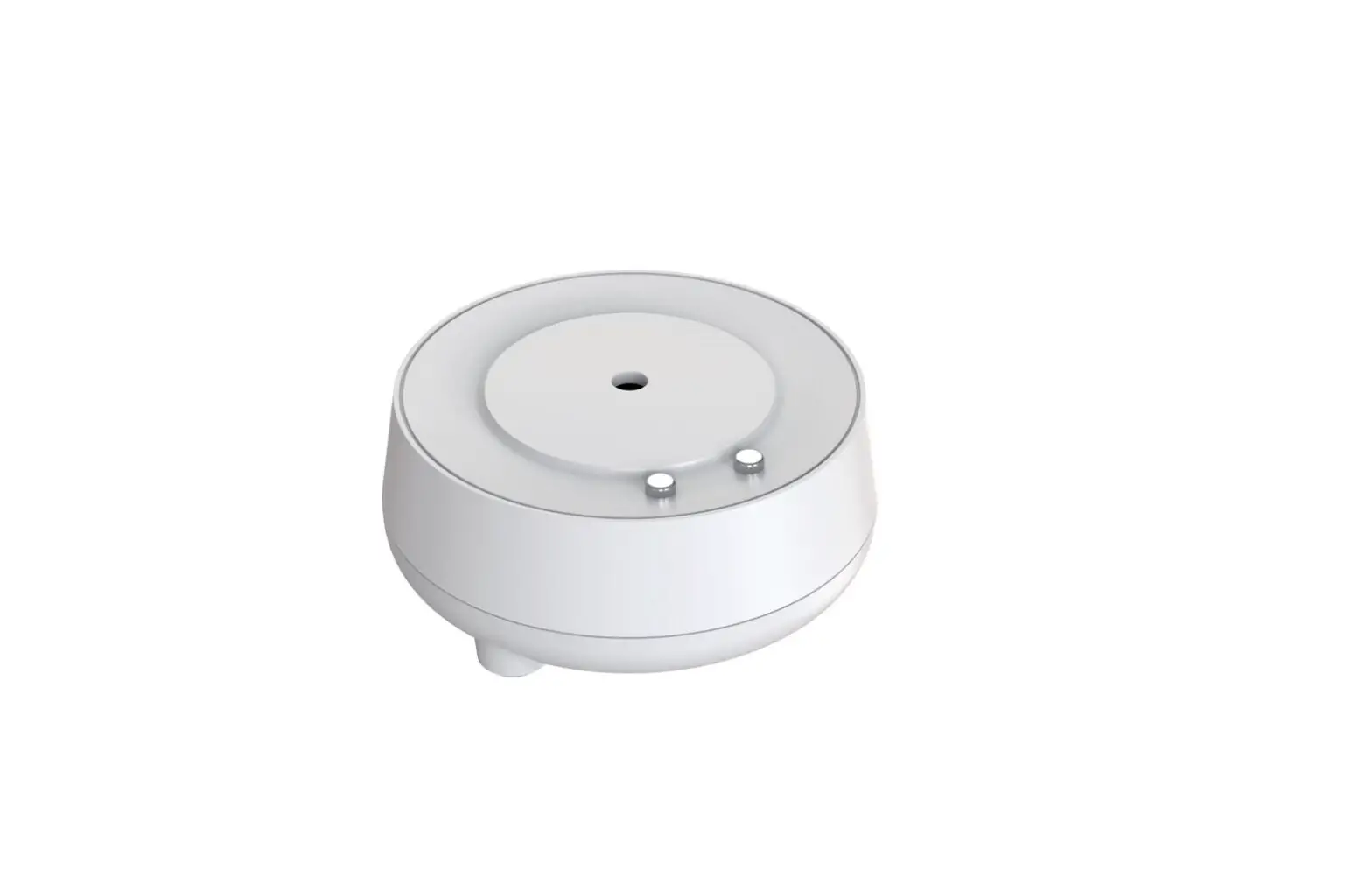
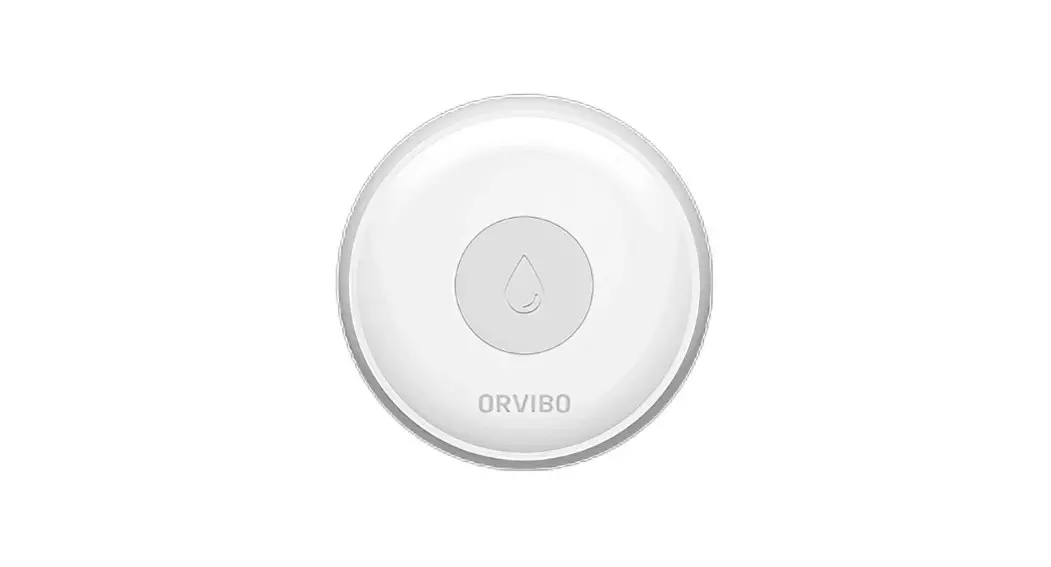
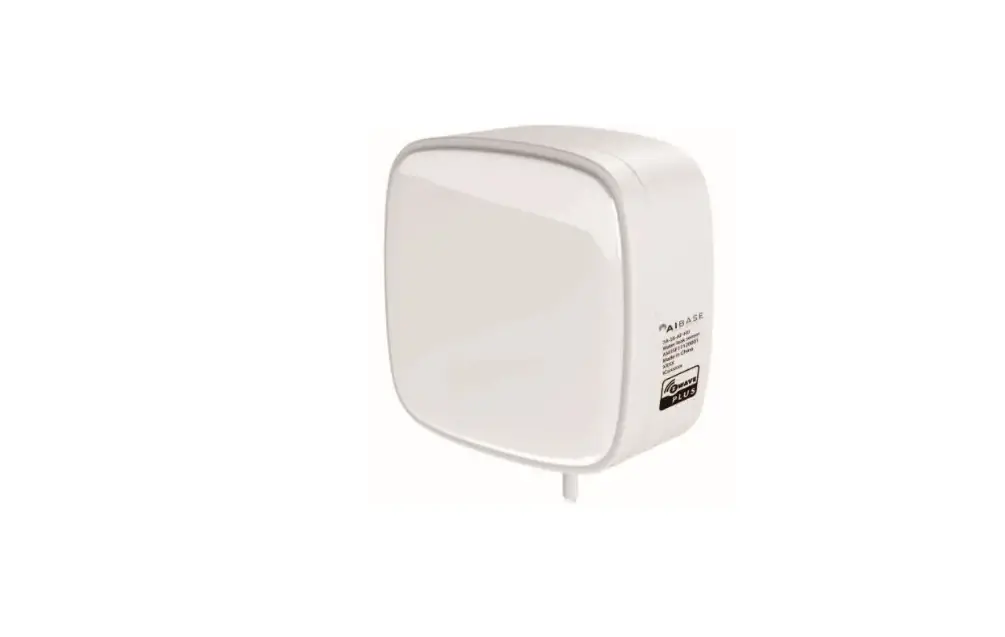
ZETA Water Leak Sensor is a low power dry contact sensor which uses electrodes to detect the leak water and generate dry contact signal, report immediately once it detects the leak water.
Applications
Water leak detection, such as elevator pit water alarm, water collection overflow of air conditioner, overflow of sewage wells
Features
- Wireless transmission
- Battery-powered, low power consumption
- Easy to install, high sensitivity
- Reliable detection
- Real-time transmission
Product parameters
| Product No. | WDZ3ZT92/ WDZ1Z | T92/ WDZ2ZT92 |
|
Wireless Features | Transmission protocol | ZETA |
| Frequency band | Sub-GHz, adjustable according to local regulations | |
| Output power | 20dBm max, adjustable according to local regulations | |
|
Electrical Features | Power supply | Battery, 2*ER14505 |
| Battery capacity | 2*2700 mAh | |
| Stand-by current | ≤ 10 μA | |
| Working current | ≤ 70 mA | |
|
Physical Features | Size | 66*55*36 mm |
| Sense cable | Customisable cable length | |
| Enclosure material | ABS | |
| Waterproof level | IP30 | |
| Antenna | Monopole antenna | |
| Working Environment | Operating temperature | -20℃~+60℃ |
| Storage temperature | -30℃~+85℃ |
Packing List
- Motion Sensor
1 - Probe sensor /Sense cable
1 - Battery (ER14505)
2
Installation
There are three installation methods: Screw, 3M Adhesive and cable ties.
- Screw
Auxiliary materialNo. Materials Quantity 1 self tapping screw (M3*20) 2/device 2 #4 expanded plastic pipe 2 3 Percussion drill,#4 drill bit,hammer 1 4 slotted screwdriver, cross screwdriver 1 Installation instructions
Open the device case
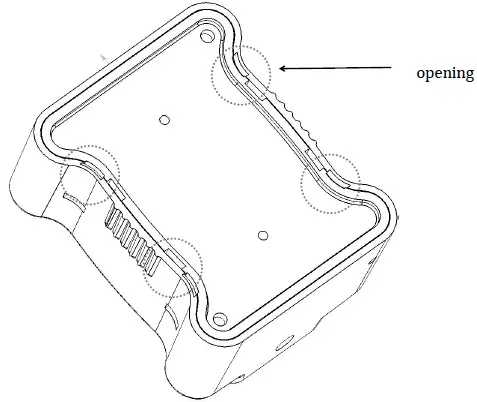
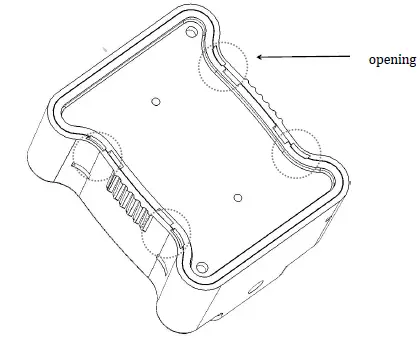
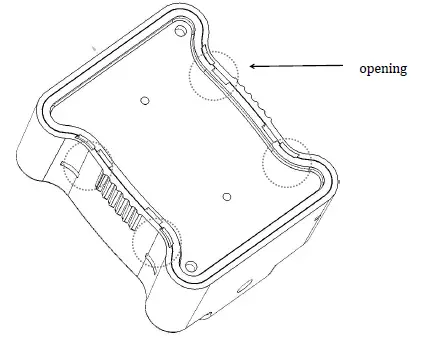
Use a slotted screwdriver to open the top cover from the bottom edge. Punching
Place the device in the mounting position, punch and insert the expanded plastic pipe.
Fixation
Use the self-tapping screws to secure the device in the mounting position.
Power on
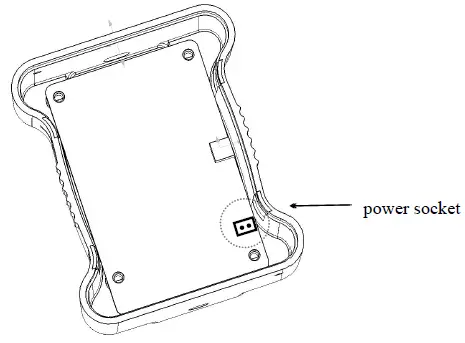
Insert the power plug into the upper power socket, install two 14505 batteries (remove the insulation sheet for the existing battery), and close the upper cover.
- Adhesive 3M
Auxiliary materialNo. Materials Quantity 1 3M seamless thickened double-sided adhesive 5CM 2 Slotted screwdriver, utility knife 2 Installation instructions
Installation position
Select a flat mounting position, and clean it up.
Open the device case
Use a slotted screwdriver to open the top cover from the bottom edge. Power on
Insert the power plug into the upper power socket, install two 14505 batteries (remove the insulation sheet for the existing battery), and close the upper cover.
Adhesive device
Take the appropriate amount of 3M adhesive, attach it to the back of the sensor, remove the protective film of the 3M adhesive, and install the device to the specified position. - Cable Ties
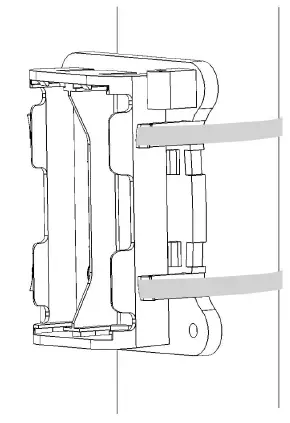
Auxiliary materialNo. Materials Quantity 1 Metal cable ties(5*300mm) 2 2 Slotted screwdriver, utility knife Installation instructions
Open the device case
Use a slotted screwdriver to open the top cover from the bottom edge. Fixation
Pass the 2 cable ties through the device and secure to the installation rod
 Power on
Insert the power plug into the upper power socket, install two 14505 batteries (remove the insulation sheet for the existing battery), and close the upper cover.
- Installation of sense cable
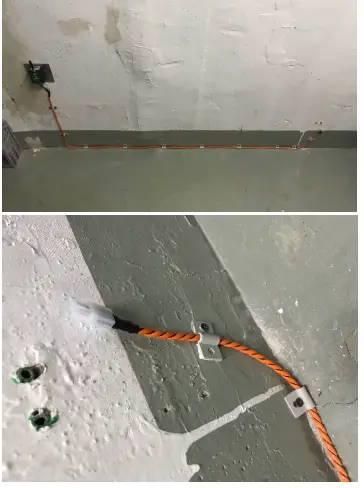
If it is the model of WDZ3ZT, it is necessary to standardize the installation of the sense cable.
Auxiliary materialMaterial No. Wire nail few Hammer 1 Screwdriver 1 Installation steps
- Plan the installation and routing position of the sense cable before installation.
- The two ends of the sense cable have their own interface plugs, and the plugs can be connected with the plugs connected to the sensors.
- The part of the sense cable is fixedly installed according to the planned line, and it is neat and tidy.
Note: - Any one of the sense cable will trigger an alarm.
- The two black wires of the cable are conductive adhesives. If the resistance between the black wires is less than 50MΩ, the alarm will be triggered regardless of whether the wire is stripped.
- During the installation or post-maintenance process, if you need to re-wire the wiring.
Avoid the two black wires to be contact too close.
 Punching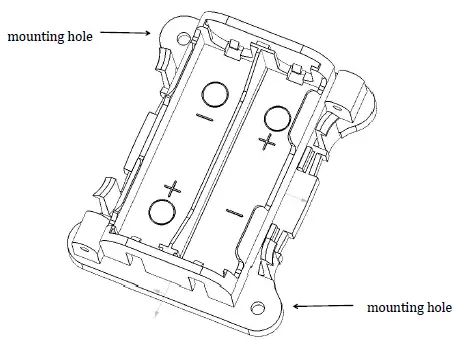
 Power on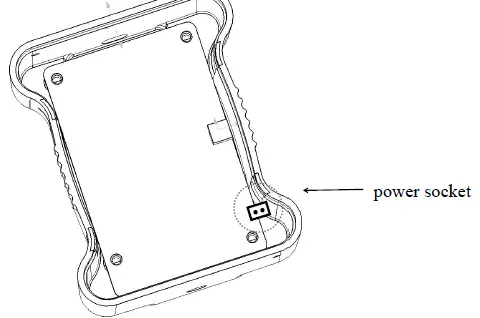
 Fixation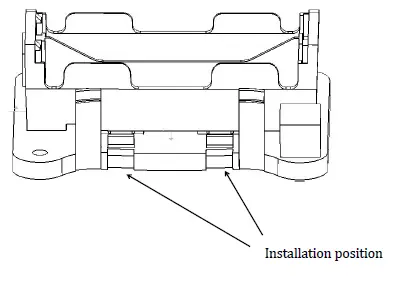
 Power on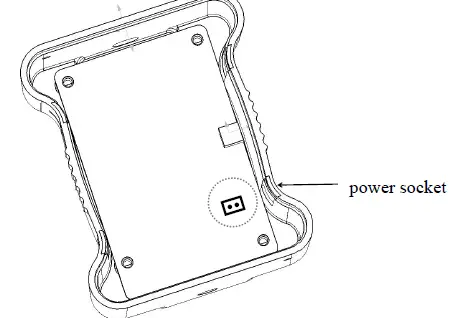
Use of Device
Power on
Place the device within the coverage of the ZETA network, install the battery, and wait for the device to go online. After the device is online, the current sensor status is reported once.
Support function
- Report/Query version number: After the power is turned on, the version number information is reported by default. After that, the query can be sent.
- Status report: Reports the heartbeat/alarm/de-alarm status, and reports a heartbeat status after power-on.
- Set/Query the alarm report period: The time when the sensor detects the periodic report when it is flooded (range: 0-255 minutes, default value: 0, 0 means the alarm is only reported once, no periodic report is required.)
- Set/Query Report Heartbeat Period: You can set or query the currently set heartbeat reporting period by minute. (Range: 1~65535 min, default: 24*60 min
- Set/Query Alarm Enable: Enable ON means that the alarm status needs to be reported when the threshold is exceeded. Enable Off means no alarm is required even if the threshold is exceeded.
- Set/Query Acquisition Period: The period during which the device collects sensor information (range: 0-65535 seconds, when the value is 0, it means real-time acquisition, default value: 5s).
- Query device status: Actively query the current status of the device, including whether it is flooded, and alarm enable information.
Common faults and handling
- Ensure ZETA signal coverage
- Ensure that the device is powered on, and the ZETA network device management platform can observe that the ZETA module is on line
- Check the battery usage of the device. When the battery is low, replace the battery in time.
FCC WARNING
Any Changes expressly or modifications not approved by the party responsible for compliance could void the user’s authority to operate the equipment.
This device complies with part 15 of the FCC Rules. Operation is subject to the following two conditions:
- This device may not cause harmful interference,
- this device must accept any interference received, including interference that may cause undesired operation.