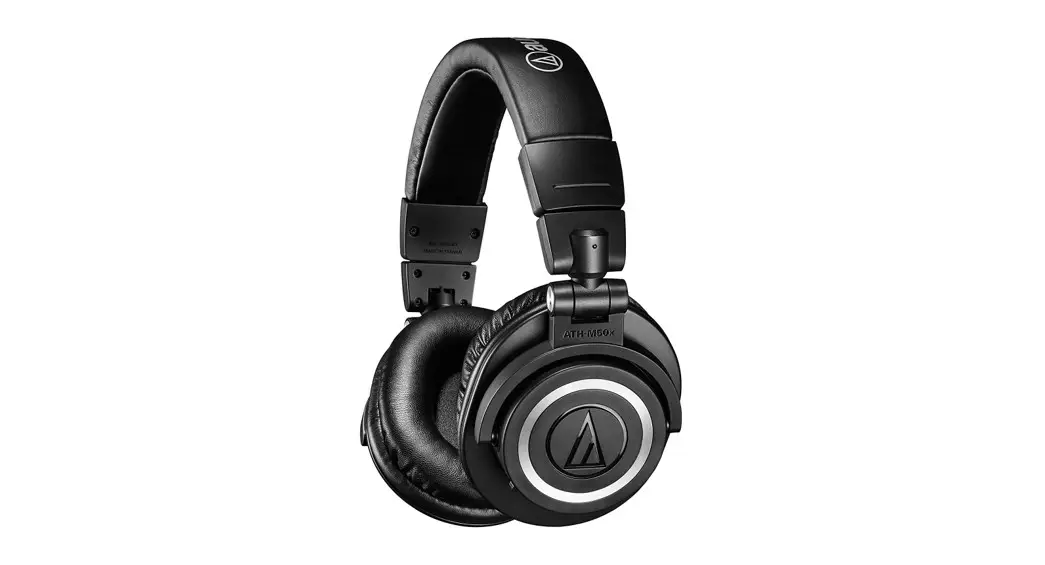
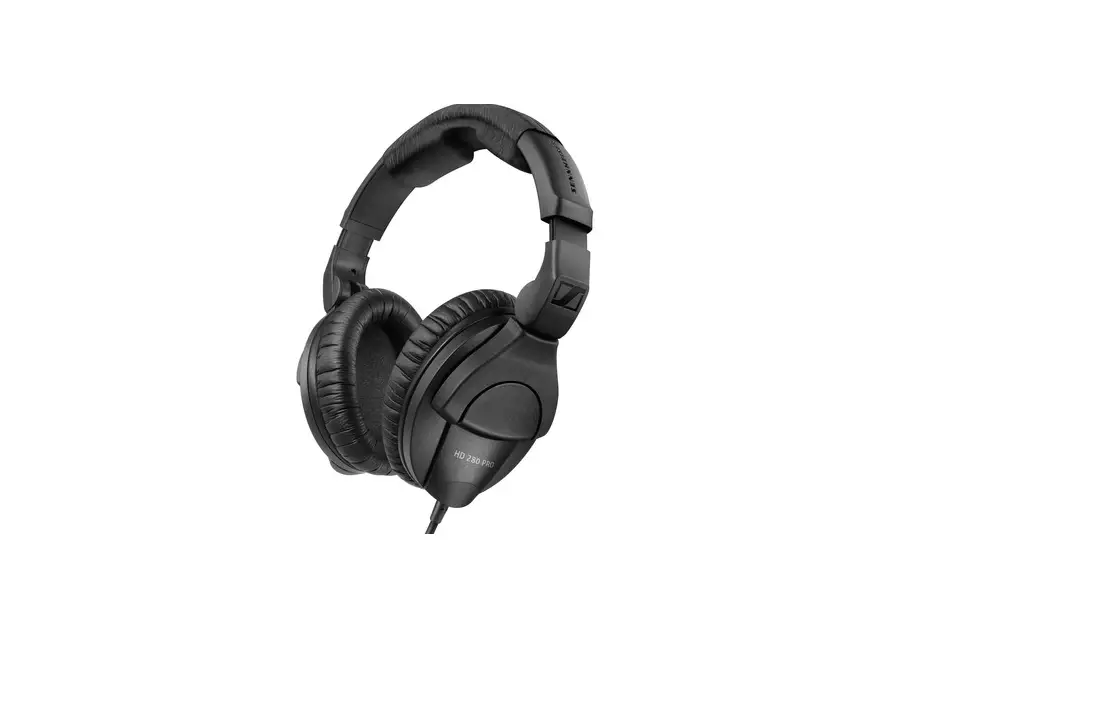
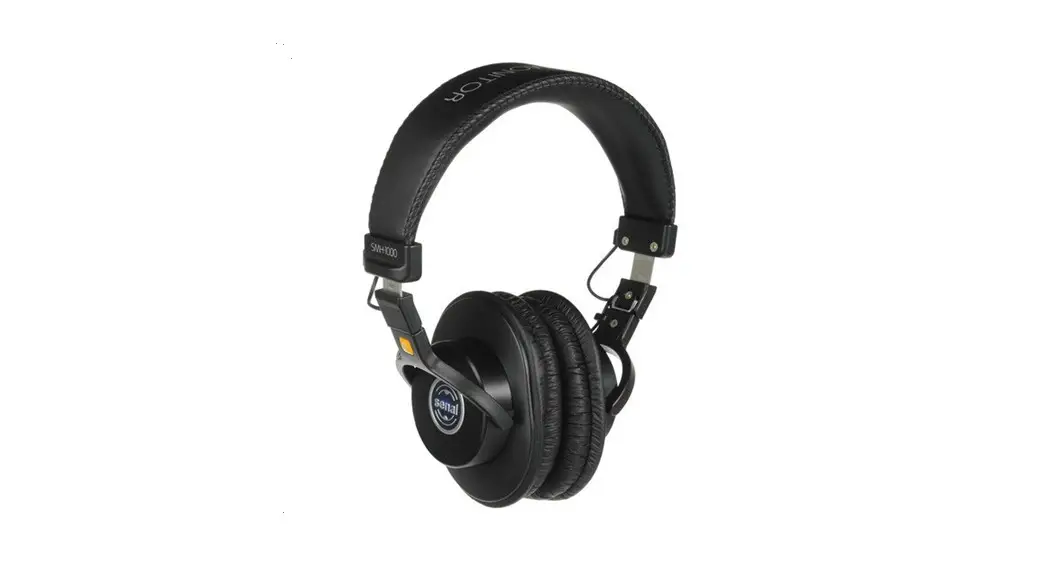
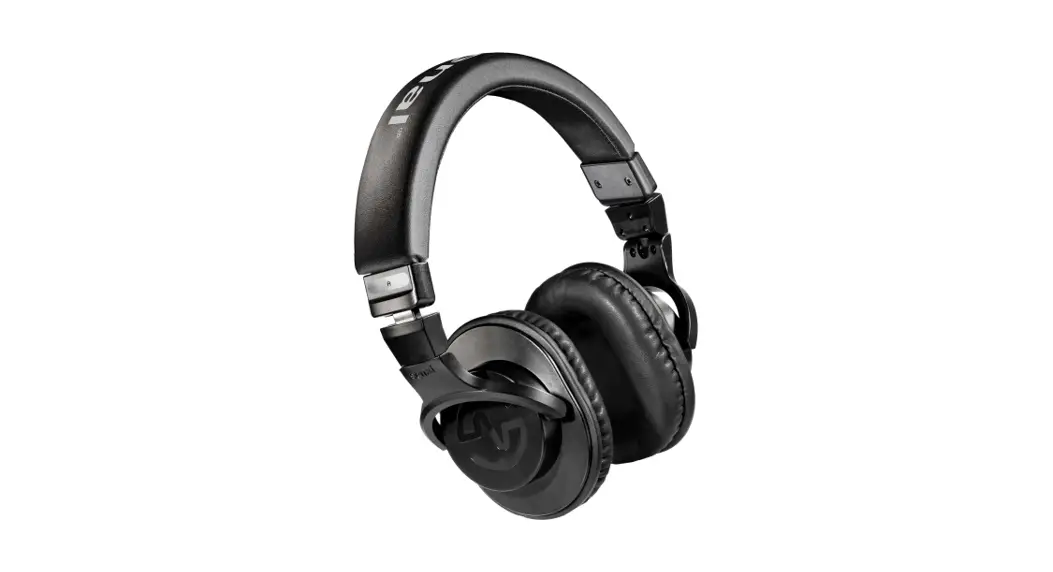
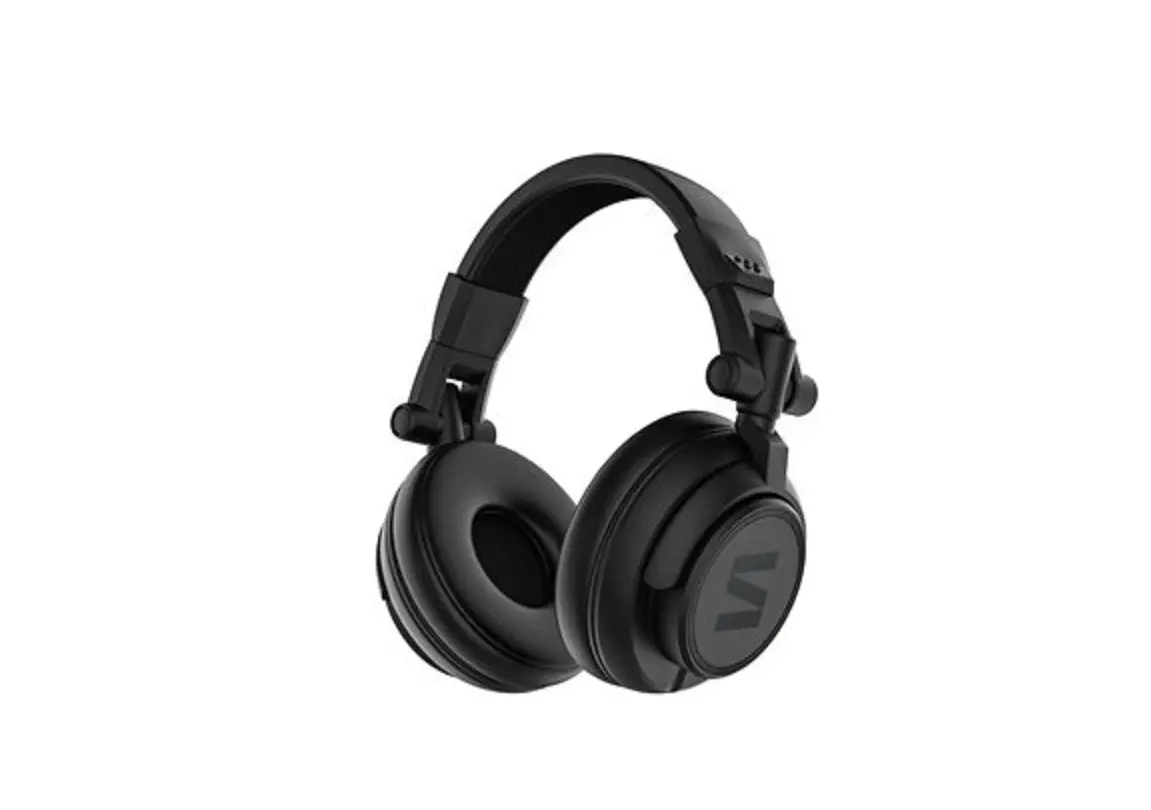
FOCUS Professional Monitoring Headphones
Product Information
Product Name: Fluid Audio Focus Headphones
Product Type: Professional Monitoring Headphones
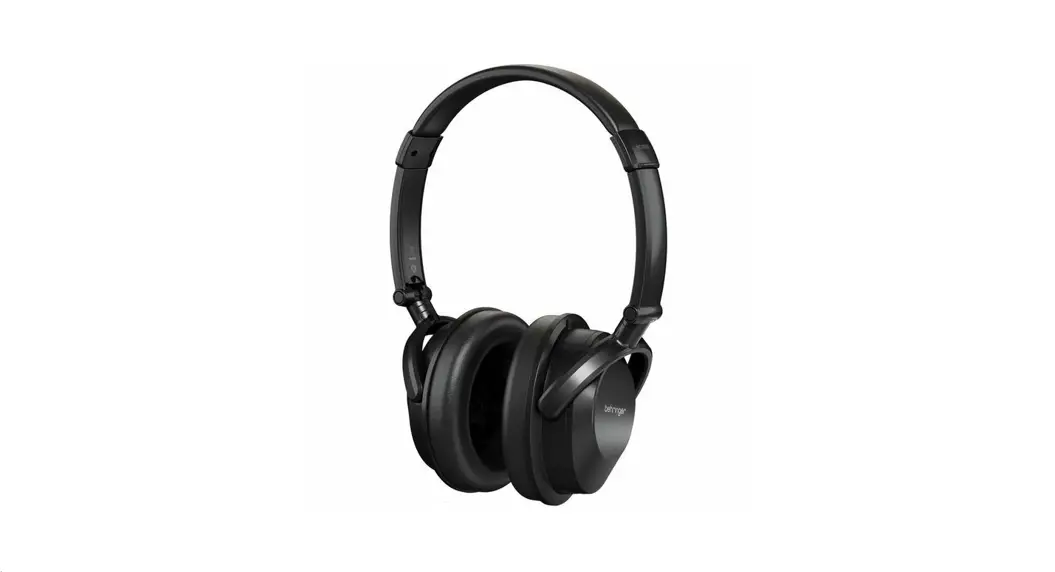
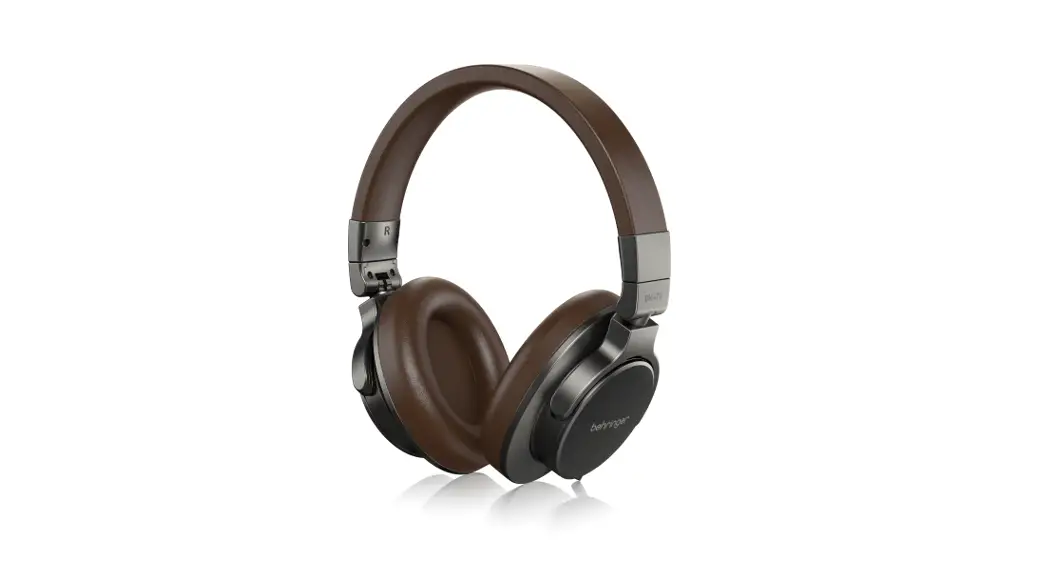
Description: Fluid Audio Focus headphones are a
semi-closed back, over-ear design for studio tracking, mixing,
mastering, and casual listening. They use 50mm neodymium magnet
drivers with lightweight diaphragms to deliver an extremely
detailed and responsive performance. The headband is made of a
soft, comfortable vinyl material that flexes and adjusts
automatically to your head as you put it on. The durable metal and
plastic construction ensures years of dependable use.
Accessories
- 3m / 10ft attached cord with 3.5mm connector
- 6.5mm gold adaptor for use with most recording interfaces
- Convenient carrying pouch
- Realphones software for optimizing response and mimicking sound
reproduction in a physical recording studio control room
Features
- Frequency range: 20Hz-20kHz
- Nominal sound pressure: > 90dB
- Rated impedance: 32 Ohms
- Driver size: 50mm neodymium
- Acoustic design: Semi-open, circumaural
- Max Power: 300 mW
- Connector: 3.5mm with 6.3mm adaptor
- Nominal headband pressure: 3.5Nm
- Transducer type: Dynamic
- Nominal THD: < 0.2%
- Cable length: 3 meters
Product Usage Instructions
1. Putting on the Headphones
To put on the Fluid Audio Focus headphones, follow these
steps:
- Hold the headphones by the headband with the ear cups facing
downwards. - Place the ear cups over your ears, ensuring a comfortable
fit. - The soft vinyl material of the headband will automatically
adjust to your head for a secure and comfortable fit.
2. Connecting the Headphones
To connect the Fluid Audio Focus headphones to your audio
device, follow these steps:
- Locate the attached cord with a 3.5mm connector.
- Insert the 3.5mm connector into the audio output jack of your
device. - If required, use the provided 6.5mm gold adaptor to connect the
headphones to a recording interface.
3. Using Realphones Software
The Fluid Audio Focus headphones come with Realphones software
that allows you to optimize their response and mimic sound
reproduction in a physical recording studio control room. To use
the Realphones software, follow these steps:
- Install the Realphones software on your computer by following
the provided instructions. - Launch the Realphones software and connect your Fluid Audio
Focus headphones to your computer. - Follow the software’s user guide to adjust and optimize the
headphone response according to your preferences.
4. Care and Maintenance
To ensure the longevity and optimal performance of your Fluid
Audio Focus headphones, please follow these care instructions:
- Avoid exposing the headphones to extreme temperatures or
humidity. - Keep the headphones clean by wiping them with a soft, dry
cloth. - Avoid pulling or twisting the cord forcefully to prevent
damage. - When not in use, store the headphones in the provided carrying
pouch to protect them from dust and scratches.
FOCUS Headphones User Guide
FOCUS
Professional Monitoring Headphones
Thank you for purchasing Fluid Audio Focus headphones; The result of world-class engineering and meticulous manufacturing. Our headphones are designed to provide you with outstanding performance and exceptional value, and with proper care, Focus headphones will provide many years of listening satisfaction. For best results, please take a few moments to review our user guide.
General
Fluid Audio Focus headphones are a semi-closed back, over-ear design for studio tracking, mixing, mastering and casual listening. They use 50mm neodymium magnet drivers with lightweight diaphragms delivering users with an extremely detailed and responsive performance.
The headband is made of a soft, comfortable vinyl material that flexes and adjusts automatically to your head as you put it on. The durable metal and plastic construction ensures years of dependable use.
Included is a 3m / 10ft attached cord with 3.5mm connector and 6.5mm gold adaptor for use with most recording interfaces, and a convenient carrying pouch.
Also included is Realphones software that allows you to optimize the response of the Focus headphones and also mimic sound reproduction in a physical recording studio control room.
Accessories
· Focus headphones
· Carrying pouch
· Plug adaptor 3.5mm/6.3mm
· Realphones software
Features
· 50mm neodymium magnet speaker drivers · Balanced and articulate response · Solid metal/plastic construction, comfortable and durable · Semi-open, circumaural design · Gold plated output connectors
Specifications
Frequency range Nominal sound pressure Rated impedance Driver size: Acoustic design Max Power Connector Nominal headband pressure Transducer type Nominal THD Cable length :
20Hz-20kHz > 90dB 32 50mm neodymium Semi-open, circumaural 300 mW 3.5mm with 6.3mm adaptor 3.5Nm Dynamic < 0.2% 3 meters