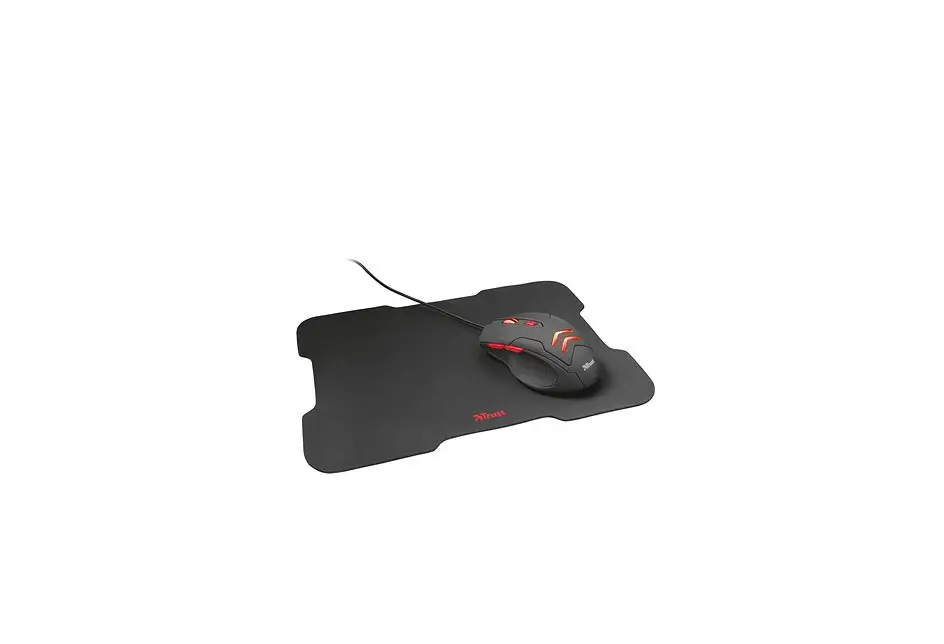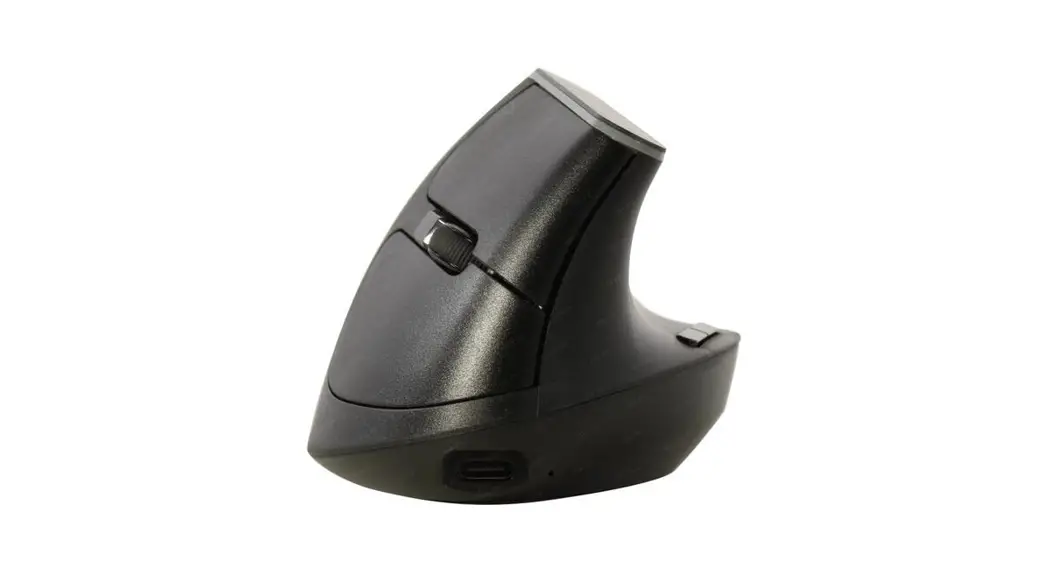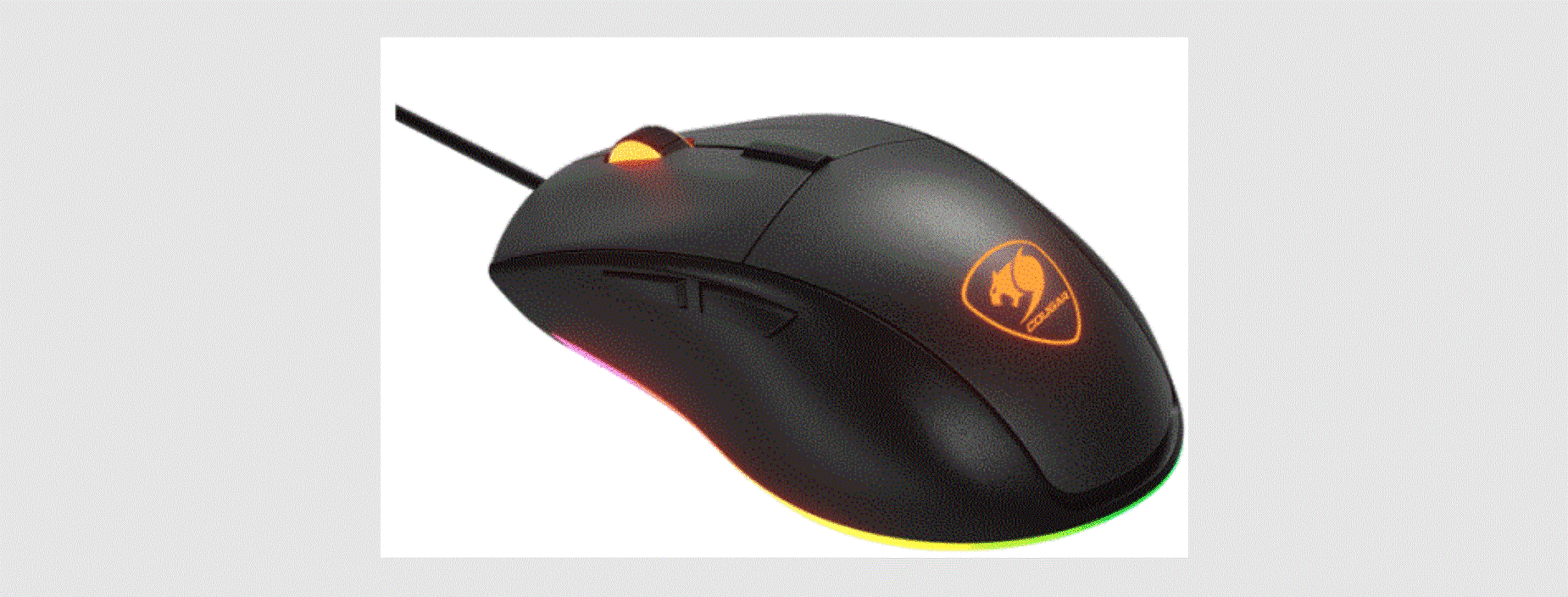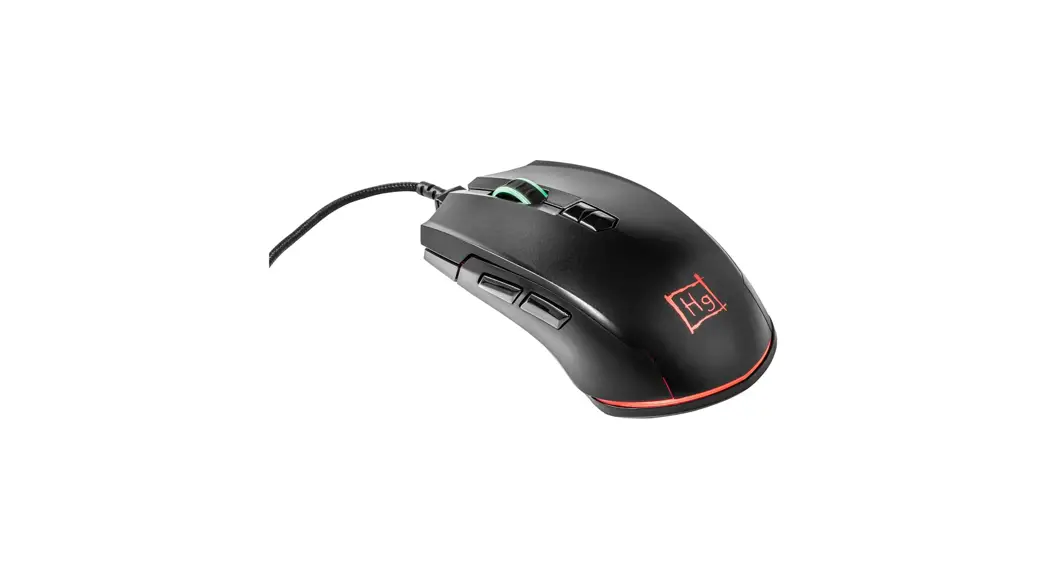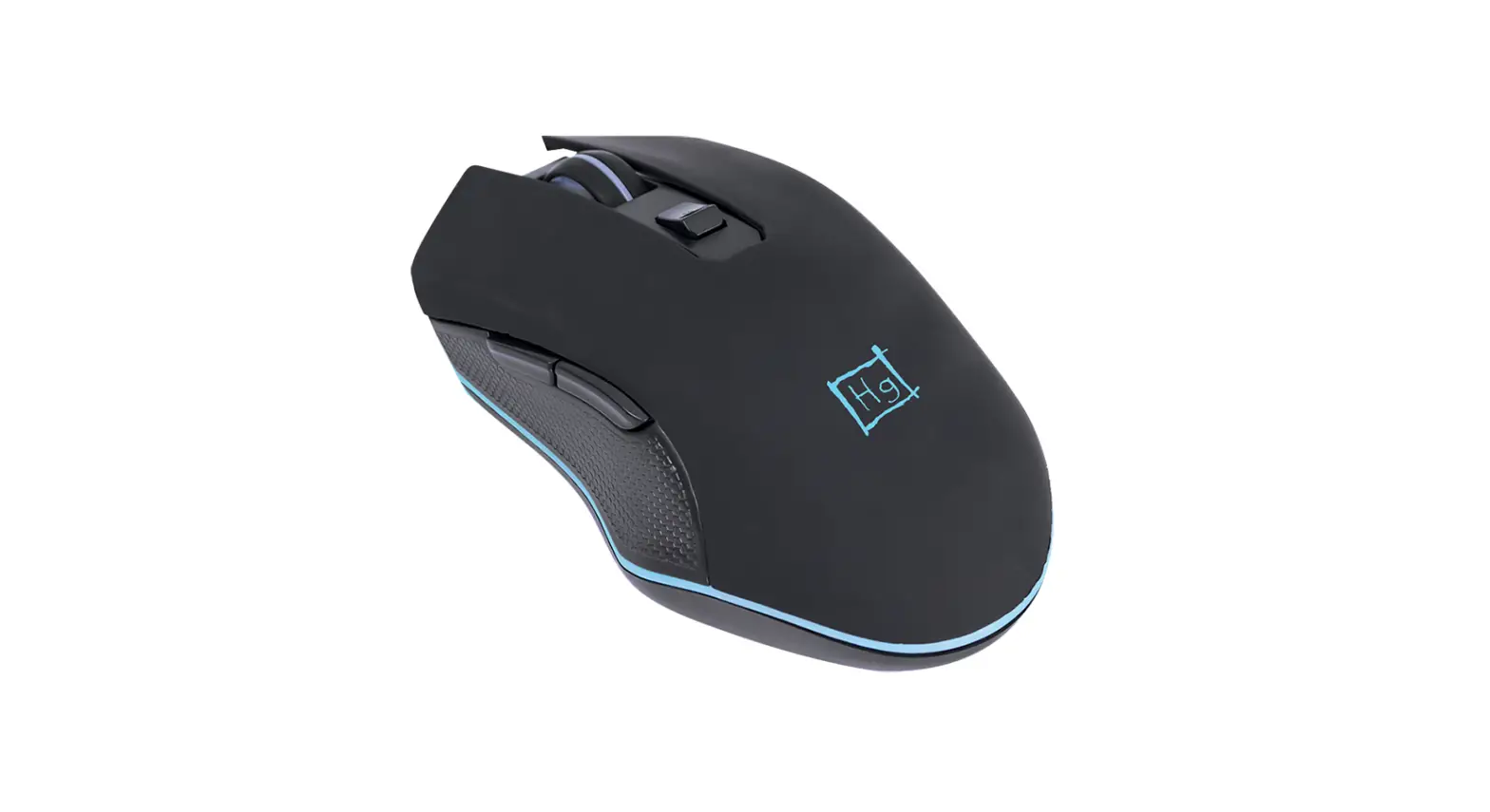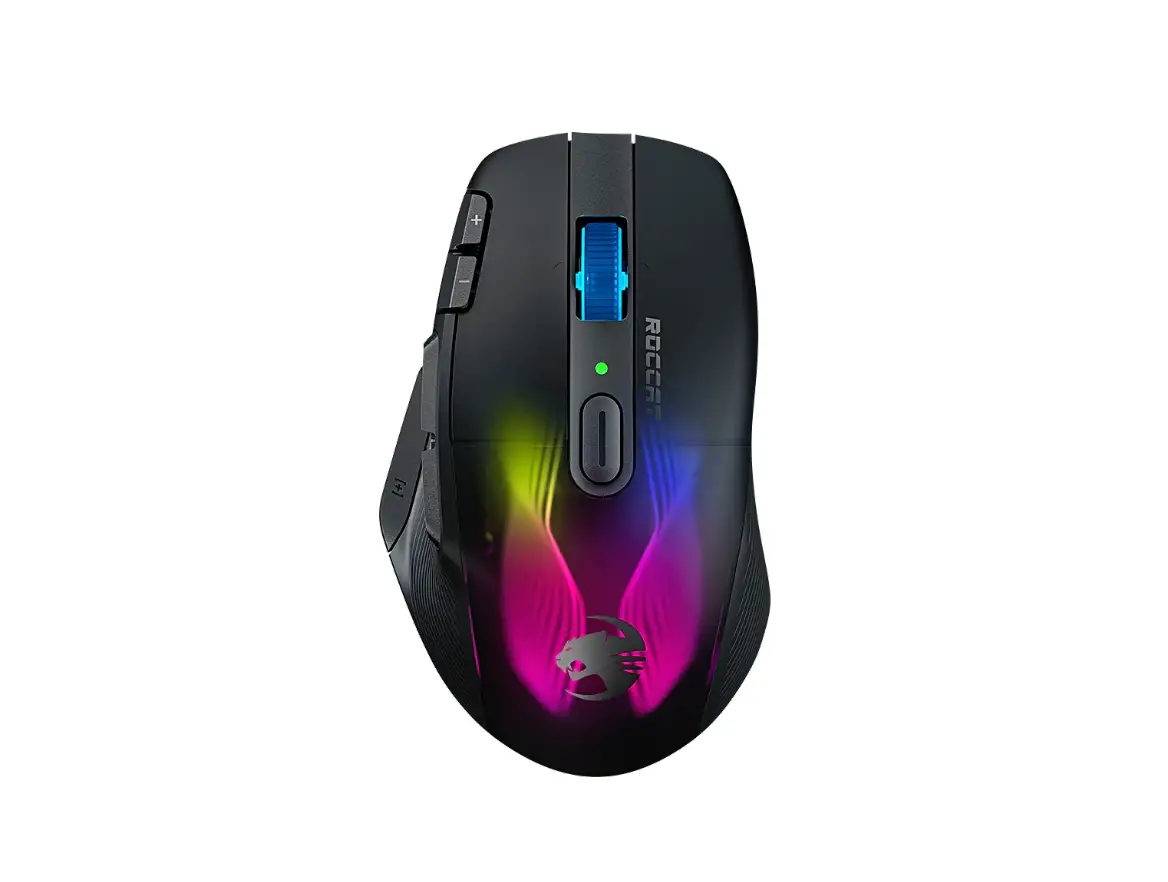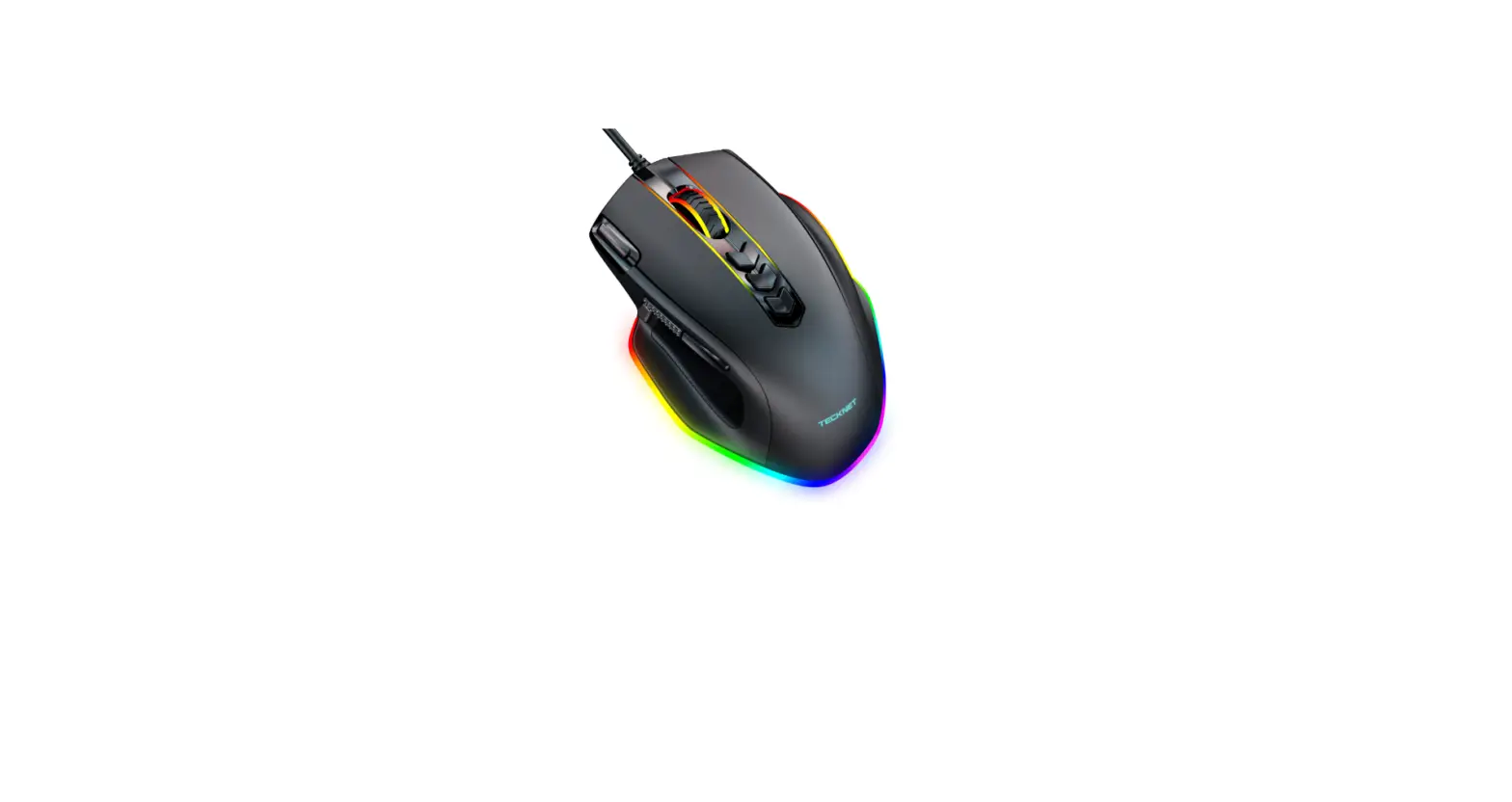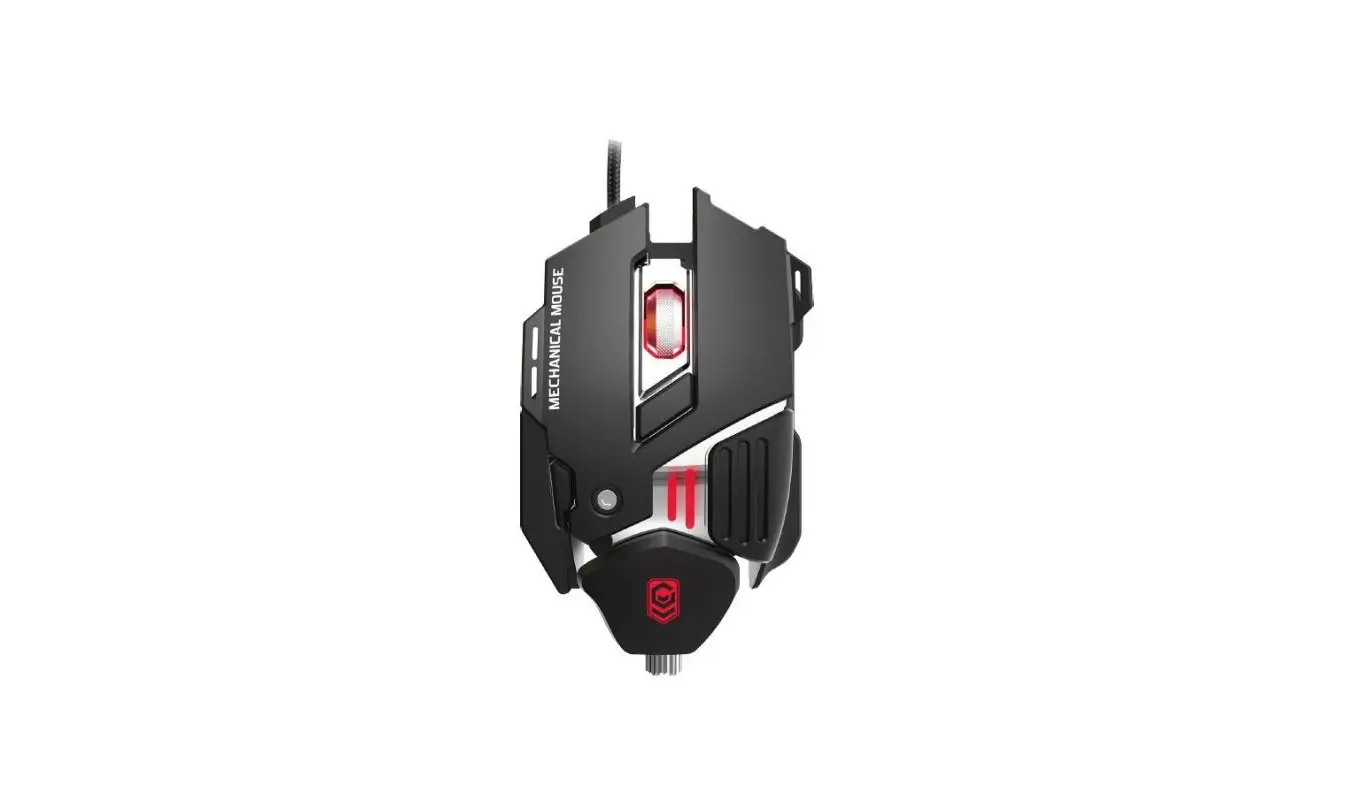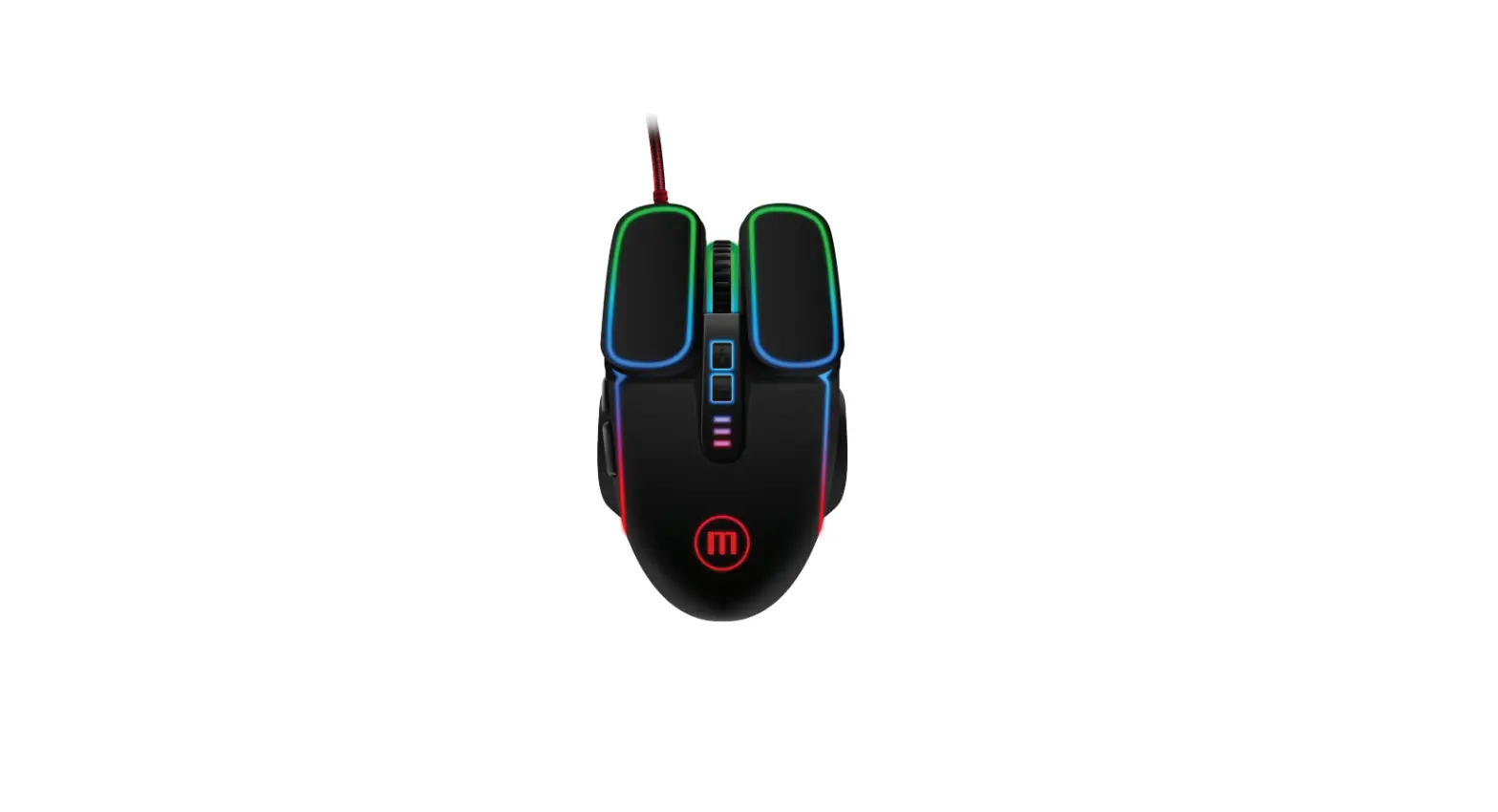

maxell CA-MOWR-TRON Gaming Mouse
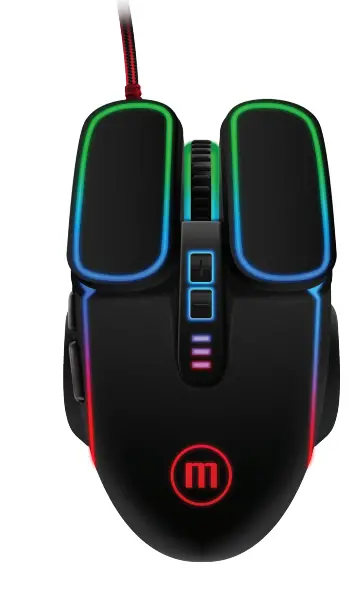
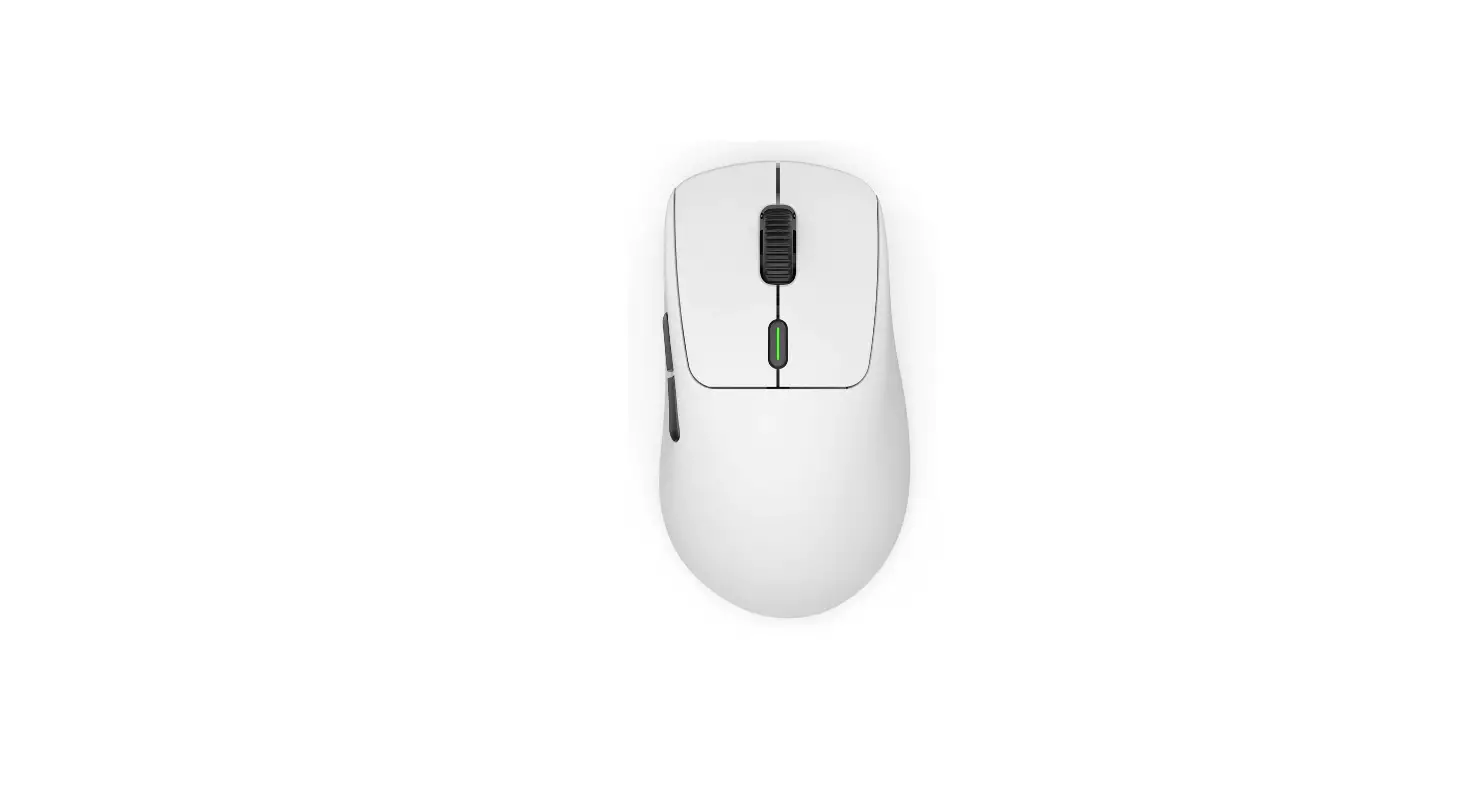
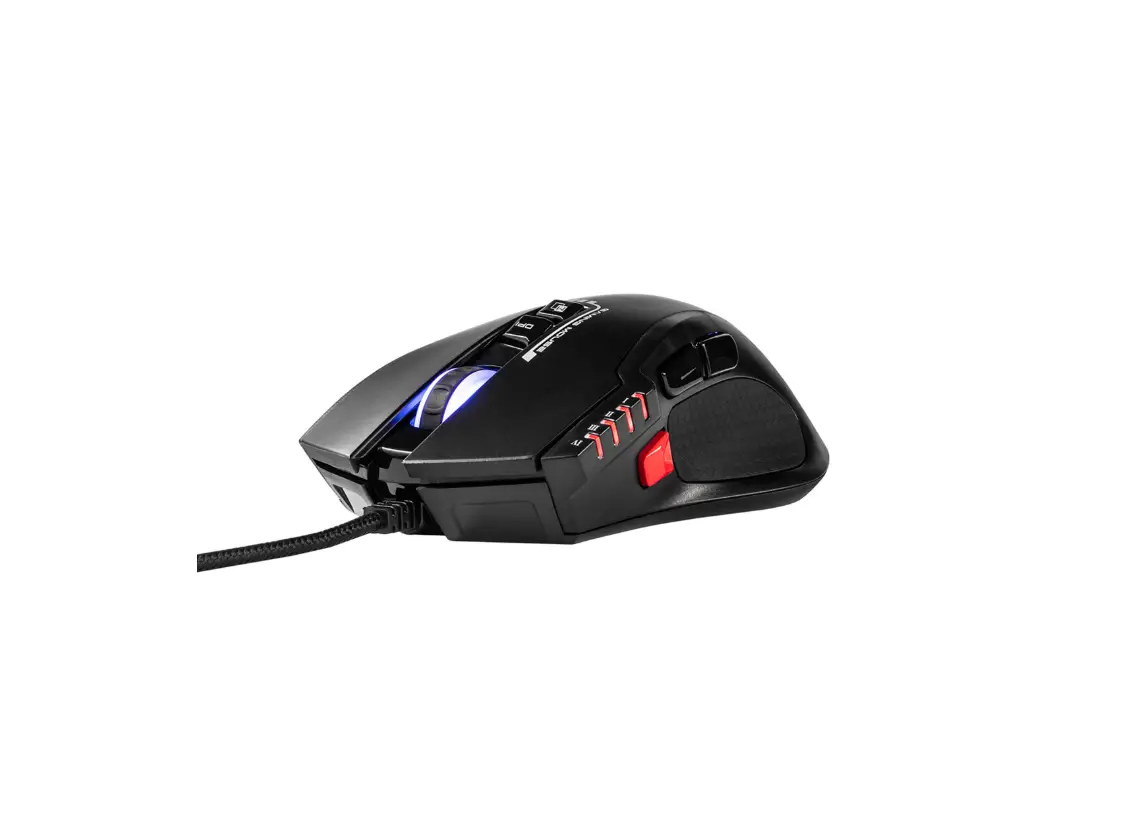
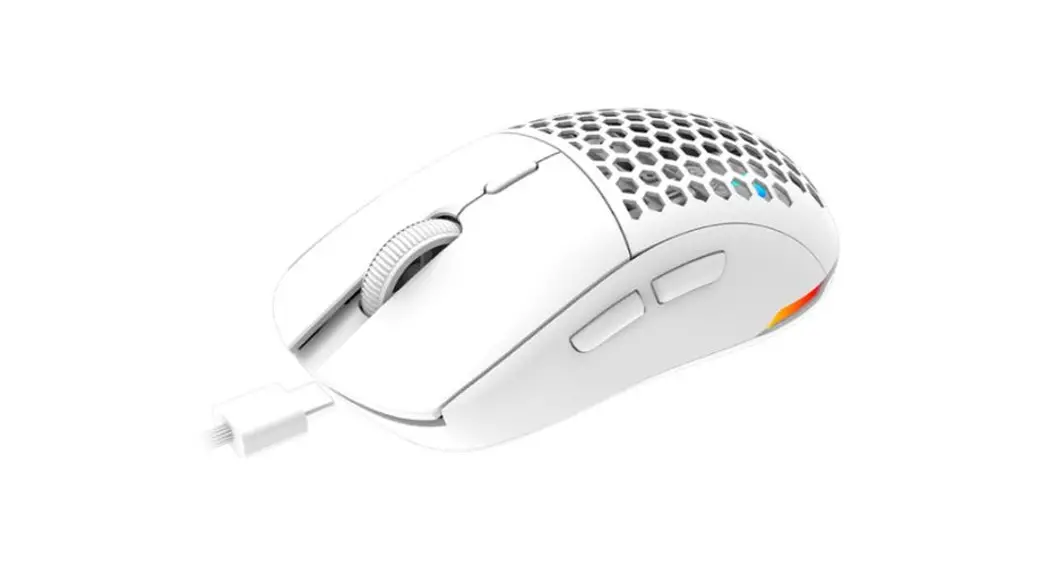
LOCATION OF CONTROLS
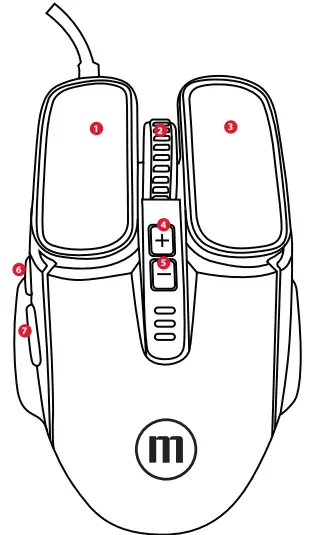
- Left Button
- Right Buton
- DPI Button
- Light Button
- Wheel
- Forward
- Backward
Download Software from https://maxell-latin.com/descargas
INSTRUCTIONS
After downloading, run
You may have this message tap: Remove protection and open The installation will start running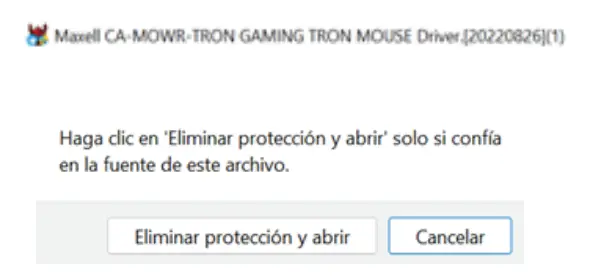
Then press: Next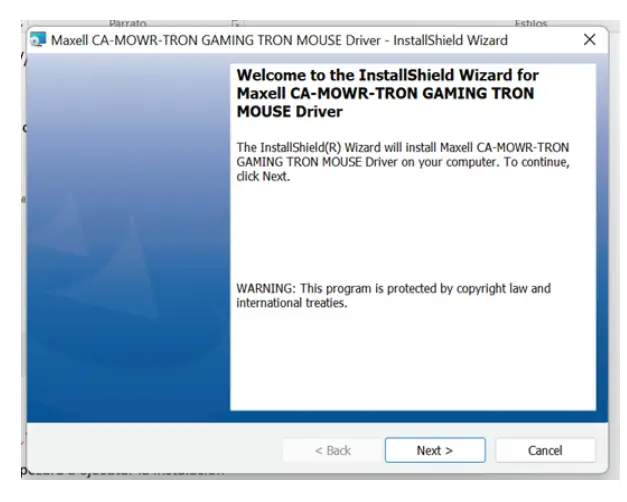
In this step you can choose the target directory we suggest to press: Next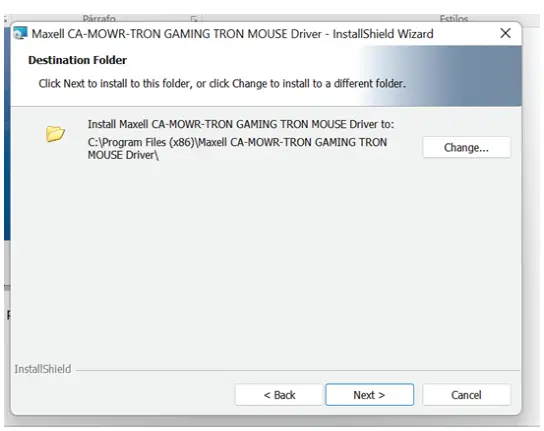
Press: Install to confirm installation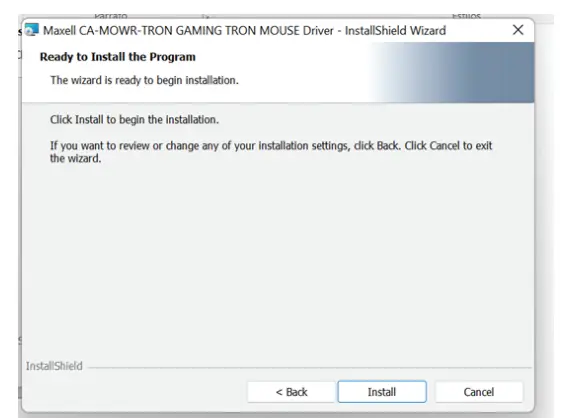
Press finish and select if you want to open the program.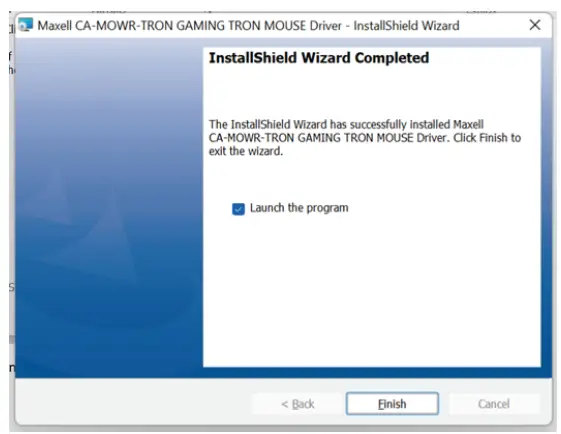
When you open the program, this screen will appear
Language change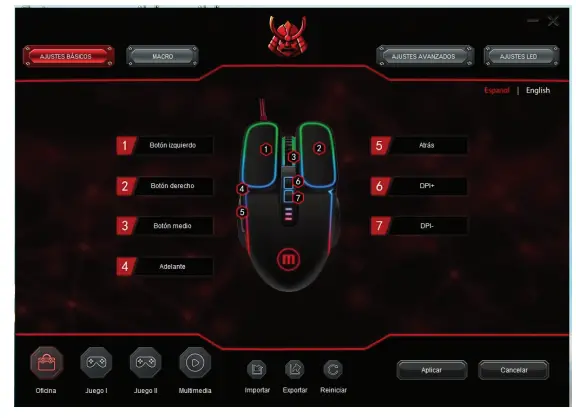
In Basic Settings you can change the function of the button.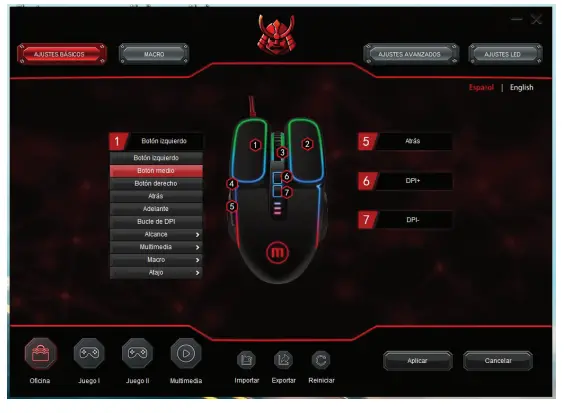
In MACRO Create, edit, delete, rename and other macro functions.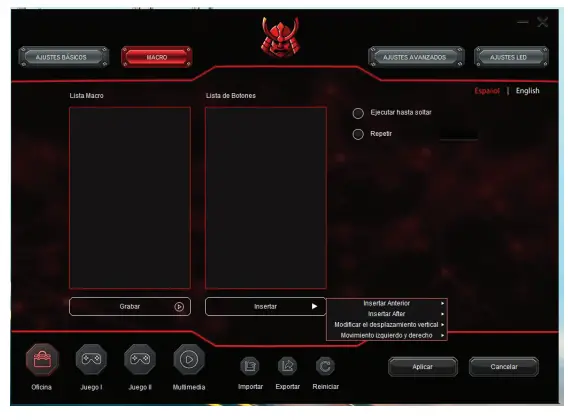
In advanced settings you can adjust the pointer accuracy, the wheel speed, the trigger speed, and the DPI. After adjustment press apply to save the changes.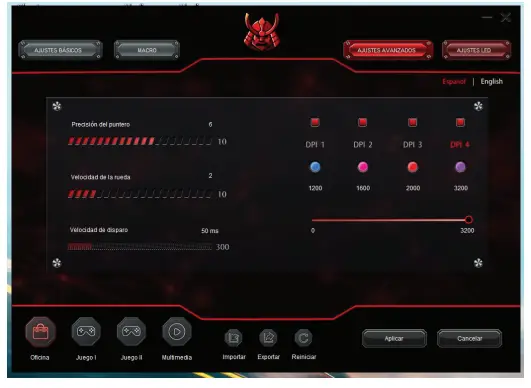
LED Settings: you can change the LED status as desired press apply to save the changes.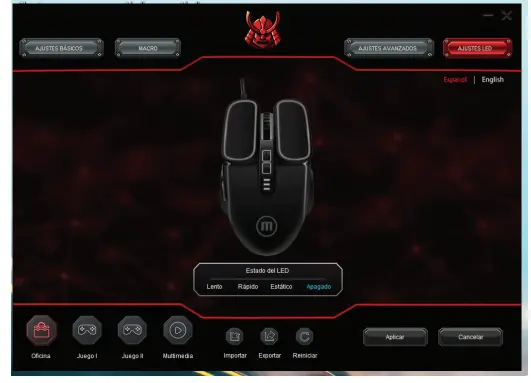
You can have up to 4 configurations defined; import and export macros, and restart.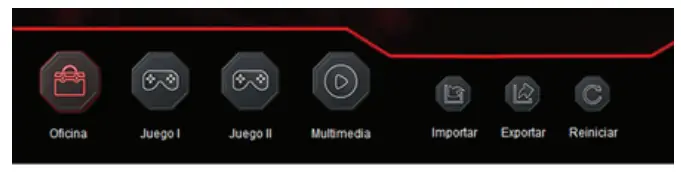
Maxell Corporation of America, 3 Garret Mountain Plaza, 3rd Floor Suite # 300, Woodland Park, NJ 07424.
www.maxell-usa.com.
Maxell Latin America, PH Oceanía Plaza Torre 2000, Panama City, Rep. of Panama.
www.maxellHatin.com
Maxell Canada, 8500 Leslie Street, Suite 101, Markham Ontario, Canada L3T 7M8.
www.maxellcanada.com
Maxell Europe Limited Ground Floor, Block E Sefton Park, Bells Hill Stoke Poges Buckinghamshire SL2 4HD
Email: [email protected]
Maxell Europe Ltd Hungary Bkanch Office, H-1095 Budapest, Mariassy Utca 7.Hungary
Email: [email protected]
www.maxell.eu
MADE IN CHINA
 Maxell Latinoamérica
 Maxell USA - Home Page
 ** Maxell **
 Maxell Latinoamérica | Descargas