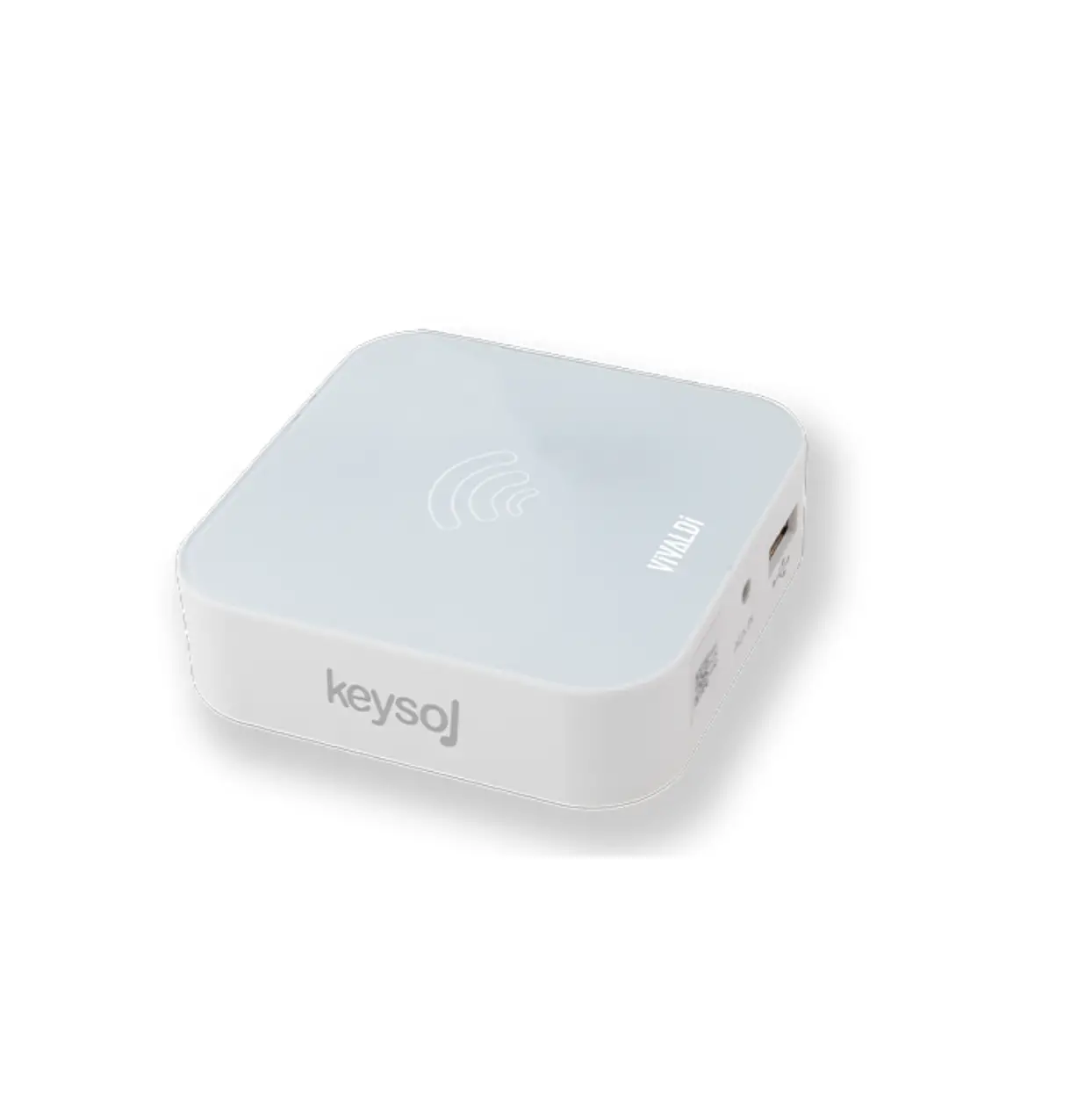
VIVALDI KEYSOL-15S Universal Wifi
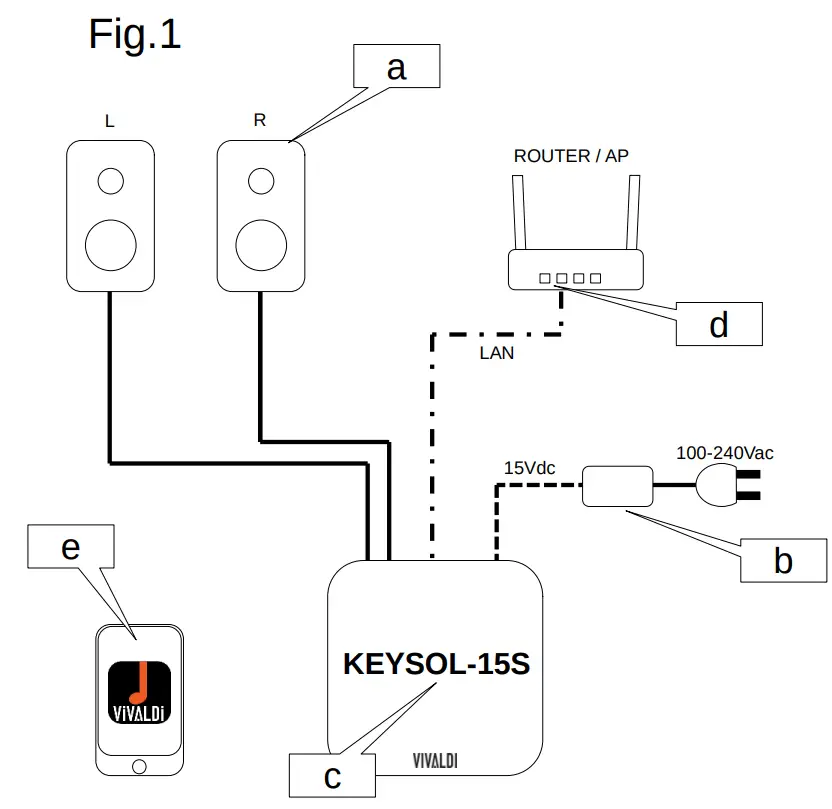
LAN CABLE SETUP
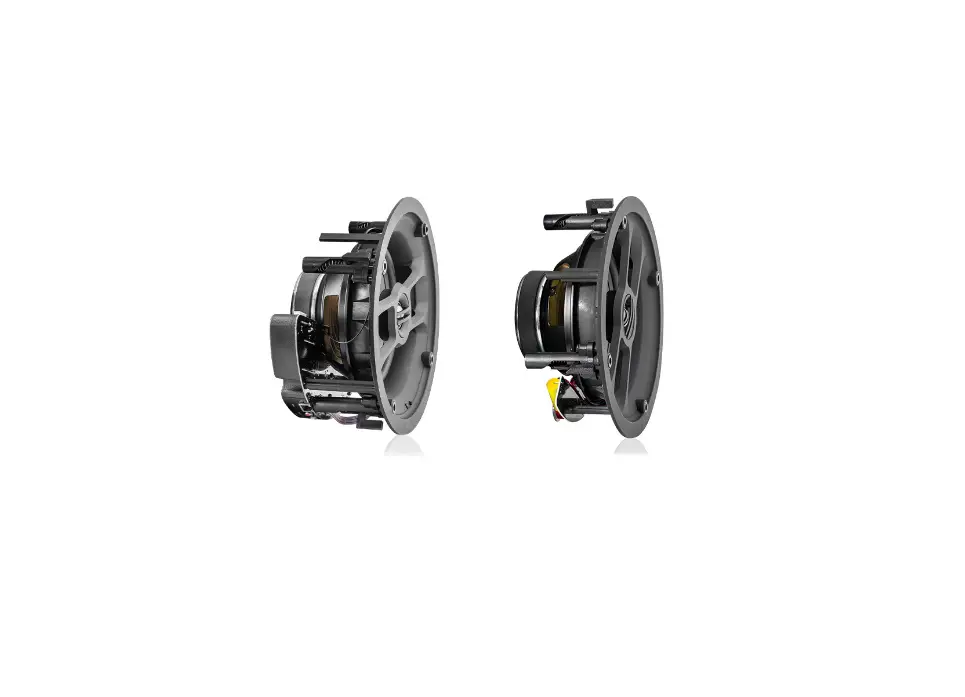
a) Connect the audio speakers to the device;
b) Connect the power supply to the electrical line;
c) The VIVALDI logo will start to blink;
d) Connect the LAN cable to the home Router;
e) Connect the smartphone to the home Wi-Fi;
f) Download the APP from the Store;
g) Start to play with the KEYSOL-15S.
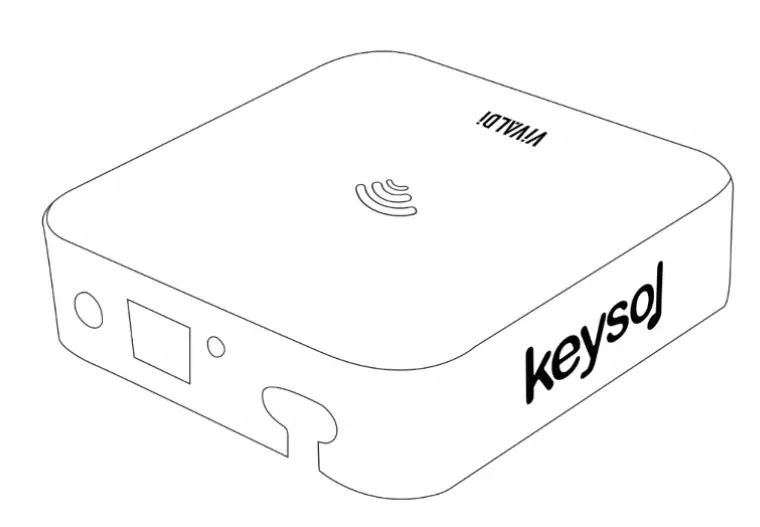
Refer to Fig.1
Wi-Fi SETUP
- Connect the audio speakers to the device;
- Connect the power supply to the electrical line;
- The VIVALDI logo will start to blink;
- Download the APP from the store;
- Connect the smartphone to the SSID named in the bottom label;
- Open the APP and enter to KEYSOL setup menu;
- Connect the device to your home WiFi;
- The status LED stop blinking;
- Connect the smartphone to your home Wi-Fi network;
- Start to use KEYSOL-15S.
SOFTWARE FEATURES
- APP on iOS and Android : Search VIVALDI APP o KEYSOL on the Stores;
- Supports: Airplay, DLNA, Spotify Connect;
- Audio file format:FLAC, WAV, AAC-LC, HE-AAC, MP3, WMA…
- Auto play AUX-IN source;
- 2 mode:
– Standalone mode;
– Synchronous Multi-room mode; - Bluetooth receiver integrated, select it on APP and play.
HARDWARE FEATURES
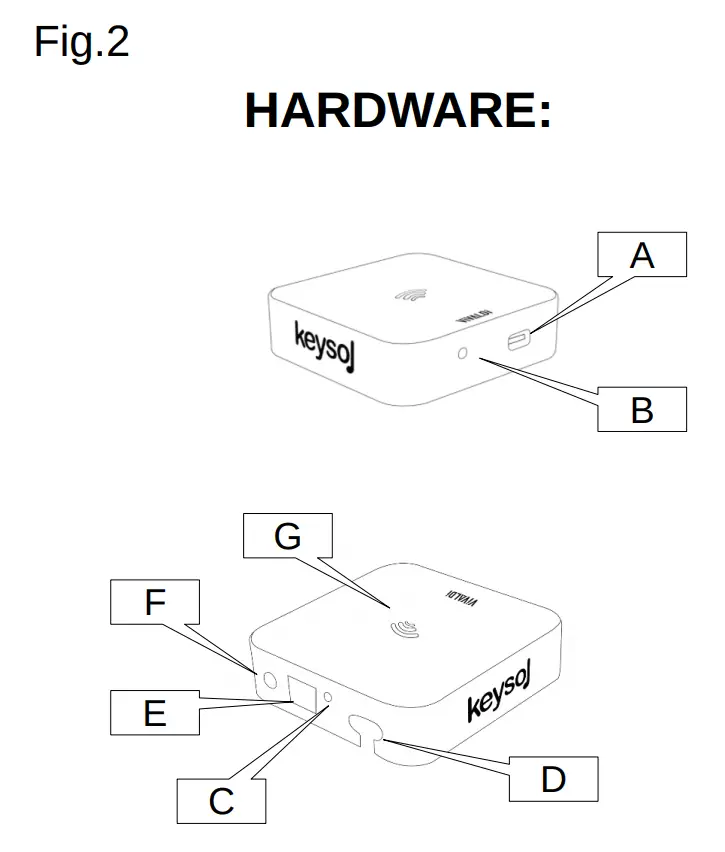
A) USB: For reading USB mass storage device, FAT32 formatted;
B) AUX-IN: Mini jack 3,5mm for audio input;
C)AUX-OUT: Mini jack 3,5mm for audio output;
D) OUTPUT: Stereo output amplifier 15W, for 4Ω e 8Ω speaker;
E) LAN: RJ45 for local network connection;
F) Power supply jack 15Vdc 2A; G)Status LED.
CUSTOMER SUPPORT
Vivaldi S.R.L.
Via Enrico Fermi, 8
Noventa di Piave(VE)
Italia
Email: [email protected]
Web: www.vivaldigroup.it
Made in china

 Vivaldi United Group