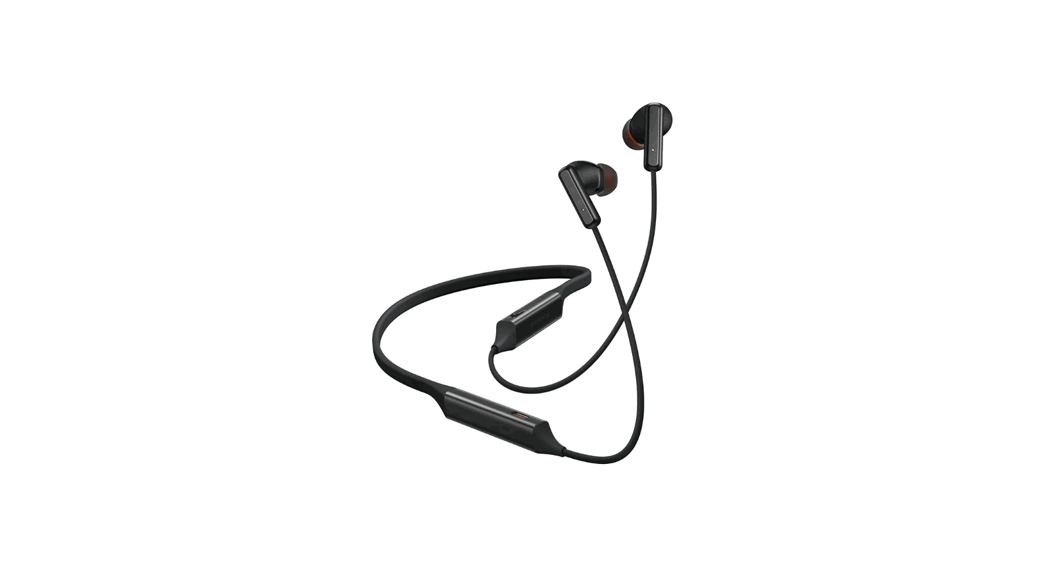
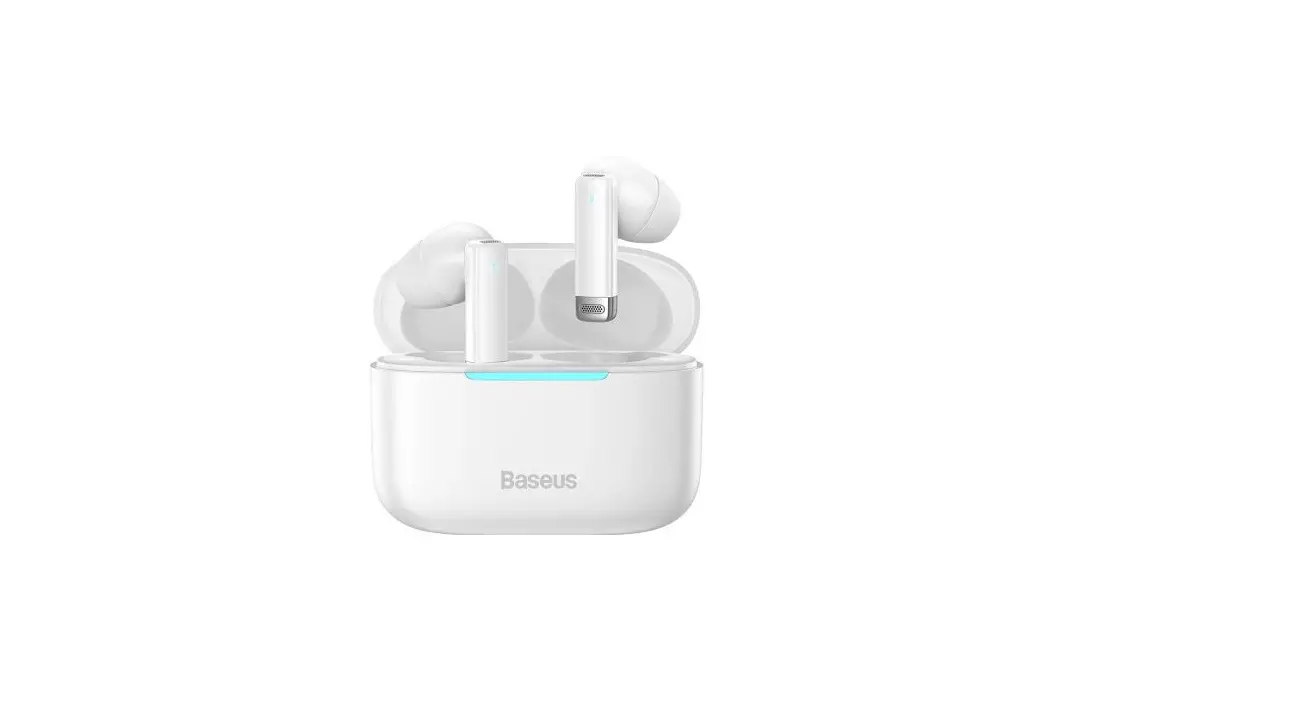
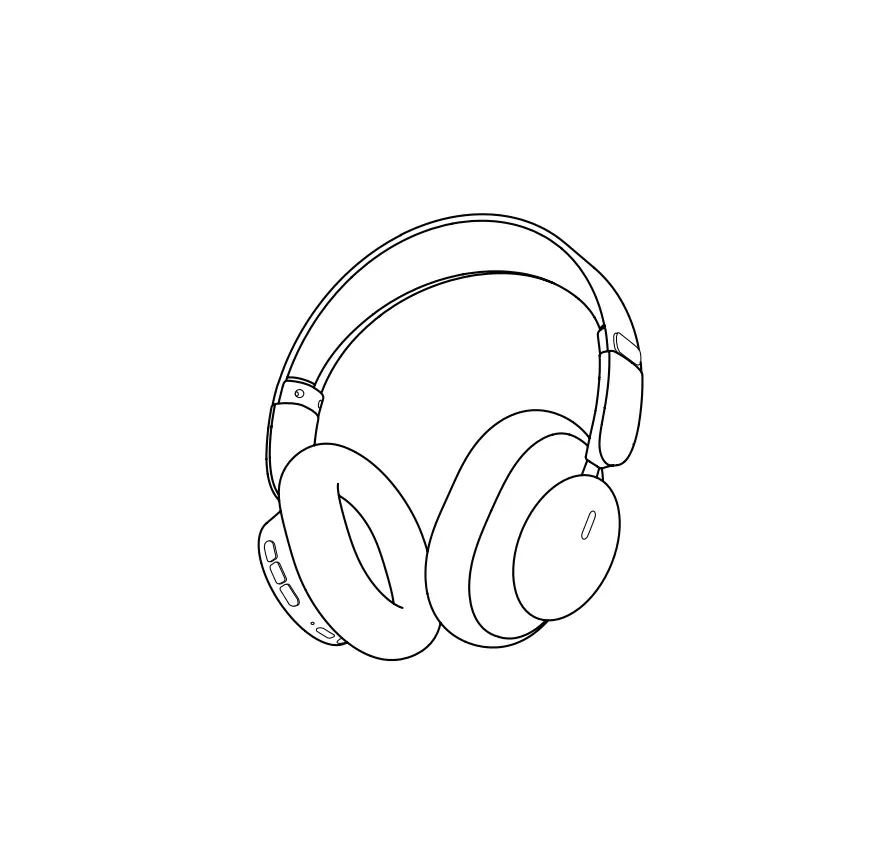
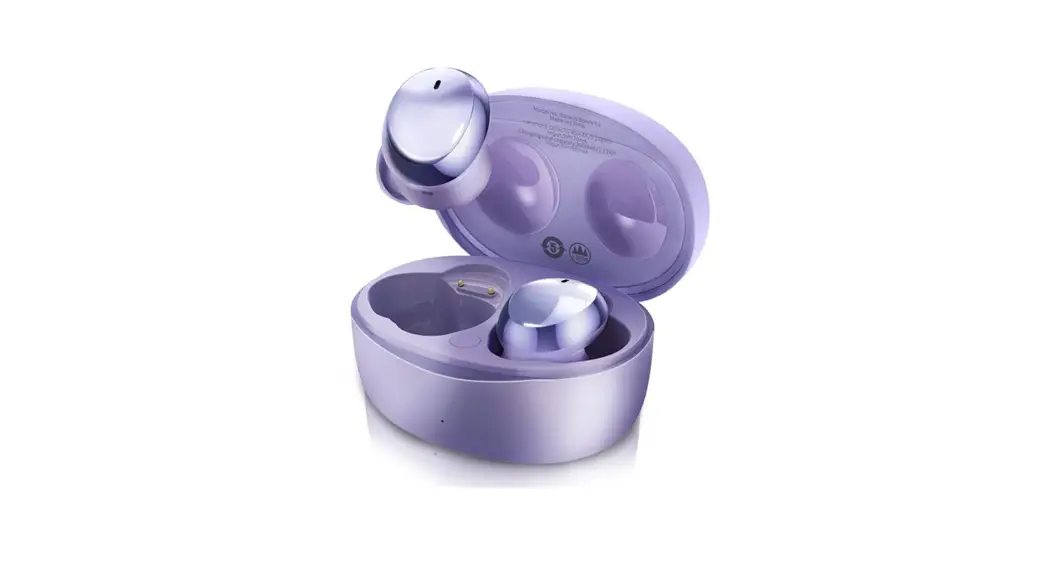
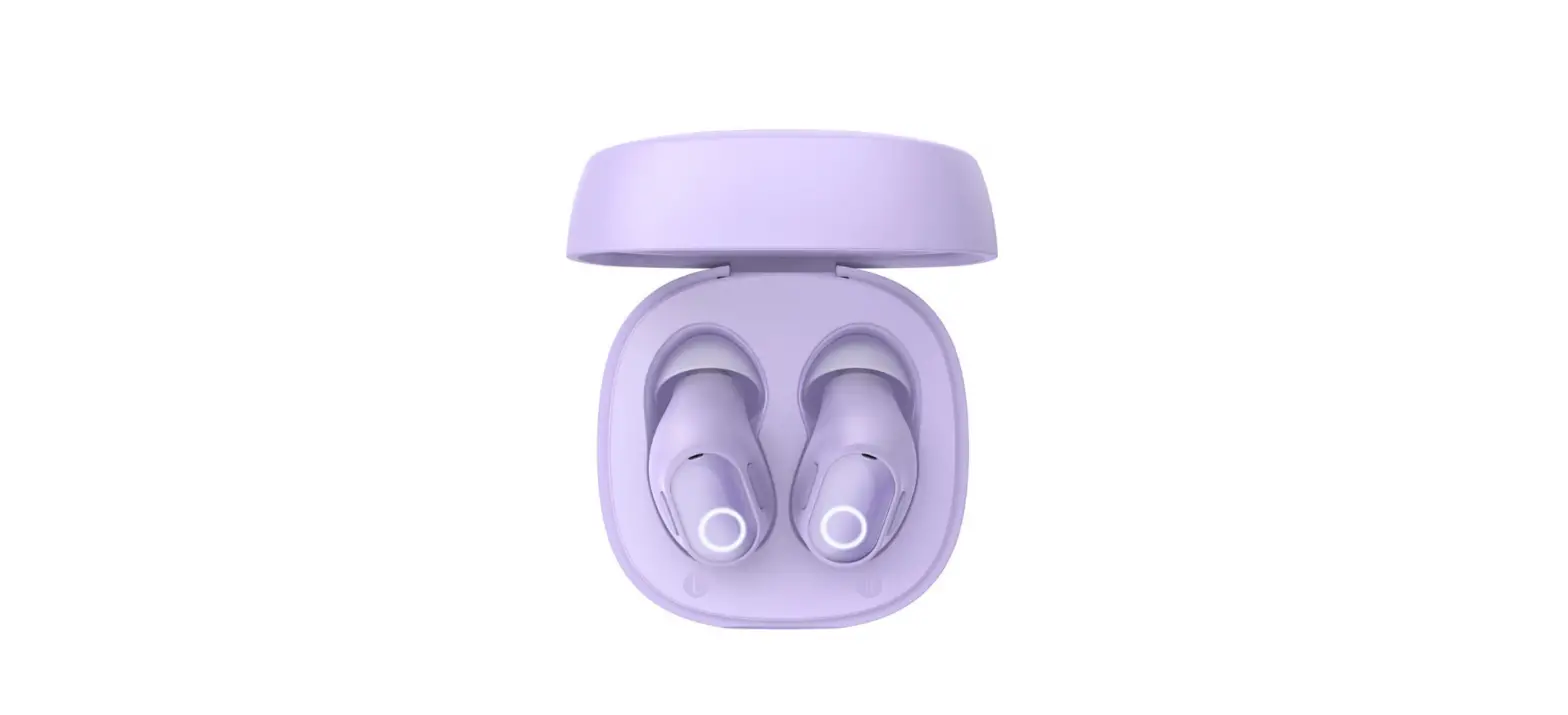
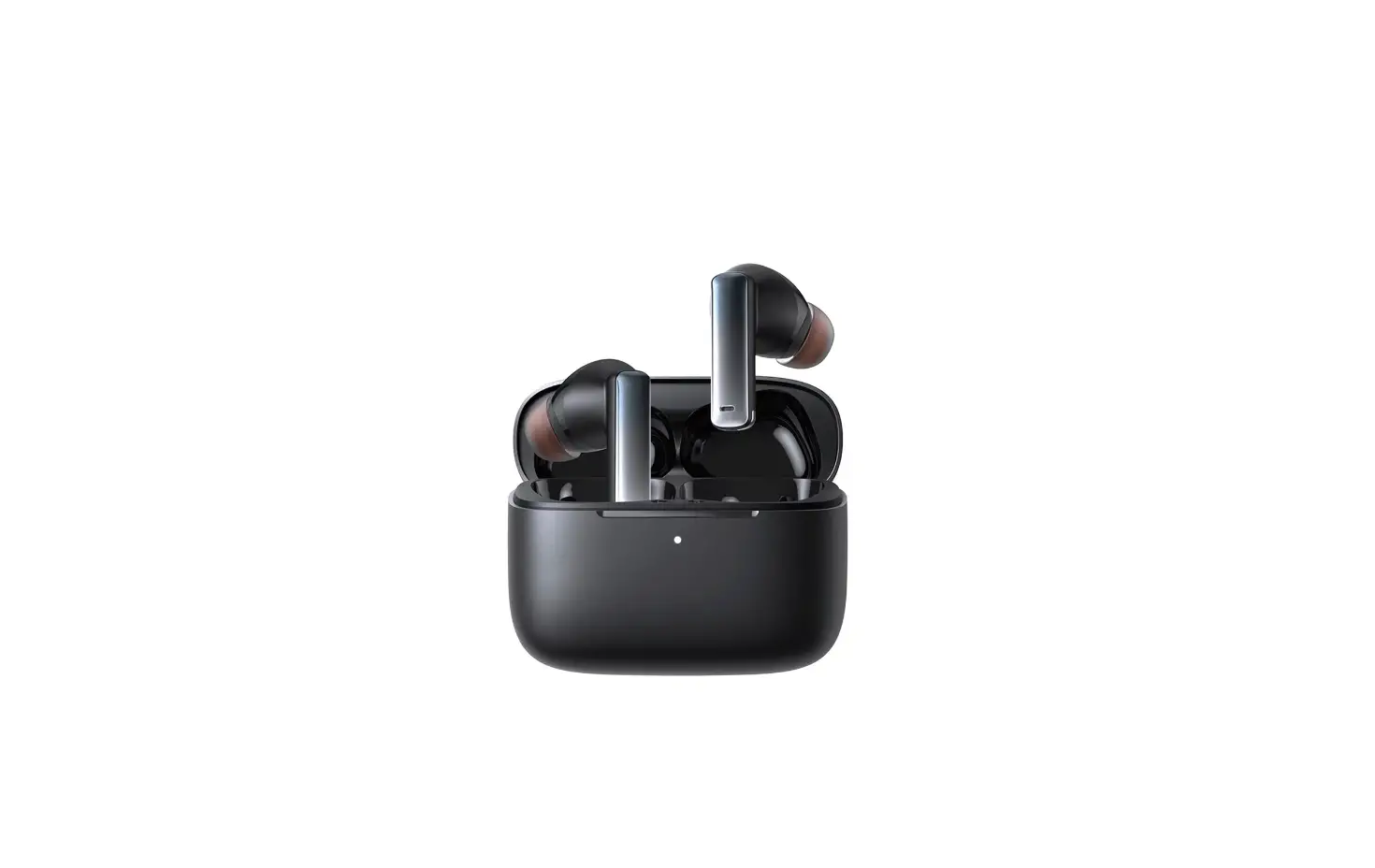
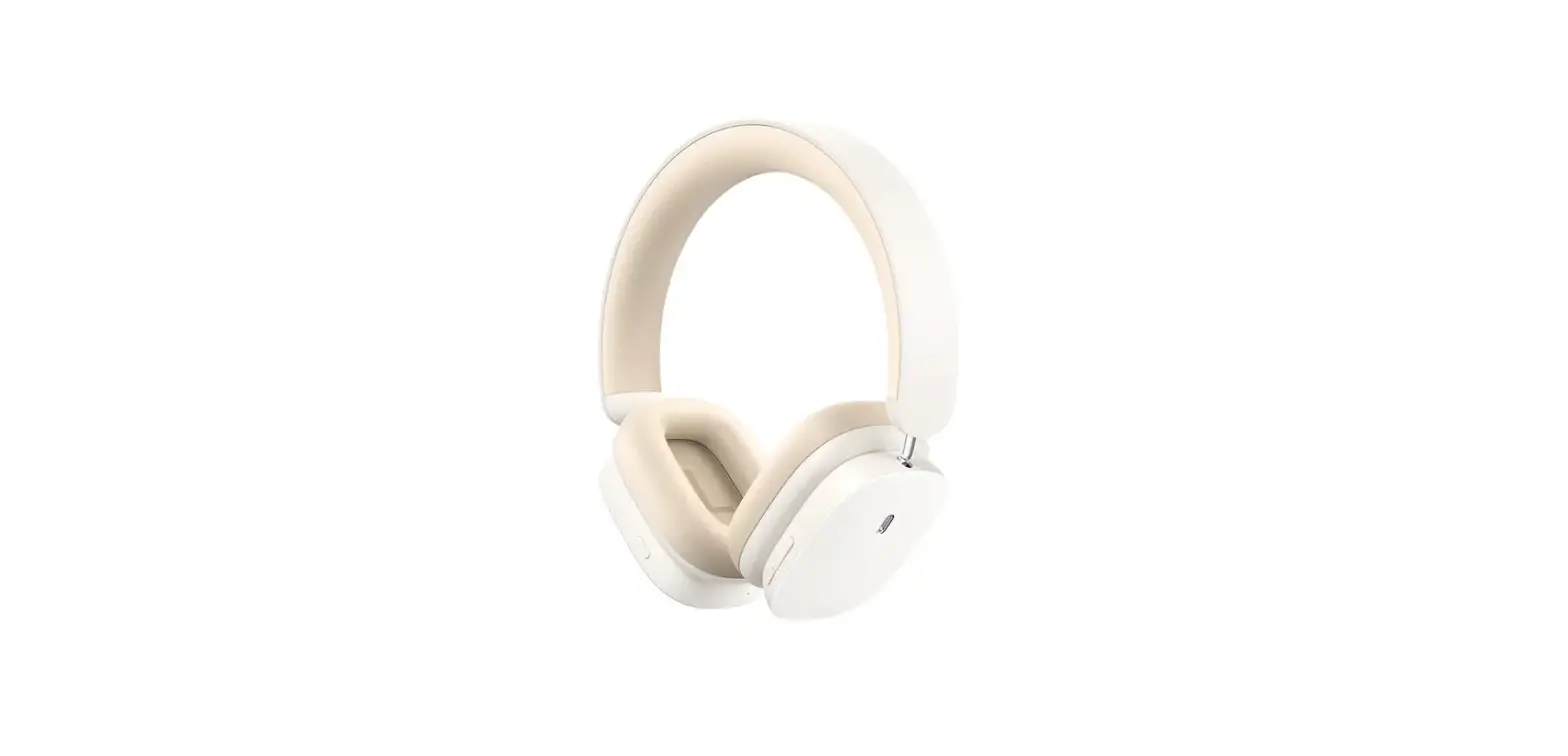
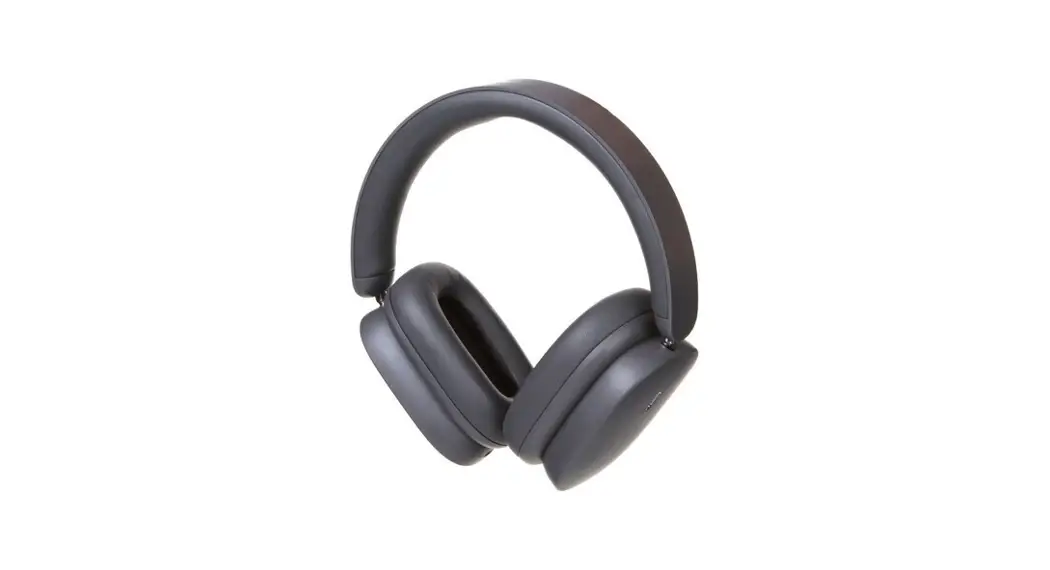
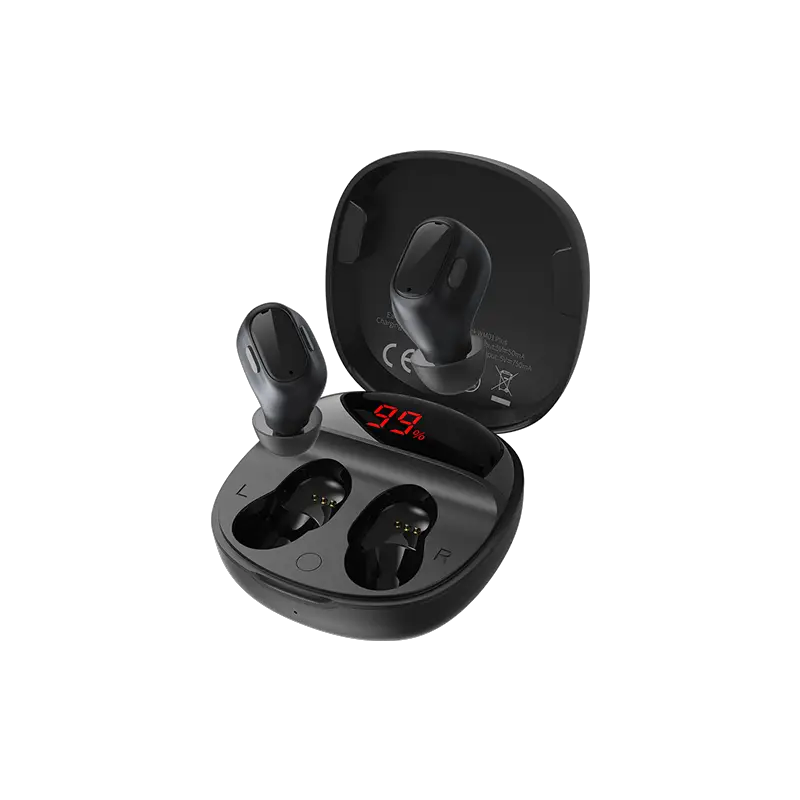
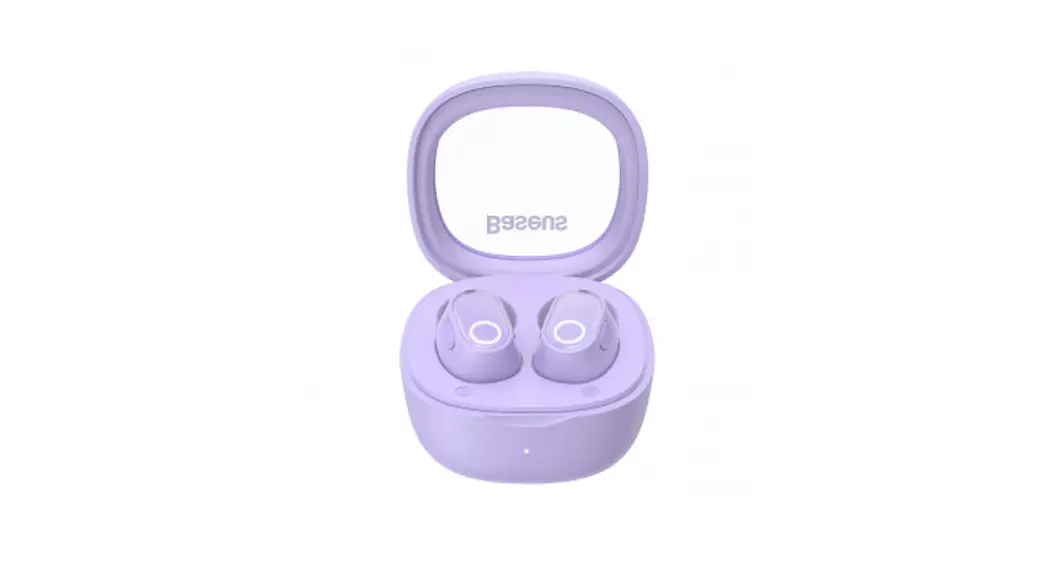
Bowie Series P1 Half In-Ear Neckband Wireless Earphones
Product Information
The Baseus Bowie Series P1 Half in-ear Neckband Wireless
Earphones are designed to provide a comfortable and convenient
listening experience. These earphones come with Bluetooth V5.2
technology and can easily connect to your smartphone or other
wireless devices with a communication distance of up to 10m. They
have a playtime of 25 hours at 70% volume and come with a
170mAh/0.629Wh battery capacity. The earphones have a frequency
response range of 20Hz-20kHz and are compatible with most wireless
devices. The package includes one pair of earphones, one charging
cable, and one user manual.
Product Usage Instructions
Connection Steps:
- Power on: Press and hold the multifunction button for 2
seconds. The earphones will automatically enter the power-on
state. - Wireless connection: Turn on wireless mode on your phone to
search and pair the earphones. Select device model Baseus Bowie
P1. - Power off: Press and hold the multifunction button for 4
seconds. The earphones will turn off.
Operation Instructions:
- Music mode:
- Play/Pause: Press the multifunction button.
- Previous: Press and hold the Volume- button for 1.5
seconds. - Next: Press and hold the Volume+ button for 1.5 seconds.
- Volume down: Press the Volume- button.
- Volume up: Press the Volume+ button.
- Switching to low latency mode: Double-press the multifunction
button. - Activating Voice Assistant: Press the multifunction button
three times.
- Call mode:
- Answer/Release a call: Press the multifunction button.
- Reject a call: Press and hold the multifunction button for 2
seconds.
- Restore to default settings: Turn off the
wireless on the mobile phone. Press and hold the Volume+ and
Volume- buttons simultaneously for 4 seconds. When the blue
indicator blinks 3 times, the operation is successful.
Note: The earphone’s red indicator turns on
during charging and the blue indicator turns on when the battery is
fully charged. The earphones take about 1.5 hours to charge and
have an earphone rating input of DC5V 100mA and a consumption
current of 7mA.
Warning: FCC ID 2A482-P1, manufacturer Shenzhen
Baseus Technology Co., Ltd. For more information, visit
www.baseus.com.
User Manual
Baseus Bowie Series P1 Half in-ear Neckband Wireless Earphones Please read this user manual carefully before use and keep it for future reference.
Connection Steps
1 Power on
Press and hold the multifunction button for 2s. The earphones automatically enter the power-on state.
2 Wireless connection
Turn on wireless mode on your phone to search and pair the earphones. Select device modelBaseus Bowie P1
Volume + button
3 Power off
Earphone indicator/ Microphone jack
Press and hold the multifunction button for 4s. The earphones will turn off.
Multifunction button Charging port
Volume – button
01
Operation Instructions
Music mode: Play/Pause: Press the multifunction button. Previous: Press and hold the Volume- button for 1.5s. Next: Press and hold the Volume+ button for 1.5s. Volume down: Press the Volume- button. Volume up: Press the Volume+ button. Switching to low latency mode: Double-press the multifunction button. Activating Voice Assistant: Press the multifunction button three times.
Call mode: Answer/Release a call: Press the multifunction button. Reject a call: Press and hold the multifunction button for 2s.
Charging power indicator Connect to the power supply to charge the earphones (the red indicator is on during charging. The blue indicator is on when the battery is fully charged).
02
Restore to default settings Turn off the wireless on the mobile phone. Press and hold the Volume+ and Volume- buttons simultaneously for 4s. When the blue indicator blinks 3 times, the operation is successful.
Product safety information Improper use of the product can easily cause damage to the product or may endanger personal and property safety. 1. The battery is included in the product. Please avoid exposing your product to the sunlight, electric heater or similar overheating enviroments. Do not store the product in high temperature, strong light and strong magnetic places. 2. Do not keep it in other harsh environments such as fire source. Intense physical actions such as knocking, throwing, trampling on and squeezing etc. shall be avoided. Do not use it in case of expansion. 3. The ambient temperature of product is 0~45 . 4. Inappropriate use of the product against this user manual or ignoring warnings can easily cause damage the product or may endanger personal and property safety. Consumer shall bear for all the consequences, to which our company will not assume any legal liability. 5. Decomposition of this product by non-professionals is strictly prohibited. 6. Do not use a load (electrical appliances) that exceeds the output current of this product. A circuit protection mechanism is builtin to automatically stop working if loads exceed. 7. Please use a clean cotton cloth to clean the charging contacts of earphones regularly to prevent it from failing to charge or turn on due to missing cleaning for a long time. 8. Do not put this product in water (or washing machine). If water enters the product, let it dry naturally before using it.
03
Product Specifications
Name: Baseus Bowie Series P1 Half in-ear Neckband Wireless Earphones Model No.: Baseus Bowie P1 Version: V5.2 Communication distance: 10m Playtime: 25 hours (70% of the volume) Battery capacity: 170mAh/0.629Wh (earphones)
Package Including
Earphone rating input: DC5V 100mA Earphone rating consumption current : 7 mA Charging time: about 1.5 hours Frequency response range: 20 Hz-20 kHz Charging port: Micro-USB Suitable for: Compatible with most of wireless devices
Earphones*1pcs
Charging cable *1pcs
User manual *1pcs
Changes or modifications not expressly approved by the party responsible for compliance could void the user’s authority to operate the equipment. This device complies with Part 15 of the FCC Rules. Operation is subject to the following two conditions: (1) this device may not cause harmful interference, and
04
(2) this device must accept any interference received, including interference that may cause undesired operation. Note: This equipment has been tested and found to comply with the limits for a Class B digital device, pursuant to Part 15 of the FCC Rules. These limits are designed to provide reasonable protection against harmful interference in a residential installation. This equipment generates, uses, and can radiate radio frequency energy, and if not installed and used in accordance with the instructions, may cause harmful interference to radio communications. However, there is no guarantee that interference will not occur in a particular installation. If this equipment does cause harmful interference to radio or television reception, which can be determined by turning the equipment off and on, the user is encouraged to try to correct the interference by one or more of the following measures: Reorient or relocate the receiving antenna. Increase the separation between the equipment and receiver. Connect the equipment into an outlet on a circuit different from that to which the receiver is connected. Consult the dealer or an experienced radio/TV technician for help. The device has been evaluated to meet general RF exposure requirement. The device can be used in portable exposure condition without restriction.
This equipment complies with the provisions of Directive 2012/19/EU2006/66/EU. It is strictly forbidden to dispose of this equipment with ordinary trash; it must be recycled. This symbol indicates that the product shall not be treated as regular domestic trash, and must be delivered to a recycling center that is capable of recycling electronic and electrical equipment.
It is hereby declared that Baseus Bowie P1a product model of Shenzhen Baseus Technology Co., Ltd., complies with the provisions of Directive 2014/53/EU and Directive 2011/65/EU. The full text of the EC Declaration of Conformity can be found on the following website: www. baseus.com
05
Warning
FCC ID2A482-P1 Manufacturer: Shenzhen Baseus Technology Co., Ltd. Add: 2th Floor, Building B, Baseus Intelligence Park, No.2008, Xuegang Rd, Gangtou Community, Bantian Street, Longgang District, Shenzhen Hotline: +86-4000-712-711 Website: www.baseus.com
PB3453Z-P1A1 1000050587
Designed by Baseus Made in China
 Baseus Official | Simple for More
 Baseus Official | Simple for More