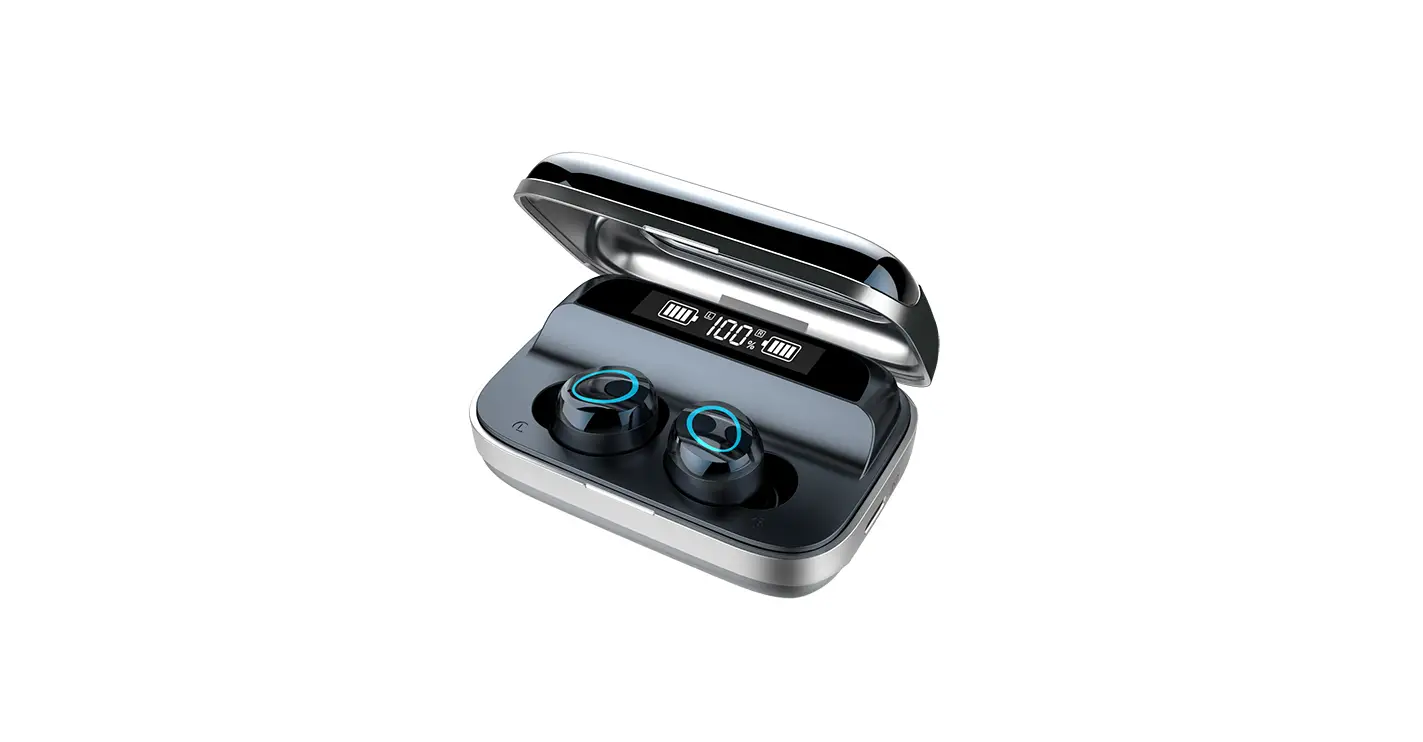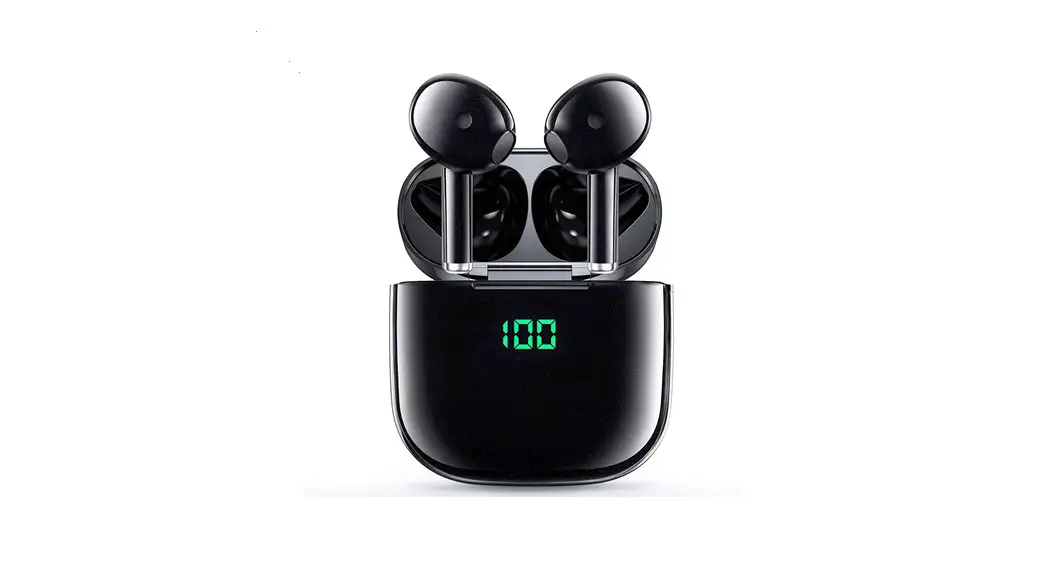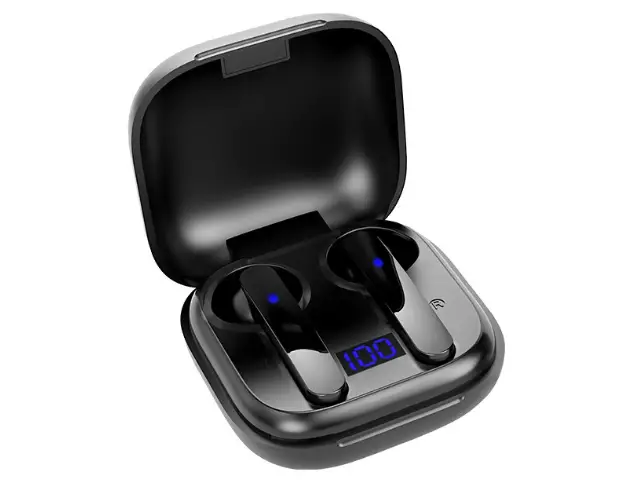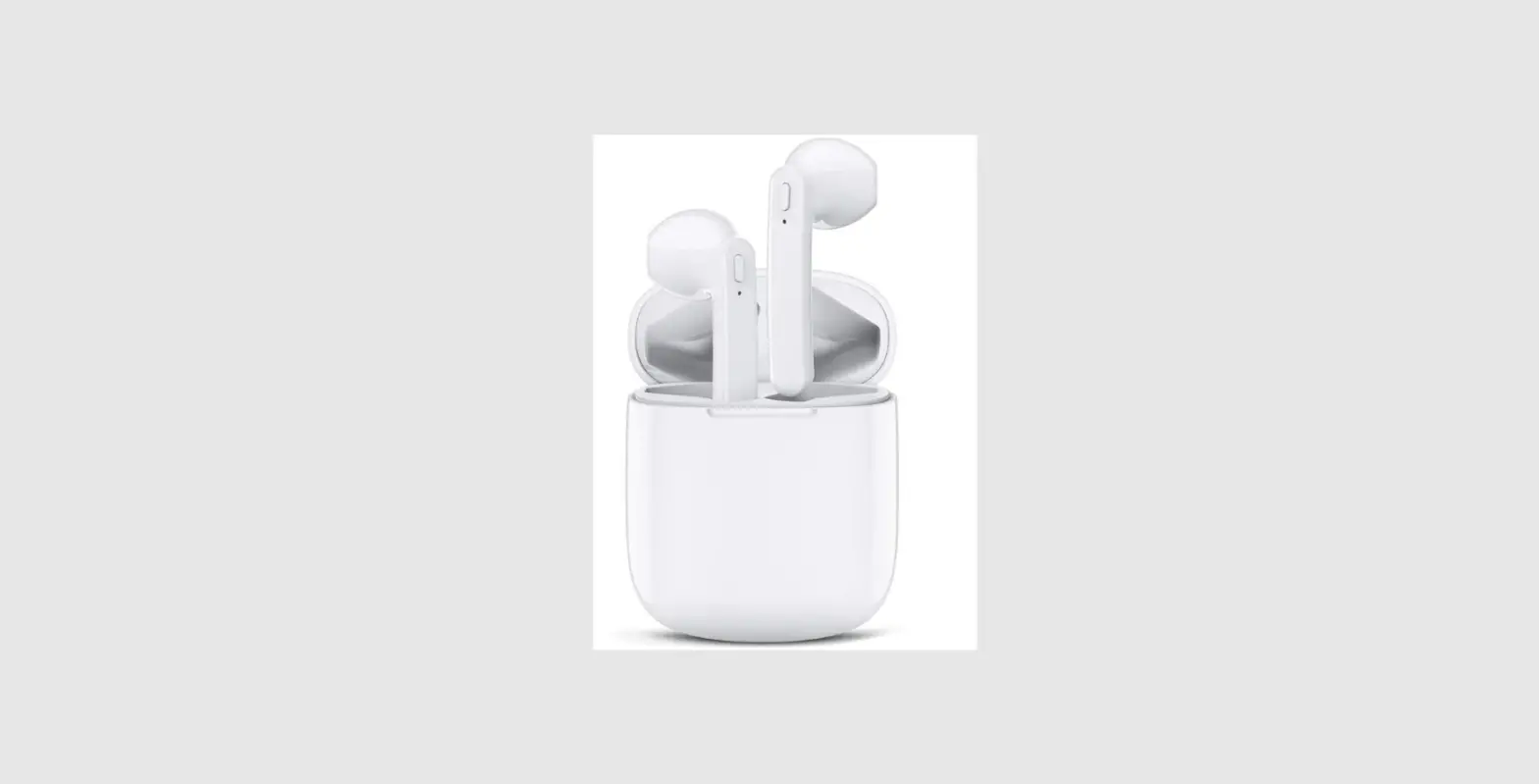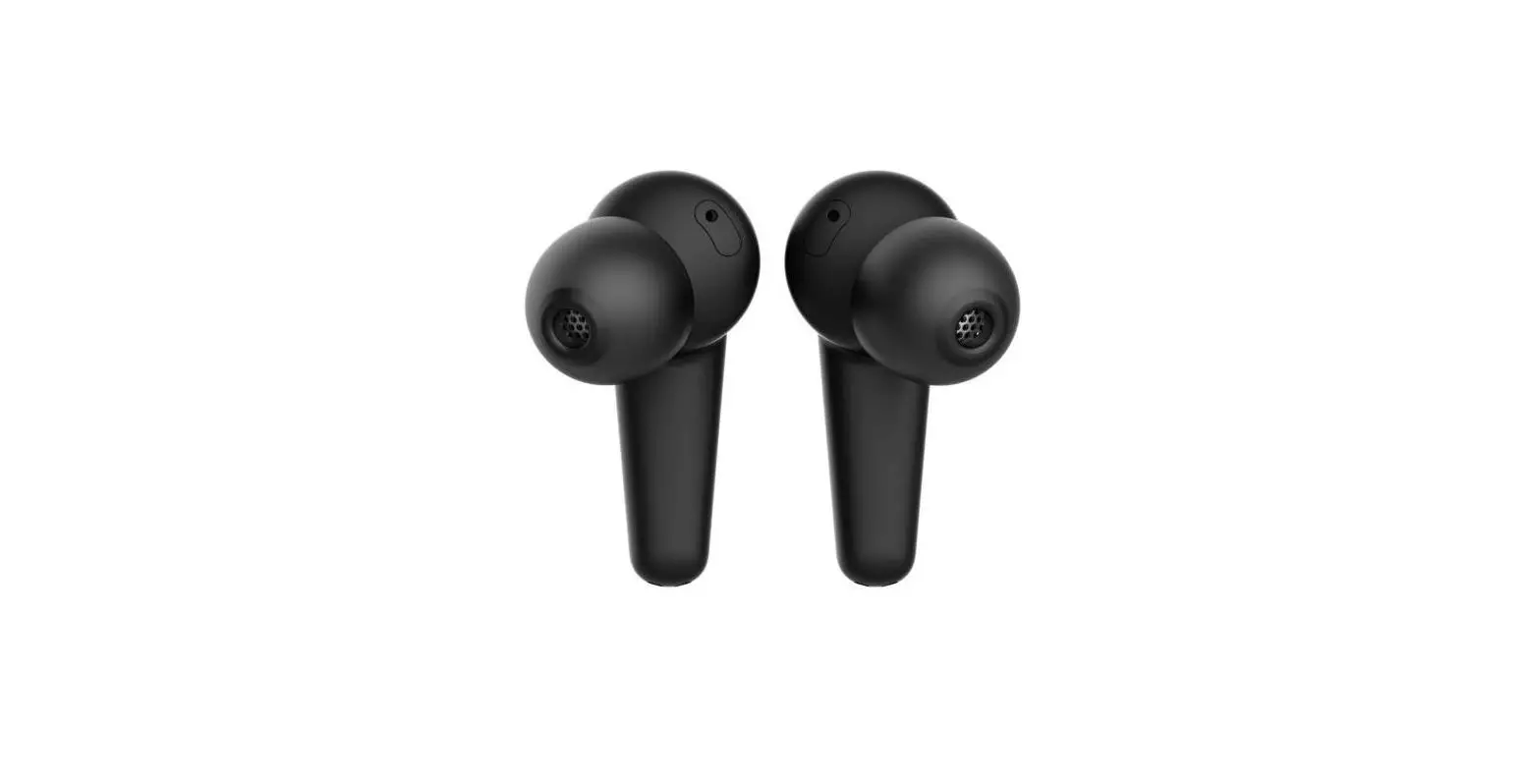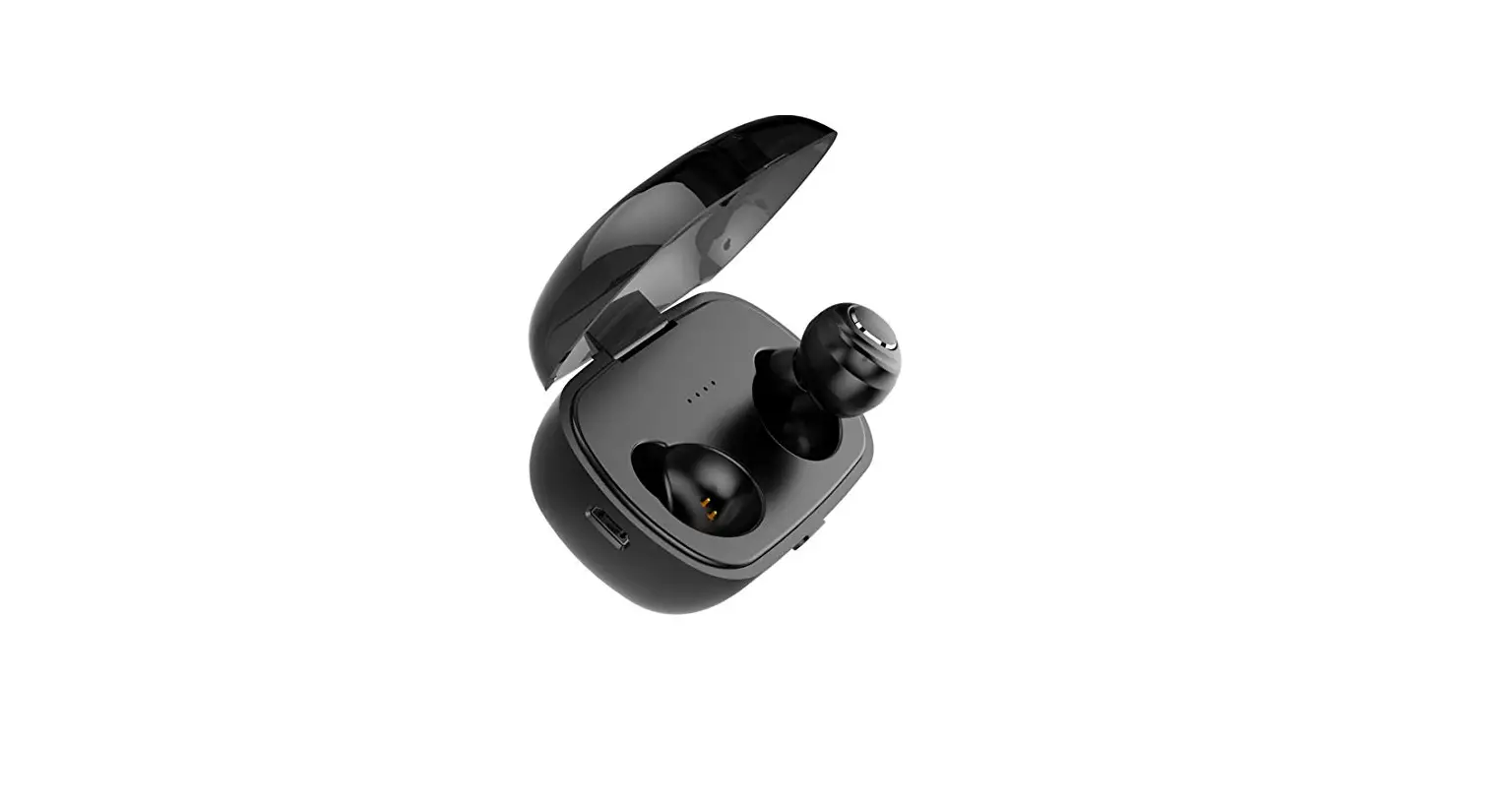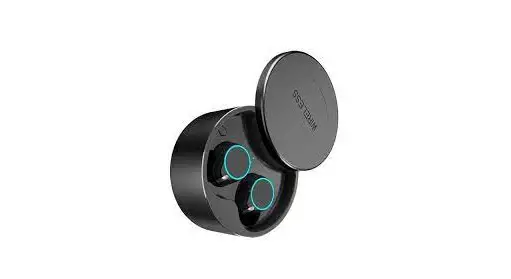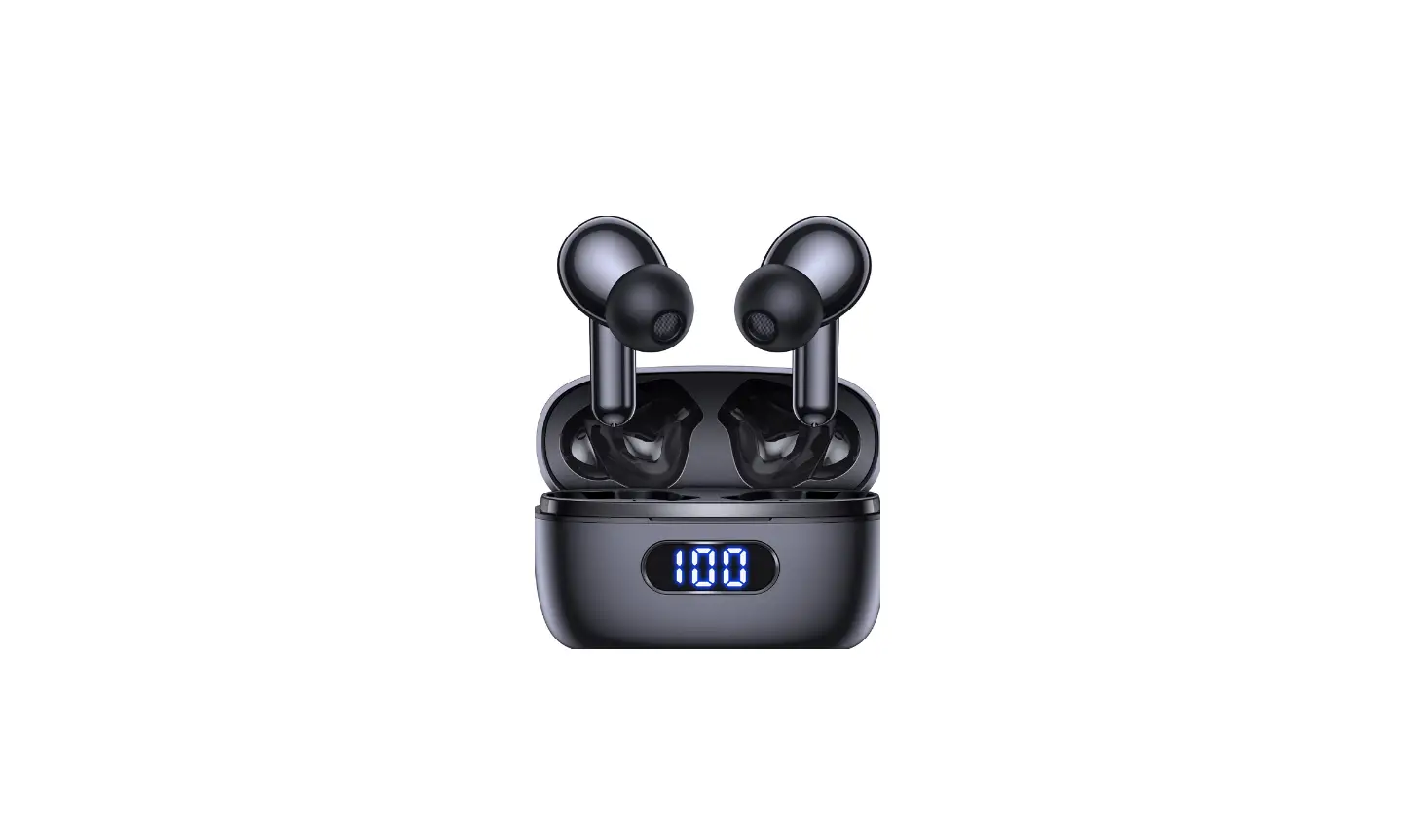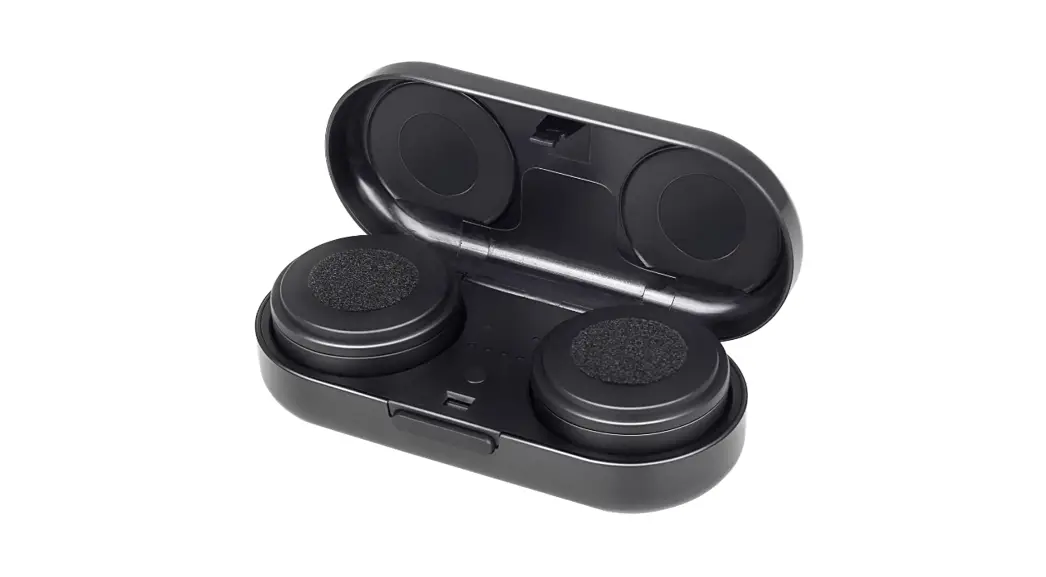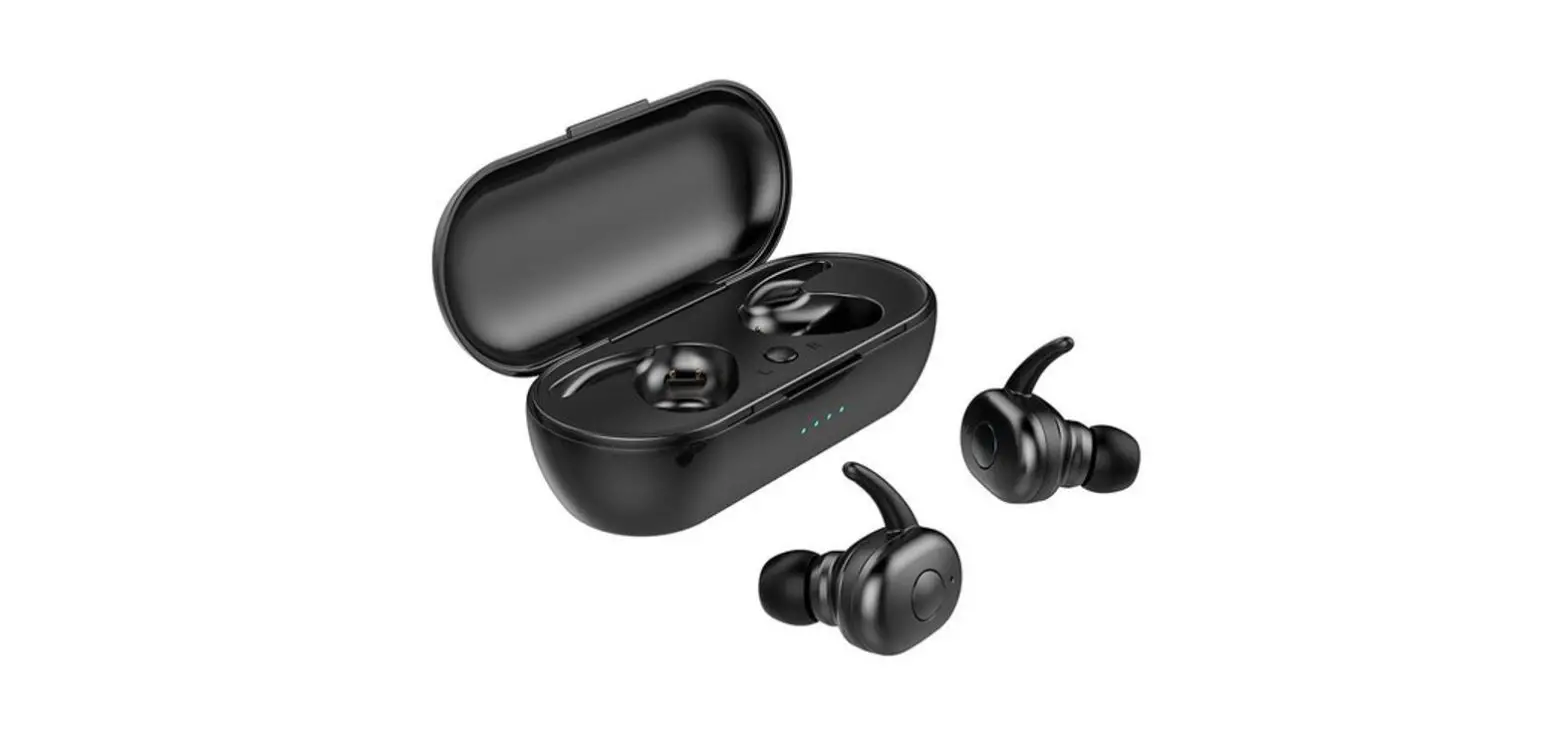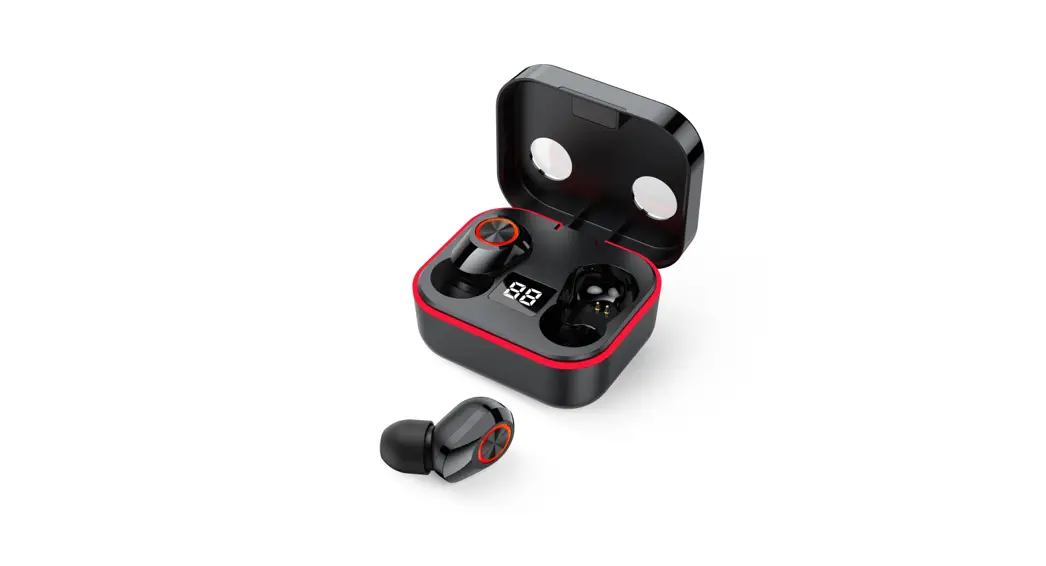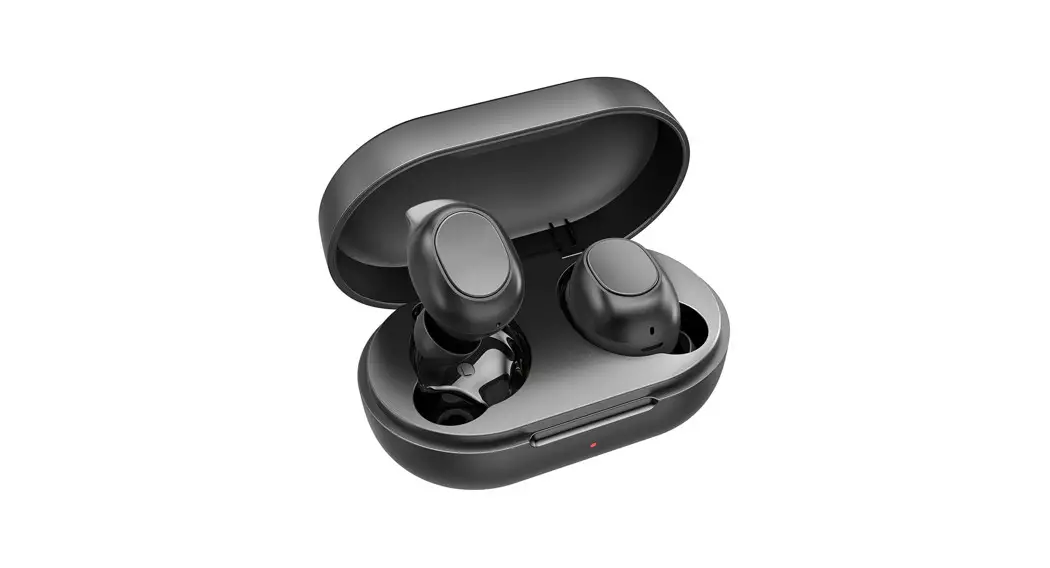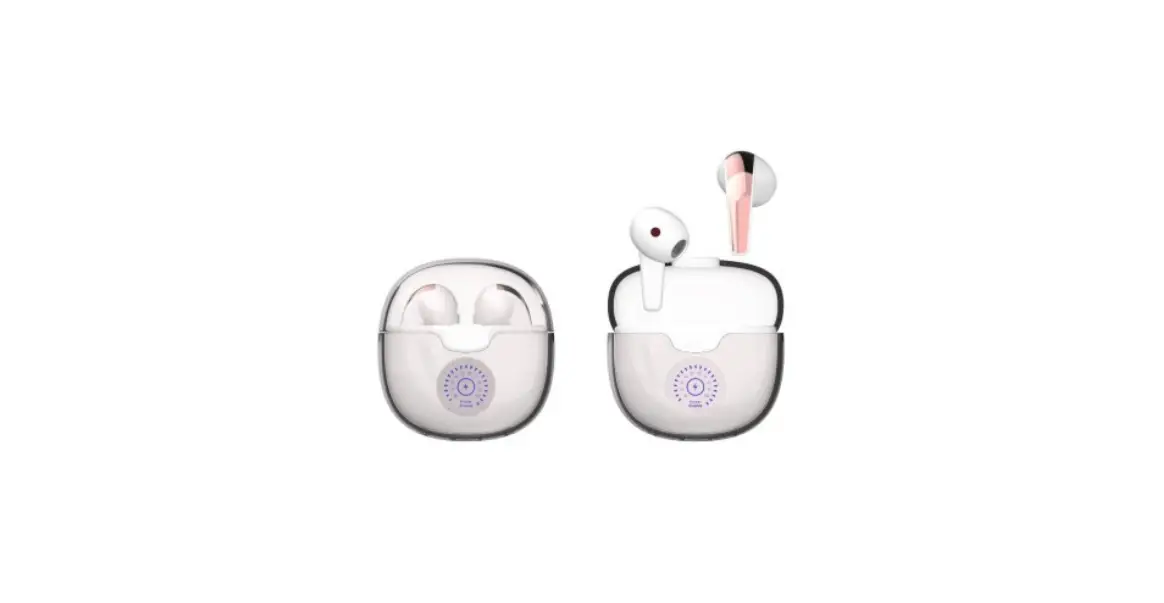

Shenzhen Shengxingwang Precision Technology i12 Wireless Earphones
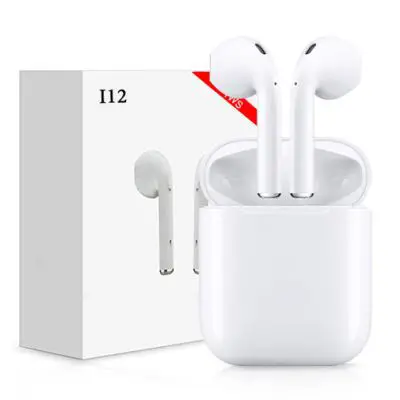
First Use Note
Ensure the charging case and earbuds are fully charged before you start to use them.
How to Wear
Select the best fitting ear tip and then wear earphones. Make sure that it fits snugly and seamlessly inside your ear to get the best sound and Noise-Canceling performance.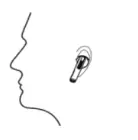
Power On
Option 1: Open the lid to power on earbuds and wait for LED of earbuds to turn on the blue and red light for 1s.
Option 2: Keep pressing smart finger touch for 3s to power on, if the case is not at hand.
Power Off
Put earbuds into the charging case and close lid to power them off.
Keep pressing smart finger touch for 6s, It will power off without connection and operation of your phone.
How to Connect
For the first time pairing, take the earbuds out of the case and search Bluetooth “cheers Light Style” on your phone, and tap to connect.
( Earbuds will auto re-connect to the last time device in connectivity records).
How to Reset
If earbuds are not working properly, follow the below steps to the Factory Setting.
Step 1: Take earbuds out of the charging case, then press 5 times till LED blue light flashes to clear pairing. Put earbuds into the case and close the lip.
Step 2: Open the lip, take earbuds out of the case, earbuds will auto paired with each other successfully.
How to Charge
Earbuds: Put earbuds into the charging case, close the lid and they will be charged automatically.
Charging Case: Charging the case with the included cable and your DC5V/1A adapter ( PC USB port or other DC5V also compatible).
The LED blue light will show up when charging status, a long blue light when fully charged.
Functional Operation
Music
Press X1: either earbud for Pause / Play.
Press X2: the left earbud for the previous song; the right earbud for the next song.
Incoming Call
Press X1: either earbud to answer /end a call
Long Press 2s: either earbud to reject a call.
Mode Switch
Press X3: right earbud to activate siri voice assistant.
Press X3: left earbud to switch gaming mode/normal mode.
Volume adjustment
Long Press: the left earbud to reduce the volume (-); the right earbud to increase
Specification
| Bluetooth version | V5.2 |
| Support profile | A2DP/AVRCP/HFP/HSP |
| Transmission distance | 10M/32.8FT |
| Frequency range | 2402MHz~2480MHz |
| Driver | Ф12MM*2 Hi-Fi Speaker |
| Voltage | 3.7V |
| Talking time | About 5H |
| Playing time | About 5H |
| Charging Time | About 1H |
| Earphone battery | 35mAh |
| Support system | IOS/Android/Windows |
| Certification | CE/FCC/ROHS
|
What’s in the packing box?
Charging Case*1 piece Wireless Earbuds*1 pair Manual*1 piece USB-C Charging Cable*1 piece
FAQ
Q: Earbuds can not be charged?
A: 1. Ensure the charging case is fully charged, then put earbuds into the charging case to charge. 2. Dry clean the charging points as there maybe dirty. Q:
Q: No sound from the left or right earbud?
A: Ensure two earbuds are paired successfully. You can follow the “ How to Reset” to
pair the earbuds.
NOTE: This equipment has been tested and found to comply with the limits for a Class B digital device, pursuant to part 15 of the FCC Rules. These limits are designed to provide reasonable protection against harmful interference in a residential installation. This equipment generates uses and can radiate radio frequency energy and, if not installed and used in accordance with the instructions, may cause harmful interference to radio communications. However, there is no guarantee that interference will not occur in a particular installation. If this equipment does cause harmful interference to radio or television reception, which can be determined by turning the equipment off and on, the user is encouraged to try to correct the interference by one or more of the following measures:
- Reorient or relocate the receiving antenna.
- Increase the separation between the equipment and receiver.
- Connect the equipment into an outlet on a circuit different from that to which the receiver is connected.
- Consult the dealer or an experienced radio/TV technician for help
- Changes or modifications not expressly approved by the party responsible for compliance could void the user’s authority to operate the equipment.
This device complies with Part 15 of the FCC Rules. Operation is subject to the following two conditions:
- this device may not cause harmful interference, and
- this device must accept any interference received, including interference that may cause undesired operation.
Manufacturer: Shenzhen Shengxingwang Precision Technology Co., Ltd
Address: 8F, Building D, Zhenhan Industrial Park, Zhenhan Road, Jihua Street, Longgang District, Shenzhen, Guangdong
FCC ID: 2AOQKI12