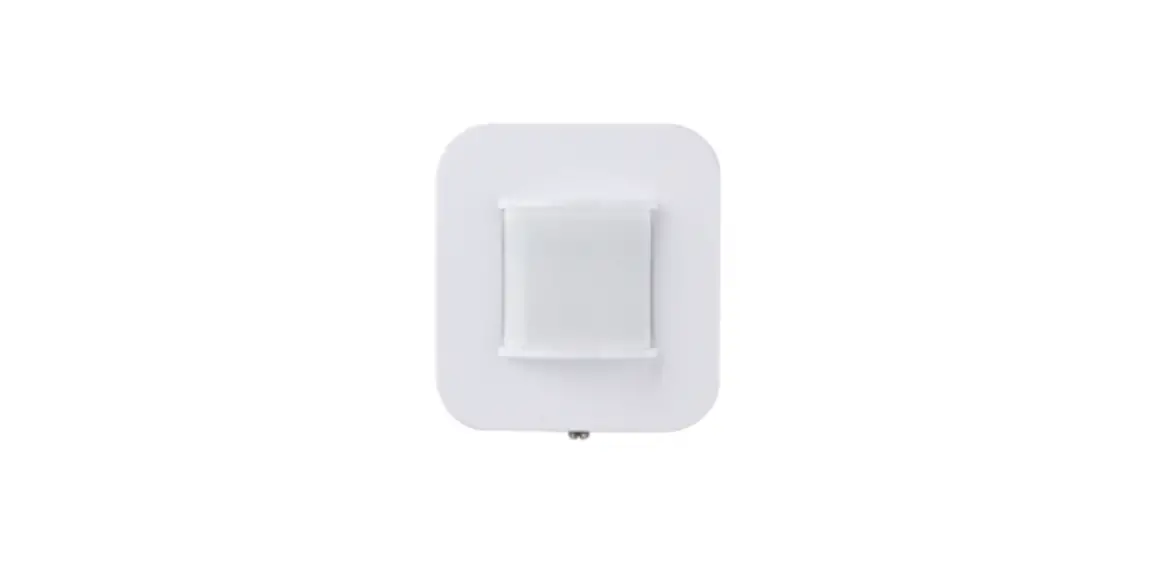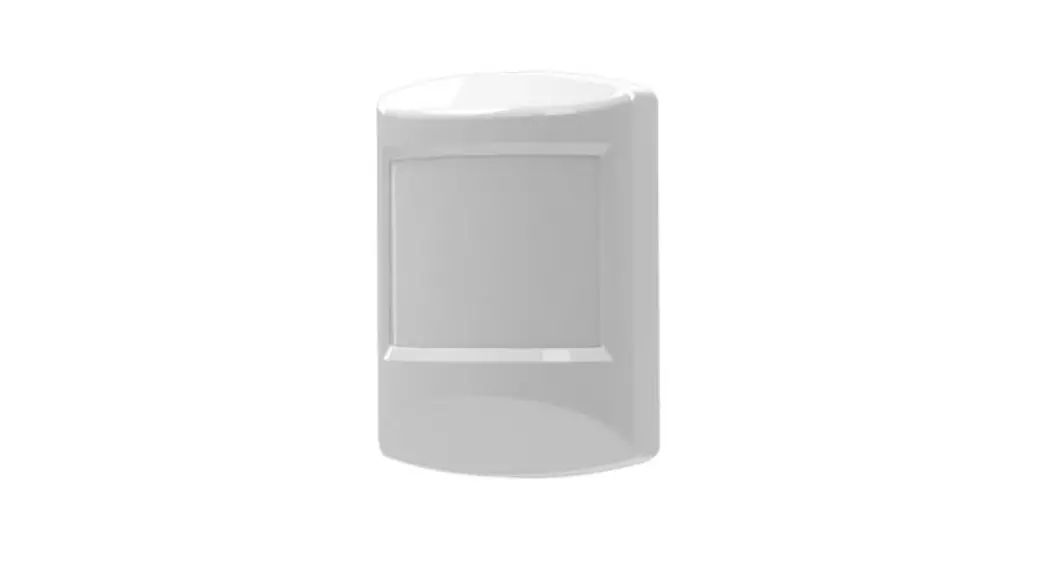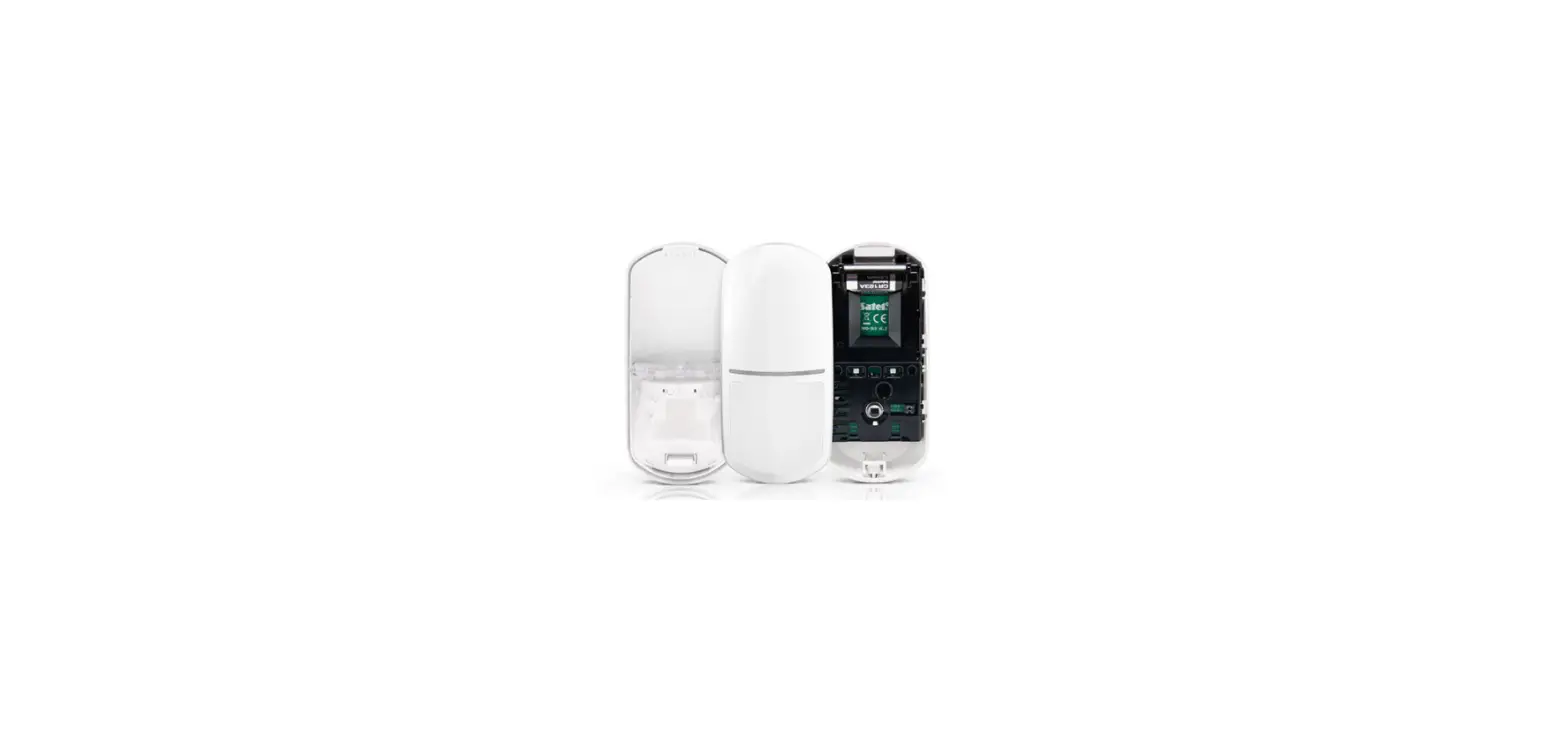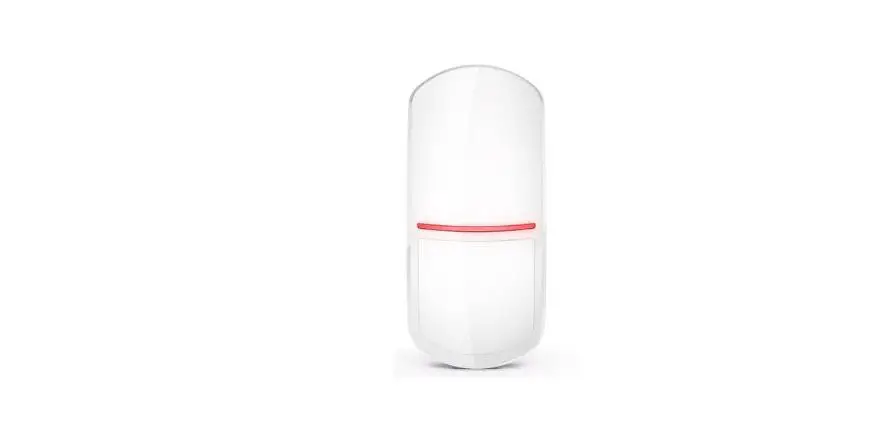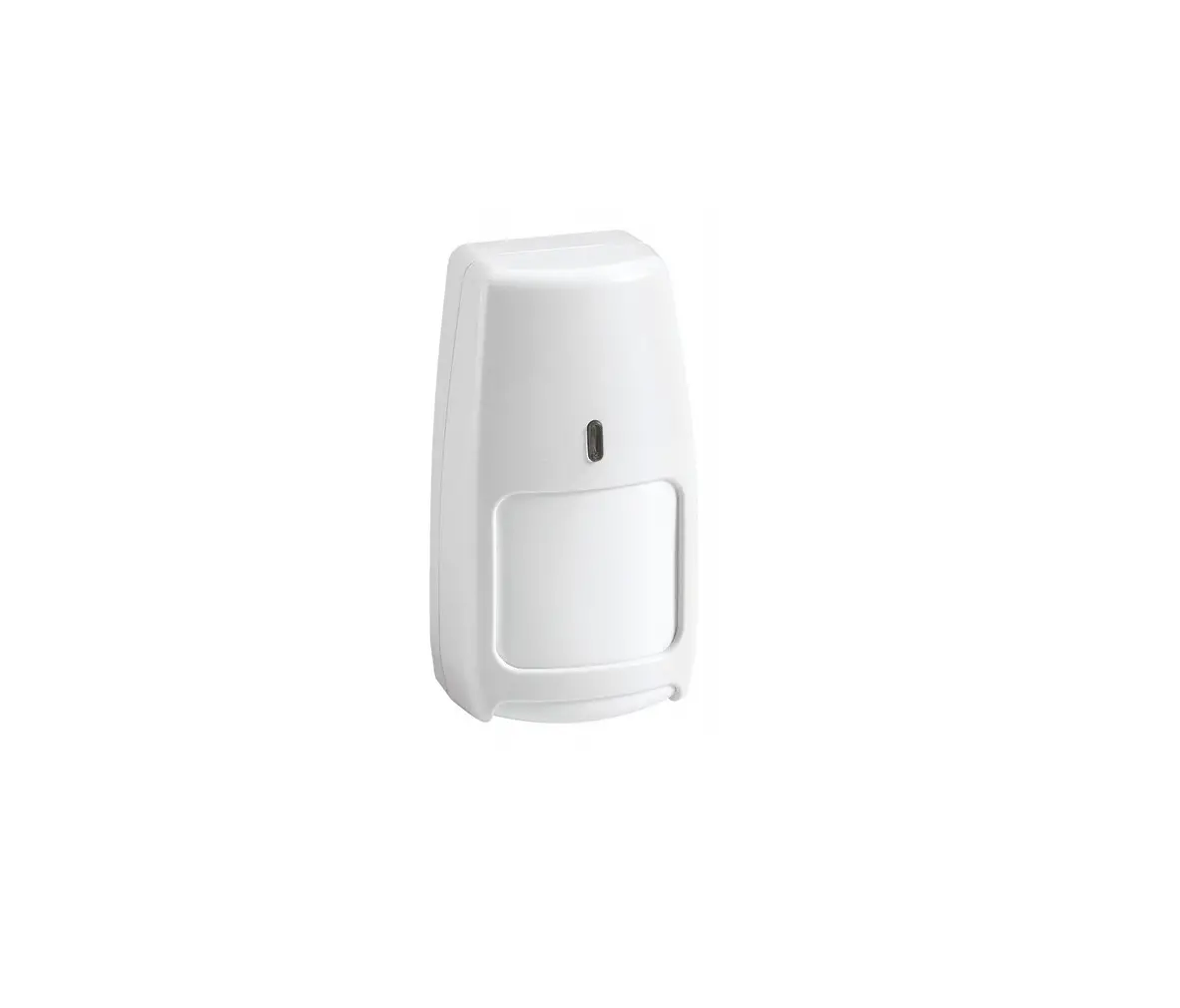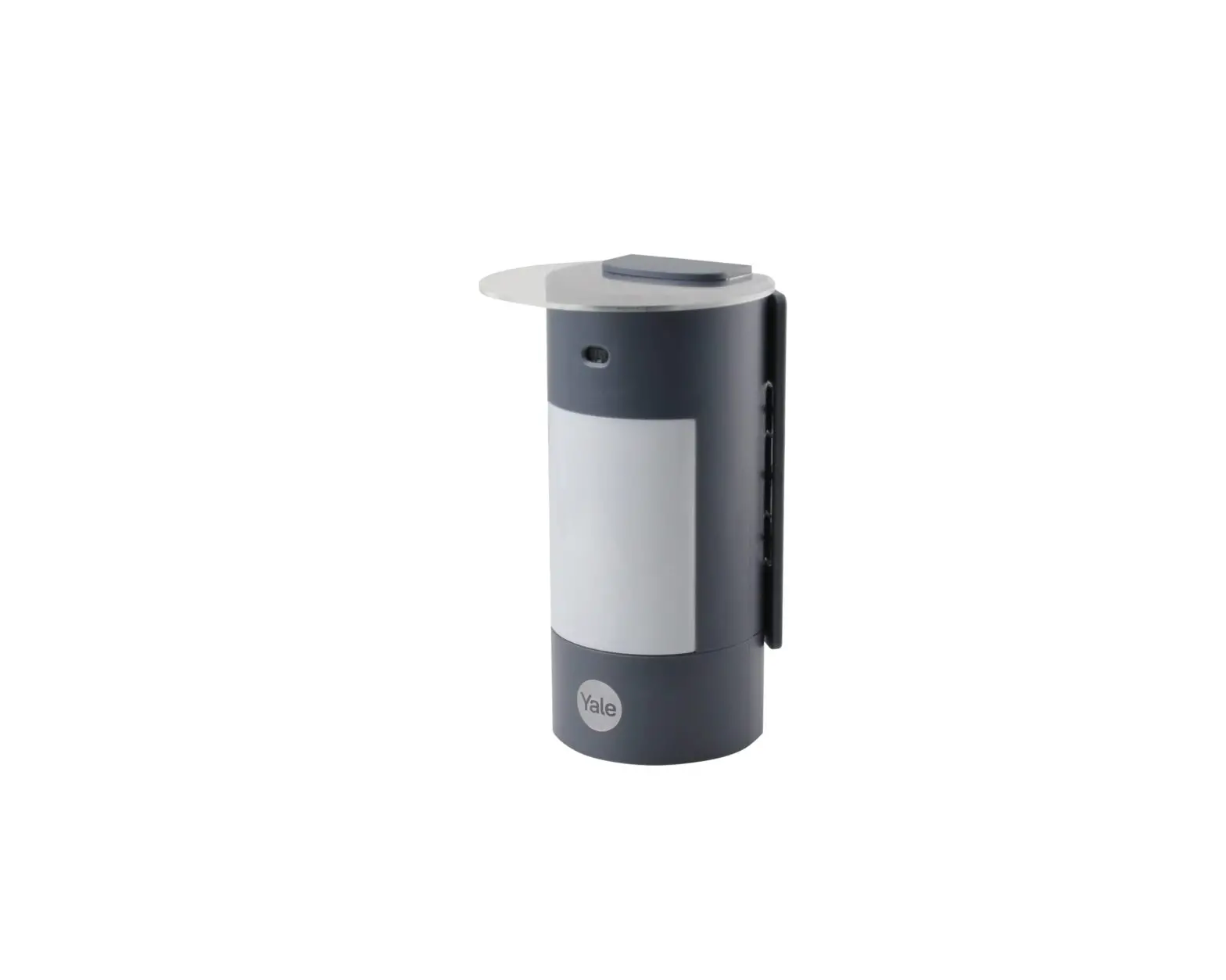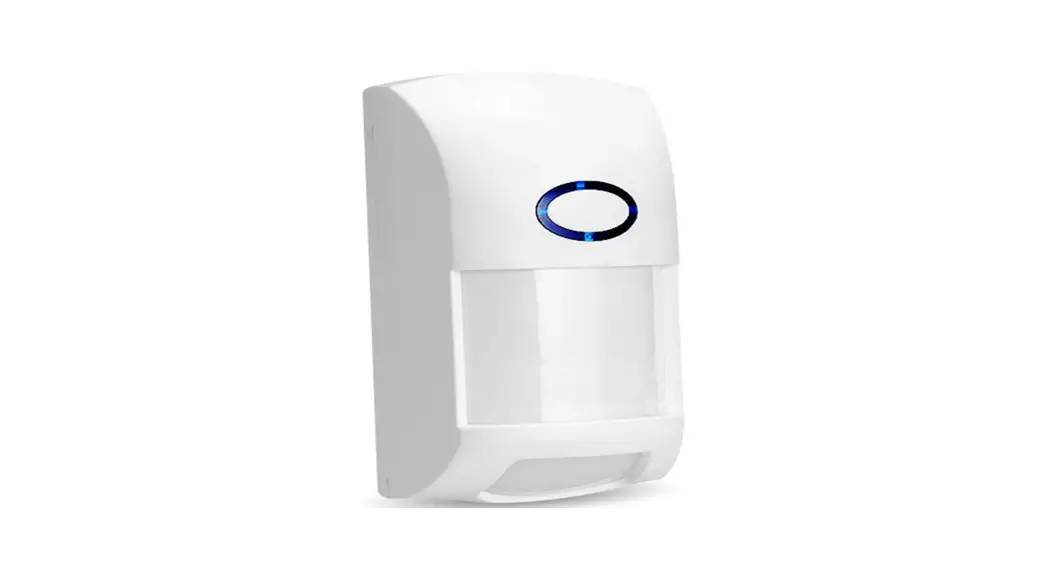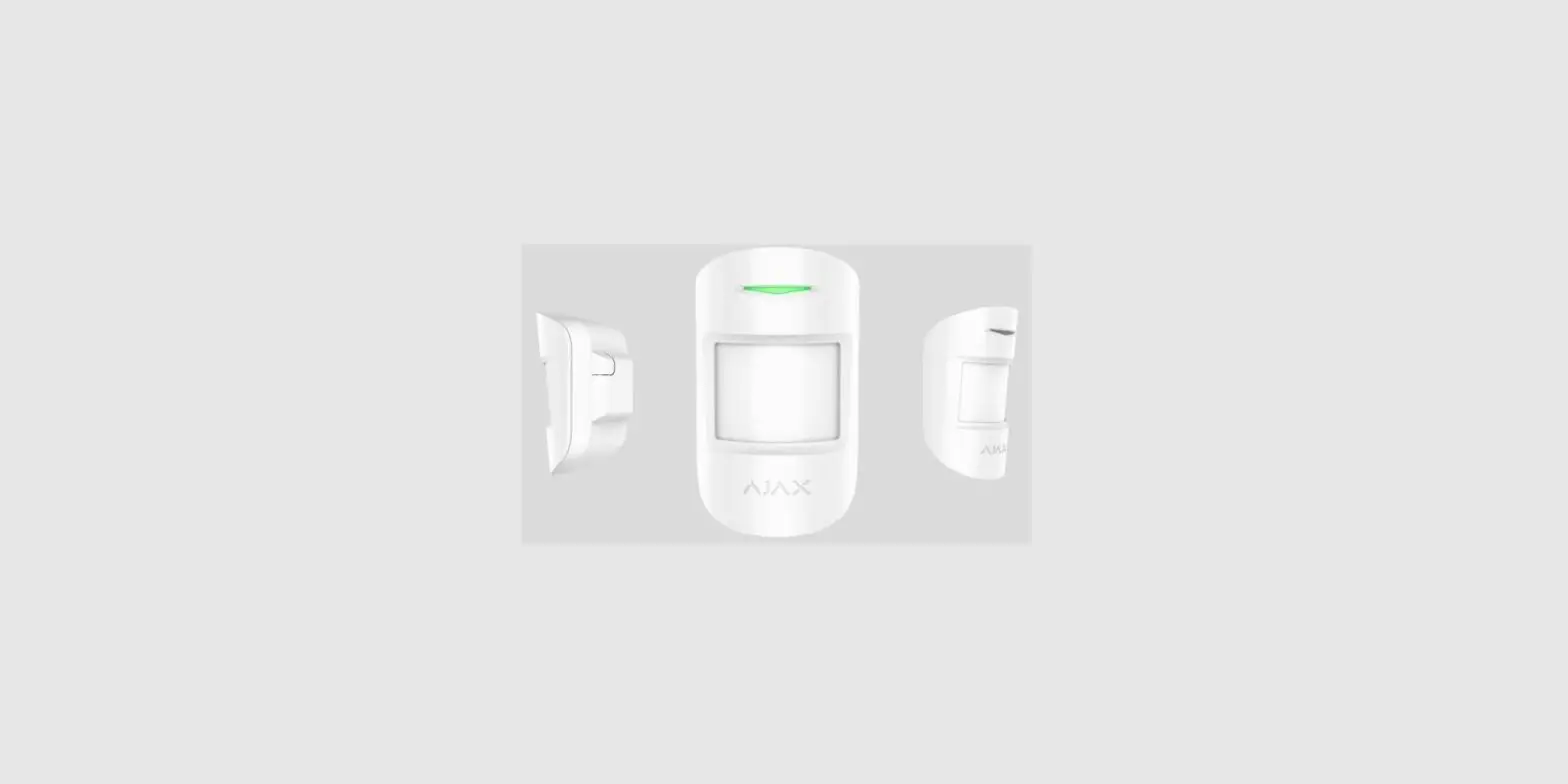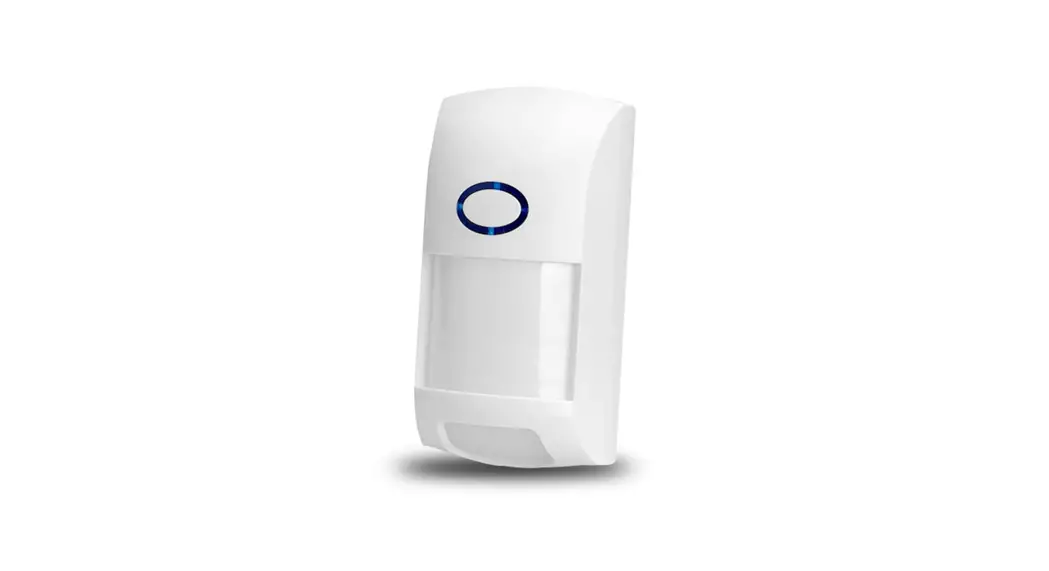
 TRX PIR
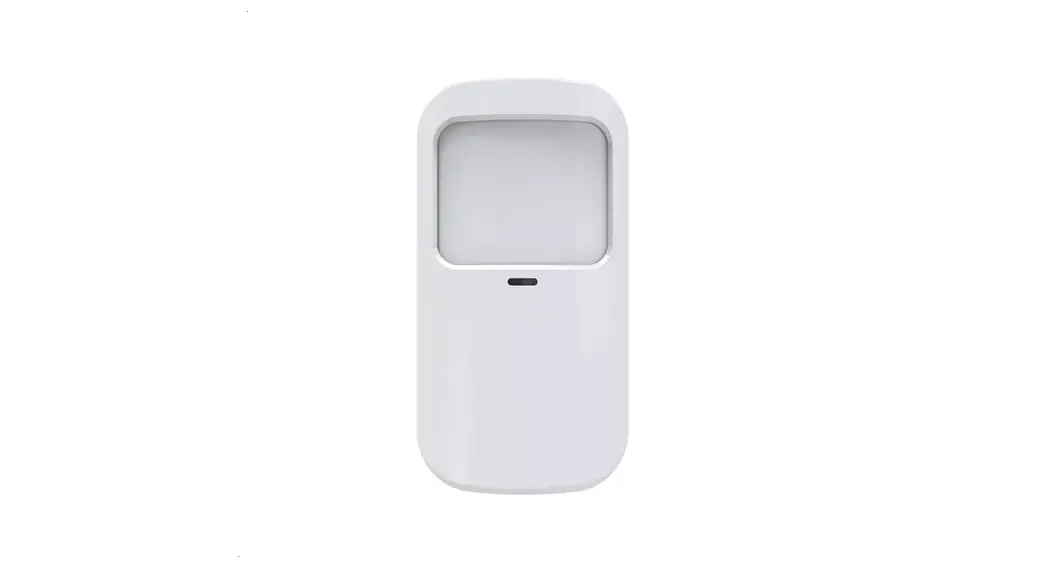
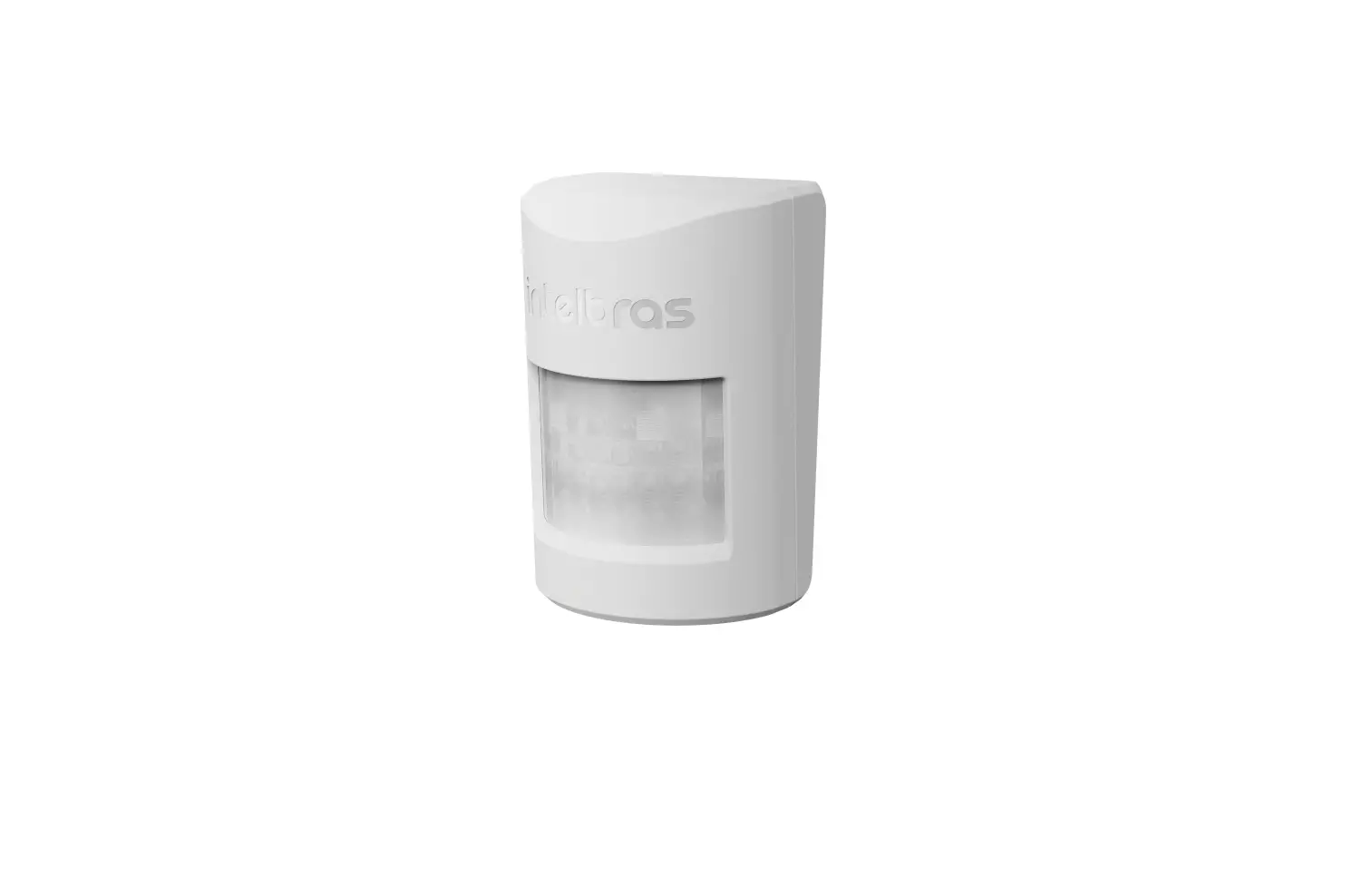
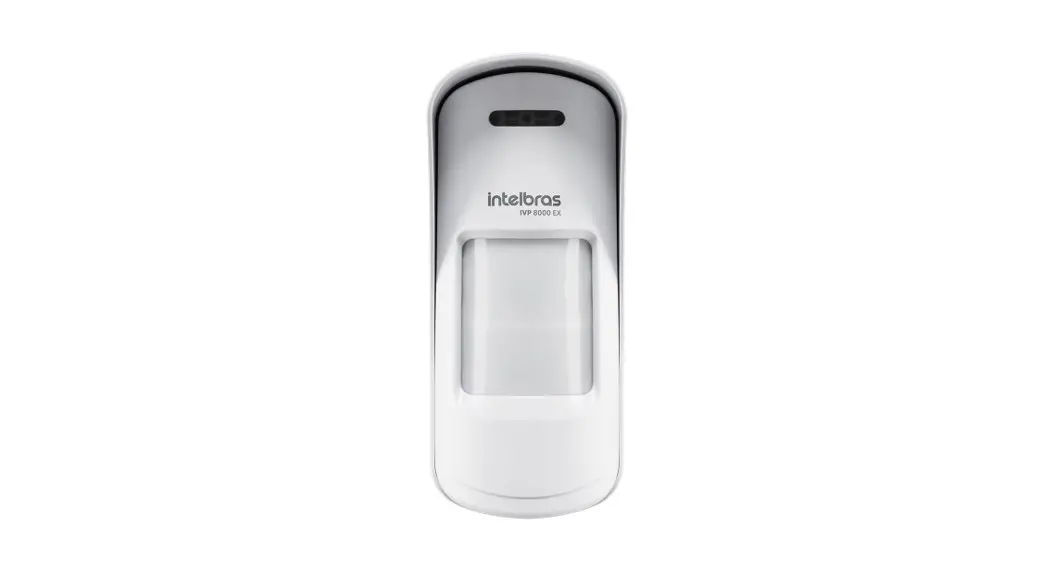
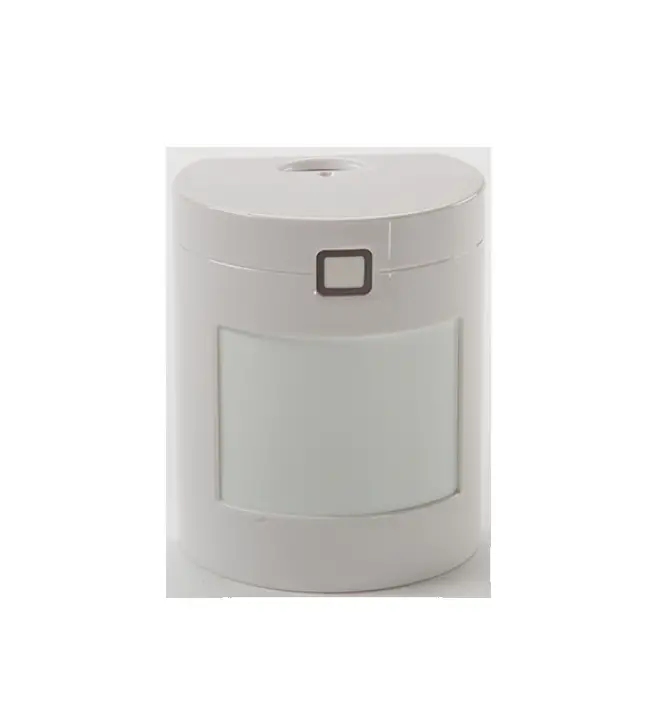
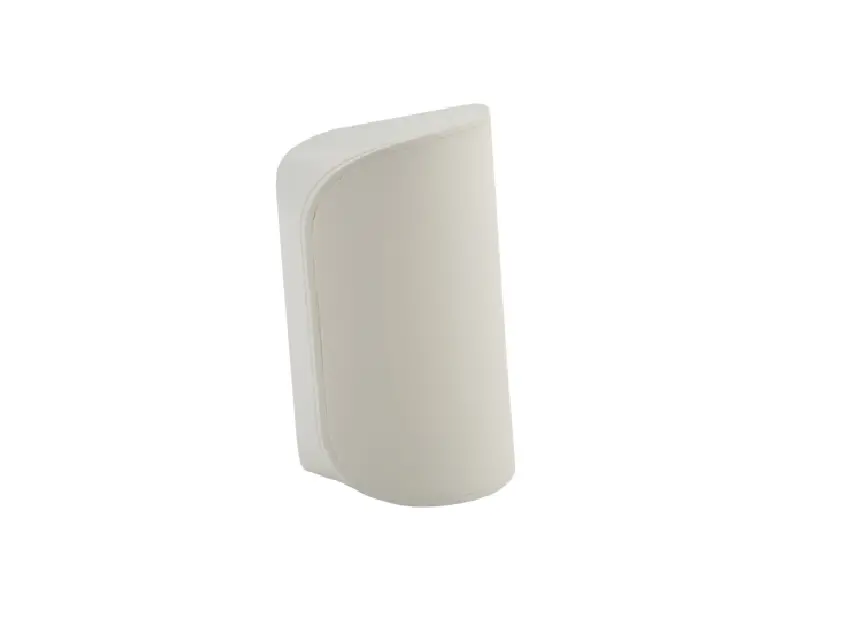
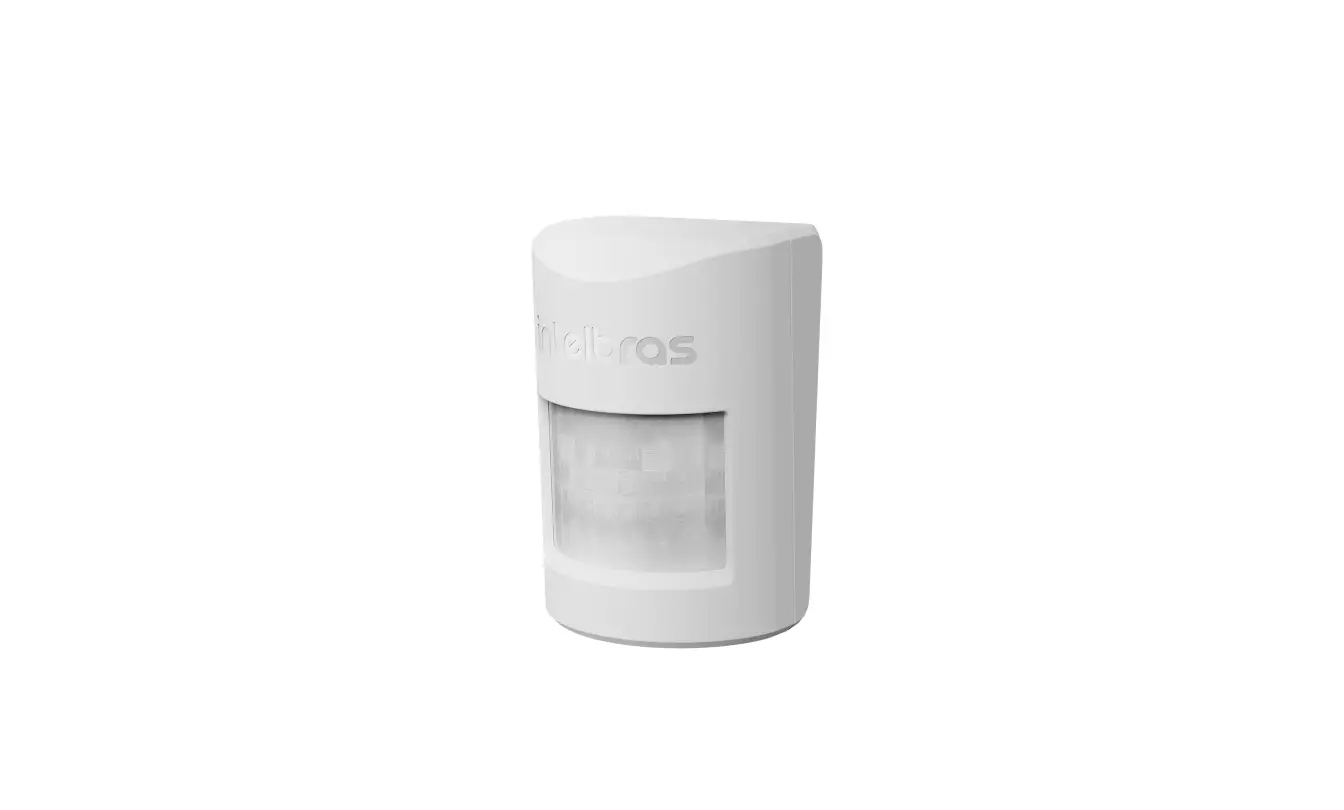
Wireless Pet-Friendly Passive Infrared Motion Sensor
Instructions
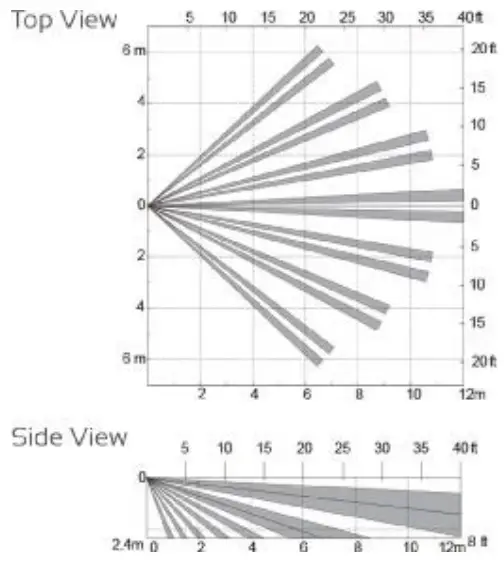
Detection Area
Specifications:
| Detection Method | Passive Infrared |
| Coverage | 12m x 12m @85˚ |
| Frequency | 917.1 to 921.3MHz |
| Mounting Height | 1.5m to 2.4m |
| LED Indicator | On/Off Selectable |
| Tamper Switch | Front Cover Micro Switch |
| Battery Type | 1 x CR123A/CR17335 |
| Battery Life | Up to 5 Years |
| Operating Temperature | -20˚C to 50˚C |
| Environment Humidity | 85% max. |
| Pet Immunity | Small Animals 0-40cm High |
| Radio Device Protocol | Free link Supervised |
| Compatible Systems | ESL, ESL-2, Elite-S, Runner |
| Requires | TRX TRANSCEIVER |
Hardware & Mounting
 Avoid direct sunlight Avoid direct sunlight | Avoid facing towards air conditioners or he& rig wigs |
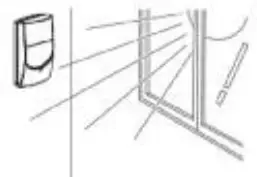 | 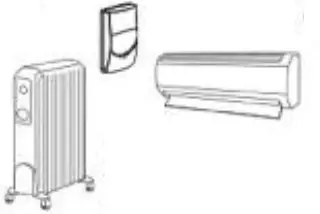 |
| Avoid vapor or high humidity | Avoid curtains or screens from blocking the detection area |
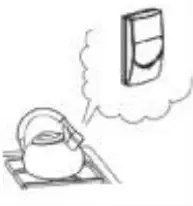 | 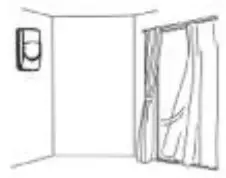 |
| Do not install outdoors | Do not mount in unstable local ones where shock or vibrations may affect the detector |
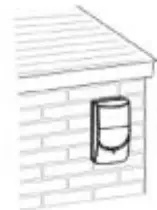 | 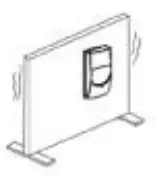 |
| Do not obstruct the detector’s field of view, even partially | 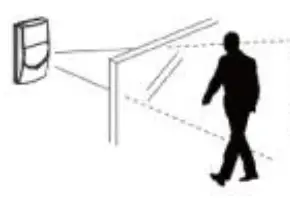 |
Pairing and Jumper Options
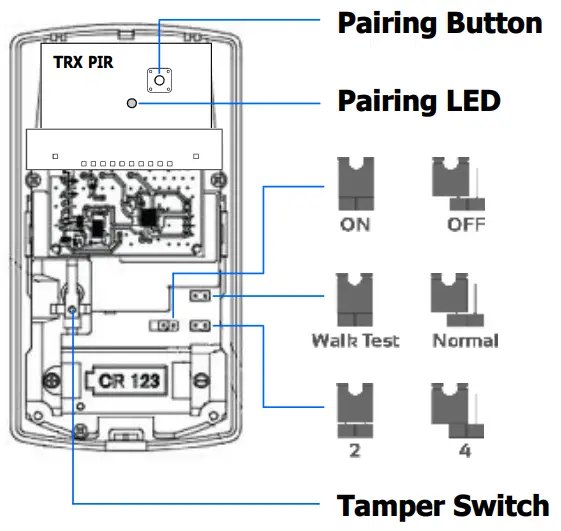
Movement Indicator LED:
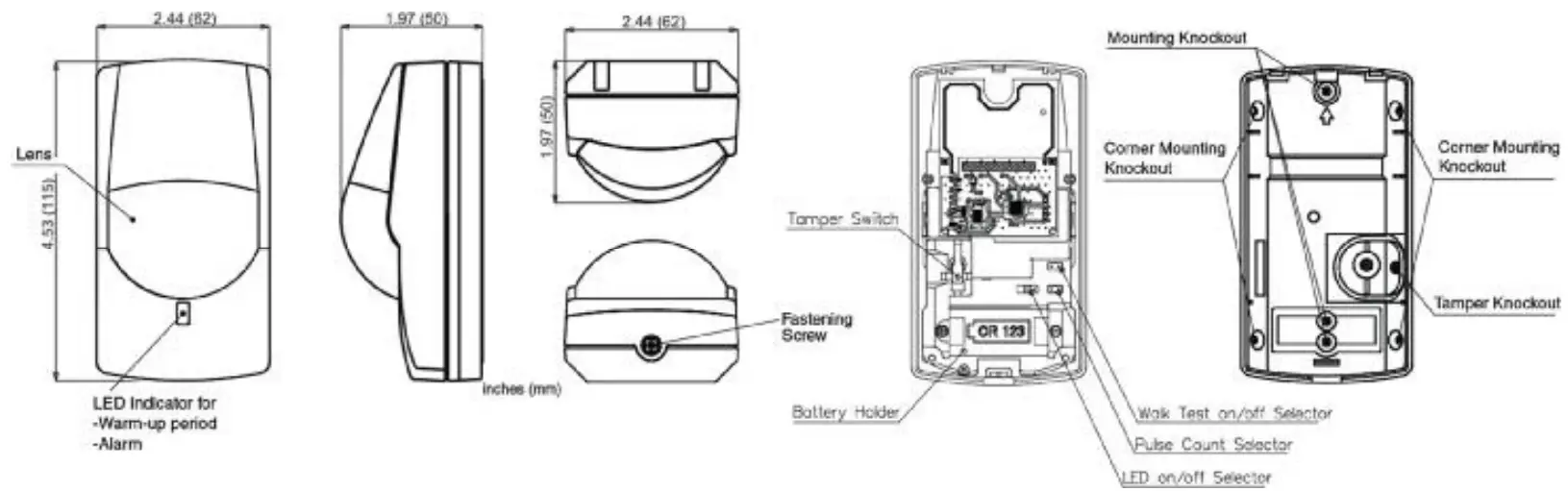
Jumper ON = LED ON
Jumper OFF = LED OFF
Walk Test Mode (For testing purposes only, Install in Normal position)
Walk Test = Sends alarm triggers with every motion detection
Normal = Sends alarm trigger & will not generate another for 2mins
Pulse Count
2 = Normal conditions
4 = Hash conditions (makes detector less responsive)
Programming
- Insert Battery into TRX PIR
- Connect the TRX Transceiver to the Alarm panel
- Press the Red Pairing Button on the TRX PIR until the Red Pairing LED starts flashing
- Now press the Pairing button on the TRX Transceiver until the blue LED starts flashing
- The Red Pairing LED should stop flashing to indicate the dice are paired successfully
- Enter programming mode on the Alarm panel (P 000000 E default installer code)
- Press PROG 122 ENTER then the input number you wish to make wireless, followed by entering,
Next, make sure options 1 & 5 are ON and ENTER, this makes the input active and wireless - Press PROG 164 ENTER then the input number you wish to enroll the device into and ENTER
- Press ENTER again to start learning, the keypad will start beeping to indicate it’s searching
- Activate the TRX PIR Tamper switch, the beeping should stop, indicating the device is learned
Testing
- Once programming is complete, Fit the TRX PIR in place on the wall
- Enter programming mode on the Alarm panel (P 000000 E default installer code)
- Press PROG 200 Enter, 6 ENTER, ENTER (keypad will beep & WALK will come up on the display)
- Leave the room with the detector in it undisturbed for at least 2 minutes.
- After 2 minutes walk into the room and into the detection zone.
- The keypad display will then indicate all the inputs that have been triggered.
These triggers will remain on the display until you exit the Walk test mode. - Exit programming mode.
ARROWHEAD ALARM PRODUCTS Ltd.
344b Rosedale Rd,
Albany,
Auckland.
Ph. 09 414 0085
Fax. 09 414 0088
www.aap.co.nz
v2.0 
 Intruder Alarm Systems, Security Products | Arrowhead Alarm Products