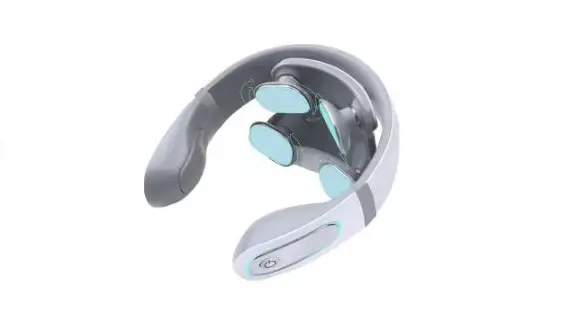
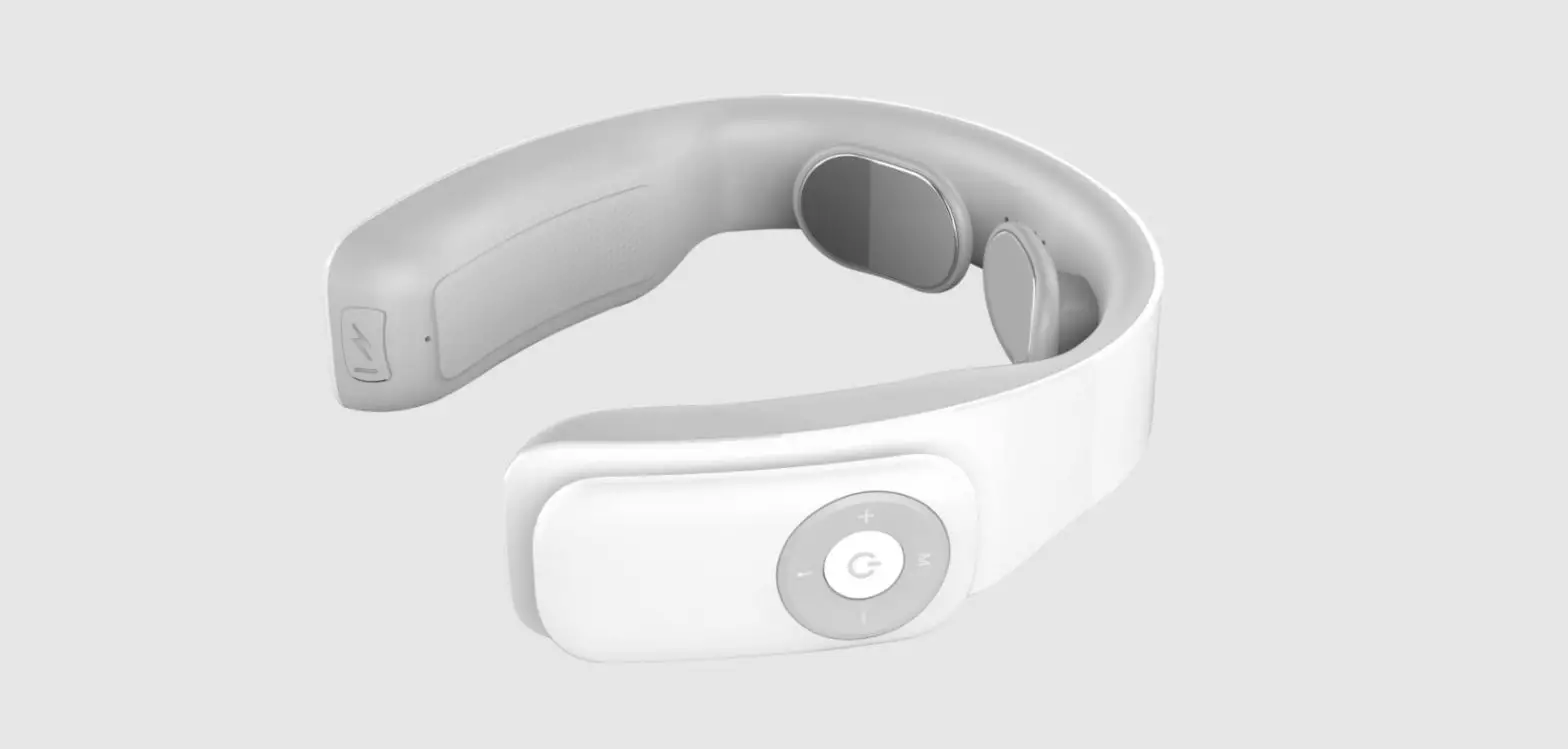
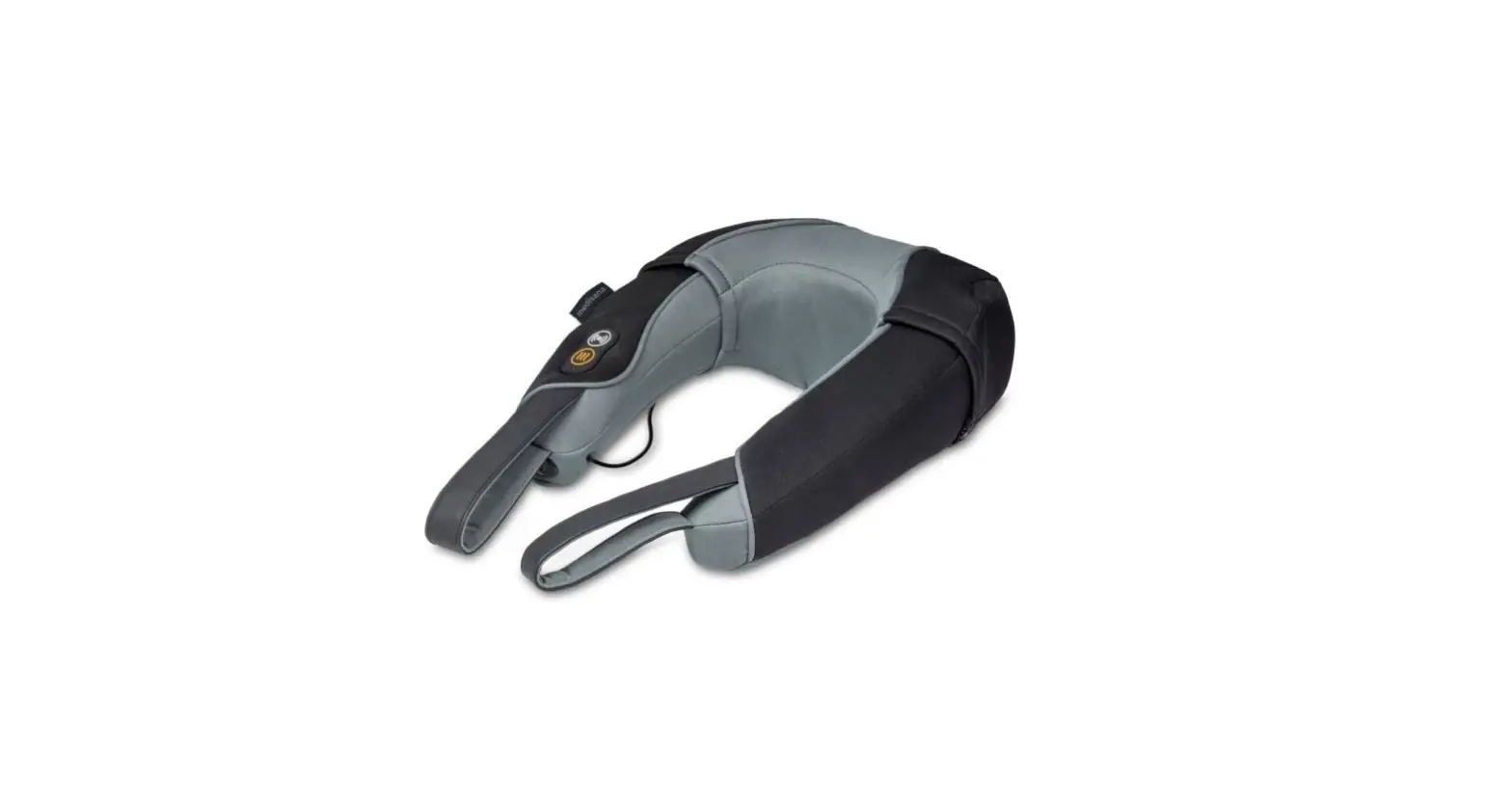
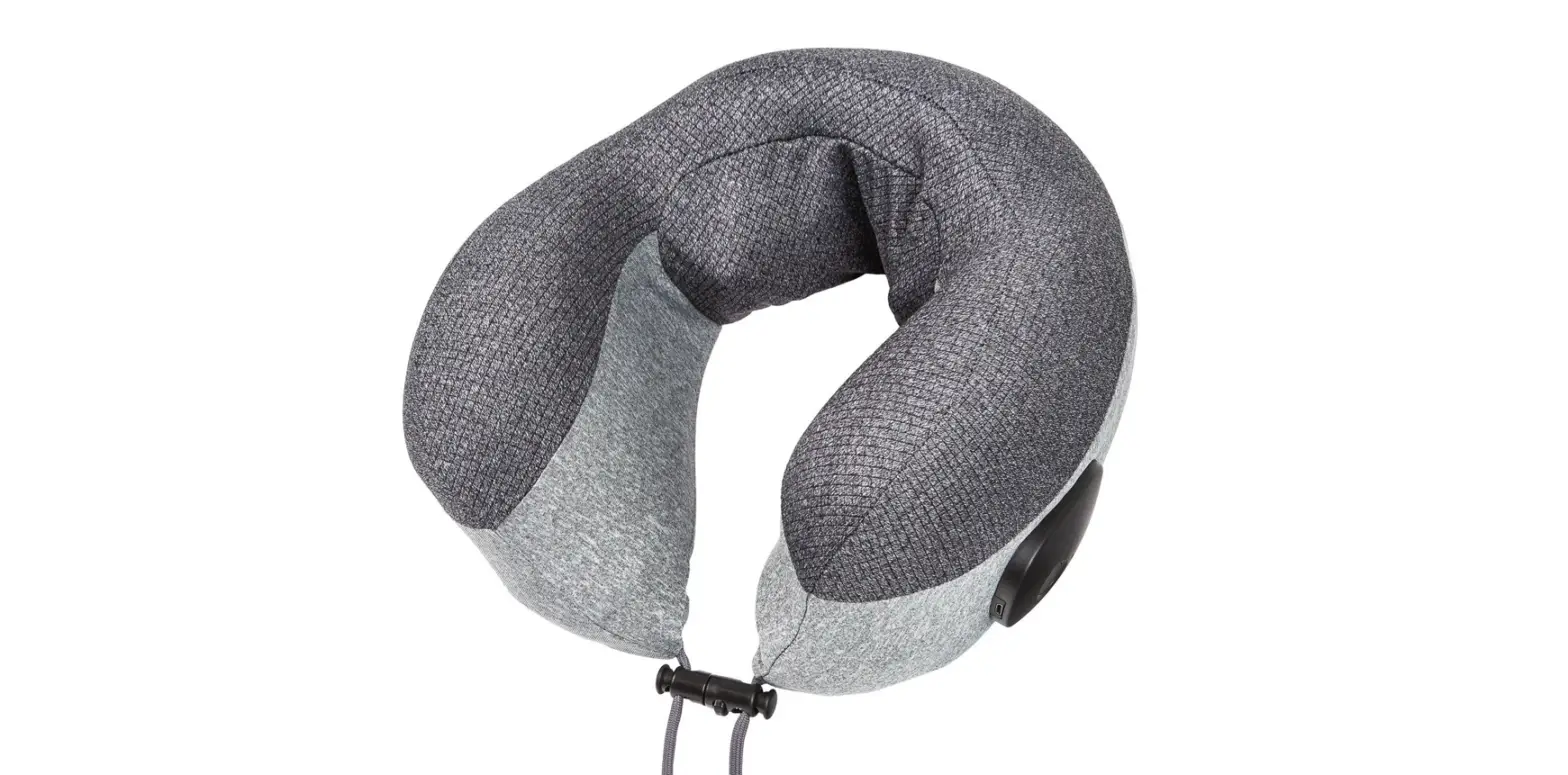
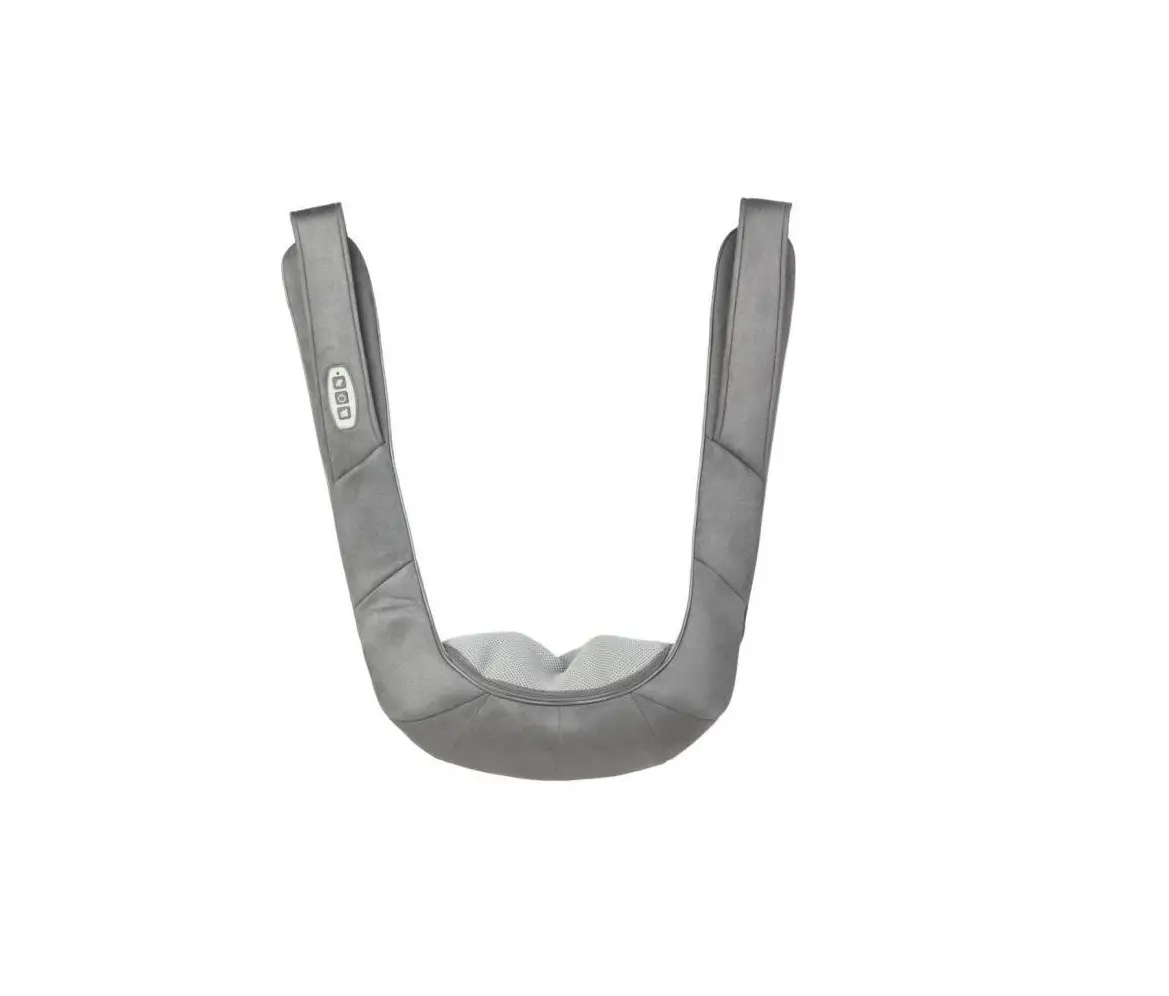
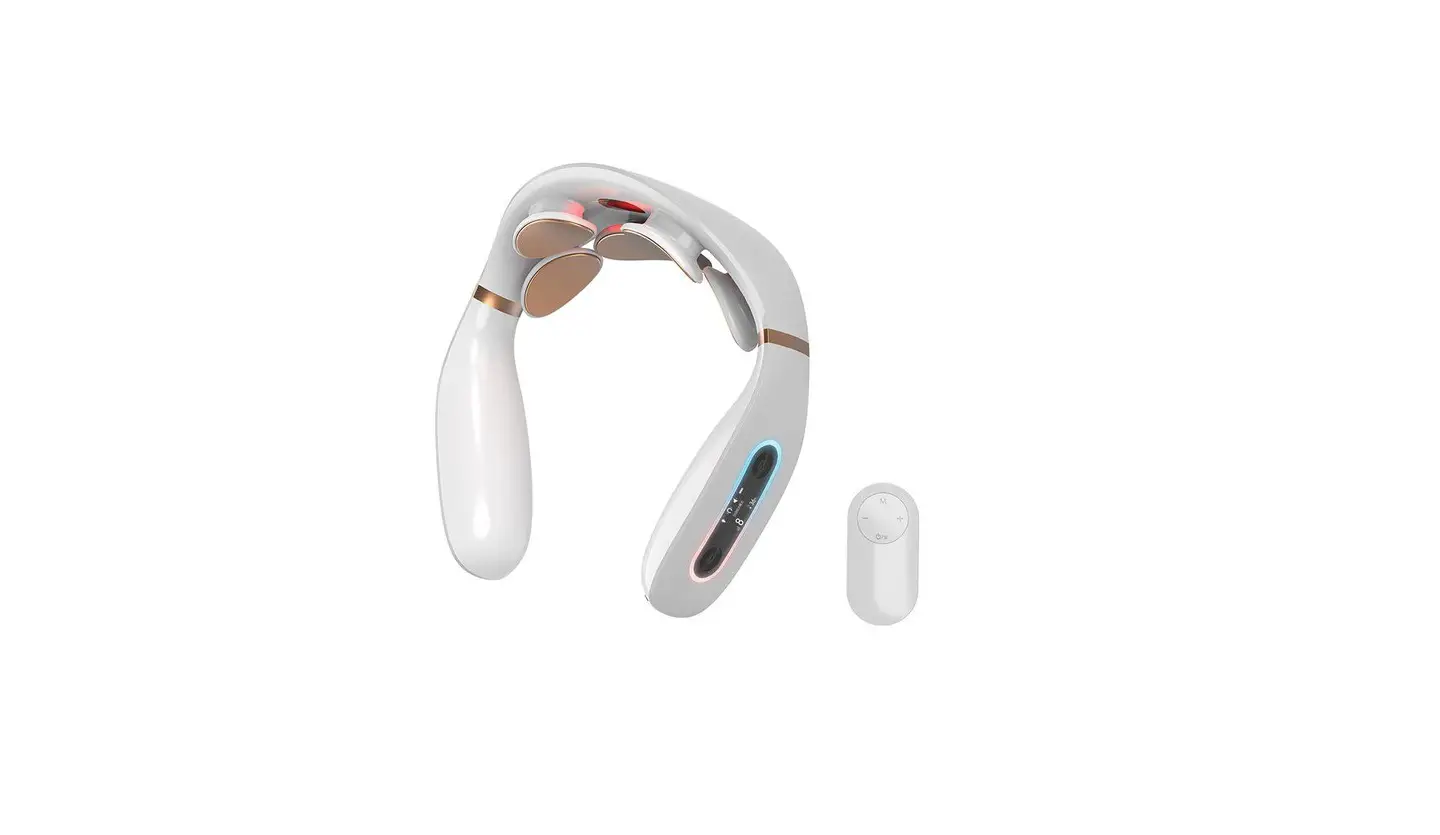
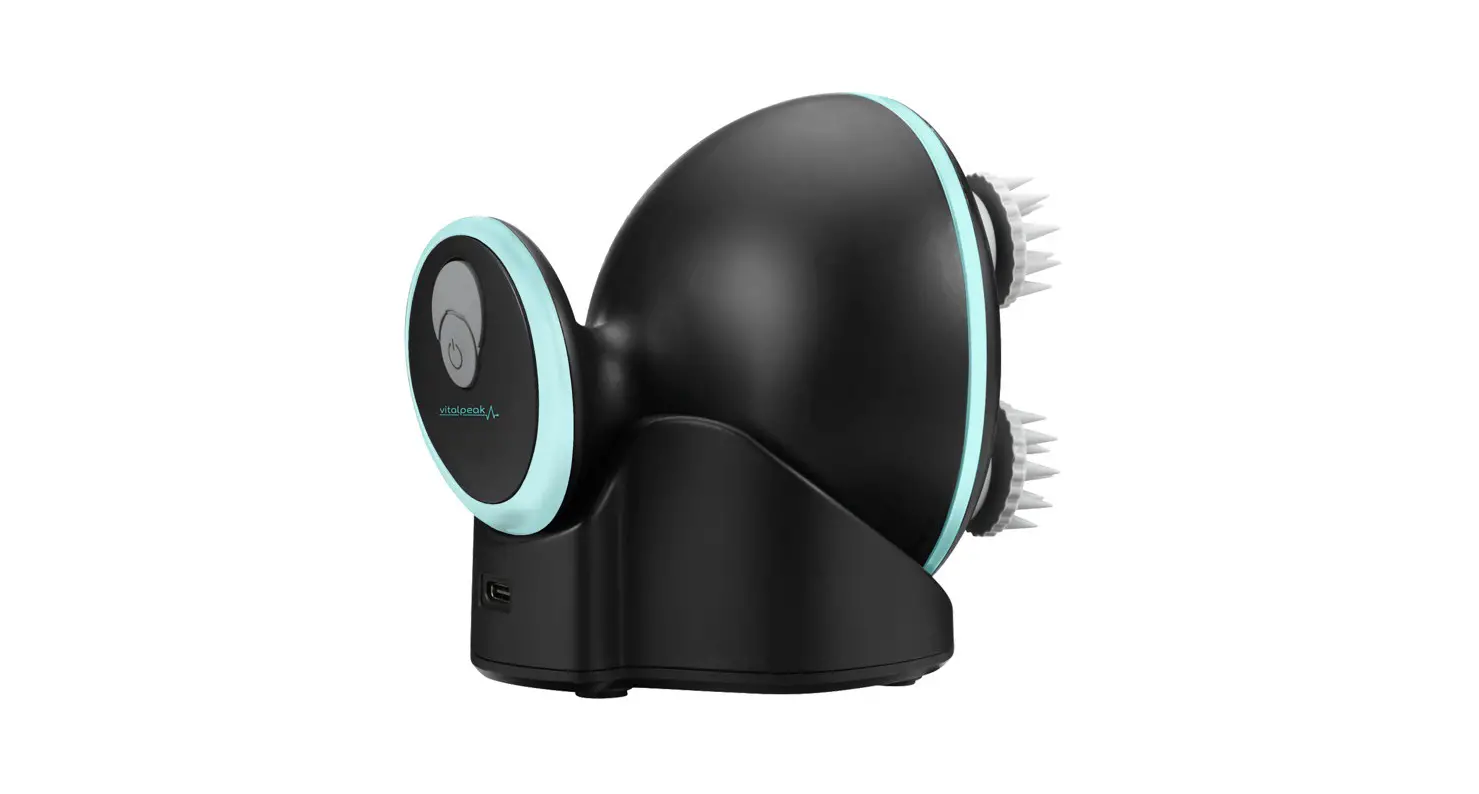
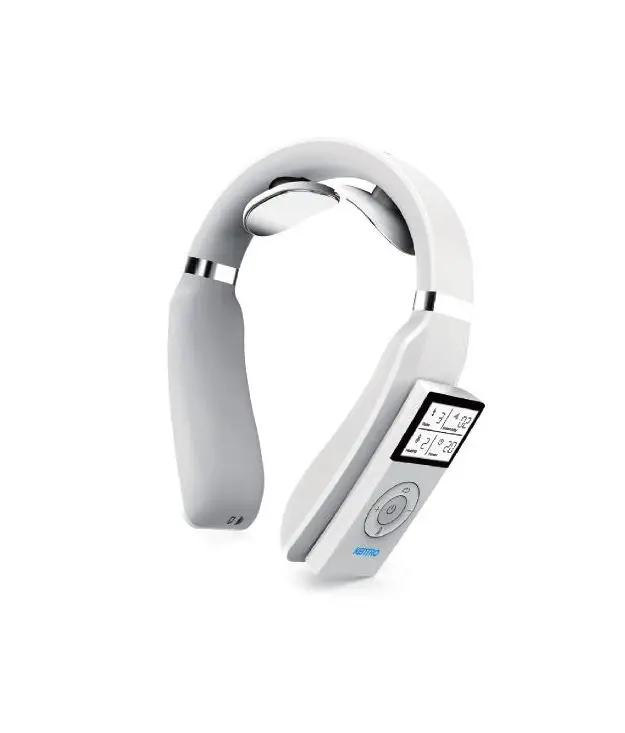
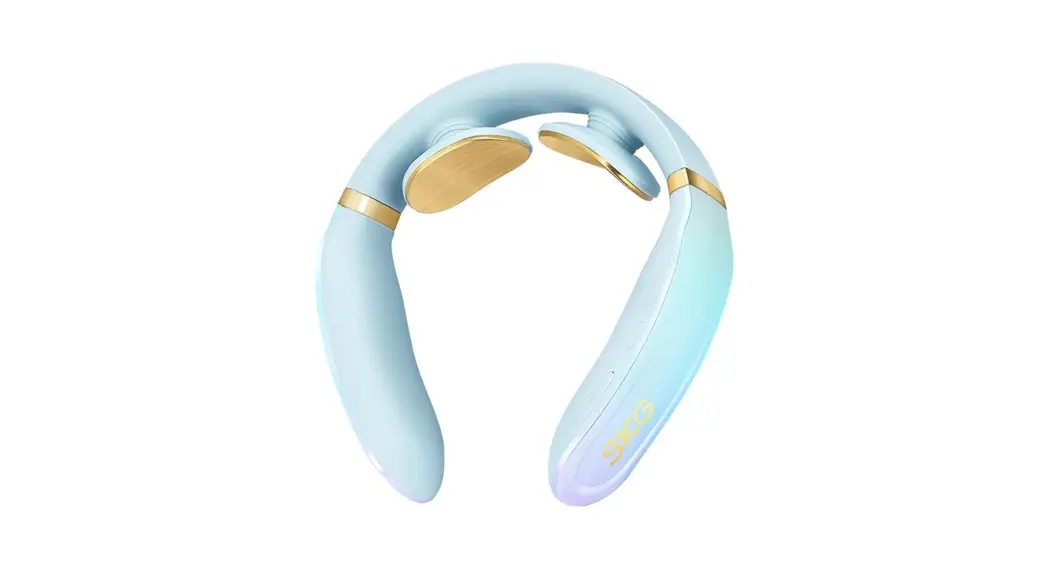
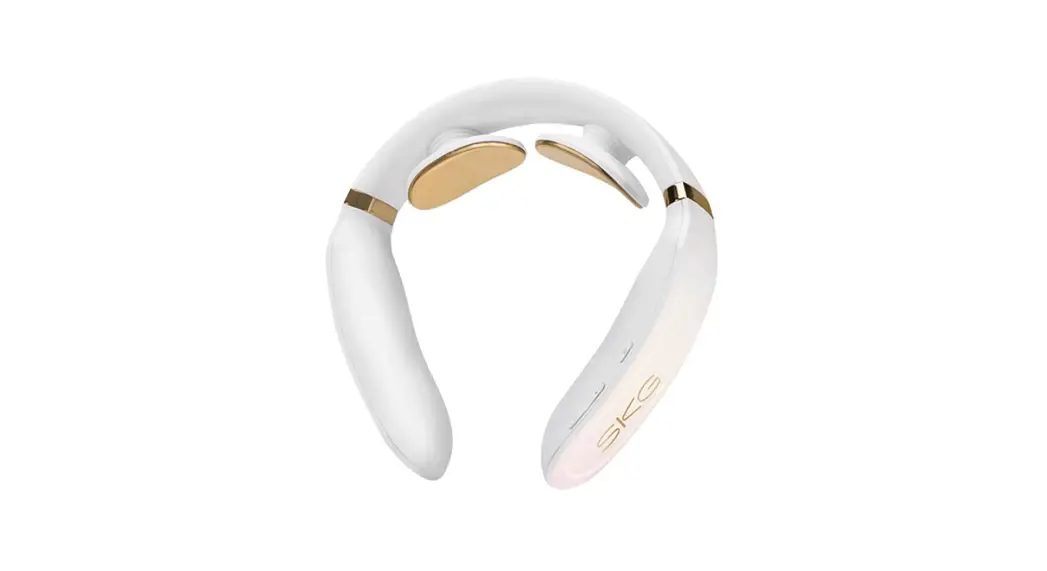
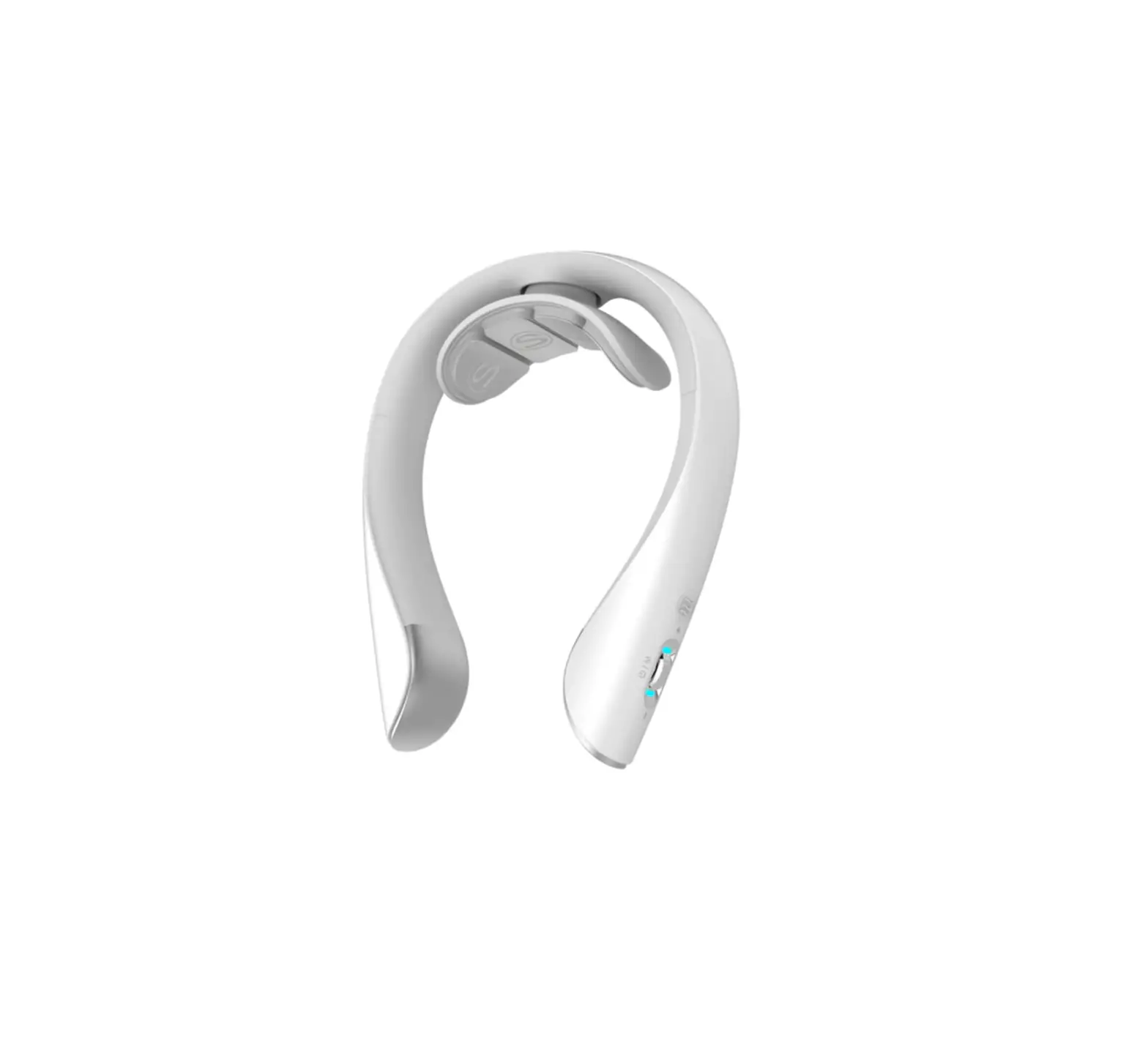
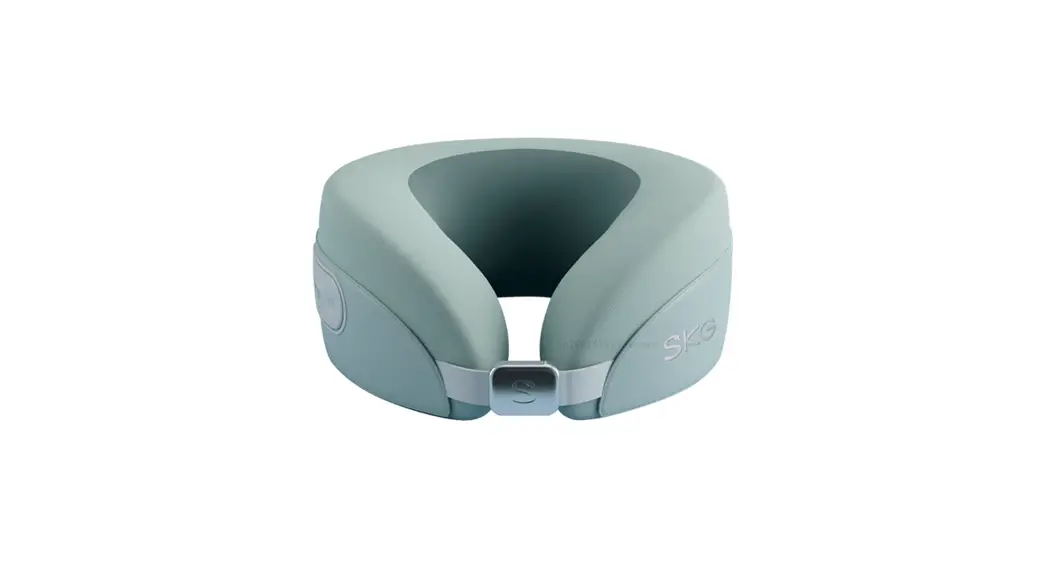
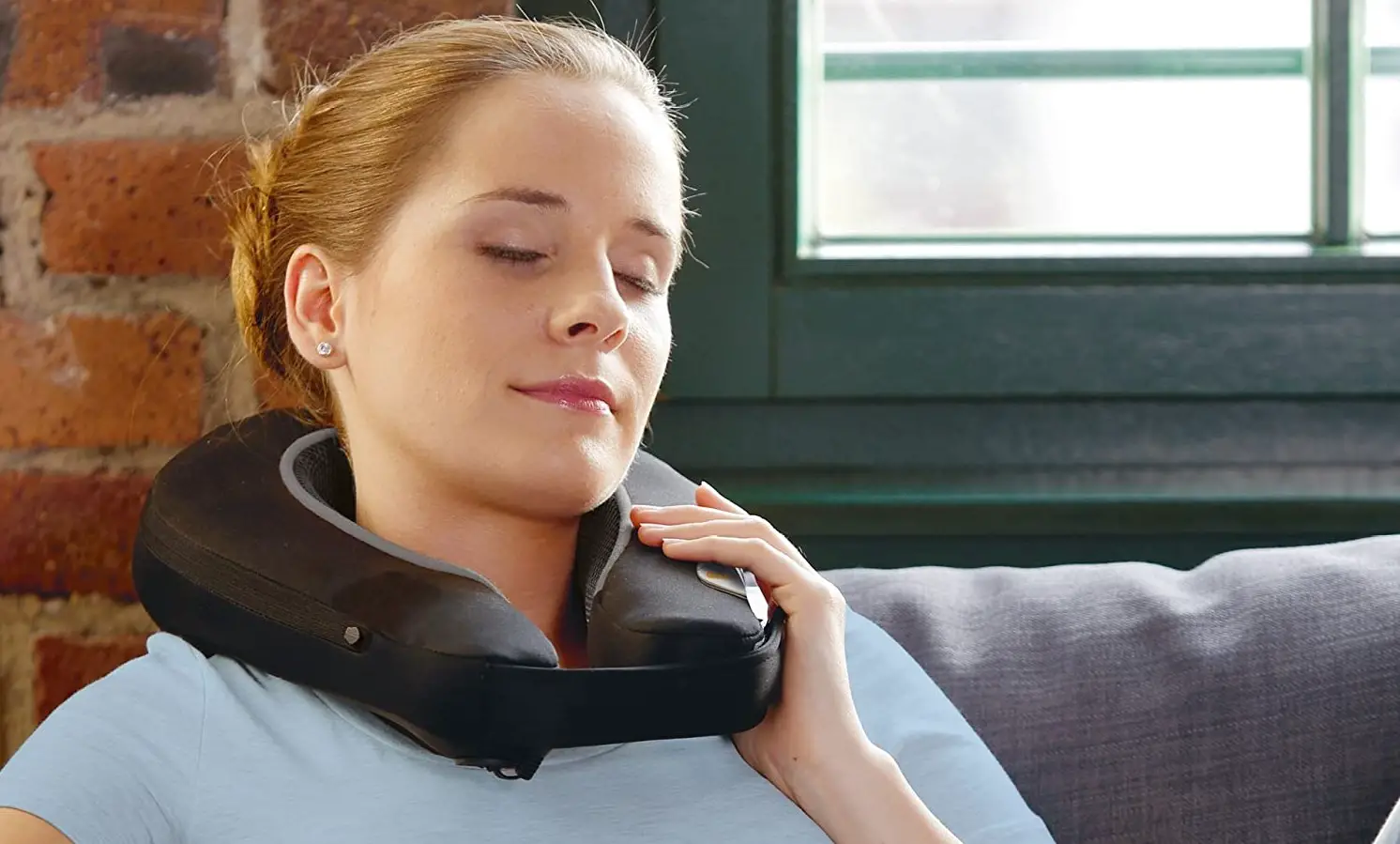
5880 Cervical Massage Instrument
Product Information
Model: Cervical Massage Instrument 5880
The 5880 model of the Cervical Massage Instrument is equipped
with an internal rechargeable lithium battery for power supply. It
features a mode display window, socket, switch, silicone sheath,
pattern selection, strengthening and weakening options, floating
stainless steel sheet, charging port, indicator light, gel patch,
and a USB charging cable.
Specifications:
- Power Supply: Incorporated 3.5V rechargeable battery
- Charging: 5V 1A Mobile phone charging adapter
Model: Cervical Massage Instrument 5830
The 5830 model of the Cervical Massage Instrument is powered by
No. 7 (AAA) batteries. It features a mode display window, socket,
switch, silicone sheath, pattern selection, strengthening and
weakening options, floating stainless steel sheet, and a gel
patch.
Specifications:
- Power Supply: 3Vdc 30ma (2 AAA batteries)
Product Usage Instructions
Usage Steps for Rechargeable Massage Instrument (Model
5880)
- Dissassemble the outer package and assemble the electrode
sheet. - Plug the connecting cable into the socket.
- Turn the main control switch to “on”.
- When the neck is wet, bring the massage instrument into contact
with the skin. - Turn on the power switch.
- Select the desired mode.
- Press the “weaken” button to lower the pressure.
- Adjust the strength according to the desired level of
reinforcement.
Usage Steps for Battery Massage Instrument (Model 5830)
- Dissassemble the outer package and assemble the electrode
sheet. - Plug the connecting cable into the socket.
- Remove the outer package and install two AAA batteries in the
battery compartment according to their polarity. - Turn the main control switch to “on”.
- When the neck is wet, bring the massage instrument into contact
with the skin. - Turn on the power switch.
- Select the desired mode.
- Press the “weaken” button to lower the pressure.
- Adjust the strength according to the desired level of
reinforcement.
Operation Method
- Power Supply Operation: For the charging
model, it has a built-in 3.7V rechargeable battery. For the battery
model, remove the battery cover and place two No. 7 batteries in
the electromagnetic box of the massage instrument according to
their polarity. - Function Operation: Adjust the massage
instrument to a strength that is comfortable and acceptable. It is
recommended to start with a weak gear for beginners. To weaken the
strength, press the weakening key on the left handle once for each
gear, with a total of 16 gears. - The 3D intelligent stainless steel patch works synchronously
with the wired massage patch.
Application of Gel Electrode Patch
Apply the gel electrode patch to the desired area of the neck
for optimal contact and effectiveness during the massage.
Troubleshooting
Notes on Battery Life and Replacement (Charging
Model):
- The 3.5V rechargeable battery of the massage instrument can be
used for about 1 month each time it is fully charged. - This product uses the Android USB interface of 5V 1A for
charging. - The indicator light is on during charging and turns off when
fully charged. - The charging time is about 1-2 hours. Do not use the massage
instrument while it is charging.
Notes on Battery Life and Disposal (Battery
Model):
Since the battery contains materials harmful to the environment,
it should be safely treated as hazardous waste. Follow proper
installation and disposal methods for waste batteries.
CERVICAL MASSAGE INSTRUMENT 5880 / 5830
USER MANUAL
Please read this manual carefully before use. ATTENTION: There are several versions of this product, the 5880 model that has an internal rechargeable lithium battery and the 5830 model uses No. 7 (AAA) batteries. be sure to read
the sections corresponding to the model you have purchased. Thank you
5880 MODEL (Charging)
Product name: Low frecuency massage instrument Power suply: INCORPORATED 3.5V rechargeable battery
Charging: 5V 1A Mobile phone charging adapter
1. Mode display window 2. Socket 3. Switch
4. Silicone sheath 5. Switch 6. Pattern
7. Strengthen 8. Weaken
9. Floating stainless Steel sheet 10. Charging port 11. Indicator light 12. Gel patch
13. USB charging cable
5830 MODEL (Battery)
Product name: Low frecuency massage instrument Power suply: 3Vdc 30ma (2 AAA batteries)
1. Mode display window 2. Socket 3. Switch
4. Silicone sheath 5. Switch 6. Pattern
7. Strengthen 8. Weaken
9. Batteries compartment 10. Floating stainless Steel sheet
11. Gel patch
Usage steps for rechargeable massage instrument
1. Dissasemble the outher package and assemble the electrode sheet. 2. Plug the conecting cable into the socket 3. Turn the main control switch to on 4. When the neck is wet, bring the massage instrument 5. Turn on the power switch 6. Select mode by mode 7. First press the button to extinguish the weak and lower the pressure. 8. Adjust to the appropiate strenght according to the reinforcement
Usage steps for battery massage instrument
1. Dissasemble the outher package and assemble the electrode sheet. 2. Plug the conecting cable into the socket 3. Remove the outer package and install the batteries 4. Turn the main control switch to on 5. When the neck is wet, bring the massage instrument 6. Turn on the power switch 7. Select mode by mode 8. First press the button to extinguish the weak and lower the pressure.
9. Adjust to the appropiate strenght according to the reinforcement
Operation Method
1. A Power supply operation Charging model: Built in 3.7V rechargeable battery. 1. B Battery model: Remove the battery cover and place two No. 7 batteries in the electromagnetic box of the massage instrument according to their polarity.
2. Function operation
1. Pull the power switch of the massage instrument to the “on” position, wet the cervical spine and conductive electrode with a wet towel, and then stick the massage instrument tightly to the neck. If there are stains on the cervical spine, it must be cleaned before use. When out of use, turn the switch to the “off” position 2. Press the “switch” key on the right handle of the massage instrument, the buzzer “beeps”, the working program starts, the indicator 1 flashes, and then press the “strengthen” or “weaken” key on the left handle once, that is, there are the following settings, and enter the automatic combination 1 massage mode, that is: A. Automatic combination mode 1 Massage B. First gear massage intensity C. Timing: 15 minutes 3. Use the mode switching key of the “mode” key. Press the “mode” key on the right handle to select six modes. The default startup setting is mode 1 (automatic combination 1 mode), and the mode indicator 1 flashes. The intensity is the first gear after each mode conversion. The six massage modes are: Mode 1: automatic combination 1, mode indicator 1 flashes Mode 2: acupuncture, mode indicator 2 flashes; Mode 3: massage, mode indicator 3 flashes; Mode 4: finger pressure, mode indicators 1 and 3 flash at the same time; Mode 5: kneading, mode indicators 2 and 3 flash at the same time Mode 6: hammer, and mode indicators 1,2 and 3 flash at the same time. Automatic combination mode 1-bit automatic cycle Automatic combination mode is recommended. 4. Use of “strengthen” key Strength enhancement key: press the “enhancement” key on the left handle once every time to increase the strength by one gear, with a total of 16 gears. It is
appropriate to massage with self acceptable strength. It is recommended to use a weak gear for the first time. 5. Use of “weaken” key Strength weakening key: press the “weakening” key on the left handle once each time to weaken the strength by one gear, with a total of 16 gears.
The 3D intelligent stainless steel patch works synchronously with the wired massage patch.
Application of gel electrode patch
Plug the meridian line into the meridian hole of the machine, connect the gel electrode patch to one end, tear the transparent plastic paper on the top of the patch tightly to the part where the body needs to massage (two pieces need to be pasted together), and start the work (the electrode patch needs to work synchronously with the machine). After use, remember to stick the transparent plastic paper to keep the electrode patch clean and convenient for reuse in the future Warm reminder: gel electrode patch does not need to wet, electrode patches can probably use about 10 times!
TROUBLESHOOTING
If you encounter problems when using the product, please refer to the following tips and solutions. – If the product is still in a fault state or cannot be used, please turn off the power. – The user should not dismantle or repair the product by himself. – The product damage caused by the disassembly or repair will invalidate the product warranty, and the company will not bear any consequences caused by this situation. * Unable to start The battery is low. Please confirm whether the switch button of the host product has been pressed * Cannot charge or no charge lamp display Please check whether the USB cable and the host and mobile phone power adapter are connected. * Normal display but no feeling Does the electrode pad directly contact the skin? Adjust the position so that it is close to the skin. Are there any items such as hair or clothing, accessories, etc. between the electrode pad and the skin? Remove or remove the items. Is the intensity level 1st gear? Adjust to increase the massage intensity.
* Tingling Is the electrode pad contacting the skin on the neck? You need to adjust the position to make it close to the skin. Is the massage too long? It is recommended to press 15 minutes at a time and twice a day. Is the massage intensity too strong? Adjust the intensity to a small amount. Is the skin allergic to electrode pads? Patients with severe allergies need desensitization treatment. Cold climate, dry skin? Use after moistening your skin with a wet towel. Is there a wound on the skin surface? Do not put the electrode pads on the wound to massage. * Stimulation is weak Does the massager electrode pad say that the neck skin is tight? Adjust the position so that it is close to the skin and adjust the appropriate strength. Is the electrode dirty or oily? Clean the electrode surface. Is the battery low? If it is low, charge it. The intensity of the massage position is too small? Adjust to increase the intensity of the massage.
Notes on battery life and replacement Charging model
1. The 3.5V rechargeable battery of the massage instrument can be used for about 1 month each time it is fully charged 2. This product uses the Android USB interface of 5V 1A for charging 3. The indicator light is on for a long time when charging and off when full 4. The charging time is about 1-2 hours. Do not use it during charging
Battery model
1. The massage instrument uses “AAA LR03” battery, which can be used for about 3 months: (use once a day for 15 minutes each time) 2. If you do not use this product for a long time, please take out the battery. Otherwise, the battery may leak and cause the malfunction of the massage instrument. 3. Do not install the positive and negative poles of the battery incorrectly. See the “+” and “-” signs clearly. Please dispose of the used battery in accordance with the relevant urban environmental protection regulations. 4. When replacing the battery, please cut off the power supply.
5. (1) installation and disposal method of waste battery: since the battery contains materials harmful to the environment, it shall be safely treated as hazardous waste.
(2) How to deal with battery leakage: if the battery is found to be leaking, stop using the product. Wipe it immediately before use
(3) Before discarding the appliance, the battery must be removed from the appliance. (4) the battery shall be disposed of safely
CUSTODY
1) Please keep it out of the reach of children. 2) Do not store in direct sunlight, high temperature and humidity.
3) Please keep it in a dry and ventilated place. 4) Do not disassemble, repair or modify this product without permission, which may cause accidents or faults.