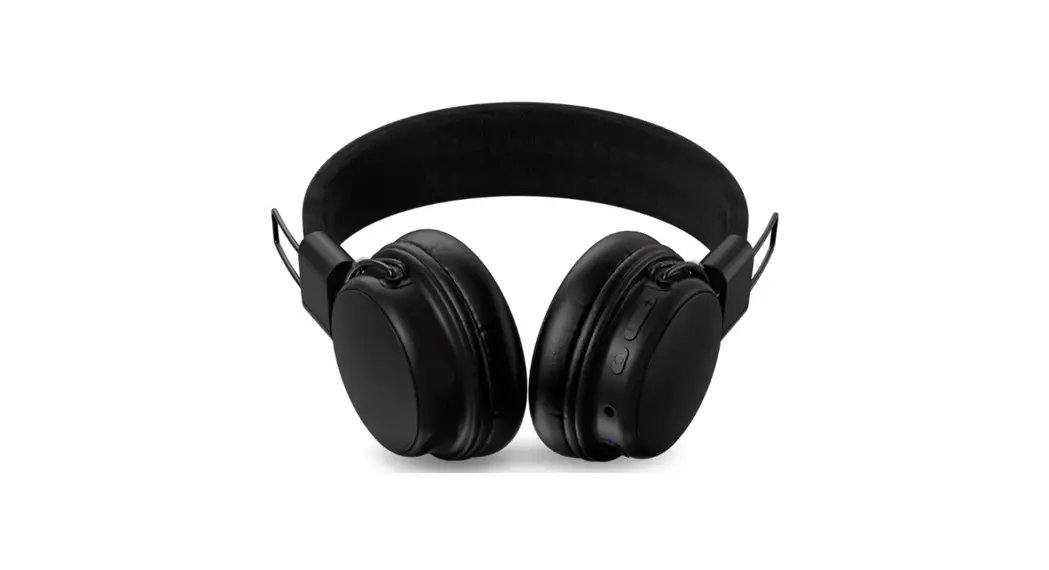
 24258 Wireless On Ear Headphones
User Manual
Item: 24258, 24259, 24260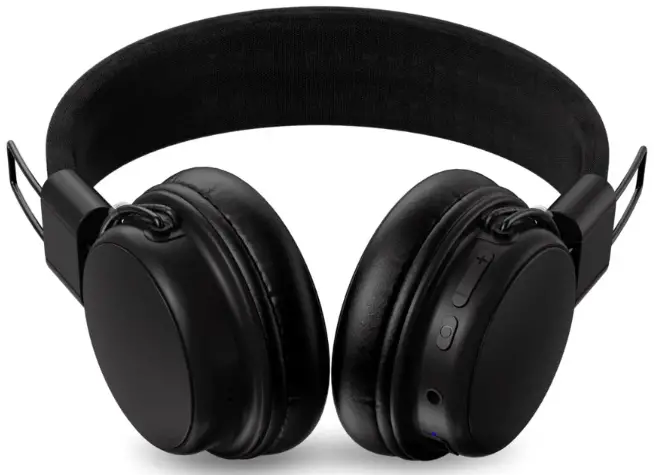
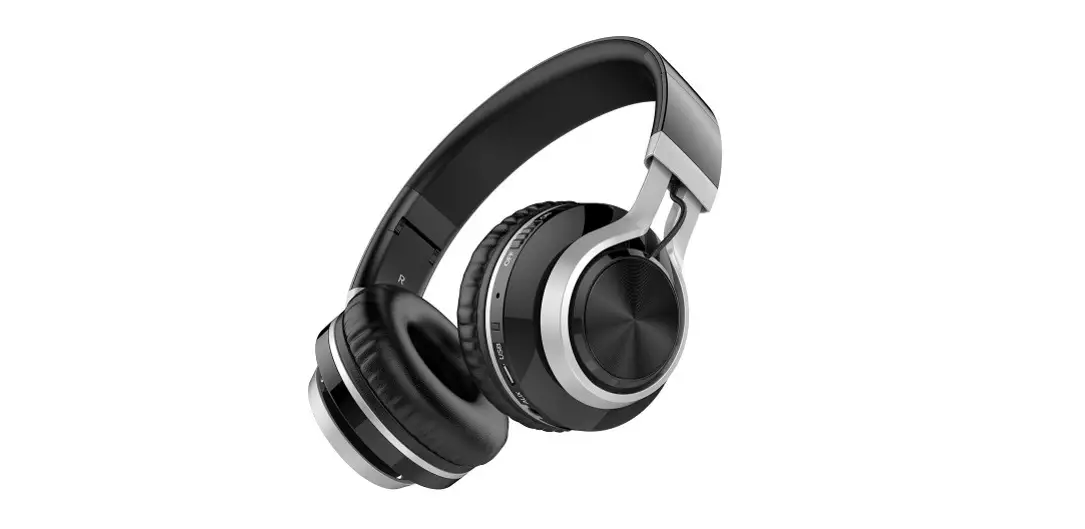
Overview
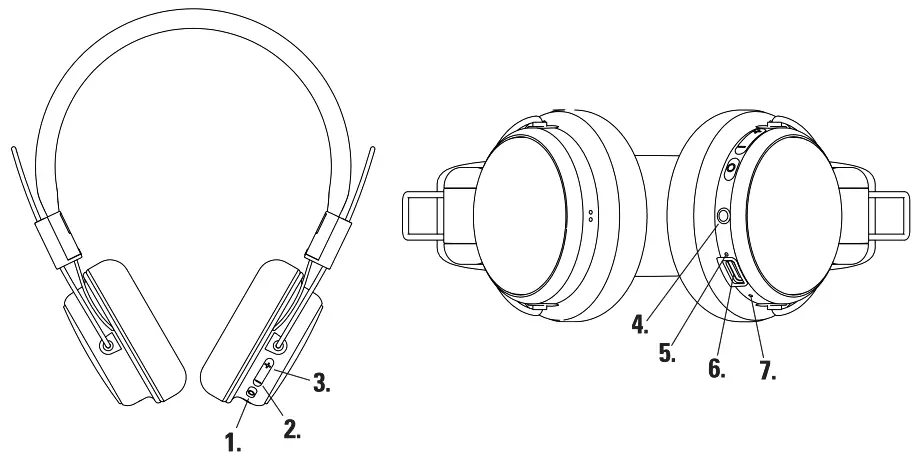
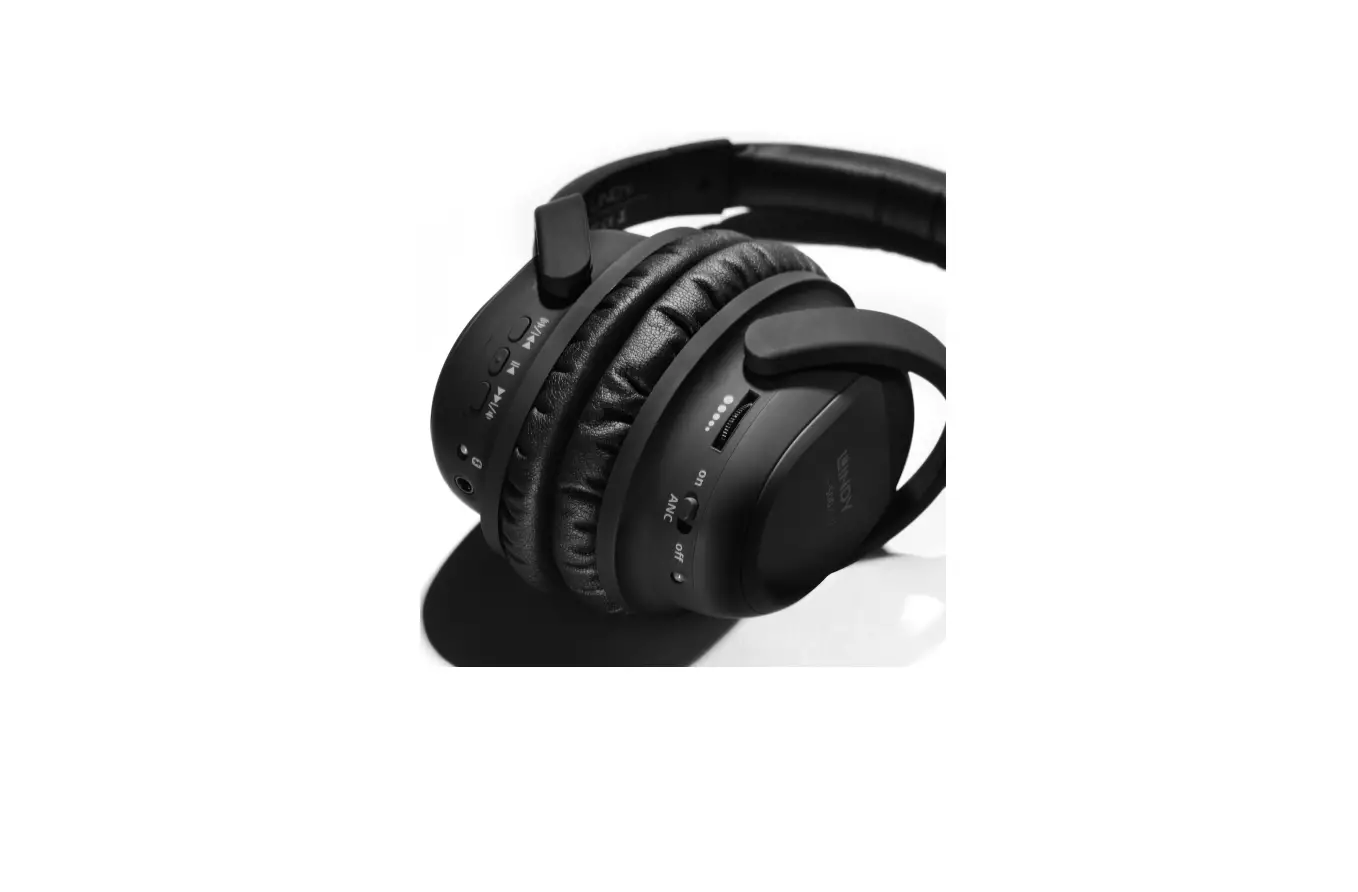
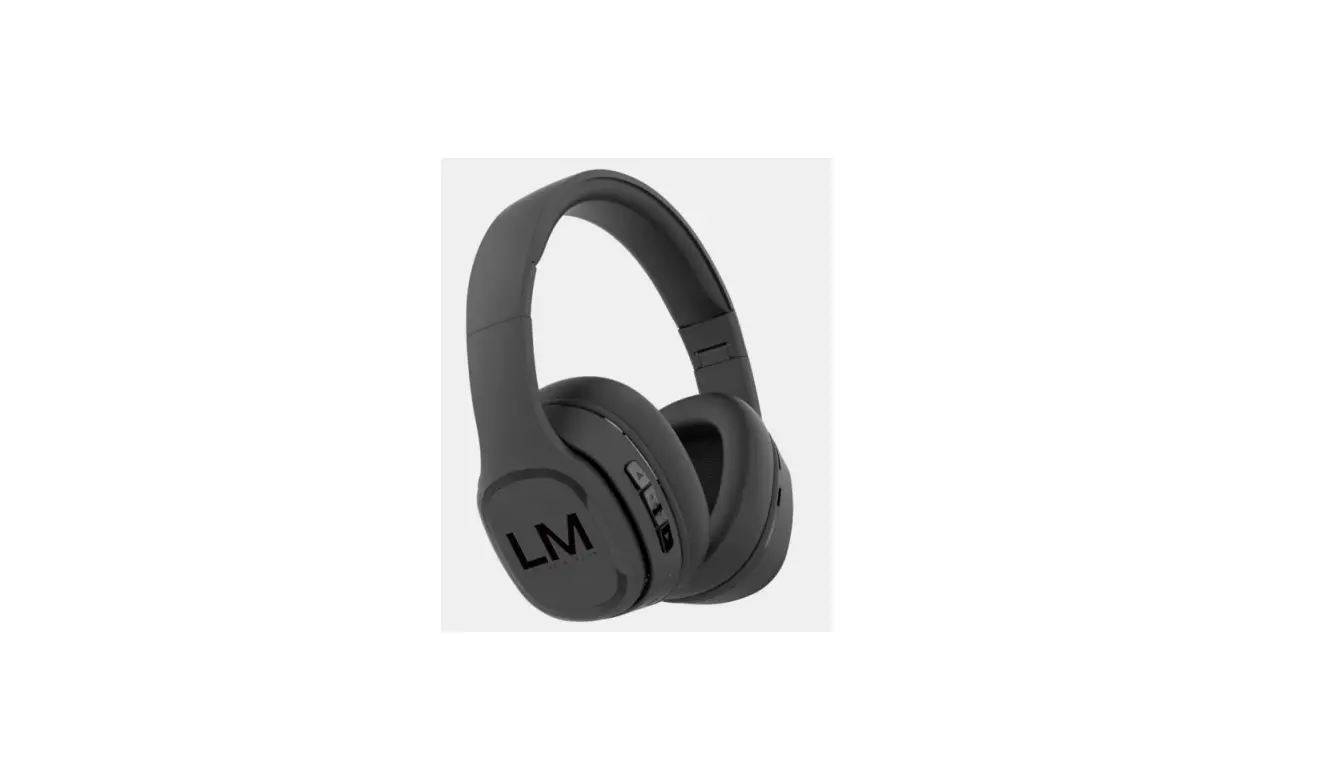
- Multifunction button
- Volume -/previous track
- Volume +/next track
- 35 mm aux jack
- LED indicator
- USB-C Charging port
- Microphone
Specification
| Operating distance: | 53 |
| Bluetooth version: | 10m |
| Volume: | Up to 100 dB + 3dB/1 mW (S.PL at 1 KHz) |
| Microphone sensitivity: | -42db +3db |
| Listening time: | Up to 50 hrs |
| Charging time: | Up to 2 hrs |
| Charging current | DC 5V/05 A (USB adapter sold separately) |
| Audio Cable: | 3.5 mm audio connectors, 1.2 m |
| Charging cable: | USB-C, 30 cm = 3cm |
| Weight: | 145 g |
| Wireless bluetooth frequency: | 2402-2408 MKz |
| Transmission power: | 20 mW (Max.) |
Included:
Headphones, USB charging cable, 3.5 mm audio cable, manual,
Use
Charging
Charge the headphones fully before first use.
Connect the USB-C cable to the USB-C charging port (6) and a computer or a USB power adapter to charge the headphones. The LED indicator (5 lights up red during charging and turns off when the headphones are fully charged. The LED indicator (5) flashes red when the battery level s low.
Note! The headphones cannot be used wirelessly if the battery is depleted or during charging, but you can listen by connecting the headphones 3. m aux jack (4) o your smart device.
Power on/off
Press and hold the Multifunction button (1) to power on the headset, the LED indicator (5) lights up and flashes red and blue for 2 seconds before only flashing blue. Press and hold the Malfunction button unit the LED indicator lights up red and turns off to power off the headphones.
Pairing
Make sure the headphones are powered off. Press and hold the Multifunction button 1) for 4 seconds to enter Bluetooth pairing mode. The LED indicator (5)lights up and flashes red and blue.
Open the Bluetooth settings on your smart device and connect to “BTH71”, The LED indicator flashes blue to confirm pairing was successful.
Note! The headphones power off automatically after 5 minutes if no device is/has been paired via Bluetooth
Control music and calls
Answer or end call/play or pause music: press the Multfunction button (1).
Reject incoming call: press and hold the Multifunction button (1) for 2 seconds.
Volume down: press the Volume – button (2)
Previous track: press and hold the Volume – button (2)
Volume up: press the Volume + button (3).
Next track: press and hold the Volume + button (3)
Switch audio from Bluetooth to phone speaker during call: press and hold ‘the Multifunction button (1) for 2 seconds.
Activate voice assistant: press the Multifunction button (1) twice. Press twice again to exit.
Safety information
This product contains a rechargeable Li-ion battery and the battery cannot be replaced.
To prevent the risk of hearing damage, do not listen t high volume levels for long periods.
Simplified EU Declaration of Conformity
Kjell & Company hereby declares that this device is in compliance with the essential requirements and other relevant provisions of Directive 2014/53/EU. Full text of the EU declaration of conformity is available at www.kjell.com/24258.
wwwlinocell.com
Box 50435 Malms
Sweden
2230425