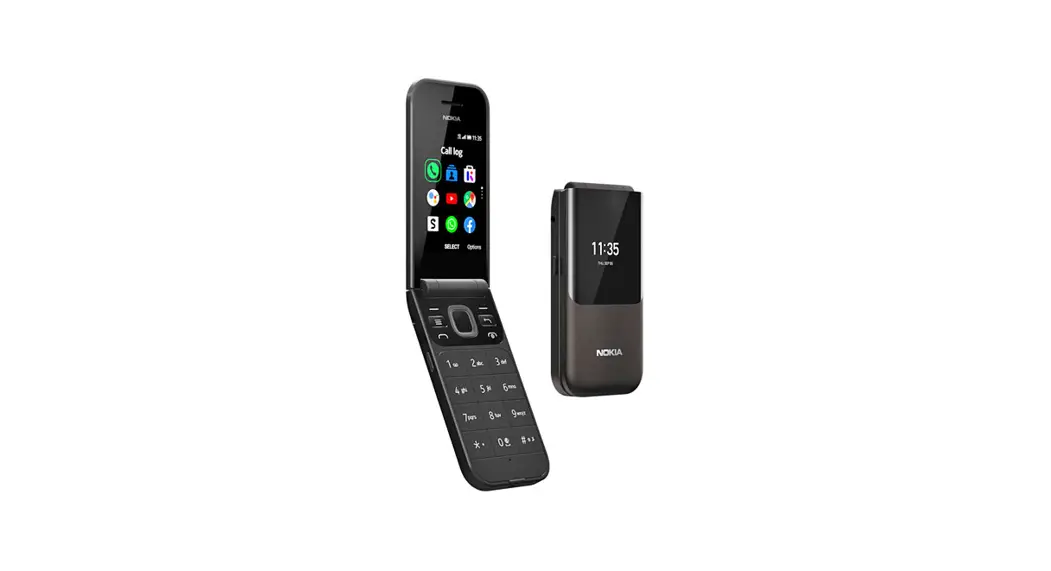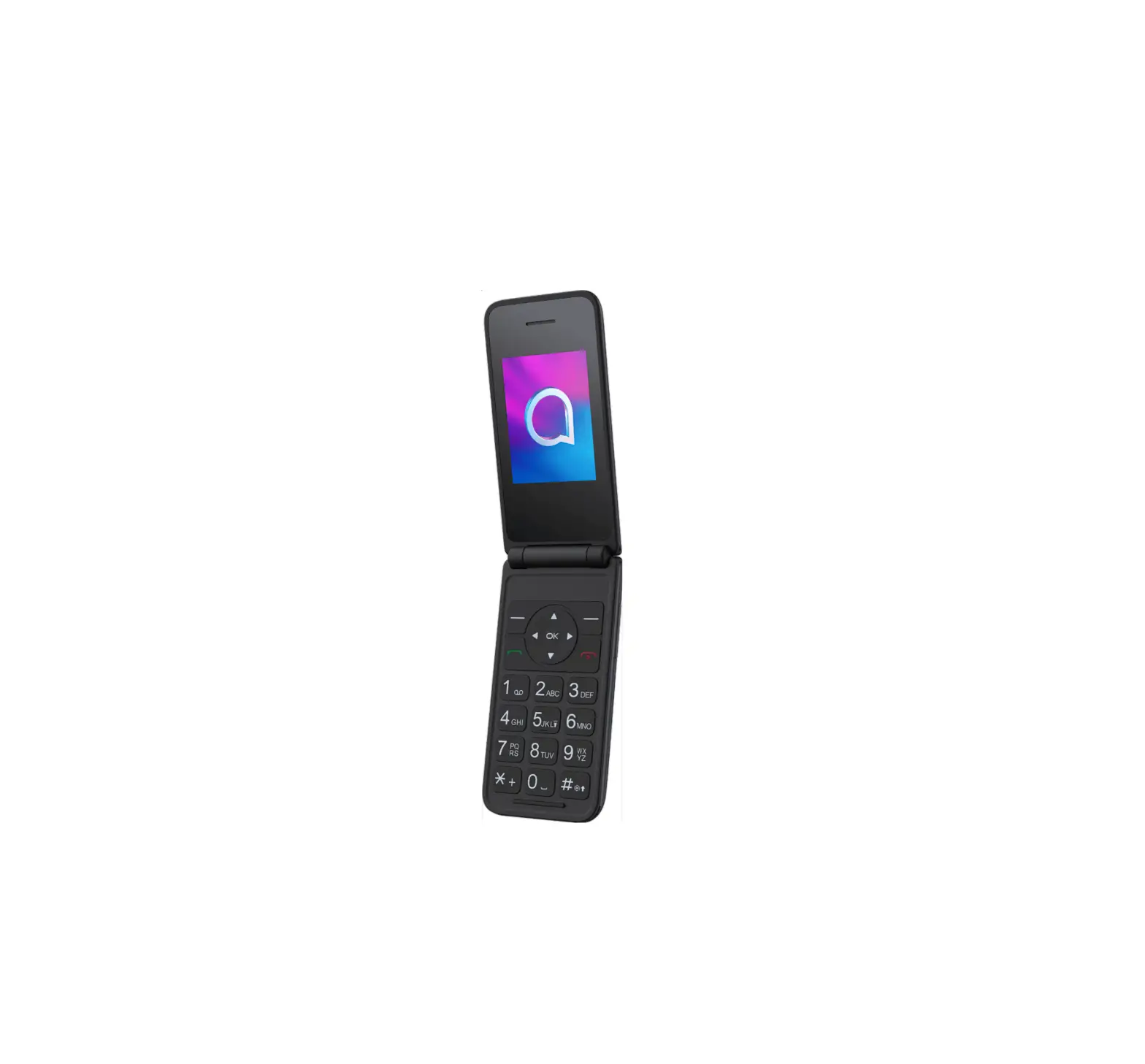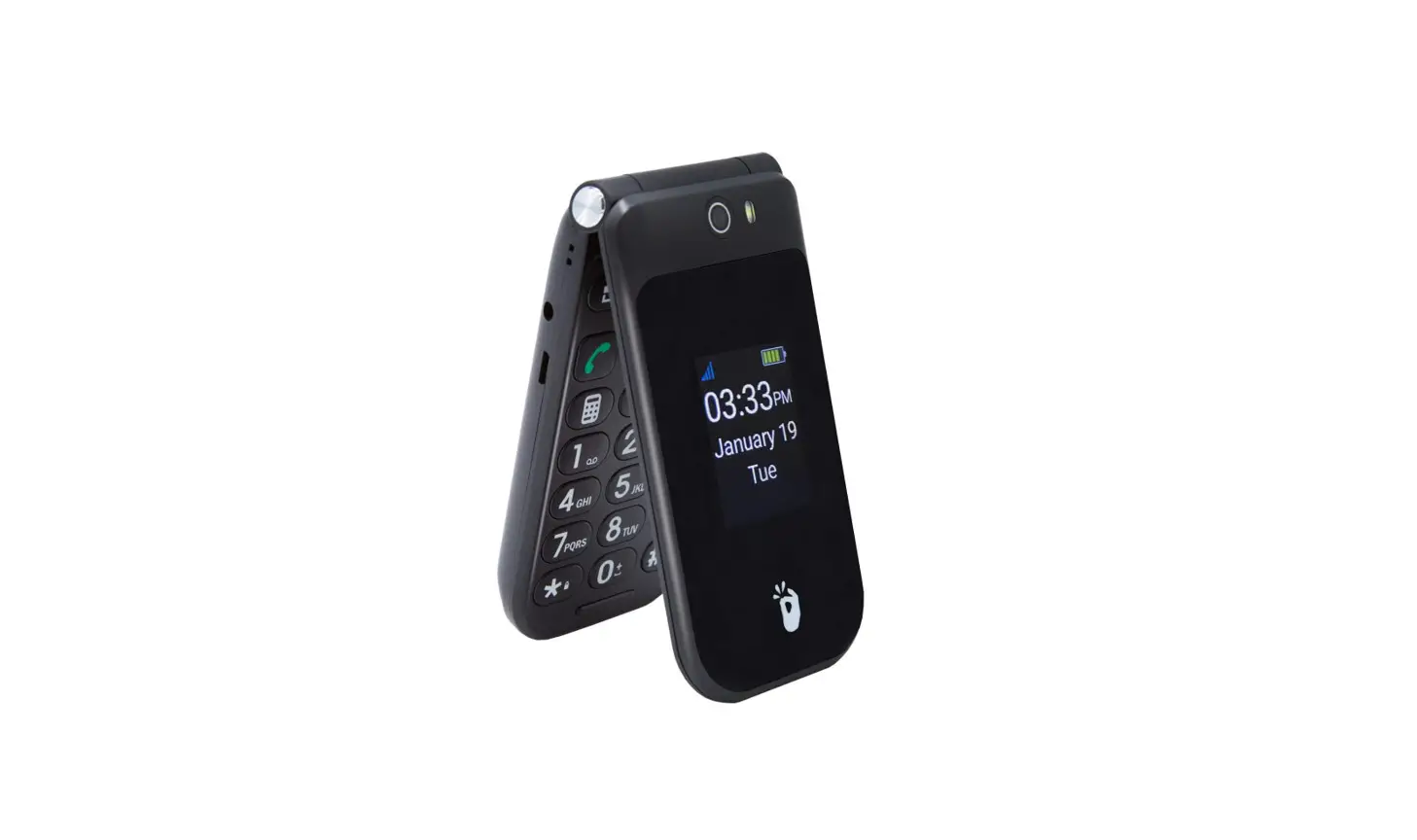
 EZFLIP2 4G Senior Phone
User Guide
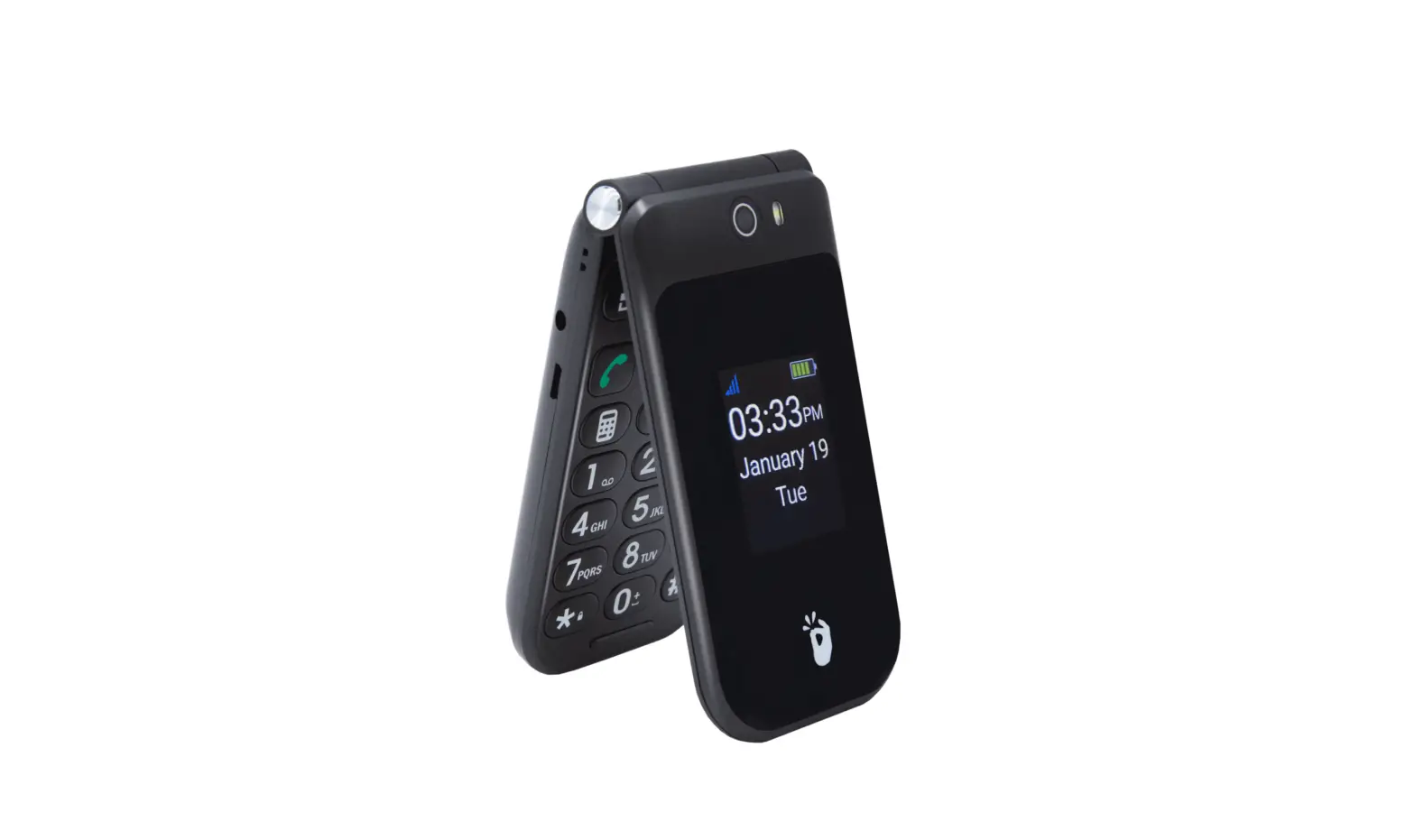
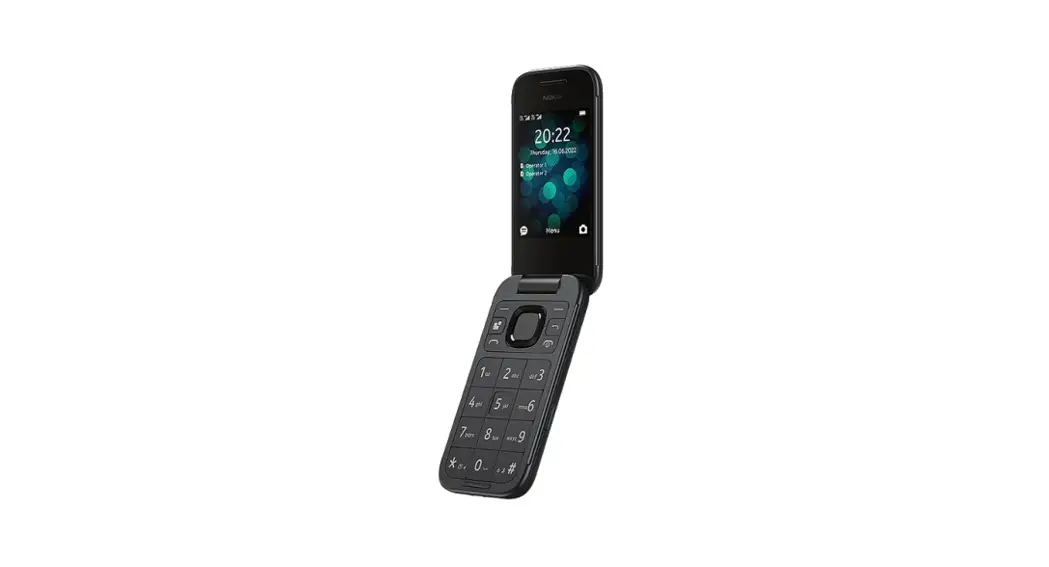
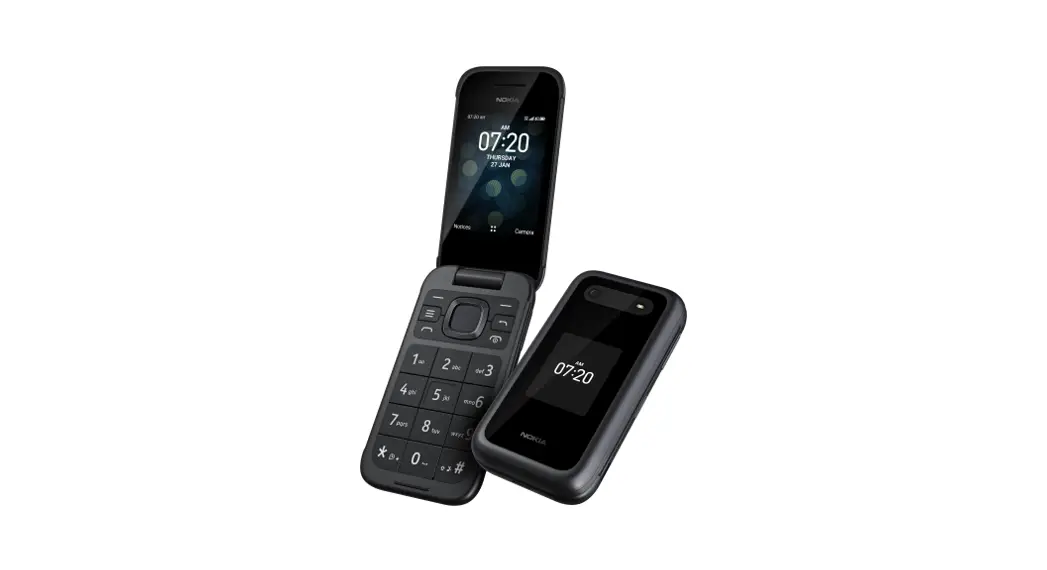
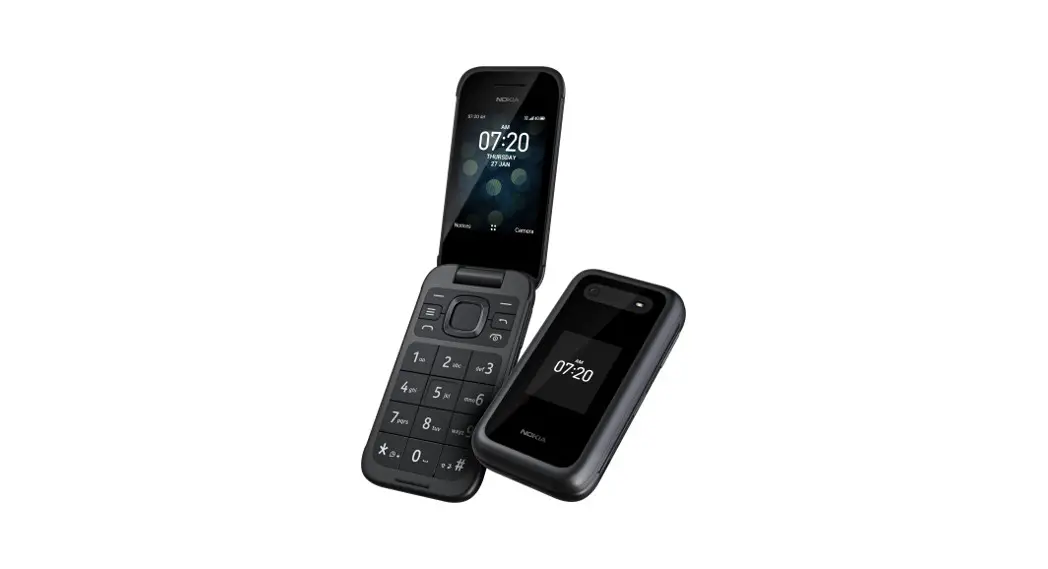
External Features
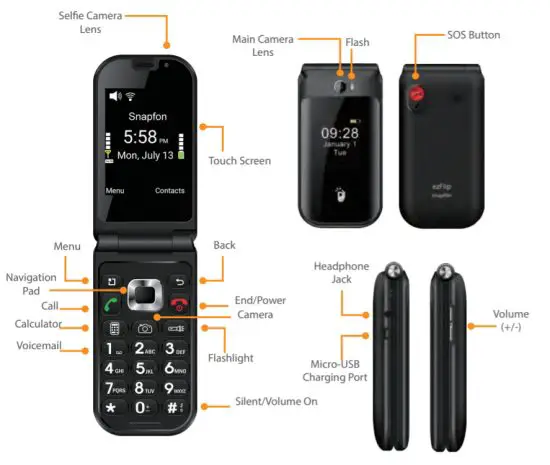
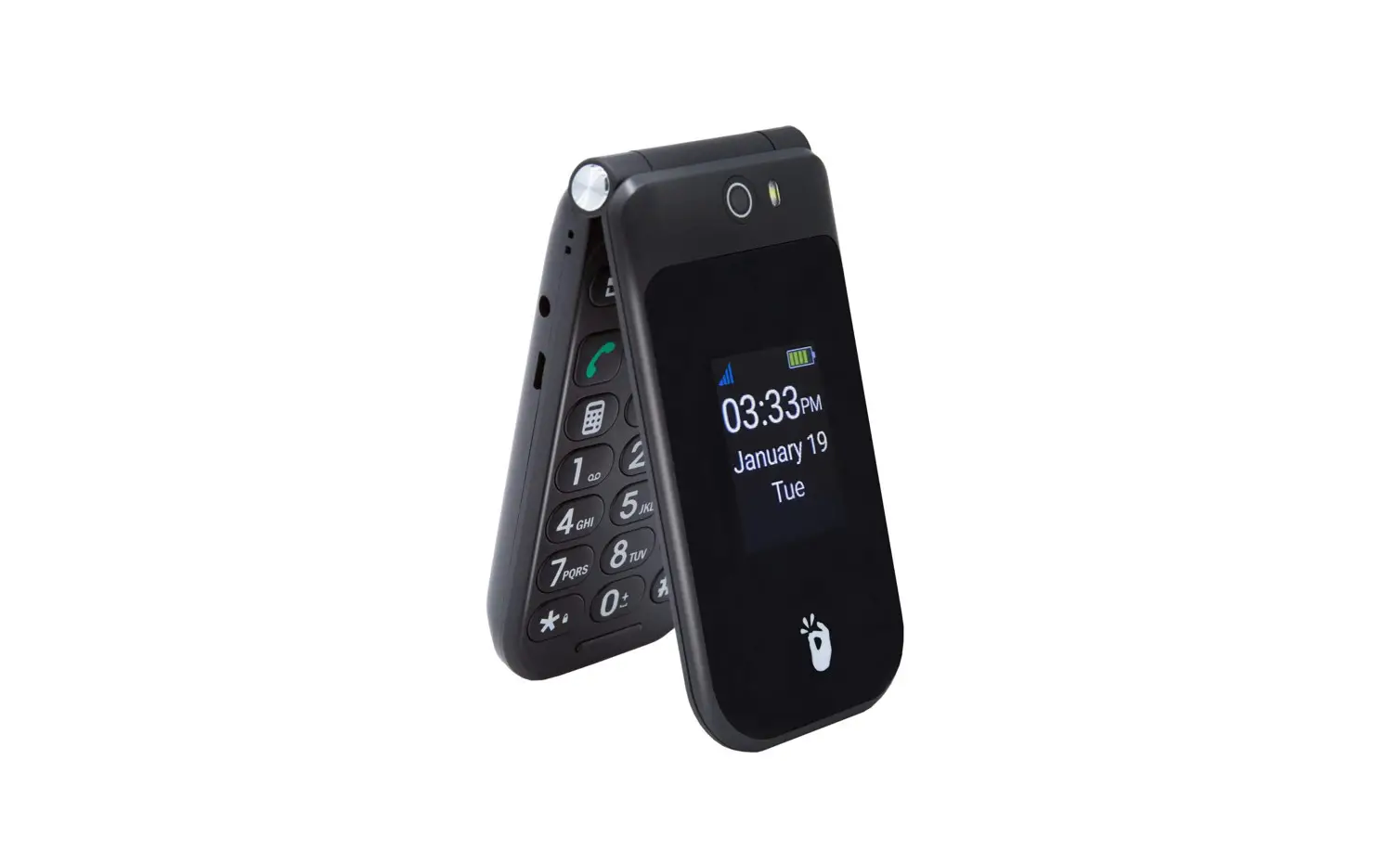
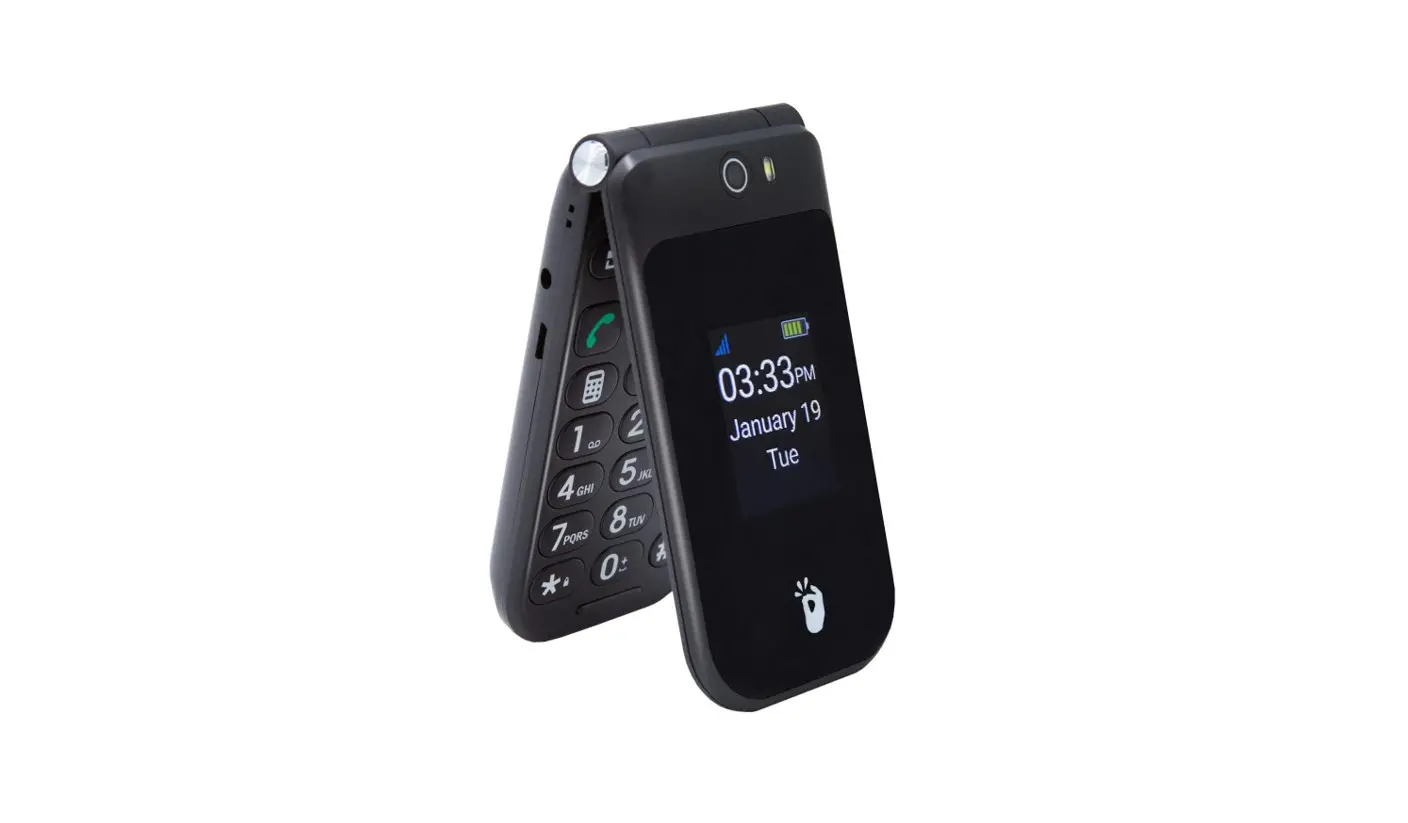
External Functions
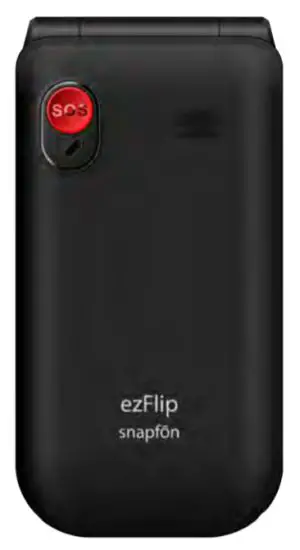
- SOS Button
Press for 3 seconds to activate SOS
Alarm and SOS features. Learn more in SOS Section. - Main Camera Lens
5mp Camera - Selfie Camera Lens
2mp Selfie Camera - Touch Screen
Use your fingers to perform operations directly on icons, buttons, and the optional on-screen keypad. - Menu
Press to display menu options. - Navigation Pad
Up, Down, Left, Right, and Enter for navigating on-screen activity. - Call
Answer an incoming call or press once to open the call application, twice to dial the last outgoing call. - Calculator
Press to launch Calculator Application. - Voicemail
Hold down to launch Voicemail. - Silent/Volume On
Hold down to mute or turn on the volume. - Flashlight
Press to turn Flashlight on or of. - Camera
Press to open the Camera application. - End/Power
End call or application and power of. - Back
Return to the previous screen. - Micro-USB Charging Port
For charging the ezFlip. - Headphone Jack
For use with any 3.5mm standard headphones. - Volume (+/-)
Adjust the ringer, in-call, speaker, media, and alarm volume. Ringer volume may be adjusted any time but the in-call volume must be adjusted during a call.
Activating your ezFlip


If you’ve purchased your ezFlip from Snapfon directly your phone service may already be activated. If you purchased your ezFlip from another retailer you may still need to activate your device and an activation guide will be included in the box. Follow that activation guide to get started.
If you need any assistance contact our U.S. based customer service department.
Call: 800-937-1532
or
Email: [email protected]
Basic Operations
Messaging
Select the Message application through the menu or on the home screen to create and send an SMS or MMS.
New Message: Tap the Add icon on the upper right of the Message page. The message-creating page is displayed. Enter the name or phone number of the target contact into the Recipient bar. The phone will automatically search among the list of contacts for one that best matches the entered info. (You can also select the contact from the list of contacts or groups.)
Input method: Tap the text editing zone to invoke the keypad. Short press the # key to switch your input method.
Send: After an SMS is complete, tap Send.
SOS Features
The SOS button on your ezFlip is located on the backside of your device.
When the SOS button is held down for 3 seconds it will initiate sos sequence. The SOS sequence is; a siren to alert those near, calling your preprogrammed emergency contact, and sending out an emergency SMS text message to your preprogrammed contacts list that says, “Help me. I’m having an emergency and have activated my phone’s SOS alert button.”
This message can be changed in your SOS settings.

Maximize the safety features of your ezFlip 4G with sosPlus® Mobile Monitoring Service from Snapfōn®. With sosPlus® the SOS button on your device will contact a 24 hour sosPlus® Mobile Response Agent. Our agents can access your submitted medical information through your Snapfōn® User Account. sosPlus® agents can provide your medical information to first-responders during an emergency. Agents can also contact your approved contact list and stay on the line with you through your situation.
Learn more at snapfon.com/sos-plus/.
SOS Emergency Features:
- Speakerphone Connects to Emergency Contacts
- Accessible SOS Button
- Calls and Texts Emergency Message
- Customizable Emergency Message
- Low Battery Warning System
- Fall Detection Capable
- Optional Siren When Activated