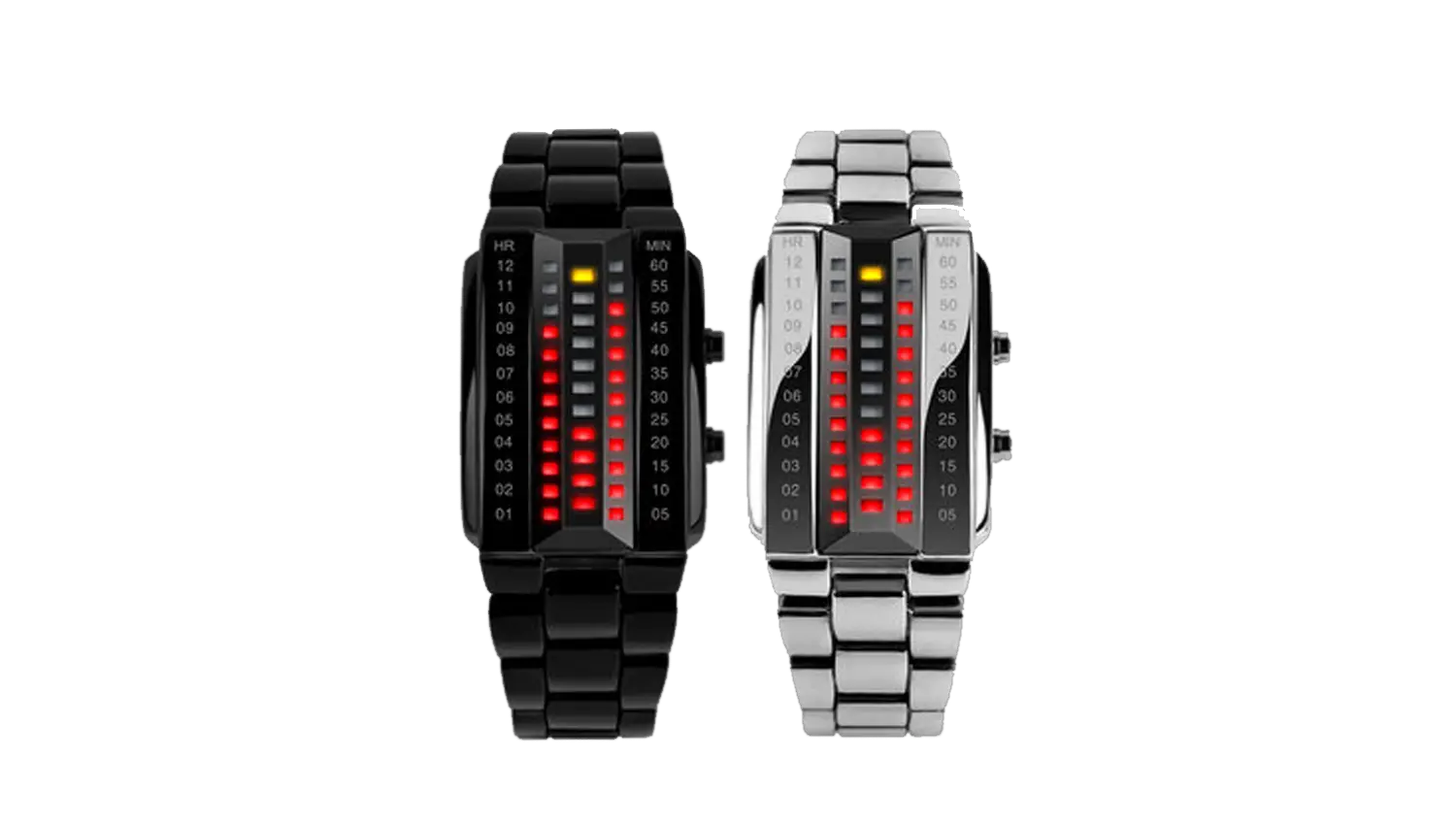
Skmei 1013 Watch Instruction & Manual
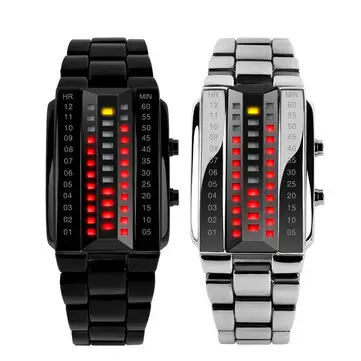
Skmei watch direct sales
www.skmei-watch.com
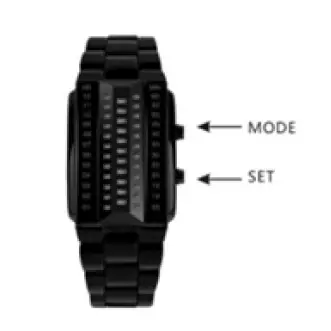
Function Characteristics
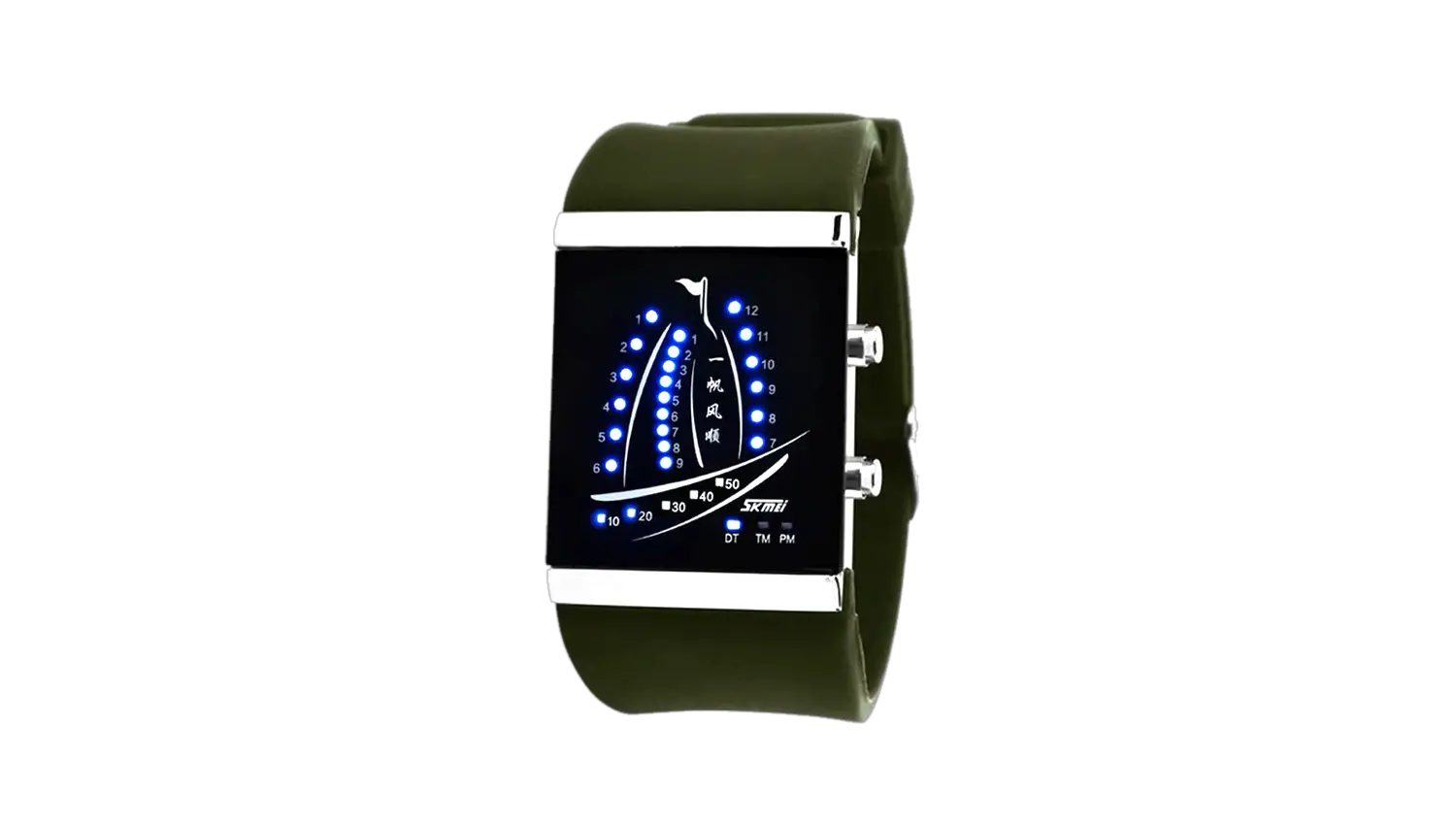
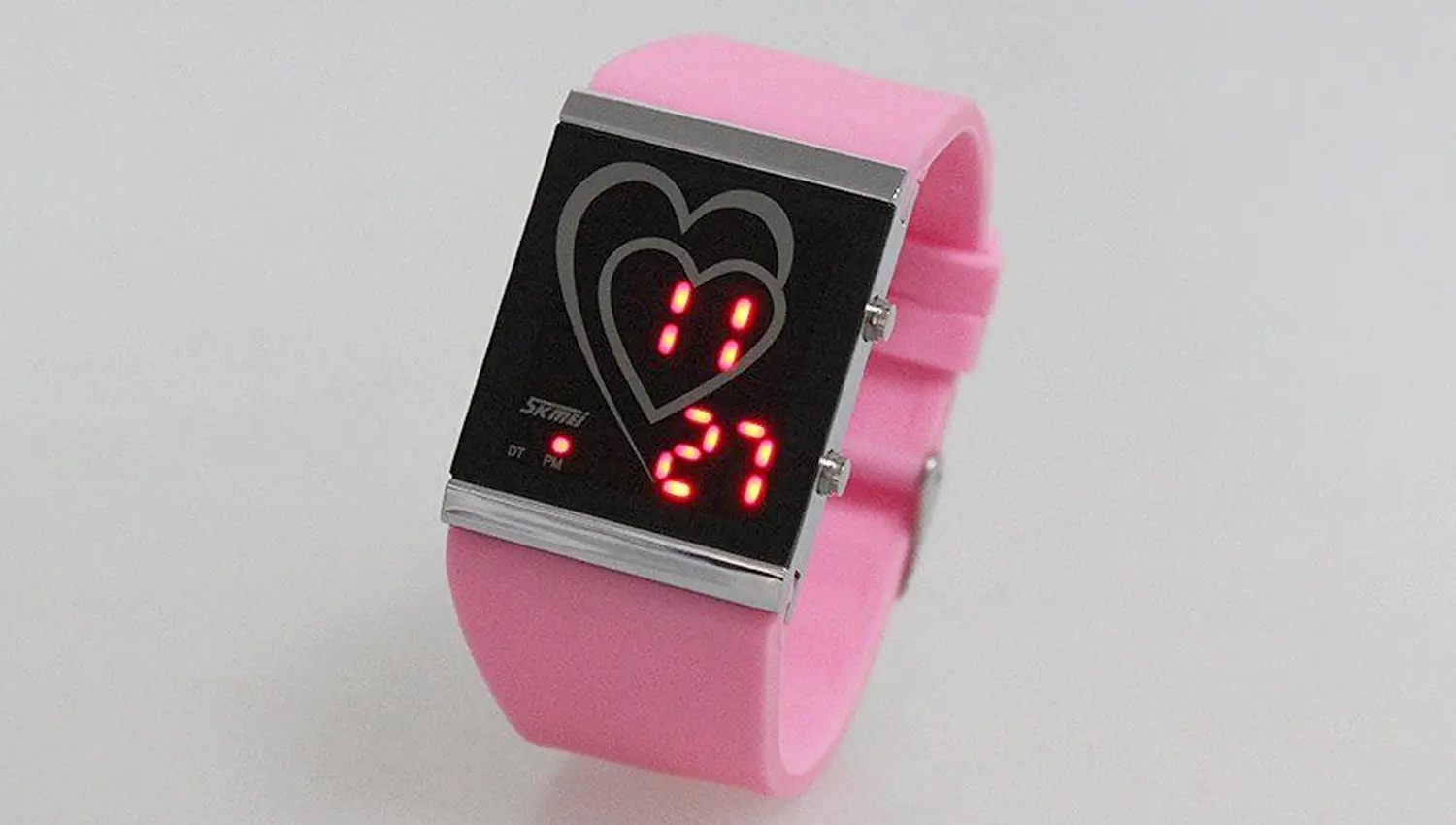
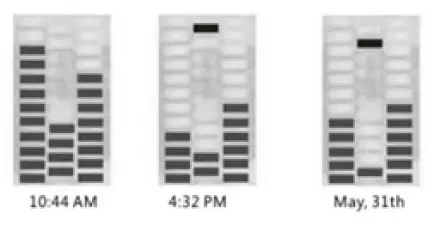
- In saving mode, press MODE to show Hours & Minutes, Press MODE again to display Months & Dates. If without any action for 3s, it will back to saving mode.
- On the first column, the red light is on, it means Hours or Months. One light means one hour or one month.
- On the second column, the first yellow light on means PM. The green light on means date.
On the four red lights below, one light means one minute or one day. - On the third column, one light means five minutes or 5 days.
- Two modes: Time Mode, Date Mode.
Display Images:
Time& Date Setting :
- In saving mode, press MODE key into setting model .
- Press SET once, “HOUR” flashing, press MODE to advance.
- Press SET once, “MIN” flsahing, press MODE to advance.
- Press SET once , “WEEK” flsahing, press MODE to advance.
- Press SET once, “ DATE” flsahing, press MODE to advance.
- Press SET to exist and save.
Downloads
Skmei 1013 Watch Instruction & Manual – Download [Optimized PDF]
Skmei 1013 Watch Instruction & Manual – Download [Original PDF]