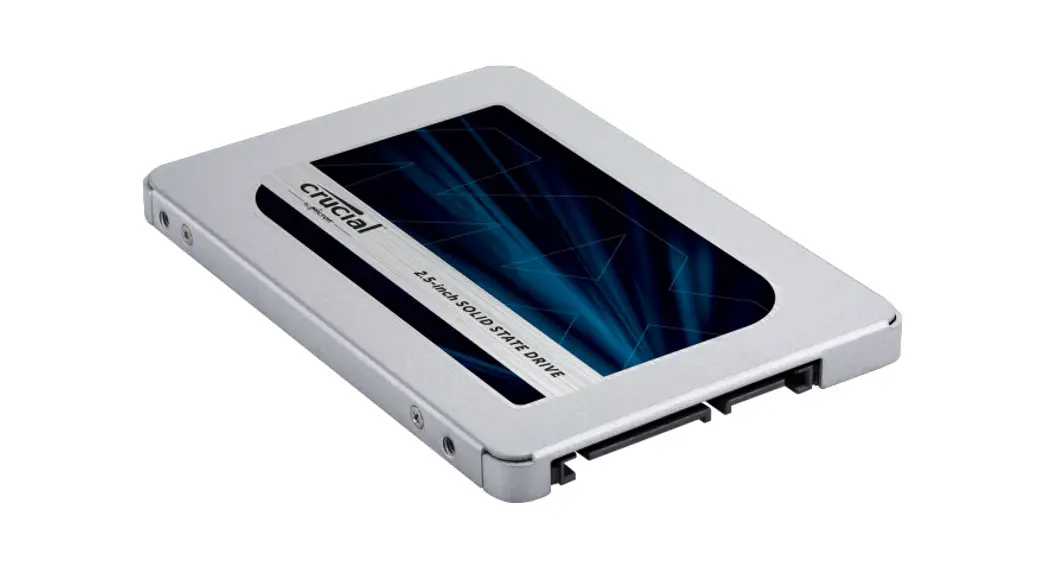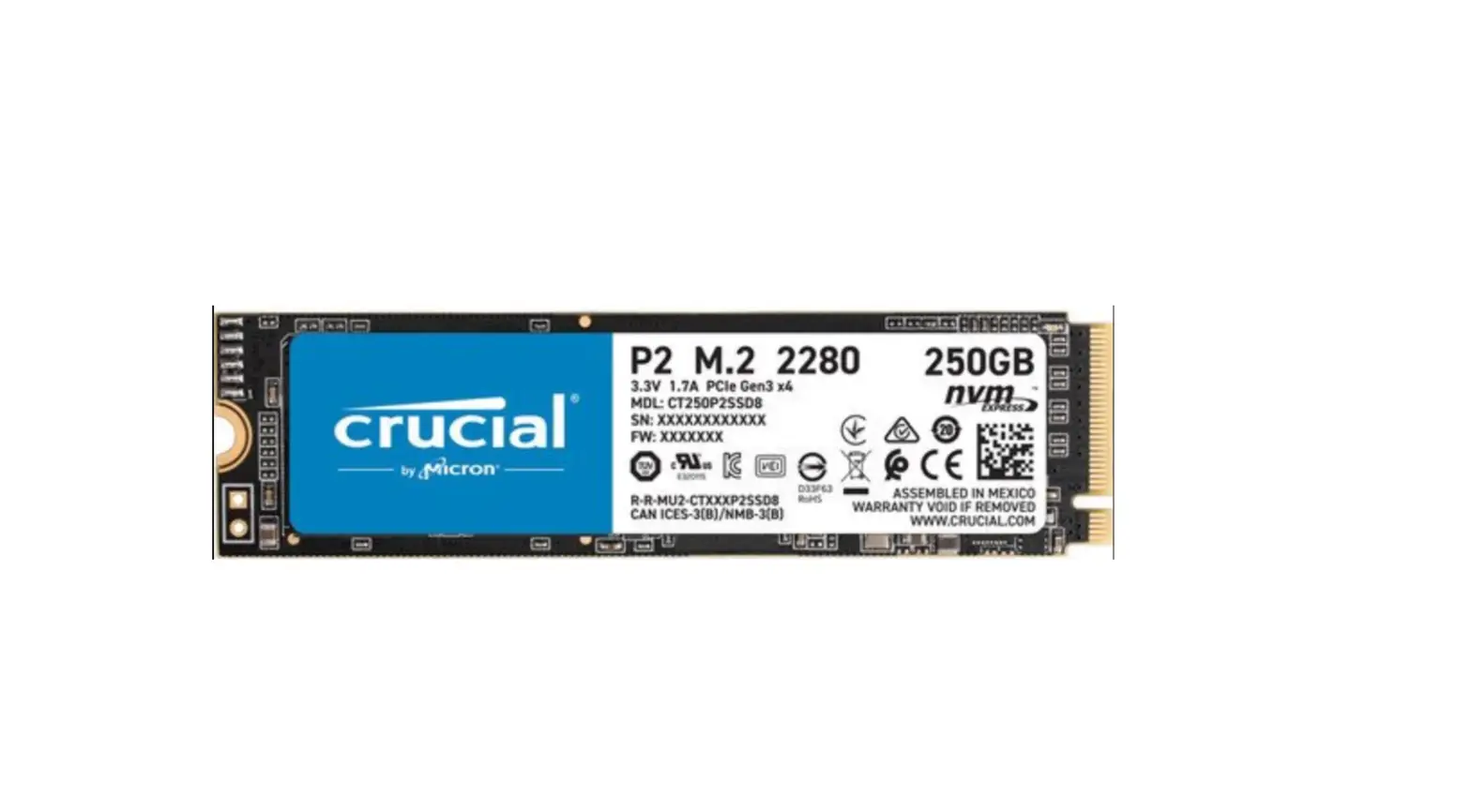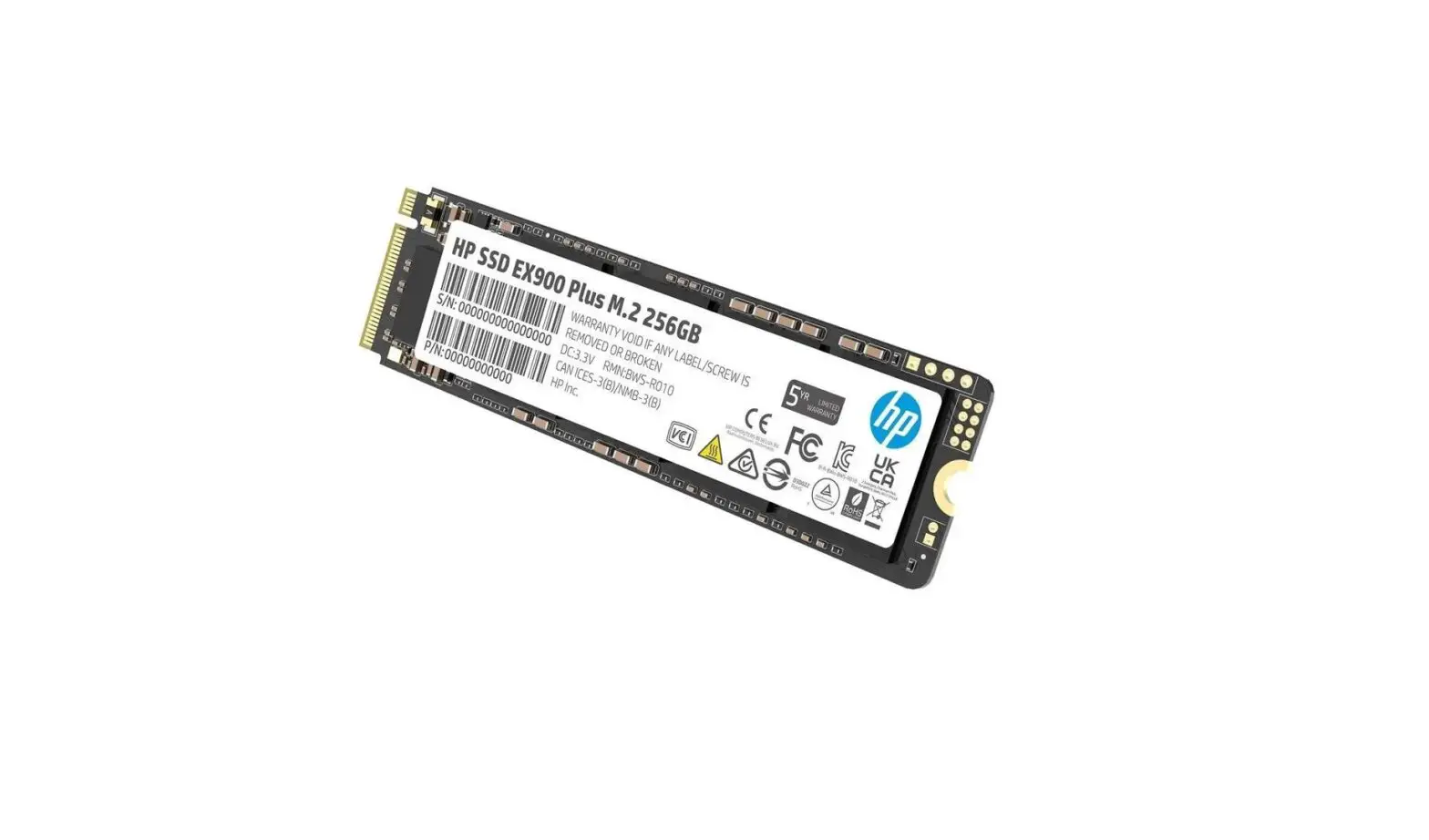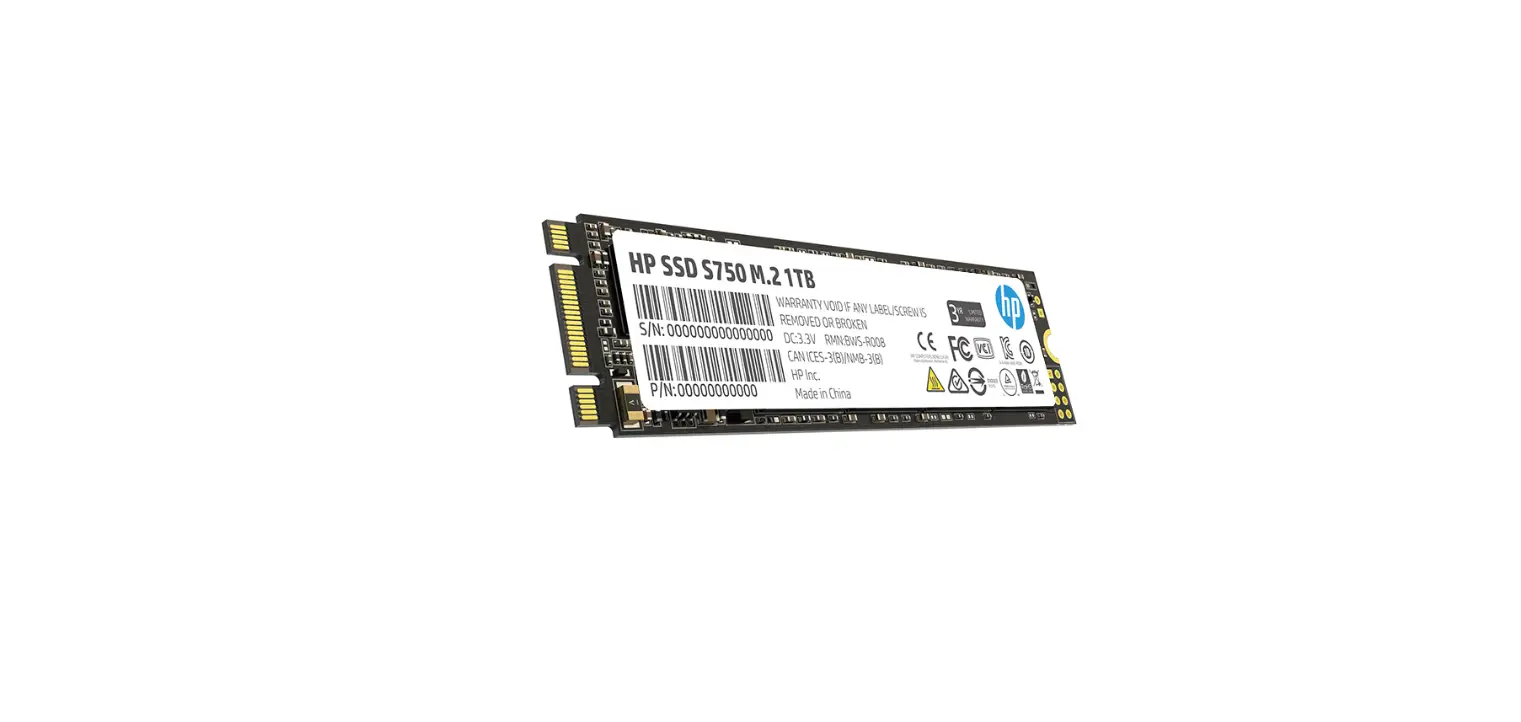

 M.2 SSD
| WEB: corsair.com (888) 222-4346 PHONE: SUPPORT: support.corsair.com | BLOG: corsair.com/blog FORUM: forum.corsair.com YOUTUBE: youtube.com/corsairhowto |

© 2020 CORSAIR MEMORY, Inc.
CORSAIR and the sails logo are registered trademarks in the United States and/or other countries. All other trademarks are active owners. Product may vary are the property of their respect slightly from those pictured. 49-002111 A
- Precaution: take care to discharge any electrostatic charges.
- Power down your system.
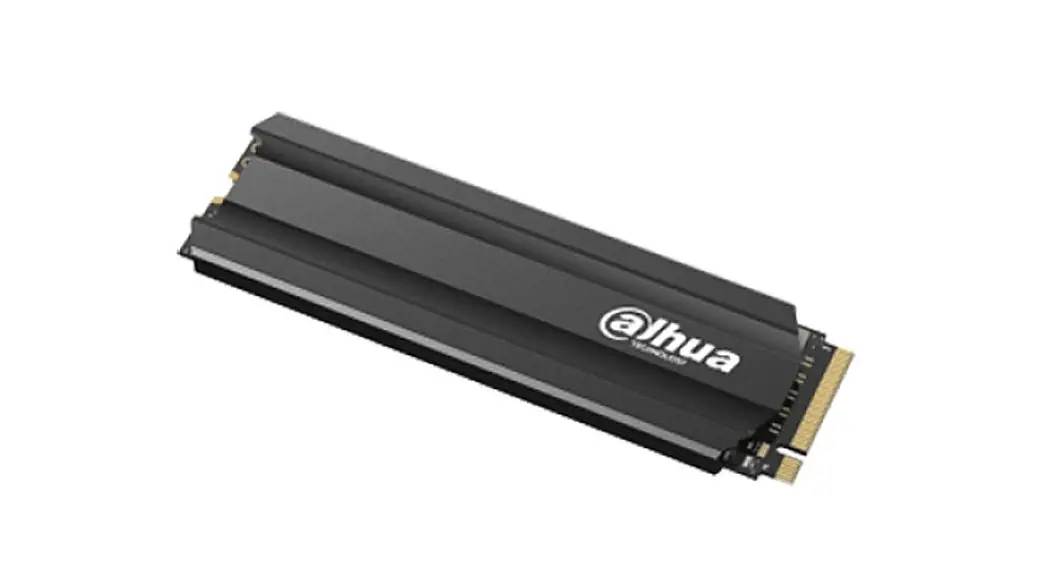
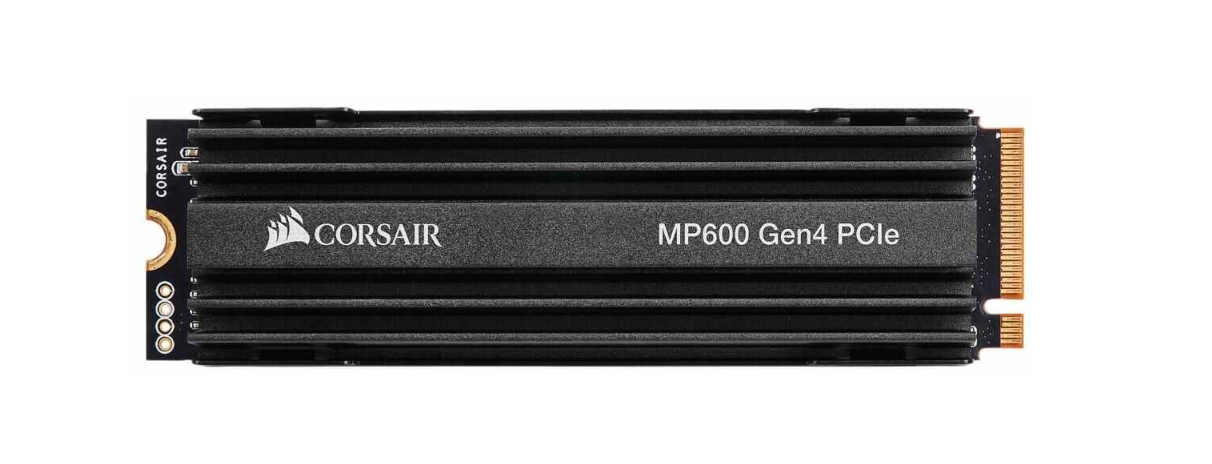
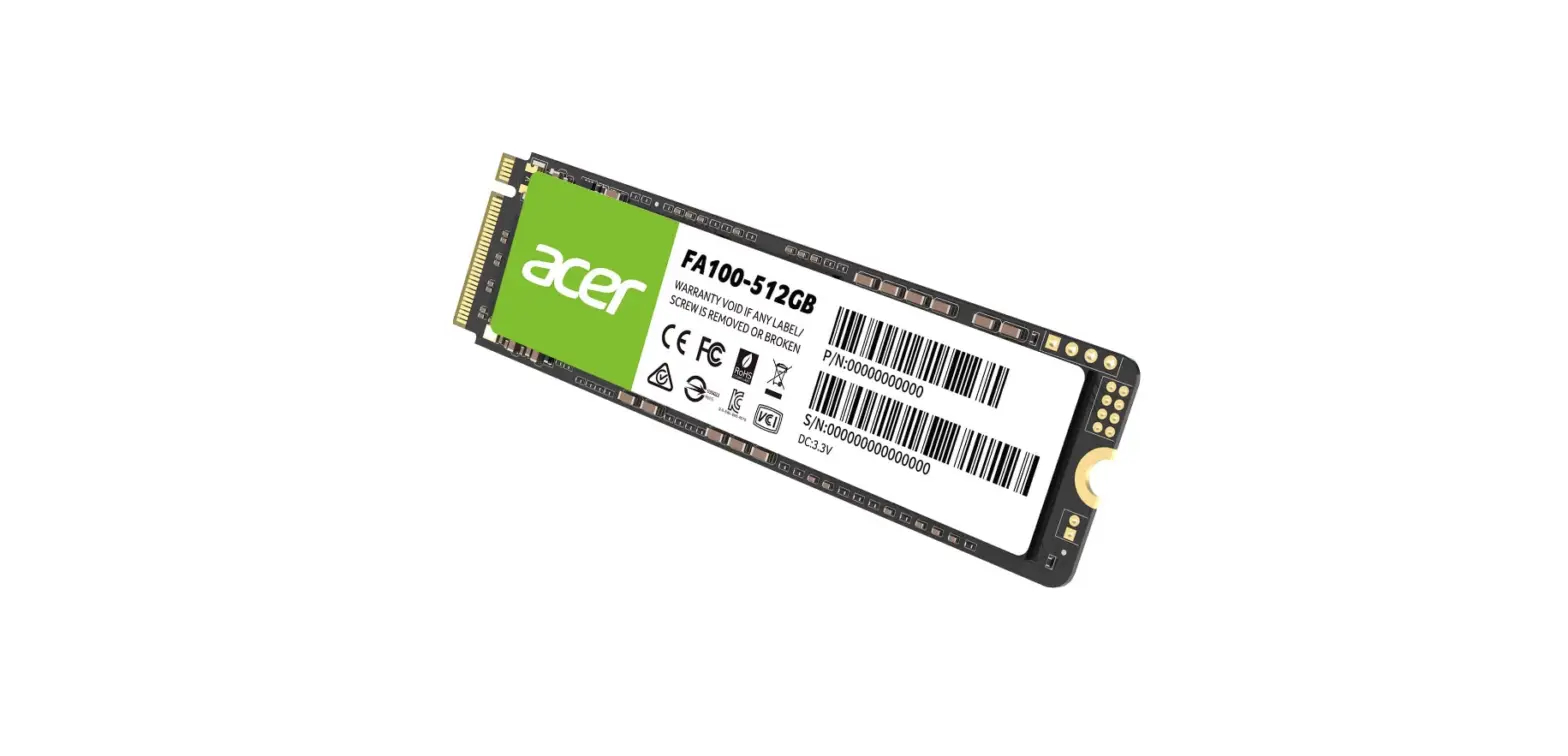
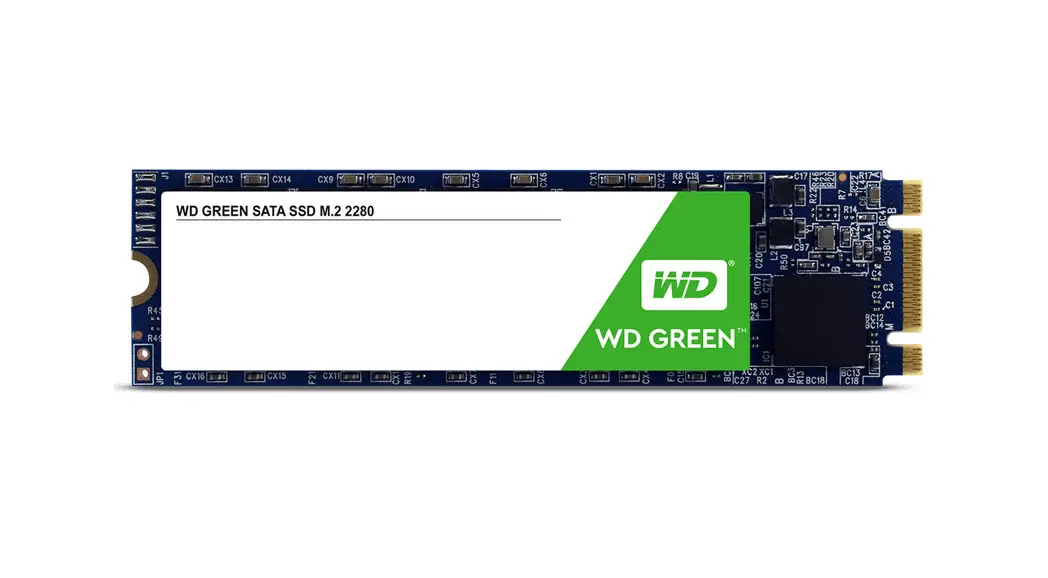
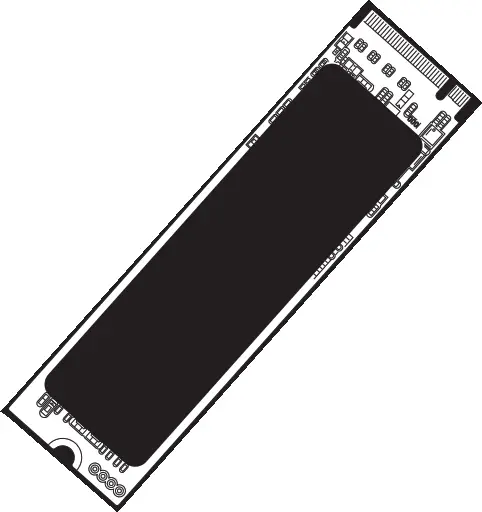
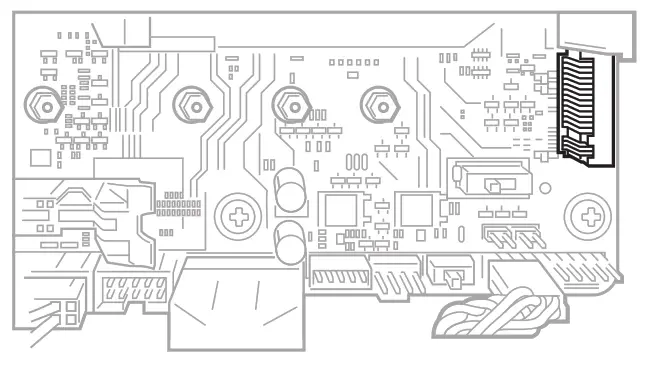
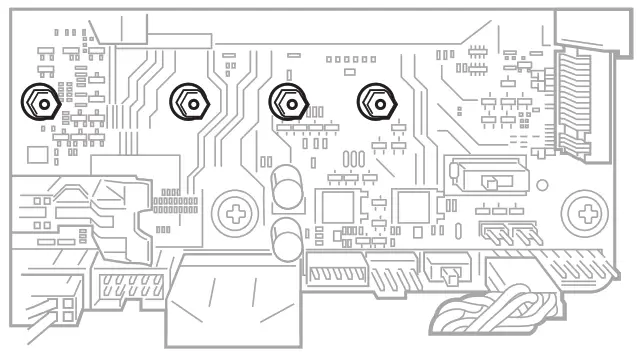
- Identify an available M.2 key M 2280 slot on your system, referring to your motherboard or system documentation.

- Remove any cover from the M.2 slot and screws. Take care to ensure no screws remain on standoffs for shorter M.2 cards.

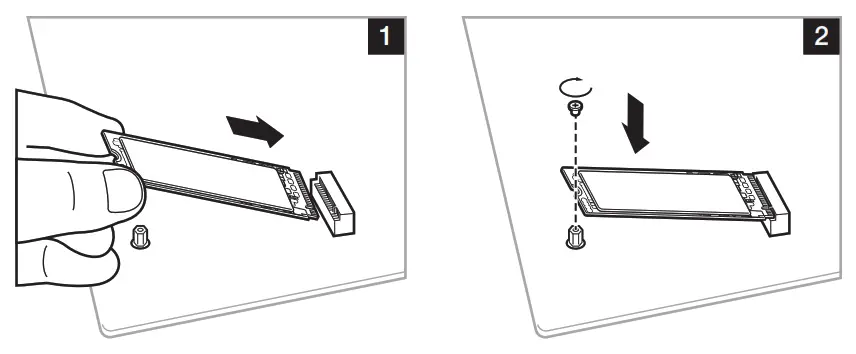
- Insert and secure M.2 with a screw.

- Replace slot cover, except for SSDs with pre-installed heatsink.
FOLDING LINE
 PC Components | Gaming Gear | CORSAIR
 Home - Corsair Community