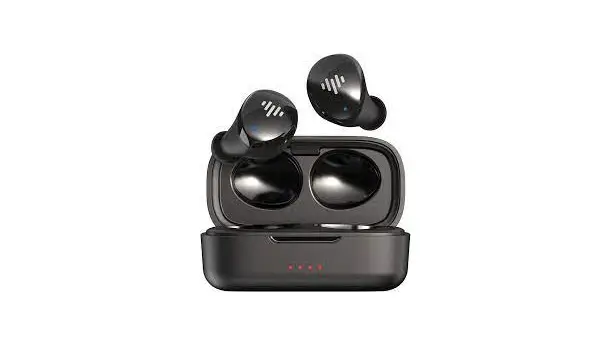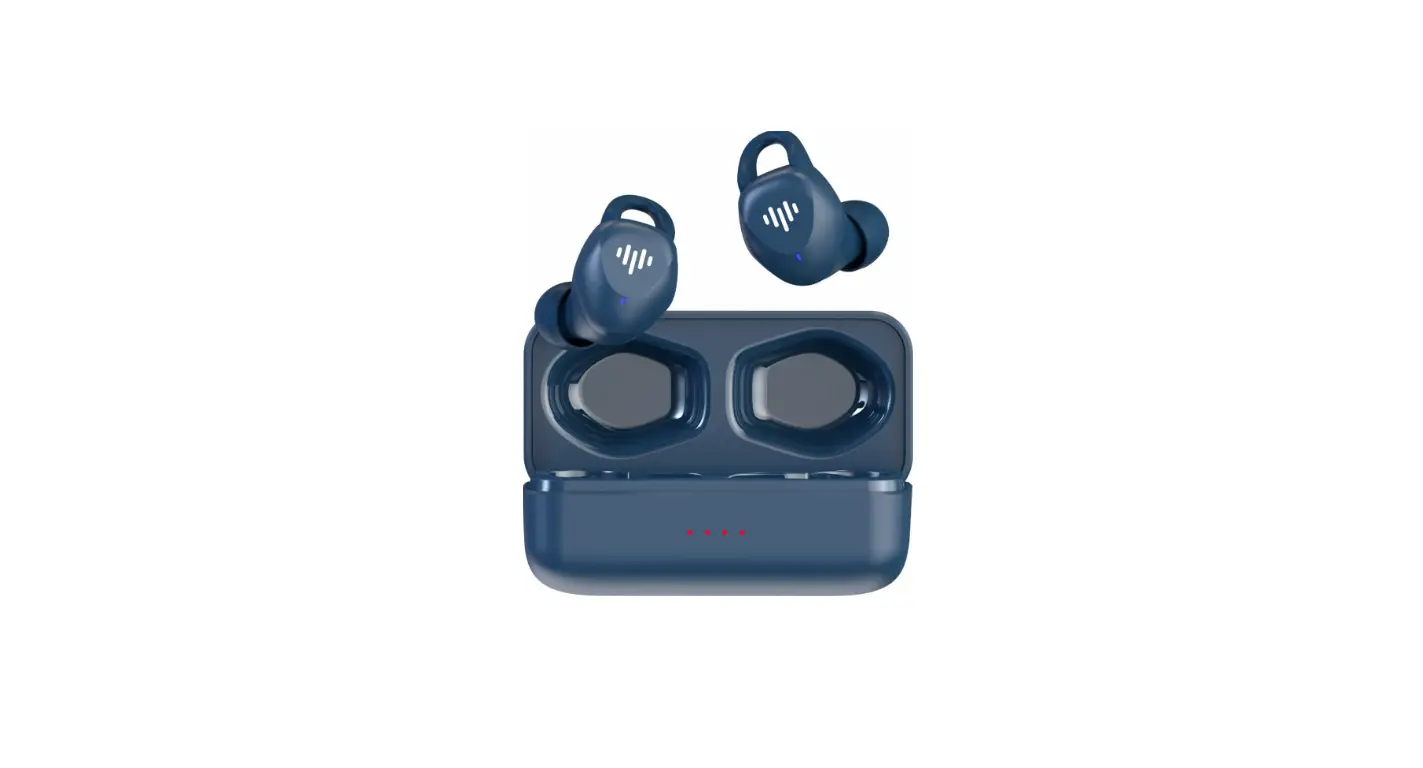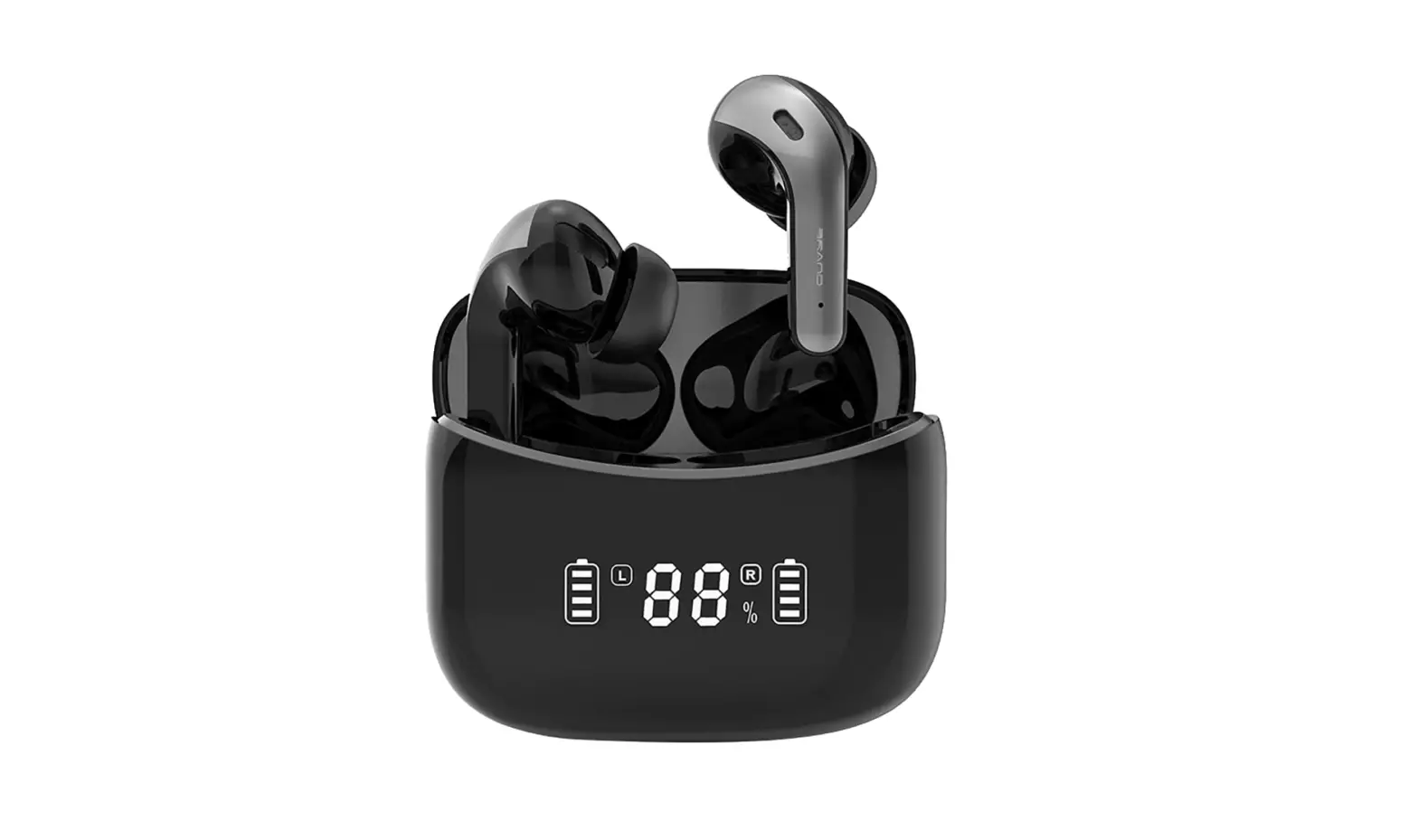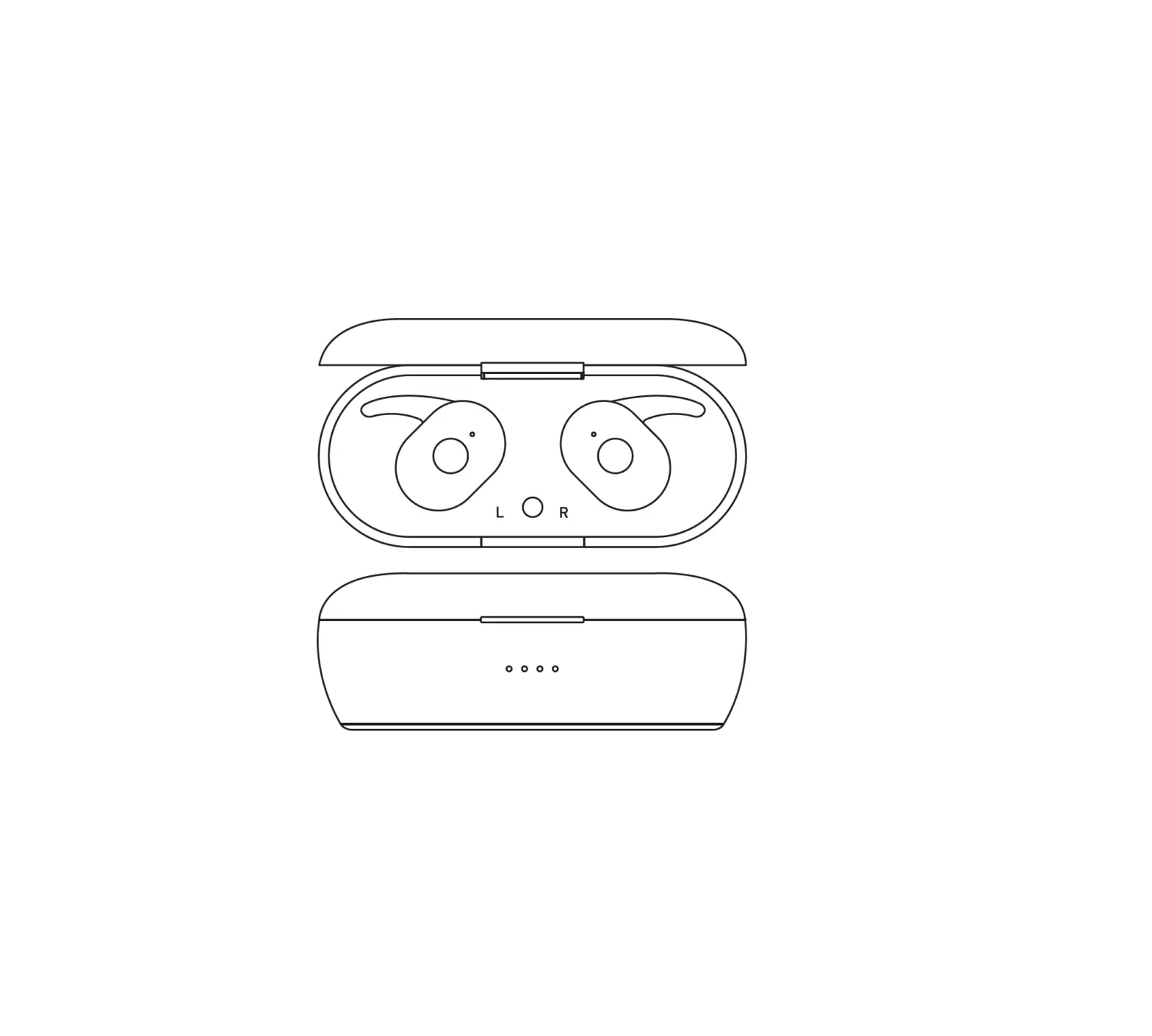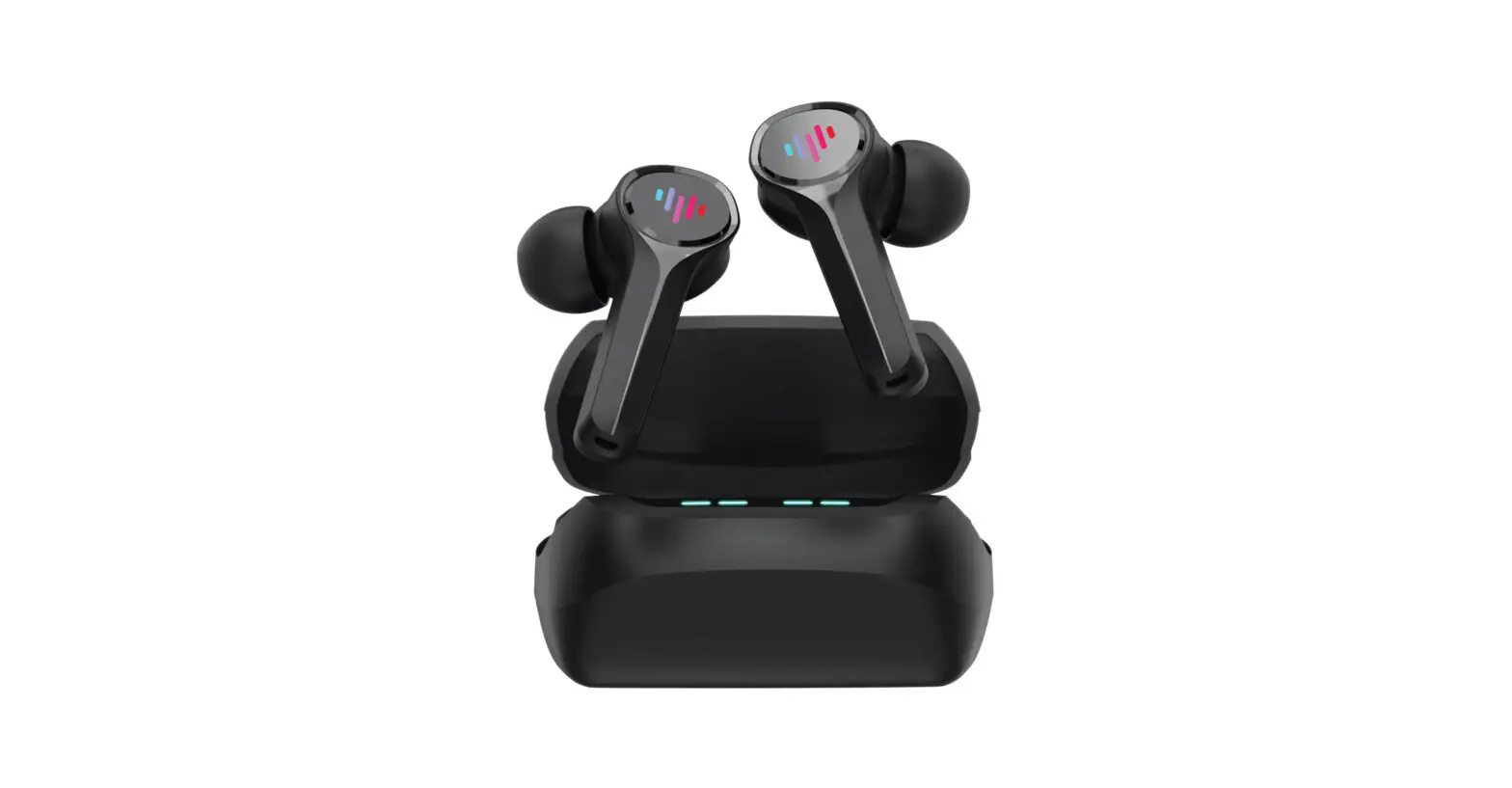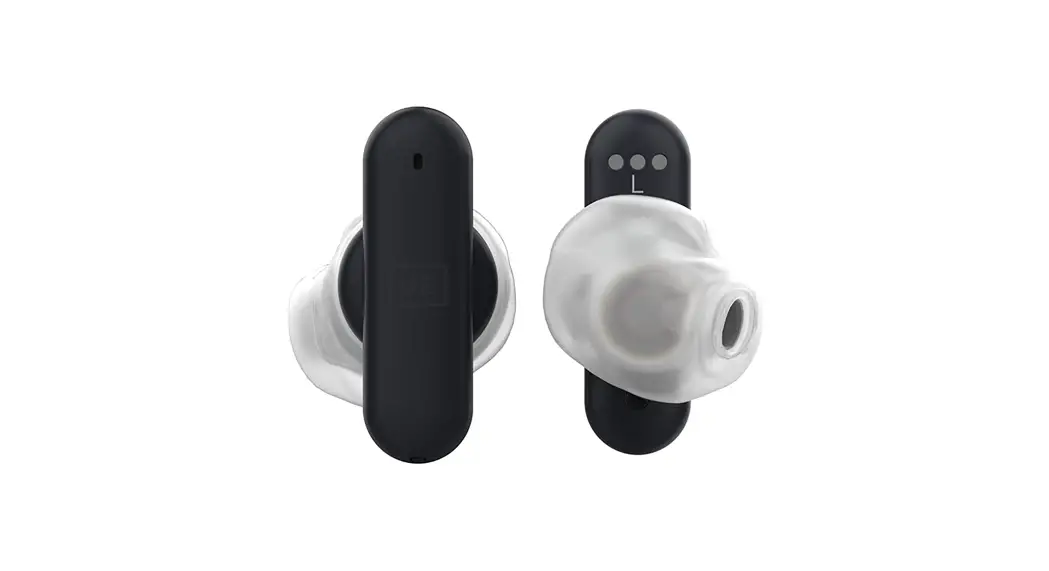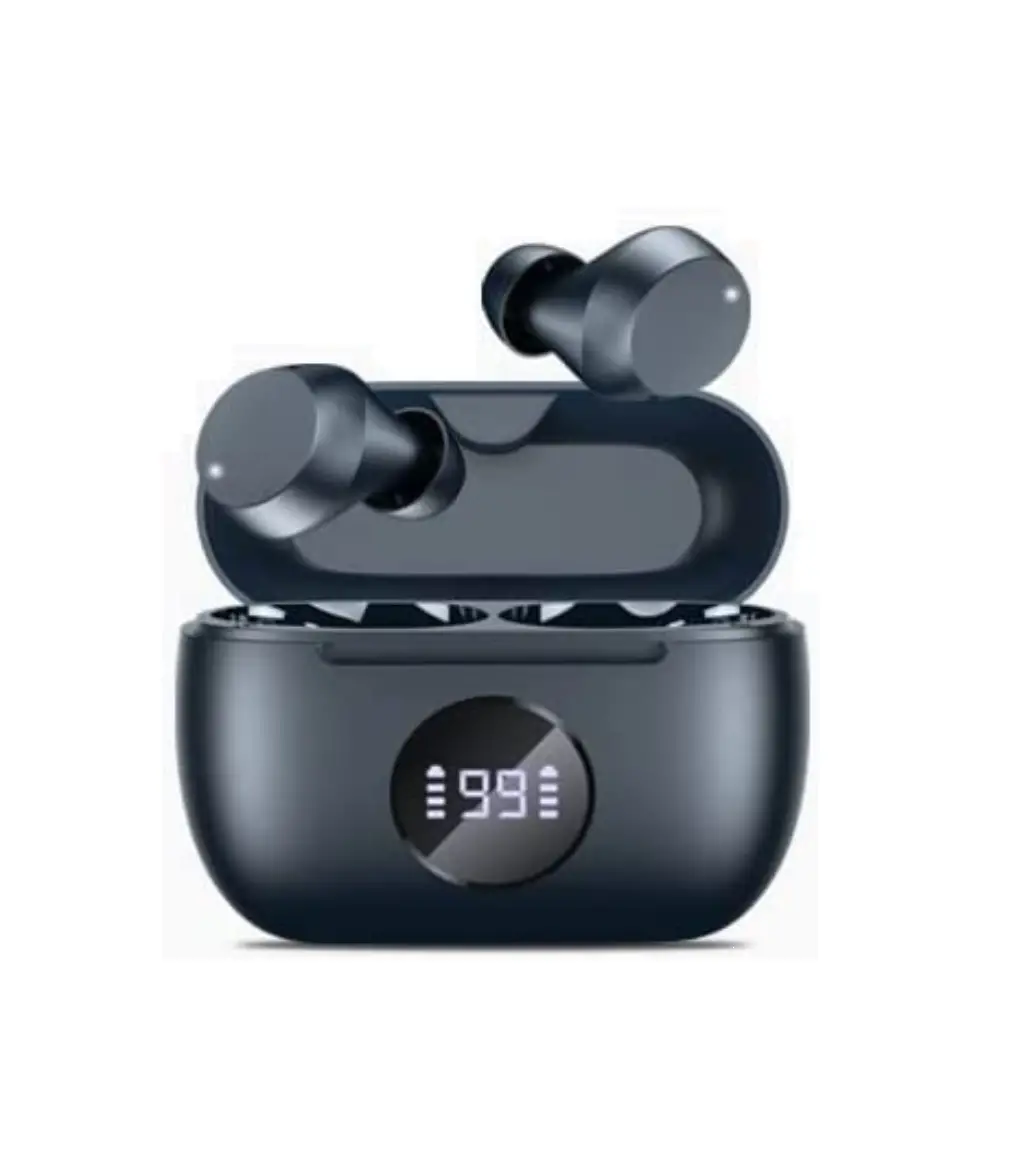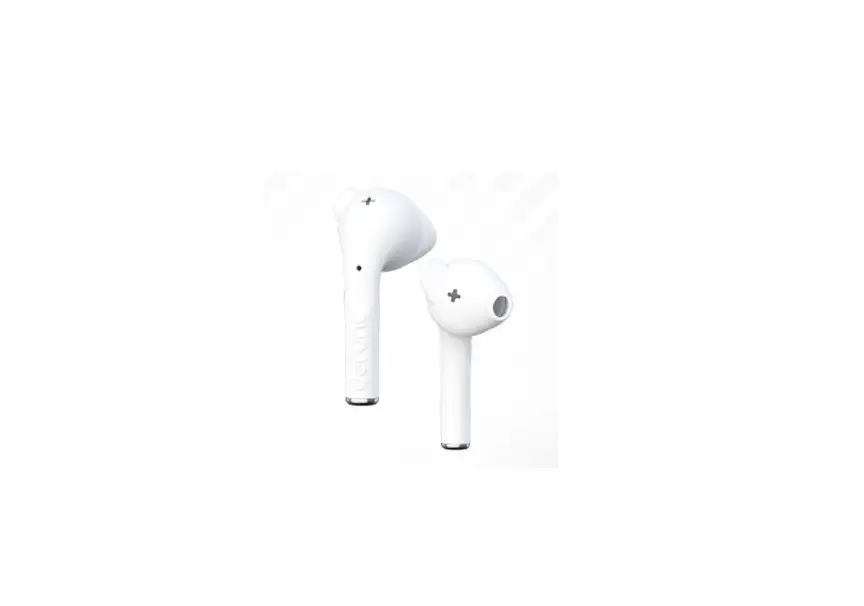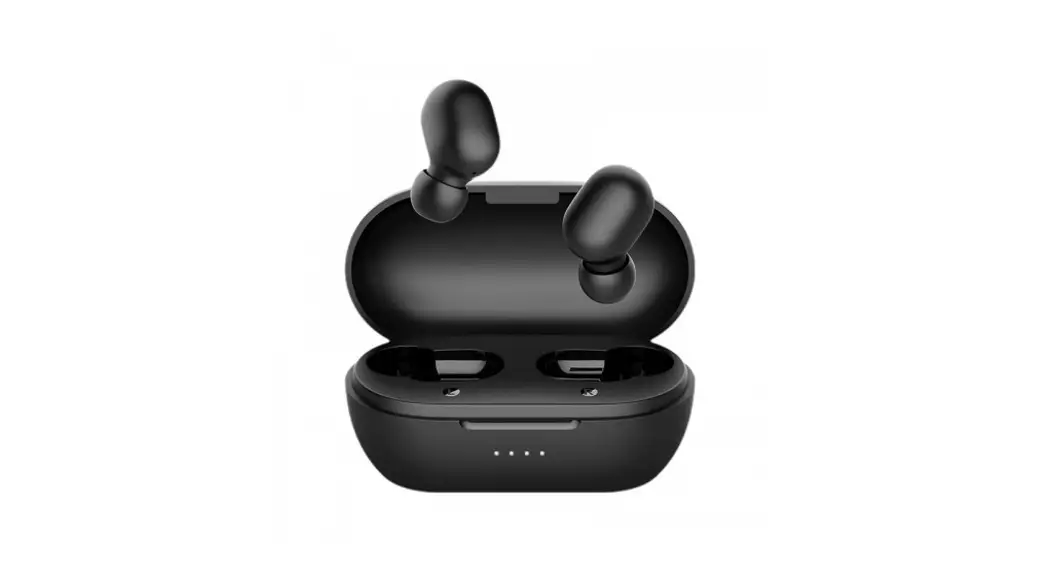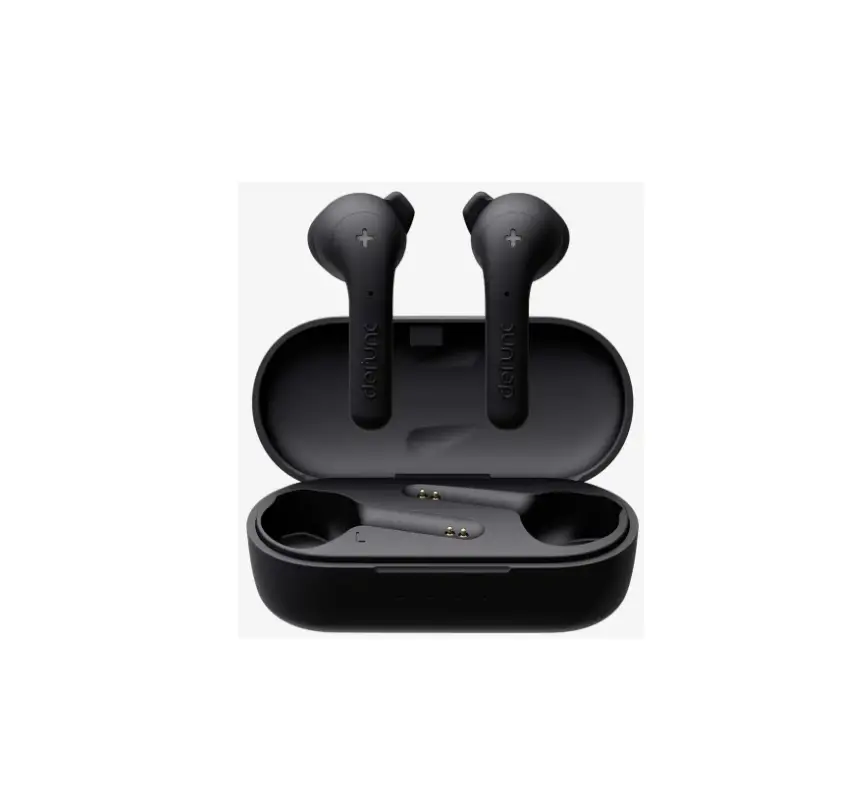
 TB150 True Wireless Earbuds
User Manual TB150
TB150
USER MANUAL (Ver 1.0)
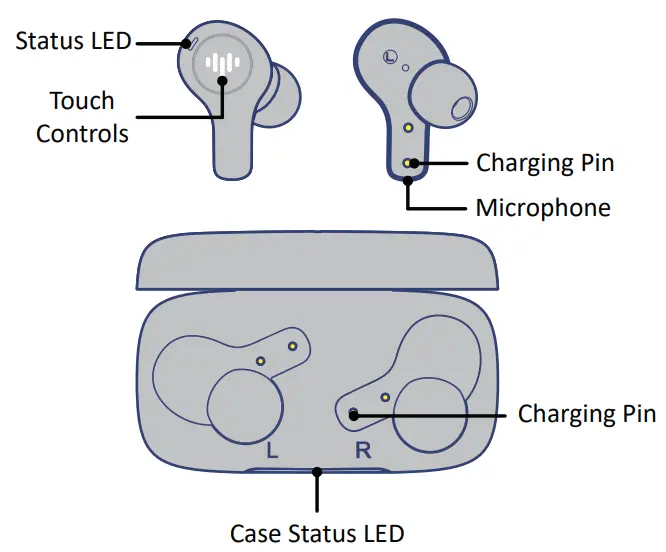
PRODUCT OVERVIEW
HOW TO PAIR
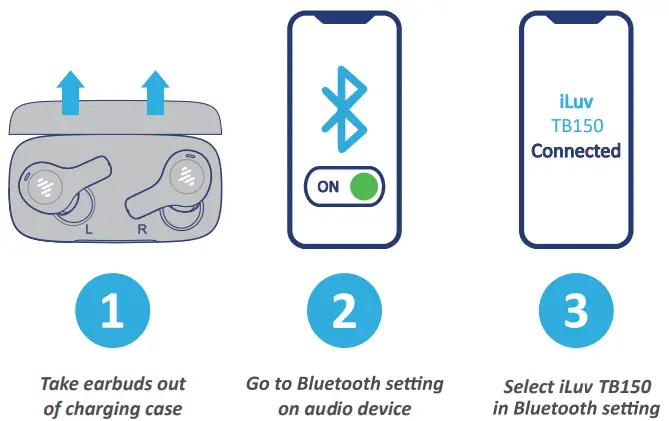
Take both earbuds out of the charging case to pair to your device; the earbuds will automacally power on. With the earbuds powered on, go to your Bluetooth seng on your audio device and select ‘iLuv TB150’. Once paired you’re good to go!.
HOW TO WEAR
Both earbuds are marked with a L or R to indicate the appropriate ear The earbuds are differently angled to fit either the or the right ear The proper fit will ensure the best sound quality. Insert the earbud in your ear and rotate slightly clockwise (as shown in image below).
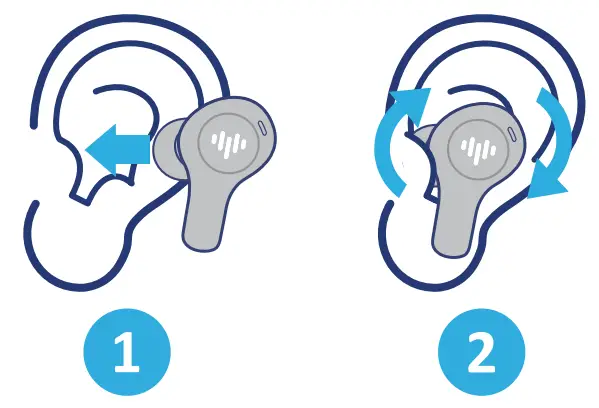 | |
| Insert earbud into ear canal | Slightly rotate earbud in ear canal |
HOW TO FIT
Select the desired eartip size (x-small, small, medium, large) and place it onto the earbud. Once selected, firmly push the eartip onto the earbud. There should be no gap inbetween the eartip and earbud. The medium size eartips are premounted onto the earbuds.
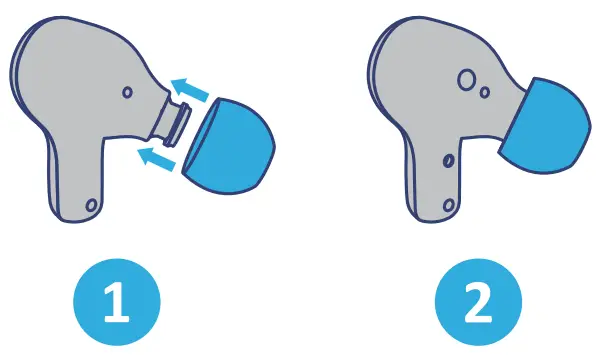 | |
| Place eartips onto the earbud | Firmly push eartip onto the earbud |
BATTERY PLAYTIME
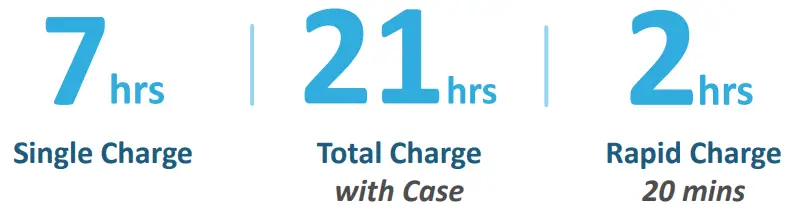
The TB150 earbuds will provide a playme of 21 hours. Get up to 7 hours on a single charge and an addional 14 hours from the included charging case. For quick charge, place both earbuds back into the charging case for 20 minutes and get 2 hours of listening me. A full charge for the earbuds and charging case will take 2 hours.
BATTERY STATUS
The charging case is equipped with LED baery life indicators which helps idenfy the baery level. The LED will stay lit when charging is at full capacity. Baery level percentages listed below: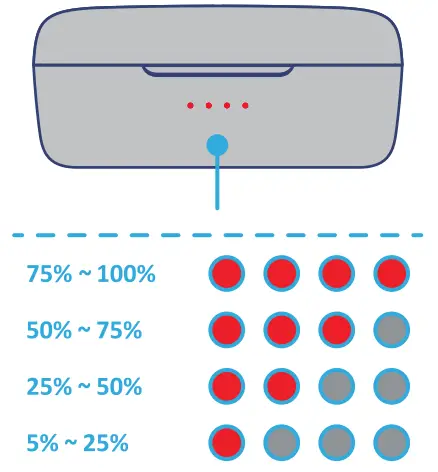
HOW TO CHARGE
Please follow the instrucons below to properly charge the earbuds and charging case. The LEDs on the earbud and charging case will signify the status of charge; the earbud LEDs will be off when fully charged while the charging case LEDs will all be lit.
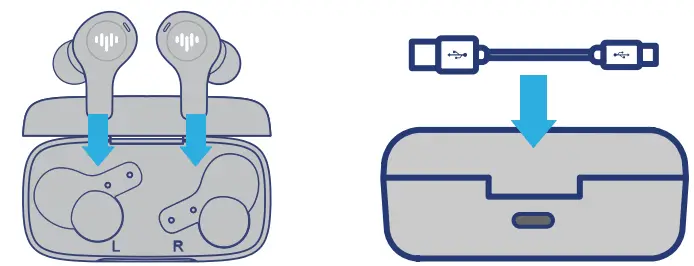 | |
| Earbuds Place both earbuds into the charging case and close the case lid | Charging Case Plug the Type-C USB cable to the charging case and a power adapter |
TOUCH CONTROLS
POWER
Please follow the instrucons below
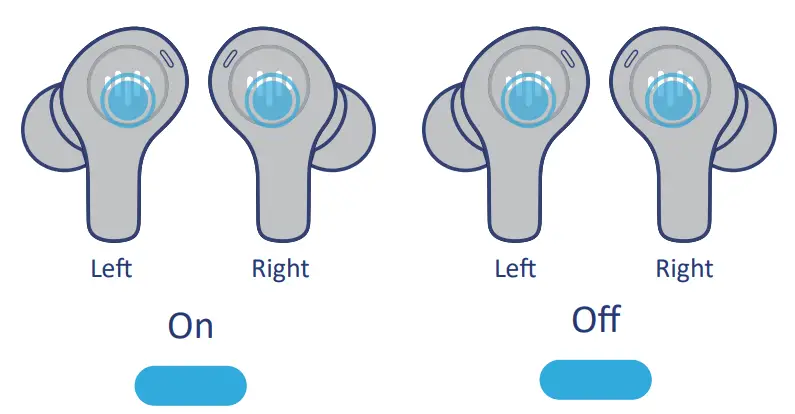 | |
| PRESS & HOLD 2 SECONDS LEFT & RIGHT | PRESS & HOLD 5 SECONDS LEFT OR RIGHT |
TOUCH CONTROLS
MUSIC
Please follow the instrucons below
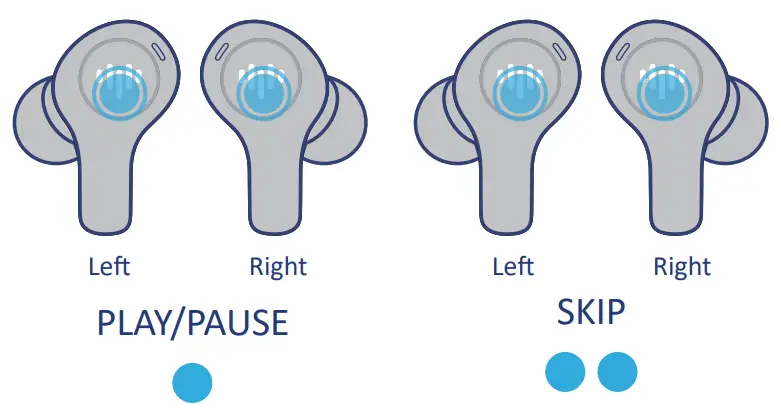 | |
| SINGLE TAP LEFT OR RIGHT | DOUBLE TAP LEFT OR RIGHT |
VOLUME
Please follow the instrucons below
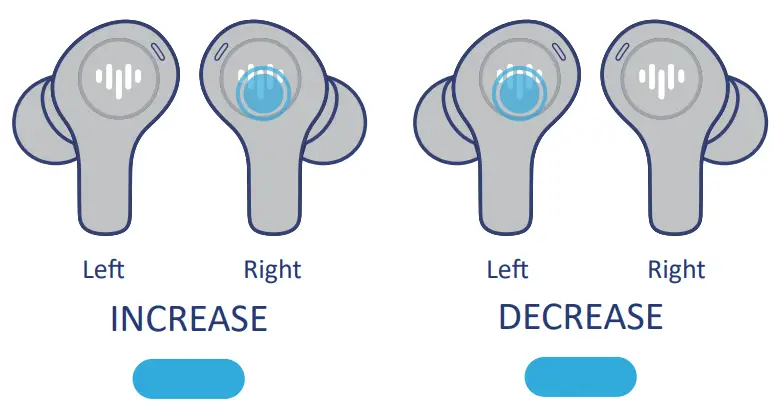 | |
| PRESS & HOLD RIGHT | PRESS & HOLD LEFT |
CALLS
Please follow the instrucons below
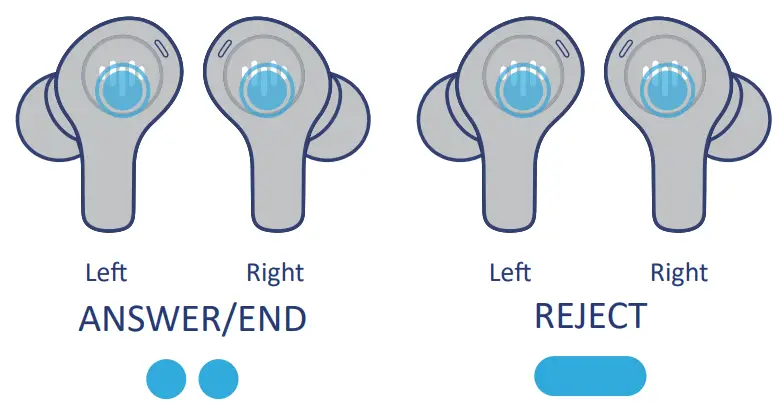 | |
| DOUBLE TAP LEFT OR RIGHT | PRESS & HOLD 2 SECONDS LEFT OR RIGHT |
VOICE ASSISTANT
Availability of Google Assistant voice control feature will vary by different Android Phone models.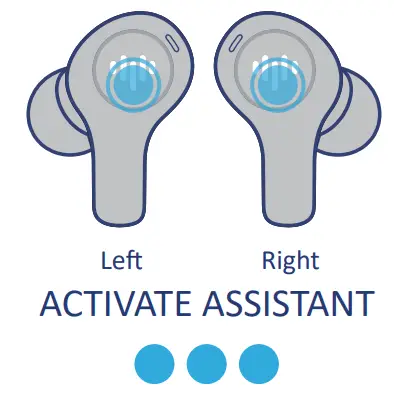
WATER RESISTANCE
The earbuds are rated IPX6 water resistant. They are designed to be sweat and weather resistant but aren’t meant to be suberged under water. The IPX6 is not a permanent condion and the resistance may decrease as a result of normal wear.
*CAUTION*
Please do NOT do the following:
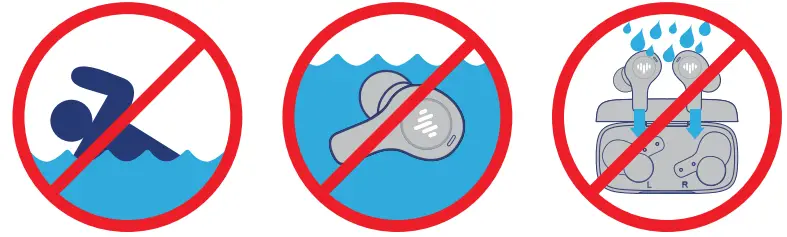 | ||
| Swim or shower with earbuds | Submerge earbuds under water | Place wet earbuds into charging case |
REPLACEMENT PARTS
Replacement or addional accessories can be purchased online at: iLuv Website: www.iLuv.com
iLuv Amazon Storefront: www.Amazon.com/iLuv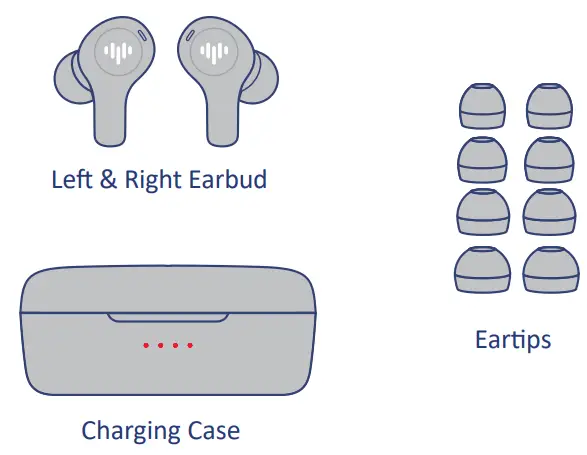
SPECIFICATIONS
| Bluetooth Version | 5.3 |
| Bluetooth Range | 10 meters (30 feet) |
| Baery Composion | Lithium-ion |
| Play Time | 7 hours* |
| Charge Time | 2 hours |
| Quick Charge | 20 minutes = 2 hours play me |
| Charging Method | Type-C USB |
| Waterproof Protecon | IPX6 |
| Microphone Type | MEMS |
| Microphone Technology | Omnidireconal |
| Connecon Type | Independent |
| Earbud Dimensions | 23.4 (W) x 23 (D) x 30 (H) mm |
| Case Dimensions | 68.5 (W) x 35 (D) x 30 (H) mm |
| Earbud Weight | 4.3 grams |
| Case Weight | 32.1 grams |
*Playme and standby me may vary due to usage condions*
NOTE: This equipment has been tested and found to comply with the limits for a Class B digital device, pursuant to part 15 of the FCC Rules. These limits are designed to provide reasonable protection against harmful interference in a residential installation. This equipment generates uses and can radiate radio frequency energy and, if not installed and used in accordance with the instructions, may cause harmful interference to radio communications. However, there is no guarantee that interference will not occur in a particular installation. If this equipment does cause harmful interference to radio or television reception, which can be determined by turning the equipment off and on, the use is encouraged to try to correct the interference by one or more of the following measures:
- Reorient or relocate the receiving antenna.
- Increase the separation between the equipment and receiver.
- Connect the equipment into an outlet on a circuit different from that to which the receiver is connected.
- Consult the dealer or an experienced radio/TV technician for help.
Changes or modifications not expressly approved by the party responsible for compliance could void the user’s authority to operate the equipment.
The device complies with Part 15 of the FCC Rules. Operation is subject to the following two conditions: (1) this device may not cause harmful interference, and (2) this device must accept any interference received, including interference that may cause undesired operation.
Hereby, iLuv Creative Technology declares that the radio equipment type TB150 is in compliance with Directive 2014/53/EU. The full text of the EU declaration of conformity is available at the following internet address: www.iluv.com
Caution: The device paired with this iLuv product may emit an involuntary alert such as government alerts, AMBER alerts, emergency alerts, etc. Please note that these alerts will prompt a message at a high volume which is dictated by the operational system of the device. These alerts maybe disabled through the device settings.
IMPORTANT: Please ONLY use either the USB charging cable which comes with the package or other certified USB charging cables to charge this device. Uncertified USB charging cables may lead to short circuiting of the charging case and will void the warranty.