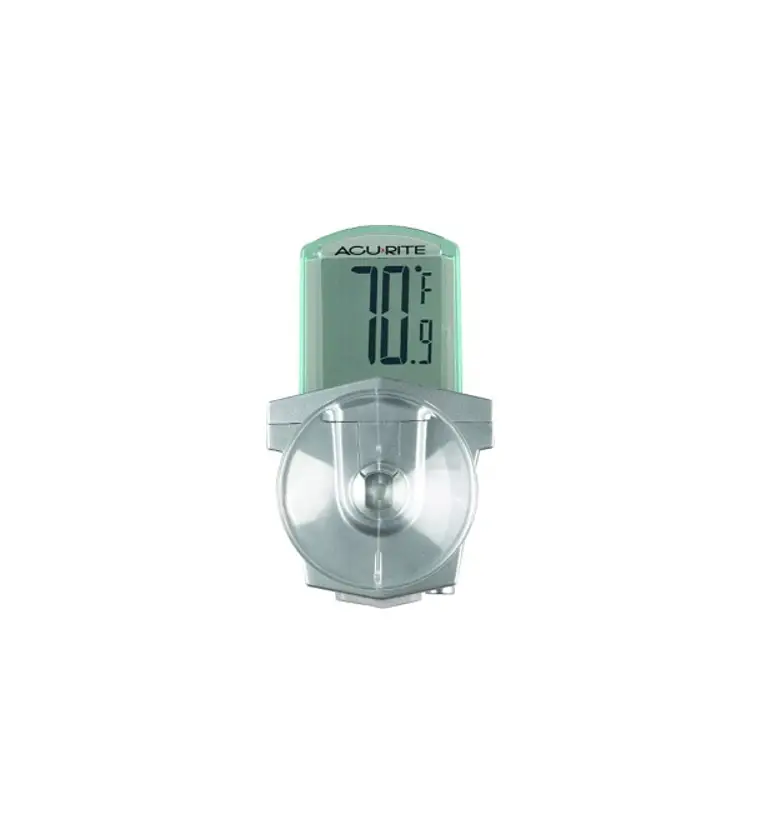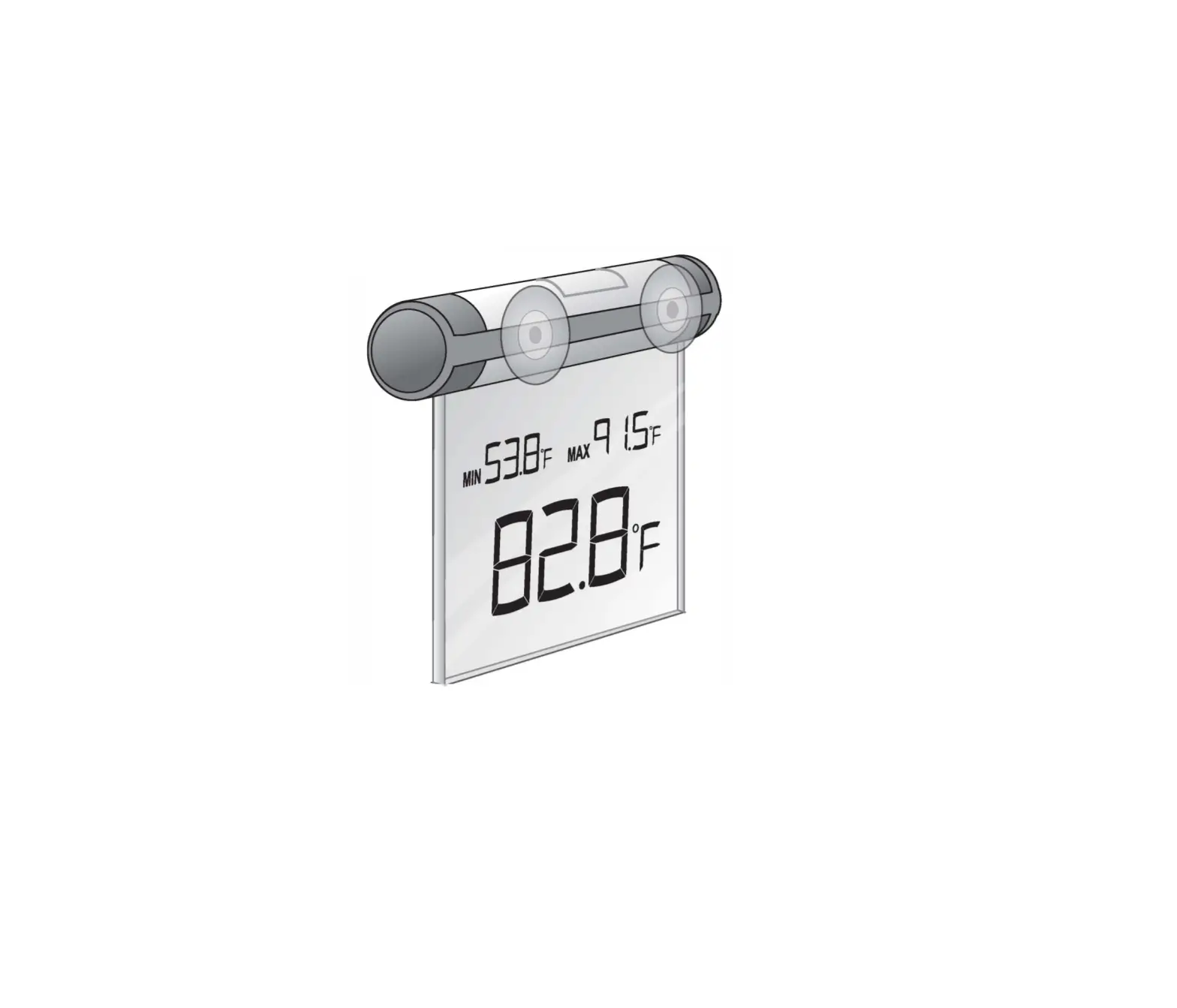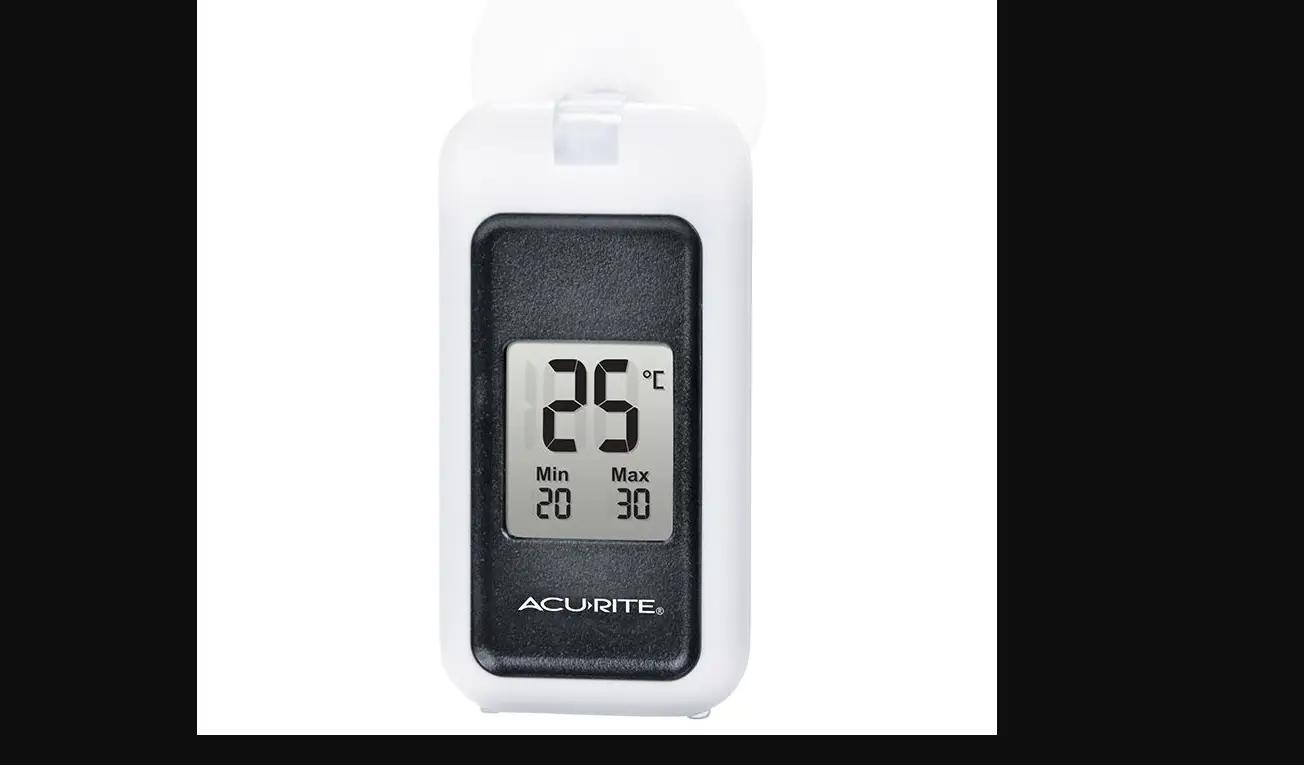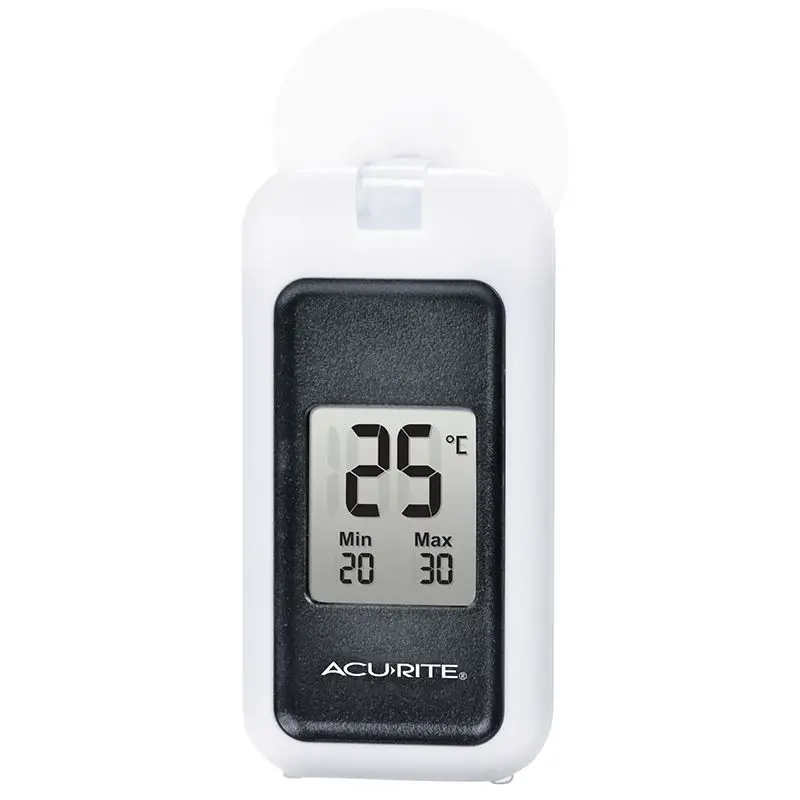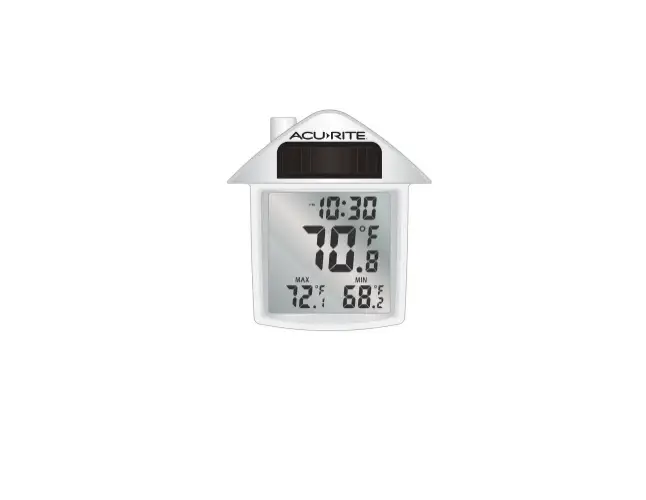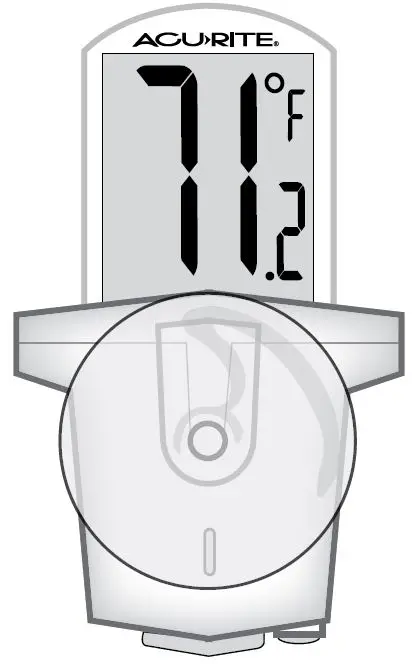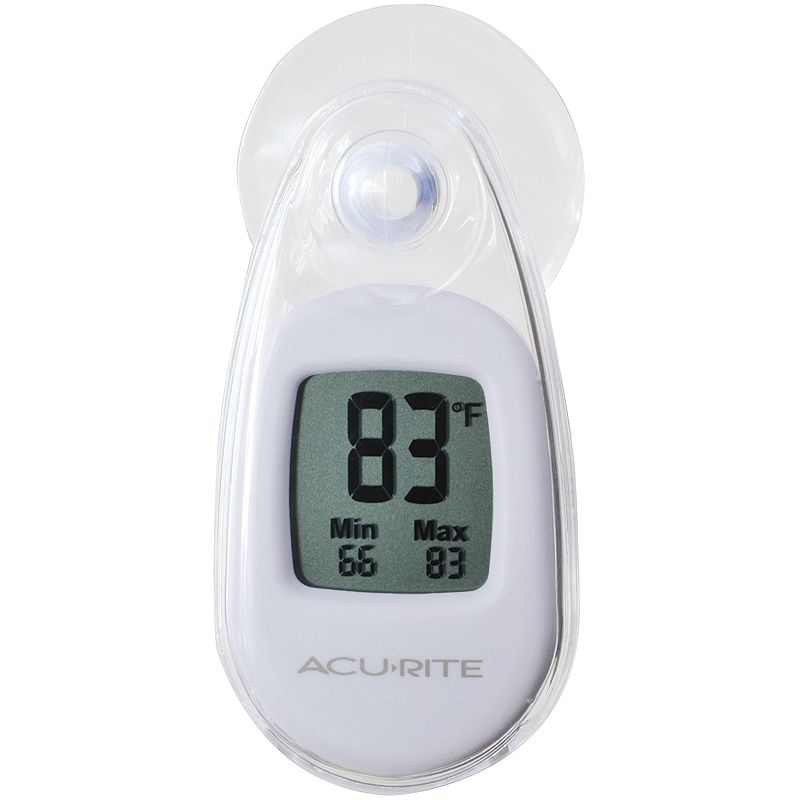
AcuRite 00315 Window Thermometer Instruction Manual
Congratulations on your new AcuRite product. To ensure the best possible product performance, please read this manual in its entirety and retain it for future reference.
Features & Benefits
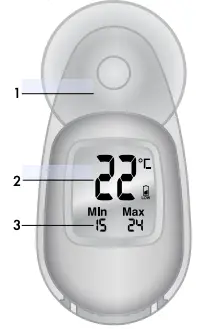
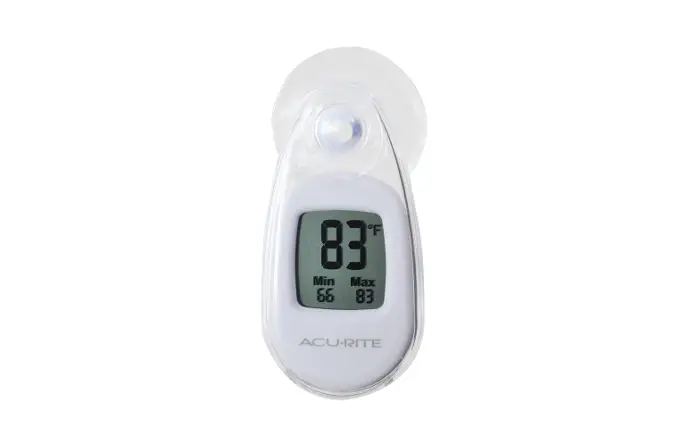
- Suction Cup
Mount Easily mounted on a window. - Current Temperature
Displayed in degrees Celsius. - Min/Max
Daily temperature records.
Unpacking Instructions
Remove the protective film that is applied to the screen prior to using this product. Peel off to remove.
Power On
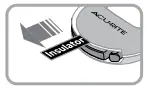 This thermometer includes a “CR-2032” battery that is already installed. Remove the plastic insulator tab to activate the battery and thermometer display.
NOTE that the initial temperature reading may be higher than the actual temperature due to the heat from your hands warming up the case
Specifications
| TEMPERATURE RANGE | -20°C to 70°C |
| POWER | 1 x “CR-2032” (included) |
Replace the Battery
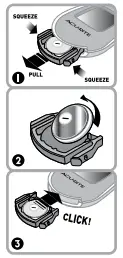 Gently squeeze the tabs located at the bottom of the thermometer to pull out the battery compartment drawer.
- Remove and safely discard the old battery (see disposal safety info included). Insert a new “CR-2032” battery, paying close attention to the polarity markings.
- Gently insert the battery drawer back into the thermometer.
Placement
For the most accurate temperature readings, place your thermometer in a location that is OUT OF DIRECT SUNLIGHT. This unit can be mounted on a window using the included suction cup. For the best performance, clean the area where you want to adhere the thermometer. Moisten the suction cup and then press it evenly onto the clean surface.
Occasionally, suction cups will not adhere well in very cold temperatures. In this case, it may be necessary to re-apply the suction cup.
MIN/MAX Reset
The MIN/MAX temperature readings will reset every 24 hours. The reset time is based on when the thermometer was powered on. For example, if you power on the thermometer at 4:30 PM on Monday, the MIN/MAX readings will be reset at 4:30 PM Tuesday (24 hours later).
IMPORTANT
PRODUCT MUST BE REGISTERED TO RECEIVE WARRANTY SERVICE
 PRODUCT REGISTRATION
Register online to receive 1 year warranty protection
www.AcuRite.com
Questions? Contact Customer Support at (877) 221-1252 or visit www.AcuRite.com.

PLEASE DISPOSE OF OLD OR DEFECTIVE BATTERIES IN AN ENVIRONMENTALLY SAFE WAY AND IN ACCORDANCE WITH YOUR LOCAL LAWS AND REGULATIONS. BATTERY SAFETY: Follow the polarity (+/-) diagram in the battery compartment. Promptly remove dead batteries from the device. Dispose of used batteries properly. Only batteries of the same or equivalent type as recommended are to be used. DO NOT incinerate used batteries. DO NOT dispose of batteries in fire, as batteries may explode or leak. DO NOT mix old and new batteries or types of batteries (alkaline/standard). DO NOT use rechargeable batteries. DO NOT recharge non-rechargeable batteries. DO NOT short-circuit the supply terminals. Battery contains mercury. Do not put in trash. Recycle or manage as hazardous waste.
 WARNING: THIS PRODUCT CONTAINS A BUTTON-CELL BATTERY. IF SWALLOWED, IT COULD CAUSE SEVERE INJURY OR DEATH IN JUST 2 HOURS. SEEK MEDICAL ATTENTION IMMEDIATELY IF INGESTED.
SAVE THIS MANUAL FOR FUTURE REFERENCE.
Printed in China
00315CADI INST 052113
 AcuRite Weather Monitoring | #1 Weather Station Brand in North America