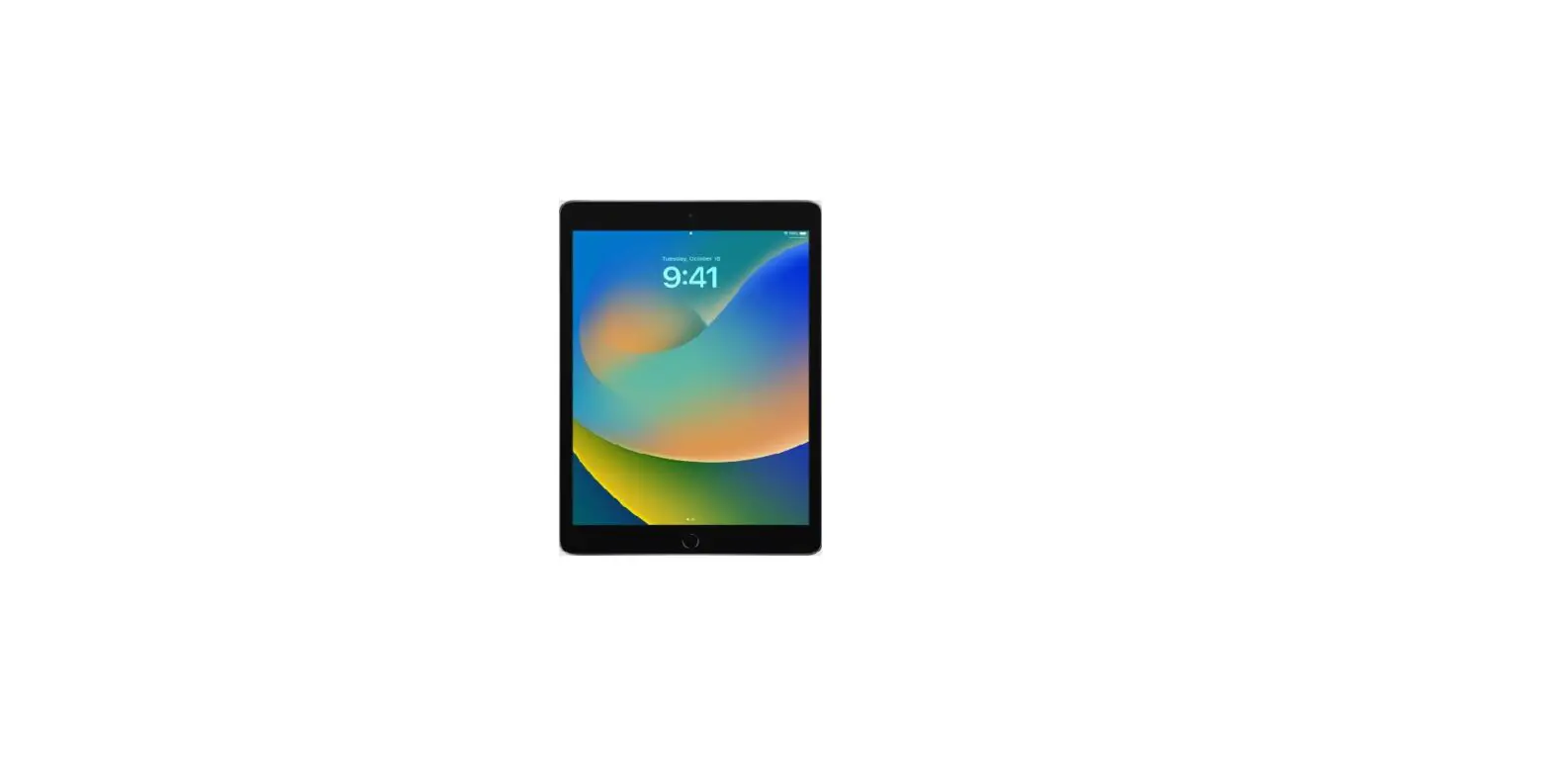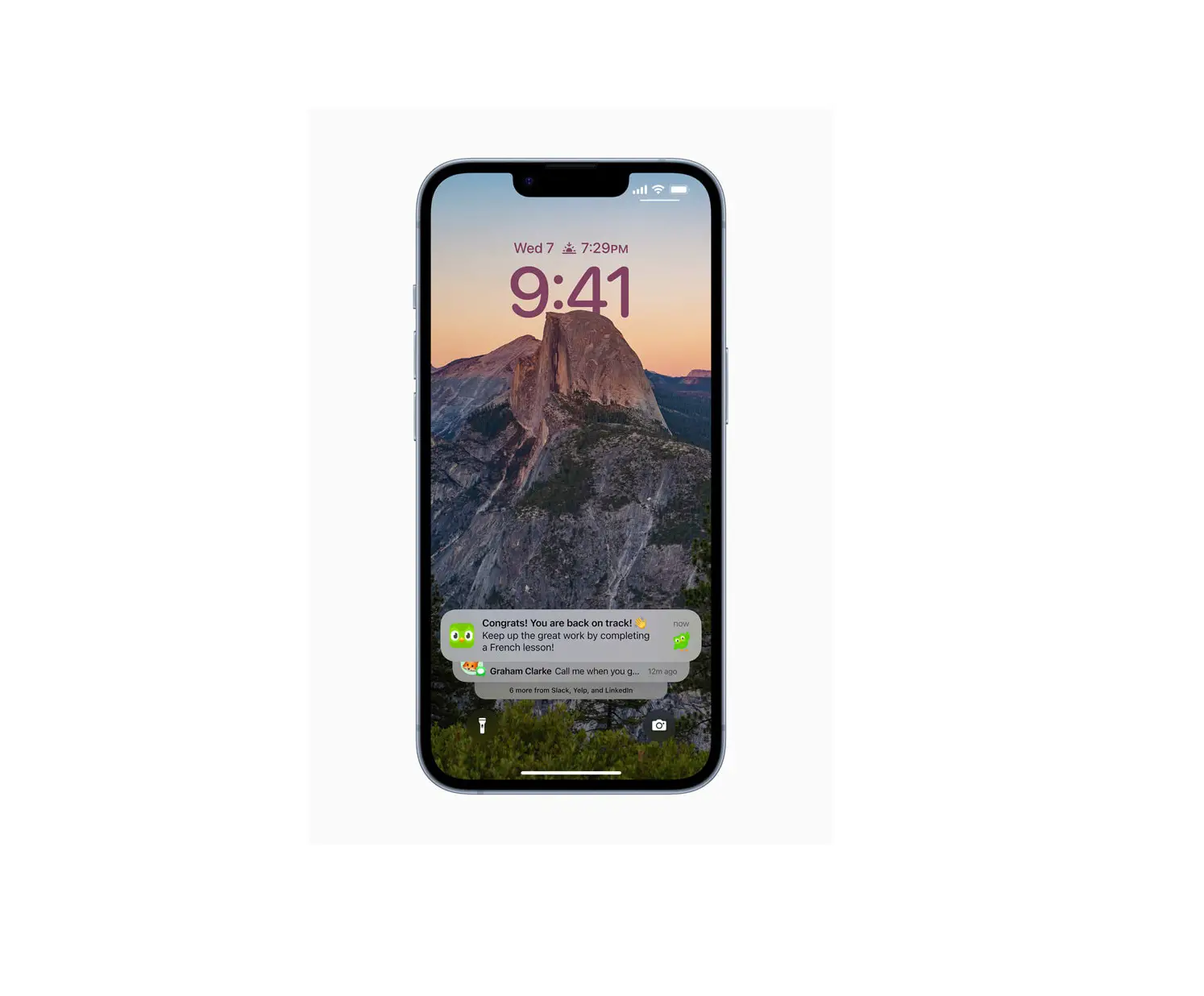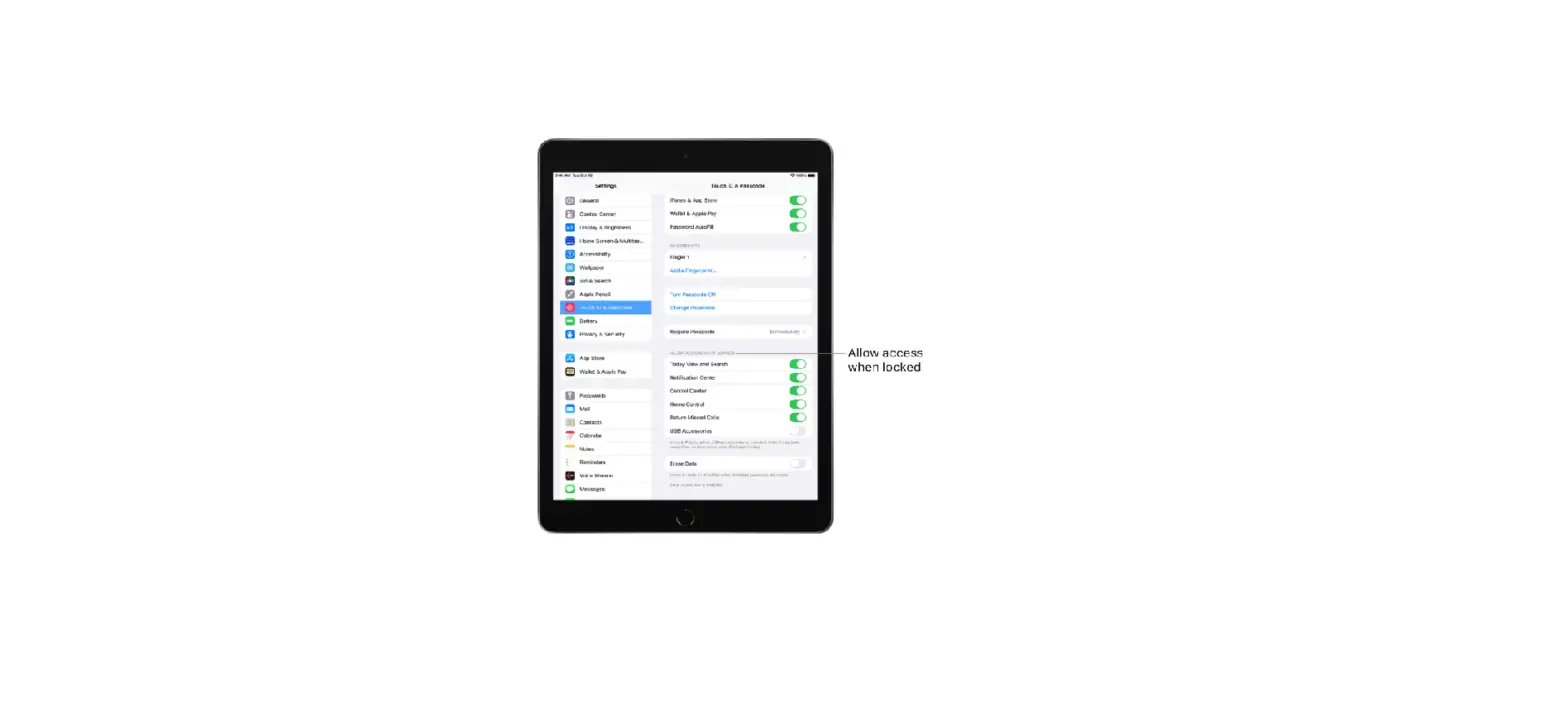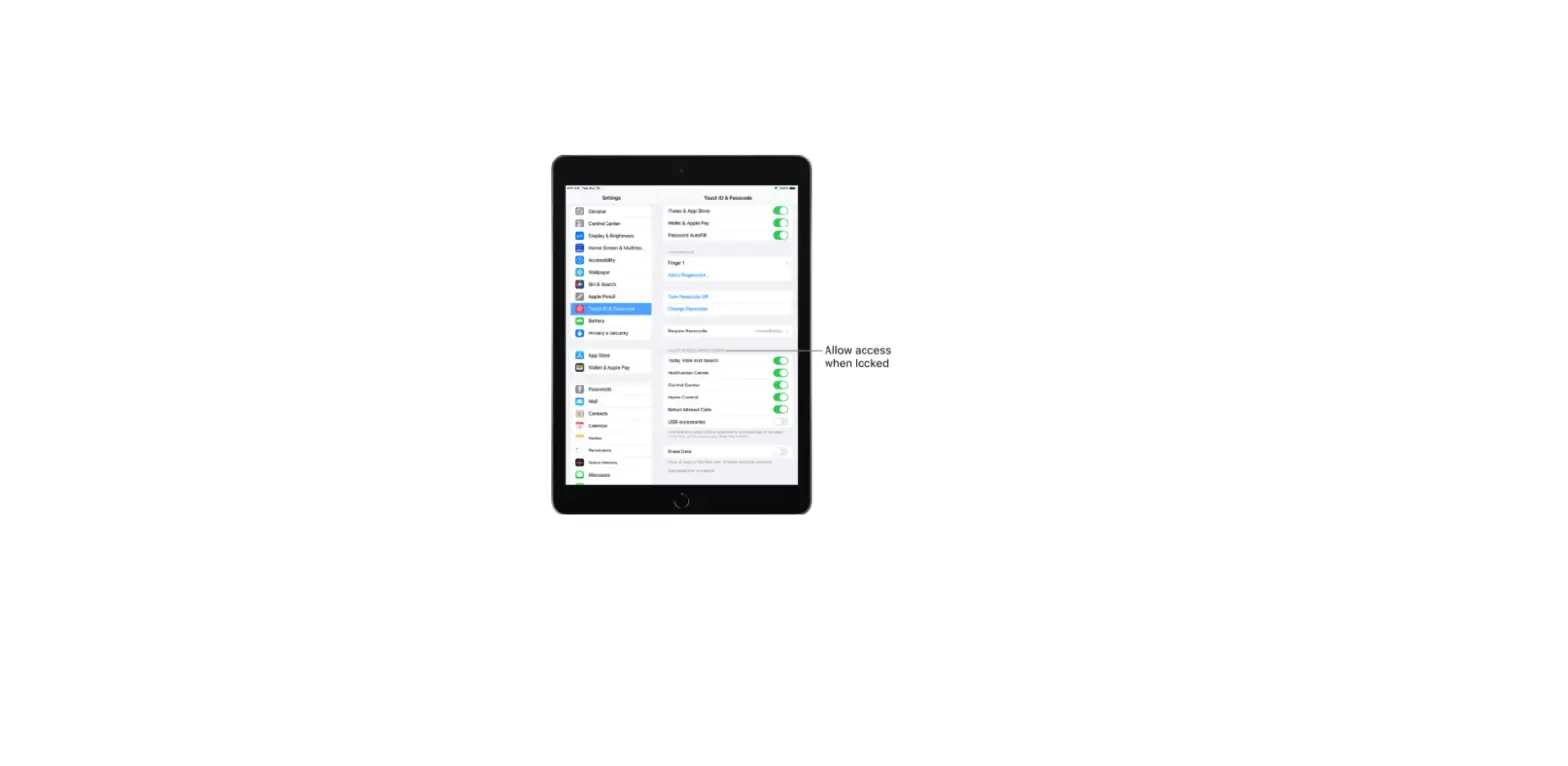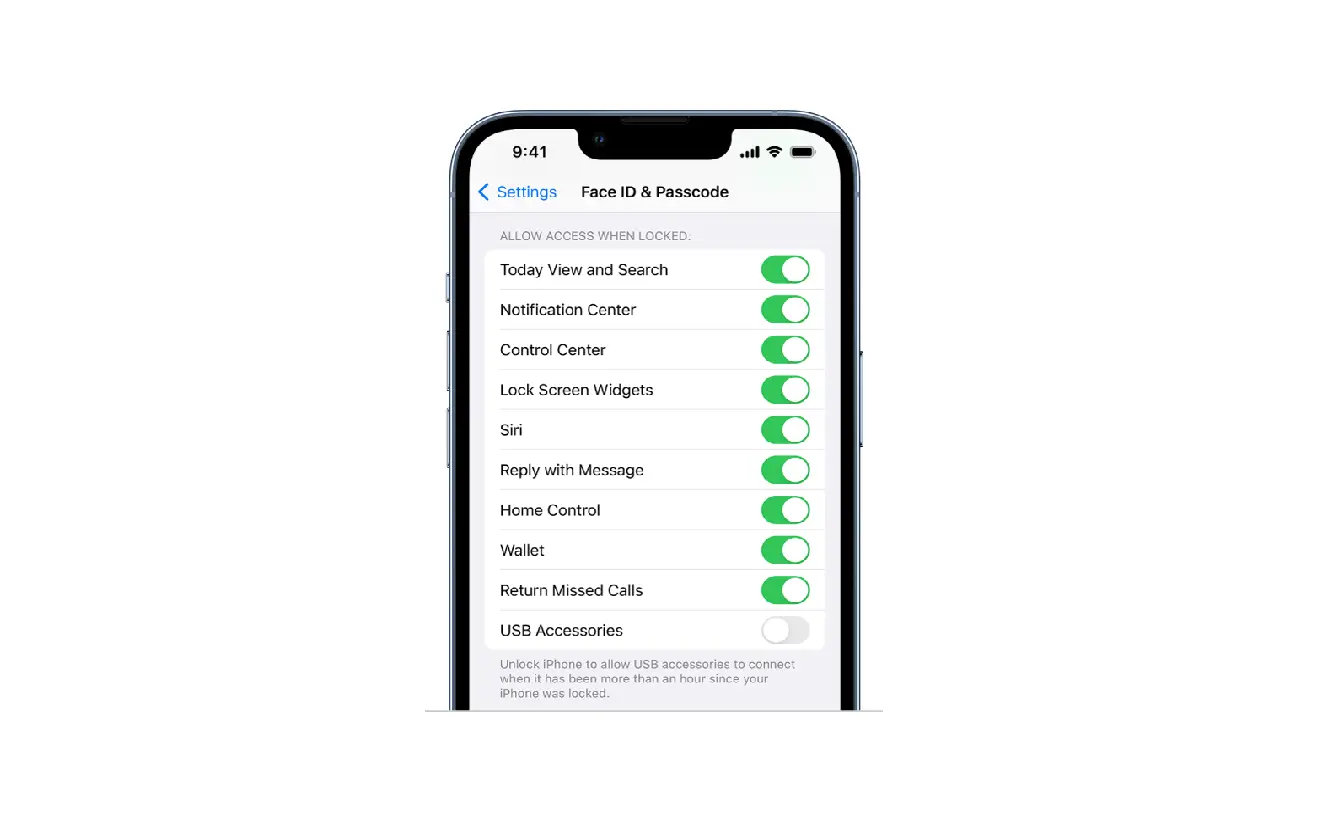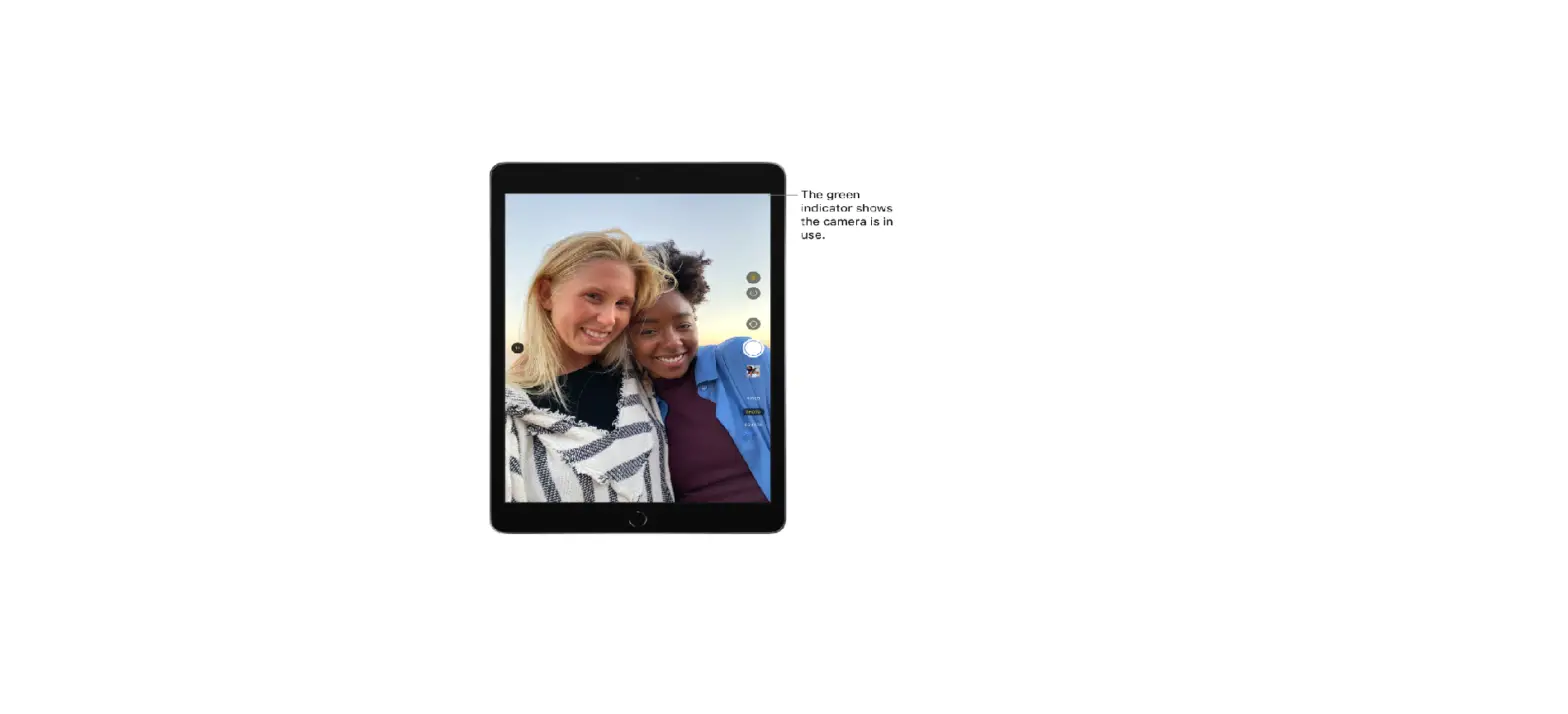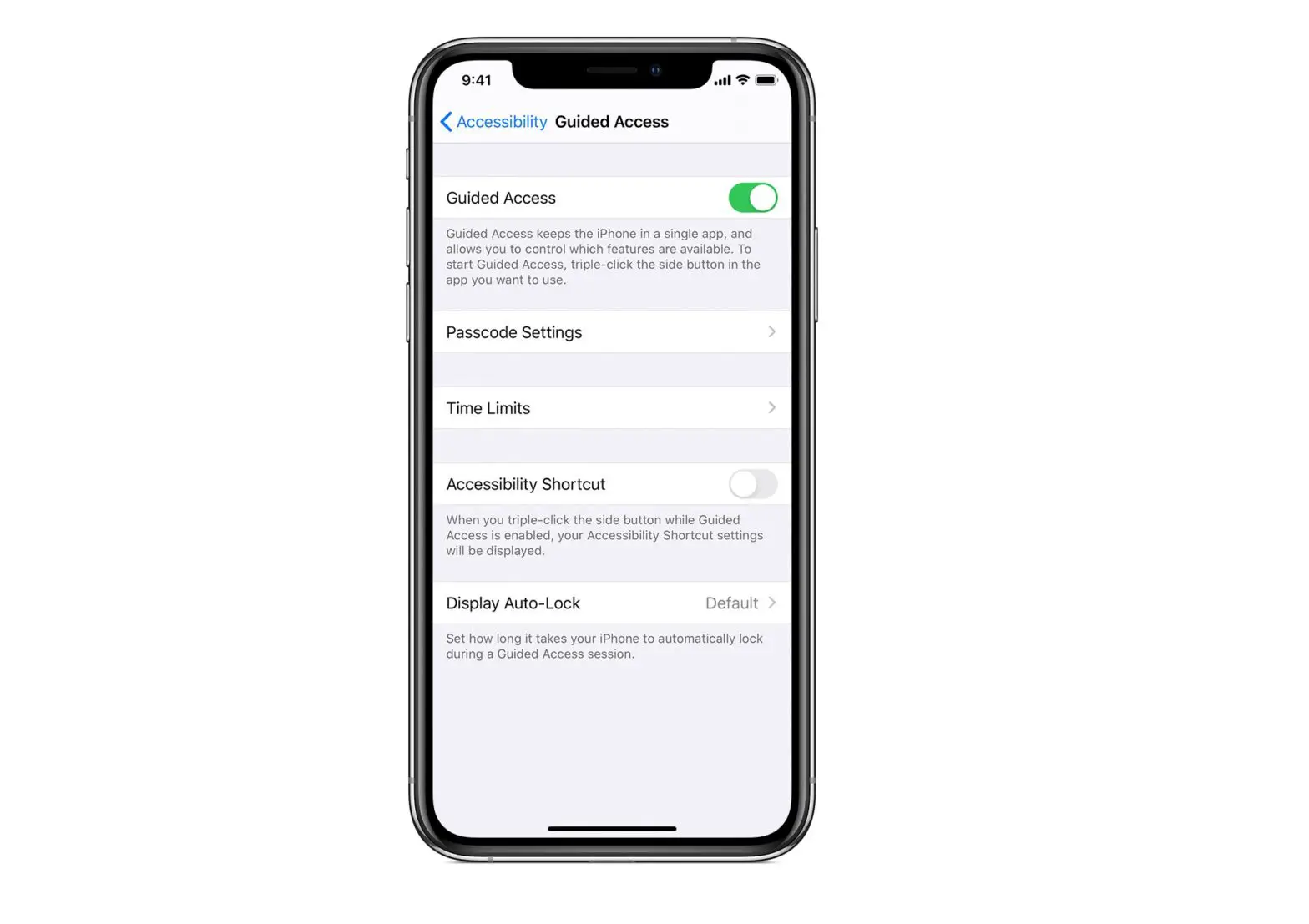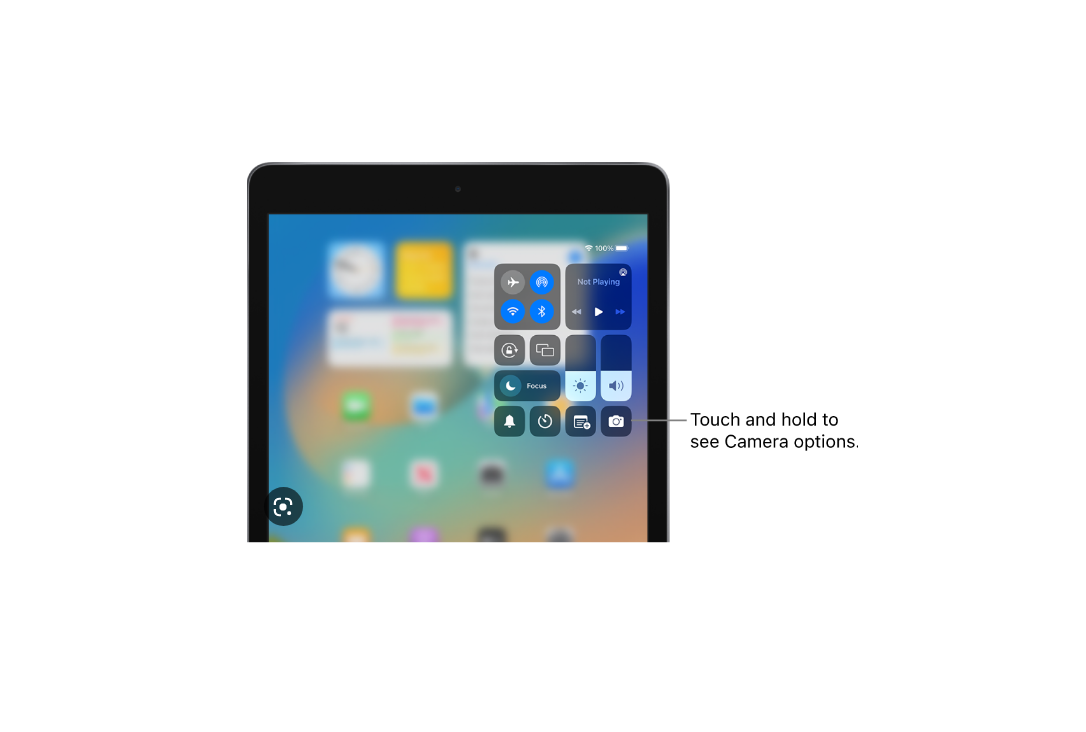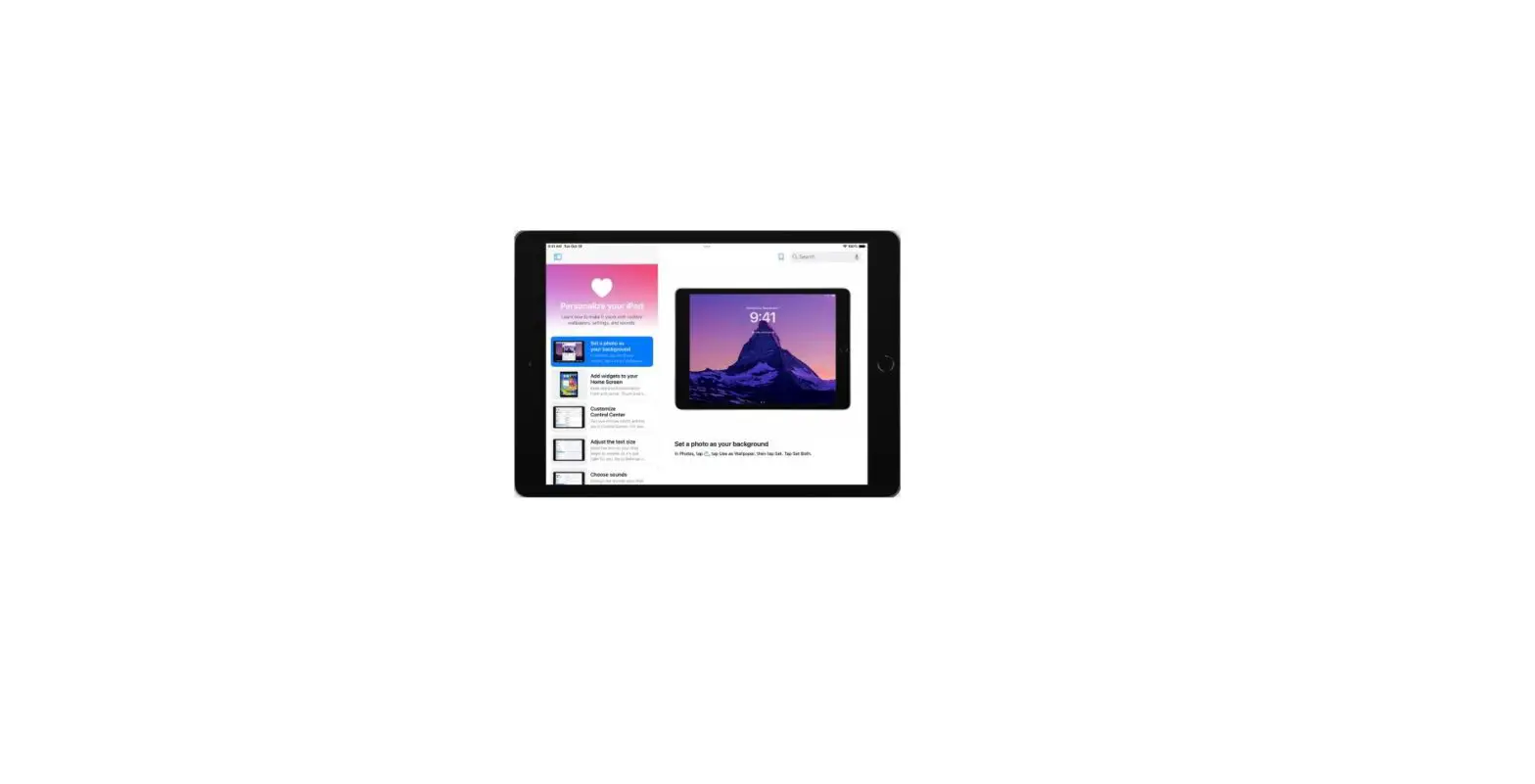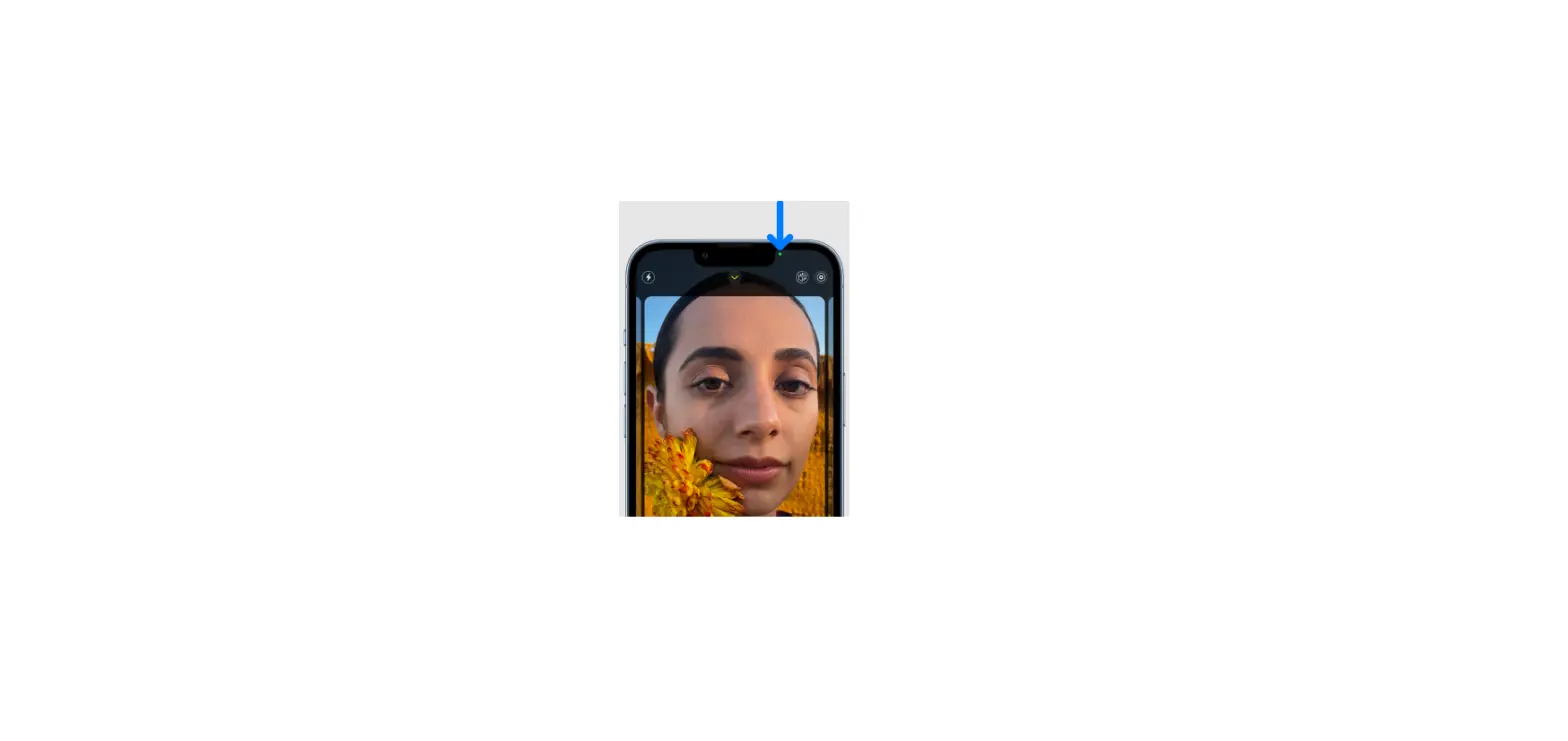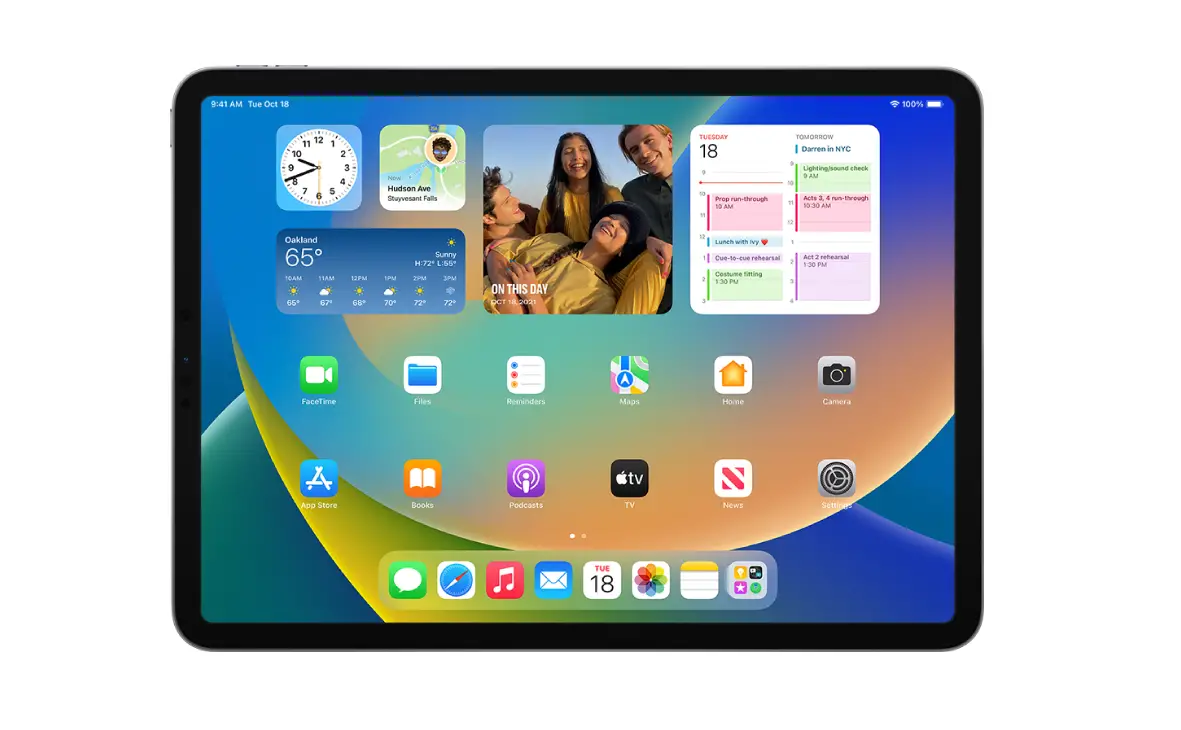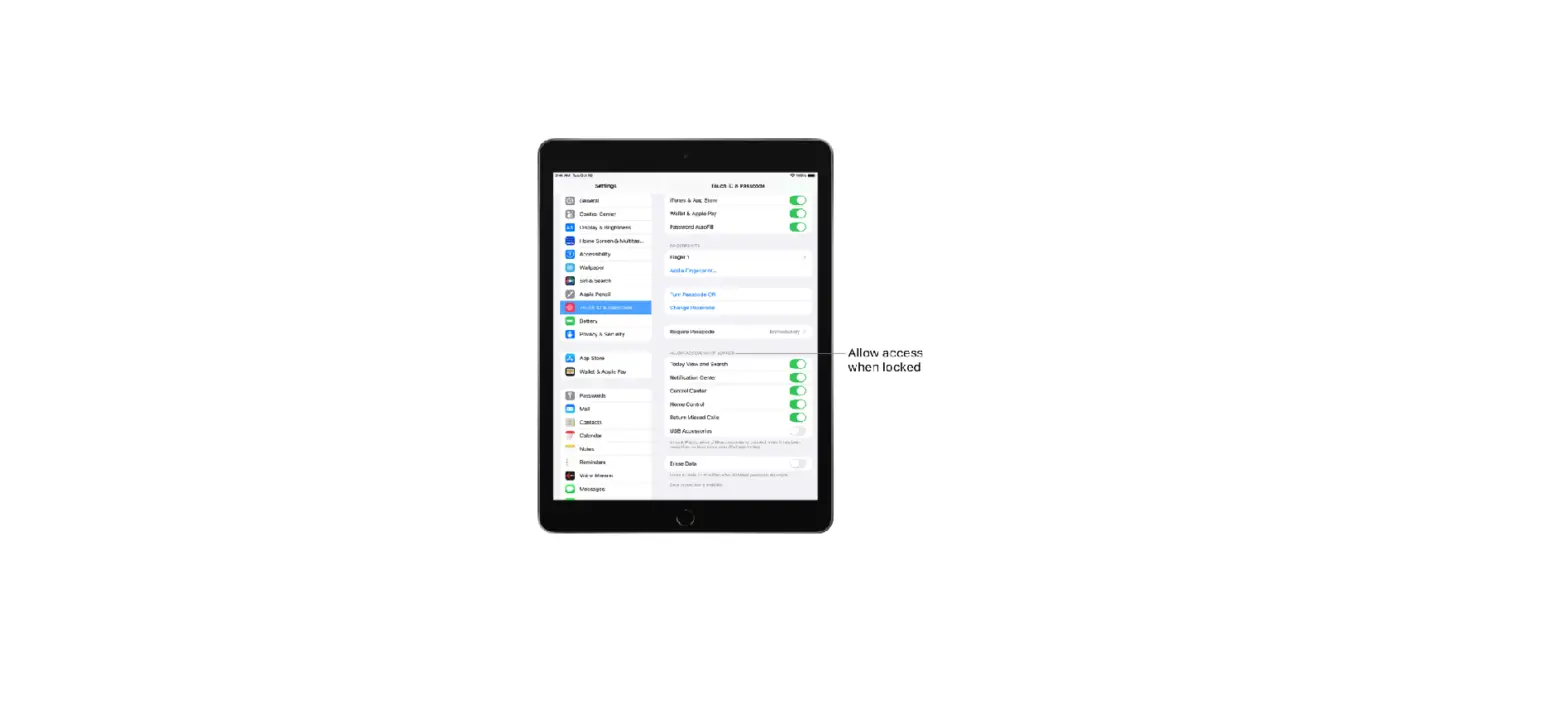
The Lock Screen, which shows the current time and date and your most recent notifications, appears when you turn on or wake iPad. From the Lock Screen, you can see notifications, open Camera and Control Center, get information from your favorite apps at a glance, and more.
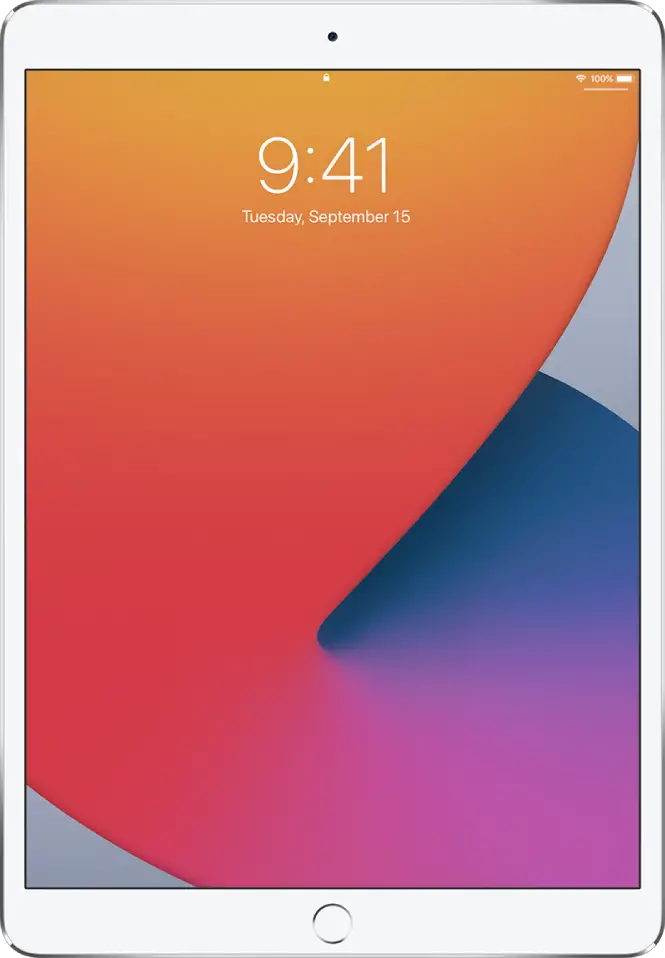
Access features and information from the Lock Screen
Show notification previews on the Lock Screen
- Go to Settings
 > Notifications.
 - Tap Show Previews, then tap Always.
 > Notifications.
Notification previews include text from Messages, lines from Mail messages, and details about Calendar invitations. See View and respond to notifications on iPad.