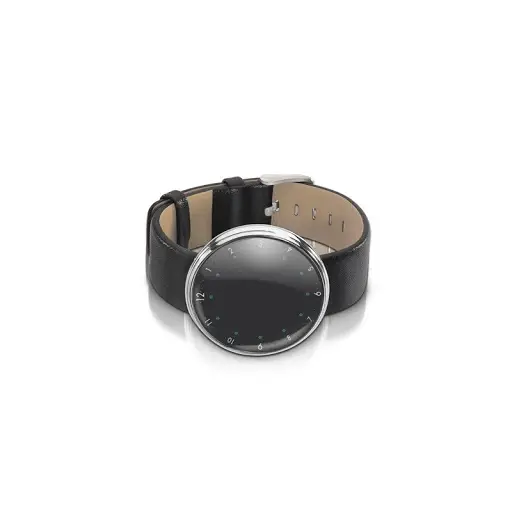
imperii Mars Bluetooth SmartBand
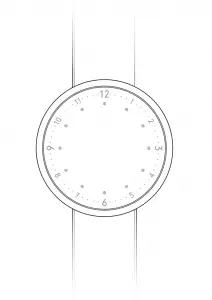
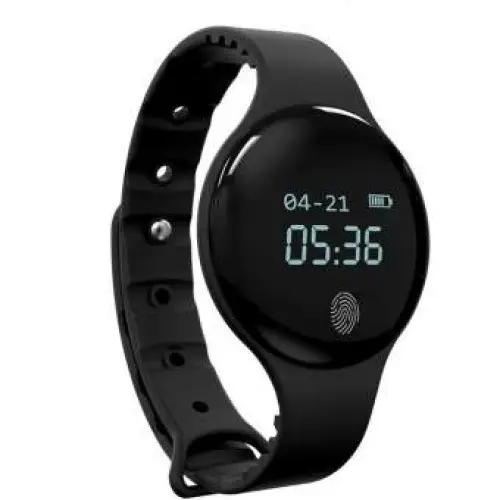
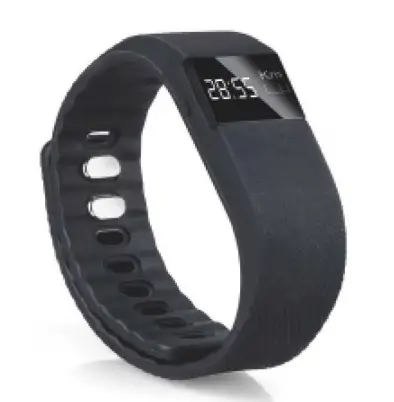
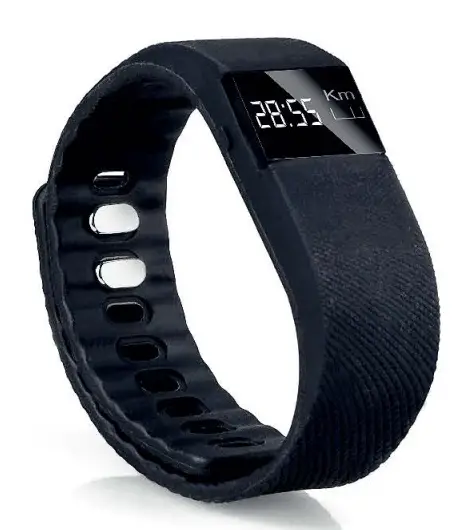
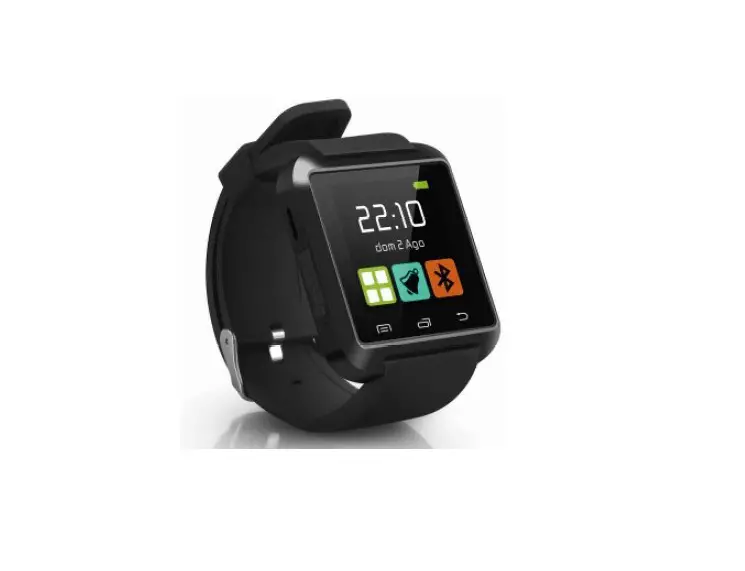
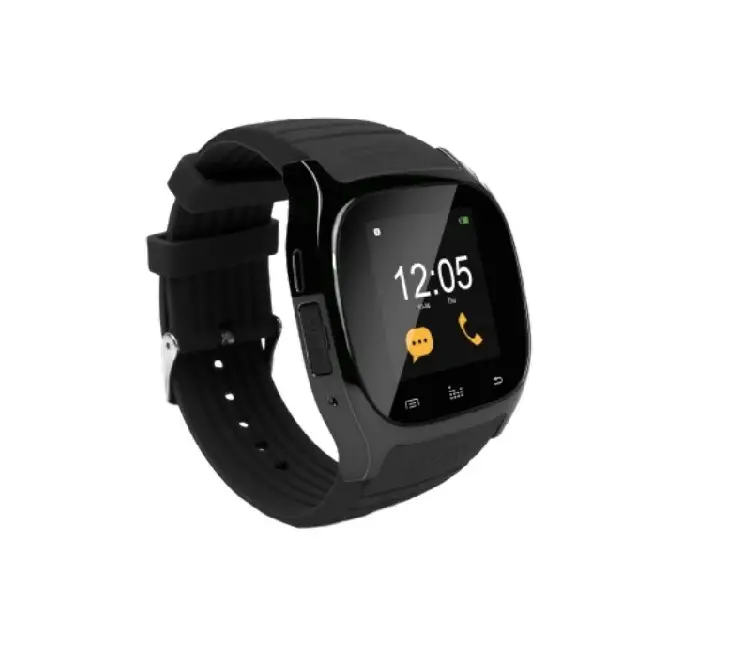
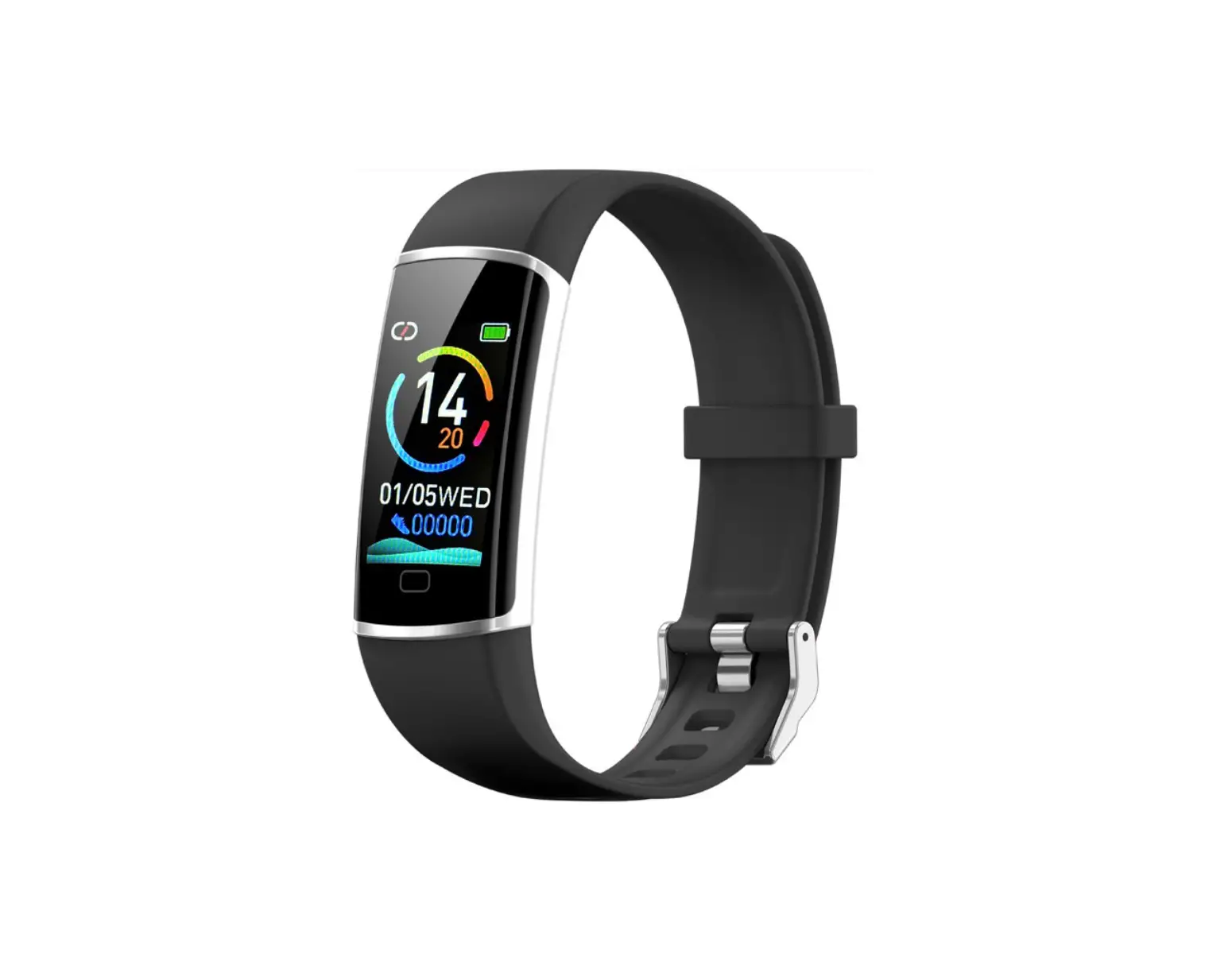
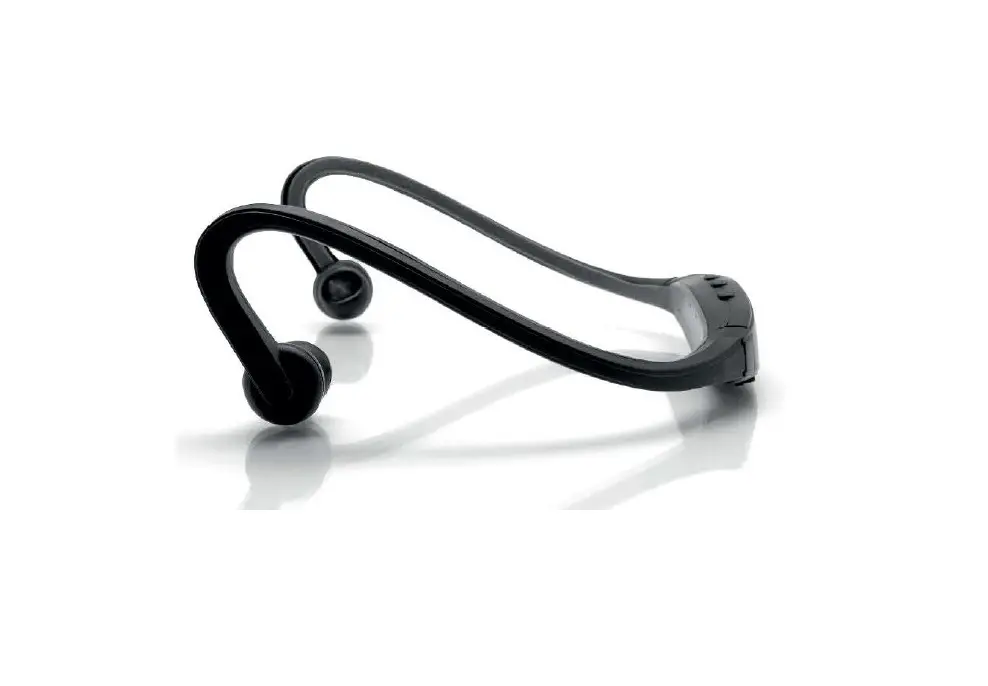
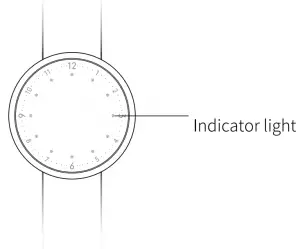
Appearance Introduction
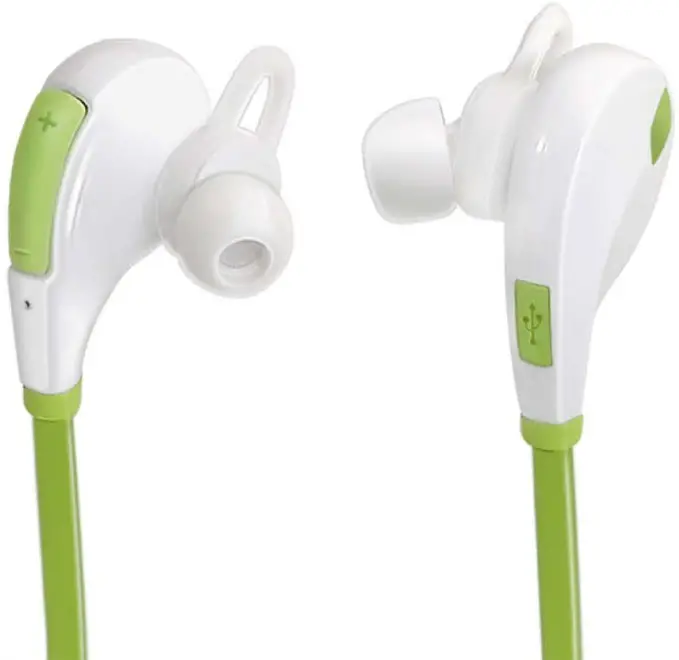
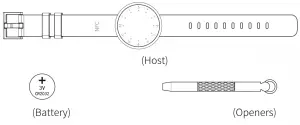
Attachments with Product
Instructions for the first user
- Install the APP: “verify 2.0” from App store/ Android Market

- Enter the APP to find the device interface binding equipment.
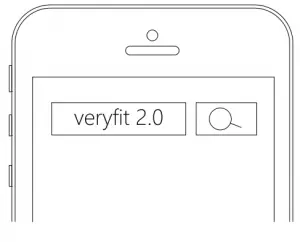
Note: The product has been installed and is in standby mode. Binding can.
Function description
- Sleep Mode Tracking
Automatic access to sleep monitoring mode. - Sync Mode
App sends synchronization command, enter the synchronization mode, LED flash - Remote self timer
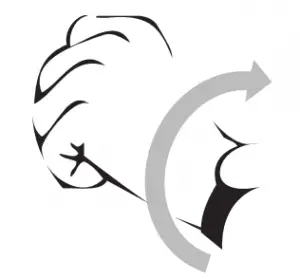
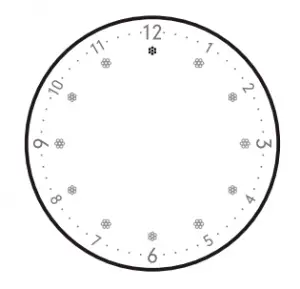
Enter the self timer, equipment 12 point position lights flashing, rotating the wrist to shoot. - NFC Access card
Please go to the property or the Public Security Bureau for the record store to be written to the required access control system.
About the LED Indicators
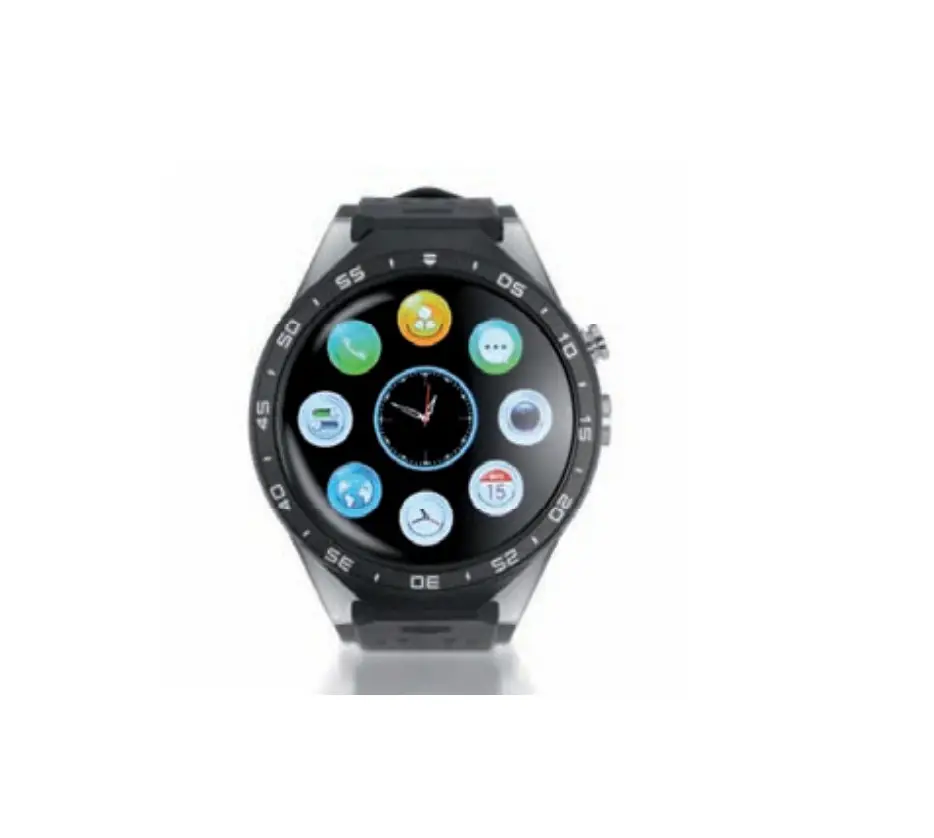
- Show the time by wrist 90″invert.(The clock on all the time, the minute hand flash three times)

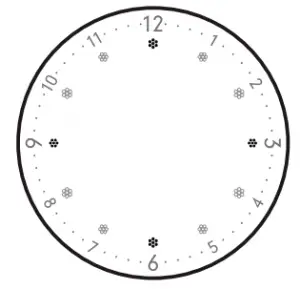
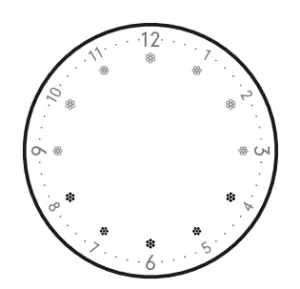
- Display the Completion Progress: Time display, the completion of the moving target display. Here are 12 LED Lights, from Oto 12 will display the percentage of completion progress of target.

- Connection/Disconnection: The four lights twinkle at the same time when connection or disconnection.
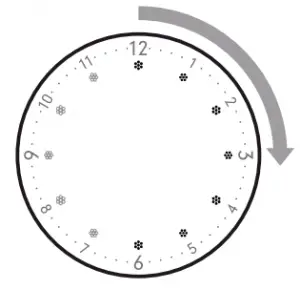
- Data Synchronism: Synchronous tip: Lights gradually twinkle from 12:00 in clockwise.
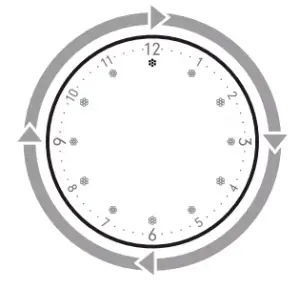
- Calling alert: 6 points from the two direction of the flash, light 3 lights to advance, the cycle of 30 seconds
- Take the photo: enter the photo and prepare the l2 point position. LED lights flashing.
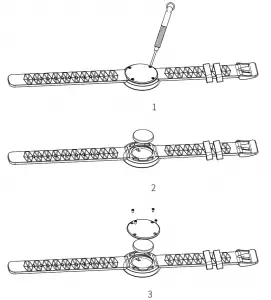
- Battery Replacement

- Basic parameters
Main weight: 39g Data: Bluetooth 4.0 Battery type: Lithium battery Battery capacity: 210mAh Working temperature: -10’50°C Waterproof yes Watch length: 245mm Strap material: skin - Android4.3 and above, Bluetooth 4.0
- iPhone 4s and above, IDS 7.0 and above
TECHNICAL SERVICE : http://imperiielectronics.com/index.php?controller=contact

imperii Mars Bluetooth SmartBand User Manual – Download [optimized]
imperii Mars Bluetooth SmartBand User Manual – Download
imperii Mars Bluetooth SmartBand User Manual – OCR PDF