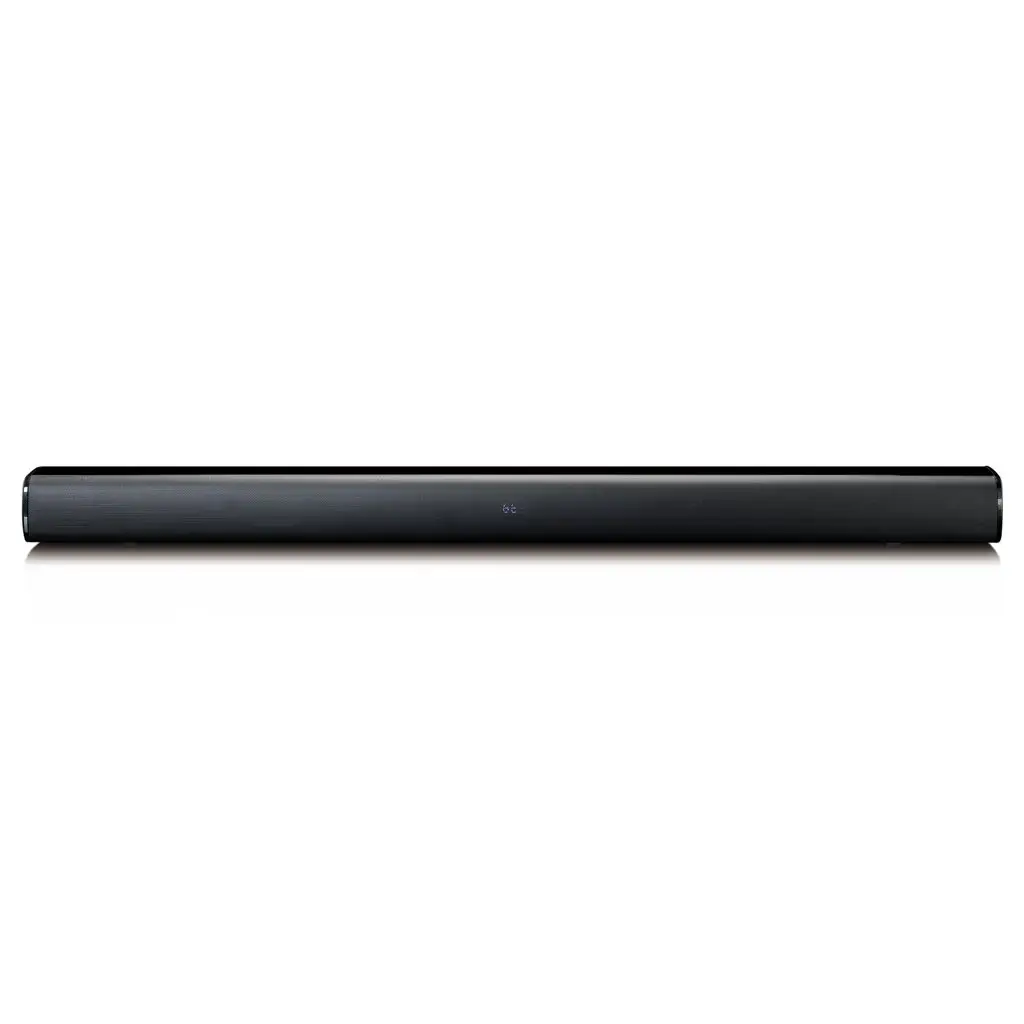
 MT-LW-32 Sound Spectrum Light Bar
Instructions Manual
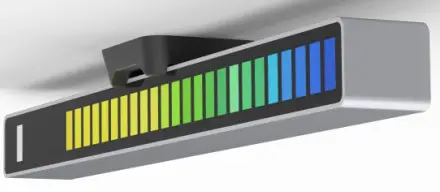
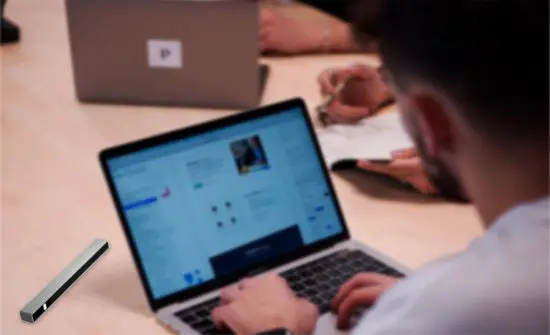
Thanks for purchasing our product, please follow the instructions below for the best experience
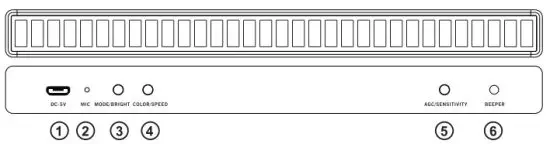
| 1 DC 5V input 2 Microphone port for voice collection 3 Click to change mode, press and hold set brightness | 5 Click to change color, press and hold to change speed 6 Click to toggle voice collection mode between AGC and SPL 7 Beeper for reminding |
Features
- High sensitive microphone unit
- 32/40/80 WS2812 driven LED cells
- 10 sequences selectable
- 5 levels brightness adjustable
- 5-speed levels adjustable
- 20 colors adjustable
- AGC algorithm inside
- 32bit Arm3 core MCU
- High-grade aluminum housing
- Durable high brightness, low heat 3528 LEDs
Parameter
- Model No.: MT-LW-32/40/80
- Power input: DC5V
- DC port: Micro USB
- Frequency Response: 100Hz~16KHz
- Net Weight: 86g
- product size: 1811618.5mm
- Working Temp: 0-86C
Wavelength
- RED: 620-625nm
- GREEN: 520-525nm
- BLUE: 460-570nm
Brightness
- RED: 450-550mcd
- GREEN: 1300-1500mcd
- BLUE: 350-400mcd
Interface of settings
 |  |
| Speed setting 5Levels(blocks) Blue | Brightness setting 5Levels(blocks) Blue |
 |  |
| AGC/SPL mode Toggle Green | Sensitivity setting 5Levels(blocks) Red |
Quick installation
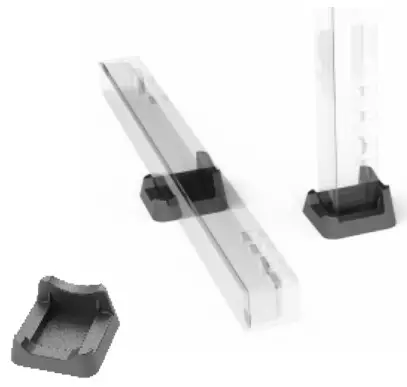
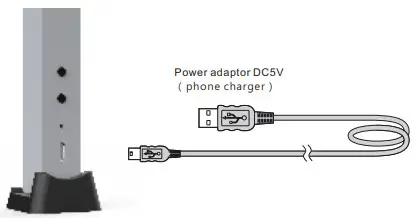
- Place the light bar on the base in vertical or horizon, make sure it’s stable.

- Insert the USB cord, connect to DDC5V, the light bar will be turned on.
Accessory
- Lightbar x1
- Rubber base x 1
- 1.5m Micro USB power cord x 1
Trouble Shoot
| Power cord is plugged in, but the light bar is not on | Check if the power cord is correctly connected |
| The LED is always in full status or a slight change in use | Adjust the sensitivity lower refer to operation above |
| The LEDs react slightly to sound, or no reaction at all | Adjust the sensitivity higher refer to operation above |
| I want to get the light bar back to the factory default setting | Press the 3 buttons simultaneously for 3 seconds |
Cautions
- Don’t power the light bar with voltage over DC5V, which will cause damage
- It’s a door product, DON’T expose the light bar in direct sunshine, high humidity, wet place.
- Don’t try to open it, refer to dealers or qualified people when repairing requires.
- The light bar LED will create heat during play, please make sure it’s sitting in a ventile place.
FCC Warning Statement
Changes or modifications not expressly approved by the party responsible for compliance could void the user’s authority to operate the equipment. This equipment has been tested and found to comply with the limits for a Class B digital device, pursuant to Part 15 of the FCC Rules. These limits are designed to provide reasonable protection against harmful interference in a residential installation. This equipment generates uses and can radiate radio frequency energy and, if not installed and used in accordance with the instructions, may cause harmful interference to radio communications. However, there is no guarantee that interference will not occur in a particular installation. If this equipment does cause harmful interference to radio or television reception, which can be determined by turning the equipment off and on, the user is encouraged to try to correct the interference by one or more of the following measures:
- Reorient or relocate the receiving antenna.
- Increase the separation between the equipment and receiver.
- Connect the equipment into an outlet on a circuit different from that to which the receiver is connected.
- Consult the dealer or an experienced radio/TV technician for help.
This device complies with part 15 of the FCC Rules. Operation is subject to the following two conditions: (1) This device may not cause harmful interference, and (2) this device must accept any interference received, including interference that may cause undesired operation.
The device has been evaluated to meet general RF exposure requirements.
 MADE IN CHINA