How to delete a Razer Synapse account
You can easily delete your Razer ID in your Razer Account settings. However, do note that deleting your Razer ID will permanently remove your account and will no longer be recovered.
Follow the steps below to delete your Razer Synapse account:
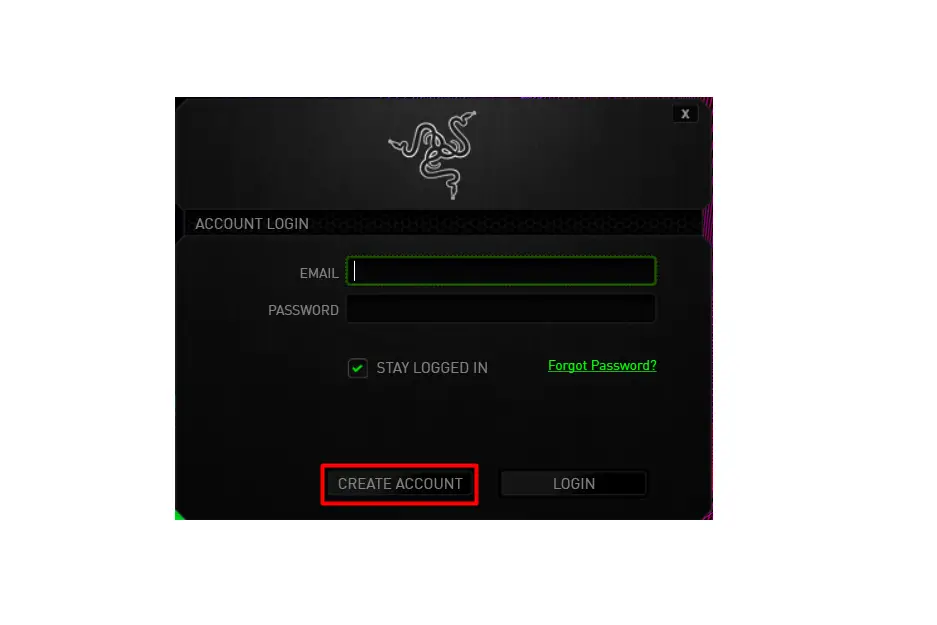
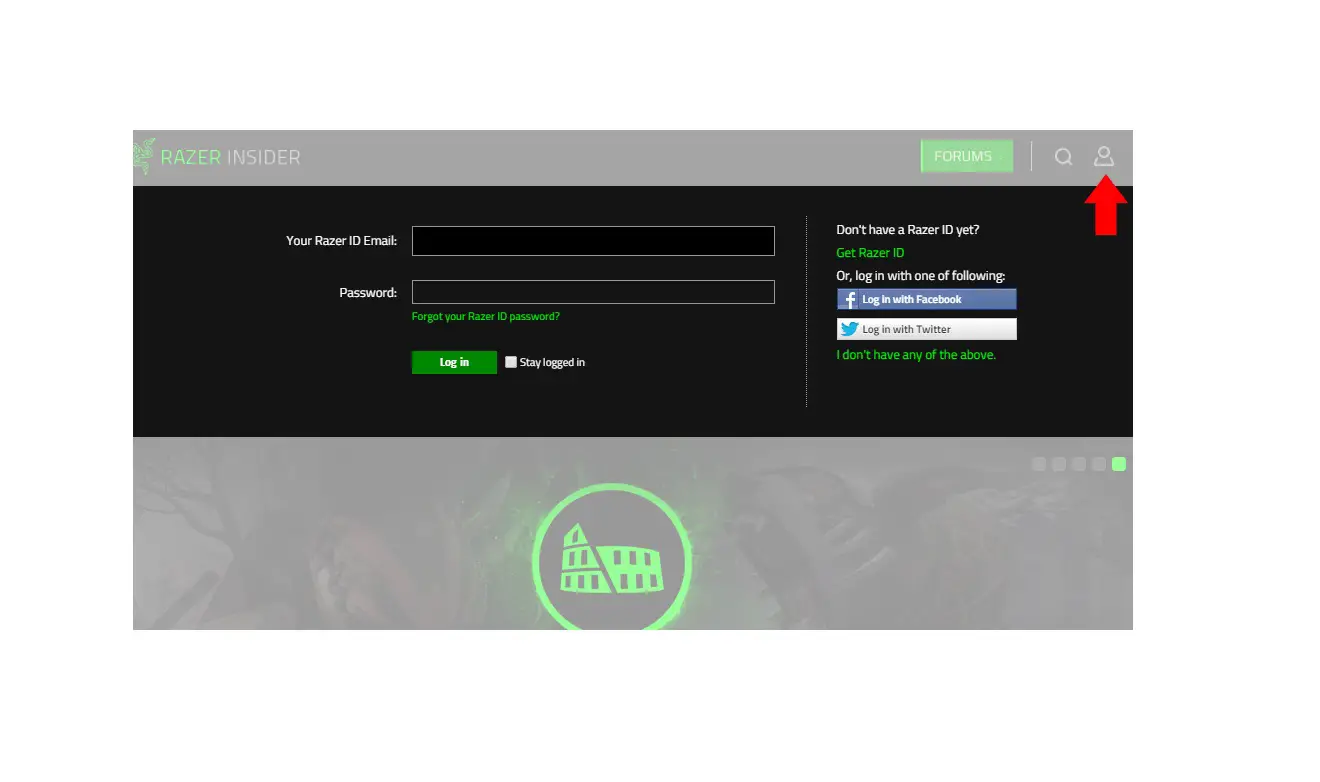
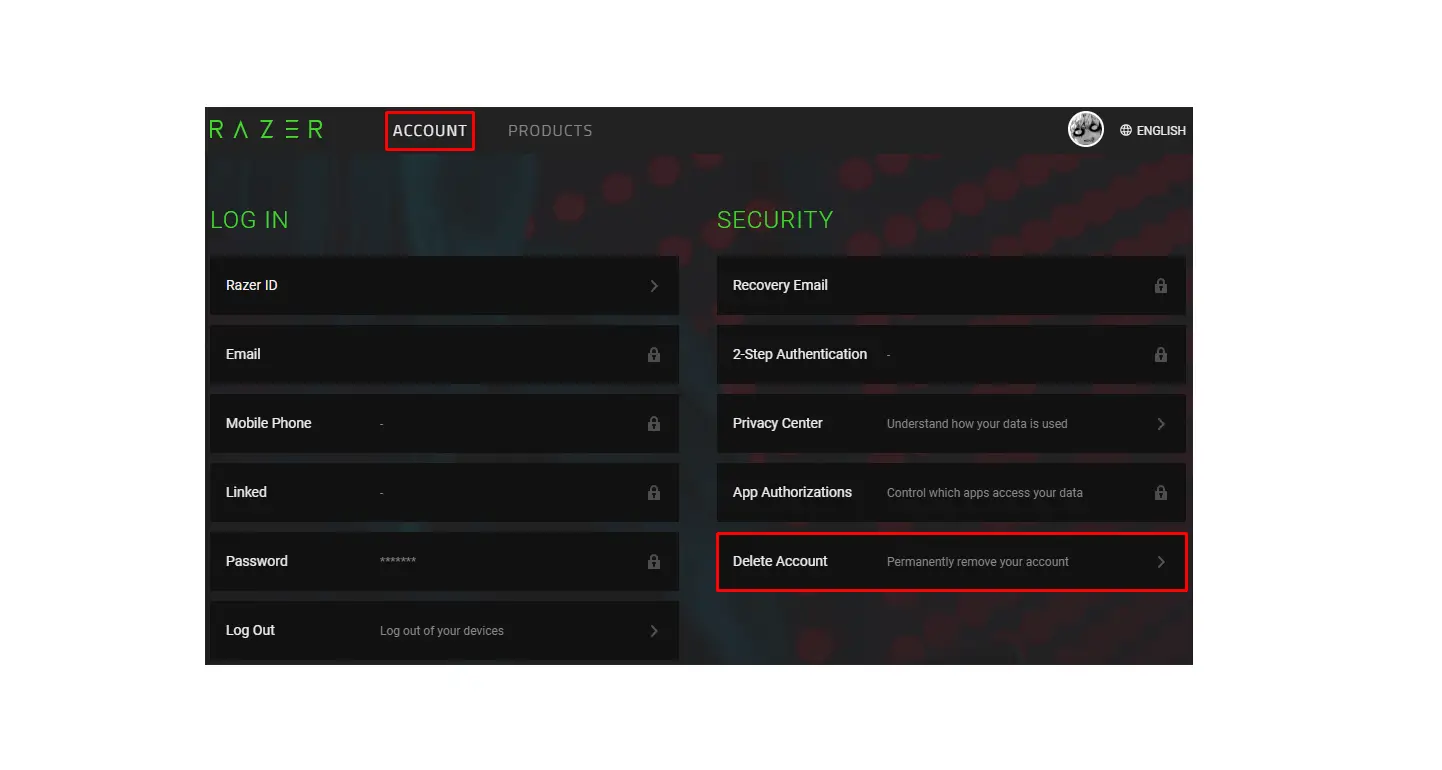
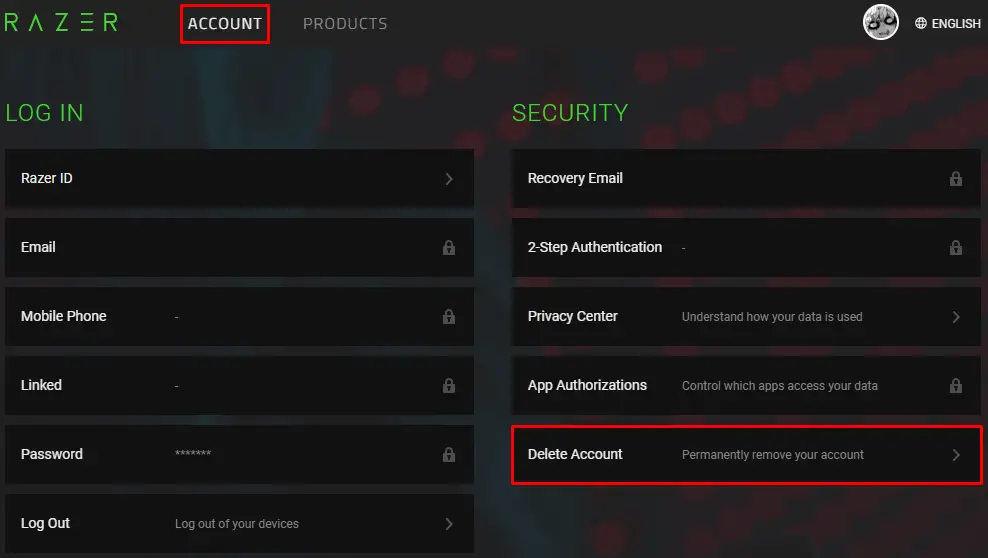
- Log in to your Razer Synapse account.
- Under the “ACCOUNT” tab, click “Delete Account”.

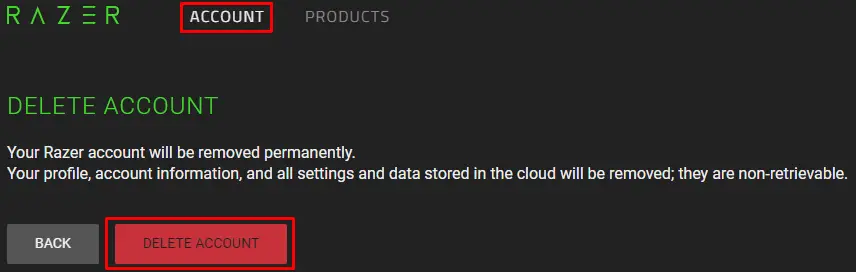
- Click the “DELETE ACCOUNT” button.
 IMPORTANT: Your Razer Account will be permanently deleted. All your profile, account information, and all settings and data stored in the cloud will be removed and can no longer be recovered.
 - A 2-Step authentication will pop-up. Check the inbox of your verified email address linked to your Razer ID for the 6-digit code to confirm your deletion process.
 IMPORTANT: Your Razer Account will be permanently deleted. All your profile, account information, and all settings and data stored in the cloud will be removed and can no longer be recovered.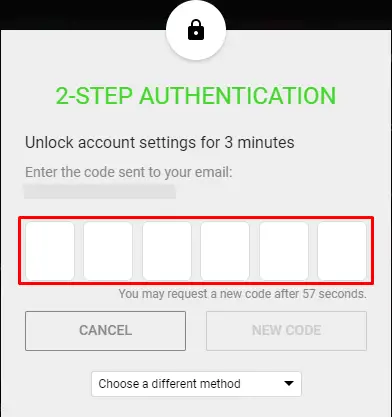
If you are unable to delete your account successfully, contact Razer Support for assistance.