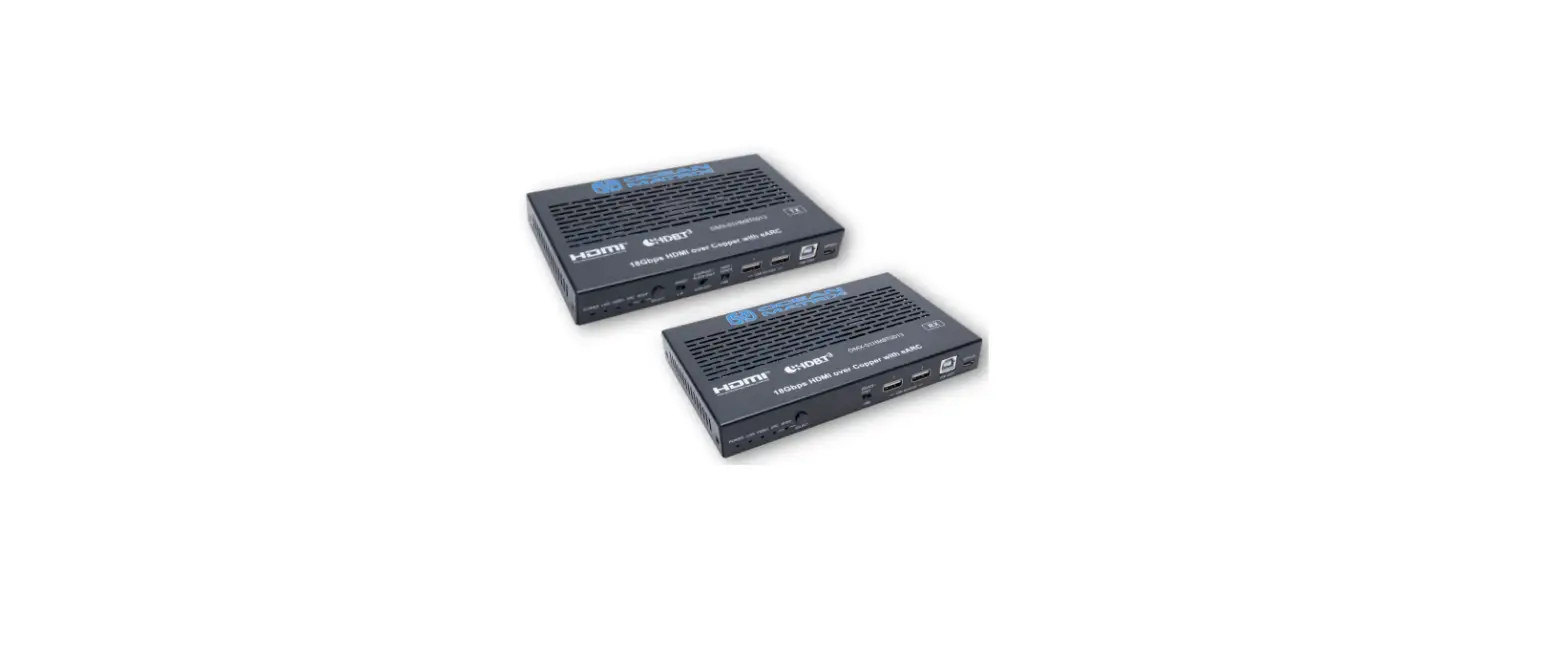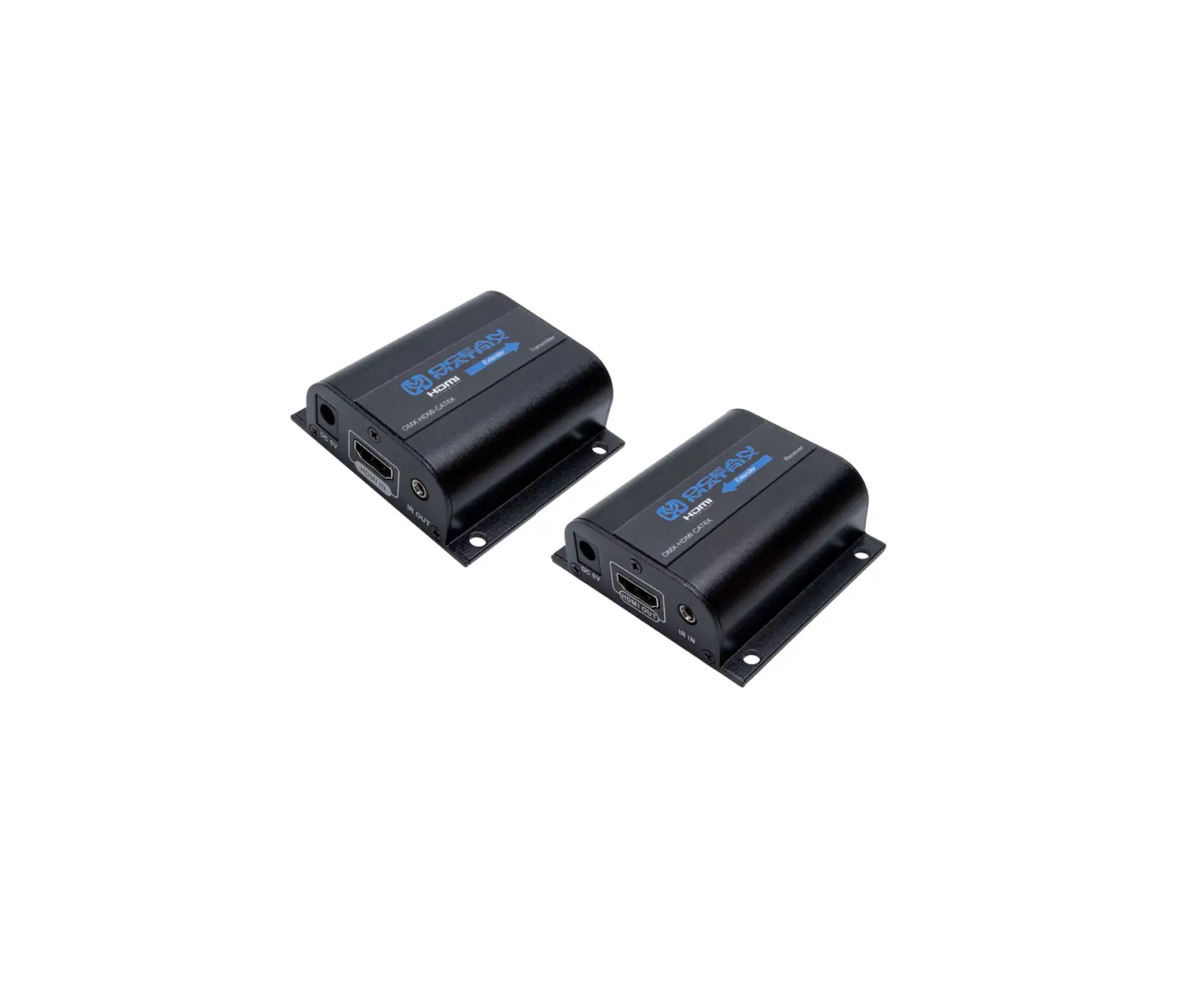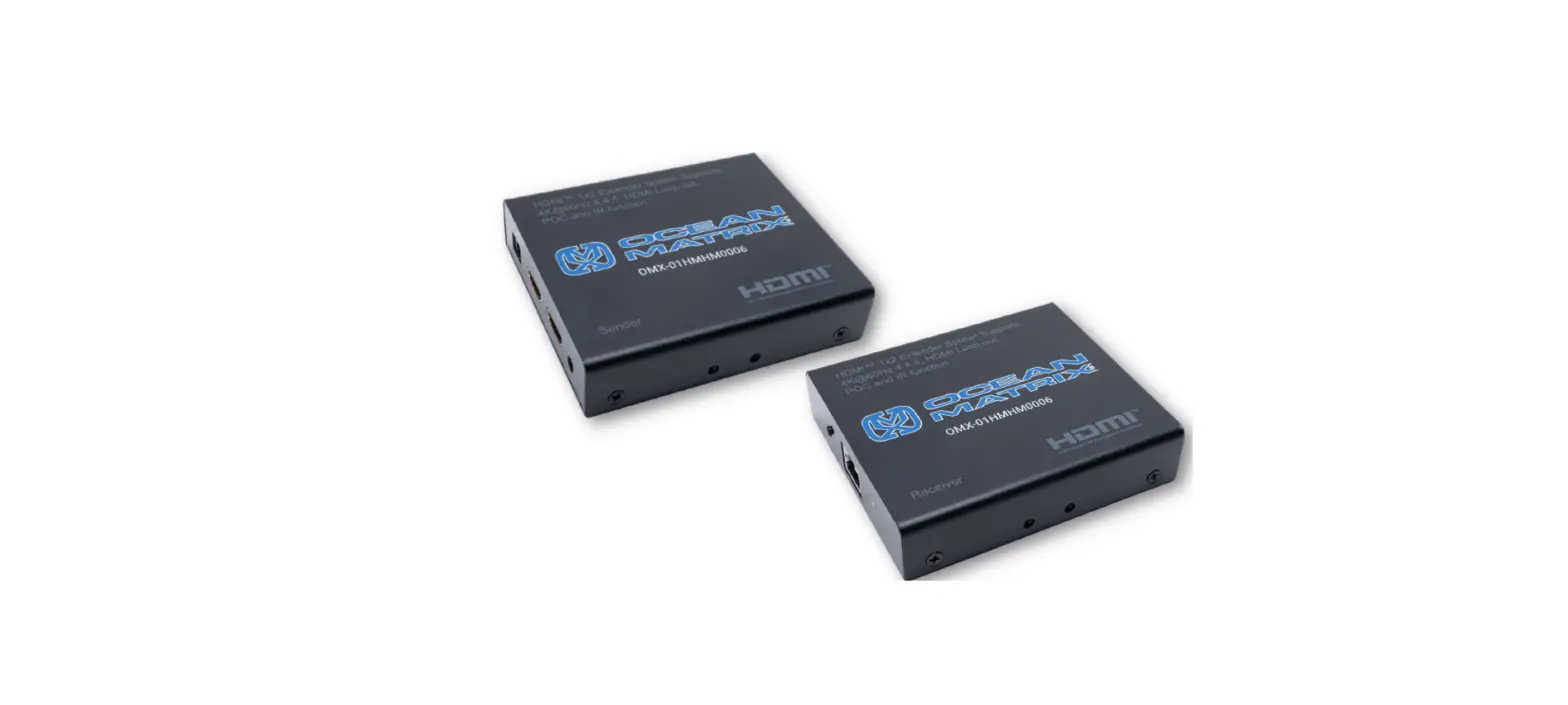

INSTALLATION & SPECIFICATIONS
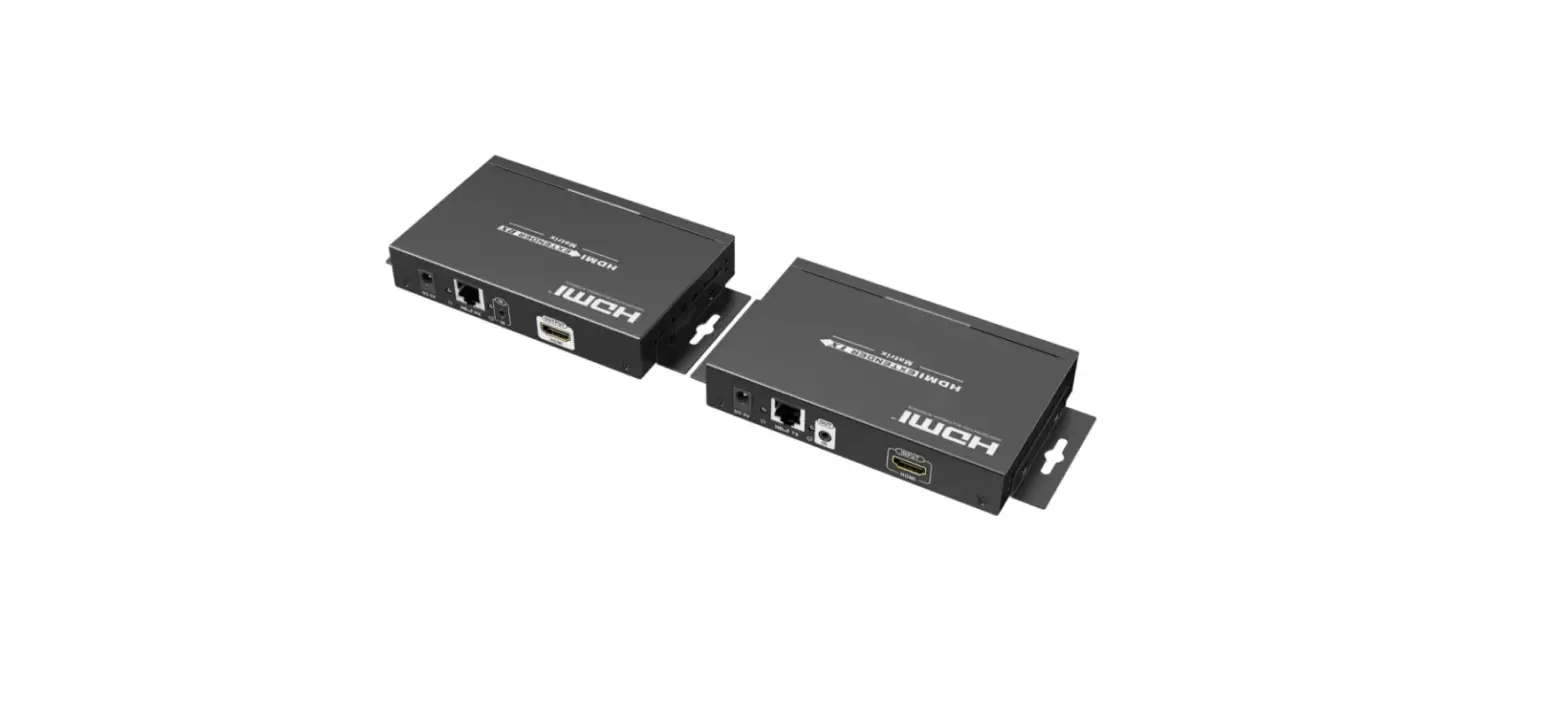
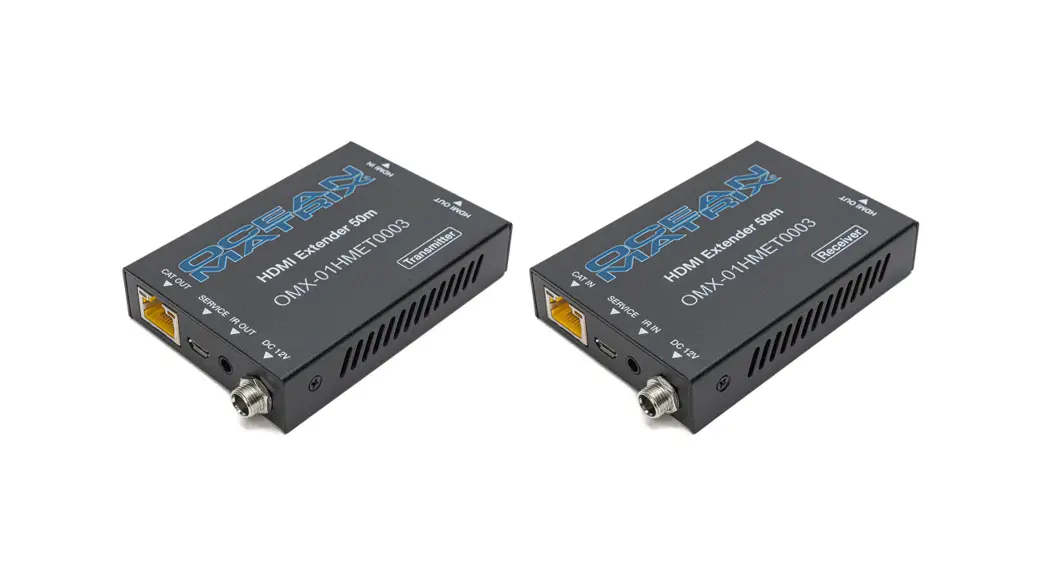
OMX-01HMET0003
4K HDMI Extender 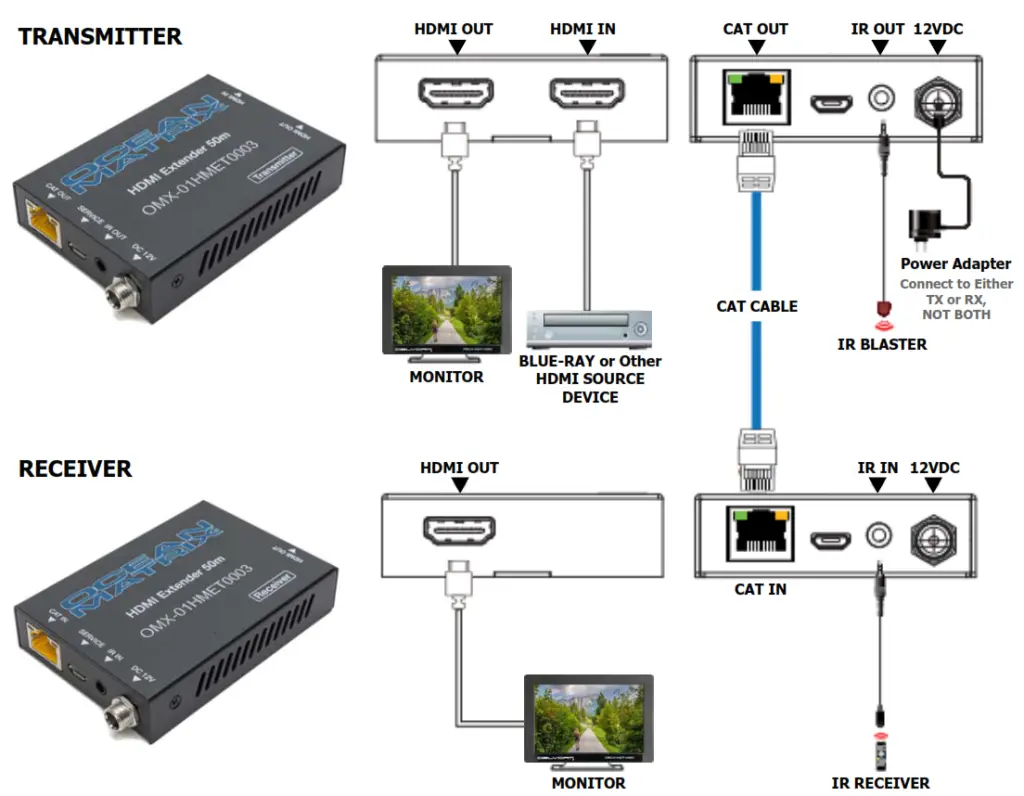
| Specifications | |
| Compliance | HDMI 2.0 / HDCP 2.22 / HDCP 1.4 |
| Certification | CE, RoHS |
| Video Bandwidth | 18Gbps |
| Video Resolutions | Up to 4K60Hz 4:4:4 |
| Color Space | RGB / YCbCr 4:4:4, YCbCr 4:2:2/4:2:0,YUV 4:4:4 |
| Color Depth | 8/10/12-bit (1080P60Hz, 4K30Hz, 4K60HzYCbCr 4:2:2/4:2:0) 8-bit (4K60Hz 4:4:4 ) Ocean Matrix 812 Kings Highway |
Specifications | |
| HDMI Audio Formats | LPCM 2.0/2.1/5.1/6.1/7.1 Dolby Digital, Dolby TrueHD, Dolby Digital Plus DTS-ES, DTS HD Master, DTS HD-HRA, DTS-X |
| Power Consumption | 3.84W |
| Dimensions | 2.36 x 3.50 x 0.71 in |
| Weight | TX 5.64oz, RX 5.47oz |
| Includes | (1) 12V/1A Power Supply, (1) IR Blaster, (1) IR Receiver |
LED Indicators
Green LED illuminates when the transmitter or the receiver is ON.
Orange LED illuminates when the transmitter and receiver are transmitting signals.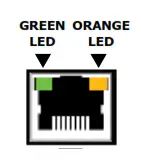
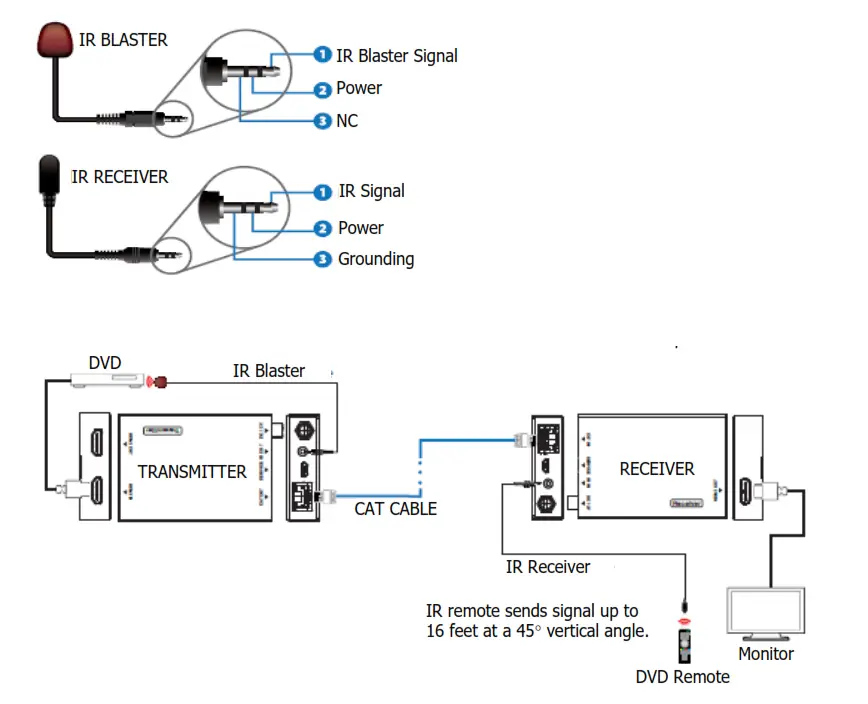
IR Blaster & IR Extender
Troubleshooting
No image output
- Ensure the power supply is firmly connected. Only use the 5VDC power adapter included with the unit.
- Check that the cables are securely connected.
- Check that the display/TV has been set to the proper input.
- For PC connections via HDMI, set output mode to mirror or extend in display settings.
Display is unstable
- Check all connections.
- Connect the source directly to the display device to ensure there is a signal output.
- Change the signal source if necessary.
- Use only high-quality copper standardized CAT6 cable.
 | SAFETY PRECAUTIONS | |
- To prevent fire or shock hazards, do not expose this equipment to high humidity and/or dust. Do not use in an unprotected outdoor installation nor any area classified as overly damp or wet.
- The temperature for installation should be kept between 32°F to 140°F (0°C to 60°C). Avoid direct sunlight exposure or extreme changes of temperature over a short period of time.
- Do not disassemble the unit or place it on an unstable base.
- Do not drop the unit and avoid heavy impact.
- This unit should not be permanently installed unless proper ventilation is provided. Any enclosure openings must not be blocked or covered as they protect the unit from
overheating. - Before cleaning, turn off the power and unplug the unit from all connections. Use a damp cloth. Do not use liquid cleaners or aerosol cleaners.
- Do not overload outlets and extension cords as this may result in a risk of fire or electric shock.
- Enclosure entry is dangerous. Never push objects of any kind, including liquids, into this unit through openings as they may touch dangerous voltage points or short-out parts that could result in a fire or electric shock.
- Do not attempt to open or service this unit yourself as opening or removing covers may expose you to dangerous voltage and other hazards.
- There are no user-serviceable parts inside the unit. If the unit requires service contact your authorized dealer, or an authorized repair service company.
Ocean Matrix
812 Kings Highway • Saugerties, NY 12477
www.oceanmatrix.com