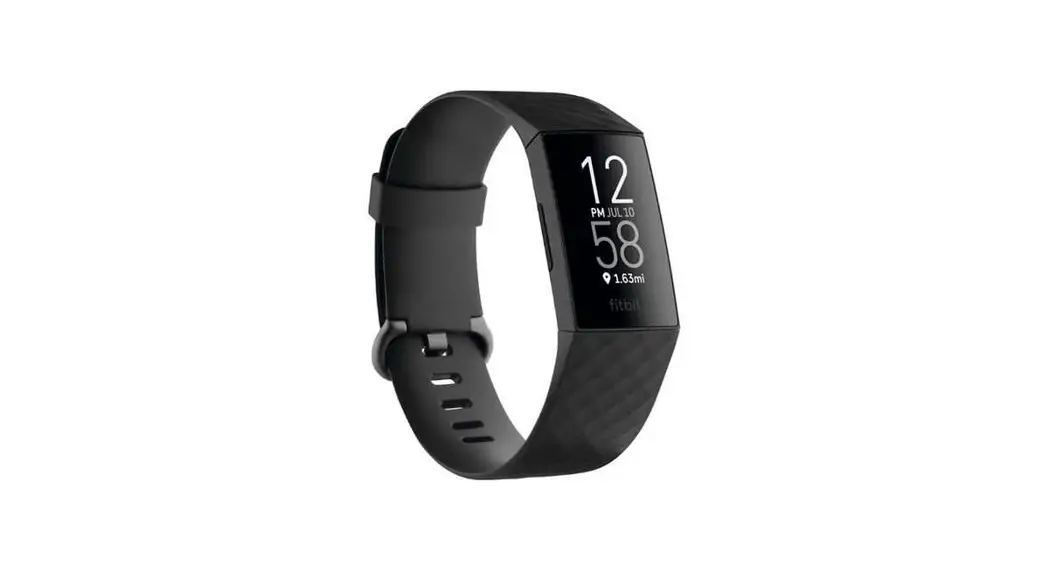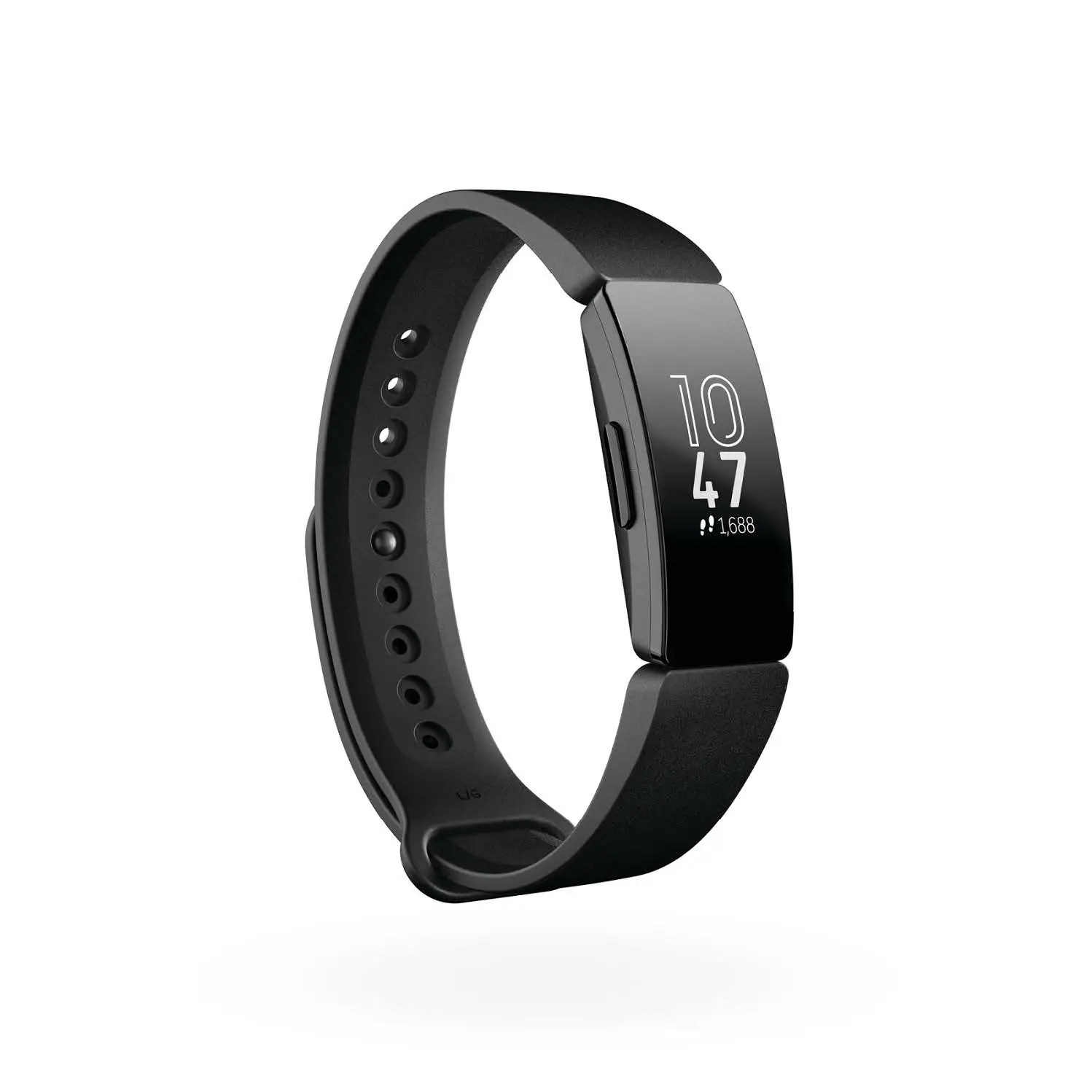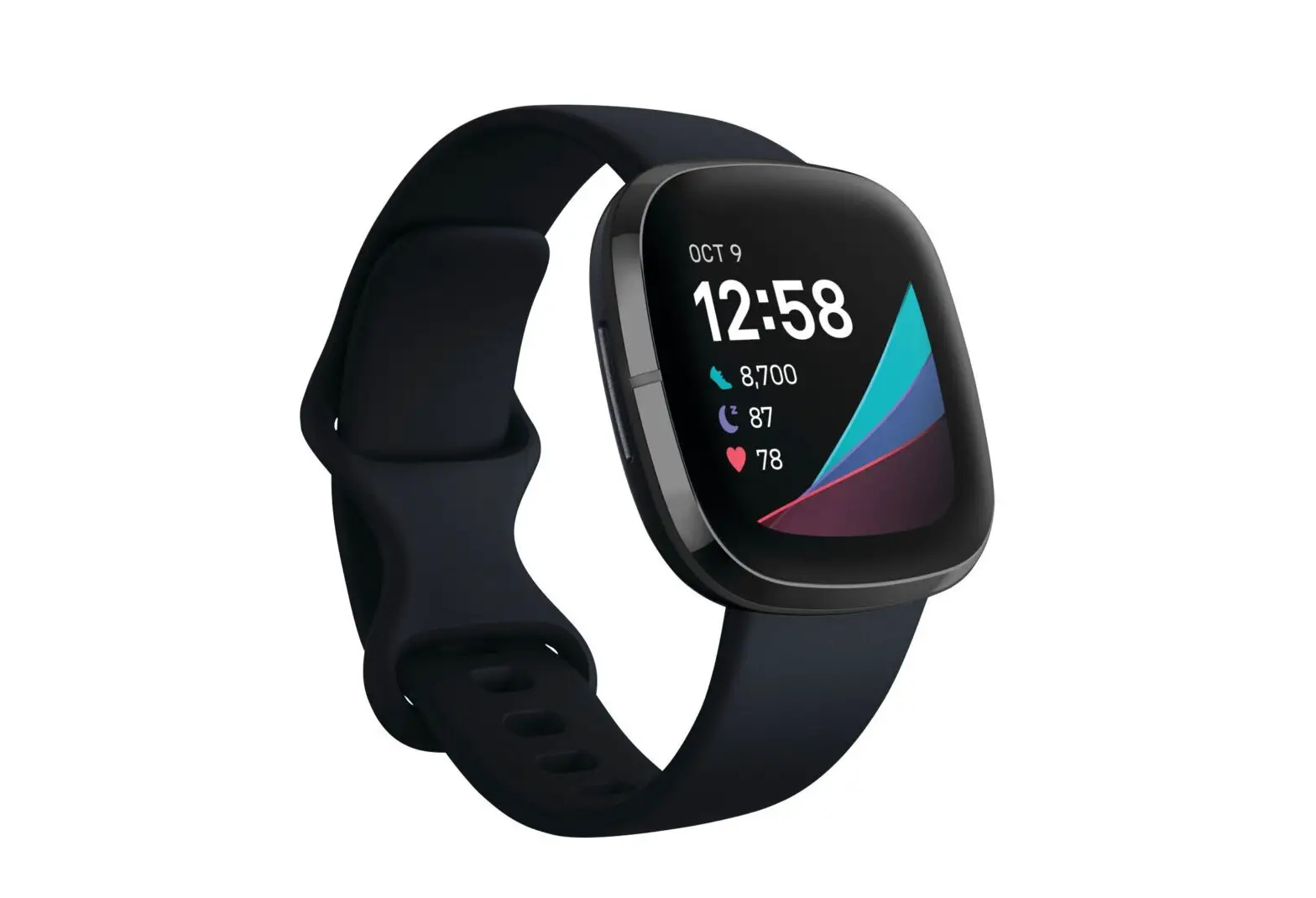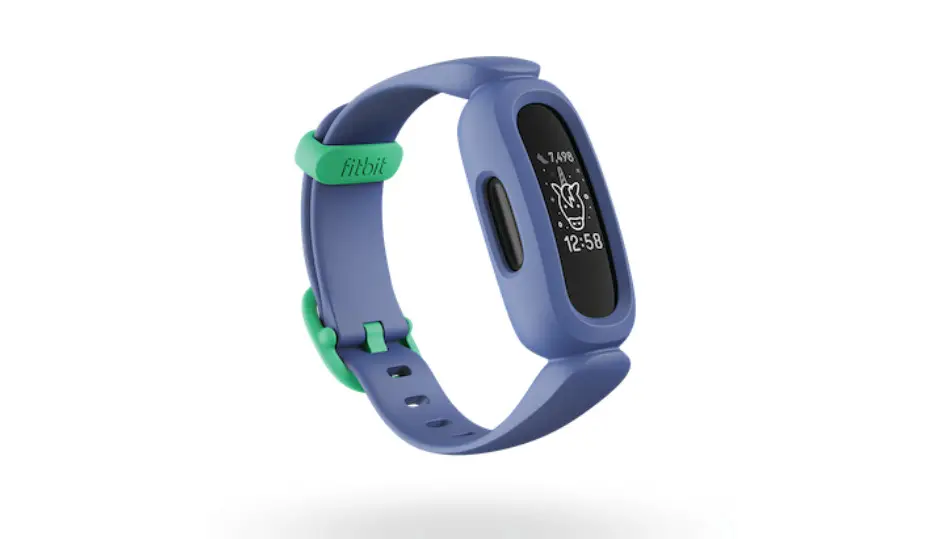
Fitbit Broken Bands User Guide


©2019 Fitbit, Inc. All rights reserved. Proprietary & Confidential.
Step 1
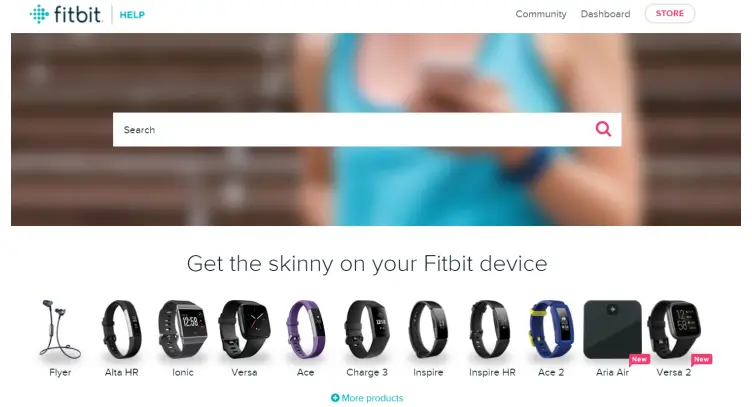
Go to help.fitbit.com
Step 2
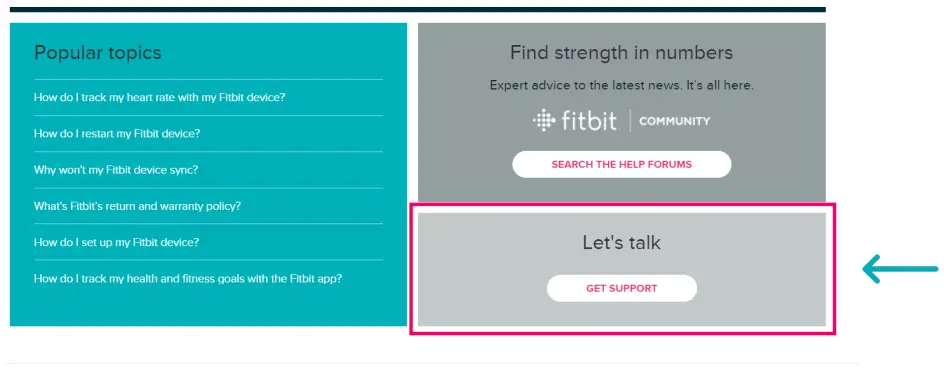
Click on GET SUPPORT
Step 3
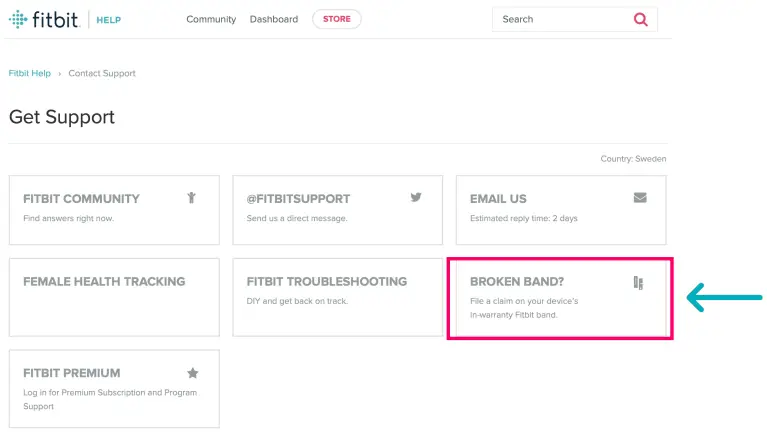
Select the BROKEN BAND? button to file a claim
Step 4
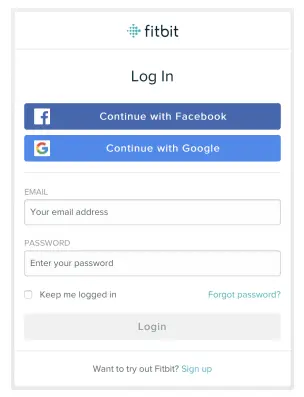
If you’re not logged in already you will be asked to log in. Log in with your account used for your Fitbit device.
Step 5
Select File A Claim

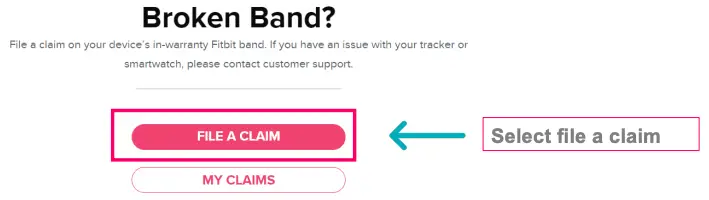
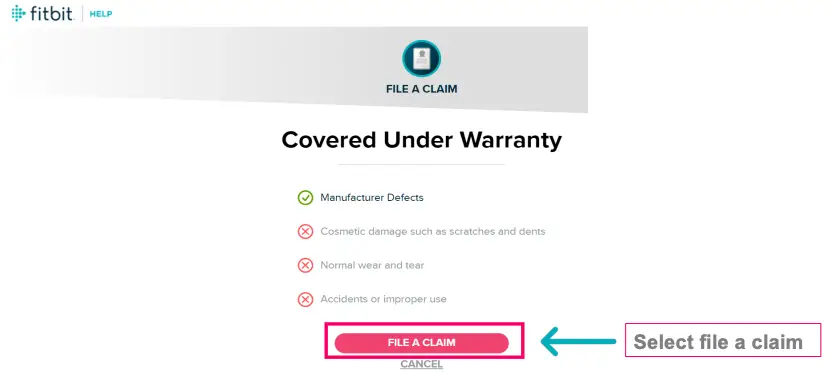
Step 6
Review what is covered under warranty & Proceed to select file a claim
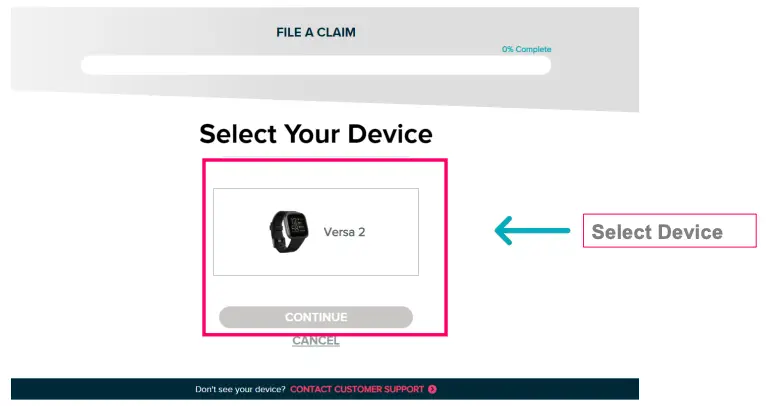
Step 7
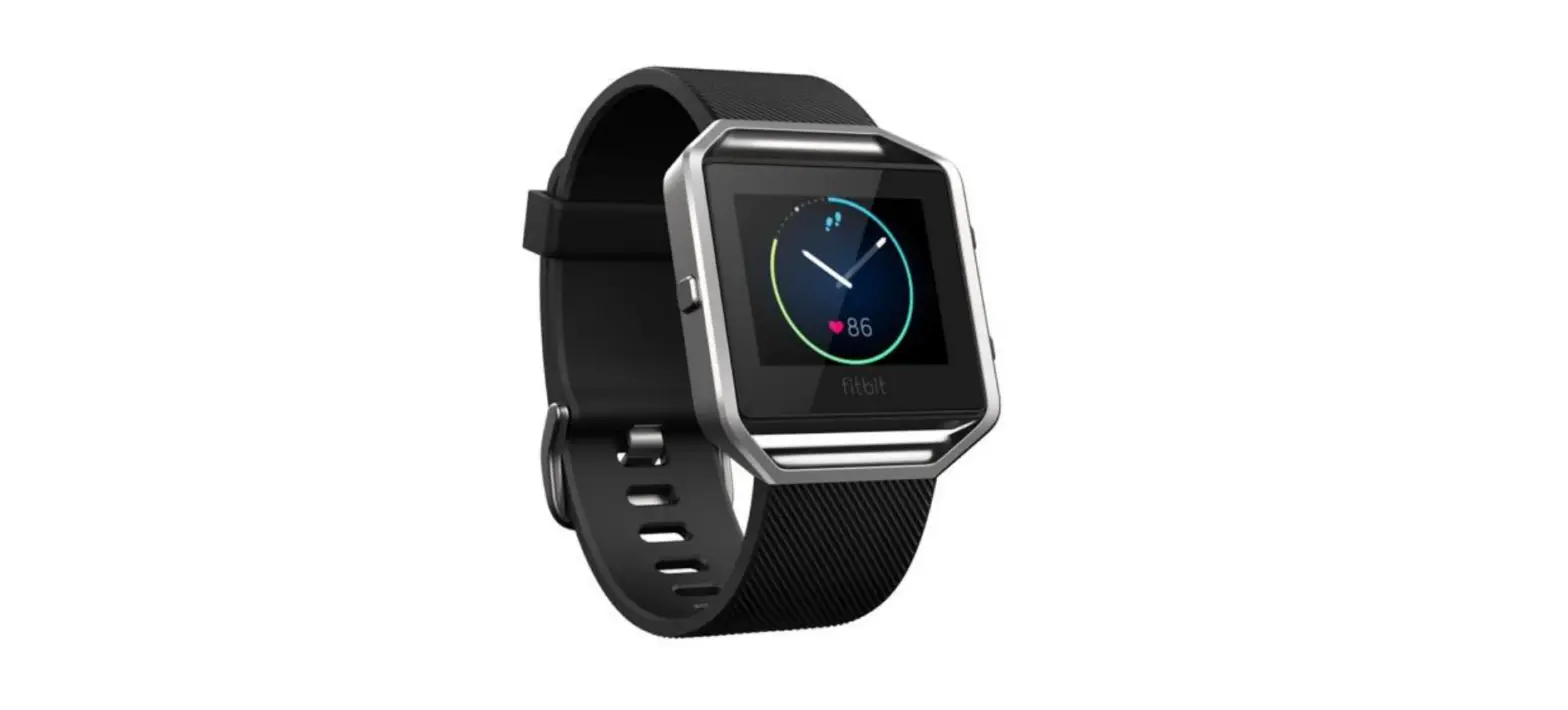
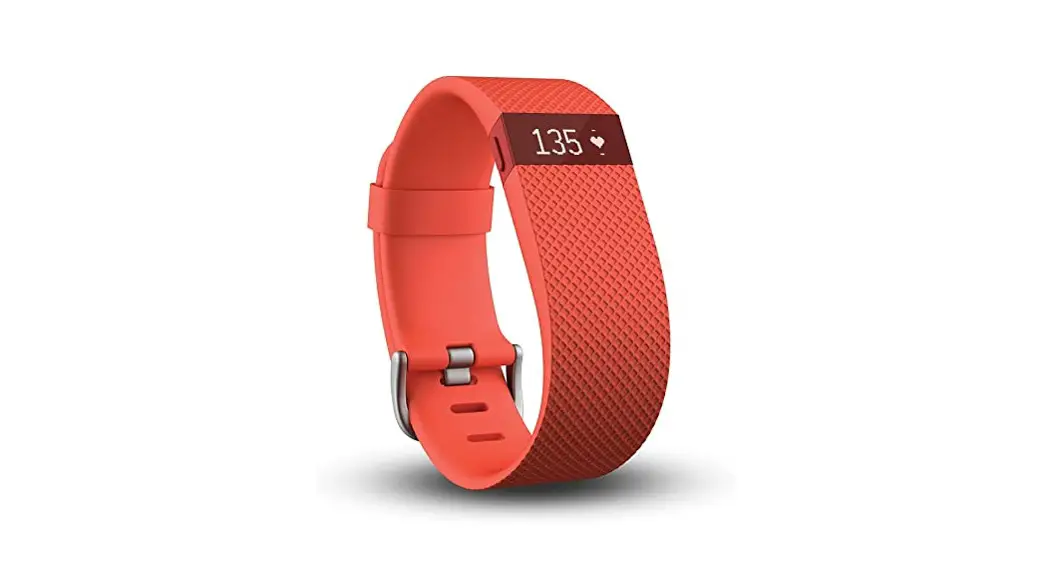
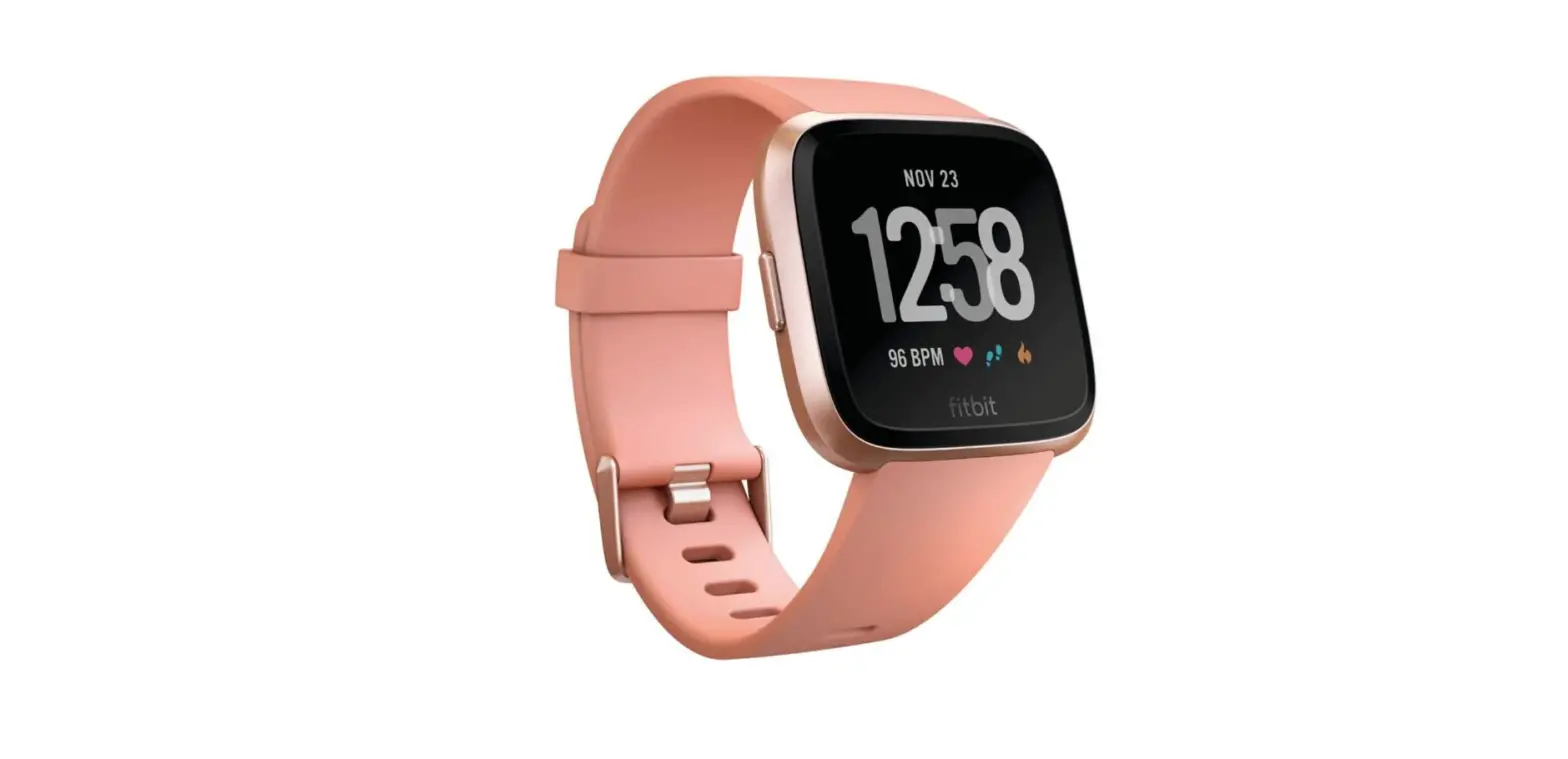
Select your device
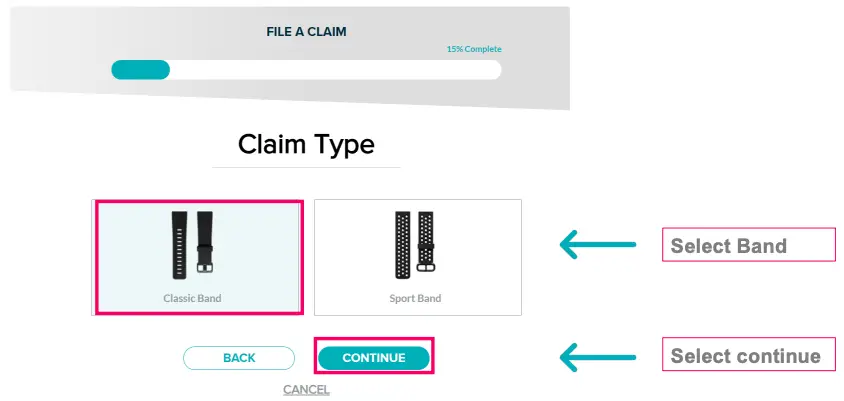
Step 8
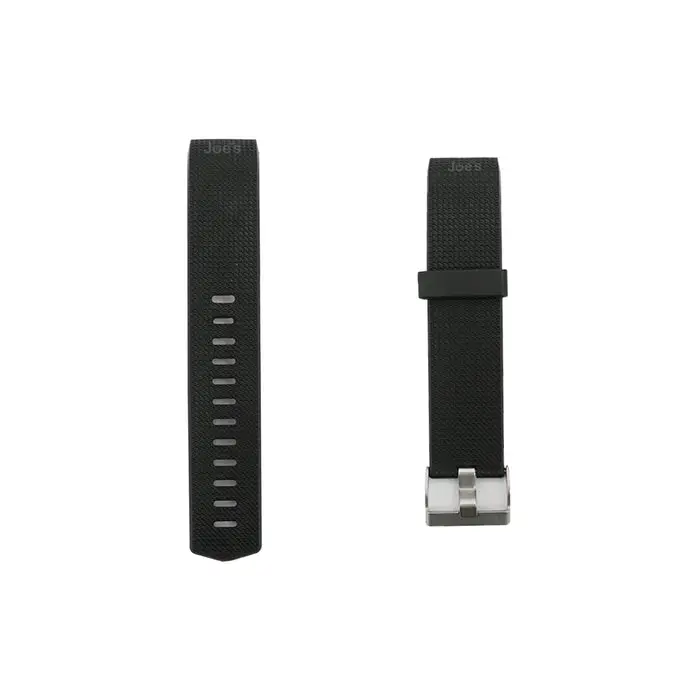
Select claim type for Classic or Sport Bands
Step 9
Upload Additional Information Required
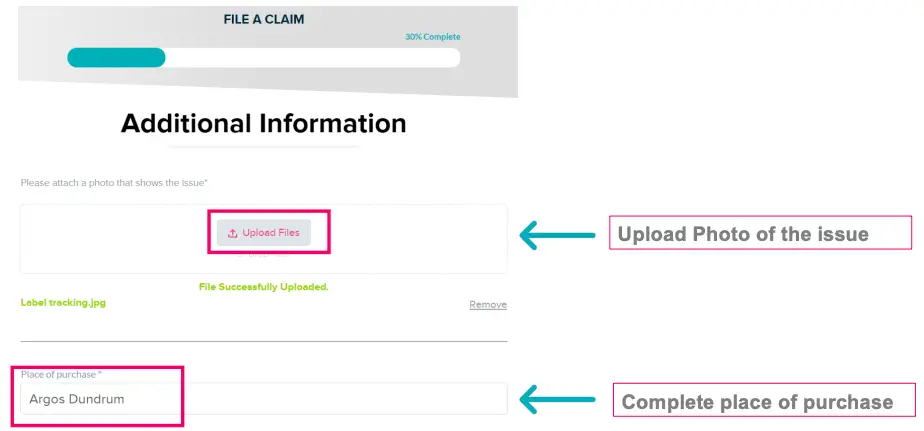
Upload Additional Information Required
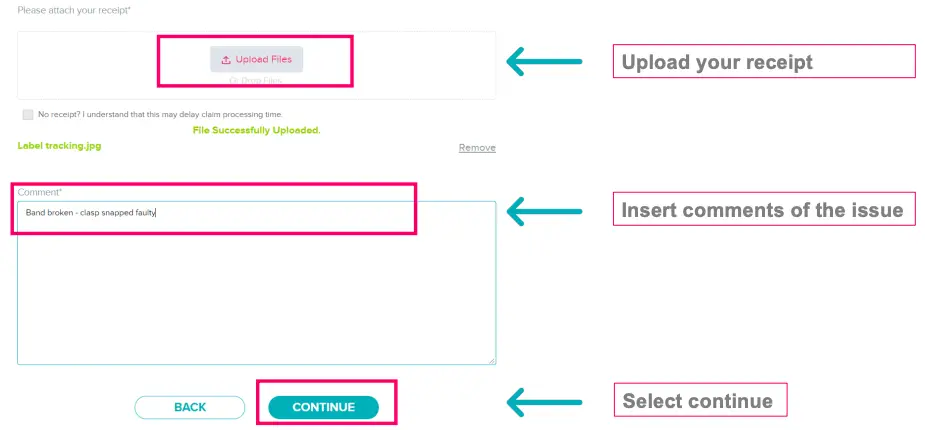
Step 10
Select Band Colour & Band size from dropdown
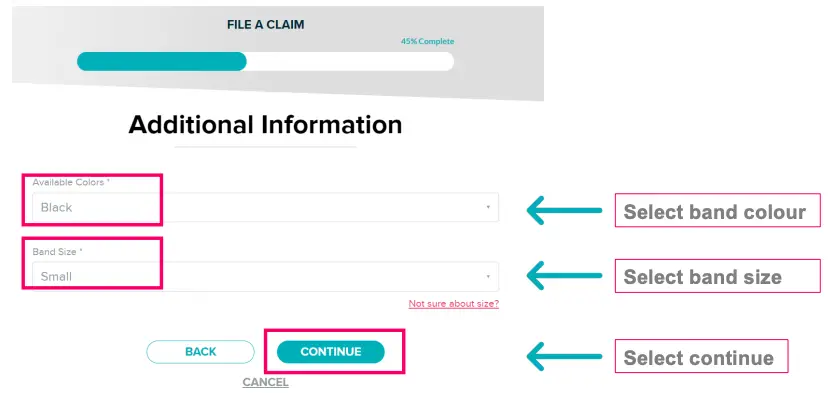
Step 11
Complete all shipping information fields
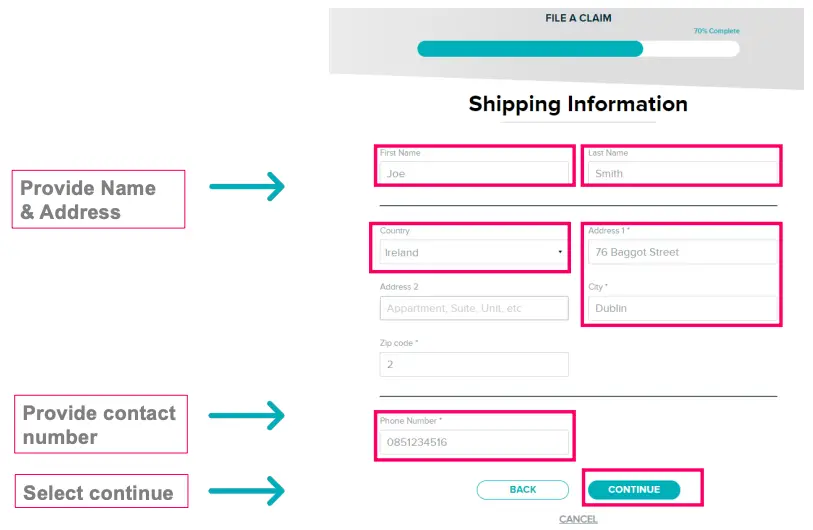
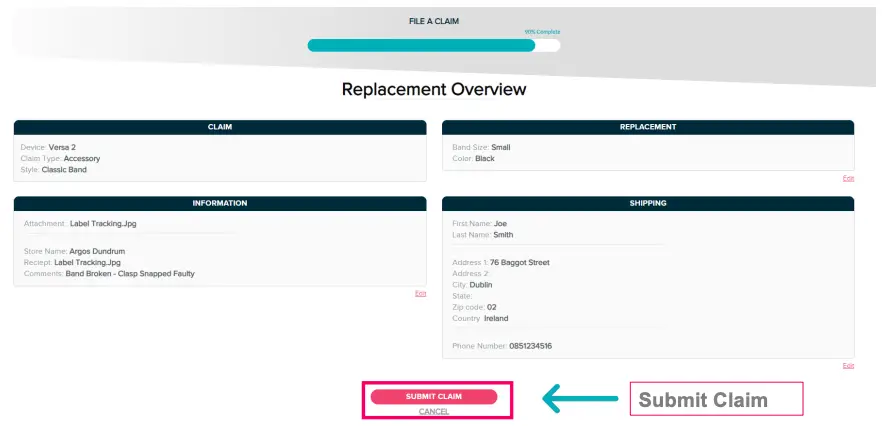
Step 12
Review Details Provided & Submit Claim

 ©2018 Fitbit, Inc. All rights reserved. Proprietary & Confidential.