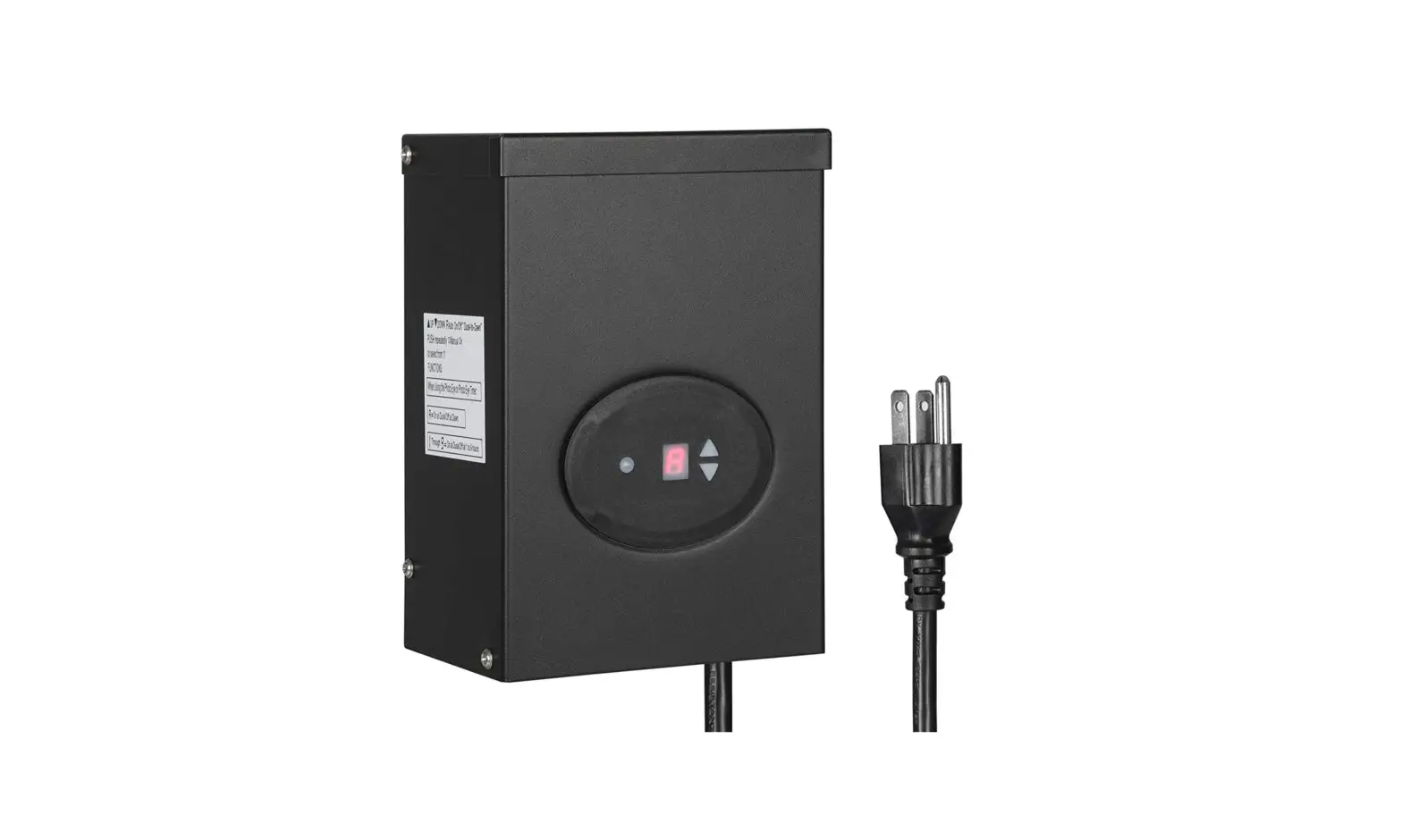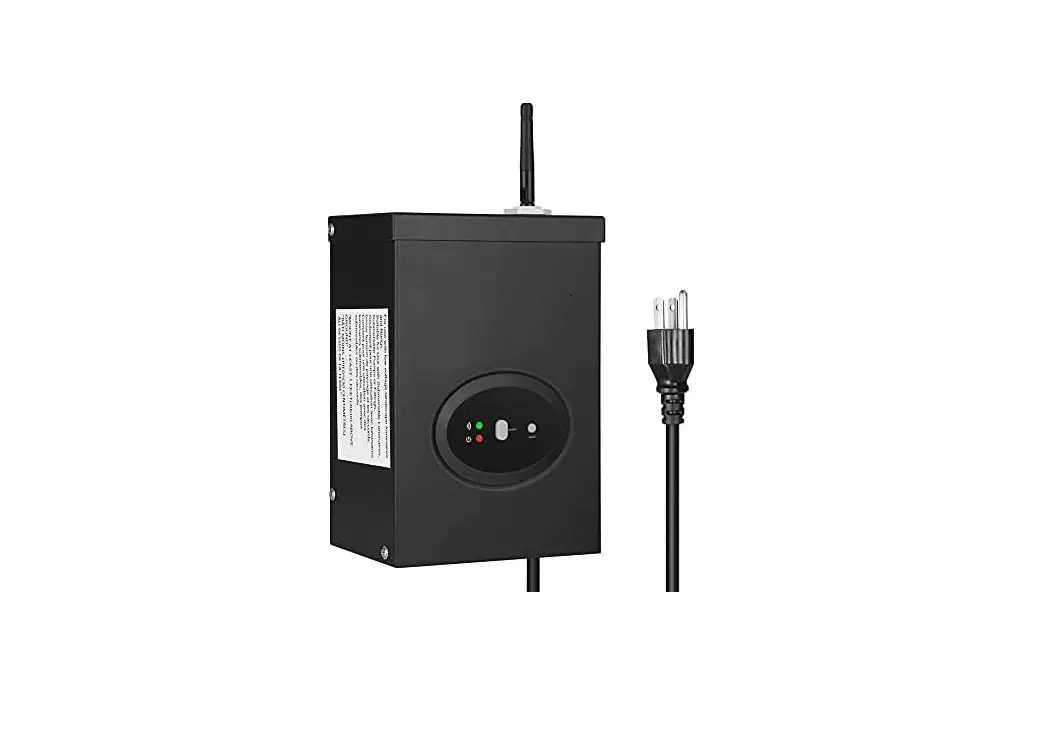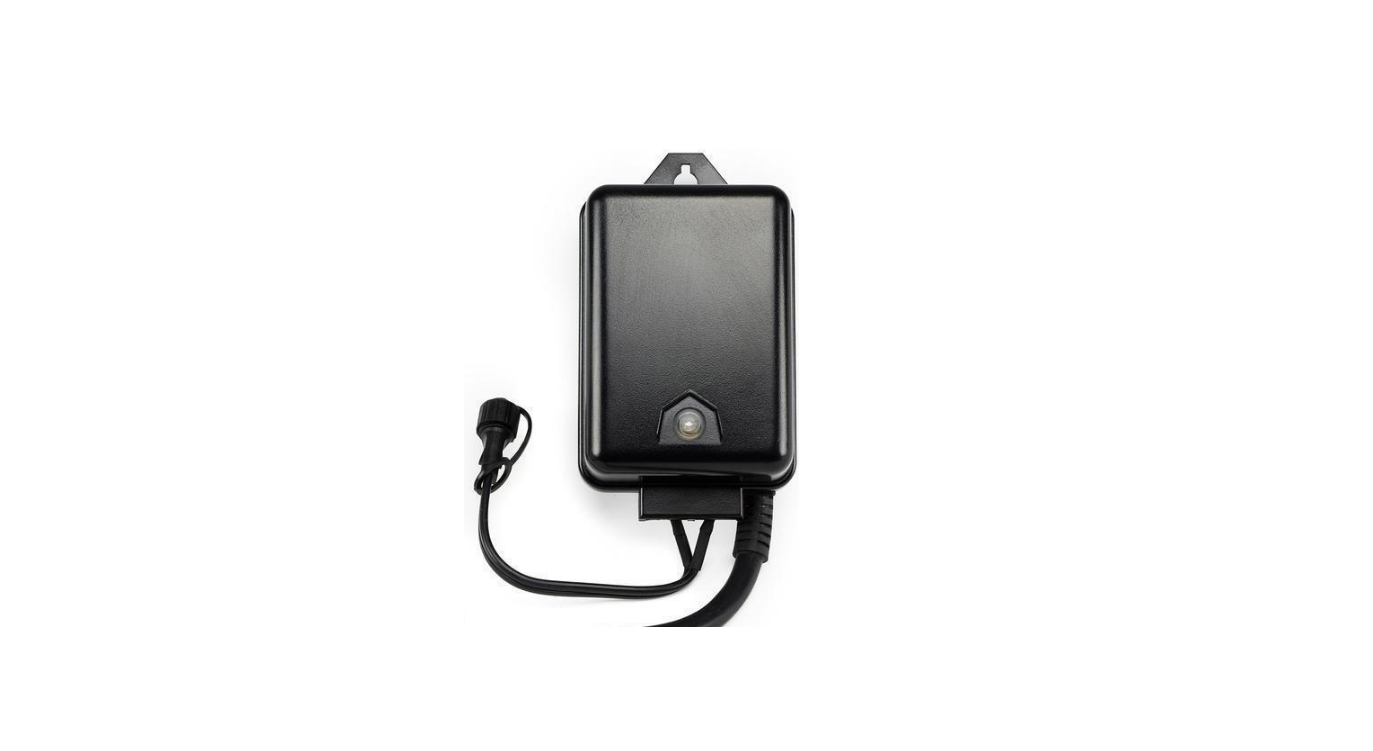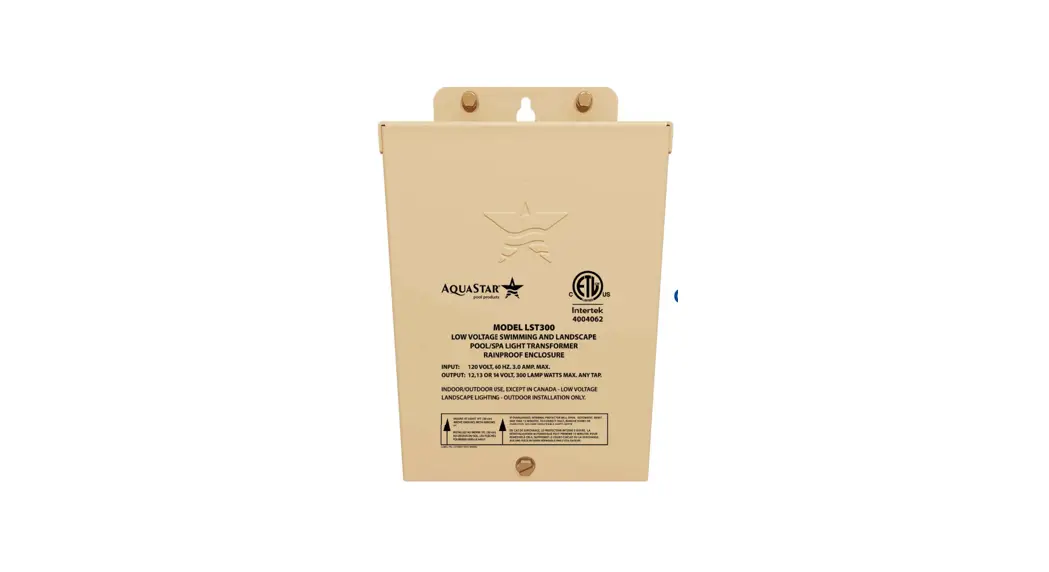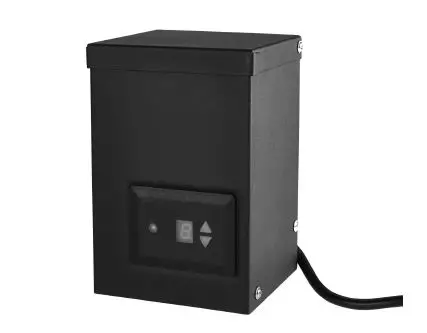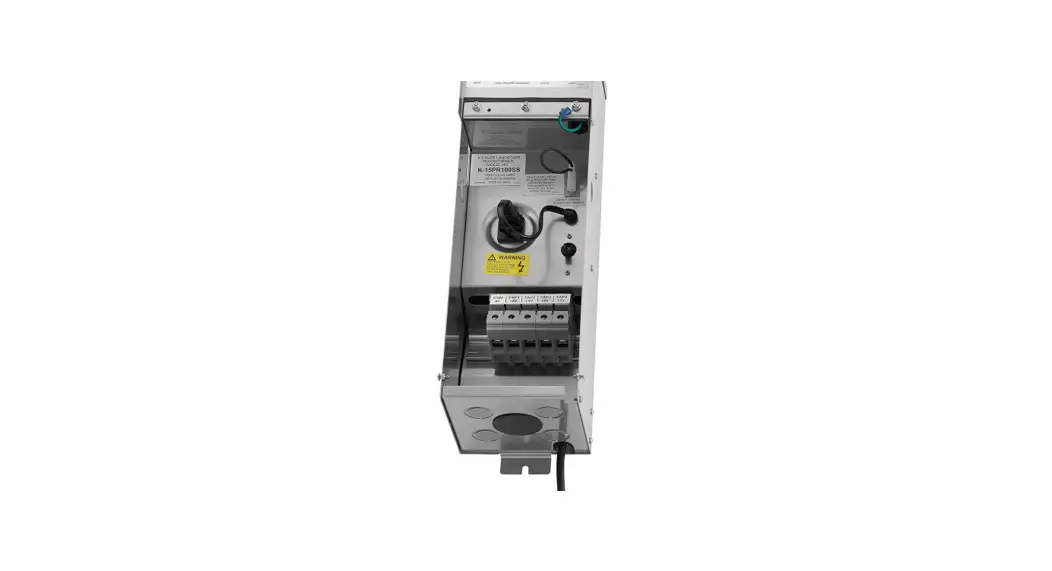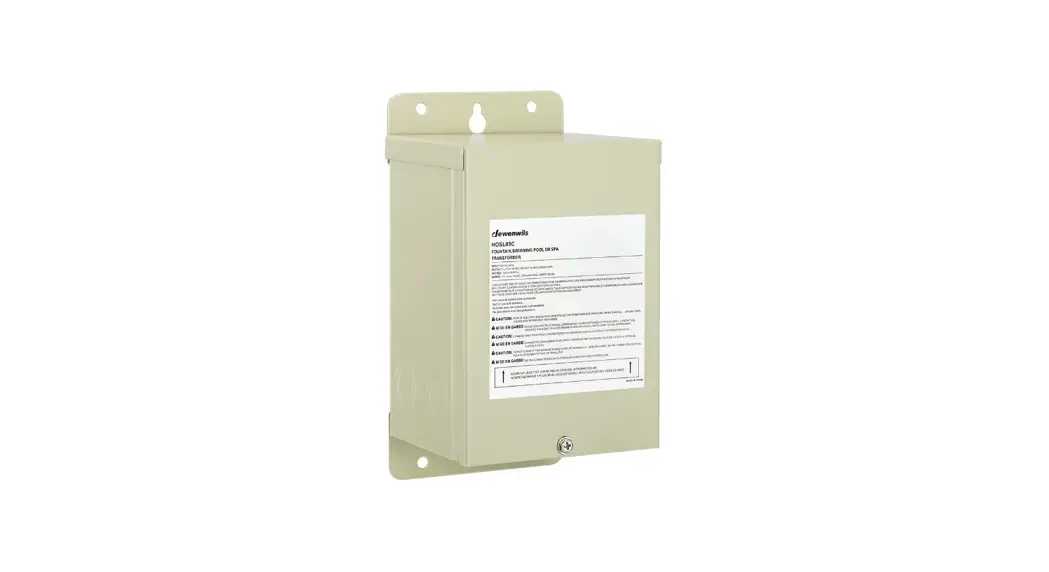
 HOSL05C 300W Pool Light Low Voltage Transformer
Instruction Manual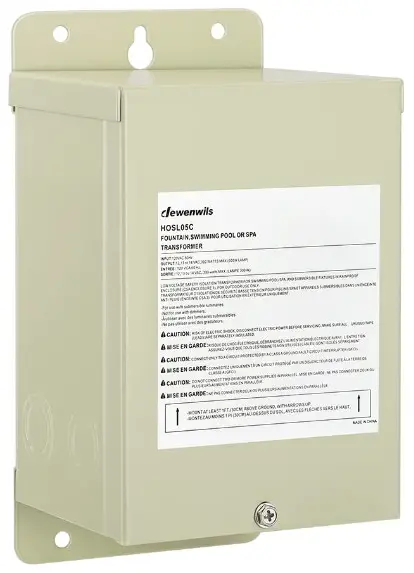
HOSL05C 300W Pool Light Low Voltage Transformer
Please pay attention to the warning signs Read the instructions with caution before operating and keep it properly
Warning:
All wiring and installation must be in accordance with local building and electrical codes. Always disconnect transformer from power source before performing work on lighting system. Calculate lighting capacity correctly — total load of fixtures may not exceed 300VA.
- Disconnect from power source prior to opening the case.
- Do not use the transformer with an extension cord.
- Make sure all unused taps (leads) are separately insulated.
- Do not install within 5 ft of a pool or spa.
- Do not exceed total fixture load of 300VA.
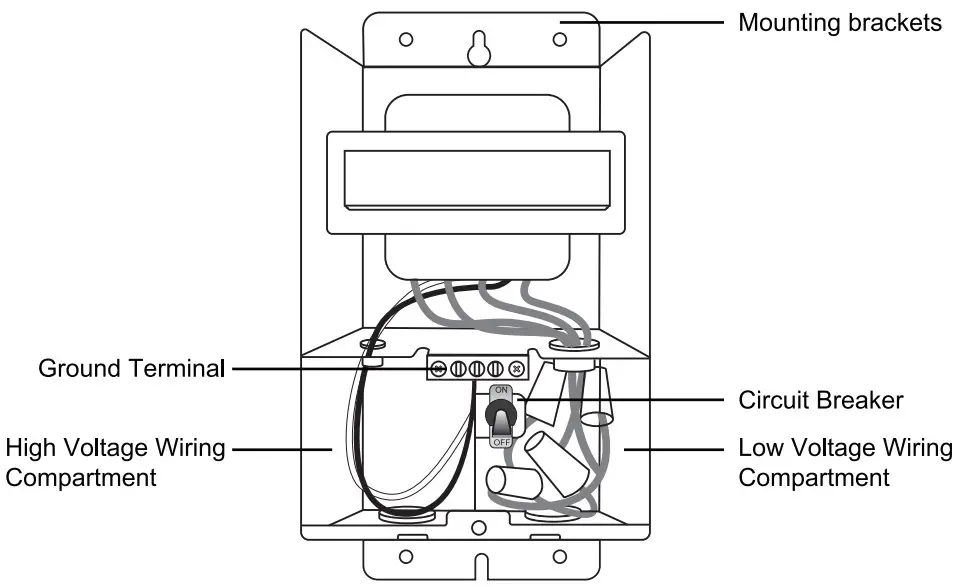
Product Layout
Installation
- Turn off the main circuit.
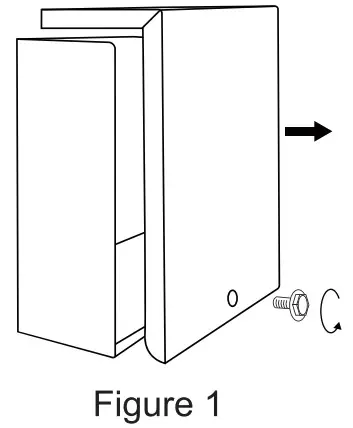
- Remove the metal cover by a screwdriver (NOT Included), and take out the mounting brackets, screws and anchors inside.(Figure 1)

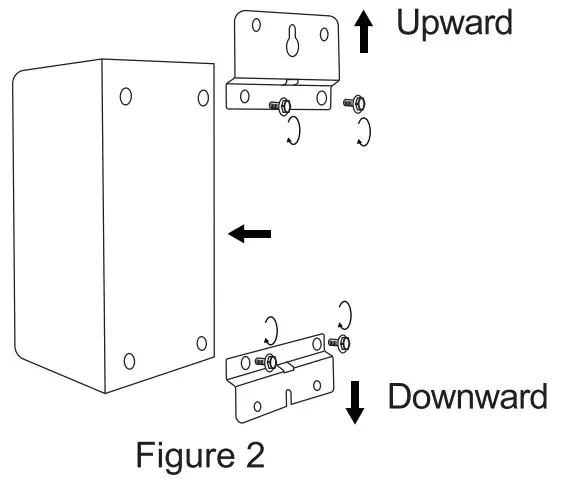
- Unscrew the top and bottom screws on the back of the transformer, install the mounting brackets and tighten the screws again.
Note: Pay attention tothe right direction of the two mounting brackets when installing. (Figure 2)
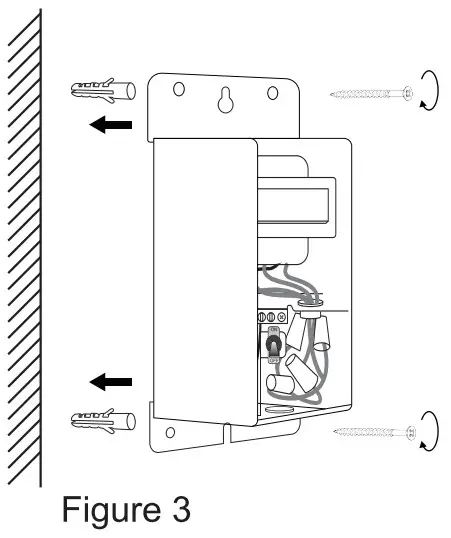
- Use Screws and Anchors to fix the transformer on the wall (at least 11t above the ground), making sure that the Wiring Compartments are facing down.(Figure 3)

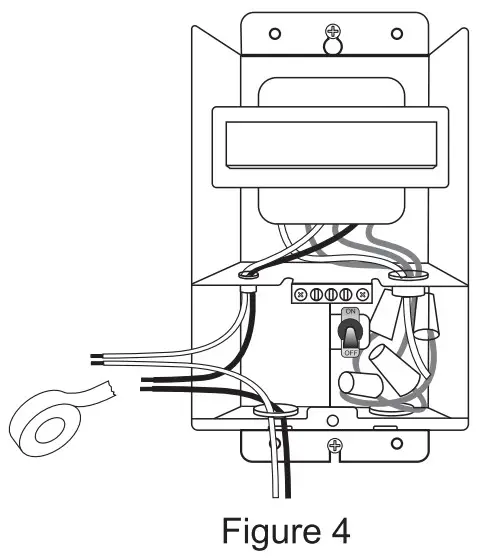
- Use electrical tape to connect the Black Wire and White Wire of the High Voltage Wiring Compartment with your live and neutral wires seperately, then place these connected wire in the High Voltage Wiring Compartment.(Figure 4)

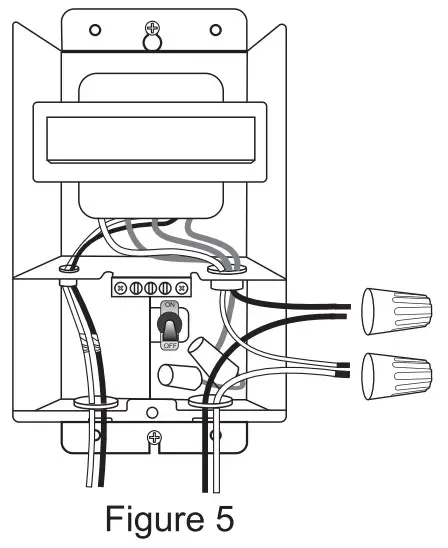
- Use the included wiring caps to connect the output line of the transformer with your load input line, then place the connected line in the Low Voltage Wiring Compartment.(Figure 5)
Note: (1) If the load has a ground wire, connect the ground wire to the Ground Terminal. (2)Do not remove the terminal block of the unused output line port, or it will cause short circuit.
- Turn on the main circuit.
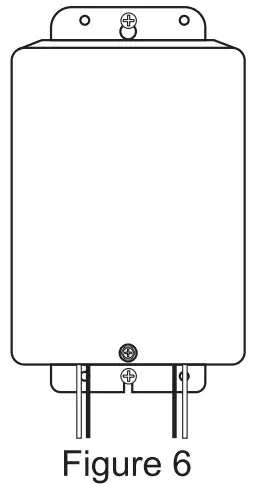
- Use a screwdriver to install the metal cover on the front of the transformer. (Figure 6)

Circut Breaker
If a circuit breaker occurs, immediately disconnect the transformer from the power source. Common causes for a circuit break are:
- Low voltage wires are incorrectly connected to transformer output terminals.
- Overload or short circuit (bare wires touching) occurs somewhere along cable.
- Fixtures are incorrectly installed along the cable
- Lamp load along a circuit exceeds 300VA.
Make all repairs to the lighting system before reconnecting the transformer to the power source. After the problem has been determined and solved, reset the breaker by flipping the Circuit Breaker.
Specifications
- Input Voltage: 120VAC, 60Hz
- Output: 12/13/14VAC
- Max Power Rating: 300W
One year Limited Warranty
Supported by our professional R&D team and QC team, we provide One Year Warranty for materials and workmanship from the purchase date. Please note that the warranty does not cover damage caused by personal misuse or improper installation
Please attach your Order ID and Name so that our dedicated customer service team can help you better.
V20919