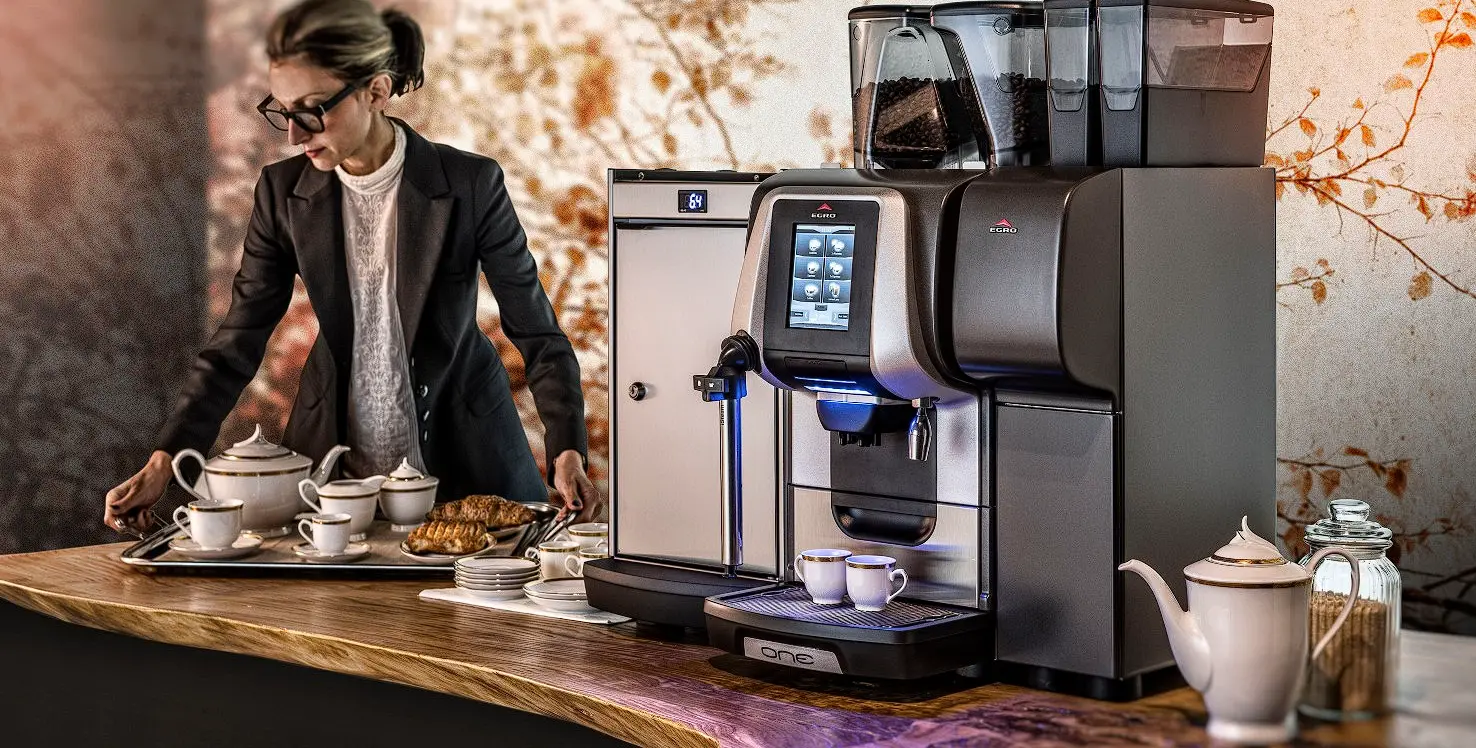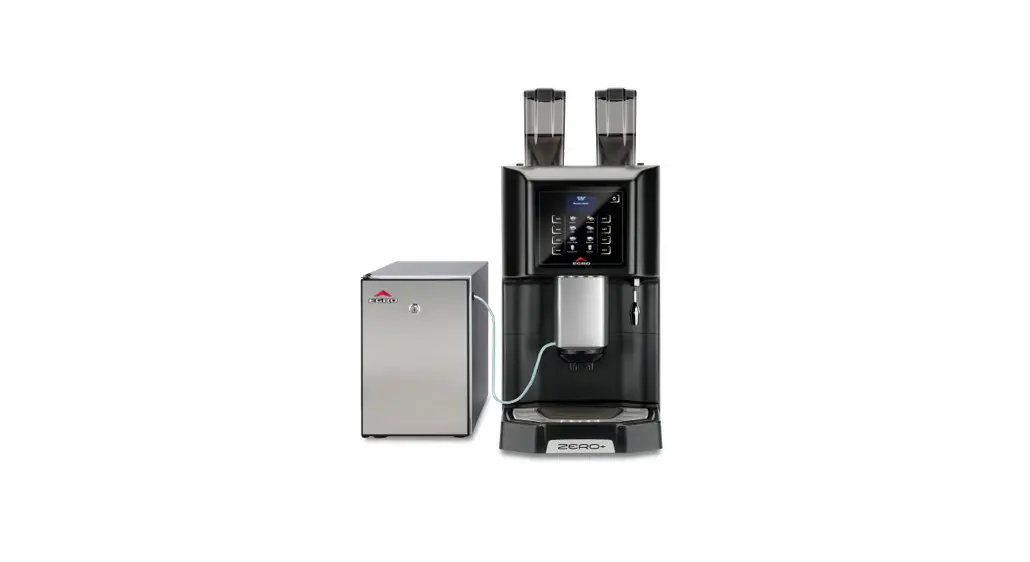
 Zero Plus Coffee Machine
User Manual
Egro Zero+ Daily Coffee and Milk Cleaning
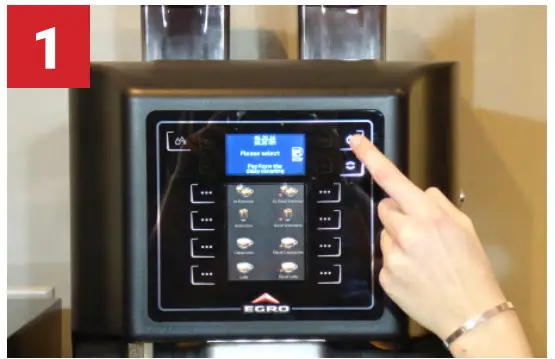 | 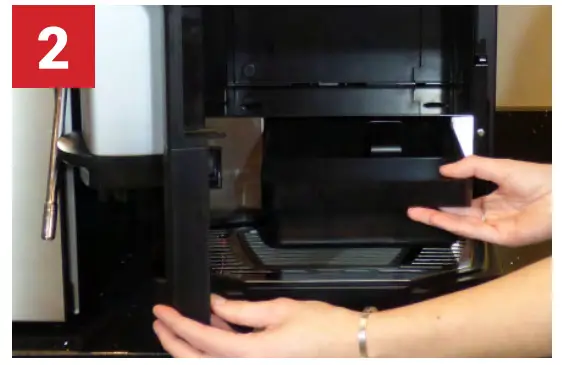 |
| Tap on the interface rapidly 3 times to enter the cleaning menu. Select the Coffee and Milk Cleaning program. Note: for Pure Coffee models (without milk refrigerator), select the Coffee Cleaning | When prompted, remove and empty the coffee grounds bin. Wipe grounds bin area. Replace the grounds bin and close the door. |
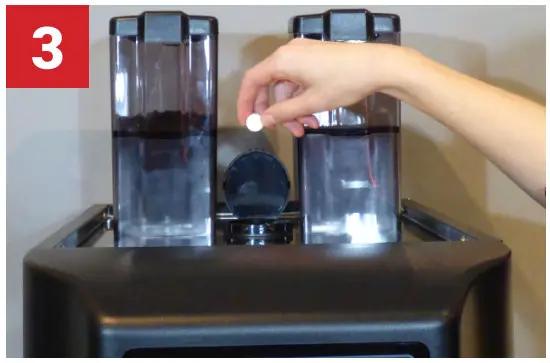 | 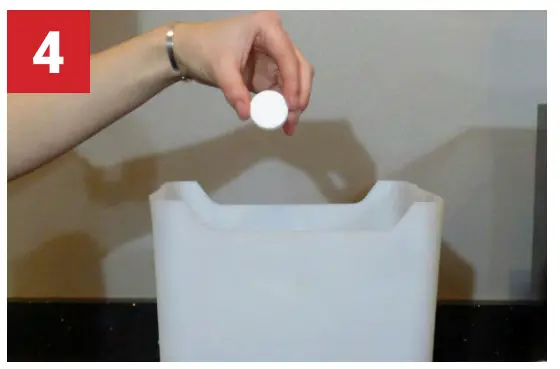 |
| Place an Egro Coffee Machine Cleaning Tablet in the chute on top of the machine. | Prepare a solution by combining an Egro Milk System Tablet with about 1L (32 oz) of warm water in a container. |
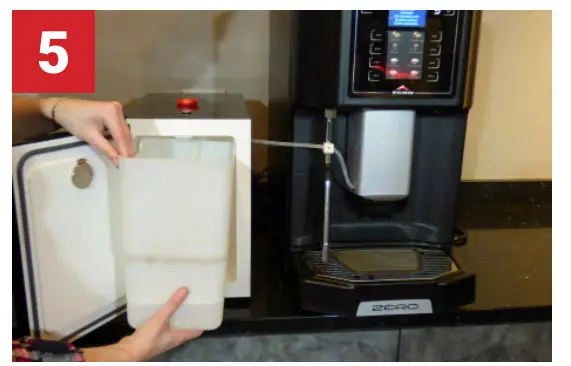 | 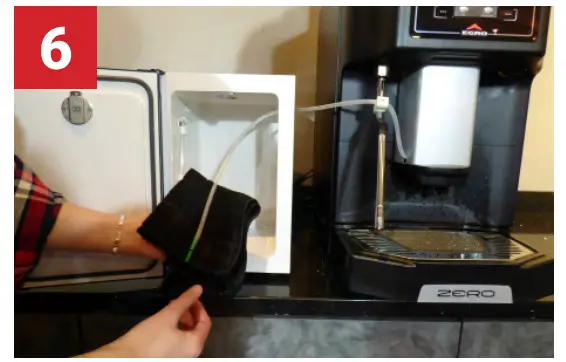 |
| Place the container in the milk storage refrigerator, insert the milk line into the solution, and press “Enter”. When prompted, replace the solution with fresh water and repeat. | Clean the milk tube and hose with a clean damp towel. Place milk back in the refrigerator. Press Enter to finish cleaning. |
Cleaning Product Re-Order Information
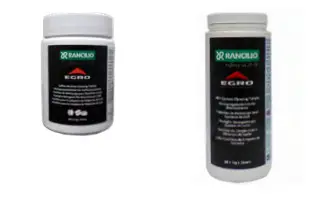
To re-order the Egro Coffee Machine Cleaning Tablets, please send your orders to: [email protected]. We offer an Auto-Ship Cleaning Supplies Program to automatically ship cleaning products to you. Call (630) 914-7900 to learn more about our program.
Egro Coffee Machine Cleaning Tablets: Product # 69000427
Egro Milk System Cleaning Tablets: Product # 69000426
 DO NOT SHUT THE MACHINE OFF DURING CLEANING!
It will cause the machine to become disabled and may void your warranty.
Shutting off the machine will not reset the cleaning counter. To unblock a machine that has been blocked due to a lack of cleaning, a complete daily cleaning must be performed.
Egro Zero+ Daily Steam Wand Cleaning
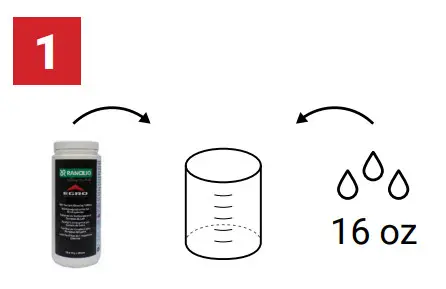 | 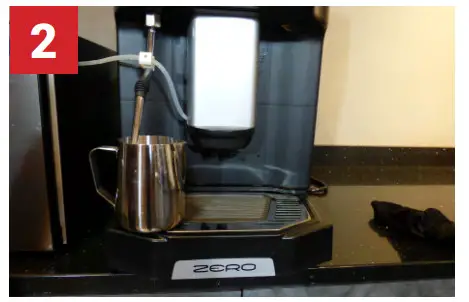 |
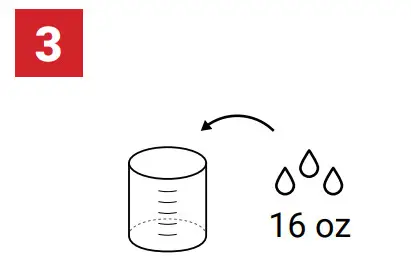
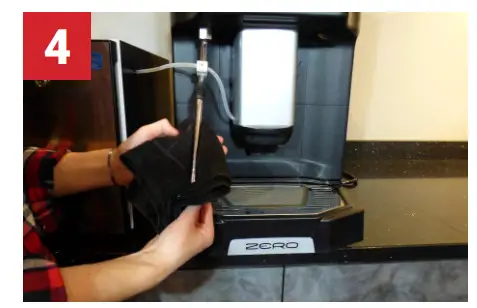
| Prepare a solution by combining an Egro Milk System Tablet with 16 oz of water (or until the steam tip is fully submerged). | Activate the steam wand until the solution is heated and allow the wand to soak in the solution for 10 minutes. |
 |  |
| Dispose of the cleaning solution and refill it with fresh water. Activate the steam wand until the water is heated. | Dispose of the water and wipe the steam wand with a clean towel. |
Cleaning Product Re-Order Information
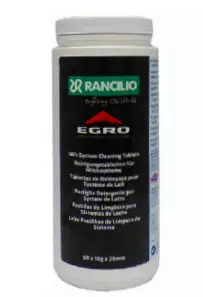 To re-order the Egro Milk System Cleaning Tablets, please send your orders to: [email protected] Egro Milk System Cleaning Tablets
Product # 69000426
We offer an Auto-Ship Cleaning Supplies Program to automatically ship cleaning products to you. Call (630) 914-7900 to learn more about our program.

 Home - Rancilio Group North America