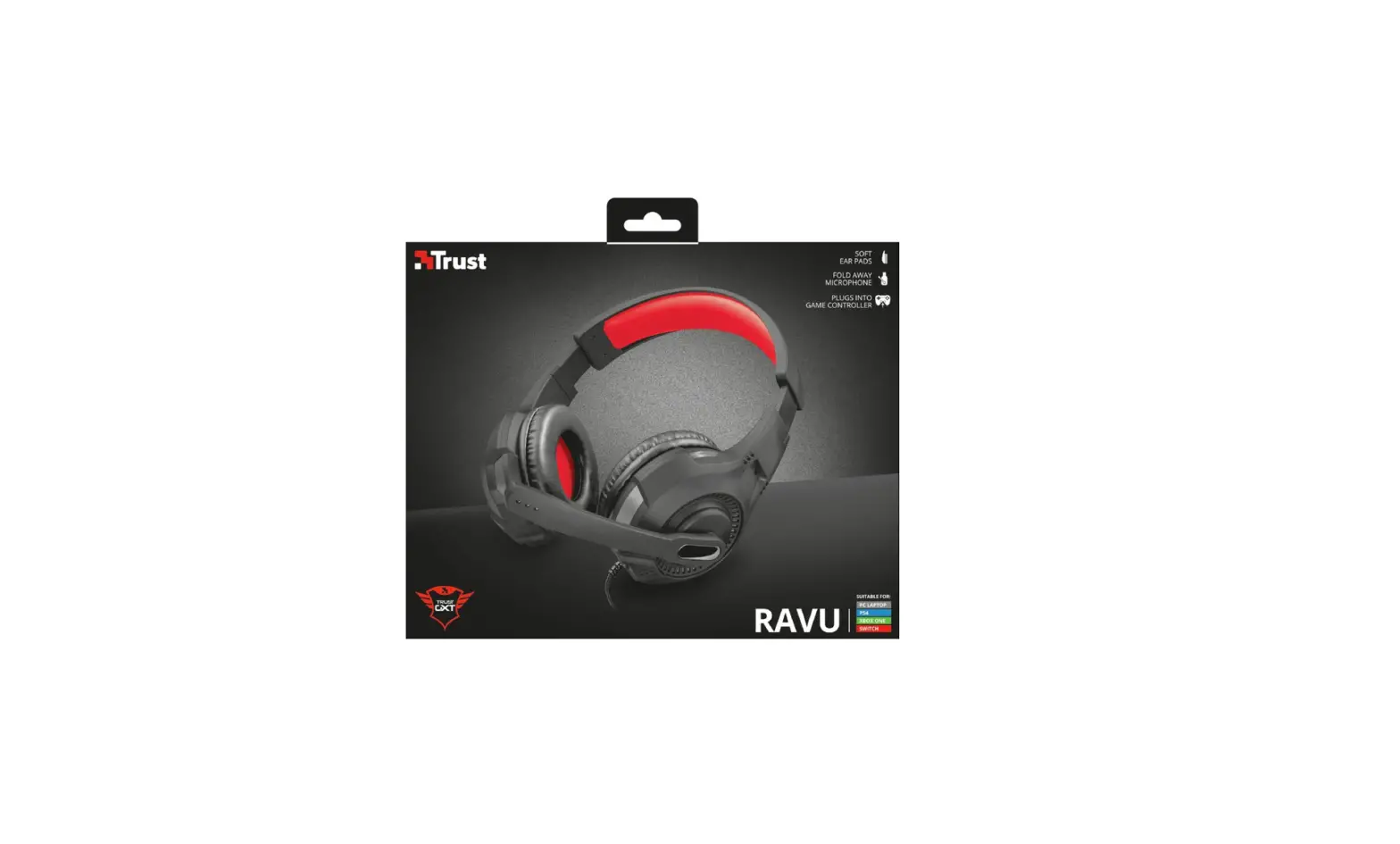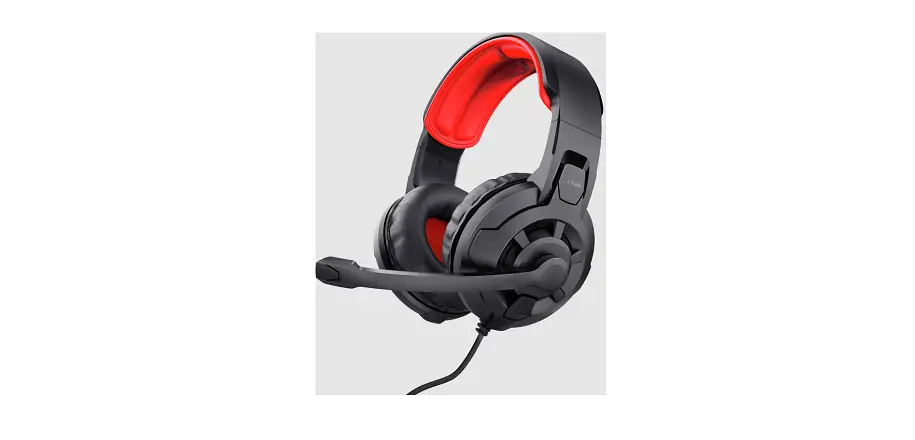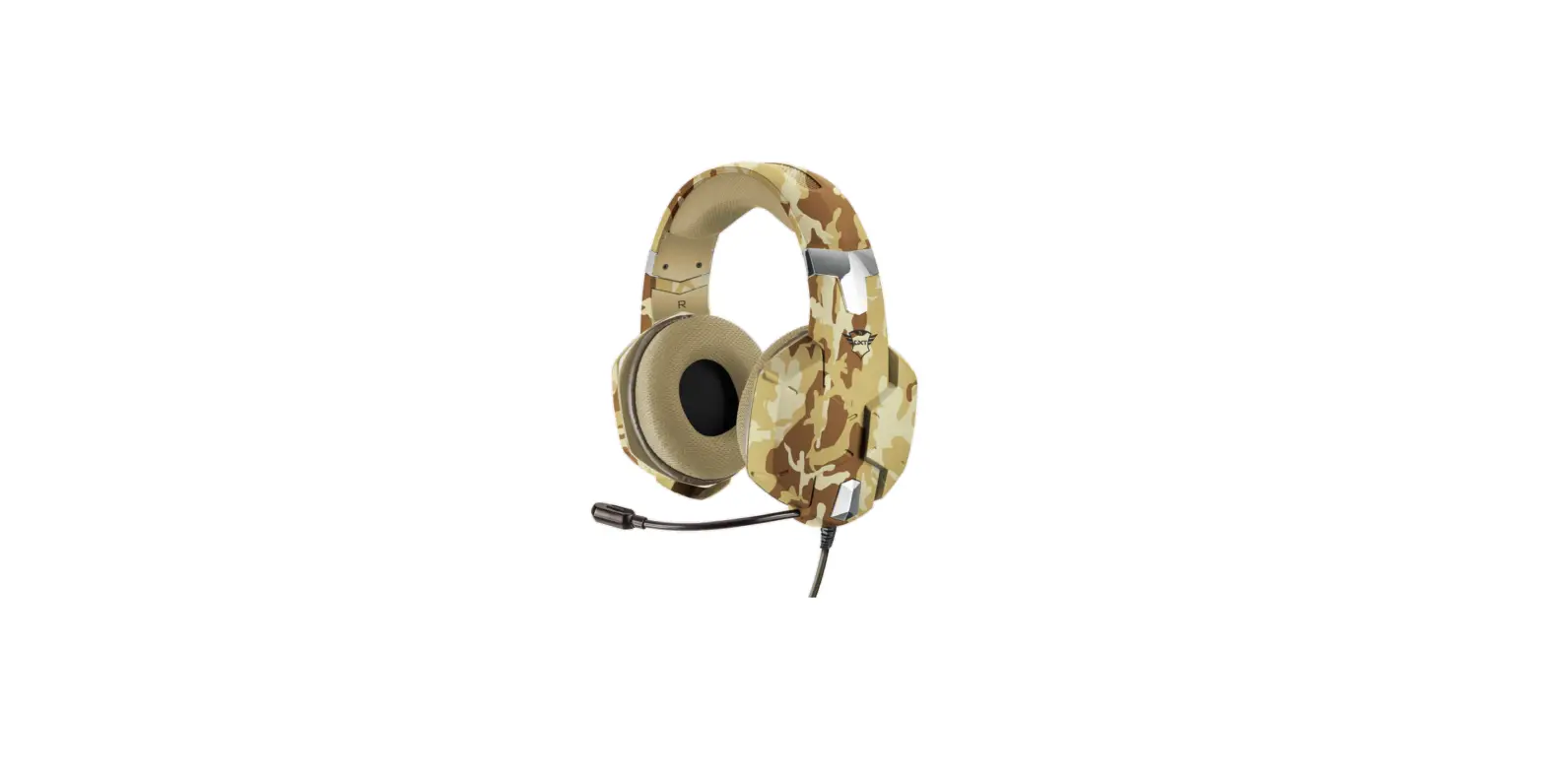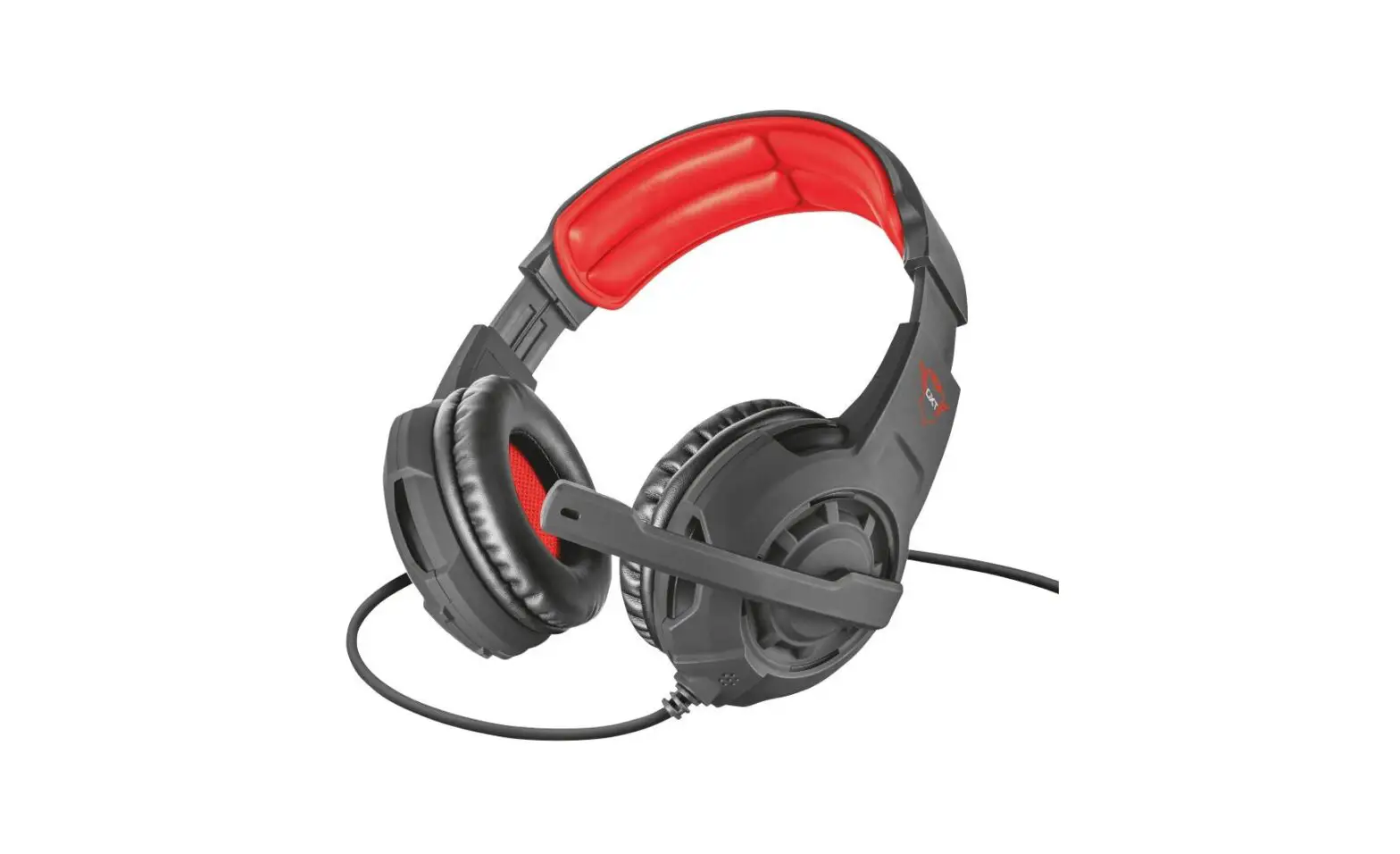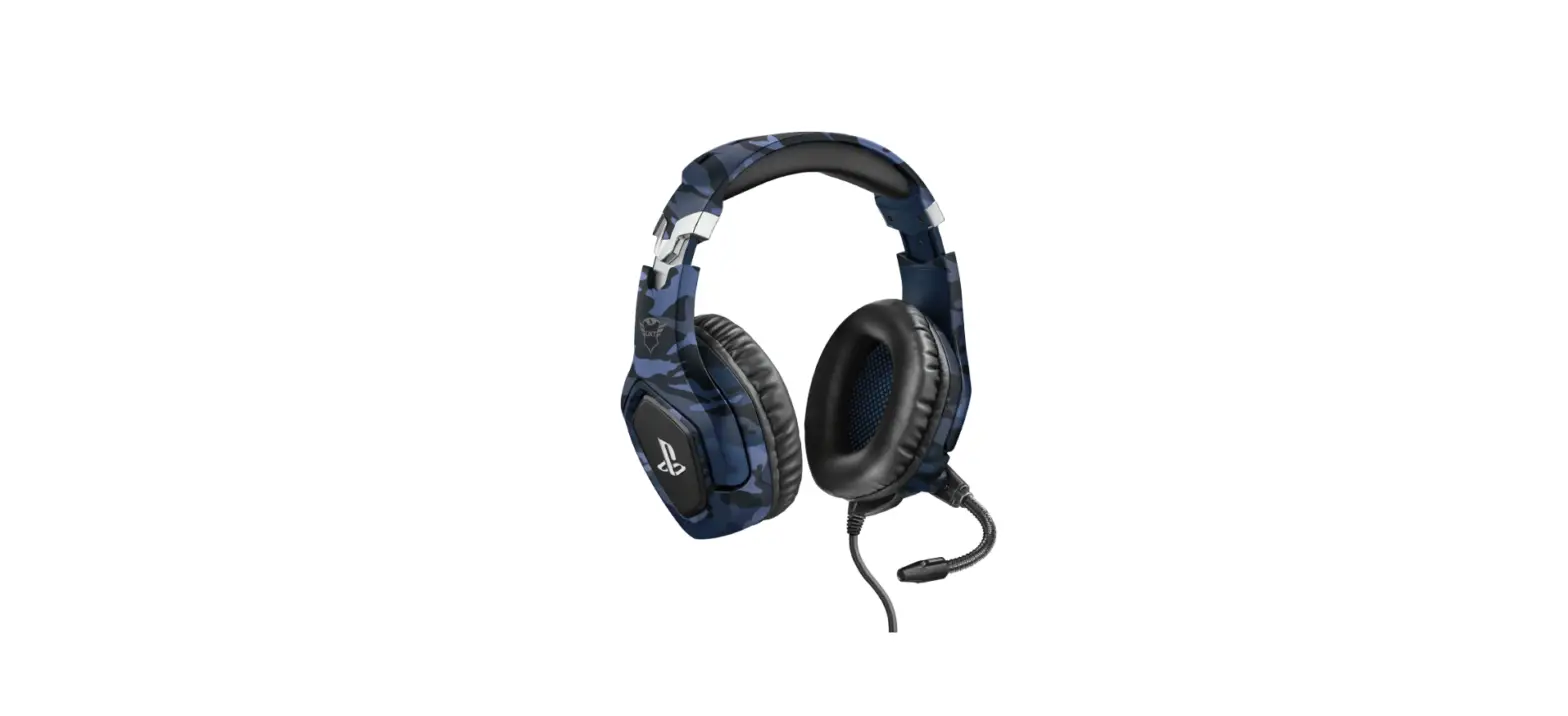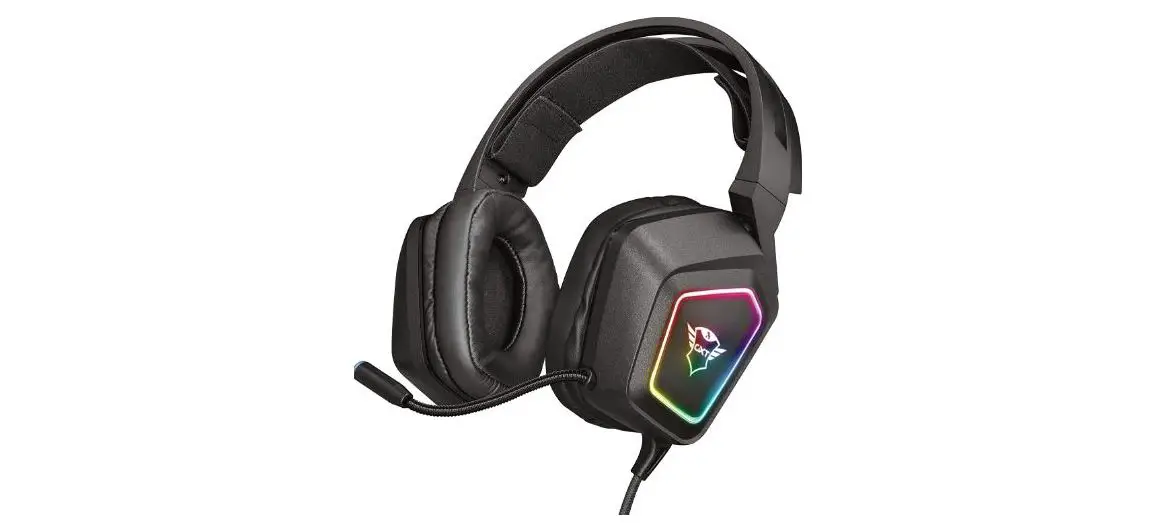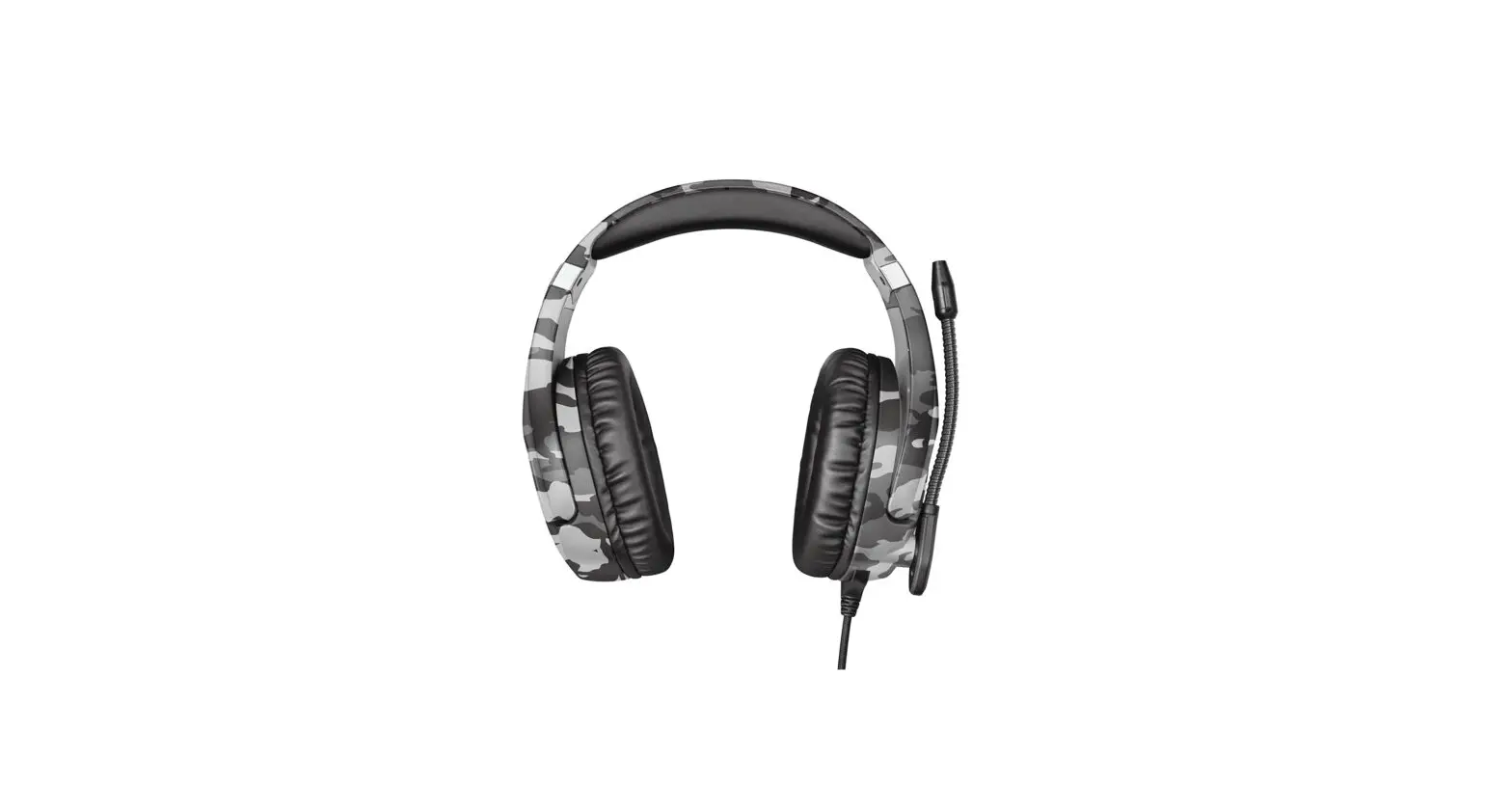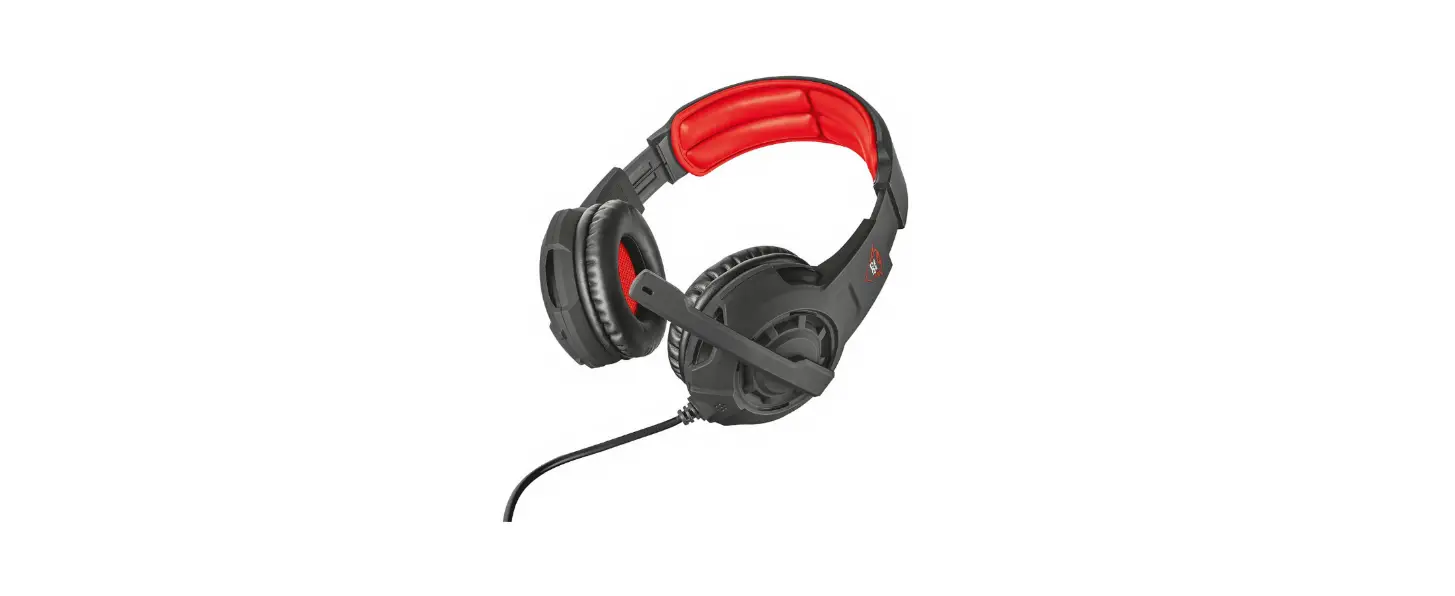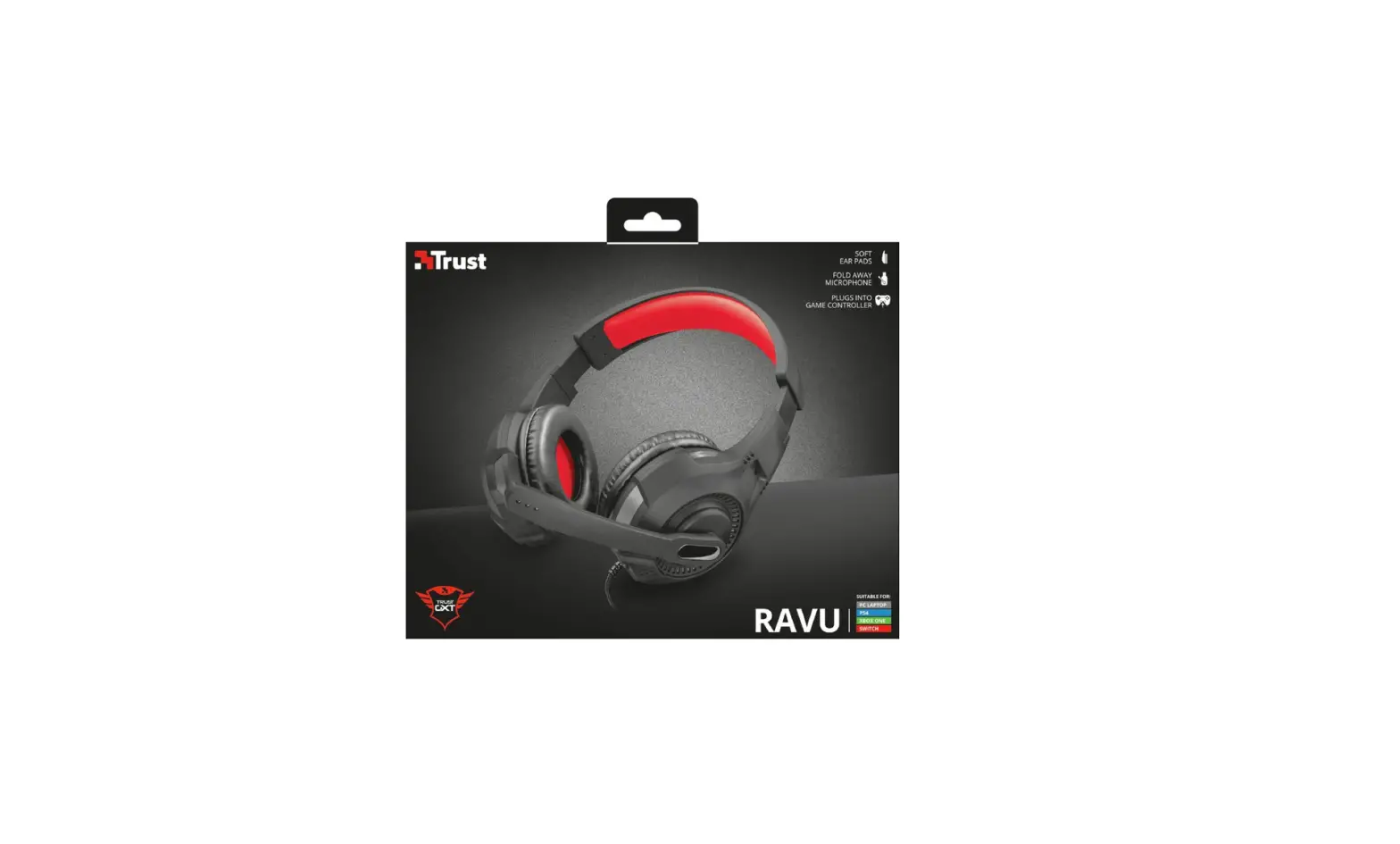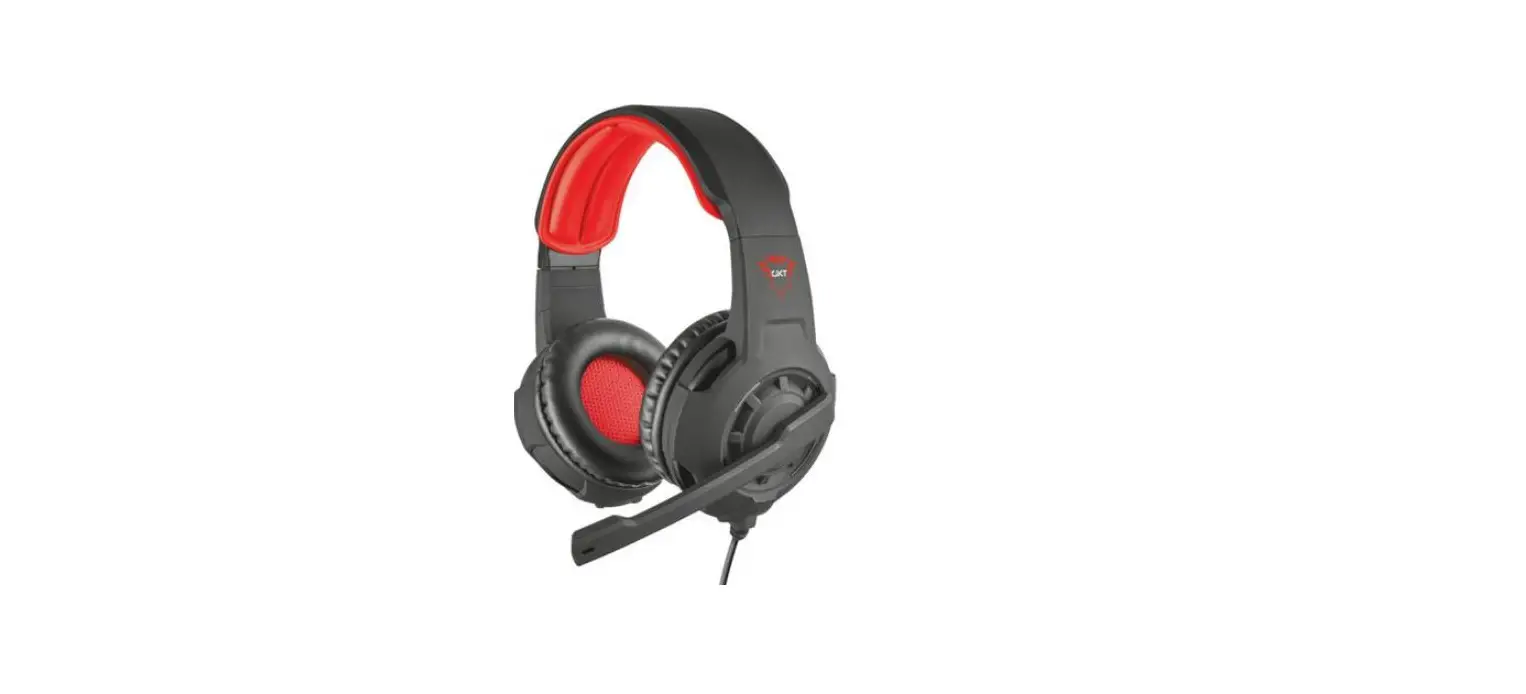

Trust GXT 415B Zirox Gaming Headset
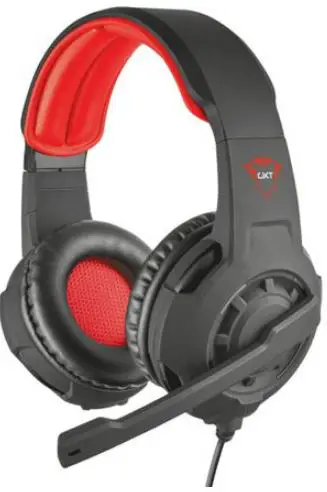
Product Information
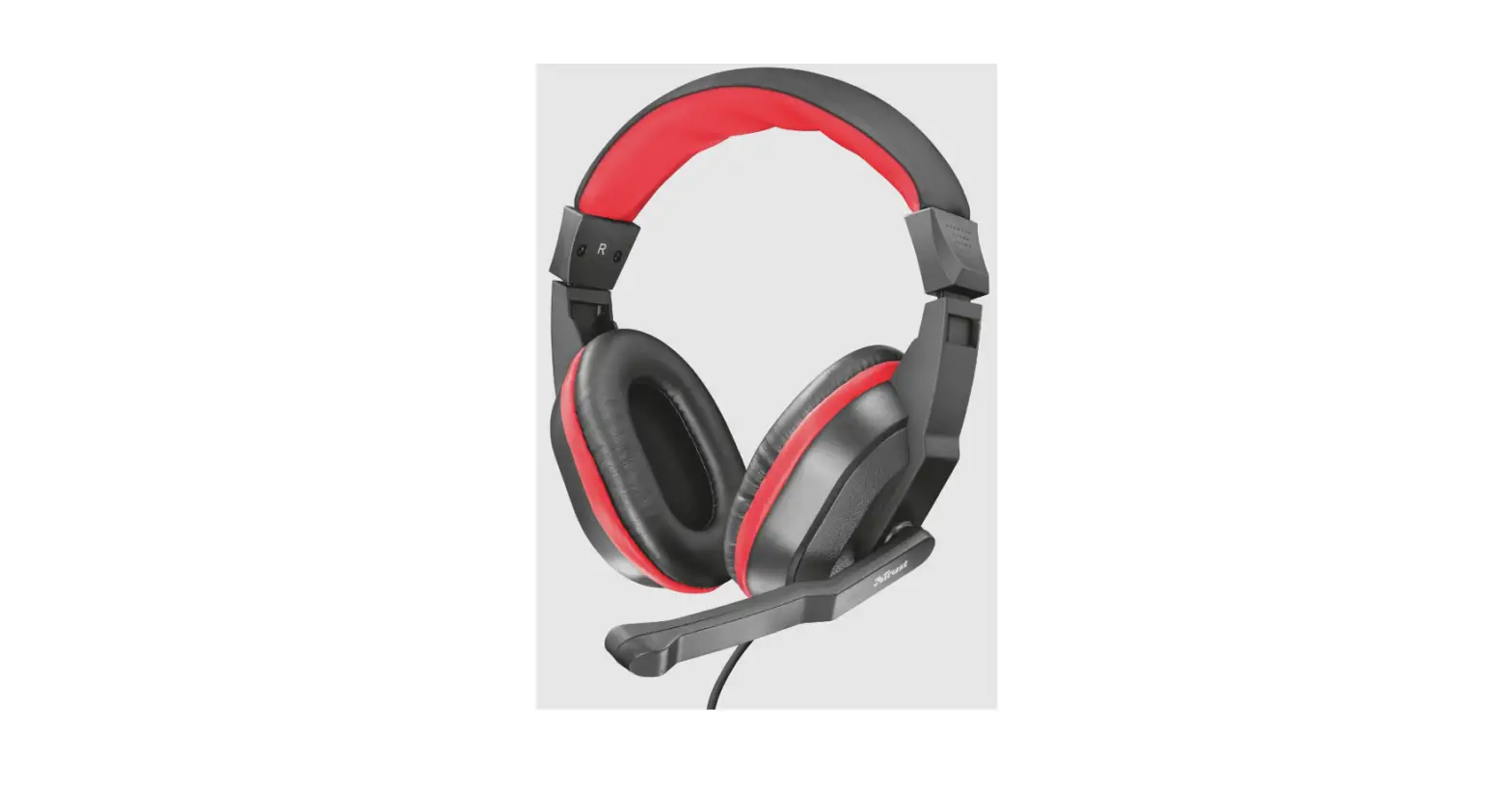
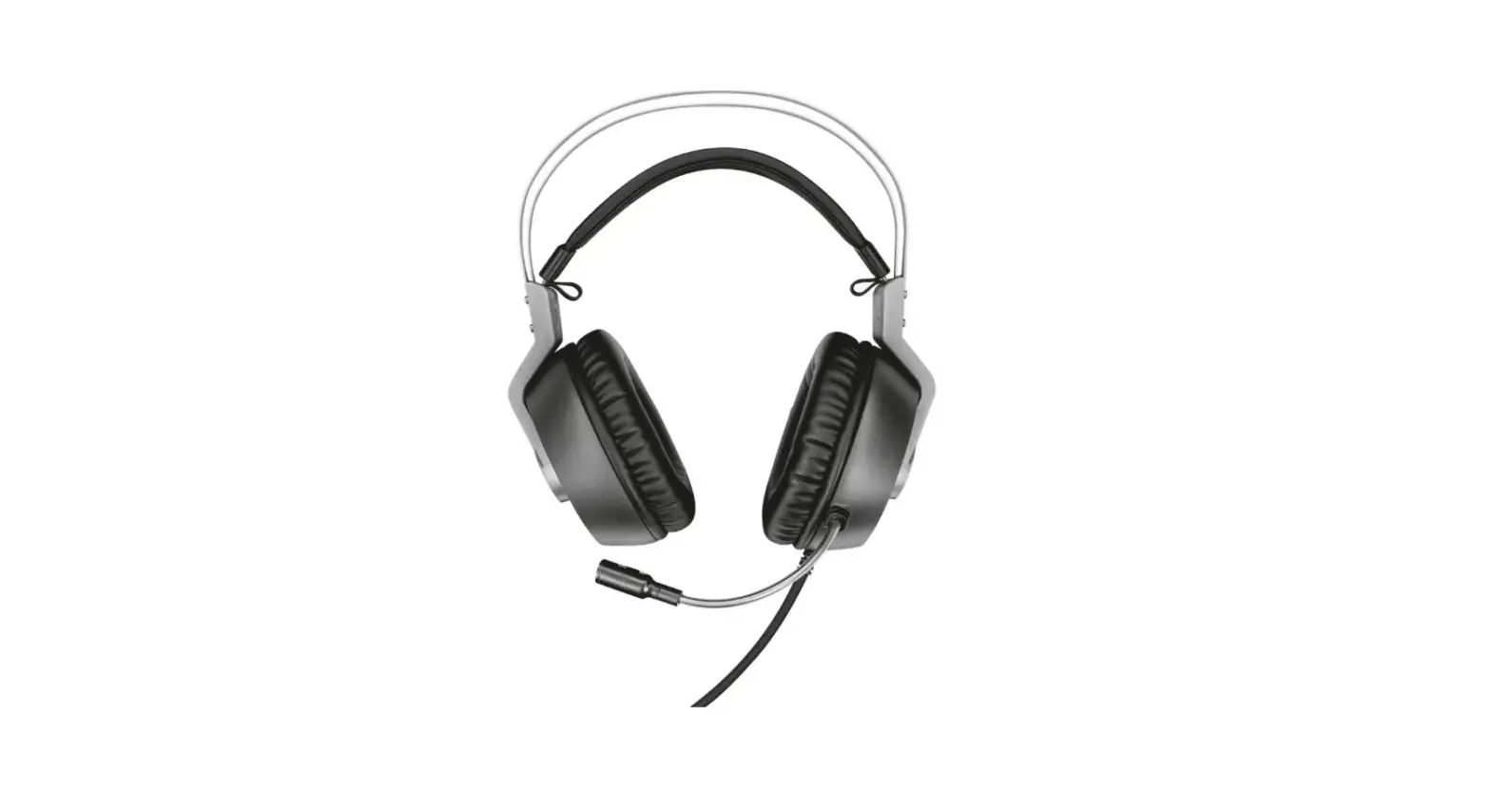
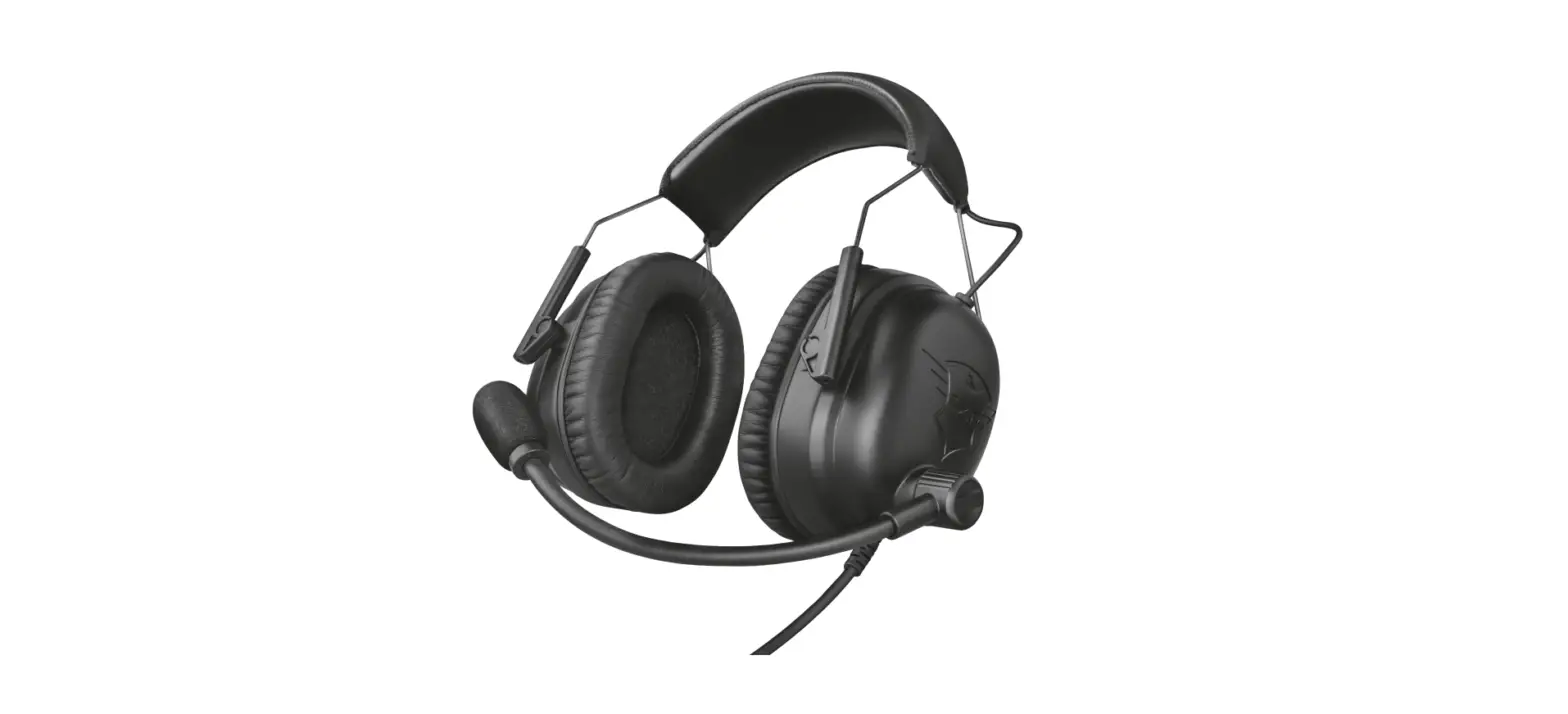
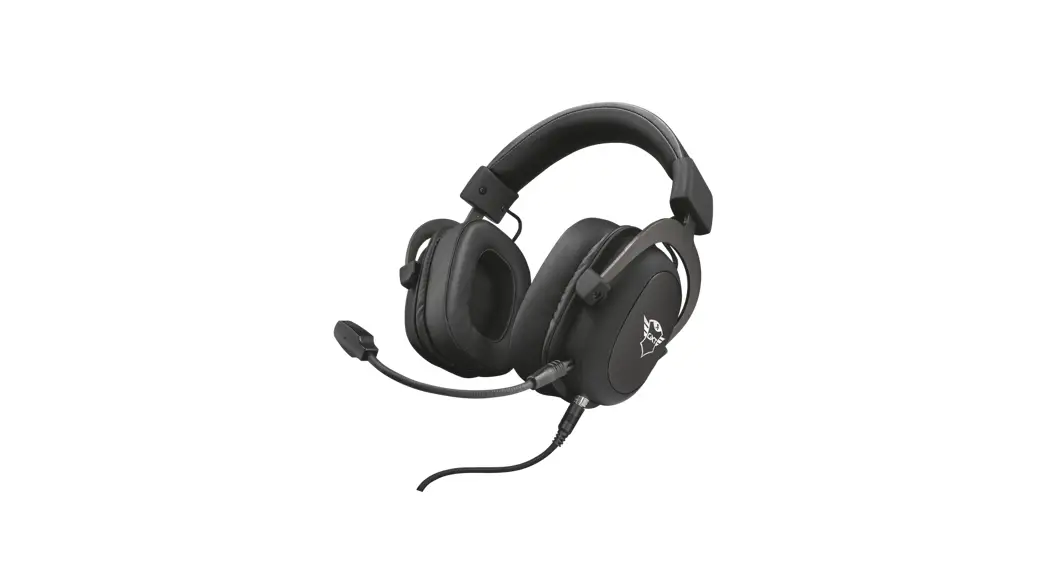
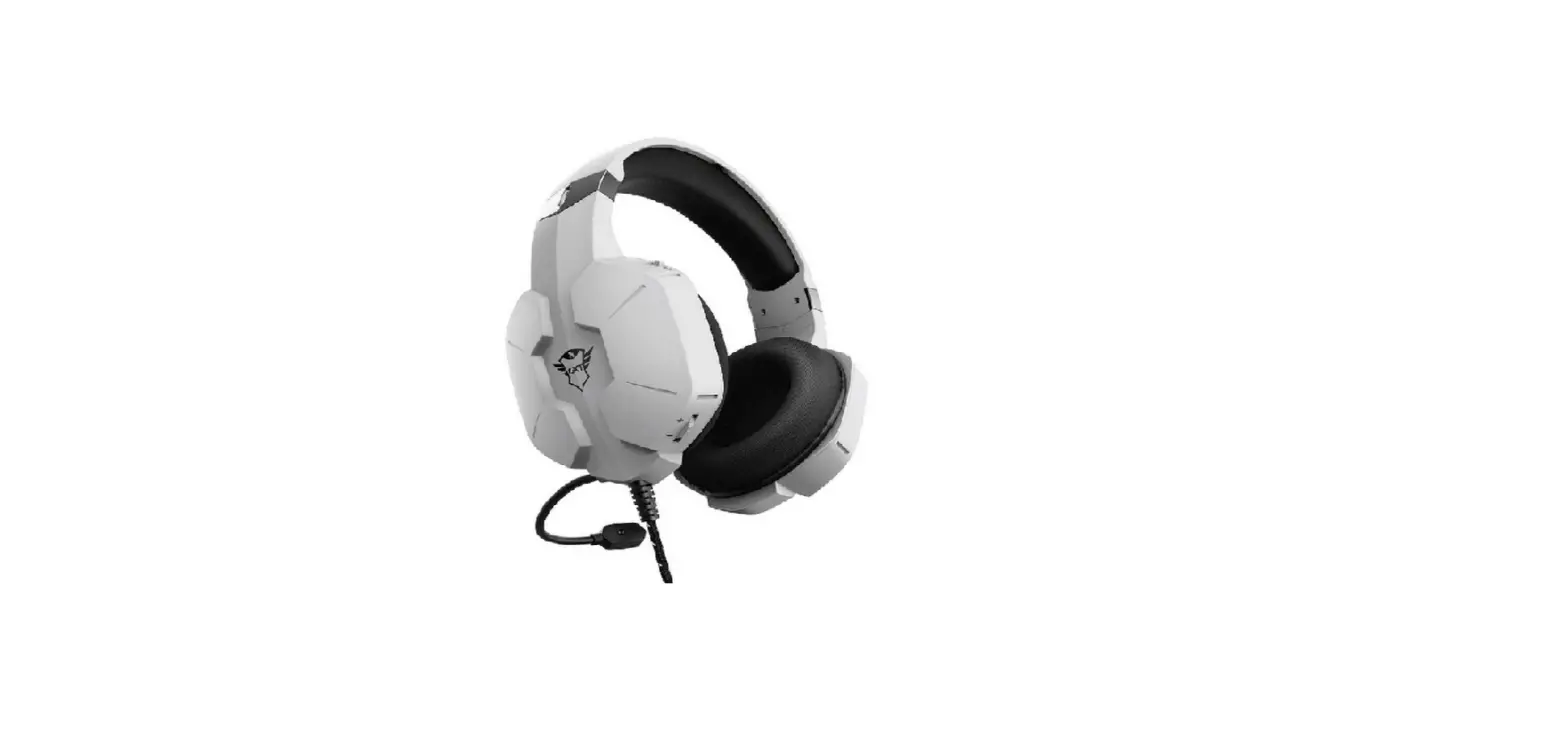
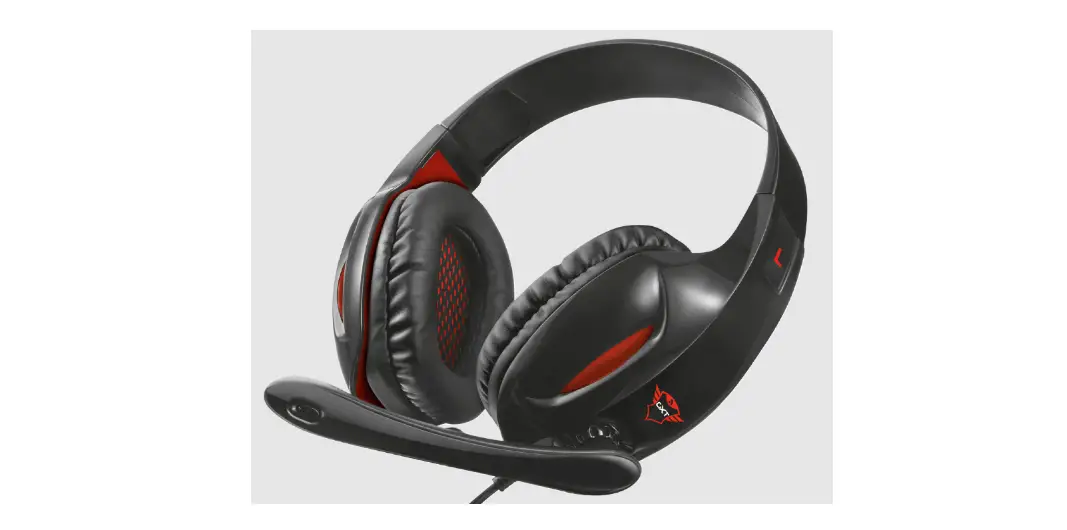
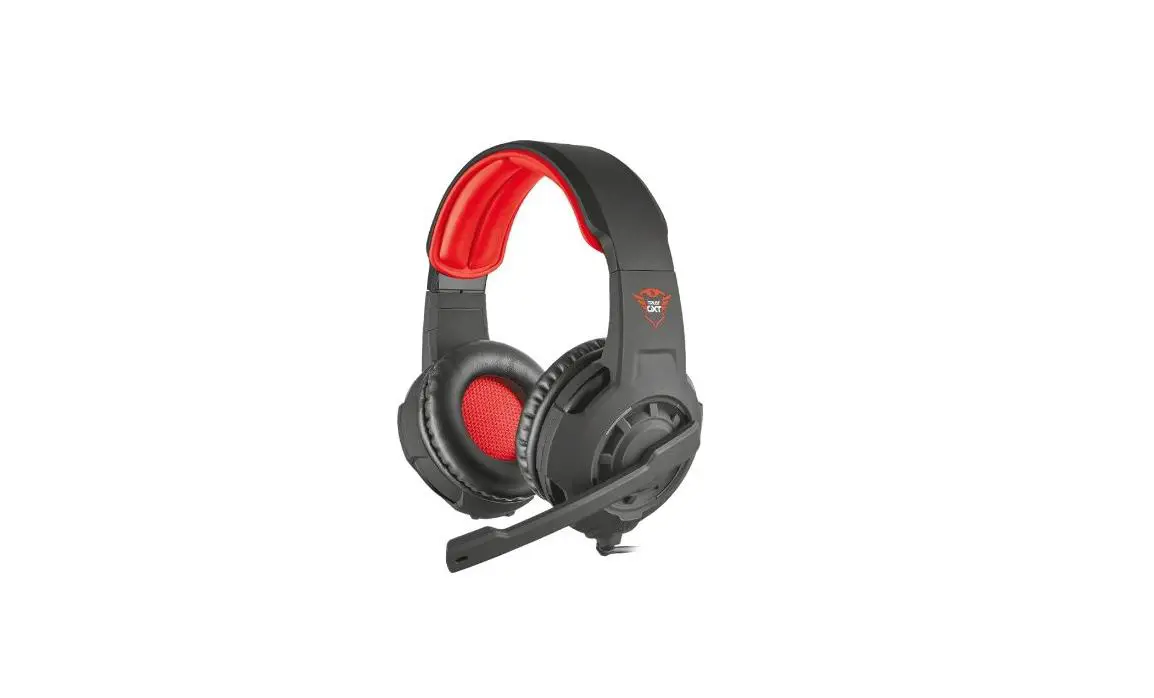
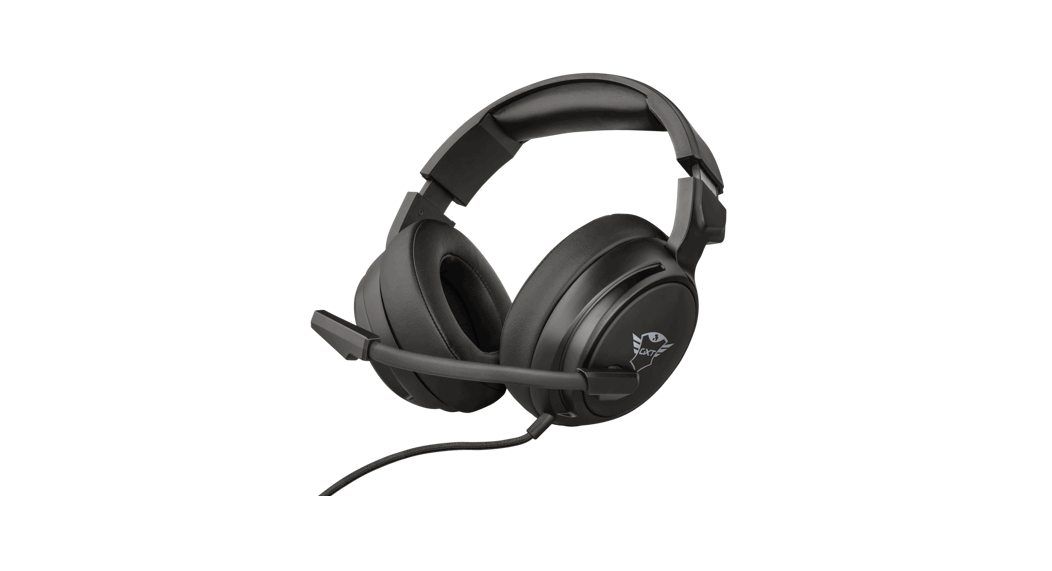
The ZIROX gaming headset is a high-quality audio device designed for gamers who demand superior sound quality and comfort during extended gaming sessions. The headset features a built-in microphone and is compatible with a wide range of gaming consoles, PCs, and mobile devices.
Product Specifications
- Model: ZIROX
- Type: Gaming Headset
- Connector Type: 3.5mm Jack
- Microphone: Built-in
- Compatibility: Gaming Consoles, PCs, and Mobile Devices
Product Usage Instructions
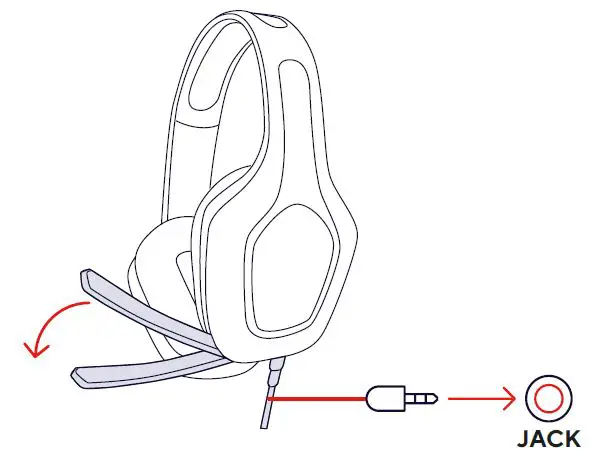
- Connect the headset to your device’s audio jack using the included 3.5mm jack connector.
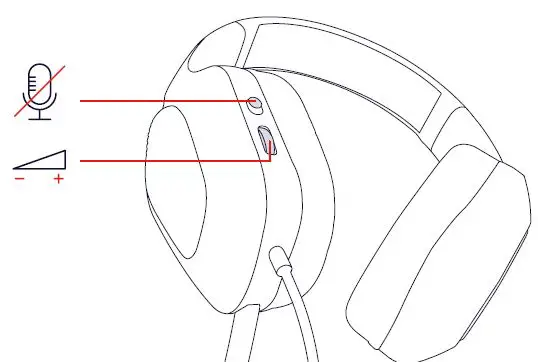
- Adjust the volume and microphone settings on your device as needed.
- Put on the headset and adjust the headband and ear cups for a comfortable fit.
- Use the built-in microphone to communicate with other players during gaming sessions.
- When not in use, disconnect the headset from your device and store it in a safe and dry location.
If you have any further questions or concerns regarding the ZIROX gaming headset, please visit our website at www.trust.com/en/product/24990 or consult our FAQ page at WWW.TRUST.COM/24990/FAQ.
OVERVIEW
MAIL SUPPORT
www.trust.com/en/product/24990.
WWW.TRUST.COM/24990/FAQ.
Trust International BV – Laan van Barcelona 600 – 3317DD, Dordrecht, The Netherlands ©2023 Trust All rights reserved.
 Trust.com - GXT 415 Zirox Gaming headset - Black