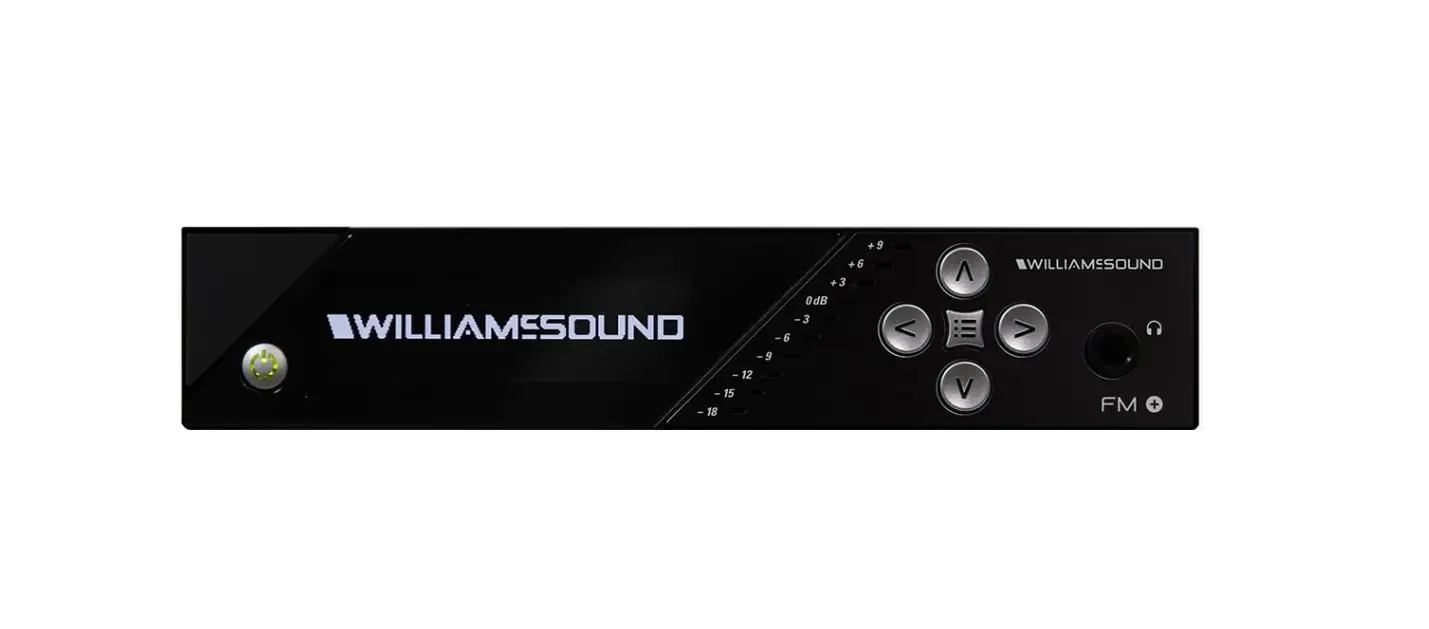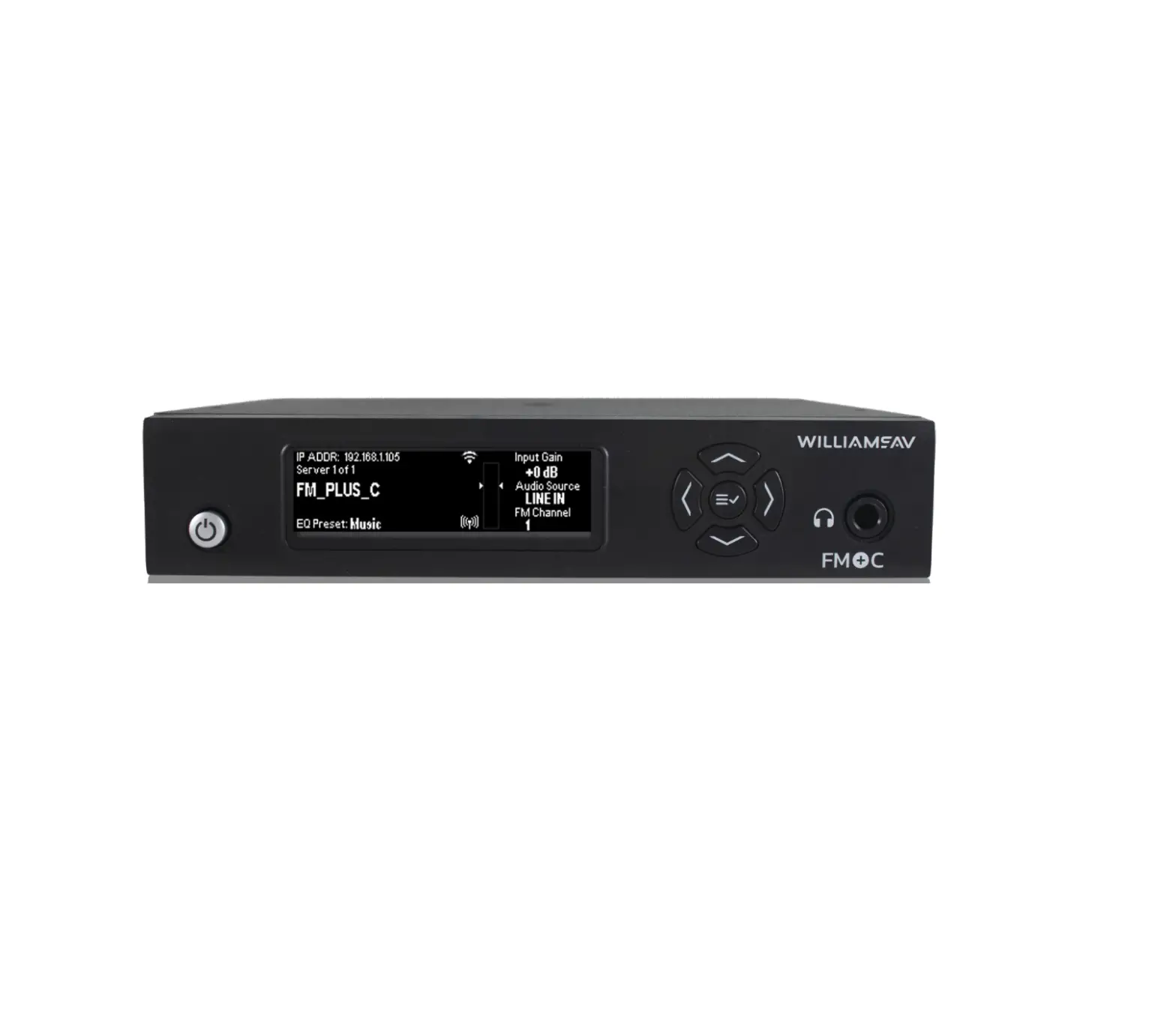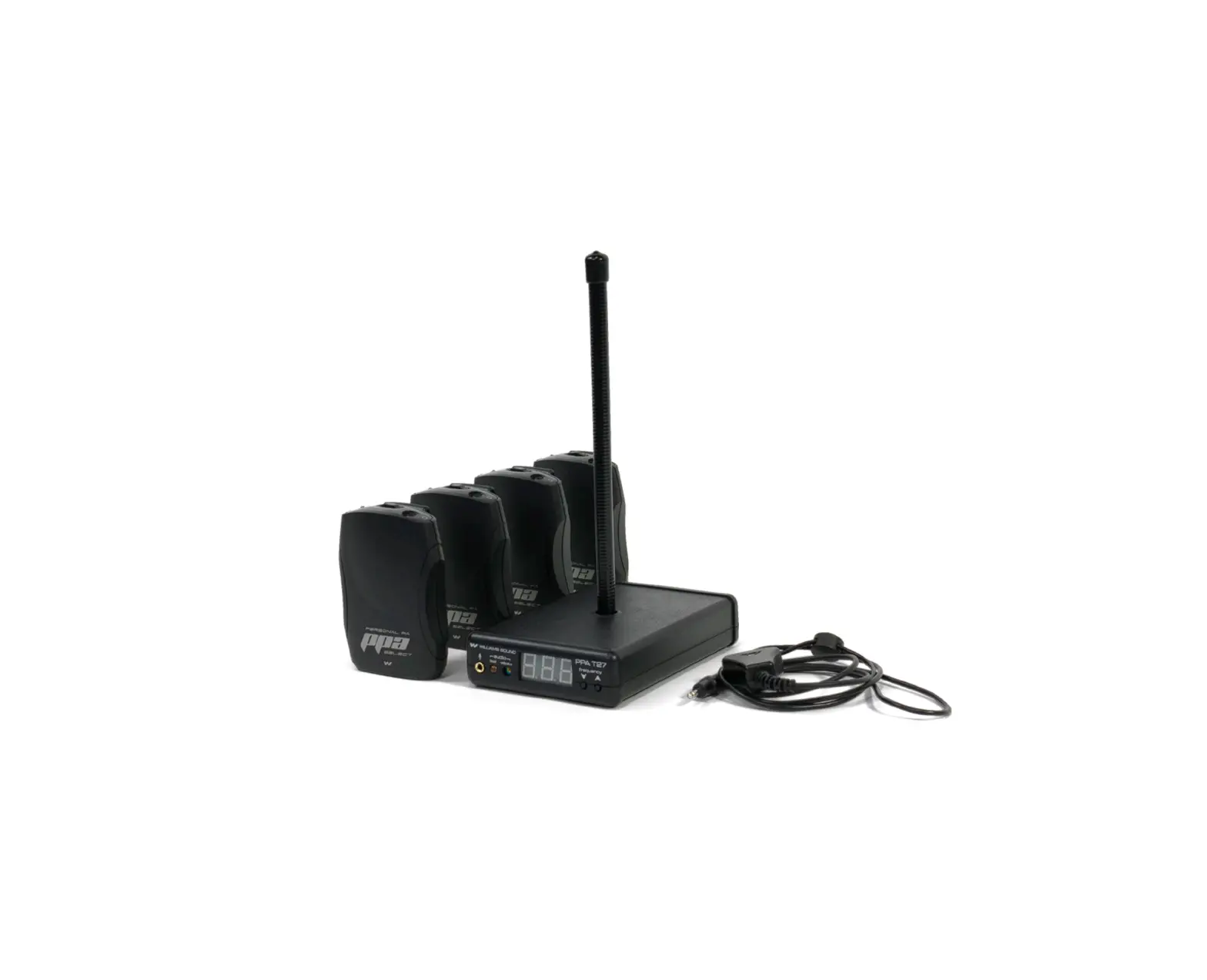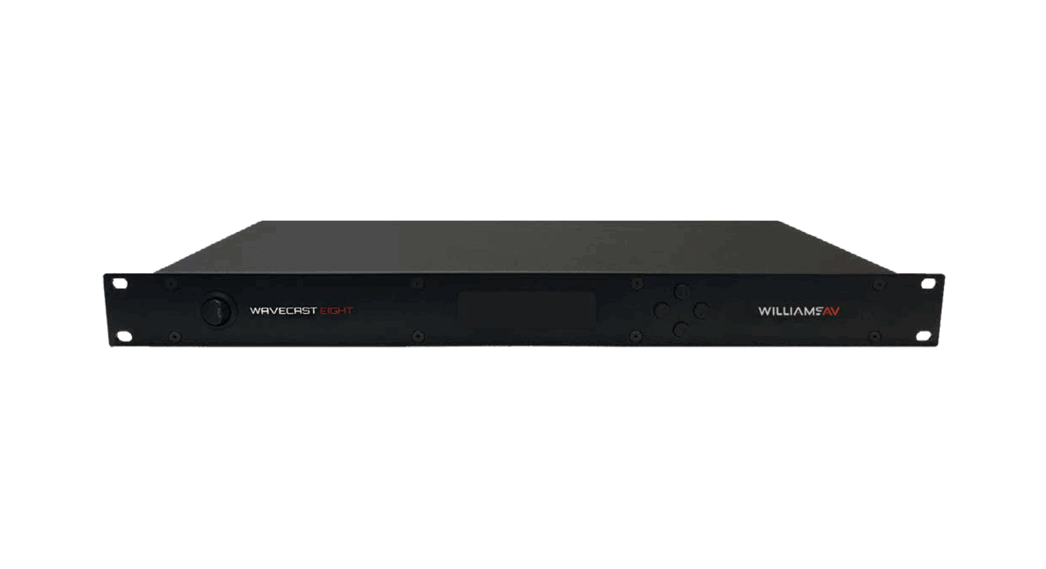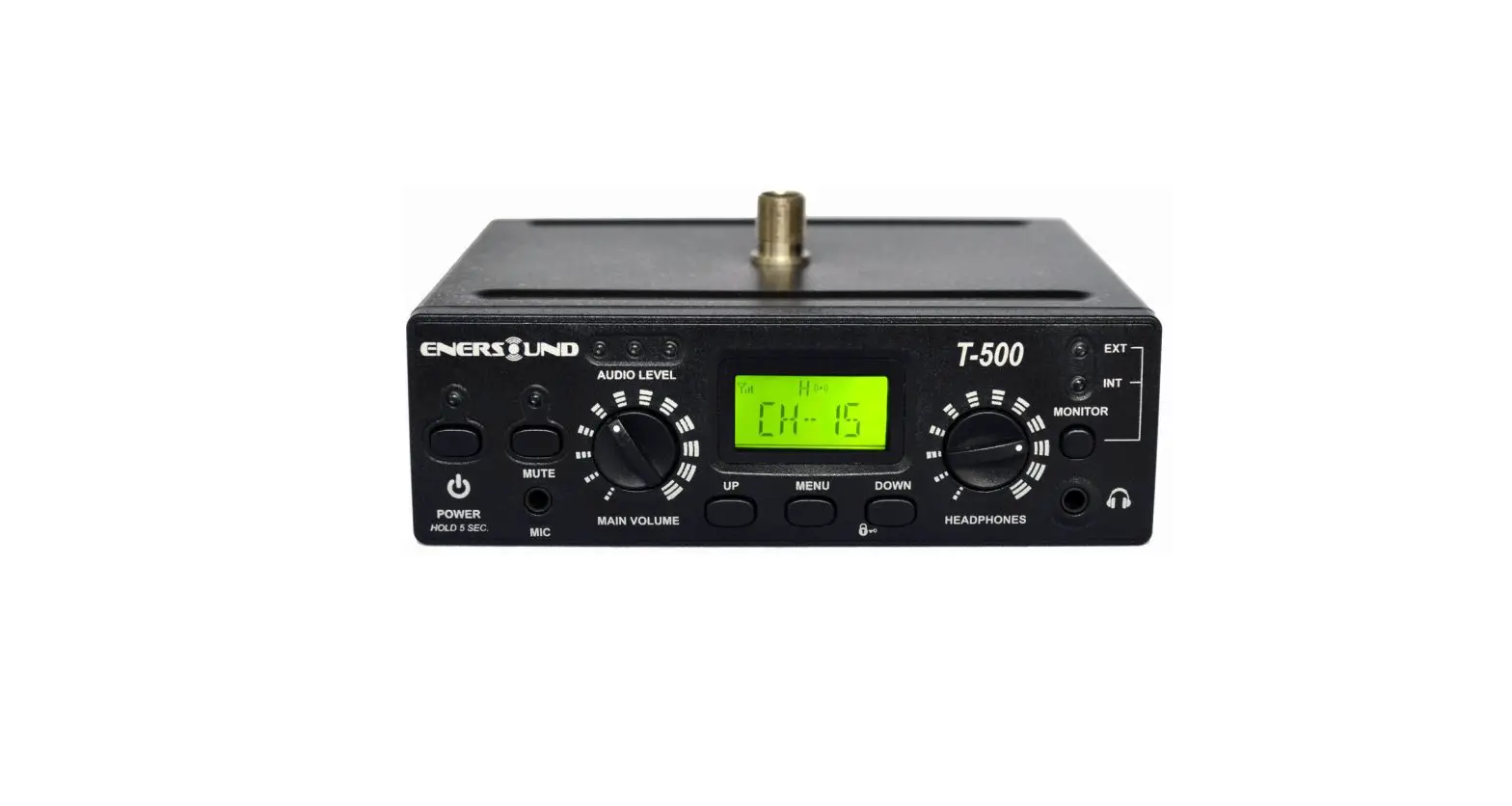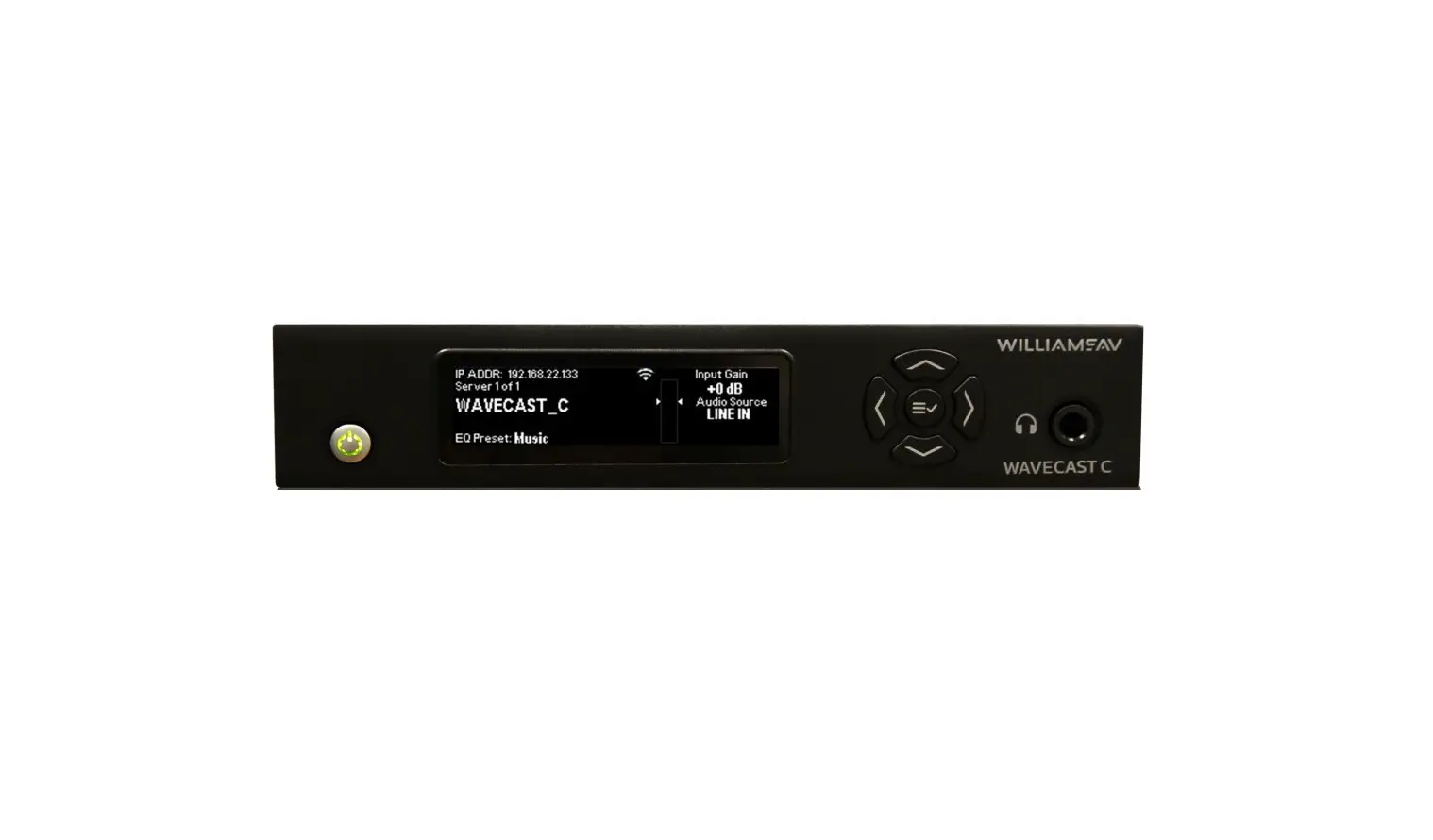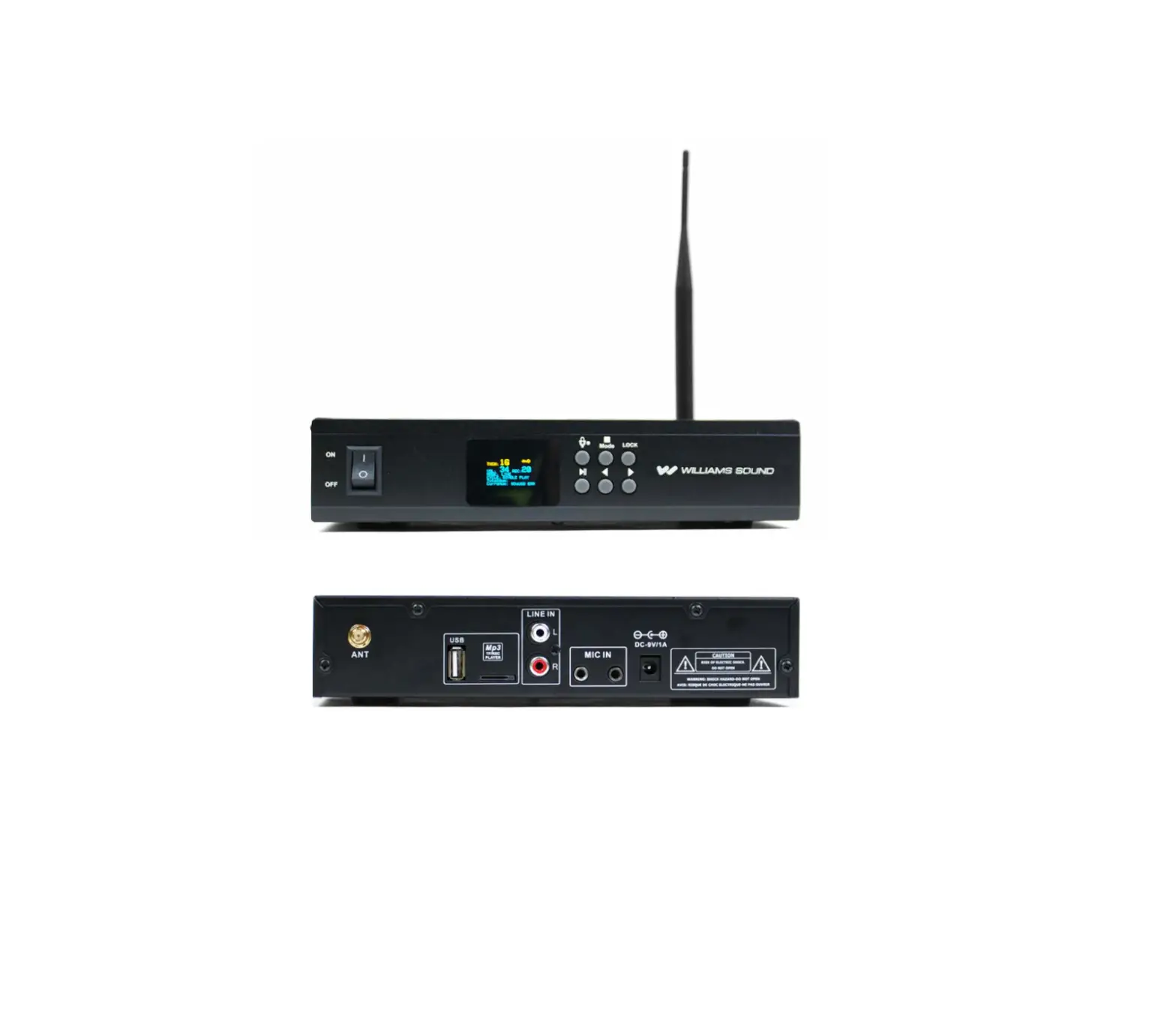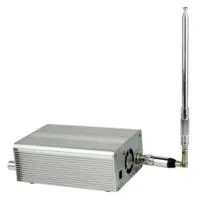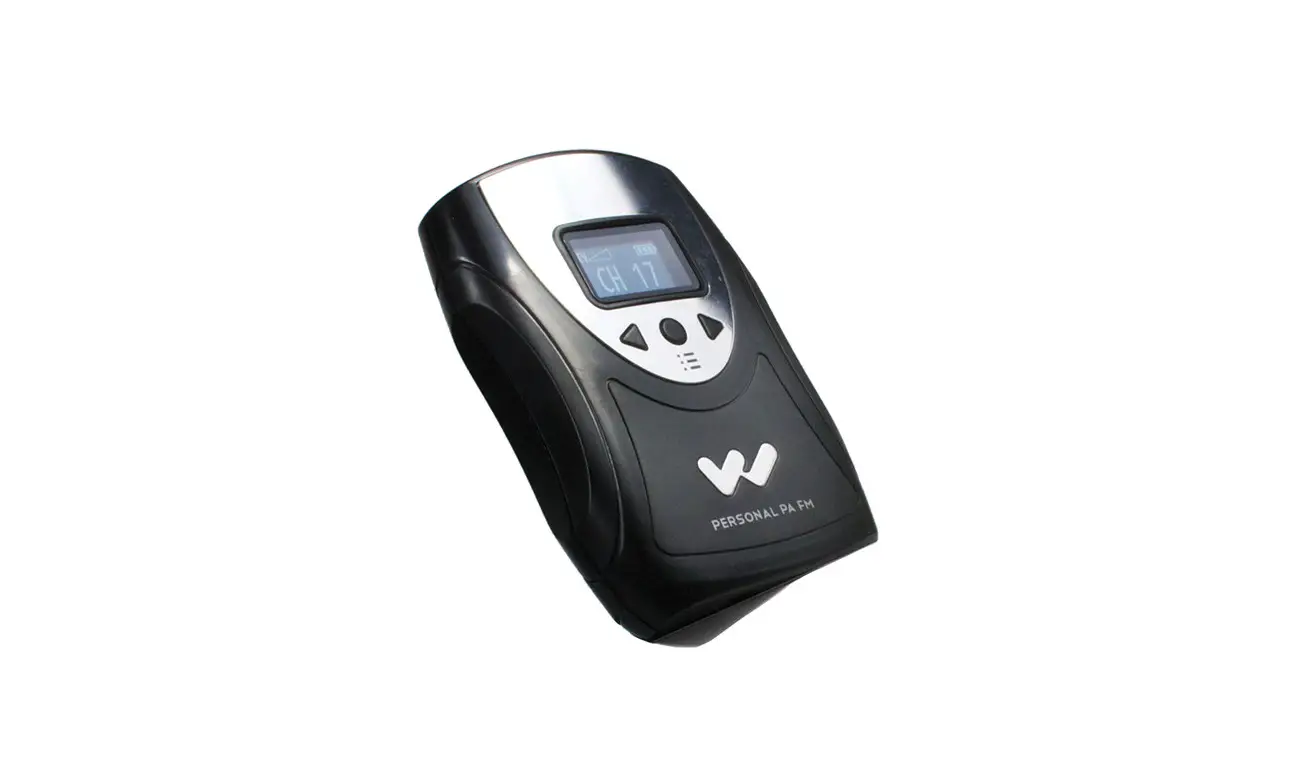

WILLIAMSAV FM T55C FM Plus Assistive Listening System
TELNET COMMAND GUIDE
(WF T5C, FM T55C)
The WaveCAST C (WF T5C) and FM+ C (FM T55C) can both be controlled remotely using Telnet commands.
Using Telnet
Telnet Server
- The FM_T55C Telnet server provides a single client connection on Port 23 to a Network Virtual Terminal (NVT), as implemented through the Telnet Protocol defined in RFC854.
- The NVT sends and receives 8-bit characters with the most significant bit set to 0; the remaining codes are reserved for the Telnet command set.
- End-of-line <EOL> is transmitted and expected to be received as the character sequence CR (0x0D) followed by LF (0x0A).
- To conserve network bandwidth, the FM_T55C Telnet server does not echo received characters. Command replies typically use a single TCP/IP packet.
- The server will automatically disconnect the client after 10 minutes of no port activity.
Telnet Clients
Although designed primarily as a machine-to-machine interface, the Telnet CLI may be accessed through one of several available Telnet terminal application programs. PuTTY is recommended as it can be easily configured for proper use. The Telnet terminal program provided by Microsoft Windows 10 is not recommended due to complications with configuration.
To configure PuTTY, create a session as follows:
- Set Host Name (or IP address) to match the IP address of the device.
- Set Port to ‘23’.
- Terminal Category:
- Local Echo: Auto or Force on
- Local Line Editing: Force on
- Connection Category:
- Optionally set a keep-alive time.
This prevents automatic disconnect when there is no port activity for more than 10 minutes. - Disable Nagle’s algorithm.
- ◊ Set Internet protocol version to IPv4.
- Optionally set a keep-alive time.
- Connection/Telnet options:
- Handling OLD_ENVIRON ambiguity: BSD
- Telnet negotiation mode: Active
- Return key sends Telnet New Line instead of ^M.
Telnet CLI Login
Once a client has established a connection with the Telnet Server, an identifying message is sent to the client along with a request for a username and password. By default, these are set to “admin”, but may be changed once successfully logged in. Default credentials are restored when the unit is reset back to factory defaults.
The user is not given access to the Telnet Command Line Interface (CLI) until valid credentials have been received, insuring that no command is stored or executed otherwise.
The default username is admin. The default password is admin. Default credentials are restored when the unit is reset back to factory defaults.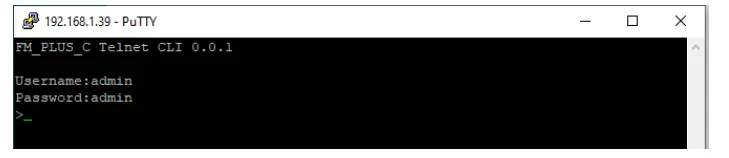 If the login information is incorrect, the message ERR:INVALID_ LOGIN is returned. After 3 unsuccessful attempts, the Telnet server disconnects the client.
A successful login is indicated by the return of a normal command prompt.
Command Format
All commands use the form <command category> <subcommand> [<parameter 1> …<parameter n>]. These items must be separated by ASCII space characters (0x20).
Command Parameters
Parameters may use one of 4 forms:
- Signed, 32-bit integers, entered as a string of characters representing decimal (base 10) values or 2’s complement hexadecimal values when prefixed by ‘0x’. These must be within a command’s valid range to be accepted.
- Literal character strings that serve to select between options. These must match as specified to be accepted.
- Free-form character strings. These may contain spaces by surrounding them in double quotes, e.g., ”A name with spaces“.
- IPv4 Addresses comprised of 4 unsigned integer octet values separated (without spaces) by periods, e.g. ‘192.168.1.2’ . IP Addresses must comply with this form to be accepted.
Command Execution
Together, <command category> and <subcommand> define a “command”. Execution of a command occurs upon reception of <EOL>.
For commands that can modify settings, including valid parameter(s) will change that setting. Omitting parameter(s) will return the current setting without modification. Example: server txmode fm<EOL> will change the mode to “fm”, whereas server txmode<EOL> simply returns the current audio transmitter mode.
Most read-only commands do not include parameters. Those that include parameters allow the user to specify an option for the returned value. Example: chan vu<EOL> returns the current VU value in a (default) front panel level format, whereas chan vu db<EOL> returns the current VU value in decibels.
Command Response
A command prompt, in the form of a chevron, e.g. ‘>’ is sent to the client as soon as the CLI is ready to process a new command. The client should typically wait to receive this character before sending a new command.
The response to a command is as follows:
- If a command’s format, syntax, or parameter range, etc. is incorrect, a corresponding error string is returned, terminated by an <EOL>.
- For valid commands that read a setting, the requested setting is returned, terminated by an <EOL>.
- For valid commands that change a setting, there is no reply. A new command prompt indicates acceptance.
It’s technically possible for the client to send multiple commands in succession without waiting for each response, but each command must be terminated by an <EOL> to be recognized as an individual command. Warning: This should only be considered for small groups of commands. With this kind of use, as the CLI input buffer is 256 NVT characters in size, it is possible to overrun the CLI input buffer. See Error Response “ERR:LINE_BUF_OVERFLOW”.
Error Responses
| Error | Meaning |
| ERR:INVALID_LOGIN | The credentials provided at login do not match the assigned credentials. |
| ERR:UNKNOWN_CMD | The command category or subcommand is not recognized. |
| ERR:INVALID_ARG | The parameter supplied with the command is not recognized. |
| ERR:MISSING_ARG | A parameter was not supplied to a command that requires a parameter. |
| ERR:ARG_RANGE | The value of a parameter is not within the allowed range for the command specified. |
| Error | Meaning |
| ERR:STRING_LEN | The length of a character string parameter exceeds the allowed size for the command specified. |
| ERR:SYNTAX | The format of the command was invalid, e.g. missing subcommand or too many parameters. |
| ERR:INVALID_KEY | A command that requires an access key was not provided a correct key value. |
| ERR:LINE_BUF_OVERFLOW | Too many NVT characters were received before an <EOL> or too many commands were sent by the client in succession without waiting for a command prompt. When this error occurs, the entire input buffer is flushed; any non-executed commands are lost. Should never occur in normal use. |
Syntax Notation
- Chevrons, i.e. “< >” surrounding an item denote it as a parameter. If the parameter is surrounded by brackets, i.e. “[ ]”, the parameter is optional.
- A vertical bar “|” between items signifies multiple parameter options.
- A parameter option shown surrounded by single quotes denotes it as a literal character sequence. The parameter must match to be accepted.
- A parameter that accepts a range of values is indicated by two values separated by an ellipsis, e.g. “2…25”.
Commands
| Command | Description | Parameters |
| ? | Returns list of all command categories. | |
| <command category> ? | Returns list of all subcommands, syntax for specified command category. |
| Command | Description | Parameters | Command | Description | Parameters | ||
| <command category> <subcommand> ? | Returns syntax for a specific command. | chan latency [<0,1,2…25>] | Gets or sets the value that audio clients should use for network latency compensation. | ||||
| admin panellock [<0|1>] | Gets or sets the front panel lock-out setting. | 0: Unlocked 1: Locked | |||||
| chan mcaddr [<0.0.0.0 | 224.0.0.0 … 239.167.255.255 | 239.169.0.0 … 239.255.255.255>] | Gets or sets a custom Multicast IP address override. NOTE: Setting a custom Multicast address will restart the audio transmitter. | Only the specific IP address ranges shown are allowed. 0.0.0.0 cancels this override. | |||||
| admin reboot 0x1F2E3D4C | Disconnects client and reboots unit. Ending integer is a hardcoded secure key. | ||||||
| admin restore 0x08675309 | Disconnects client, restores all settings to original factory values, and reboots the unit. Ending integer is a hardcoded secure key. | ||||||
| chan mcaddr_curr | Gets the currently assigned Multicast IP address. | ||||||
| chan name [<name of channel/server>] | Gets or sets the name of the server and audio channel. Changing one changes both. | The name parameter is a free-form character string, no more than 47 characters in length. | |||||
| admin screentime [<10m|30m|2h|off>] | Gets or sets the time the front panel display remains on without button activity. | 10m: 10 minutes. 30m: 30 minutes. 2h: 2 hours. off: display timer disabled. Continuous display. | |||||
| chan preset [<music| voice| hearing>] | Gets or sets the filter and compression preset used by the audio processor. | For information on each preset, view the full user manual. Note: the custom preset may only be set through the web interface. | |||||
| admin time [<unix|dt1|dt2>] | Gets unit’s real- time clock time in specified format. | unix (default): number of seconds since January 1st, 1970 (GMT+0000). dt1: YYYY/MM/ DD HH:MM:SS (GMT+0000). dt2: YYYYMMDD_ HHMMSS (GMT+0000). | |||||
| chan secure [<0|1>] | Gets or sets Unicast secure channel mode. | 0: not secured 1: secured | |||||
| chan source [<line |mic |phnt |dante |tone>] | Gets or sets the audio input configuration. | For information on each input type, view the full user manual. | |||||
| chan gain [<- 60…24>] | Gets or sets the audio input gain (positive value) or attenuation (negative value) in decibels. | ||||||
| chan vu [<level | db>] | Gets the current VU level in the specified format. | level (default): front panel VU meter level index. See ‘VU Level Table’ for details. db: value in decibels relative to the optimal 400 Hz Test Tone level (0dB). | |||||
| chan join [<join code>] | Gets or sets join code used by Unicast secure channel mode. | The join code may be no more than 6 digits in length. | |||||
| Command | Description | Parameters | Command | Description | Parameters | ||
| devinfo ipadr | Gets Internet Protocol address assigned to this unit. | Read Only. Returned Format: 4 integer octet values separated without spaces by periods, e.g. 192.168.1.2 | fm power [<low| med| full>] | FM T55C Only Gets or sets the FM transmitter power level. If FM transmitter is operating, change is immediate, else it takes effect once operation resumes. | For information on each power level, view the full user manual. | ||
| devinfo mac | Gets unit-specific Media Access Control (MAC) address. | Read Only. Returned Format: ‘XX-XX-XX-XX-XX- XX’ where ‘XX’ is an uppercase 8-bit hexadecimal value, e.g. ‘AB-CD- EF-01-32-A4’. | |||||
| fm timer [<30m| 4h| off>] | FM T55C Only Gets or sets how long the FM transmitter continues to operate when audio is no longer present. | 30m: 30 minutes. 4h: 4 hours. off: continues to transmit regardless of audio level | |||||
| devinfo model | Gets product- specific model name character string. | ||||||
| netset dhcp [<0|1>] | Gets or sets Static IP vs DHCP mode. | 0: use Static IP 1: use DHCP server to assign IP address | |||||
| devinfo pkg | Gets software package version installed on this unit. | Read Only. Returned Format: <major version>.<minor version> | |||||
| netset static_gway [<#.#.#.#>] | Gets or sets Gateway IP Address used by Static IP mode. | #.#.#.# – Replace with IP Address. Only Class A, B, or C private address ranges are accepted. | |||||
| devinfo serial | Gets unit-specific serial number. | Read Only. Returned Format: ‘XX-XX-XX-XX-XX- XX’ where ‘XX’ is an uppercase 8-bit hexadecimal value, e.g. ‘A2-CD- EF-01-32-A4’. | |||||
| netset static_ip [<#.#.#.#>] | Gets or sets IP Address used by Static IP mode. | #.#.#.# – Replace with IP Address. Only Class A, B, or C private address ranges are accepted. | |||||
| fm ch17mode [<0|1>] | FM T55C Only Gets or sets the FM transmitter channel selection range. NOTE: Changing modes resets channel to 1. | 0: 8-channel mode 1: 17-channel mode | |||||
| netset static_mask [<#.#.#.#>] | Gets or sets IP Address Mask used by Static IP mode. | #..#.#.# – Replace with mask. Only masks that, when converted to binary, begin with a contiguous block of 1 bits and end in a contiguous block of 0 bits are accepted. | |||||
| fm chan [<1…8| 1…17>] | FM T55C Only Gets or sets the FM transmitter broadcast channel. | Range limited by the channel mode currently selected. See fm ch17mode. | |||||
| fm onair | FM T55C Only Gets the current FM transmitter status. | 0: not transmitting 1: transmitting | |||||
| netset ttl [<1…31>] | Gets or sets the Time-To-Live (TTL) value for network transmission. | ||||||
| Command | Description | Parameters |
| server incomp | Gets the IP address of the first incompatible audio server encountered. If none, ‘0.0.0.0’ is returned. | |
| server name [<name of server/ channel>] | Gets or sets the name of the server and audio channel. Changing one changes both. | The name parameter is a free-form character string, no more than 47 characters in length. |
| server stack [<4| 8>] | Gets or sets the maximum number of audio servers, 4 or 8, that are supported by the network. NOTE: All audio servers on the network MUST be set to the same number. | 4: 4 Audio Servers Max 8: 8 Audio Servers Max |
| server txmode [<multi| uni| fm| multi_fm| uni_ fm>] | Gets or sets the audio transmitter operating mode. | WF_T5C/FM_T55C multi: multicast network |
| transmission only | ||
| uni: unicast | ||
| network | ||
| transmission only | ||
| FM_T55C ONLY | ||
| fm: fm broadcast | ||
| only | ||
| multi_fm: both | ||
| multicast network | ||
| transmission and | ||
| fm broadcast. | ||
| uni_fm: both | ||
| unicast network | ||
| transmission and | ||
| fm broadcast. | ||
| telnet usrpwd <username> <password> | Sets new login credentials. |
| Command | Description | Parameters |
| telnet ver | Gets the current version number of the Telnet CLI command set. | Read Only. Returned Format: <major version>.<minor version>.<revision> |
| telnet exit | Disconnects the client from the Telnet server. |
VU Level Table
The VU level correspond to specific decibel ranges, and may cause issues when set too low or too high. Use the table below to pick an appropriate range for your venue’s audio.
| VU Level | Decibel Range | Note |
| 11 | >= +12 | Overrange – ‘!’ appears above meter |
| 10 | +9 to < +12 | |
| 9 | +6 to < +9 | |
| 8 | +3 to < +6 | |
| 7 | 0 to < +3 | Indicated by marks at sides of meter |
| 6 | -3 to < 0 | |
| 5 | -6 to < -3 | |
| 4 | -9 to < -6 | |
| 3 | -12 to < -9 | |
| 2 | -15 to < -12 | |
| 1 | -18 to < -15 | |
| 0 | < -18 | All bars turned off |
WilliamsAV.com
U.S. | 800.843.3544 [email protected]
INTL | +1.952.943.2252 [email protected] © 2022, Williams AV, LLC