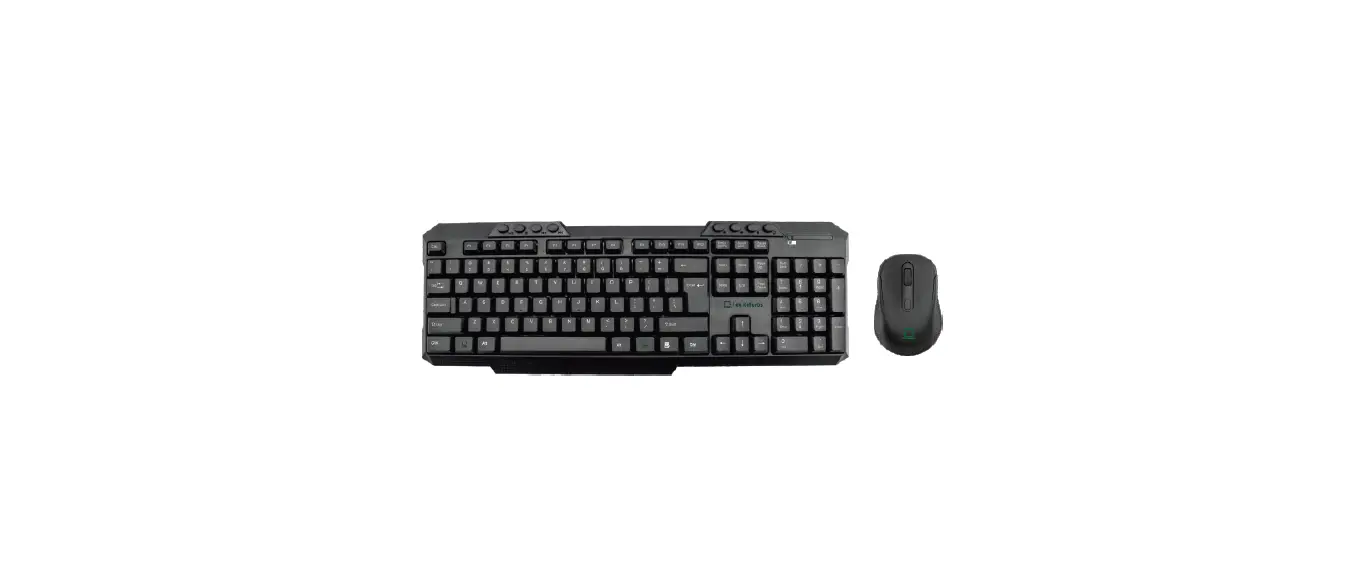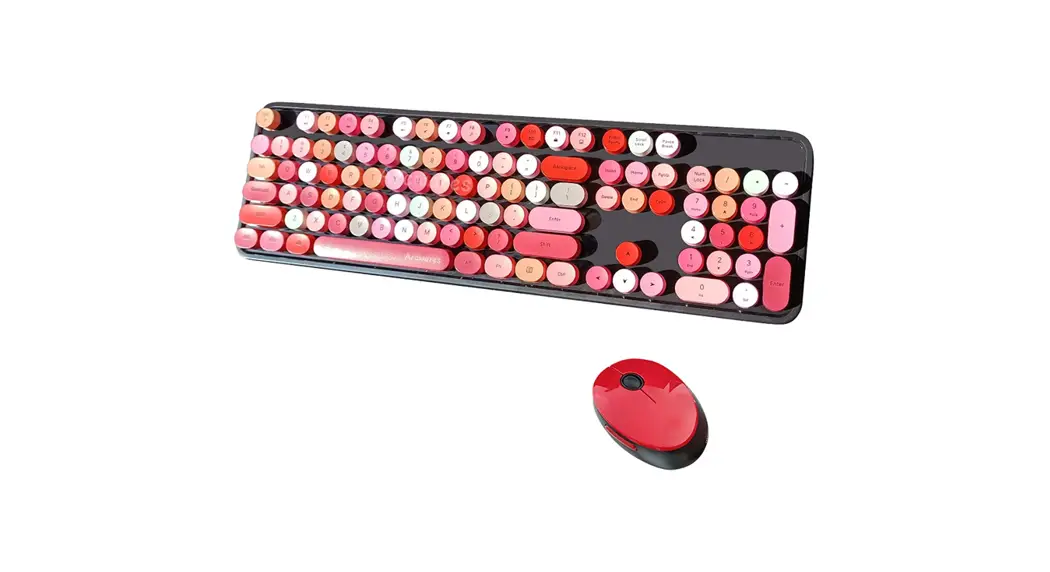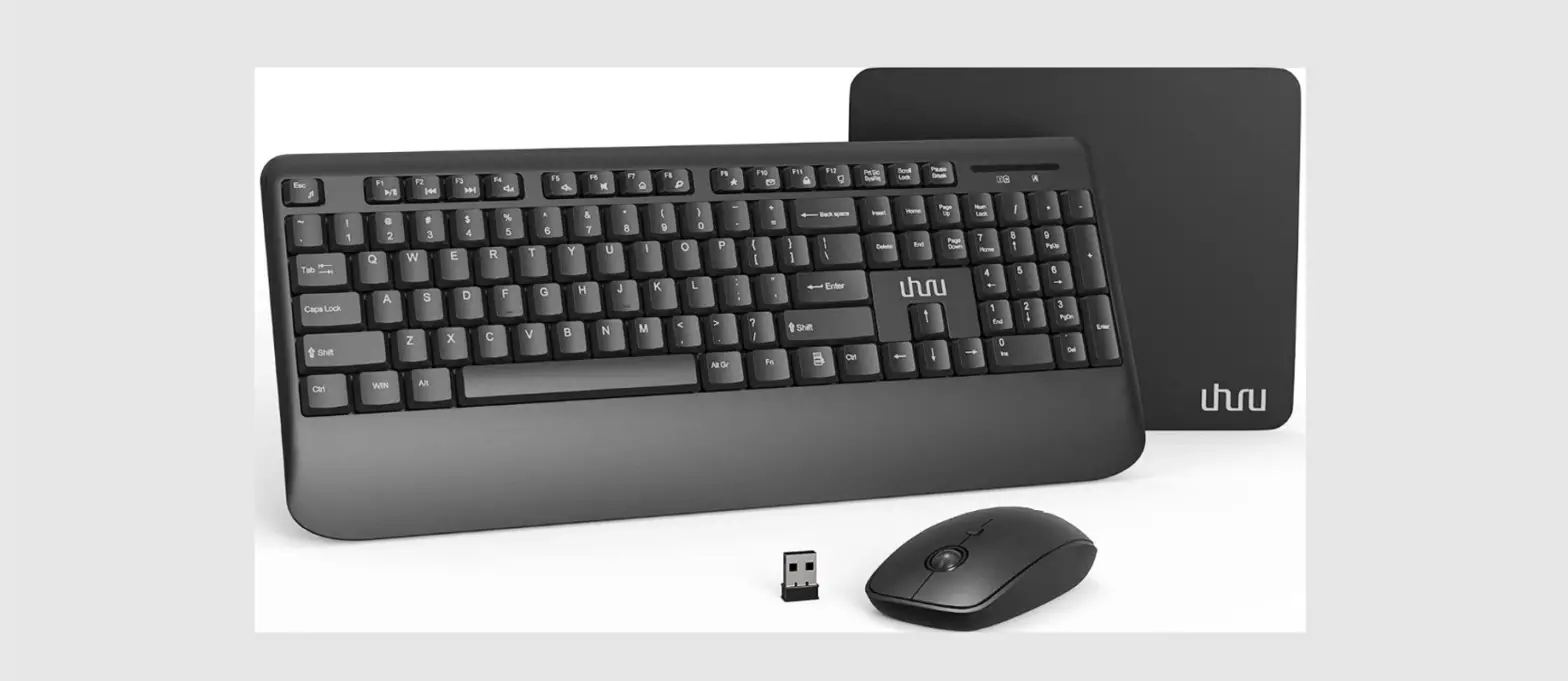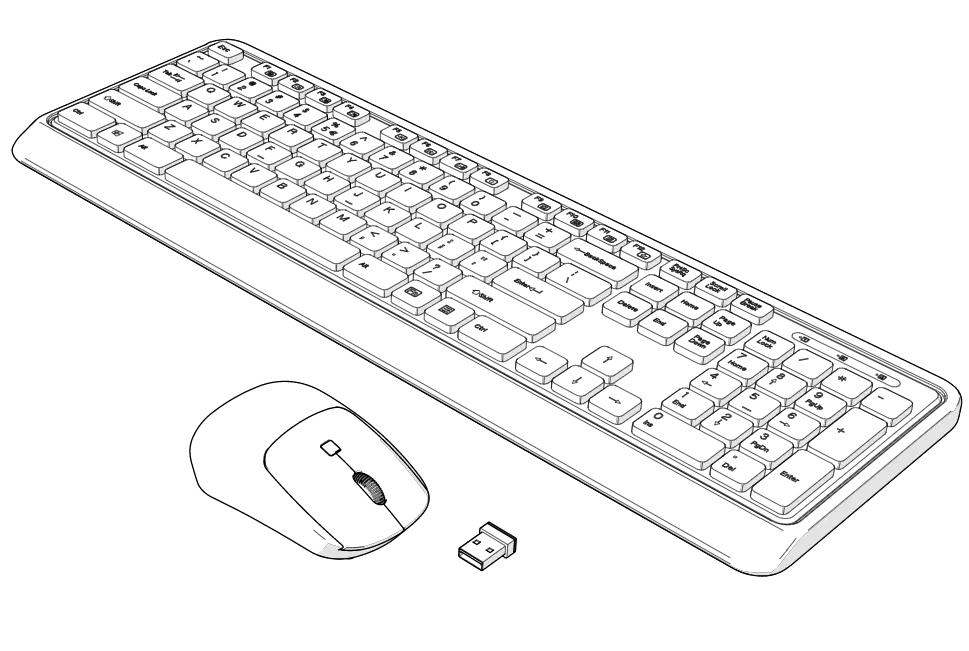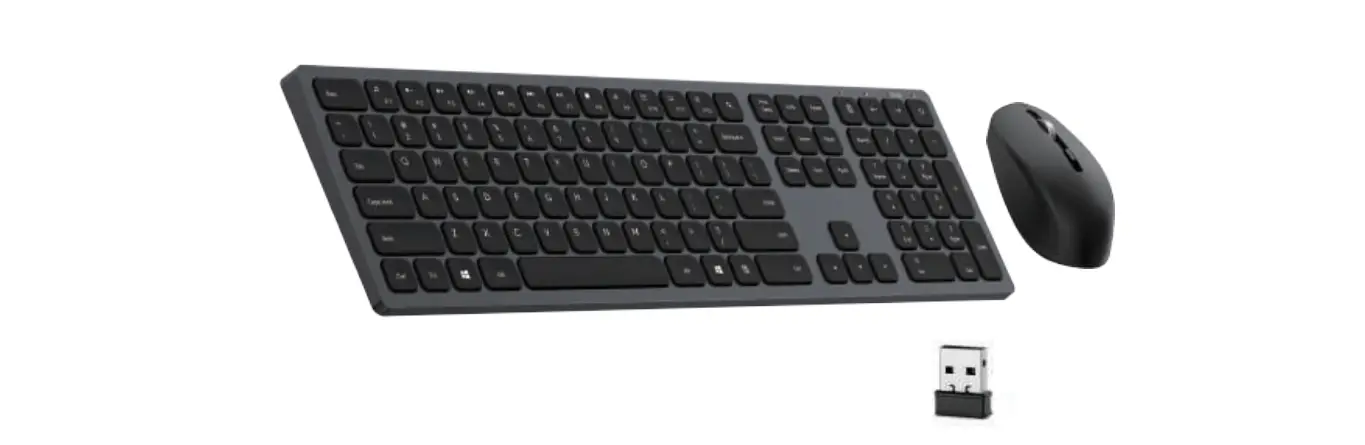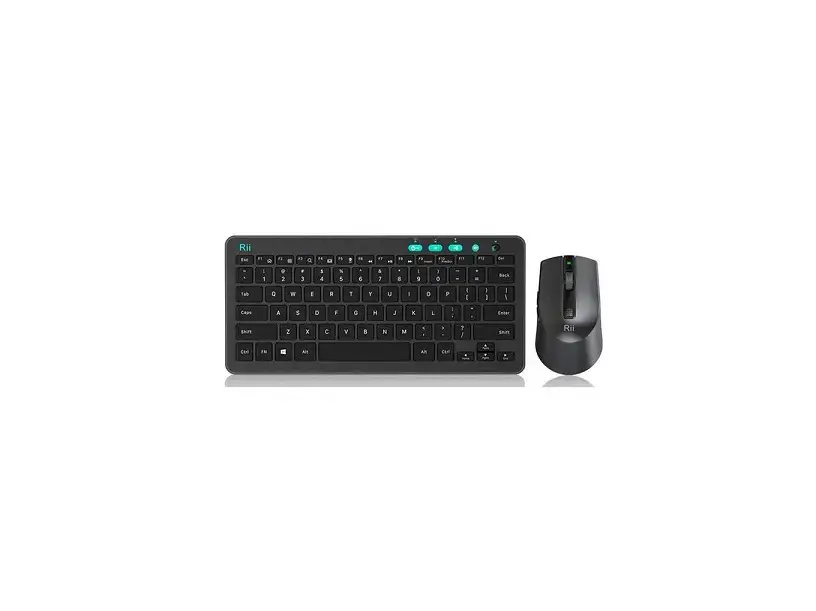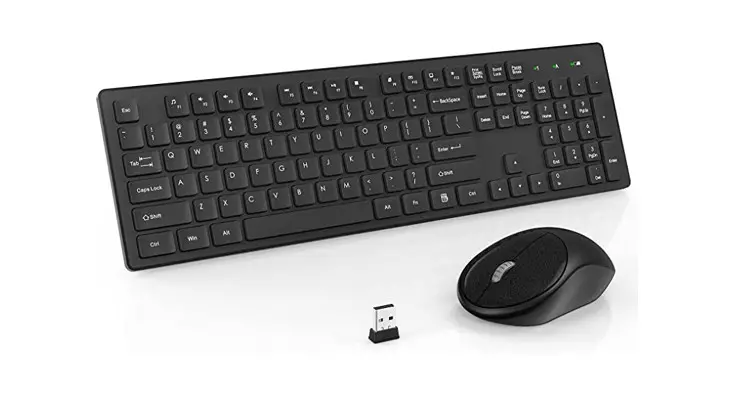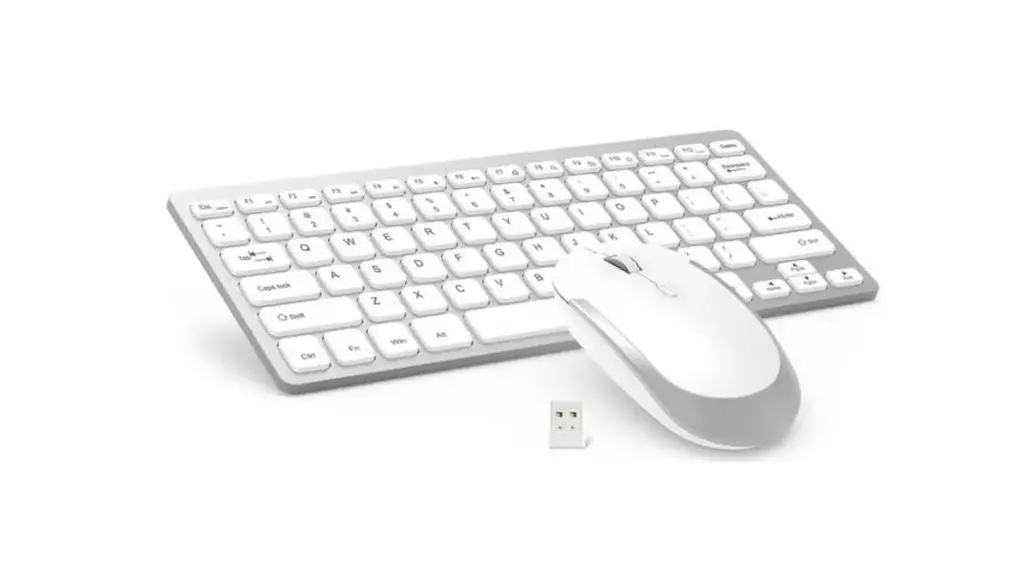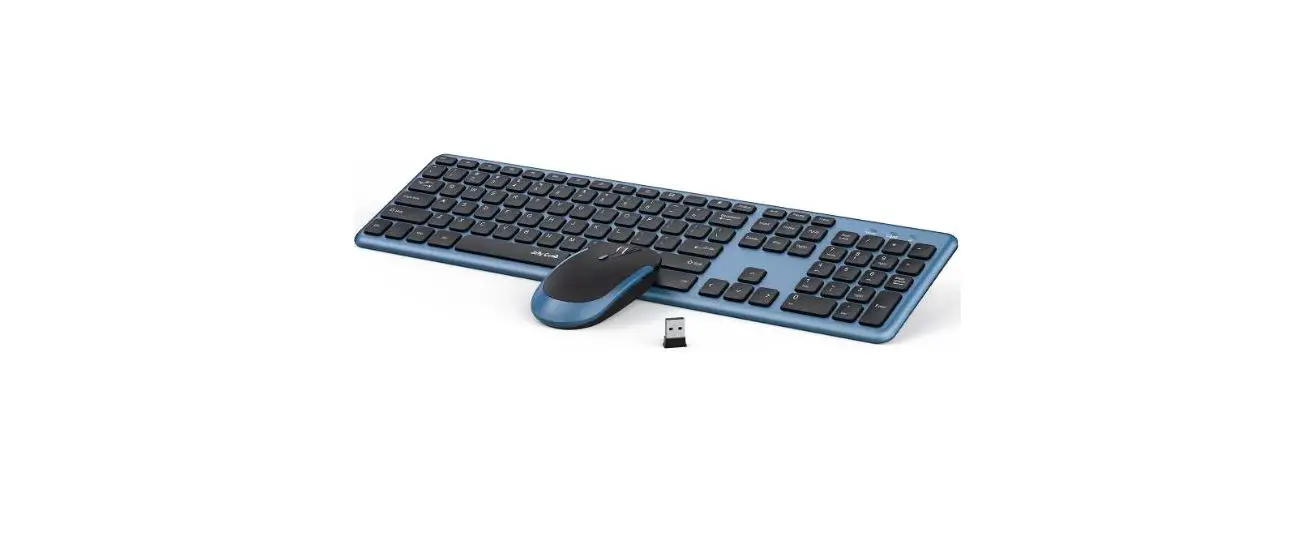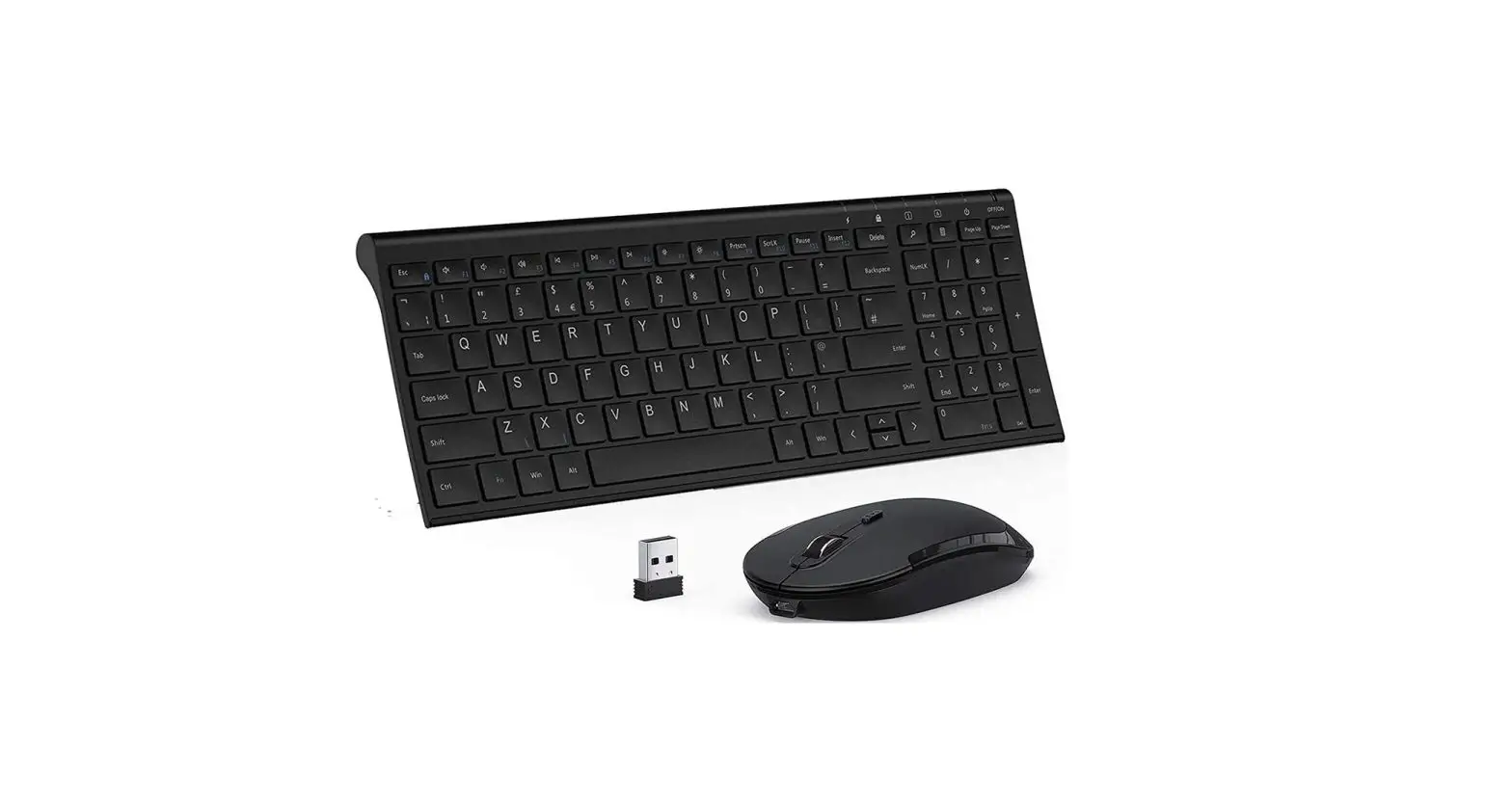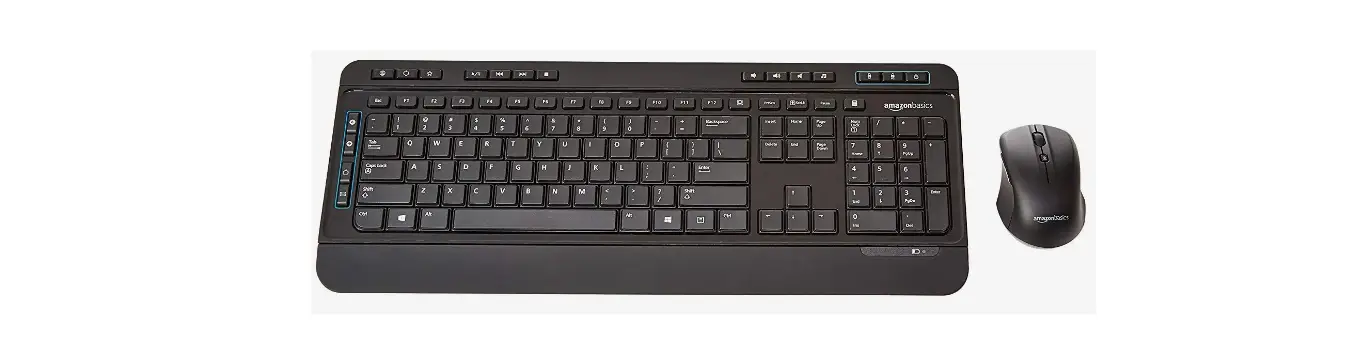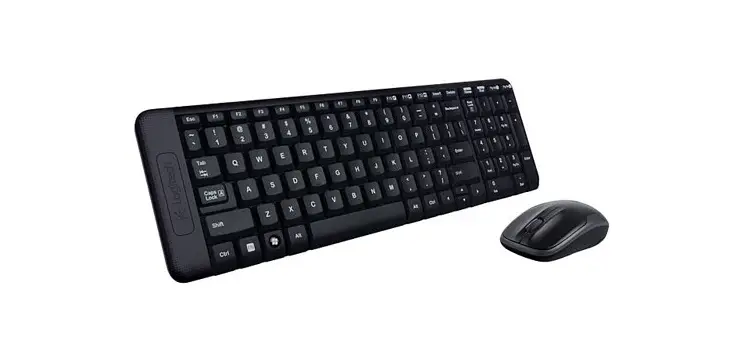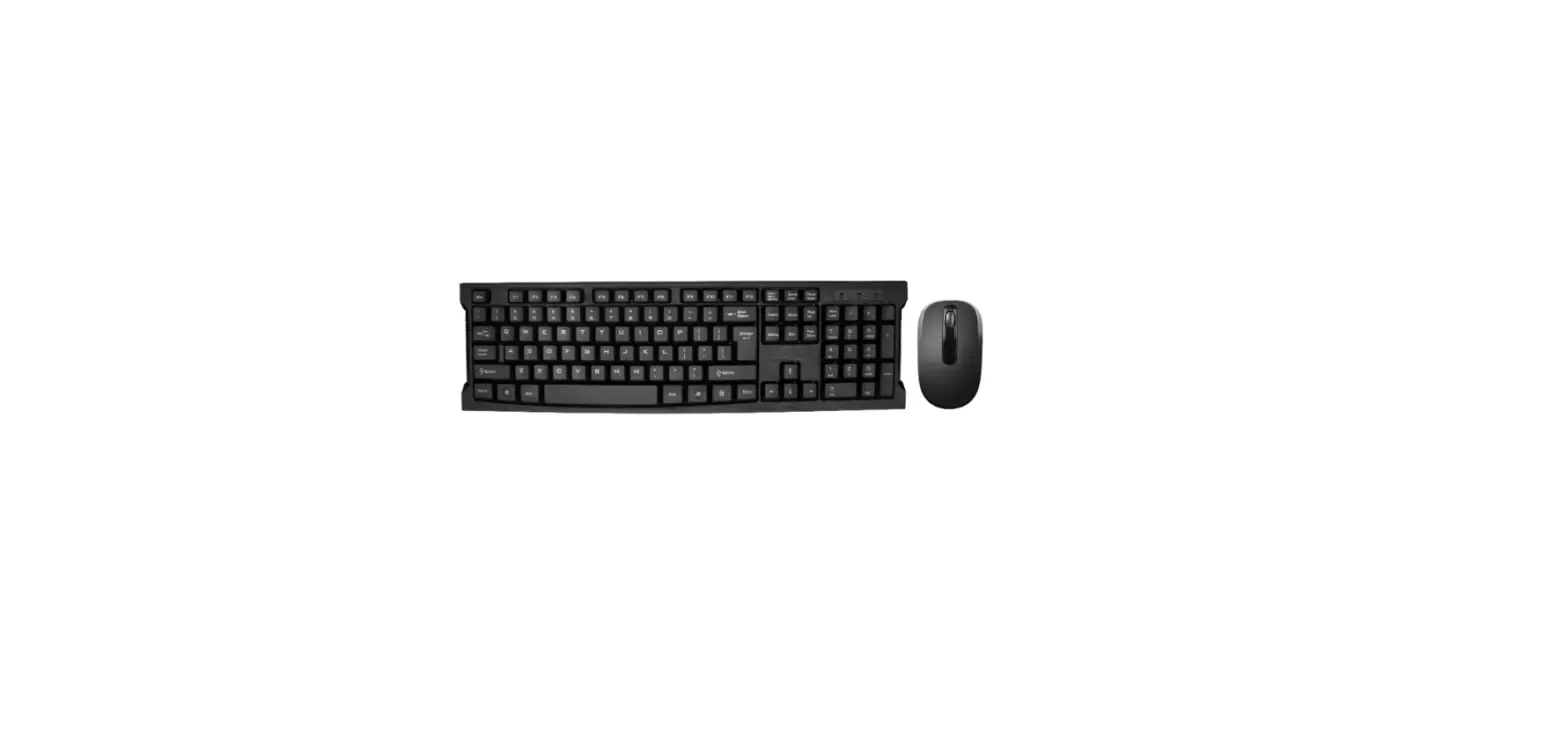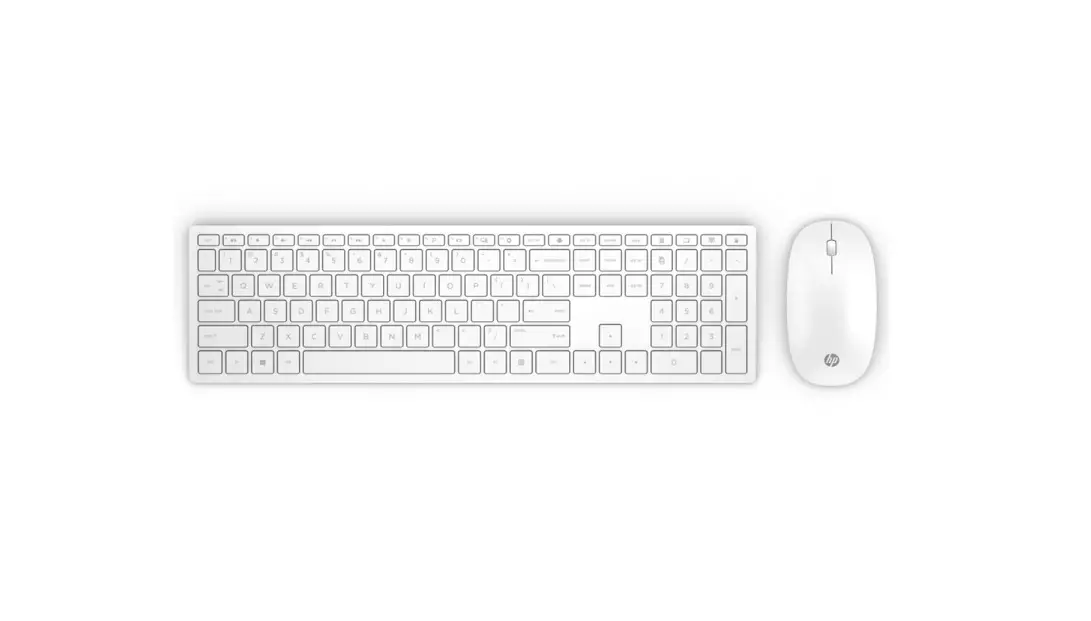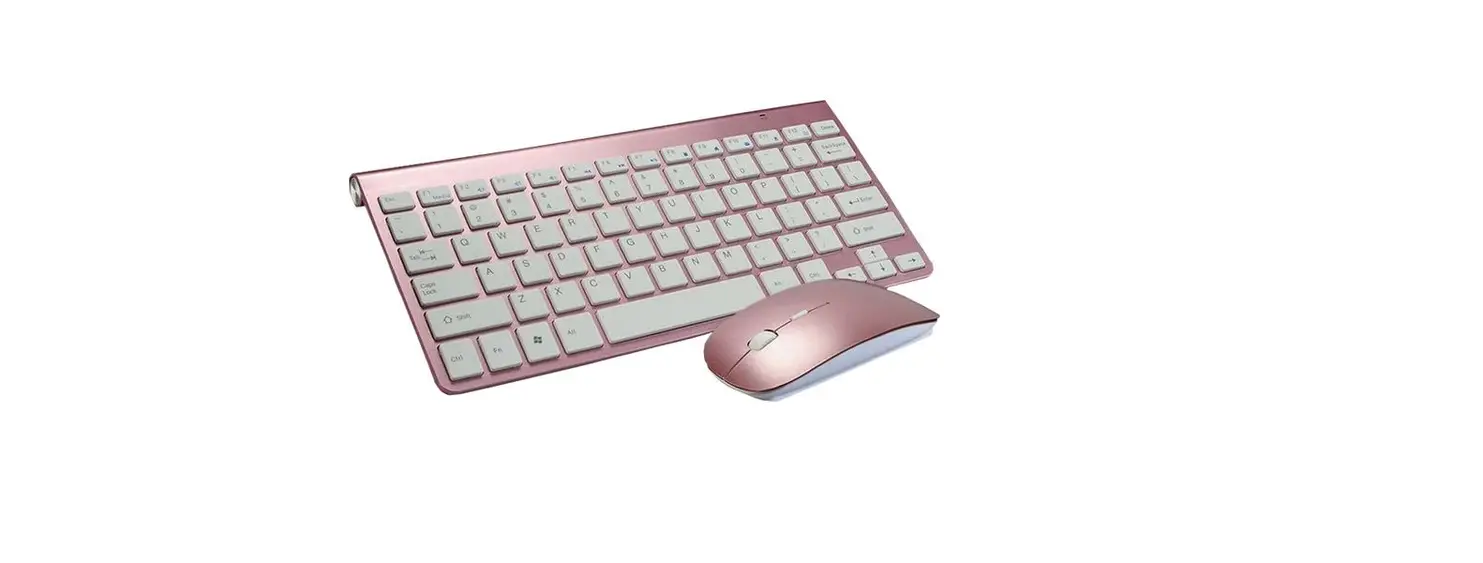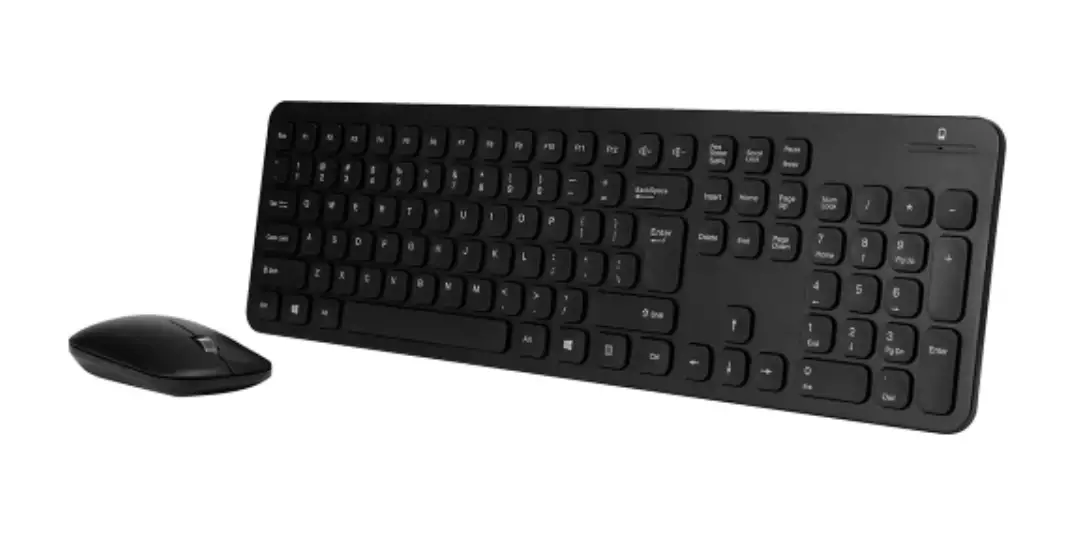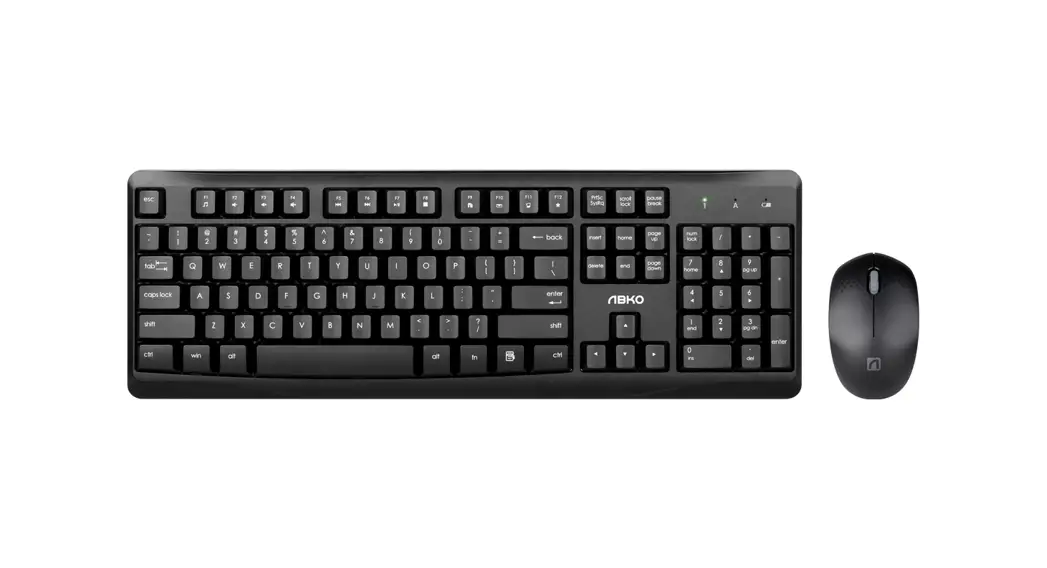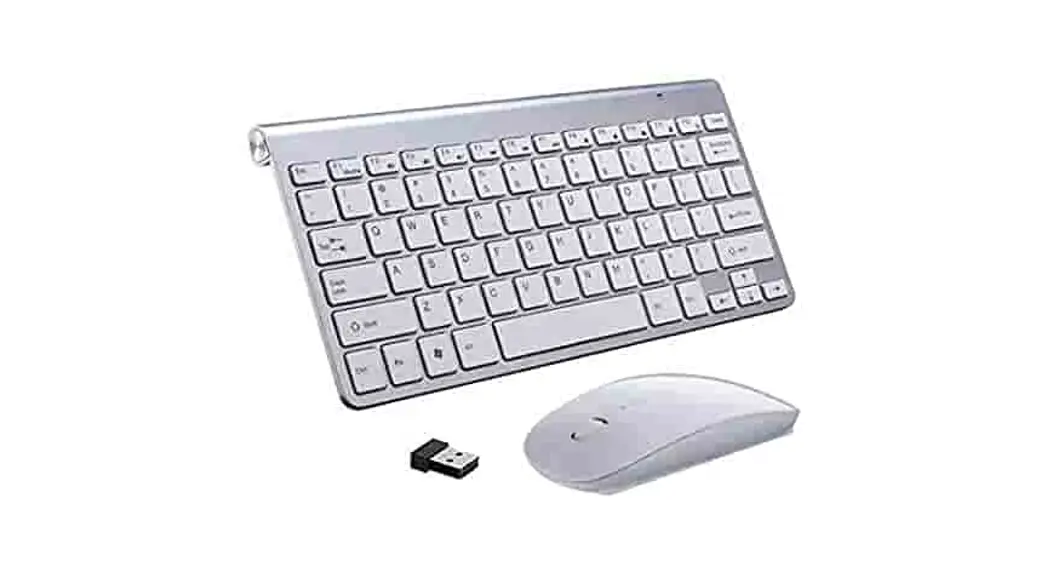

WIRELESS KEYBOARD AND MOUSE COMBO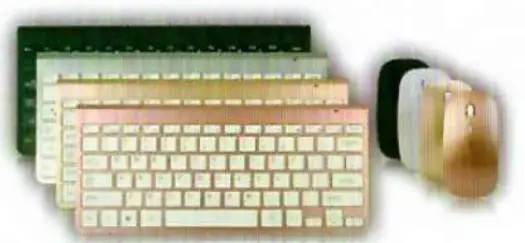
PACKAGE DETAILS
| 2.4G wireless keyboard | 1pcs |
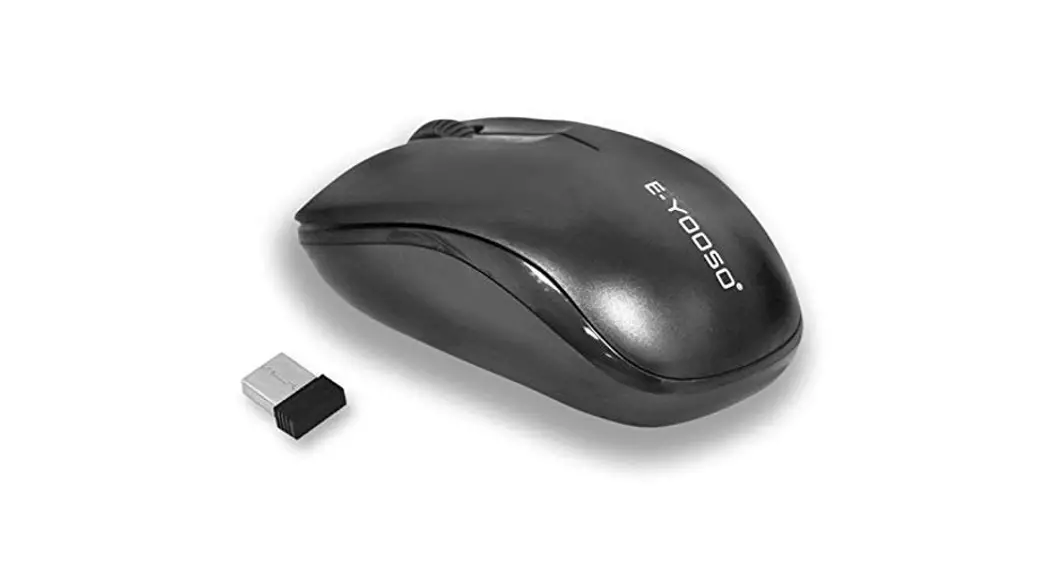
| 2.4G wireless mouse | 1pcs |
| Mini usb receiver | 1pcs |
| User manual | 1pcs |
TECHNICAL PARAMETERS
| Operating frequency | 2402–2480 MHz |
| Channel: 16channels | 16channels (Automatic frequency hopping) |
| Rated voltage (keyboard and mouse): | 3V |
| working current: | keyboard < 5mA,mouse < 9mA |
| Connector: | USB receiver |
| battery specification: | 4AAA batteries |
| Channel: | 16 channels |
| Effective distance: | 0meters |
| Keyboard Size: | L285W125H20mm |
| mouse Size: | L112W58H22mm |
RECEIVER INSTALLATION STEPS
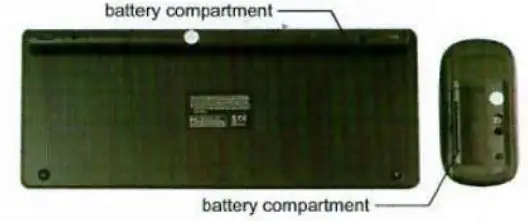
- Take the USB receiver out of the battery compartment.
- Plug the USB receiver into your PC, then it will install automatically.
- After installation, the power indicator light is on.
Then you can use the keyboard and mouse freely.
BATTERY INSTALLATION STEPS
- Open the cover of the battery compartment at the bottom of the keyboard and mouse; (Use the ALKALINE battery only}
- Insert 2AAA battery inside the battery compartment ( make sure the positive and negative must be correct. };
- Cover the battery cover, and battery installation is done. the LED will light up for 1-5 seconds
CAUTIONS
When the batteries was used up, don’t throw them into the trash can, don’t throw it away or into the fire