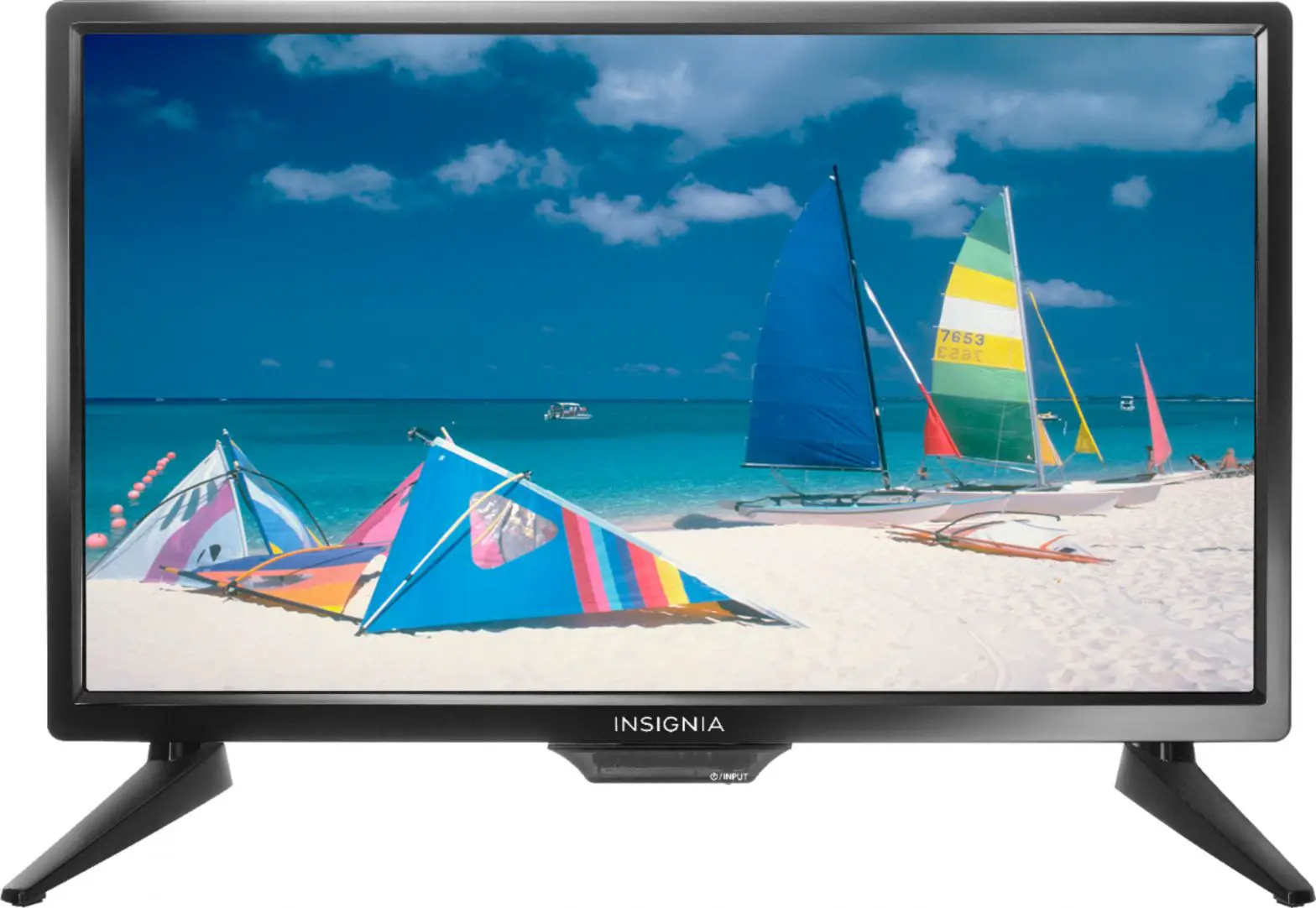
INSIGNIA QUICK SETUP GUIDE 19″/24″ 720p 60Hz LED TV User Manual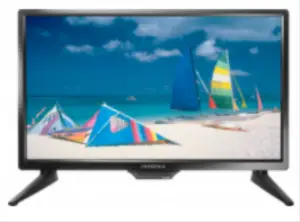
START HERE
How do I attach the stand to my TV? (not for wall mounting) You’ll need: Soft surface and Phillips screwdriver Place your TV face-down on a cushioned, clean surface. Align the screw holes on the TV stands with the holes on the bottom of your TV, then secure each stand to your TV with one of the provided screws.
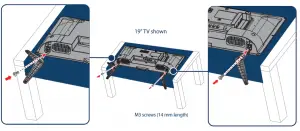
WALL MOUNT
How do I prepare my TV for wall mounting?
(not for use with a TV stand)
You’ll need: Soft surface and Phillips screwdriver
! Before using your new product, please read these instructions to prevent any damage.
Before you mount your TV, make sure that:
- You remove the stand legs
- The bracket supports the weight of your TV.
A Carefully place your TV face-down on a cushioned, clean surface.
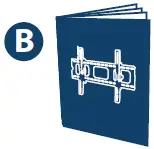
B See the instructions that came with your wall mount for more information about how to correctly mount your TV.
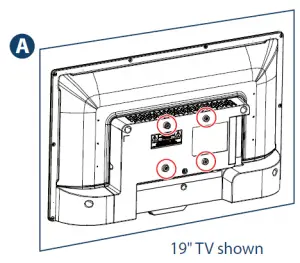
 Your TV has four VESA mounting holes on the back. If you attach a wall-mount bracket to the back of your TV, the bracket must be securely attached, using all four holes. If you do not use all four mounting holes, your TV may fall and cause property damage or personal injury. See the documentation that came with your wall-mount for complete mounting instructions
INCLUDED ACCESSORIES
Remote control and two AAA batteries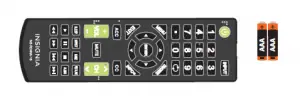
TV stands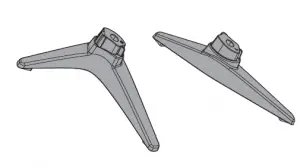
M3 screws (14 mm length) (2 pcs.)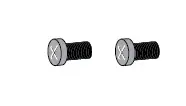
 FIND YOUR USER GUIDE ONLINE!
- Go to www.insigniaproducts.com.
- Use the search bar to find
NS-19D310NA19, NS-24D310NA19,
NS-19D310MX19 or NS-24D310MX19. - Select Support & Downloads.
- Next to User Guide, select the language you want.
 STOP
STOP
Do not plug your power cord in until all
other devices have been connected.
Before using your new product, please read these instructions to prevent any damage.
MAKING CONNECTIONS
How do I watch TV (cable, satellite, or antenna) or connect a device, such as a DVD or Blu-ray disc player,
game console, or tablet?
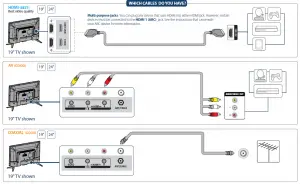
FEATURES
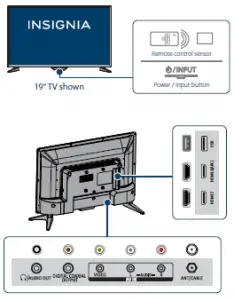
Note: Images do not necessarily represent the exact design of your television
CONNECTING AUDIO DEVICES
How do I connect my TV to external speakers?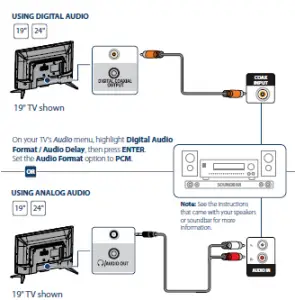
TURNING ON MY TV
When can I turn on my TV?
WHEN YOUR TV IS IN PLACE:
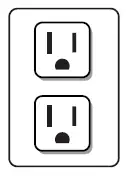
- Plug the power cord into a power outlet.

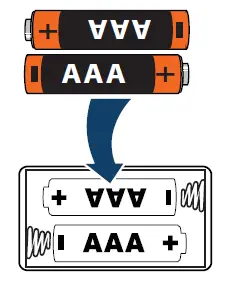
- Remove the remote control cover and install the batteries.

- Press
 on your remote control
 - Follow the on-screen instructions.

 on your remote control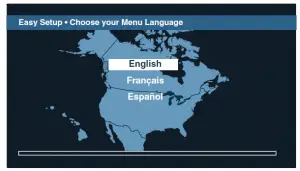
USING YOUR REMOTE CONTROL
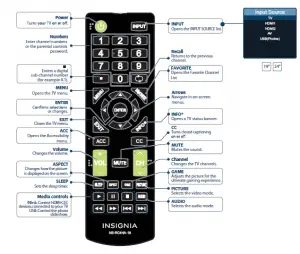
I already have a universal remote control. How do I make it control this TV?
If you already have a universal remote control that you would like to program to work with your TV and don’t want to use the included
Insignia remote control, see the table below for common codes.
UNIVERSAL REMOTE CONTROL CODES
| AT&T U‐verse | 1034, 1035, 1040, 1398, 1465, 1596, 1437, 1507, 12049, 11641, 11564 , 11326, 11423, 11892, 11517,10171,10463, 11385, 11660, 11963, 12184, 13227 |
| Cablevision | 068, 069, 078, 096, 100, 164, 168, 229, 026 |
| Charter | 2002, 1204, 1423, 1517, 0171, 1963, 0463, 1463, 0842, 1326, 167, 415, 424, 450, 456, 461, 507, 523, 567, 577, 586 |
| Comcast | 10463, 10171, 11204, 11326, 11463, 11517, 11641, 11780, 11785, 11892, 11963, 12002, 01877, 00276, 01982, 01376, 00810, 01187, 01106, 00877, 00476 |
| Cox | 1326, 1463 |
| DirecTV | 10463, 10171, 11204, 11326, 11517, 11564, 11641, 11963, 12002, 11463, 12049 |
| Dish Network | 834, 720, 222, 898, 365, 777, 754 |
| RCA | 135, 12049, 11423, 11564, 10171, 10463, 11810, 11892, 11963, 12184, 12417 |
| Rogers | 0463, 1326, 2049, 1785, 1780, 1423, 1963 |
| Time Warner | 400, 450, 461, 456, 10463, 1463, 0463 |
| Verizon | 0198, 0490 |
For an up-to-date list of codes for other cable providers and universal remote brands, visit www.insigniaproducts.com/remotecodes
Read More About This Manual & Download PDF:
INSIGNIA QUICK SETUP GUIDE 19″/24″ 720p 60Hz LED TV User Manual – Download