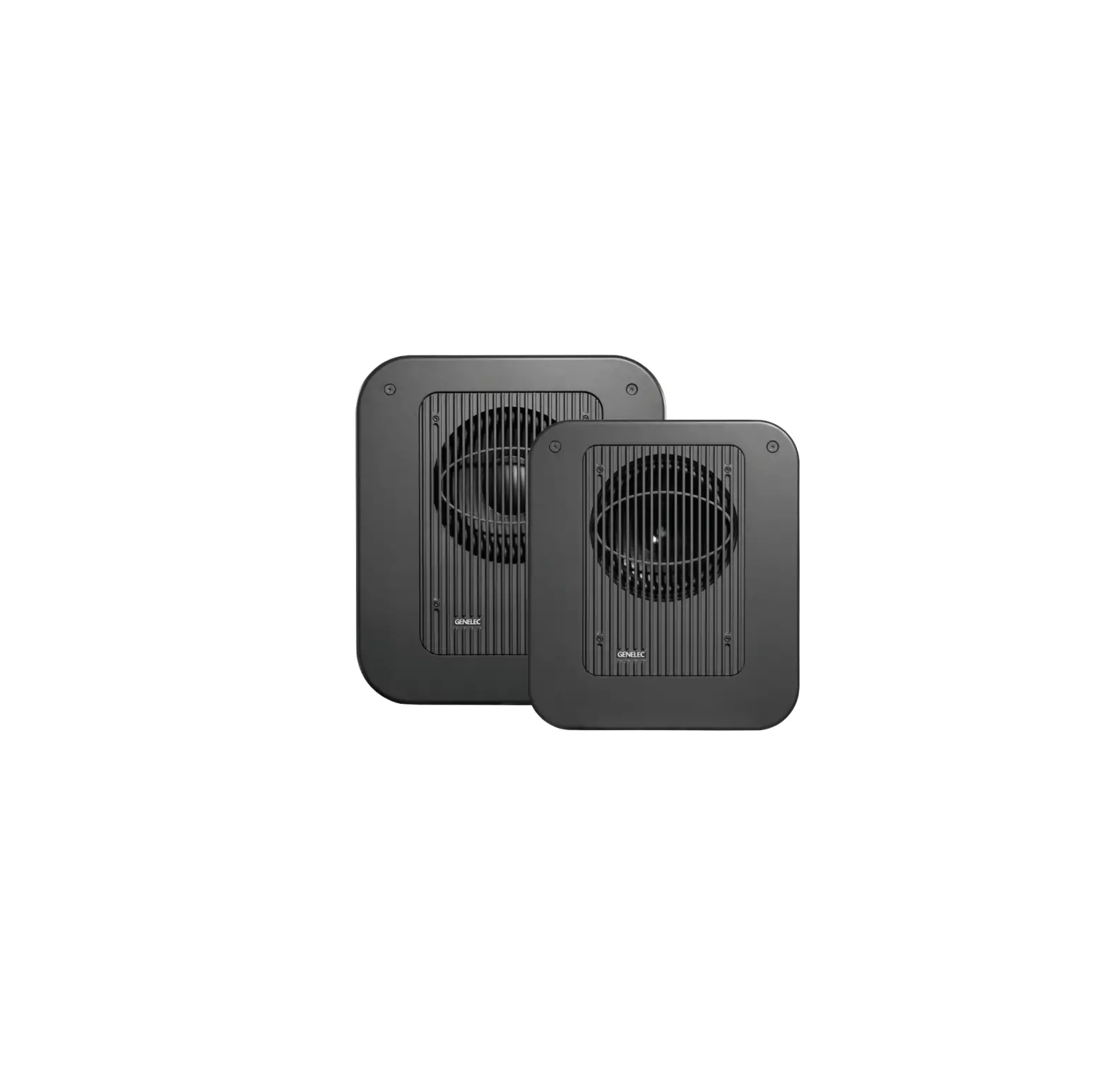
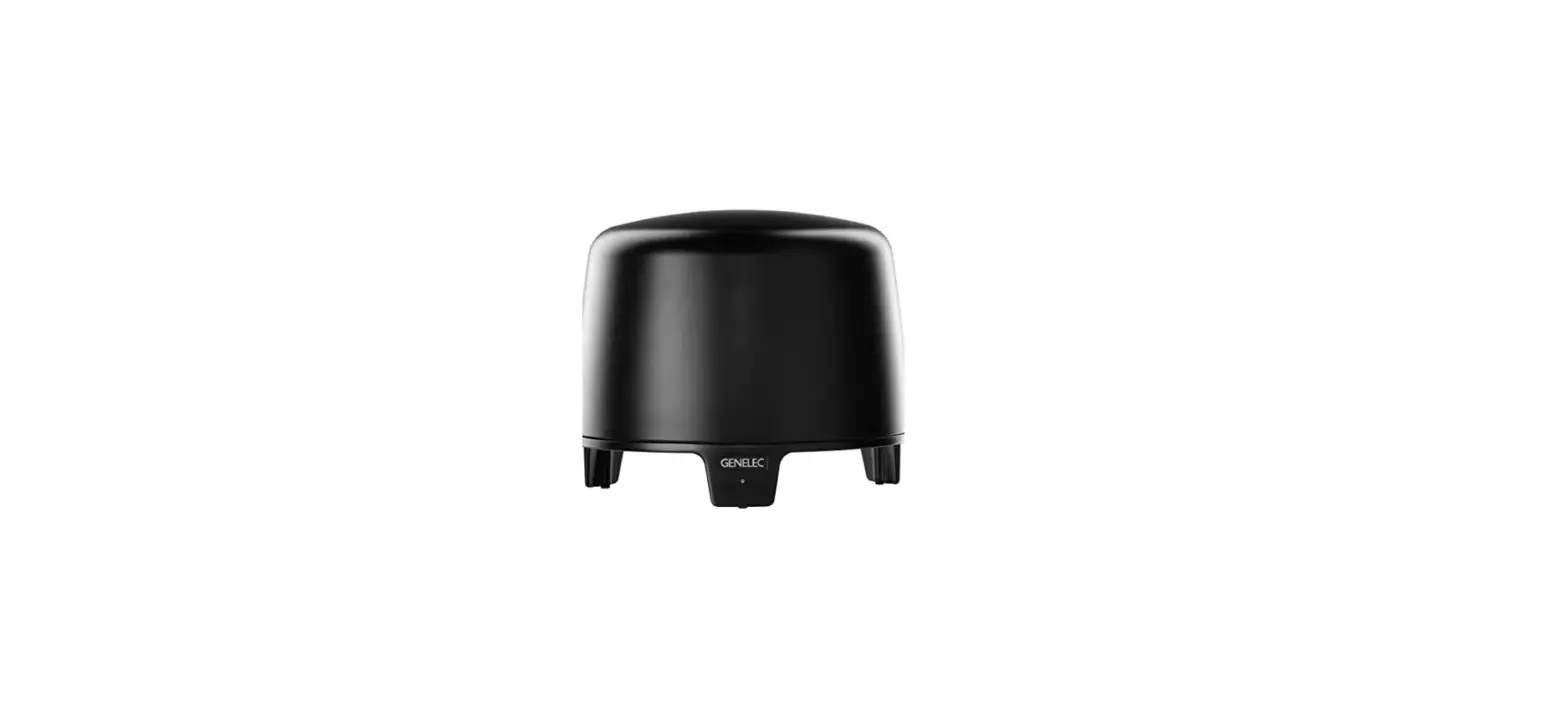
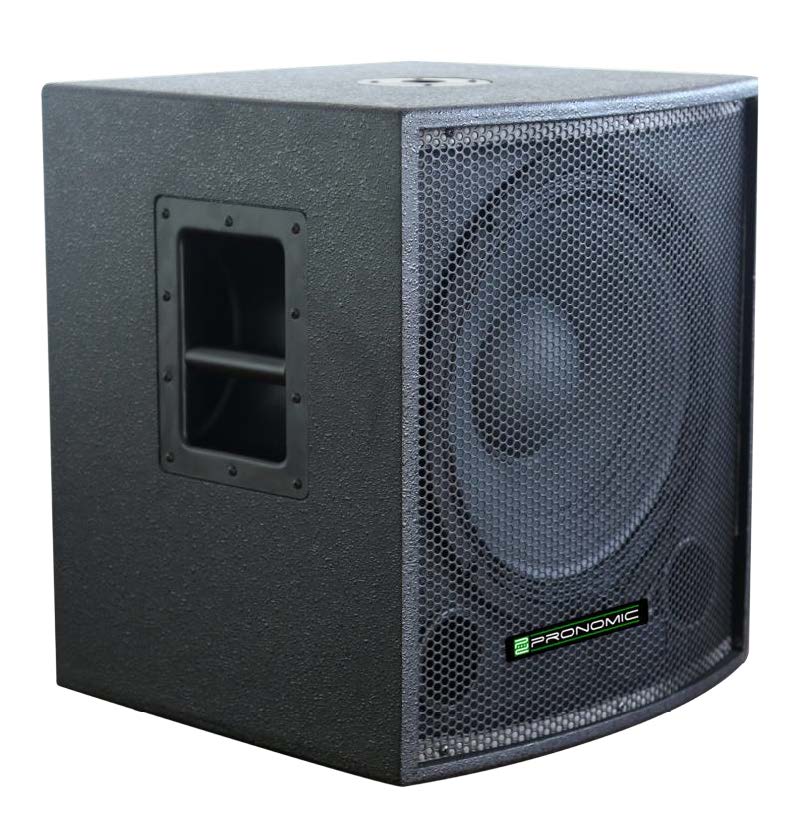
7350A Smart Active Subwoofer
Product Information:
The Genelec 7350A Smart Active Subwoofer is a compact
low-frequency monitor designed to enhance the bass reproduction of
Genelec 8320A active monitors in stereo or multichannel
applications, as well as the 8330A in stereo applications. It can
be used as a general-purpose smart subwoofer solution with any
analog or digital audio monitor.
The 7350A features a 205 mm (8″) low-frequency driver housed in
Genelec’s proprietary Laminar Spiral EnclosureTM (LSETM) bass
reflex cabinet. It is equipped with a D Class power amplifier that
outputs 150 W with very low Total Harmonic Distortion (THD) and
Intermodulation (IM) distortion. The amplifier electronics include
protections against driver overload, amplifier thermal overload,
and driver short circuit.
For audio connections, the 7350A offers IN/OUT connector pairs
for five analog channels and an analog LFE channel input. It also
provides one IN/OUT connector pair for AES/EBU digital audio
signal. The subwoofer is compatible with balanced XLR cables for
audio connections.
The subwoofer comes with a mains cable, a GLM network cable, and
an operating manual. It requires proper inspection upon delivery to
ensure no transport damage. Before connecting, ensure that the
mains voltage marking on the device matches your local mains
voltage. The subwoofer and monitors should be turned off before
making any connections.
Product Usage Instructions:
- Inspect the subwoofer for any transport damage.
- Check that the mains voltage marking on the subwoofer matches
your local mains voltage. - Turn off the subwoofer and monitors.
- Connect the signal cables from your audio source to the female
XLR IN connectors on the subwoofer. - Connect XLR cables from the corresponding OUT male XLR
connectors on the subwoofer to the input connector of each
monitor. - For multichannel sound sources, connect the LFE IN connector on
the subwoofer to the LFE or .1 output of the source. - If using a digital audio signal, connect a male XLR connector
carrying an AES/EBU formatted signal to the DIGITAL IN connector on
the subwoofer. The digital audio signal can be routed to the next
monitor or subwoofer through the DIGITAL OUT connector. - If using the GLM network for settings and acoustic calibration,
download the GLM software from the Genelec website
(www.genelec.com/glm). - Use the GLM 2.0 User Kit, which includes the GLM Adapter and
GLM measurement microphone, to set up the subwoofer and any other
smart devices as a system on the GLM network. - Connect the GLM Adapter to the computer’s USB port and the GLM
network. - Place the GLM measurement microphone at the listening
location. - Execute the setup process in the GLM software to align and
configure the subwoofer and other smart devices. - After calibration, keep the computer connected to maintain the
settings or save the settings to the subwoofer using the GLM 2.0
software.
For more detailed instructions and information, refer to the
operating manual provided with the subwoofer.
7350A
Operating Manual
Genelec 7350A Smart Active Subwoofer
Genelec 7350A Smart Active Subwoofer
General Description
The Genelec 7350A smart active subwoofer is a very compact low frequency monitor, intended to extend the bass reproduction of Genelec 8320A active monitors in stereo or multichannel applications and 8330A in stereo applications. The 7350A can be used in multichannel applications with the 8330A when SPL capacity of the 7350A subwoofer suits the application. 7350A can be used a general purpose Smart Subwoofer solution with any analog or digital audio monitor.
Driver
The 7350A contains one 205 mm (8″) low frequency driver housed in a Genelec’s proprietary Laminar Spiral EnclosureTM (LSETM) bass reflex cabinet.
Amplifier
The D Class power amplifier outputs 150 W with very low THD and IM distortion. Driver overload, amplifier thermal overload, and driver short circuit protections are included in the amplifier electronics.
Installation
The subwoofer is supplied with a mains cable, a GLM network cable, and this operating manual. Inspect the subwoofer to ensure that it has not been damaged in transport. Check that the mains voltage marking on the device matches your local mains voltage. Before connecting turn off the subwoofer and the monitors. Once all connections have been made, the subwoofer and monitors can be powered up.
Audio Connections Audio connections are made with balanced XLR cables. The 7350A has IN/OUT connector pairs for five analogue channels and an analogue LFE channel input. There is also one IN/OUT connector pair for AES/EBU digital audio signal.
Connect signal cables from your audio source to the female XLR “IN” connectors. Next, connect XLR cables from the corresponding “OUT” male XLR connectors to the input connector of each monitor.
Connect the “LFE IN” connector to the LFE or .1 output of a multichannel sound source.
The digital audio input (DIGITAL IN)
accepts a male XLR connector carrying an AES/EBU formatted signal. The digital audio signal can be routed to the next monitor or subwoofer (DIGITAL OUT). The AES/EBU digital audio subframe A or B is selected using the GLM software. The default setting for the subframe selection A+B meaning that the subwoofer reproduces audio in both subframes.
GLM Network Connection
Using the GLM Adapter all monitors and subwoofers in the system are connected to a computer running the Genelec Loudspeaker Manager (GLM) software (See Figure 3.) A GLM network cable with RJ45 connectors is supplied with each monitor and subwoofer for this. Start control network cabling from the GLM Adapter to the first monitor or subwoofer. Continue daisy-chaining to all monitors and subwoofers in the system. No special sequence is necessary. You can choose the easiest control network cabling route.
Settings and Acoustic Calibration
The 7350A subwoofer and Smart Active Monitors are extremely flexible in compensating the acoustic influences of the room where the products have been installed and support automated setup using the GLM User Kit and software. The 7350A subwoofer is compatible with GLM 2.0 and later.
The GLM software can be downloaded from Genelec web site (www.genelec.com/ glm). The GLM 2.0 User Kit is needed for the setup. The User Kit contains the GLM Adapter and GLM measurement microphone.
The GLM Adapter is connected to the computer USB port and the GLM network. If the 7350A is the only smart device, the GLM Adapter is only connected to the subwoofer. The GLM measurement microphone is placed at the listening location.
Execute the setup process in the GLM software to align and set up the subwoofer and any other smart devices as a system on the GLM network. After calibration, keep the computer connected to maintain the settings or save the settings to the subwoofer using the GLM 2.0 software.
ISSTM Autostart Function
Intelligent Signal SensingTM (ISSTM) enables less than 0.5 W standby power consumption.
As a factory default, the ISS function is disabled. The ISS function can be enabled and configured in the GLM software by clicking the “ISS Power Saving” pulldown menu. This menu also provides selection of the time before entering standby. Playback automatically resumes once an input signal is detected. There is a slight delay before playback resumes.
Placement in the Room
Subwoofer placement affects the frequency response and sound level dramatically. At low frequencies the acoustical effects of the room are strong. Even a slight change in the subwoofer’s location can make a marked difference. The placement affects the frequeny response, phase difference between the monitors and subwoofer, as well as the subwoofer roll-off rate.
Place the subwoofer on the floor, slightly offset from the room centre line, at the front wall. Distance to the front wall should be less than 0.6 m (24 in) measured from the subwoofer’s driver. Proximity to the wall can increase acoustic output and maximum sound level. Larger distance to the wall can cause acoustical cancellation and reduce subwoofer output.
Moving the subwoofer slightly to the left or right can improve the flatness of the frequency response. Positioning the subwoofer close to a corner can boost the bass level more but may cause asymmetrical sound imaging at low frequencies.
Use the GLM to automatically calibrate the frequency response of the subwoofer for maximal flatness. If the monitors are Smart Monitors, GLM also automatically aligns the output level and crossover phase in relation to the monitors.
Minimum Clearances to Walls or Other Objects
Do not cover the driver of the subwoofer. Allow at least 10 cm (4 in) of space in front of the driver grille.
Thick carpets under the subwoofer can block ventilation.
ANALOG
292-0063
ANALOG SIGNAL
CONNECTORS
7350A SMART ACTIVE SUBWOOFER MAGNETICALLY SHIELDED
710127
SERIAL NUMBER
IN 3
OUT 3
IN 4
OUT 4
www.genelec.com MADE IN FINLAND
AVERTISSEMENT
RISQUE DE CHOC ÉLECTRIQUE. NE PAS OUVRIR. NE PAS EXPOSER À L’EAU OU L’HUMIDITÉ. AUCUN COMPOSANT À L’INTÉRIEUR REMPLAÇABLE PAR L’UTILISATEUR. ADRESSER TOUTE RÉPARATION À UN PERSONNEL QUALIFIÉ. CET APPAREIL DOIT ÊTRE RACCORDÉ À LA TERRE. LAITE ON LIITETTÄVÄ SUOJAMAADOITUSKOSKETTIMILLA VARUSTETTUUN PISTORASIAAN. APPARATET MÅ TILKOPLES JORDET STIKKONTAKT. APPARATEN SKALL ANSLUTAS TILL JORDAT UTTAG.
IN 5
OUT 5
LFE IN
THIS DEVICE COMPLIES WITH FCC PART 15 AND CANADIAN ICES-003 RADIO FREQUENCY CLASS B EMISSION REQUIREMENTS. REFER TO OPERATING MANUAL FOR FULL INFORMATION.
WARNING
ELECTRIC SHOCK HAZARD. DO NOT OPEN. DO NOT SUBJECT TO WATER OR MOISTURE. NO USER SERVICEABLE PARTS INSIDE. REFER SERVICING TO QUALIFIED PERSONNEL. USE EARTHED MAINS CONNECTION ONLY.
GLM NETWORK
ON
IN 1
OUT 1
IN 2
OUT 2
OUT
IN
TEST OUT 1
TEST OUT 2
DIGITAL
MAINS INPUT 50 / 60 Hz 120 W 230 V~
MAINS INPUT
POWER SWITCH
DIGITAL SIGNAL CONNECTORS
Figure 1. Connector panel of the 7350A
GLM NETWORK CONNECTORS
Figure 2. Flush mounting the subwoofer. Note the clearance needed on the reflex port side.
The bass reflex port (located opposite of the connector panel) should have a minimum clearance of 7.5 cm (3 in) to ensure sufficient bass reflex system sound output.
Flush Mounting the Subwoofer
When the subwoofer is flush mounted into a recess in a wall or in a cabinet, ensure amplifier cooling and unrestricted airflow from the bass reflex port. Make the recess at least 7.5 cm (3 in) wider than the subwoofer. Place the subwoofer to the right side of the recess with the driver facing the room. This leaves sufficient space at the bass reflex port. The height and depth of the recess should not be bigger than what is needed to fit the subwoofer.
Safety Considerations
Genelec 7350A subwoofer has been designed in accordance with international safety standards. However, to ensure safe operation and maintain the unit in safe operating condition, the following warnings and cautions must be observed:
· Servicing and adjustment must only be performed by qualified service personnel. The subwoofer cabinet or electronics unit must not be opened. · Do not use this subwoofer with an unearthed mains cable or an unearthed mains connection as this may compromise electrical safety. · Do not expose the subwoofer to water or moisture. Do not place any objects filled with liquid, such as vases, on the subwoofer or near it. · This subwoofer is capable of producing sound pressure levels in excess of 85 dB SPL, which may cause permanent hearing damage.
COMPUTER RUNNING GLM SOFTWARE
GLM ADAPTER
MICROPHONE PLACED IN
THE LISTENING POSITION
USB CABLE
GLM
TERMINATOR
SUBWOOFER
MONITORS
GLM NETWORK CABLE
Figure 3. GLM Network cabling. Audio cabling not shown.
· Free flow of air around the subwoofer is necessary to maintain sufficient cooling. Do not obstruct airflow around the subwoofer. · Note that the amplifier is not completely disconnected from the AC mains service unless the mains power cord is removed from the amplifier or the mains outlet.
Warning! This subwoofer is capable of delivering sound pressure levels in excess of 85 dB, which may cause permanent hearing damage.
Maintenance
No user serviceable parts are inside the subwoofer. Any maintenance of the unit may only be performed by qualified service personnel.
Guarantee
This product is supplied with a two year guarantee against manufacturing faults or defects that might alter the performance of the unit. Refer to supplier for full sales and guarantee terms.
7350A Operating Manual
SYSTEM SPECIFICATIONS
Free field frequency response ± 3 dB -6 dB
Maximum short term sine wave SPL output averaged from 30 to 85 Hz, measured in half space at 1 meter
Self generated noise level in half space at 1 m on axis (A-weighted)
Harmonic distortion at 90 dB SPL at 1 m on axis in half space 30… 85 Hz
2nd 3rd
Driver, magnetically shielded
Weight
Dimensions Height Width Depth
7350A
25 – 150 Hz 22 – 160 Hz > 104 dB
< 5 dB
< 4 % < 1 % 205 mm (8″) 19 kg (42 lbs)
410 mm (161/8 in) 350 mm (133/4 in) 319 mm (129/16 in)
SIGNAL PROCESSING
Subsonic filter (18 dB/octave) below LFE cutoff frequency Midband rejection >400 Hz GLM software Auto Cal tools
Parametric notch filters Delay adjustment Level adjustment
7350A 20 Hz 150 Hz 50 dB
20 160 ms 60 dB
Compliance with FCC rules
This device complies with part 15 of the FCC Rules. Operation is subject to the following two conditions:
This device may not cause harmful interference, and this device must accept any interference received, including interference that may cause undesired operation.
Note: This equipment has been tested and found to comply with the limits for a Class B digital device, pursuant to part 15 of the FCC Rules. These limits are designed to provide reasonable protection against harmful interference in a residential installation. This equipment generates, uses and can radiate radio frequency energy and, if not installed and used in accordance with the instructions, may cause harmful interference to radio communications. However, there is no guarantee that interference will not occur in a particular installation. If this equipment does cause harmful interference to radio or television reception, which can be determined by turning the equipment off and on, the user is encouraged to try to correct the interference by one or more of the following measures:
· Reorient or relocate the receiving antenna. · Increase the separation between the equipment and receiver. · Connect the equipment into an outlet on a circuit different from that to
which the receiver is connected. · Consult the dealer or an experienced radio/TV technician for help
AMPLIFIER SECTION
Amplifier short term output power (Long term output power is limited by driver unit protection circuitry)
Amplifier system THD at nominal output
Mains voltage
Power consumption (average) Standby (ISS active) Idle Full output
7350A 150 W
< 0.005% 100, 120 or 230 V
< 0.5 W 8.5 W 150 W
CONNECTIONS ANALOG
7350A
Input / Output connectors XLR female / male 5 / 5
LFE Input connector XLR female
1
Pin sequence pin 1 pin 2 pin 3
gnd + (non-inverting) – (inverting)
Input impedance
10 kohm balanced
Input level for 100 dB SPL output @ 1 m
-6 dBu (variable in GLM software)
Output gain
0 dB
The output connectors carry an unfiltered copy of the signal arriving into their respective Input connectors.
DIGITAL
Input / Output connectors XLR female / male
Signal format
Digital audio Word length Sample rate
7350A 1 / 1 AES/EBU single wire
16 – 24 bits 32 – 192 kHz
GLM NETWORK Input / Output RJ45
7350A 1 / 1
Modifications not expressly approved by the manufacturer could void the user’s authority to operate the equipment under FCC rules.
Genelec Document D0116R002 Copyright Genelec Oy 9.2014. All data subject to change without prior notice
International enquiries: Genelec, Olvitie 5 FIN-74100, Iisalmi, Finland Phone +358 17 83881 Fax +358 17 812 267 Email [email protected]
In the U.S. please contact: Genelec, Inc., 7 Tech Circle Natick, MA 01760, USA Phone +1 508 652 0900 Fax +1 508 652 0909 Email [email protected]
In China please contact: Beijing Genelec Audio Co, Ltd Room 101, 1st Floor Building 71 B33 Universal Business Park No.10 Jiuxianqiao Road,Chaoyang District, Beijing 100015, China Phone +86 (10) 5823 2014, Post code 100015 Email [email protected]
www.genelec.com
In Sweden please contact Genelec Sverige Ellipsvägen 10B P.O. Box 5521, S-141 05 Huddinge Phone +46 8 449 5220 Fax +46 8 708 7071 Email [email protected]
 World Leader in Studio Monitors - Genelec.com