
Battery Holder T3
User’s Manual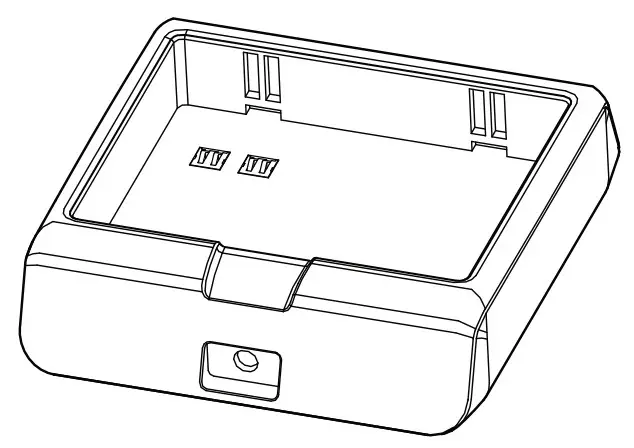
STAR MICRONICS CO., LTD,
Information
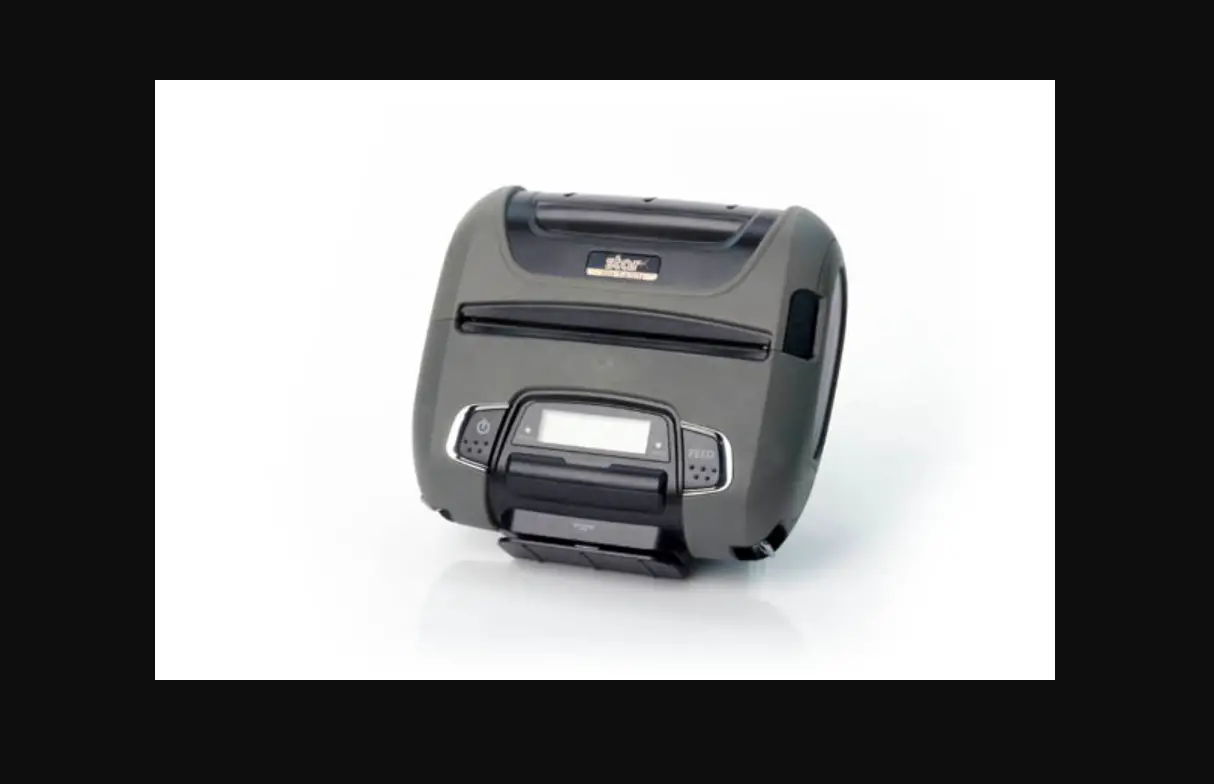
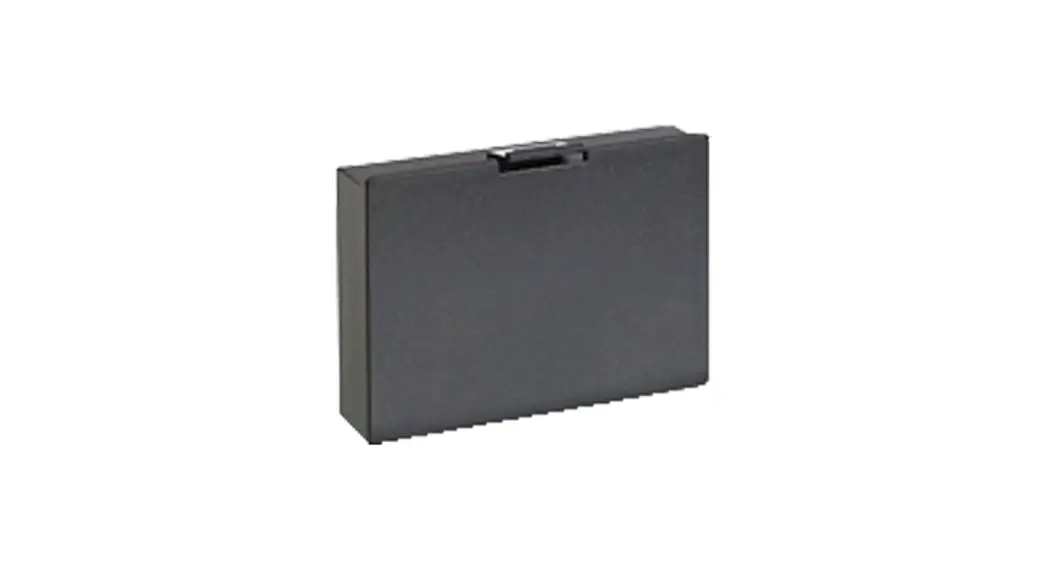
This manual contains operating instructions and important safety guidelines. The Battery Holder T3 is designed to charge only the Lithium-Ion battery pack compatible with the SM-T300 Series Portable Printers. The contents of this manual are subject to change without prior notice.
Suitable Environment for the Use of the Battery Holder is as Follows:
- Operation Temperature: 0^ to 40^ (No Condensation)
- Storage Temperature: -20^ to 60^
- Relative humidity : 5% to 95% (No Condensation)
- Altitude : 0 ~ 10,000 feet
- Cooling: Convectional (Non-Vented Case)
Warning / Safety Guidelines
- Keep the charger in a cool, dry place, away from direct sunlight, high temperature, and moisture.
- Do not insert foreign objects into the charger.
- Do not operate the charger if it appears damaged.
- Do not disassemble, incinerate, or short circuit batteries, the charger, or related components.
- Do not operate the charger when your hands or body are wet.
- Do not operate the charger near water.
- To reduce the risk of burning, unplug the charger before cleaning.
- This charger cannot be used for any other types of batteries.
- Use of any charger not approved for the SM-T300 Series can damage the batteries or the printer and will void the warranty.
- If you do not intend to use the battery pack for a long time, be sure to remove it from the printer, and do not leave it connected to a battery pack holder for external charging.
General Guidelines
- The recharging time depends on the voltage level and ambient temperature of the battery. Normally, it takes about four (4) to five (5) hours to completely recharge one battery pack.
- The battery is a consumable part that will gradually lose its lifespan over time, depending on the total number of usage hours.
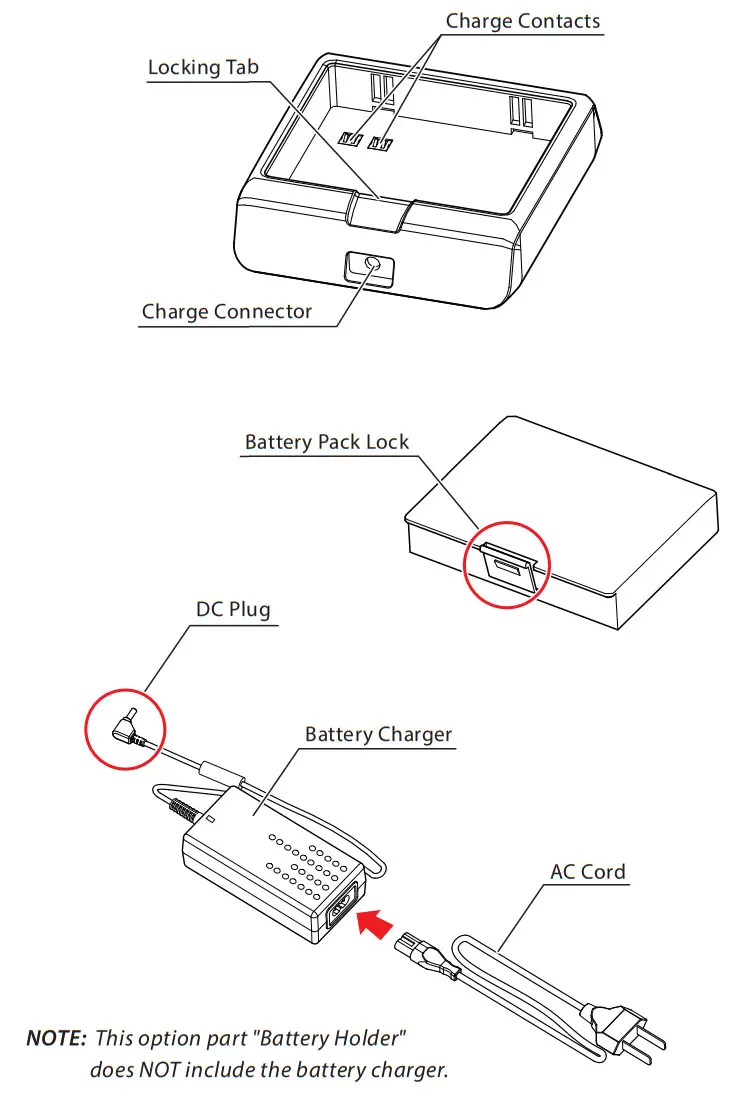
Parts Breakdown
Using the Battery Holder T3
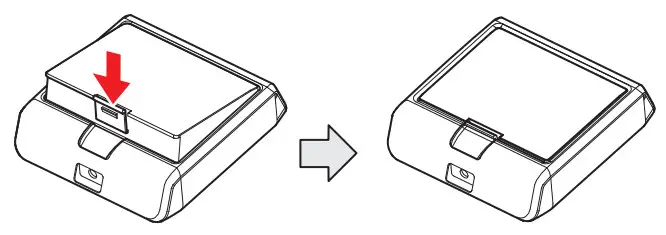
- To install the battery pack, proceed as follows: – Insert the battery pack in the direction of the colored arrow.

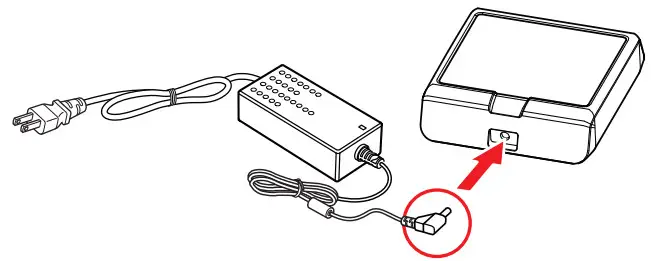
- To recharge the battery, install the battery pack in the Battery Holder T300. Insert the DC Plug into the charge connector and plug the AC Cord into a power outlet.

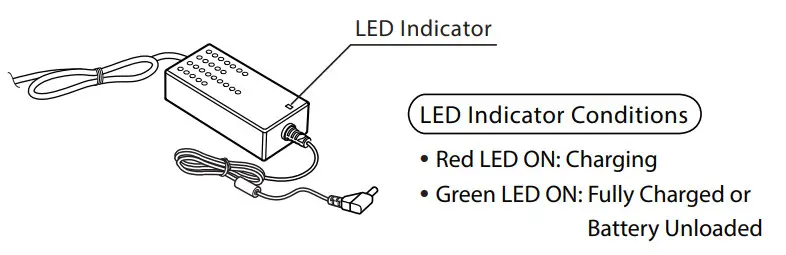
- The T300 Series Battery Pack will begin the charge cycle.

NOTE: Only use the AC Cord approved for the SM-T300 Series. Usage of any other cord can damage the printer, battery, or battery pack and will void the warranty.
Copyright 2010-2021 Star Micronics Co., Ltd. im00113