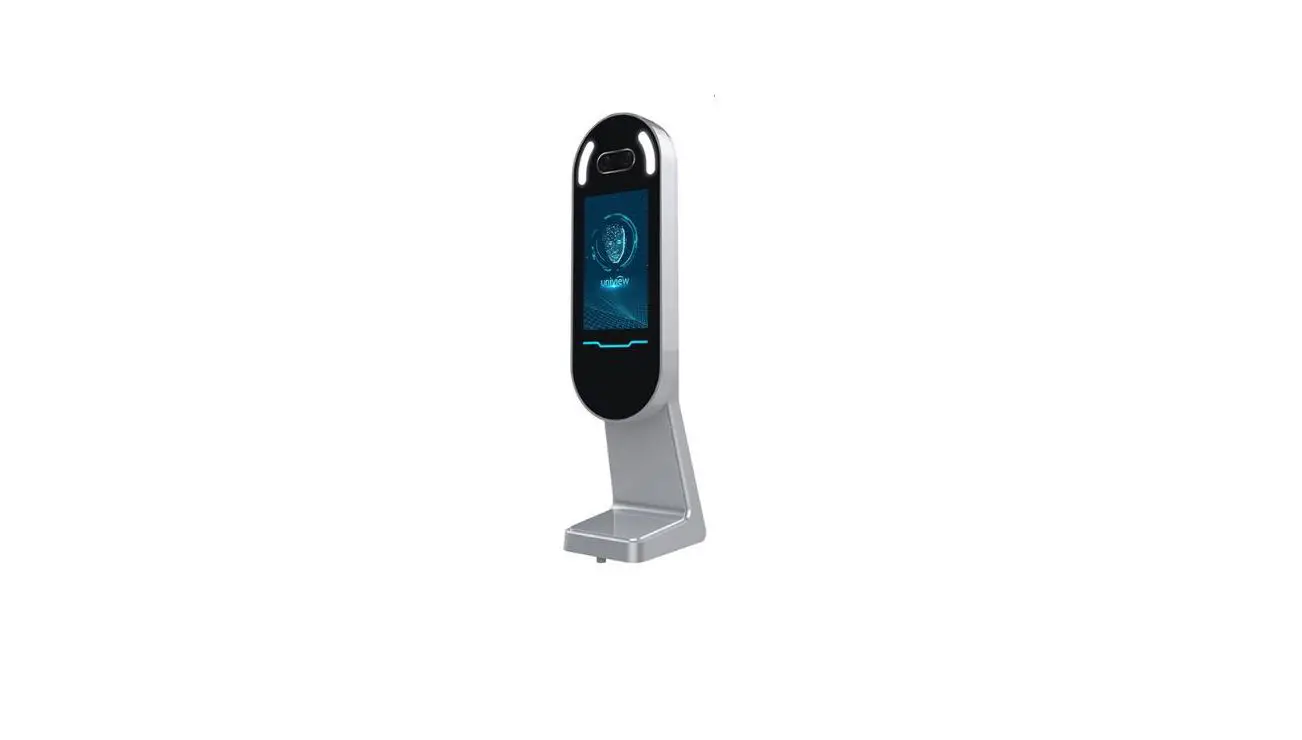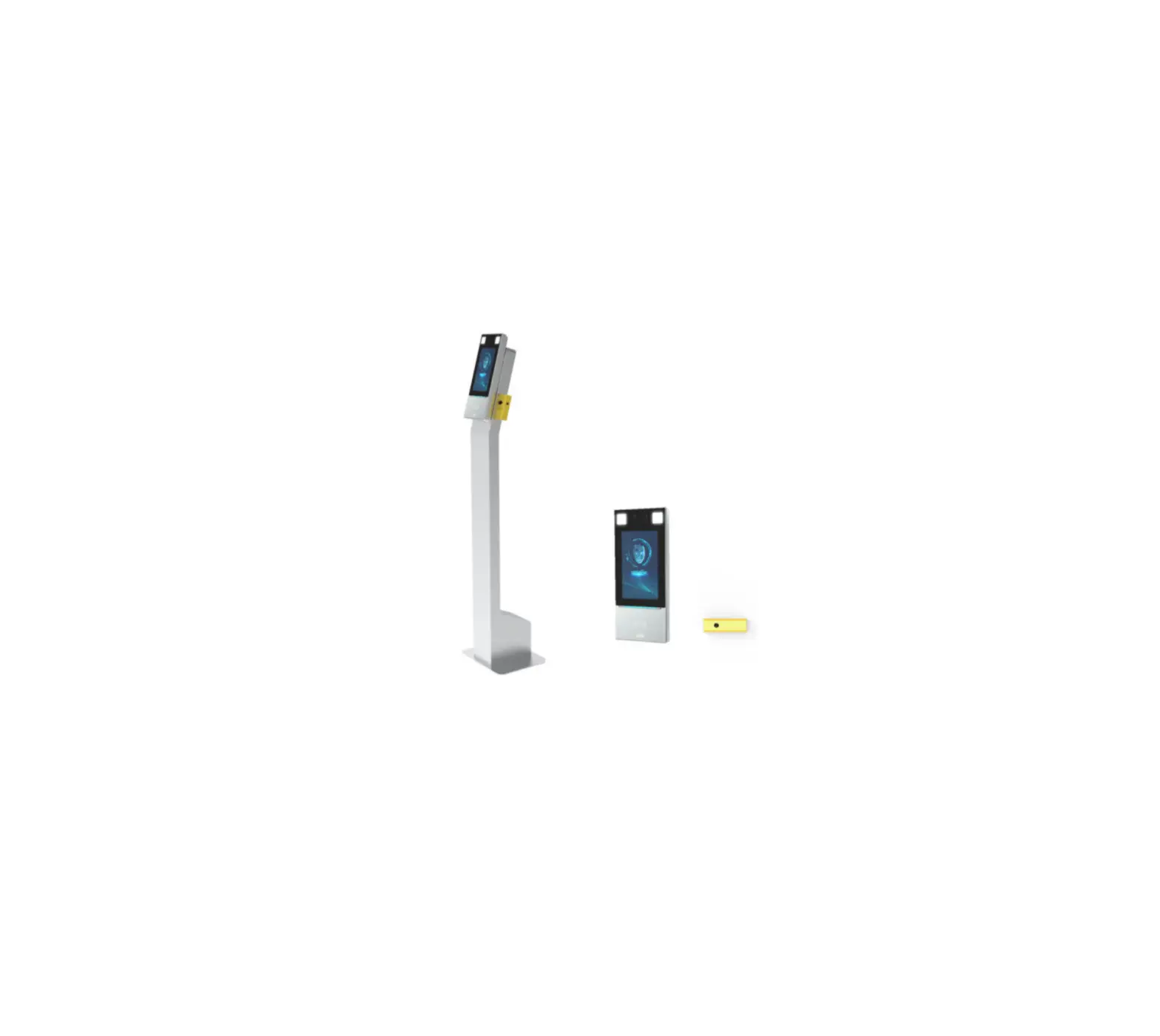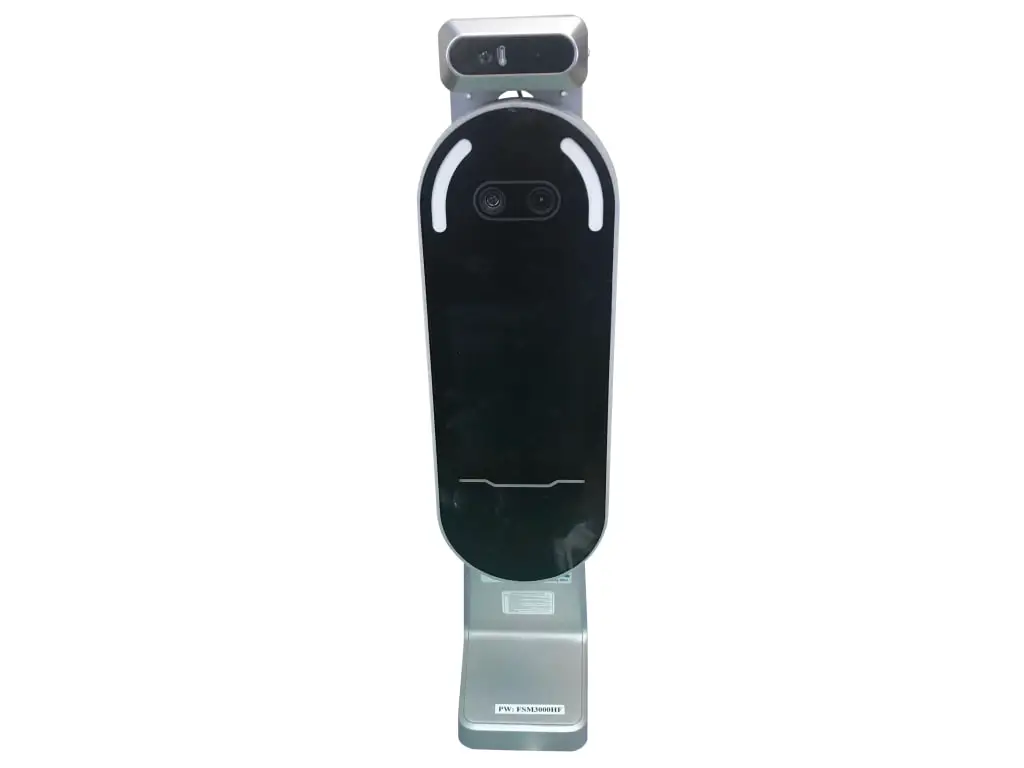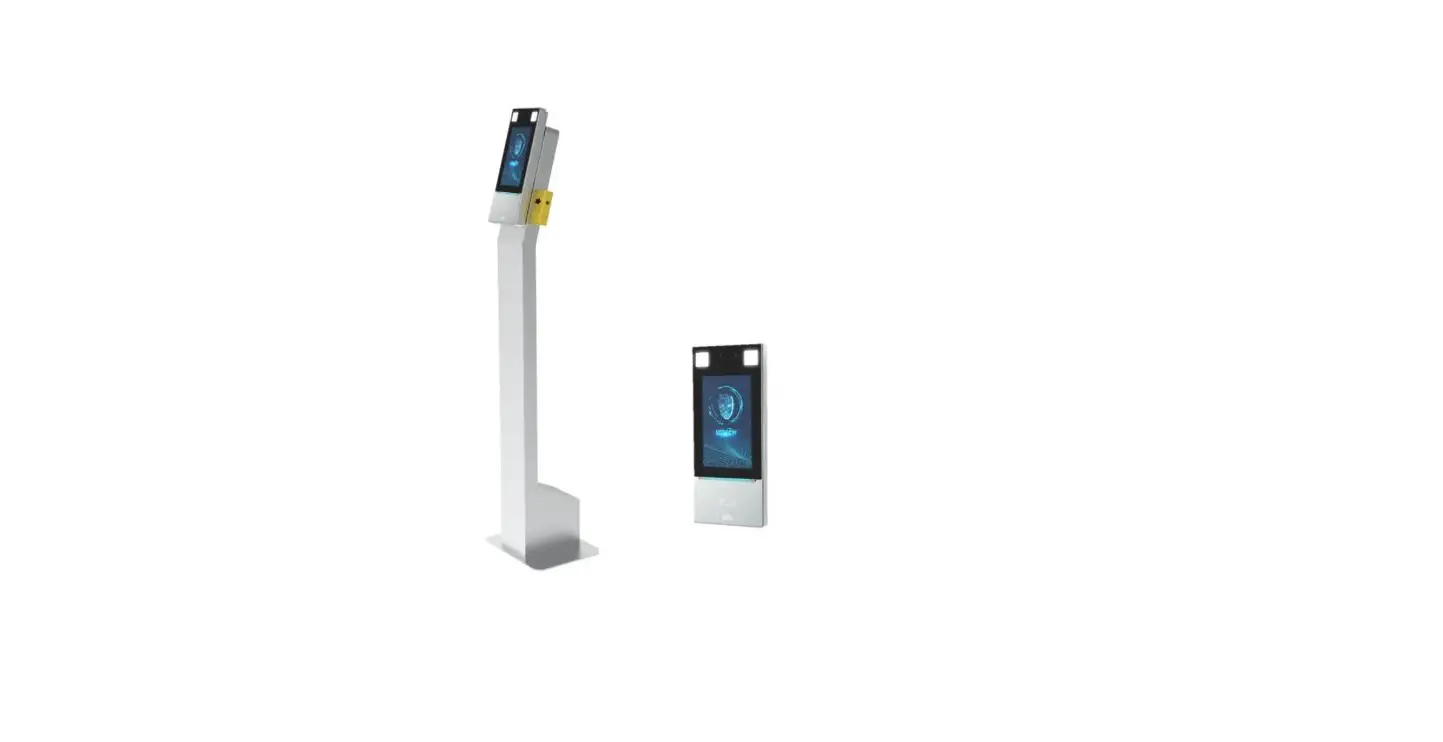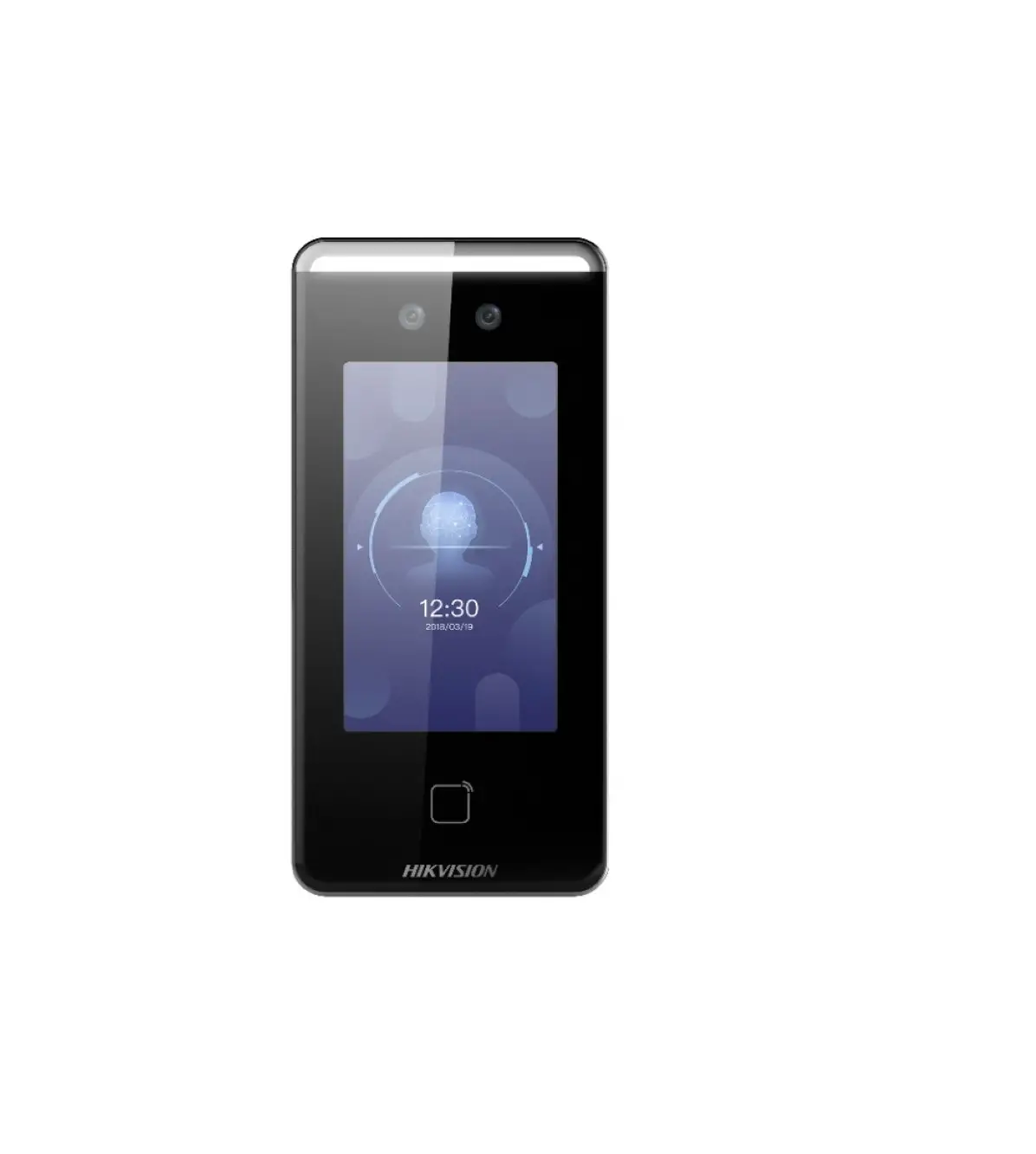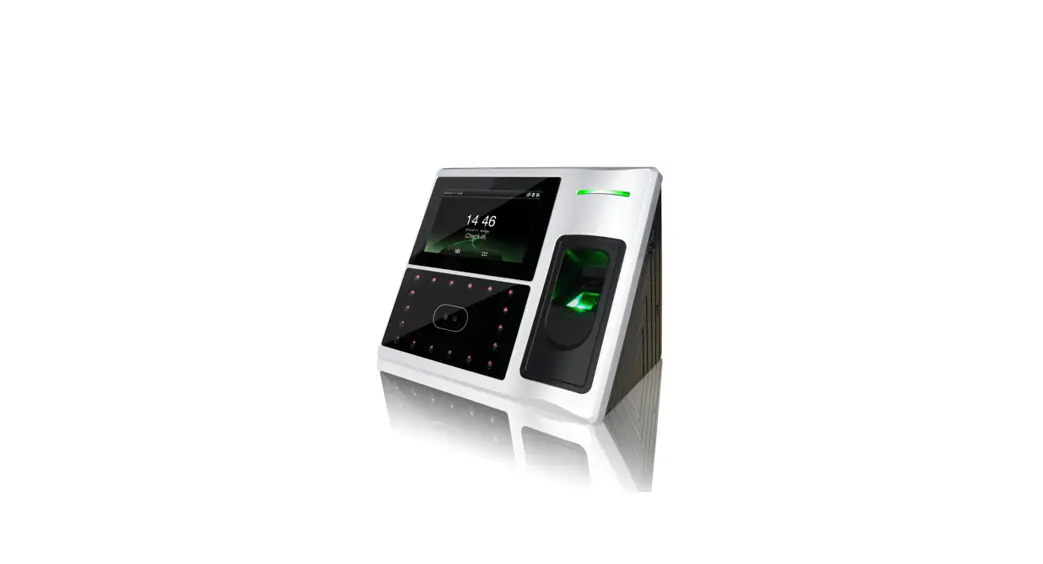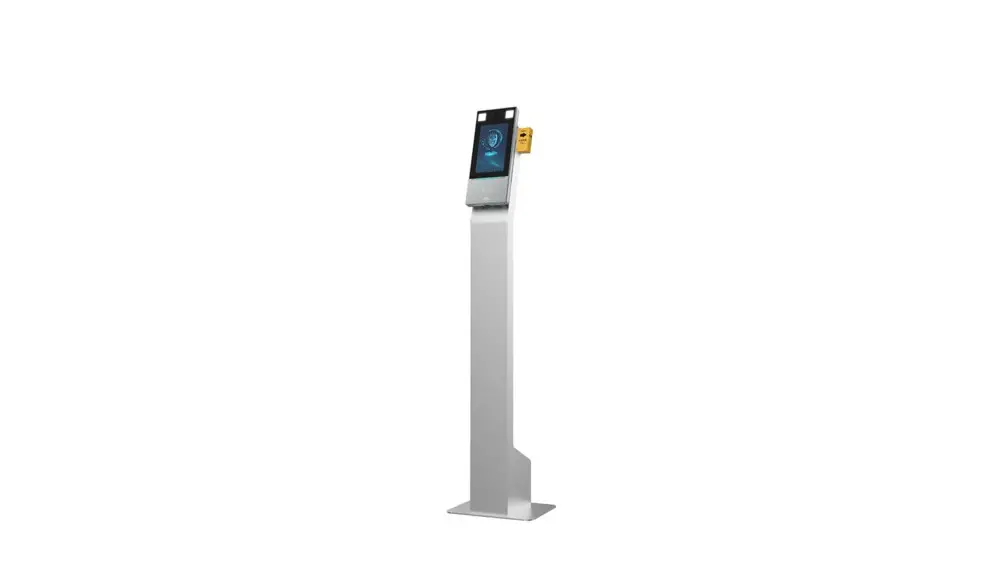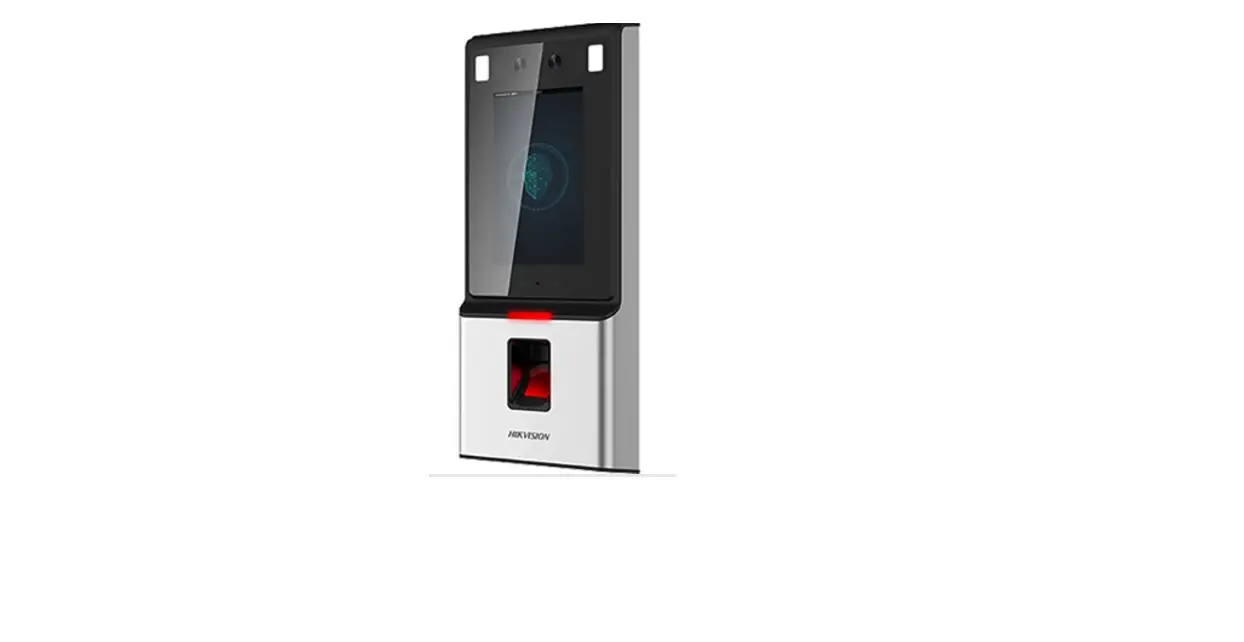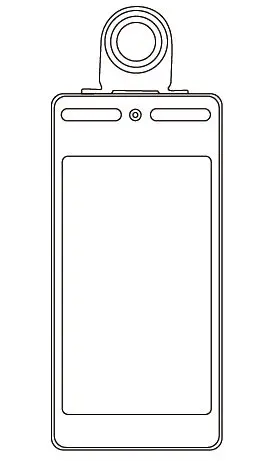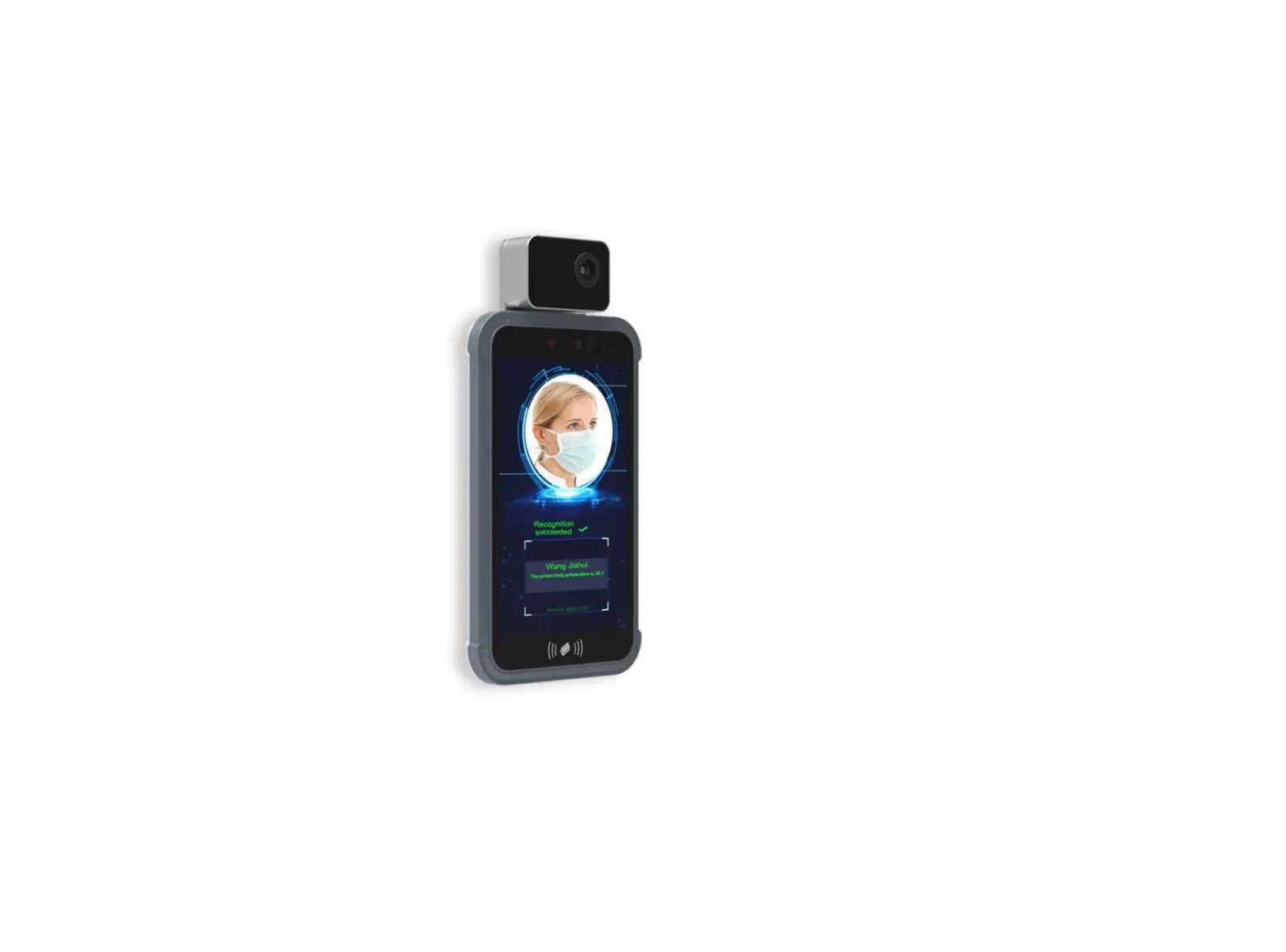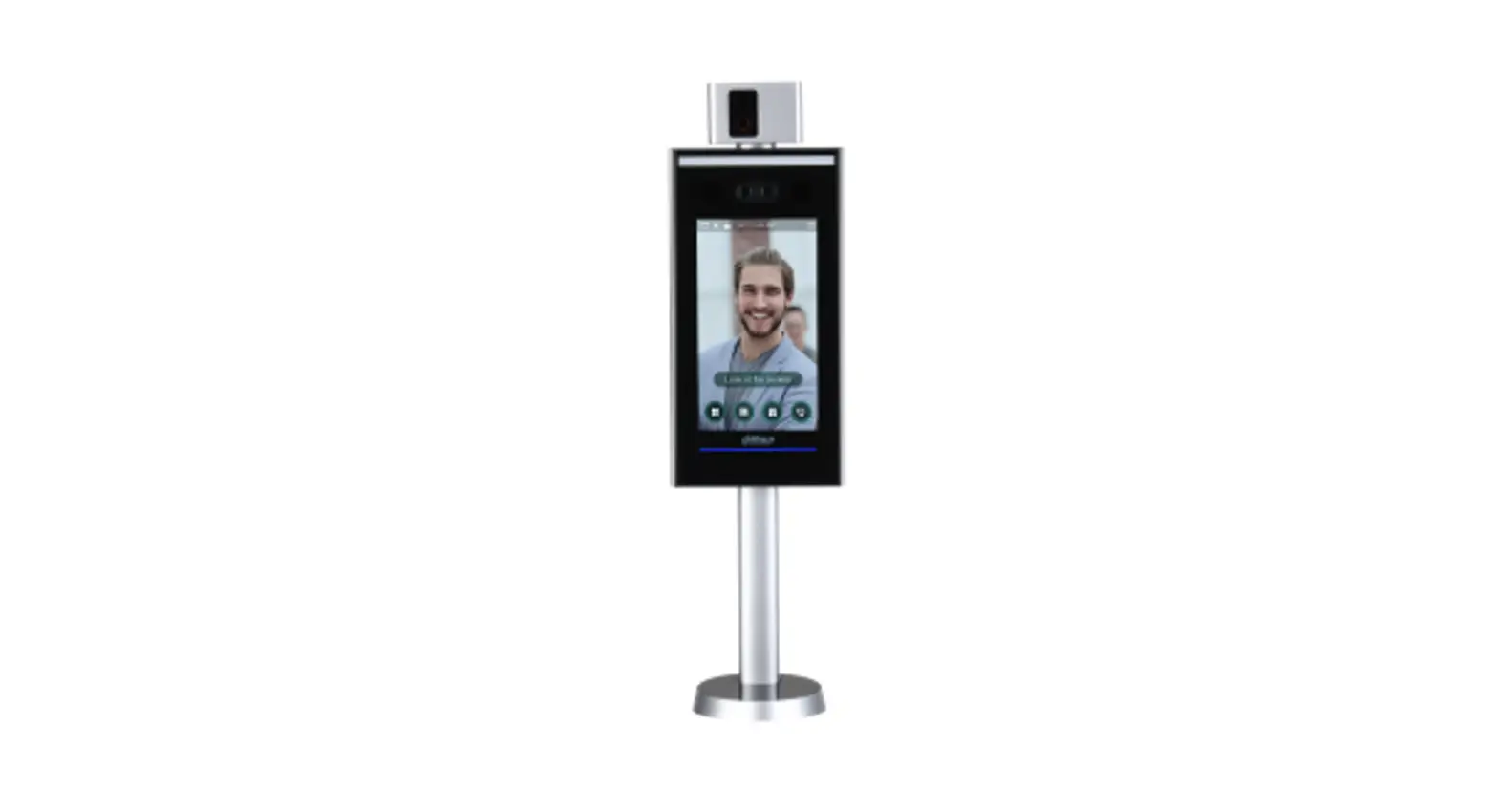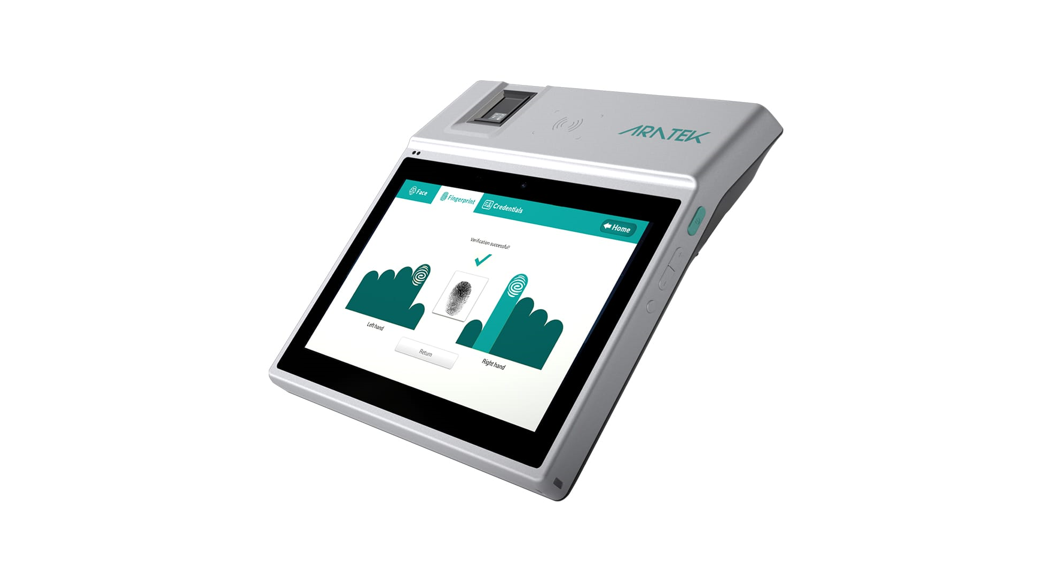

Face Recognition Terminal BA8300
User Manual
Thank you for purchasing Aratek products. In order to ensure that this product is used safely. Please read this User Manual carefully before using the product. It will also help to improve product life and have excellent performance. By reading the User manual, you can understand the performance characteristics and technical parameters of the product in more detail, and clearly understand the appearance structure of the product, the installation process of the device, and the installation points that need be mentioned.
Face Recognition Terminal
Tip
This manual is only for reference and do not have any commitment. The product’s appearance and function should be based on the actual object. We reserve the right to modify any information in this document at any time. The content of the modification will be added to the new version of this document.
Warning
★ It is strictly forbidden to disassemble the product privately.
★ Do not put the product into fire or heat, otherwise, it may break.
★ In the event of a malfunction, it may only be replaced or repaired by the manufacturer or a local authorized agency. Do not dispose of it yourself.
Product Overview
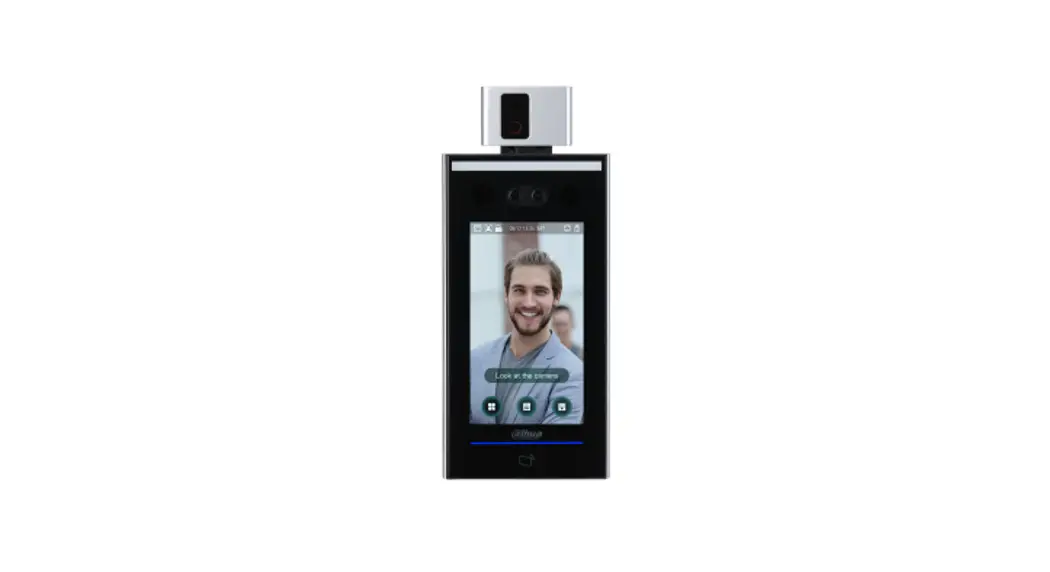
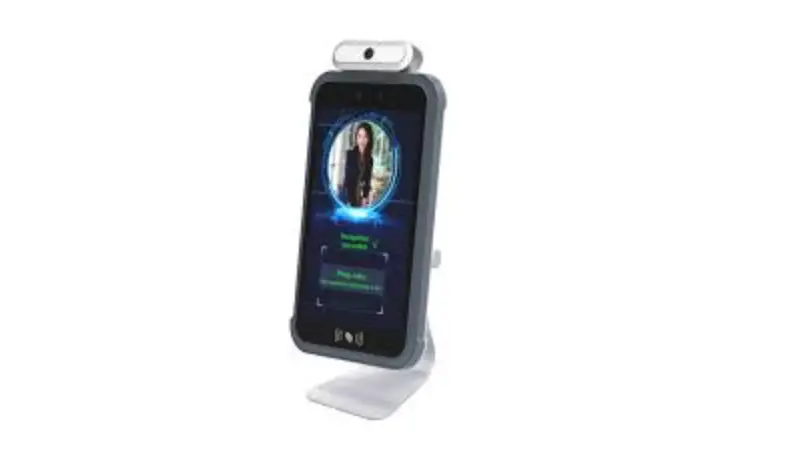
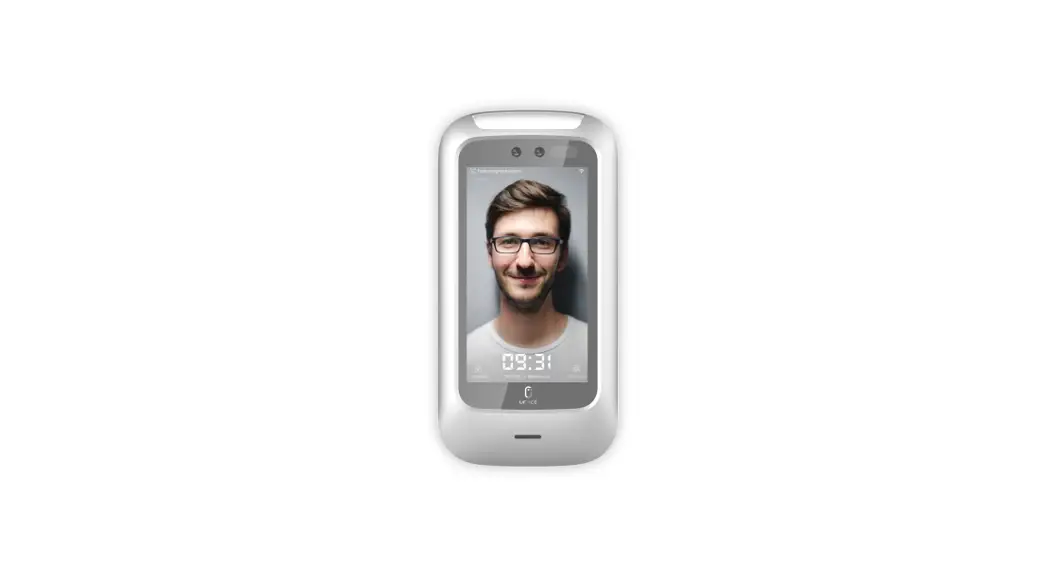
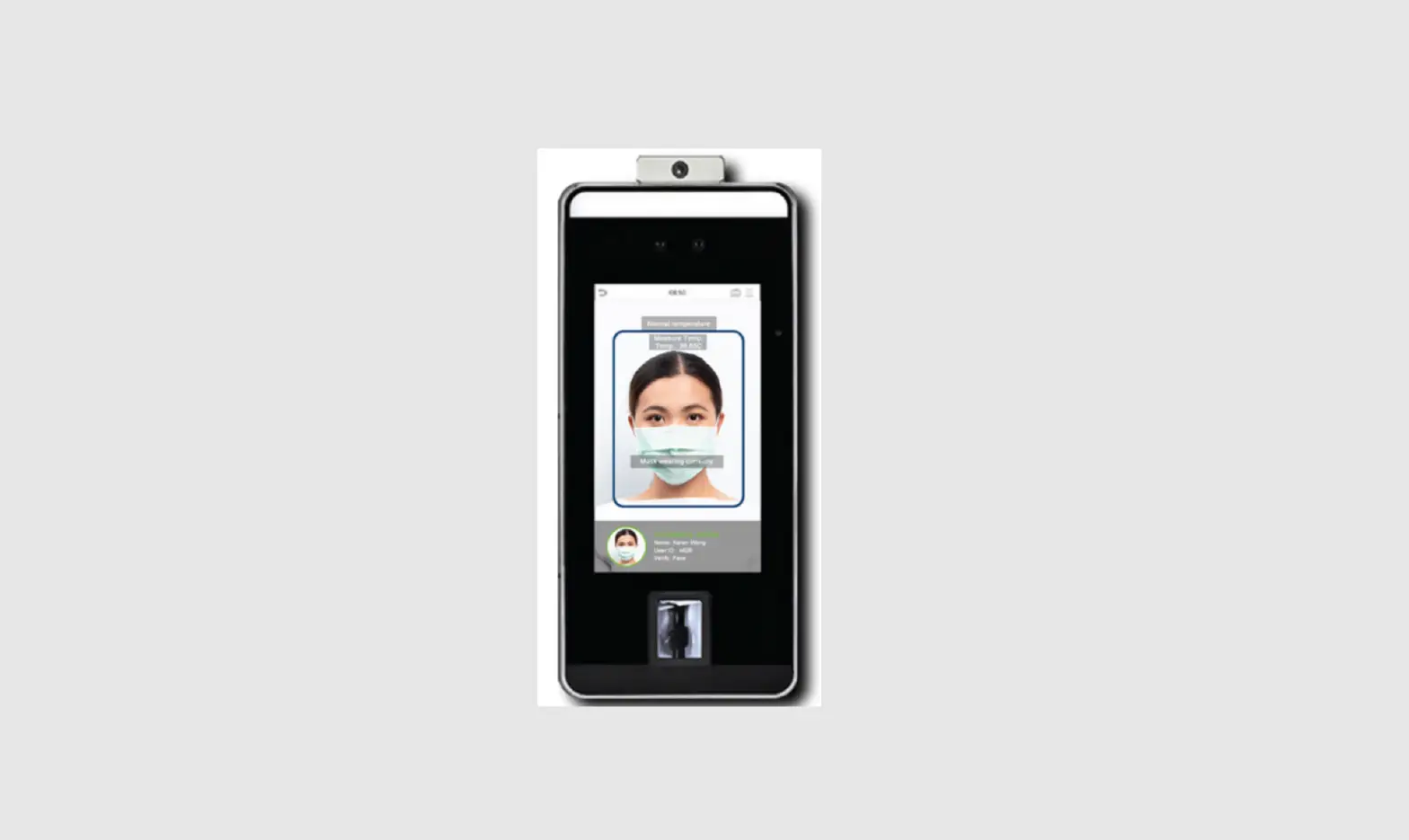
The smart device terminal BA8300 face recognition access control is developed by Aratek, which integrates face recognition, fingerprint recognition, fever detection, and access control solution together. It’s equipped with a high dynamic range camera that can support live facial recognition powered by the Aratek algorithm. It is widely used in communities, schools, banks, and the government as gate control and time & attendance.
Features
Multi-modal recognition
Binocular live face recognition, IC card verification, QR code recognition, fingerprint recognition multimodal recognition methods.
Multiple scenes
It’s widely used in communities, schools, hospitals, airports, trains station, etc.
HD wide dynamic camera
The built-in 2M camera with a wide dynamic range of up to 105dB can capture clear facial images under strong light, backlight, dark light, and other environments to achieve rapid face recognition.
Binocular live detection
Built-in visible light and infrared dual cameras can automatically complete hardware live detection, effectively rejecting non-living attacks such as photos and videos.
Product introduction—Wall-mounted
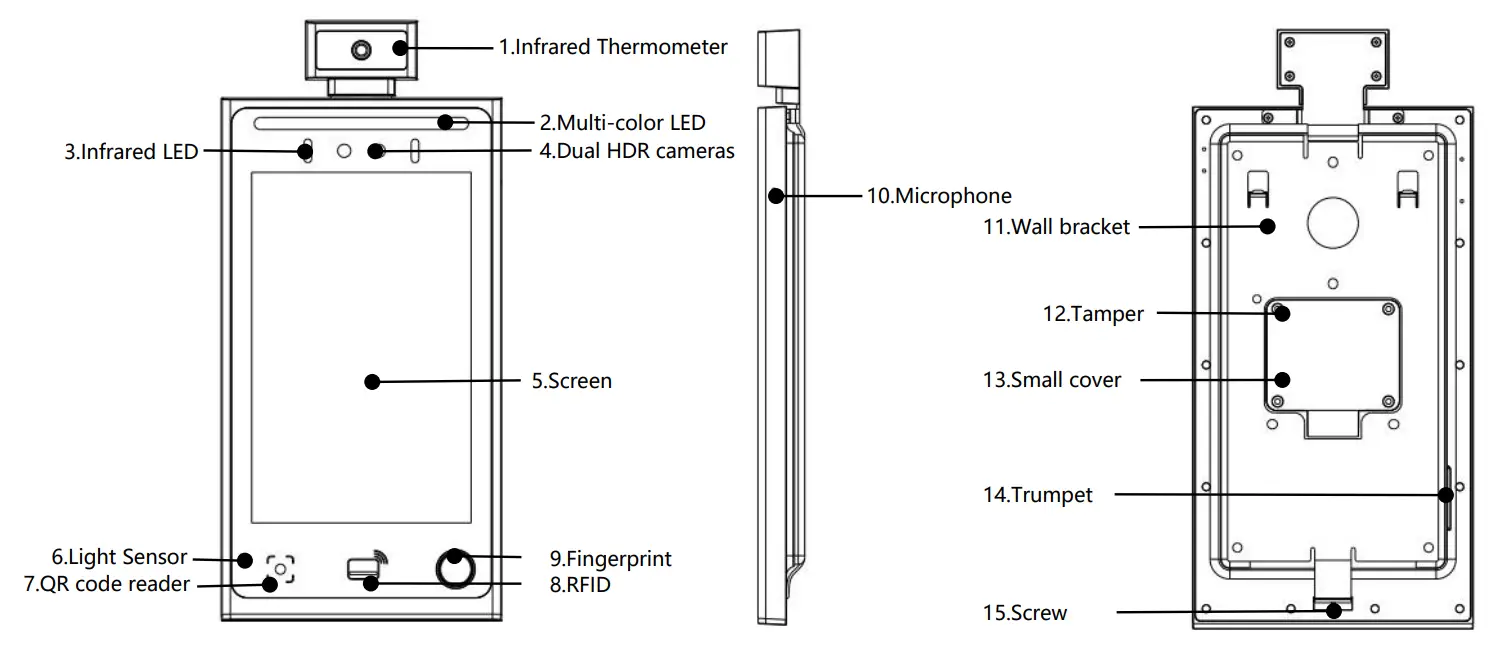
| No. | Name | Function | No. | Name | Function |
| 1 | Infrared Thermometer | Fever Detection | 9 | Fingerprint | Fingerprint recognition |
| 2 | Multi-color LED | Fill-in Light | 10 | Microphone | Collect sound |
| 3 | Infrared LED | Fill-in Light | 11 | Wall bracket | Wall bracket |
| 4 | Dual HDR cameras | Face recognition | 12 | Tamper | Disassembly alarm |
| 5 | Screen | 8″ IPS touch screen | 13 | Small cover | Lock devise and support bar |
| 6 | Light sensor | Sense ambient brightness | 14 | Trumpet | Play sound |
| 7 | QR code reader | QR code recognition | 15 | Screw | Screw for Wall bracket |
| 8 | RFID | Contactless card Reader |
5.2、Product introduction—Turnstile
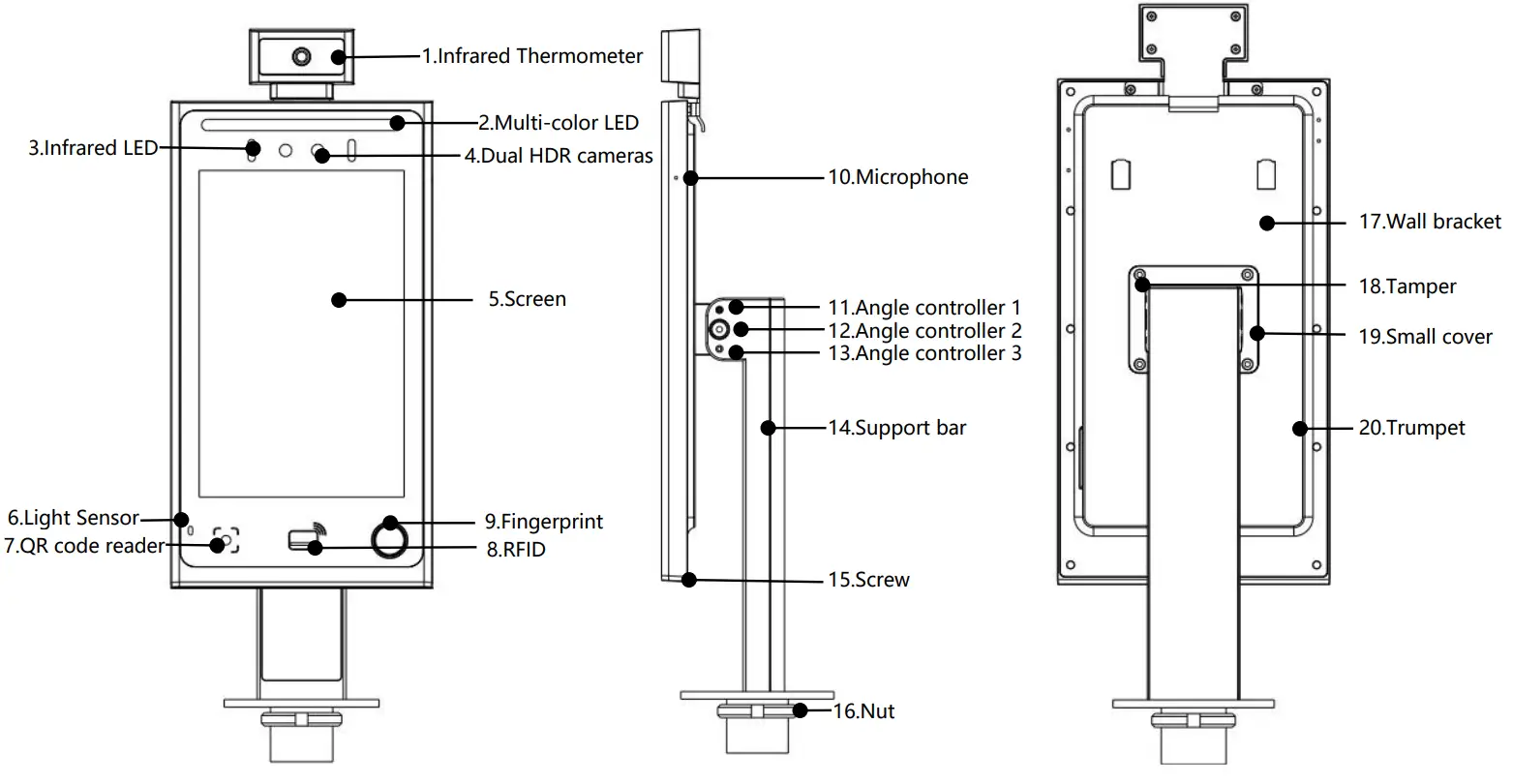
| No. | Name | Function | No. | Name | Function |
| 1 | Infrared Thermometer | Fever Detection | 11 | Angle controller 1 | Lock the device 90° or 110° slope |
| 2 | Multi-color LED | Fill-in Light | 12 | Angle controller 2 | Adjust the device from 90° to 120° slope |
| 3 | Infrared LED | Fill-in Light | 13 | Angle controller 3 | Lock the device 100° slope or 120° slope |
| 4 | Dual HDR cameras | Face recognition | 14 | Support bar | Supports device |
| 5 | Screen | 8″ IPS touch screen | 15 | Screw | Screw for Wall bracket |
| 6 | Light sensor | Sense ambient brightness | 16 | Nut | Nut for Gate |
| 7 | QR code reader | QR code recognition | 17 | Wall bracket | Wall bracket |
| 8 | RFID | Contactless card Reader | 18 | Tamper | Disassembly alarm |
| 9 | Fingerprint | Fingerprint recognition | 19 | Small cover | Lock devise and support bar |
| 10 | Microphone | Collect sound | 20 | Trumpet | Play sound |
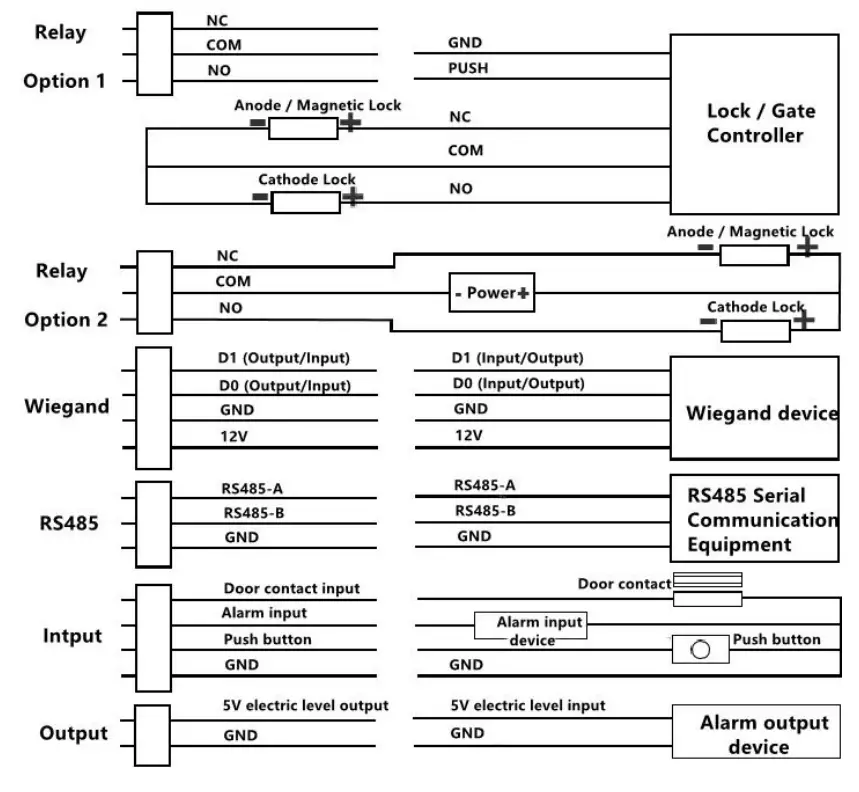
5.3、Product introduction—Wire connection
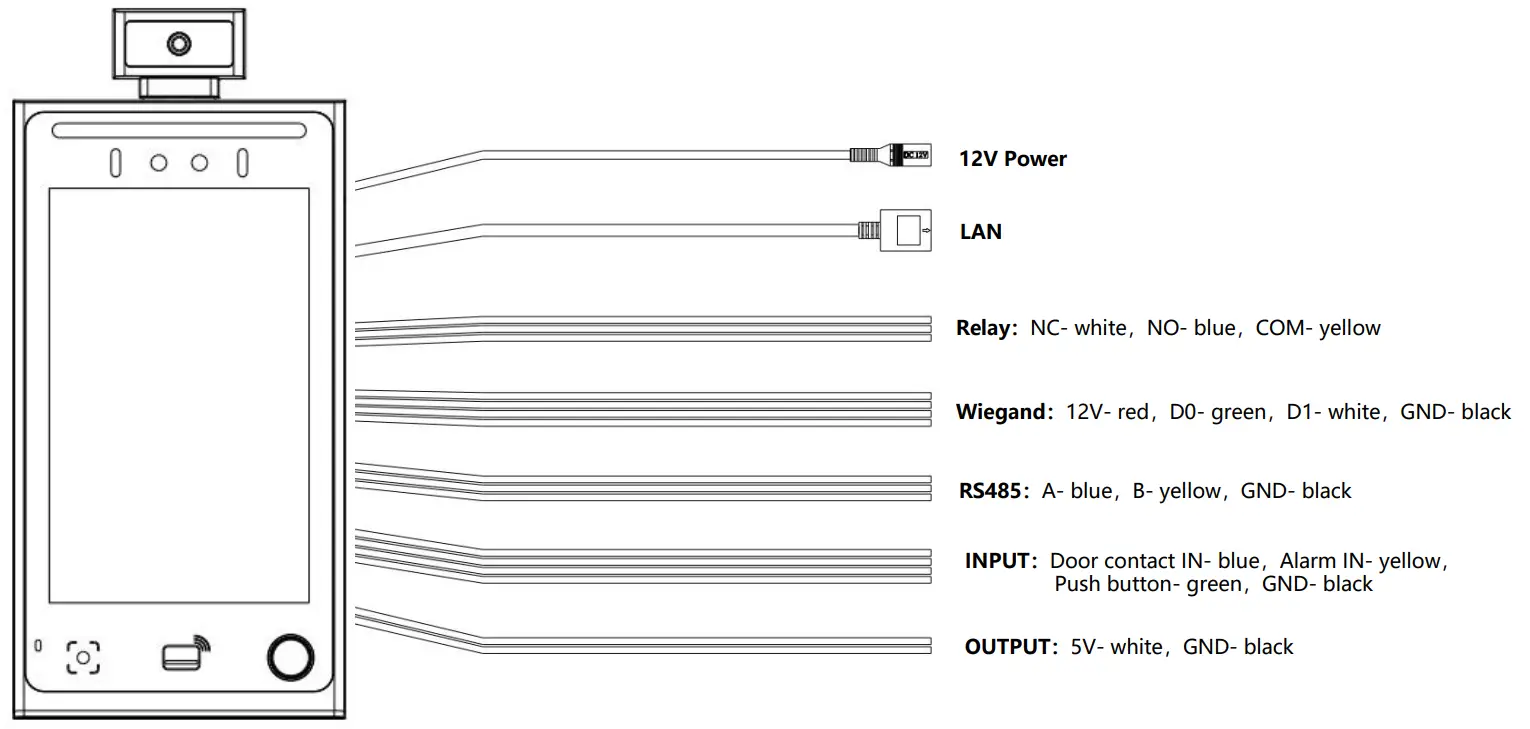
5.4、Product introduction—Wire connection diagram
Warranty
Warranty: valid for a period of 12 months from the date of purchase. Warranty does not cover product damage caused by the following situations: Warranty sticker damaged.
Accident, misuse, mishandling, negligence, alteration, and modification. Substitution of any of the components or parts or any attempts at internal adjustments. Any form of tampering by unauthorized/unskilled service personnel. Loss of components or accessories, viruses, natural calamities, and overvoltage of electricity.
Notices
To ensure your safe and efficient use of this product, please read the following precautions first:
- Do not store equipment in overheated places. High temperatures shorten the life of electronic devices and deform or melt some plastic parts.
- Do not store the equipment in an overcooled place. When the equipment temperature rises to normal temperature, moisture will form inside and destroy the circuit board.
- Please open the device according to the instructions in this manual, and do not try any other methods.
- Do not throw and knock equipment. It can avoid equipment internal circuit boards is destroyed.
- Do not use strong chemicals, or detergents to clean equipment.
- The increasing electromagnetic interference, sometimes it may cause abnormal operations. Please turn it off and restart it to normal.
- If the device is not used for a long time, please turn off the power.
FCC Statement
- This device complies with Part 15 of the FCC Rules. Operation is subject to the following two conditions:
(1) This device may not cause harmful interference.
(2) This device must accept any interference received, including interference that may cause undesired operation. - Changes or modifications not expressly approved by the party responsible for compliance could void the user’s authority to operate the equipment.
NOTE:
This equipment has been tested and found to comply with the limits for a Class B digital device, pursuant to Part 15 of the FCC Rules. These limits are designed to provide reasonable protection against harmful interference in a residential installation. This equipment generates uses and can radiate radio frequency energy and, if not installed and used in accordance with the instructions, may cause harmful interference to radio communications. However, there is no guarantee that interference will not occur in a particular installation. If this equipment does cause harmful interference to radio or television reception, which can be determined by turning the equipment off and on, the user is encouraged to try to correct the interference by one or more of the following measures:
- Reorient or relocate the receiving antenna.
- Increase the separation between the equipment and receiver.
- Connect the equipment into an outlet on a circuit different from that to which the receiver is connected.
- Consult the dealer or an experienced radio/TV technician for help.
To comply with RF exposure requirements, a minimum separation distance of 20cm must be maintained between the user’s body and the device, including the antenna.

![Hikvision Ds-k1t671 Series Face Recognition Terminal [ud15607b-a] User Manual](https://static-data1.manualsee.com/1/img/170/17304/2020/12/Hikvision-DS-K1T671-Series-Face-Recognition-Terminal.jpg "Hikvision Ds-k1t671 Series Face Recognition Terminal [ud15607b-a] User Manual")