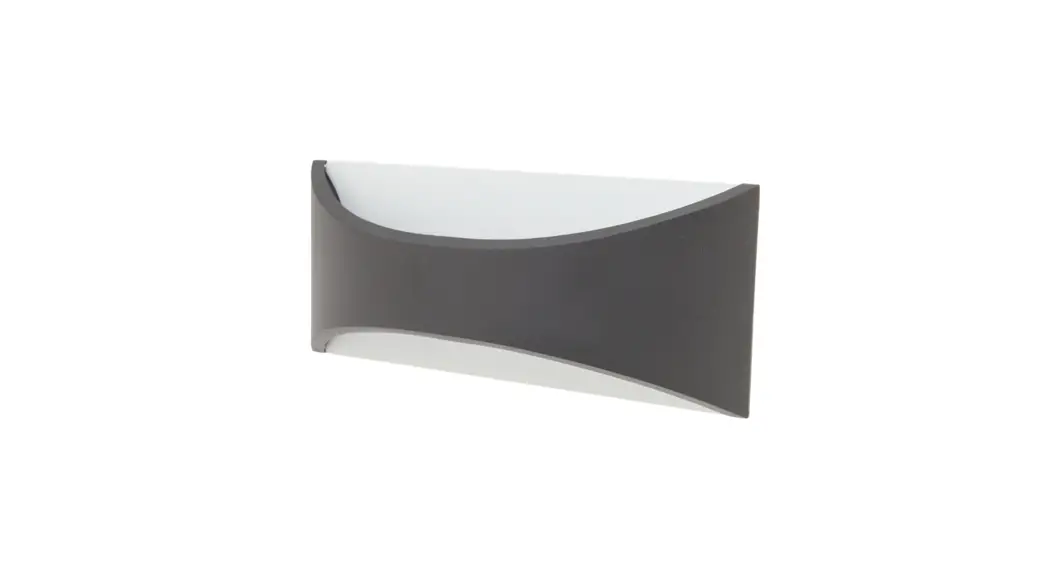
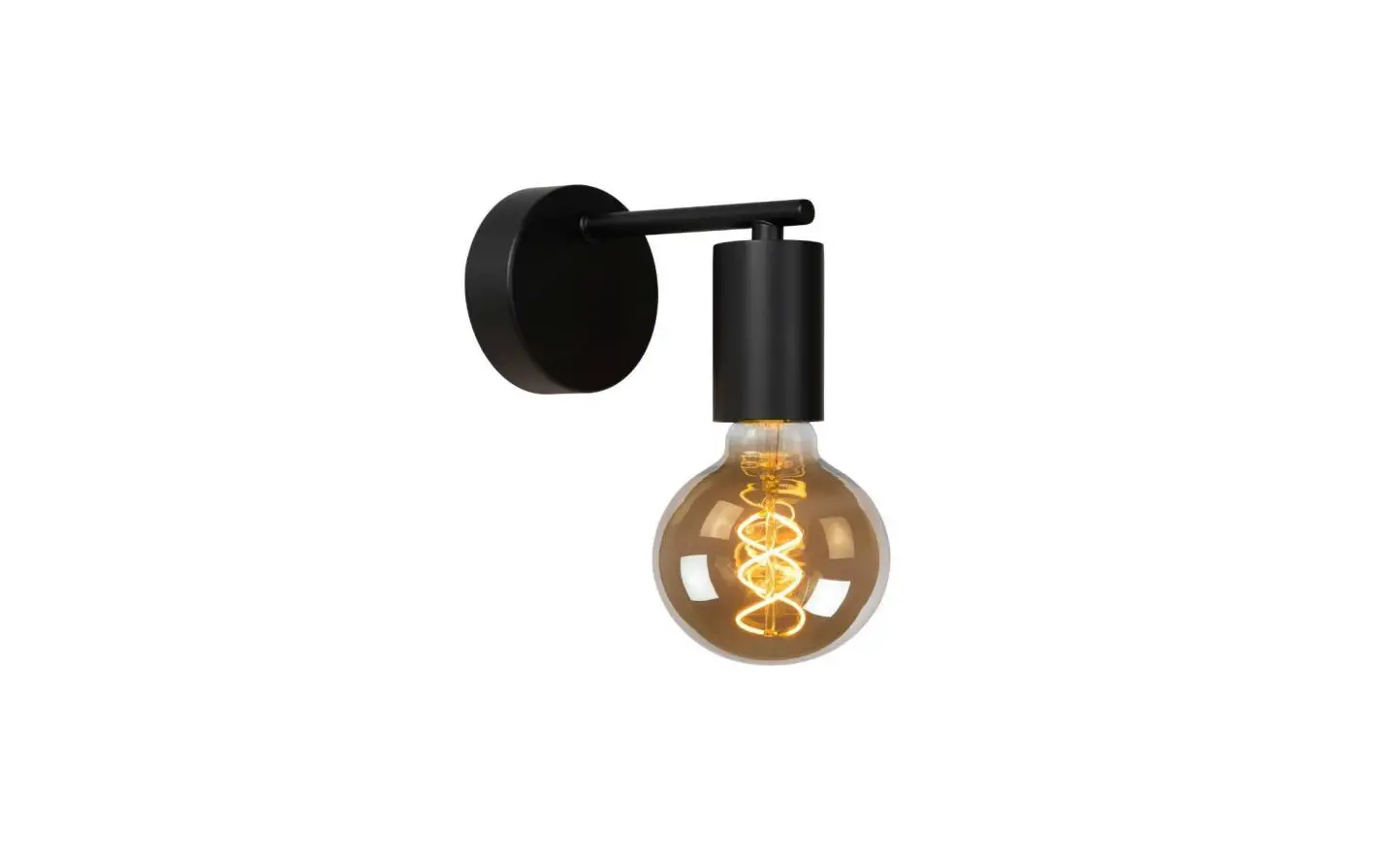
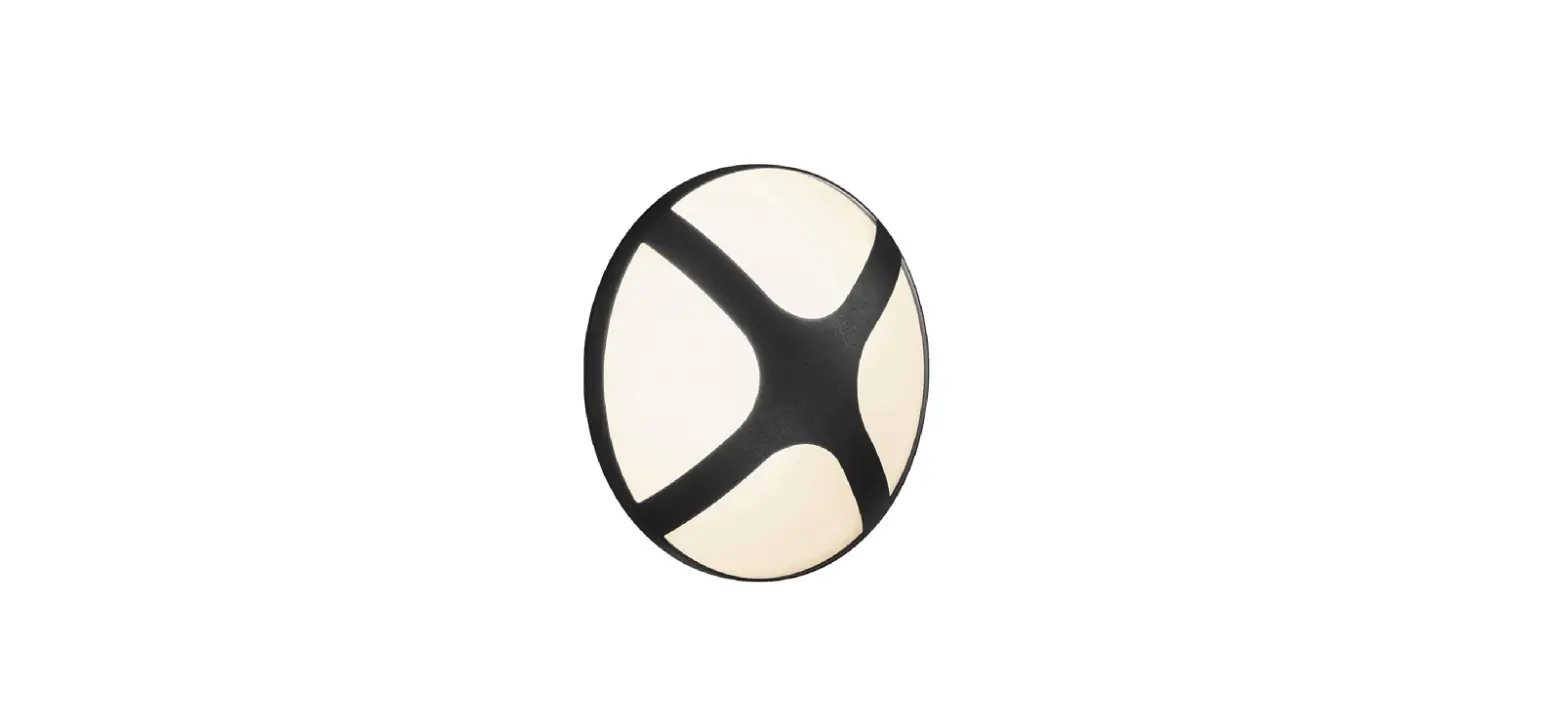
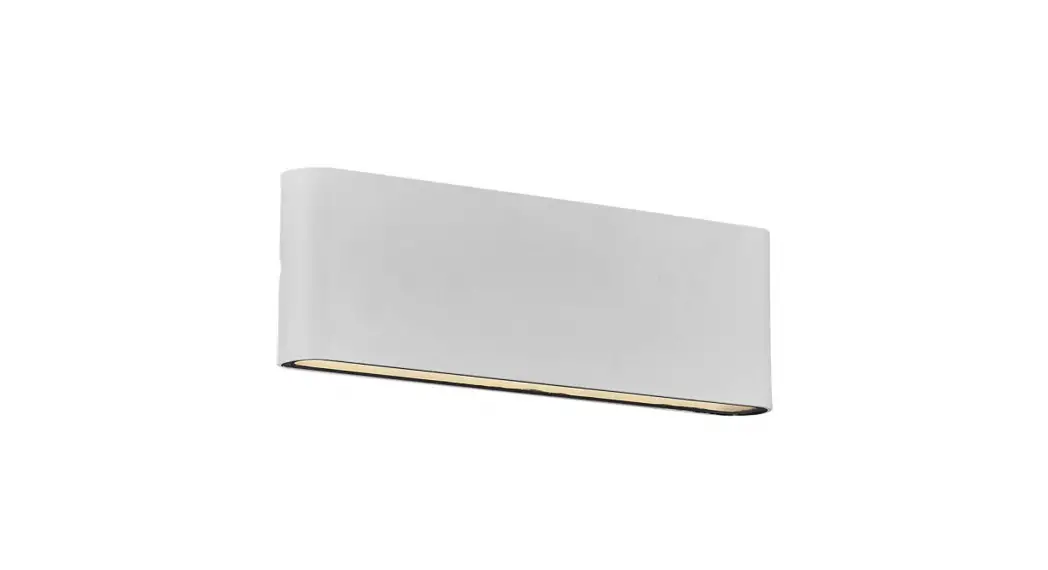
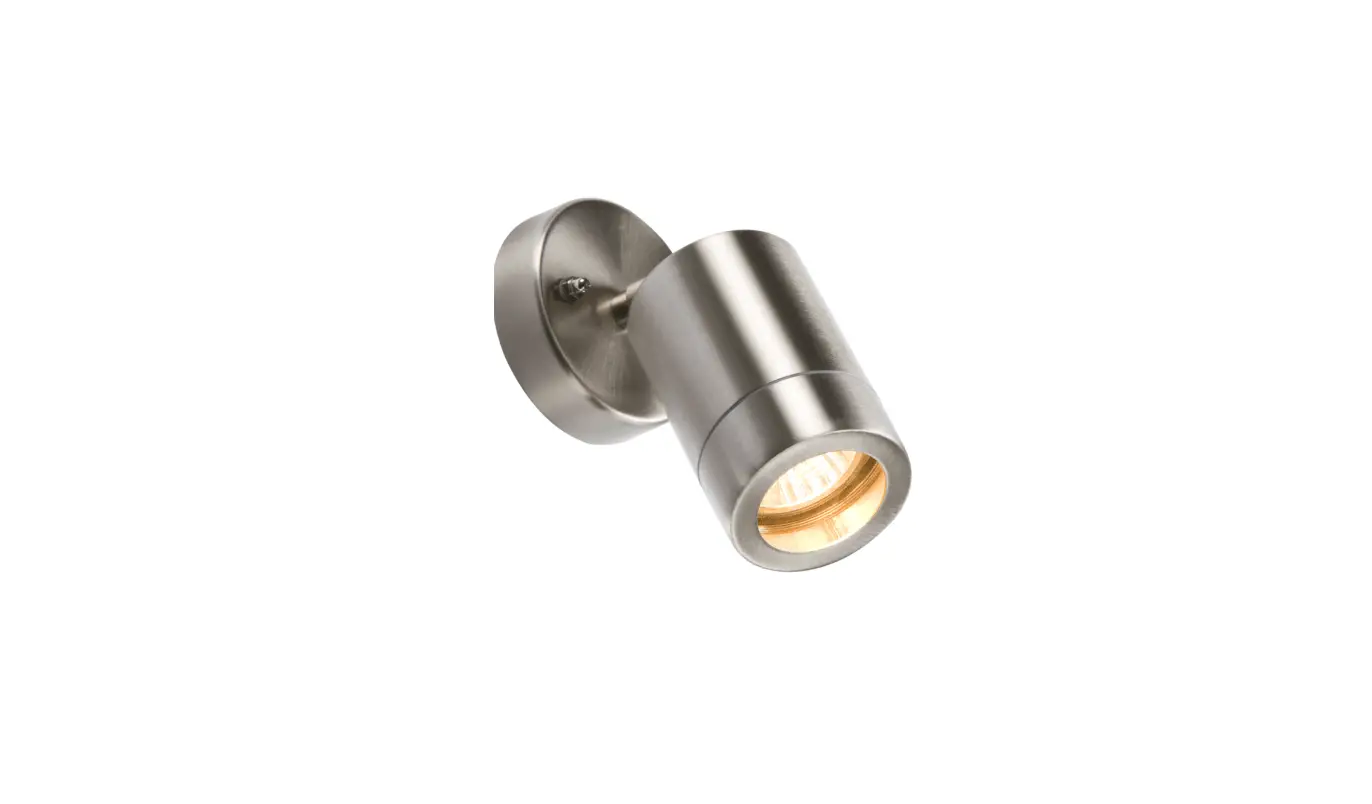
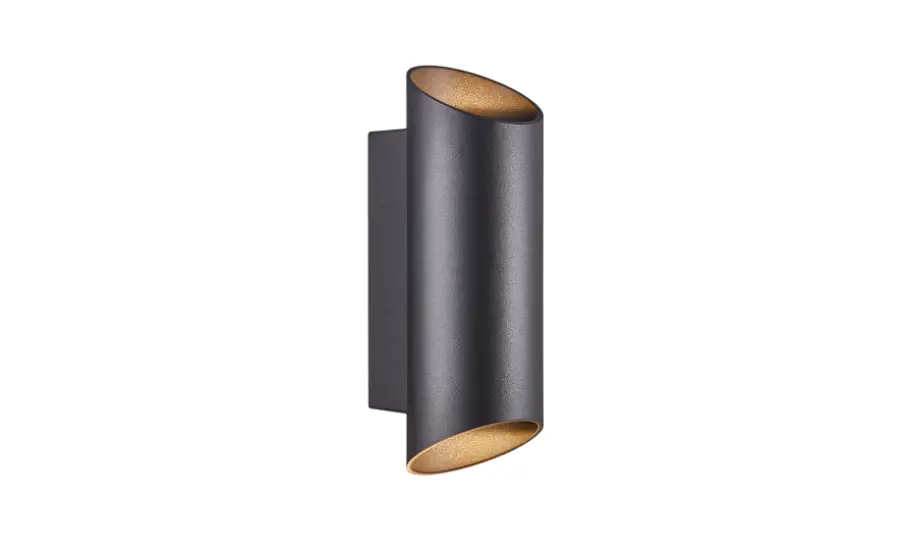
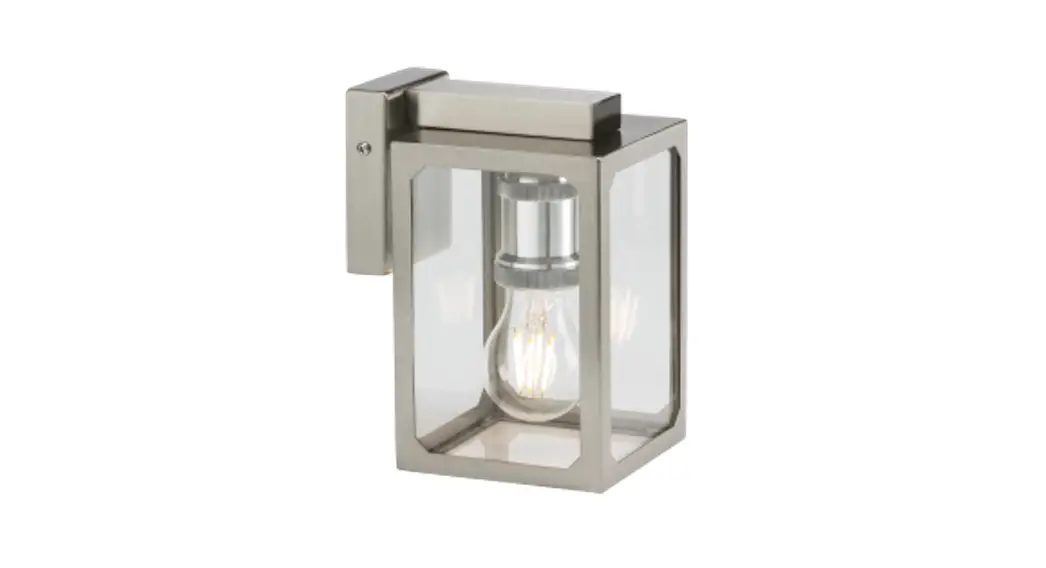
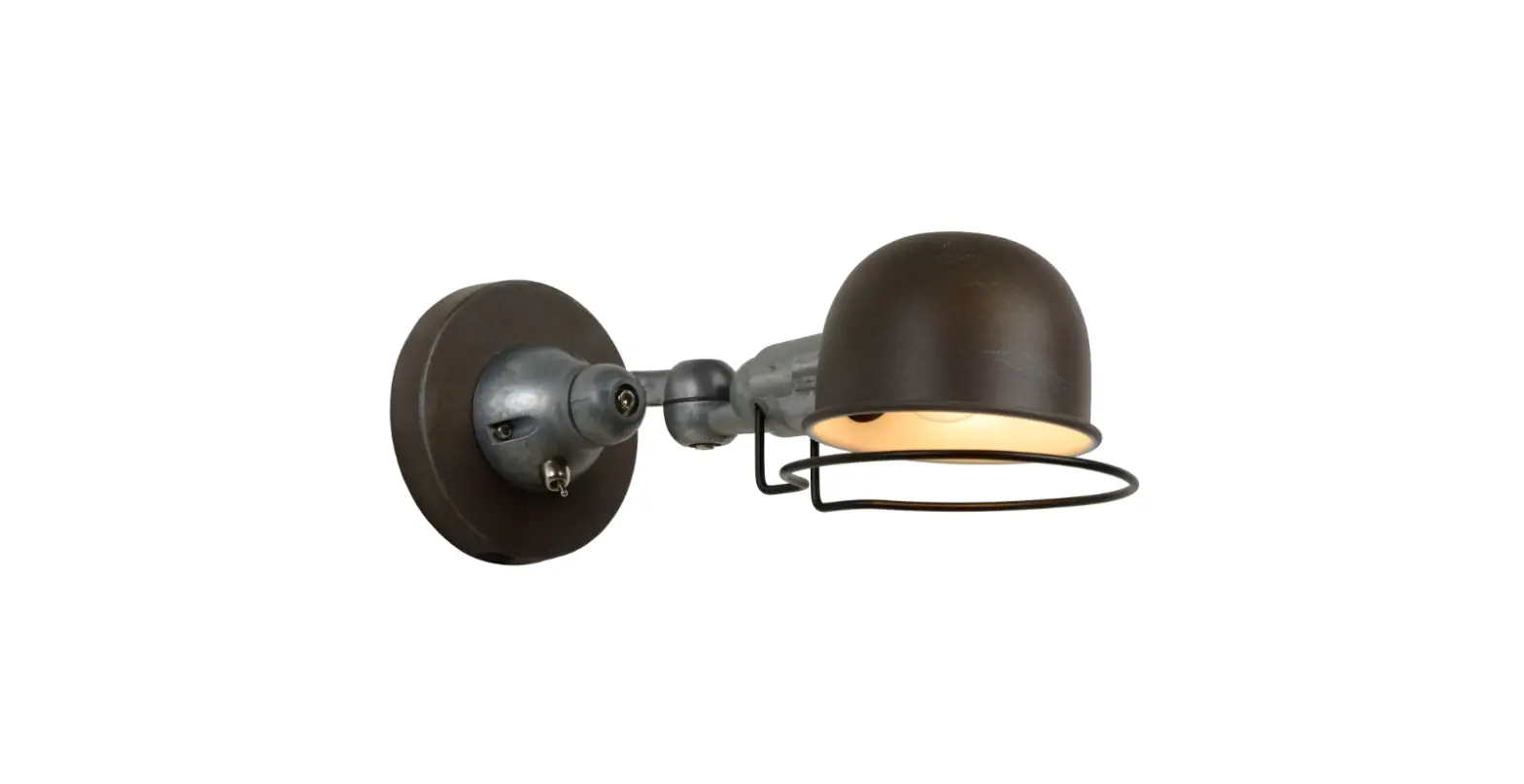
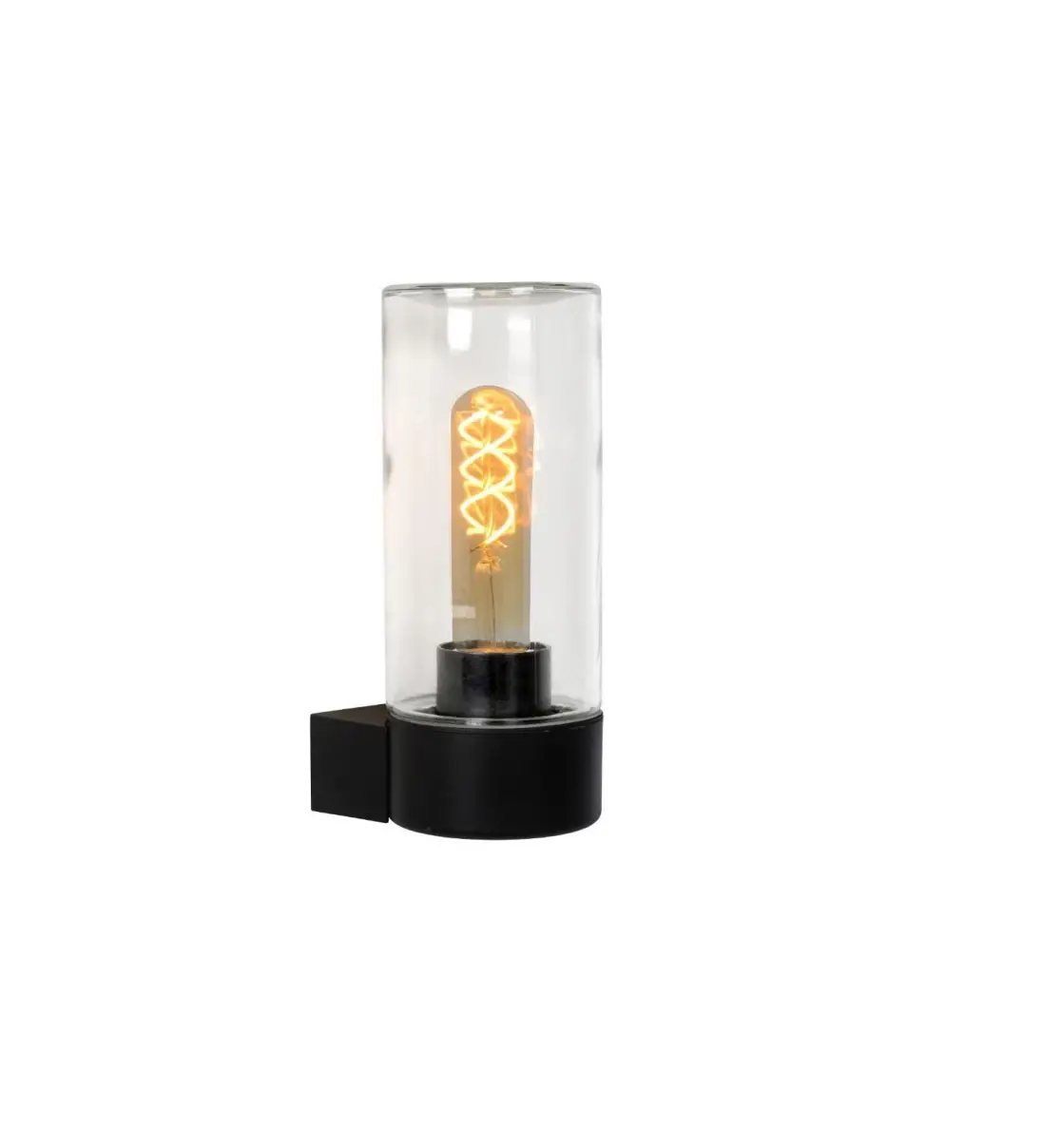
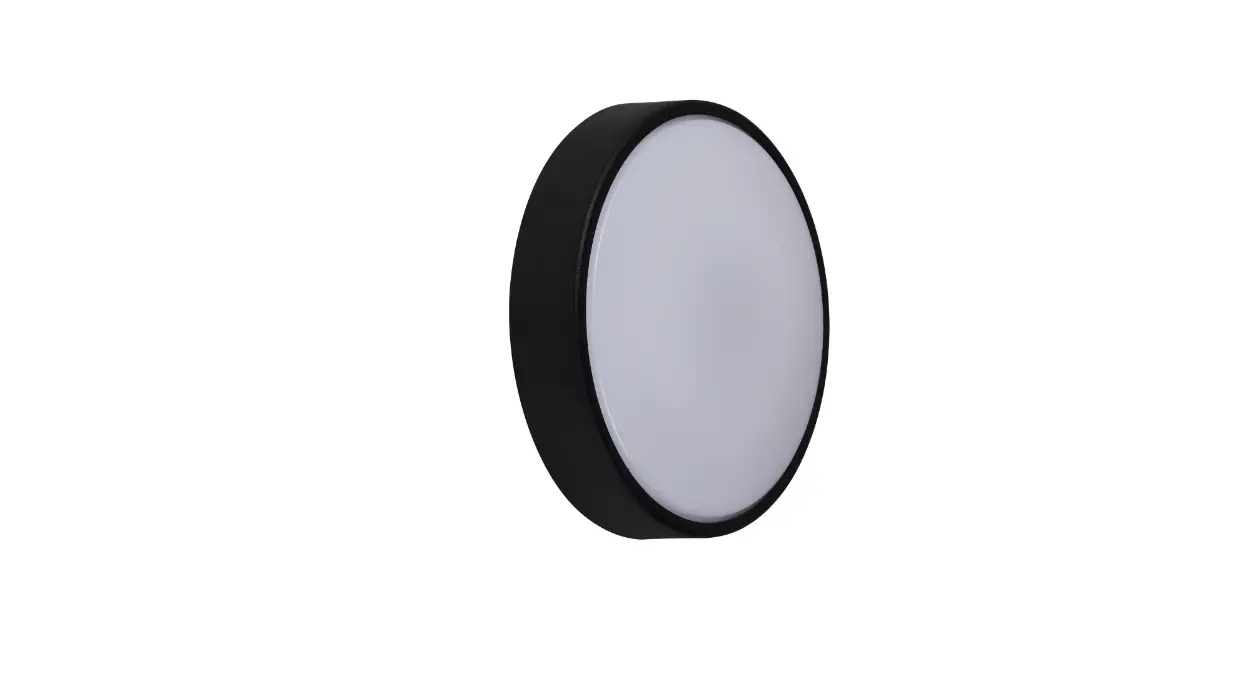
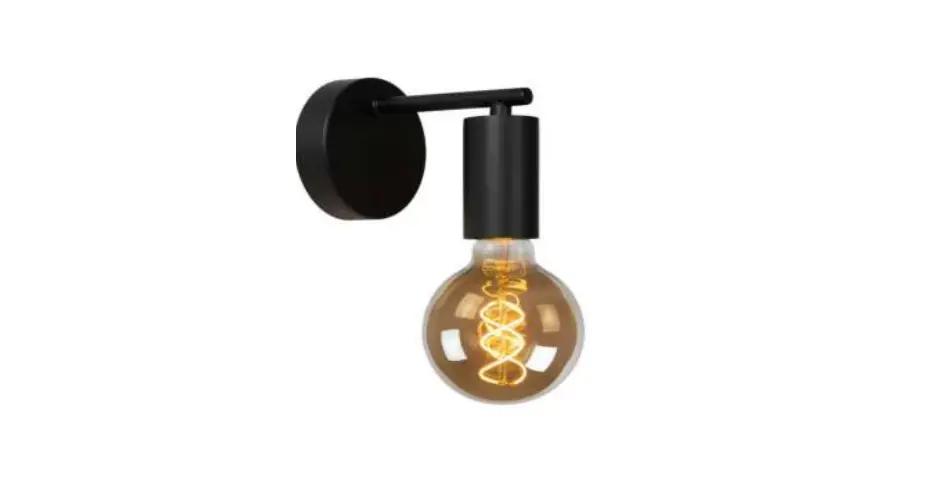
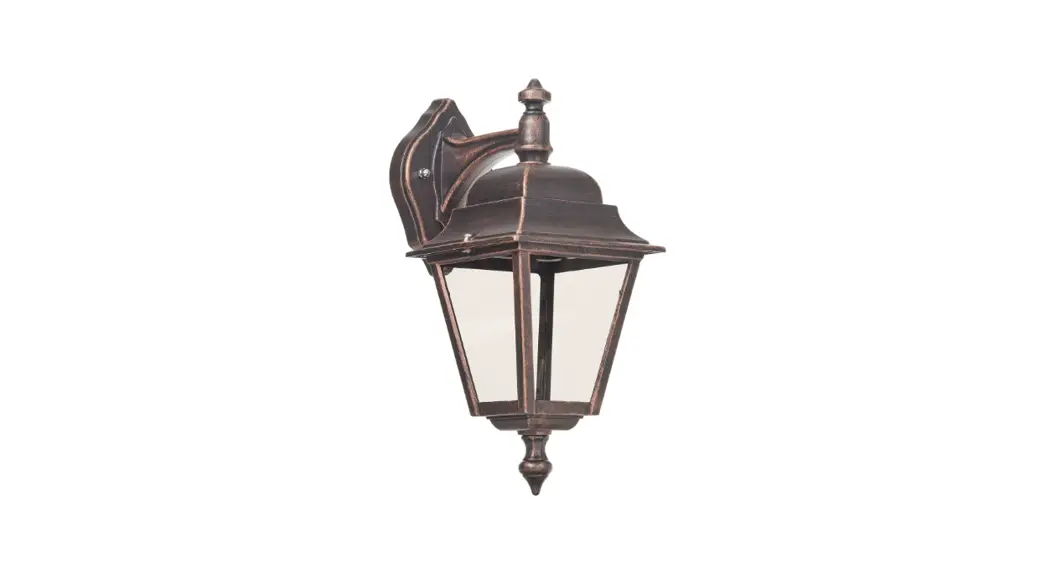
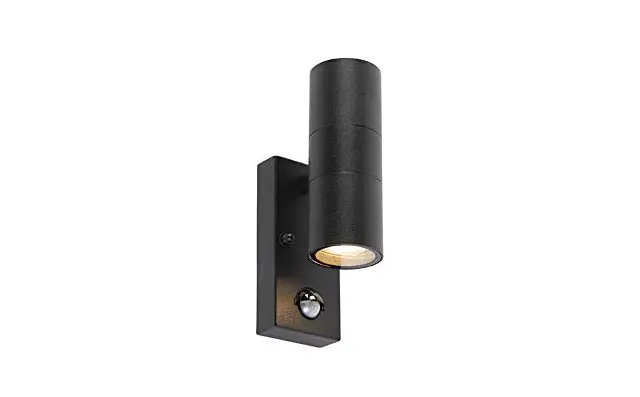
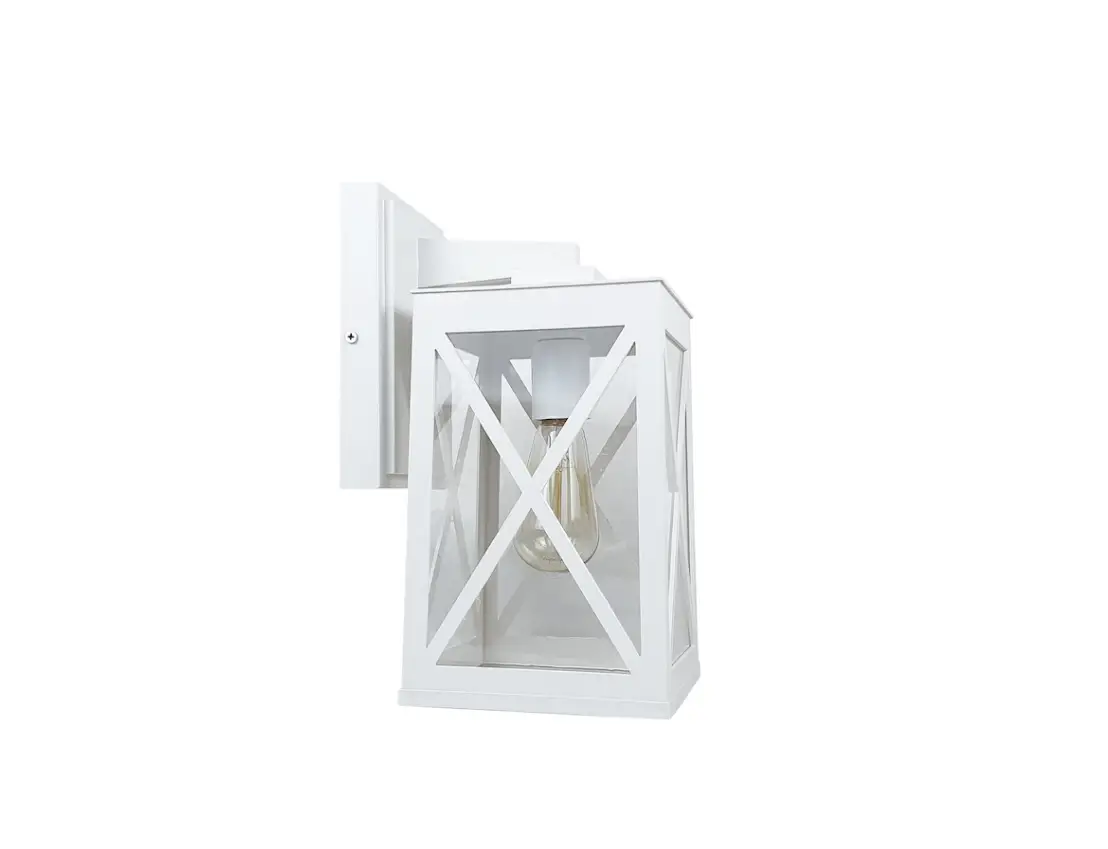
WL6010 Flexi Stem Indoor Wall Light
Product Information
Product Models: WL6010, WL6410, and WL7031
Installation Instructions
IMPORTANT:
- Securely fasten the mounting bracket to the wall at a
convenient height for the reading light and to prevent easy
knocking. - Connect the Earth, Neutral, and Phase (L) wires.
- Mount the lighting fixture to the wall bracket using the two
screws on the sides.
Notes:
- This product does not have any user serviceable components.
Please do not dismantle it.
For more detailed instructions, please refer to the WL6010 and
WL7031 Instructions A4 document.
Date of Document Creation: 25/11/22
Time of Document Creation: 12:50 PM
Product Usage Instructions
- Choose a suitable location on the wall to install the lighting
fixture. - Securely fasten the provided mounting bracket to the chosen
location on the wall using appropriate screws or hardware. - Ensure that the mounting bracket is placed at a height that
allows convenient access to the reading light and prevents
accidental knocking. - Identify the Earth, Neutral, and Phase (L) wires in your
electrical connection. - Connect the Earth wire to the corresponding terminal on the
lighting fixture. - Connect the Neutral wire to the corresponding terminal on the
lighting fixture. - Connect the Phase (L) wire to the corresponding terminal on the
lighting fixture. - Ensure all connections are securely tightened.
- Place the lighting fixture onto the mounted bracket, aligning
it with the screw holes. - Insert and tighten the provided screws through the screw holes
on the sides of the lighting fixture, securing it to the
bracket.
Remember, this product does not have any user serviceable
components, so avoid dismantling it.
Models:
WL6010, WL6410 and WL7031
Installation Instructions
IMPORTANT
· Isolate power supply before installing. · We recommend that this product is installed by a registered electrician.
1
2
3
1. Securely fasten mounting bracket to the wall, at a convenient height for the reading light & so it is not easily knocked. 2. Connect Earth, Neutral and Phase (L) wires. 3. Mount the lighting fixture to the wall bracket with the 2 screws at sides.
Notes:
DO NOT bunch up excess cable length behind the backplate, if there is excess cable push it back into the wall or shorten cable. Model WL7031 The USB port is for charging purposes only, 5V, 2A.
This product has NO user serviceable components, DO NOT dismantle.
WL6010 and WL7031 Instructions A4.indd 1
25/11/22 12:50 PM