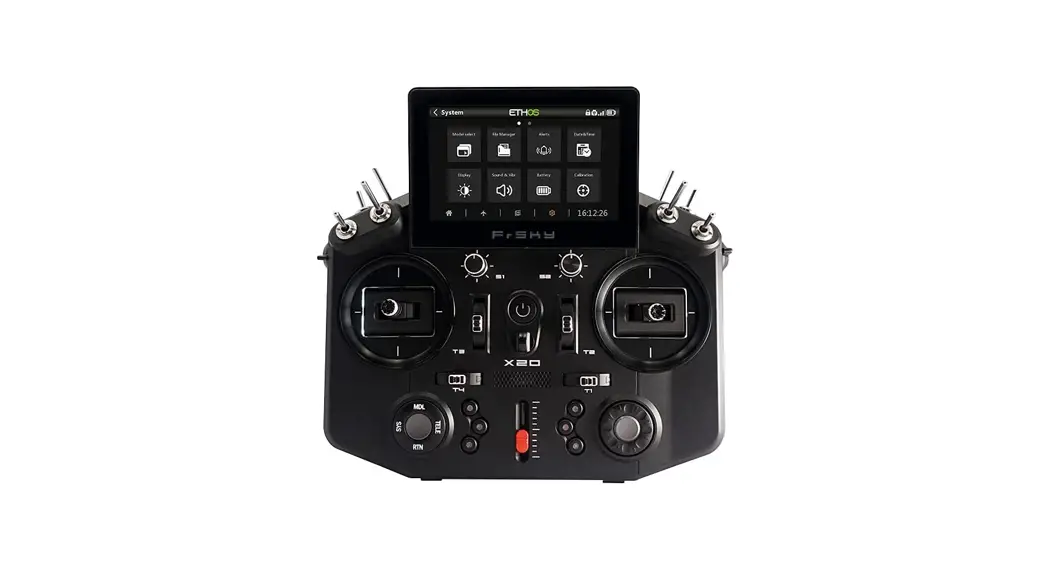
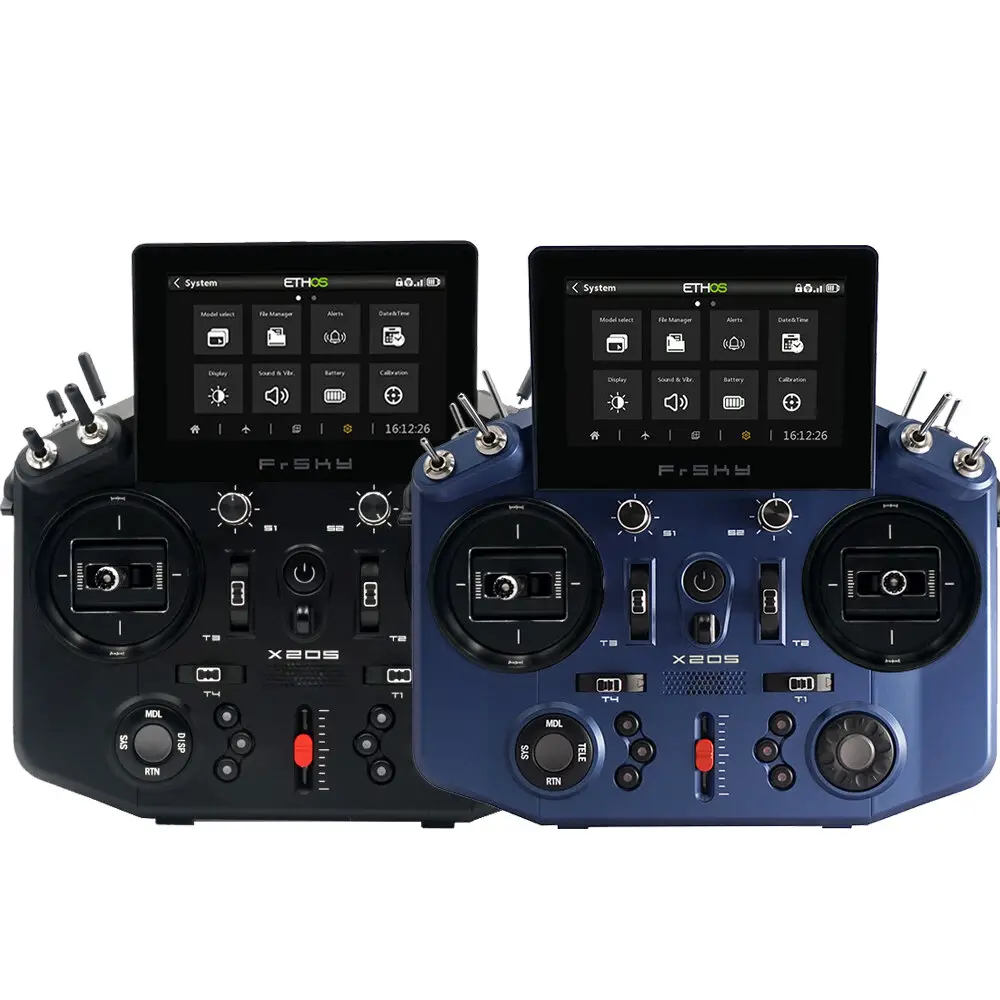
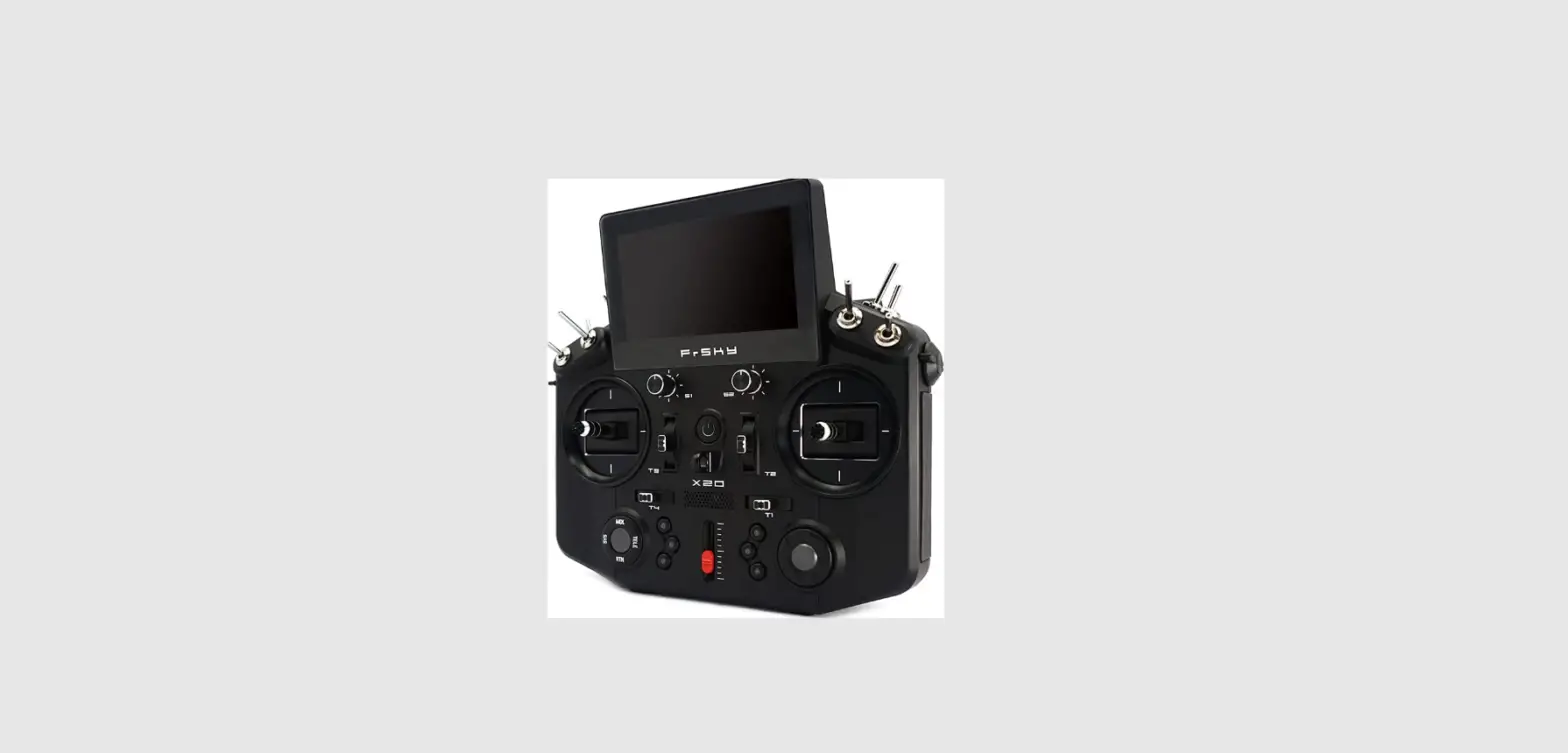
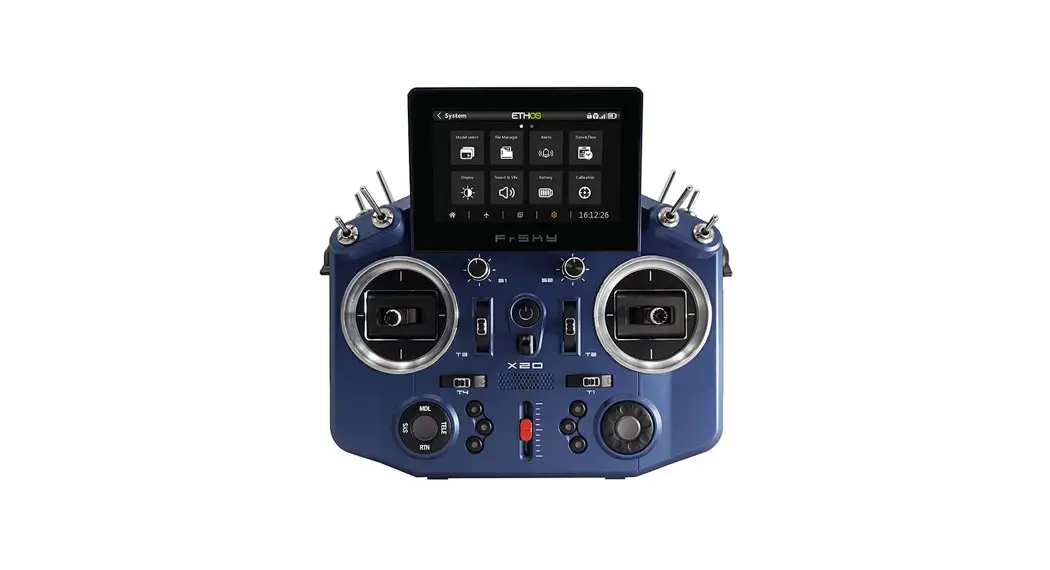
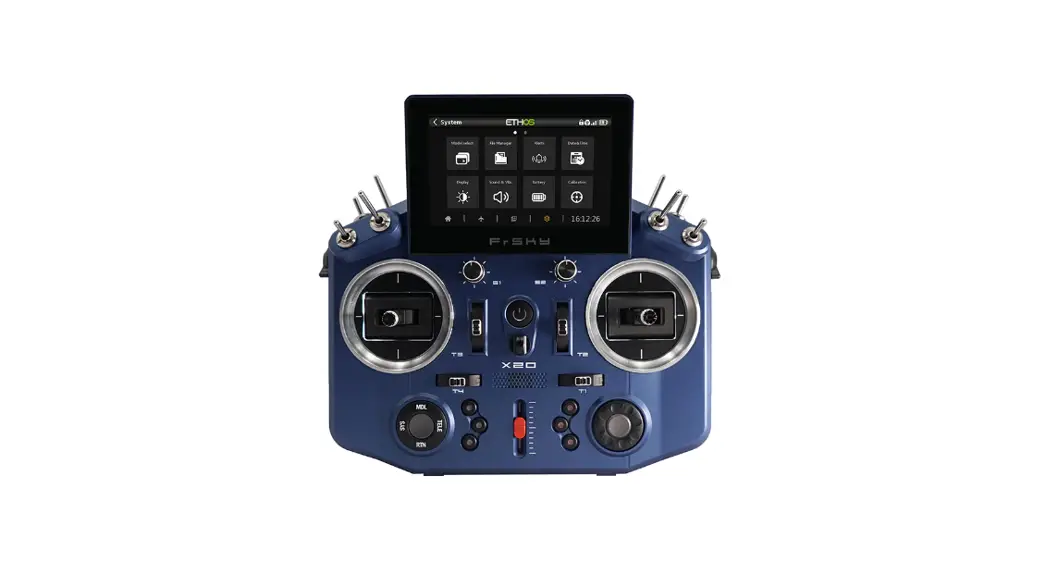
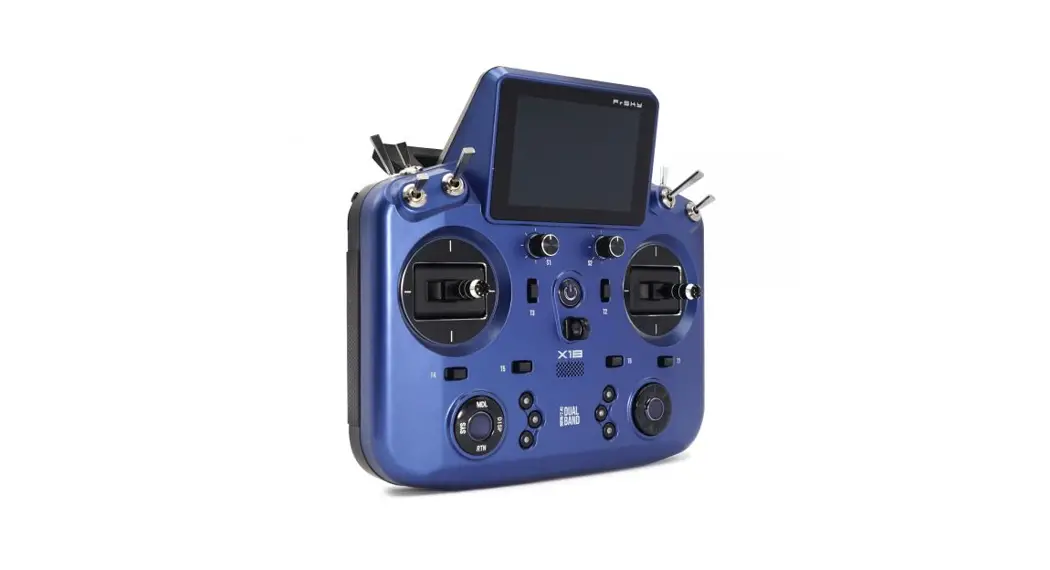
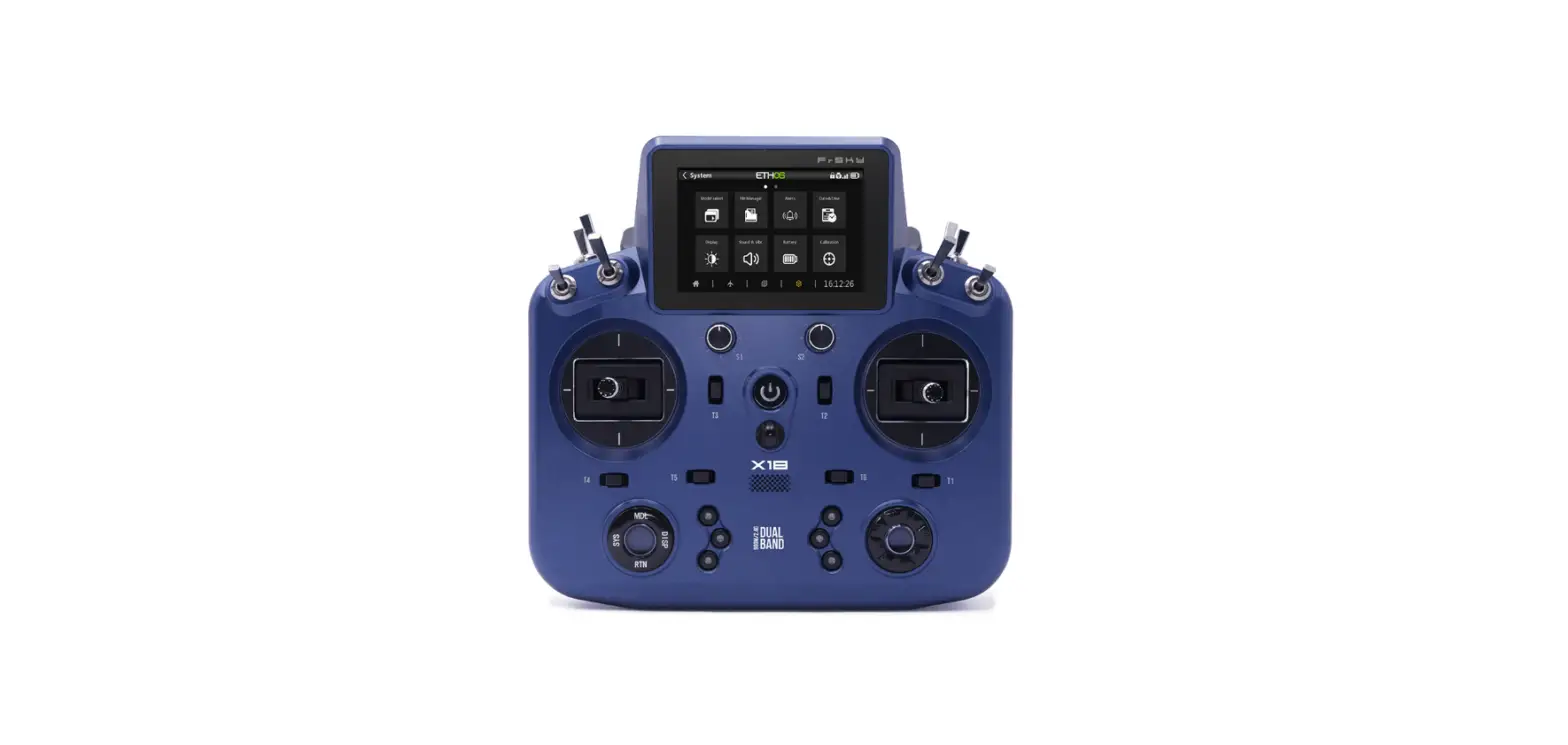
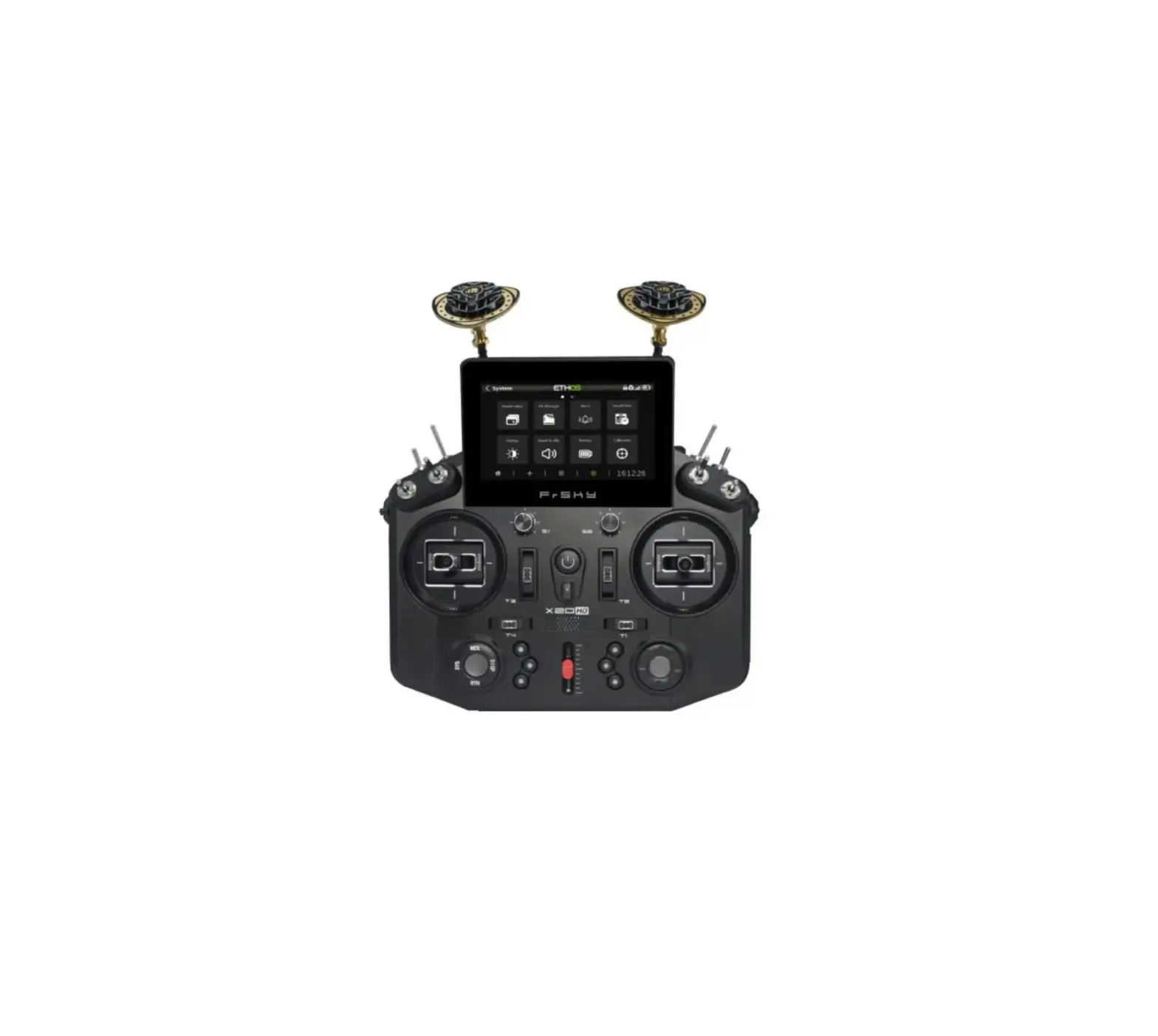
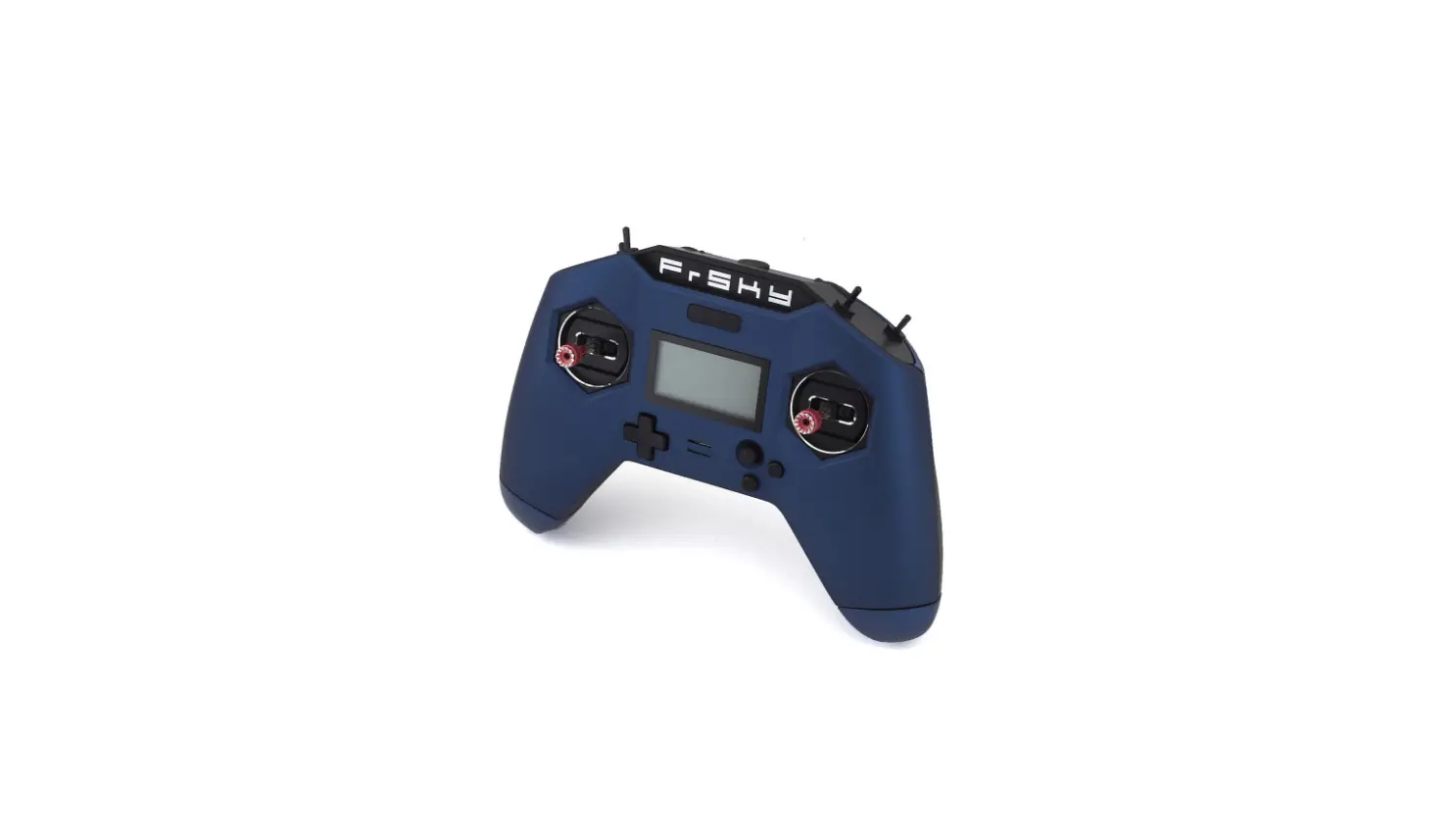
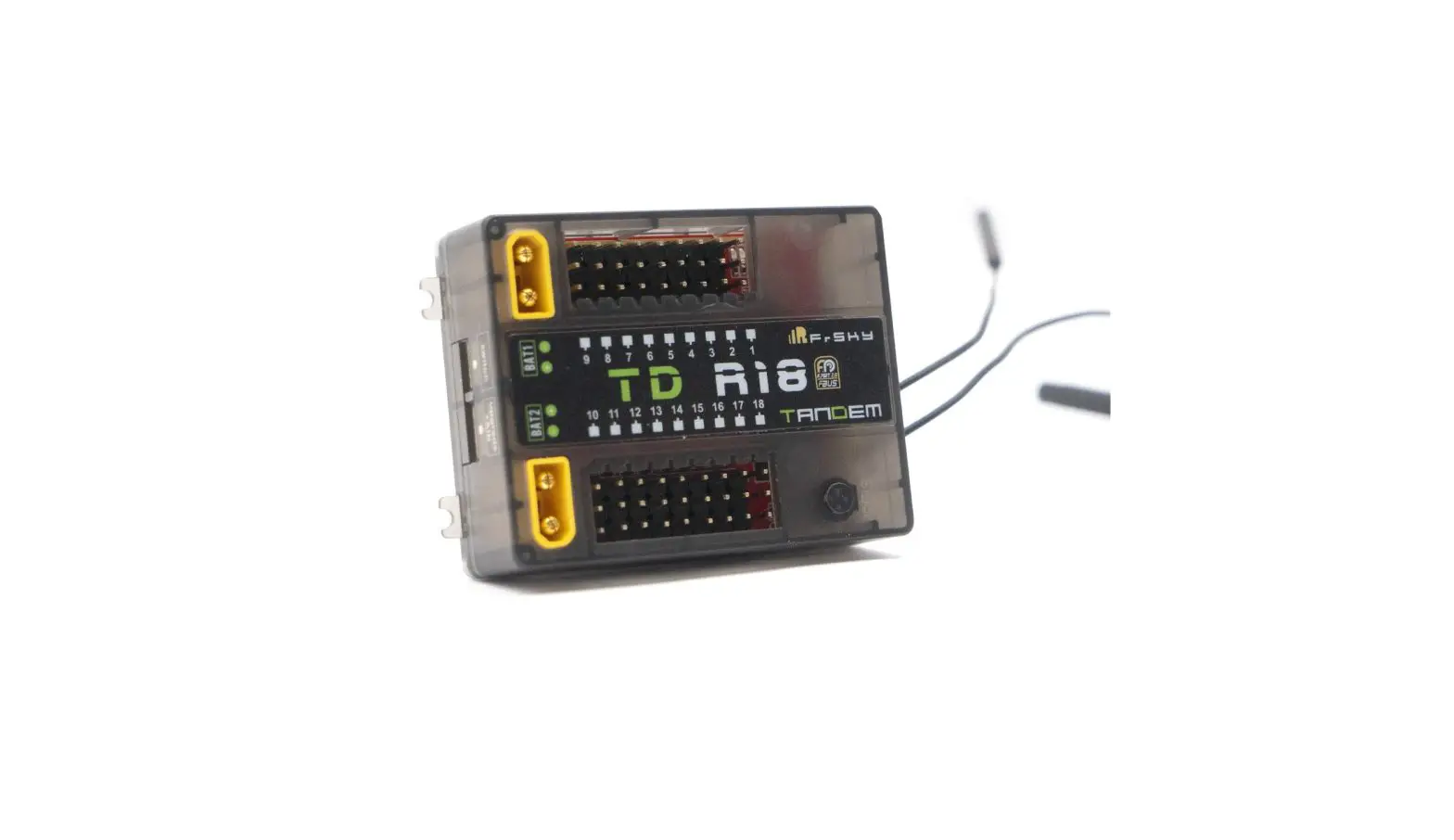
Tandem X20 Dual-Band Radio Transmitter
Product Information:
- Product Name: FrSky TANDEM X20
- Manual Version: 1.0
- Operating System: ETHOS
- Internal RF Module: TANDEM
- Number of Channels: 24 channels
- Operating Voltage Range: 6.5 ~ 8.4V (2S Li-battery)
- Operating Temperature: -10~60°C (14~140°F)
- USB Adaptor Voltage: 5V+0.2V
- USB Adaptor Current: >2.0A
- Backlit touchable LCD resolution: 800*480
- Compatibility: ACCST D16 & ACCESS receivers
Features:
- Built-in TD 900M/2.4G Dual-Band Internal RF Module
- Supports Multiple Working Modes
- 2.4G ACCST D16 Mode (Compatible with ACCST Receivers with D16
V2 or later FW) - 2.4G ACCESS Mode (Compatible with ACCESS Receivers)
- 900M ACCESS Mode (Compatible with ACCESS R9 868/915MHz
Receivers) - *Capable of simultaneous working under ACCESS mode
- 2.4G&900M TD Mode NEW (Compatible with TD Receivers)
- Super-low latency and long-range control with telemetry
- *Up to 50 to 100KM range and down to 4ms end-to-end
latency
- 2.4G ACCST D16 Mode (Compatible with ACCST Receivers with D16
Product Usage Instructions:
- Charging the Battery:
- Use the provided USB adapter with a voltage of 5V+0.2V and a
current of 2.0A to charge the battery.
- You can choose the switch and define its position in the
HARDWARE menu.
- The left navigation control performs the following functions:
RTN, SYS, MDL, DISP, and Page UP/Down. - The right navigation control can be used for scrolling and
entering. - Both navigation controls and the touch screen can be used to
control the system. - To go to the next page, short click the Page Down button.
- To go to the previous page, long press the Page Up button.
- Use ETHOS Suite to update the radio bootloader, firmware, SD
card, flash, convert image format, and audio format. - Find the latest information and download ETHOS Suite at
ethos.frsky-rc.com/.
- For achieving higher performance and further range, you can use
the recommended high-gain antennas. - For 2.4GHz, use the Infinity 24 Antenna with an SMA
connector. - For 900MHz, use the Zipp9 (868MHz) or Zipp9 (915MHz) Antenna
with an SMA connector. - Please keep the aircraft in the optimal radiation range of the
directional antenna at all times.
DISP DISP
FrSky TANDEM X20 Manual
Version
1.0
Introduction
The Tandem X20 is a pioneering dual-band radio transmitter, it drew on feedback and experience with previous radios and adds many new features such as color touch screen, an ergonomic design that provides unprecedented comfort in the hand. On the RF side, we have given it the powerful RF system , the TD dual RF system, which does not simply reiterate the combined features of the FRSKY900MHz and 2.4GHz RF systems. The TD is characterized by its true simultaneous dual-band remote control with telemetry, enabling incredible and unmatched end-to-end 4ms latency. This radio ships with ETHOS, a completely new system that provides users with a powerful, intuitive, and flexible experience that maximizes the fun of the hobby.
Layout
Display Screen Power Switch
SF SE SB SA Slider
Stick
2.4G Internal Antenna
SH SG SC SD Slider
Stick
Switch SA: 3 positions; Short Lever SB: 3 positions; Long Lever SC: 3 positions; Long Lever SD: 3 positions; Short Lever SE: 3 positions; Short Lever SF: 2 positions; Long Lever SG: 3 positions; Short Lever SH: 2 positions; Momentary, Long lever
You can choose the Switch and define its position in the HARDWARE menu.
SYS,
MDL,
MDL
DISP,
RTN
Speaker
Carrying Bar
Hook
Custom button
900M Internal Antenna
Micro SD Card Port Type-C USB Port Earphone Port
ANT2 Ext. 900M Antenna
Smart Port Training port
ANT1 Ext. 2.4G Antenna
Module Bay
SWJ SWI
Battery Cover
1. USB port is for upgrading, reading / writing Micro SD cards and internal memory of radio contents and charging. (Micro SD card is not provided with shipment.)
2. Smart Port is for firmware upgrade for all FrSky S.Port devices.
FrSky Electronic Co., Ltd.
www.frsky-rc.com
Contact us: [email protected]
Add: F-4,Building C, Zhongxiu Technology Park, No.3 Yuanxi Road, Wuxi, 214125, Jiangsu, China Technical Support: [email protected]
FrSky TANDEM X20 Manual
Version
1.0
Led on: in Charging/Led off: end of charge/flash: charge fault Battery compartment size: 84*41.5*20mm (L*W*H)
Note: 1. Charge the battery with the USB adapter (Voltage: 5V+0.2V Current:2.0A) when you use the USB charging function.
2. The lower the initial charging voltage, the better the charging effect is when the voltage difference cells exceed 50 mV between the two.
Navigation Controls
The left navigation control does RTN, SYS, MDL, DISP and Page UP/Down. The right navigation control does scroll and enter. Both navigation controls and touch screen can be used to control the system.
Page Down Short Click Page Up Long Press
MDL
ETHOS Suite
With ETHOS Suite,you can update the radio bootloader, firmware, SD card, flash, and also convert image format and audio format. Find the latest infomation and download the ETHOS Suite at ethos.frsky-rc.com/.
Infinity 24 Antenna
Recommended 2.4GHz optional high-gain antenna for achieving higher performance and further range.
+X
+Z
+Y SMA Connector
FrSky TANDEM X20 Manual
Version
1.0
Zipp9 (868MHz) / Zipp9 (915MHz) Antenna
Recommended 900MHz optional high-gain antenna for achieving higher performance and further range.
+X
868MHz
+Y +Z
SMA Connector
+X
915MHz
+Y +Z
SMA Connector
Note: Please keep the aircraft in the optimal radiation range of the directional antenna at all times
Specifications
Dimension: 212*200*95 mm (L*W*H) Weight: 809g (without battery) Operating system: ETHOS Internal RF module: TANDEM Number of Channels: 24 channels Operating Voltage Range: 6.5 ~ 8.4V (2S Li-battery)
Operating Temperature: -10~60 (14~140) USB Adaptor Voltage: 5V+0.2V USB Adaptor Current: >2.0A Backlit touchable LCD resolution: 800*480 Compatibility: ACCST D16 & ACCESS receivers
Features
Built-in TD 900M/2.4G Dual-Band Internal RF Module Supports Multiple Working Modes 2.4G ACCST D16 Mode (Compatible with ACCST Receivers with D16 V2 or later FW) 2.4G ACCESS Mode (Compatible with ACCESS Receivers) 900M ACCESS Mode (Compatible with ACCESS R9 868/915MHz Receivers) *Capable of simultaneous working under ACCESS mode 2.4G&900M TD Mode NEW (Compatible with TD Receivers) Super-low latency and long-range control with telemetry *Up to 50 to 100KM range and down to 4ms end-to-end latency
800*480 Color Touch-Screen Displays 6 Quick-Mode Custom Buttons (Front) and 2 Momentary Buttons (Rear) Lite Type External Module Bay Built-in 6-axis Gryoscope Sensor All CNC Metal Trims, Knobs Haptic Vibration Alerts and Voice Speech Outputs External Antenna Supports SWR indicator warning Supports Recharge System for 2S Li-ion Battery (USB Type-C Interface) High-speed PARA Wireless Training System (Compatible with FreeLink App3.0) High-Precision Hall-Sensor Gimbals with All-CNC Metal Panel ETHOS: The more powerful, Flexible and Intuitive OS for your radio.
Clear and Intuitive UI Design Supports Dual Operation Modes of Radio Display (Touch and Non-Touch) Supports Multi-Language Switching Hardware/Software Version and Factory Version Detection Supports running LUA Scripts (in progress)
2S Li-battery balance charging via USB-C:
The Green LED indicator states:
FrSky Electronic Co., Ltd.
www.frsky-rc.com
Contact us: [email protected]
Add: F-4,Building C, Zhongxiu Technology Park, No.3 Yuanxi Road, Wuxi, 214125, Jiangsu, China Technical Support: [email protected]
FrSky TANDEM X20 Manual
Version
1.0
Step 2: Configure the model channel and create the model name.
Model Setup Procedure-Internal Module Step 1:
Touch the screen or use the navigation keys to enter the RF system menu.
Choose the INT MODULE. Then turn ON INTERNAL RF, select the OUTSIDE or INSIDE ANTENNA ( Dual internal antennas and external antenna work simultaneously while selecting the OUTSIDE ANTENNA.) Set the Mode for TANDEM X20 internal RF corresponding to your receiver (ACCESS, ACCST D16).
Note: To use the ETHOS Suite application with a FrSky radio, please always keep the radio bootloader with the latest version.
ETHOS Operating System
Create the model Step 1: First go to System Settings, then click Model Select to select the model type.
FrSky Electronic Co., Ltd.
www.frsky-rc.com
Contact us: [email protected]
Add: F-4,Building C, Zhongxiu Technology Park, No.3 Yuanxi Road, Wuxi, 214125, Jiangsu, China Technical Support: [email protected]
Internal
Step 2: Set the Channel Range The TANDEM RF module supports 24 channels. the channel range is configurable, and it needs to be double checked before use.
Range Check
FrSky Electronic Co., Ltd.
www.frsky-rc.com
Contact us: [email protected]
Add: F-4,Building C, Zhongxiu Technology Park, No.3 Yuanxi Road, Wuxi, 214125, Jiangsu, China Technical Support: [email protected]
Step 3: Set the Receiver Number
FrSky TANDEM X20 Manual
Version
1.0
Internal
The system will assign you the receiver a number automatically, when you create a new model, and this can be easily changed. The range of the Model ID is 00-63, with the default number being 01. Once the receiver is set to the desired number and is bound to the TANDEM X20, the bind procedure will not need to be repeated unless the receiver number is changed. At this point, set the receiving number to your preferred number and repeat the binding operation.
Range Check
Step 4 : Registration In ACCESS model, select the STATE [Register] into Registration status on radio side. Then Press the F/S button and power on your receiver, and select the “RX Name XX” and [REGISTER] to complete the Registration process then power down the receiver.
Internal
Register Range Check
Step 5: Automatic binding (Smart Match ) Move the cursor to Rx1[BIND],and select it, power your receiver, select the RX, and complete the process, the system will confirm “Bind succeed”. (Pressing the “F/S” button is not required in ACCESS to Bind. Please the receivers manual for details).
Internal
Internal
Register Range Check
Register Range Check
Step 6: Set Failsafe mode There are 3 failsafe modes when enable: No Pulse, Hold, Custom.
FrSky Electronic Co., Ltd.
www.frsky-rc.com
Contact us: [email protected]
Add: F-4,Building C, Zhongxiu Technology Park, No.3 Yuanxi Road, Wuxi, 214125, Jiangsu, China Technical Support: [email protected]
FrSky TANDEM X20 Manual
Version
1.0
FCC
This equipment has been tested and found to comply with the limits for a Class B digital device, pursuant to part 15 of the FCC Rules
CE
The product may be used freely in these countries: Germany, UK, Italy, Spain, Belgium, Netherlands, Portugal, Greece, Ireland, Denmark, Luxembourg, Austria, Finland, Sweden, Norway, France and Iceland.
FLYING SAFETY Warning:
To ensure the safety of yourself and others, please observe the following precautions. Have regular maintenance performed. Although your TANDEM X20 protects the model memories with non-vol-
atile EEPROM memory (which does not require periodic replacement) and of a battery, it still should have regular check-ups for wear and tear. We recommend sending your system to your FrSky Service Center annually during your non-flying-season for a complete check-up and service.
Battery
Using a fully charged battery (DC 6.5~8.4V). A low battery will soon die, causing loss of control and a crash. When you begin your flying session, reset your transmitter’s built-in timer, and during the session pay attention to the duration of usage. Also, if your model used a separate receiver battery, make sure it is fully charged before each flying session.
Stop flying long before your batteries become over discharged. Do not rely on your radio’s low battery warning systems, intended only as a precaution, to tell you when to recharge. Always check your transmitter and receiver batteries prior to each flight.
Where to Fly
We recommend that you fly at a recognized model airplane flying field. You can find model clubs and fields by asking your nearest hobby dealer.
Always pay particular attention to the flying field’s rules, as well as the presence and location of spectators, the wind direction, and any obstacles on the field. Be very careful flying in areas near power lines, tall buildings, or communication facilities as there may be radio interference in their vicinity.
At the flying field
To prevent possible damage to your radio gear, turn the power switches on and off in the proper sequence: 1. Pull throttle stick to idle position, or otherwise disarm your motor/engine. 2. Turn on the transmitter power and allow your transmitter to reach its home screen. 3. Confirm the proper model memory has been selected. 4. Turn on your receiver power. 5. Test all controls. If a servo operates abnormally, don’t attempt to fly until you determine the cause of the problem. 6. Start your engine. 7. Complete a full range check. 8. After flying, bring the throttle stick to idle position, engage any kill switches or otherwise disarm your motor/engine.
If you do not turn on your system on and off in this order, you may damage your servos or control surfaces, flood your engine, or in the case of electric-powered or gasoline-powered models, the engine may unexpectedly turn on and cause a severe injury.
FrSky Electronic Co., Ltd.
www.frsky-rc.com
Contact us: [email protected]
Add: F-4,Building C, Zhongxiu Technology Park, No.3 Yuanxi Road, Wuxi, 214125, Jiangsu, China Technical Support: [email protected]
FrSky TANDEM X20 Manual
Version
1.0
Register Range Check
No Pulse: on loss of signal the receiver produces no pulses on any channel. To use this type, select it in the menu and wait 9 seconds for the failsafe to take effect. Hold: the receiver continues to output the last positions before signal was lost. To use this type, select it in the menu and wait 9 seconds for the failsafe to take effect. Custom: pre-set to required positions on lost signal. Move the cursor to the failsafe mode of channel and press Encoder, then choose the Custom mode. Move the cursor to the channel you want to set failsafe on, and press Encoder.
Then rotate the Encoder to set your failsafe for each channel and short press Encoder to finish the setting. Wait 9 seconds before the failsafe takes effect.
Notice: When failsafe is disabled on TANDEM X20 side, the failsafe set on receiver side will be used. SBUS port does not support the No Pulse failsafe mode and always outputs. Set “Hold” or “Custom” for SBUS port.
Step 7: Range Range refers to TANDEM X20 range check mode. A pre-flight range check should be done before each flying session. Move the cursor to “STATE”, scroll the Encoder to select “RANGE” mode and press Encoder. In range check mode, the effective distance will be decreased to 1/30. Press the Encoder again, turn to normal state.
Register Range Check
Register Range Check
Model Setup for TANDEM X20 External RF Module
The external RF module can be powered on or off by software. The setup process is the same as that for the internal RF. External modules should be closed when not in use.
Bind Range Check
FrSky Electronic Co., Ltd.
www.frsky-rc.com
Contact us: [email protected]
Add: F-4,Building C, Zhongxiu Technology Park, No.3 Yuanxi Road, Wuxi, 214125, Jiangsu, China Technical Support: [email protected]
FrSky TANDEM X20 Manual
Version
1.0
Make sure your transmitter can’t tip it over. If it is knocked over, the throttle stick may be accidentally moved, causing the engine to speed up. Also, damage to your transmitter may occur.
In order to maintain complete control of your aircraft it is important that it remains visible at all times. Flying behind large objects such as buildings, grain bins, etc. must be avoided. Doing so may interrupt the radio frequency link to the model, resulting in loss of control.
Do not grasp the transmitter’s antenna during flight. Doing so may degrade the quality of the radio frequency transmission and could result in loss of control.
As with all radio frequency transmissions, the strongest area of signal transmission is from the sides of the transmitter’s antenna. As such, the antenna should not be pointed directly at the model. If your flying style creates this situation, easily move the antenna to correct this situation.
Don’t fly in the rain! Water or moisture may enter the transmitter through the antenna or stick openings and cause erratic operation or loss of control. If you must fly in wet weather during a contest, be sure to cover your transmitter with a plastic bag or waterproof barrier. Never fly if lightning is expected.
Updates
FrSky is continuously adding features and improvements to our radio systems. Updating (via USB Port or the Micro SD card) is easy and free. To get the most from your new transmitter, please check the download section of the FrSky website for the latest update firmware and guide for adjusting your sticks. (www.frsky-rc.com)
FrSky Electronic Co., Ltd.
www.frsky-rc.com
Contact us: [email protected]
Add: F-4,Building C, Zhongxiu Technology Park, No.3 Yuanxi Road, Wuxi, 214125, Jiangsu, China Technical Support: [email protected]
 Ethos – a thoroughly upgraded new operating system
 Robinson+Cole
 FrSky Top Rated RC Hobby Radio, Receiver and RC Model - Lets you set the limits