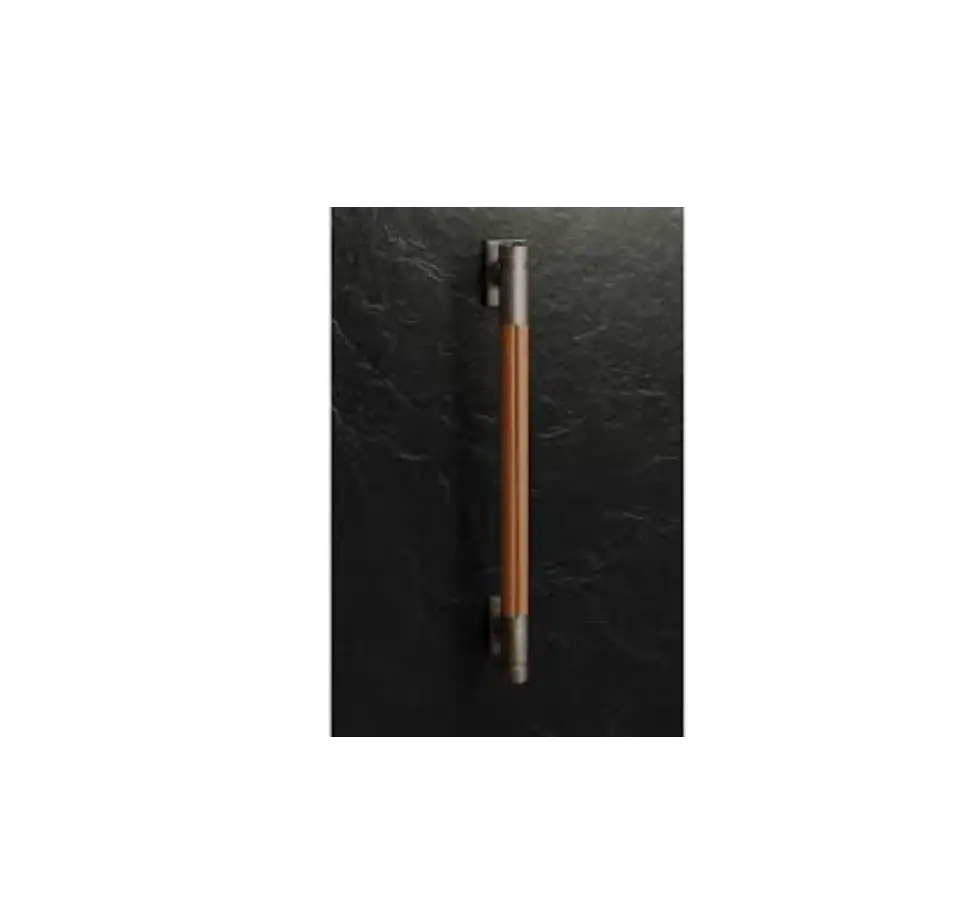
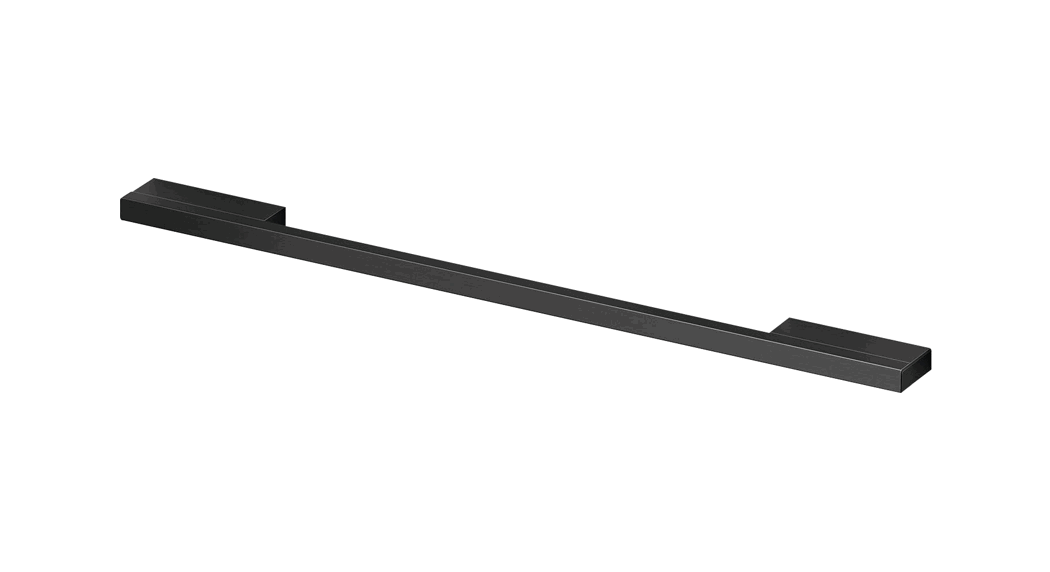
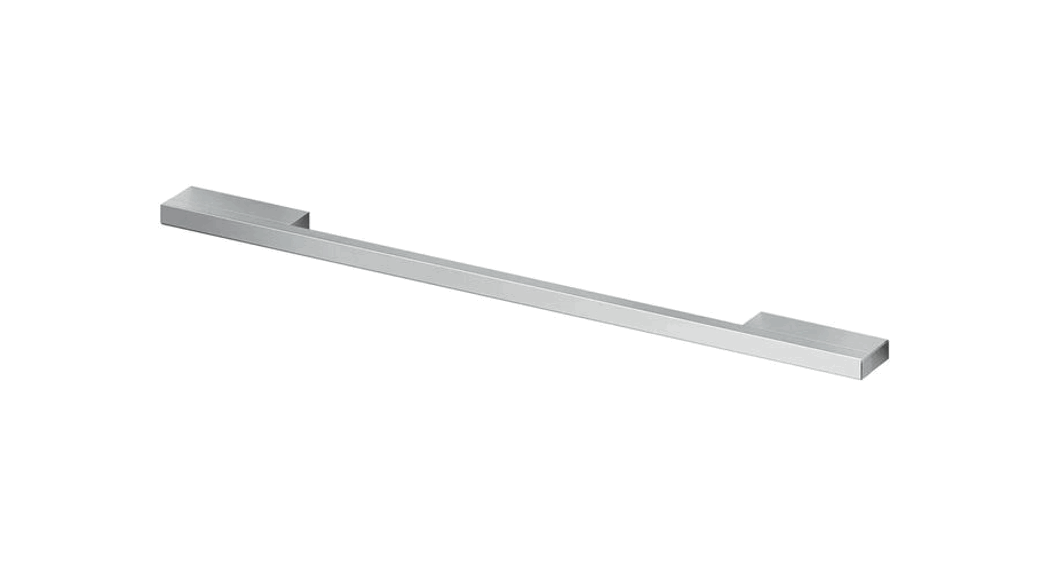
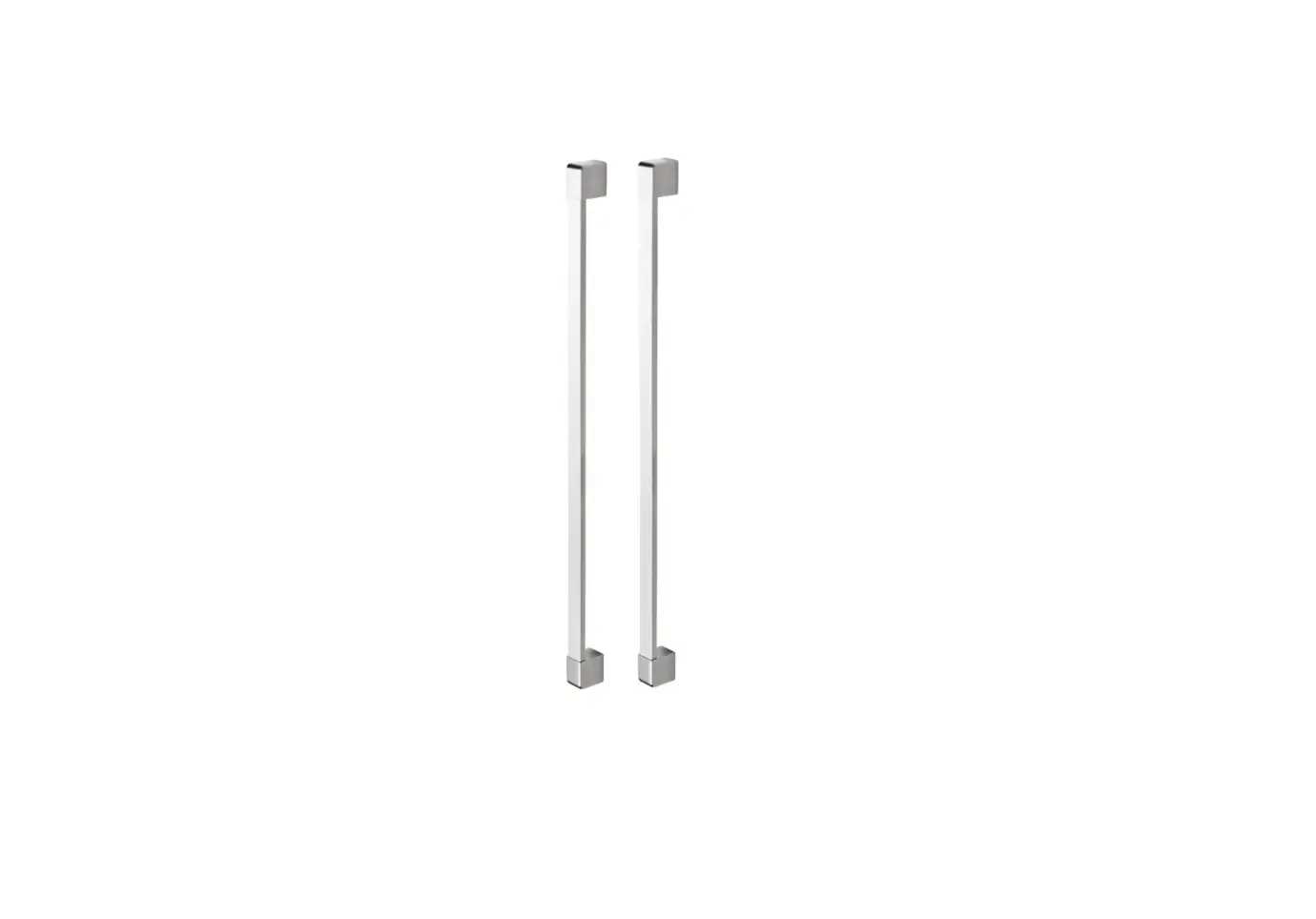
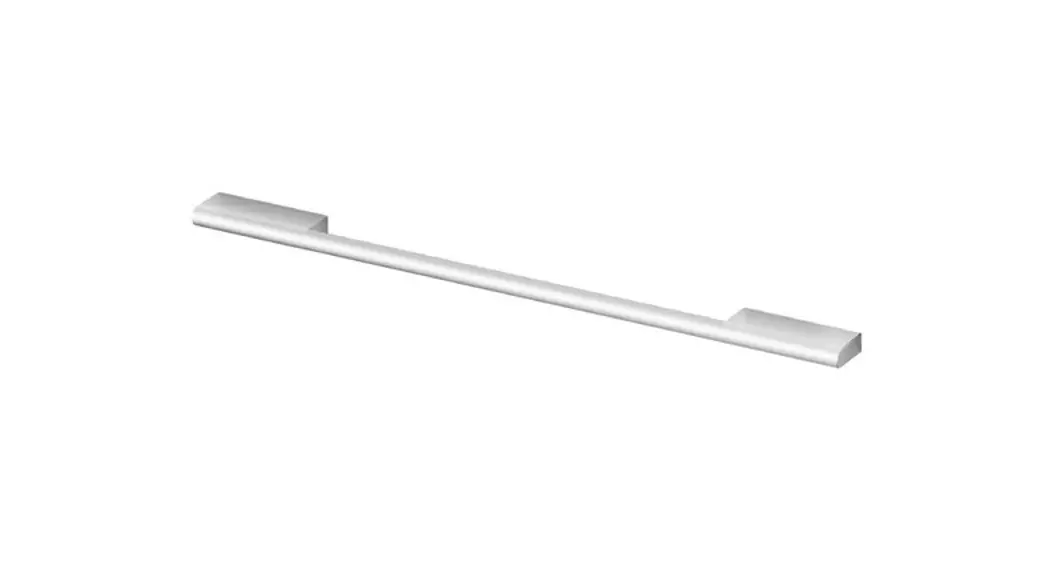
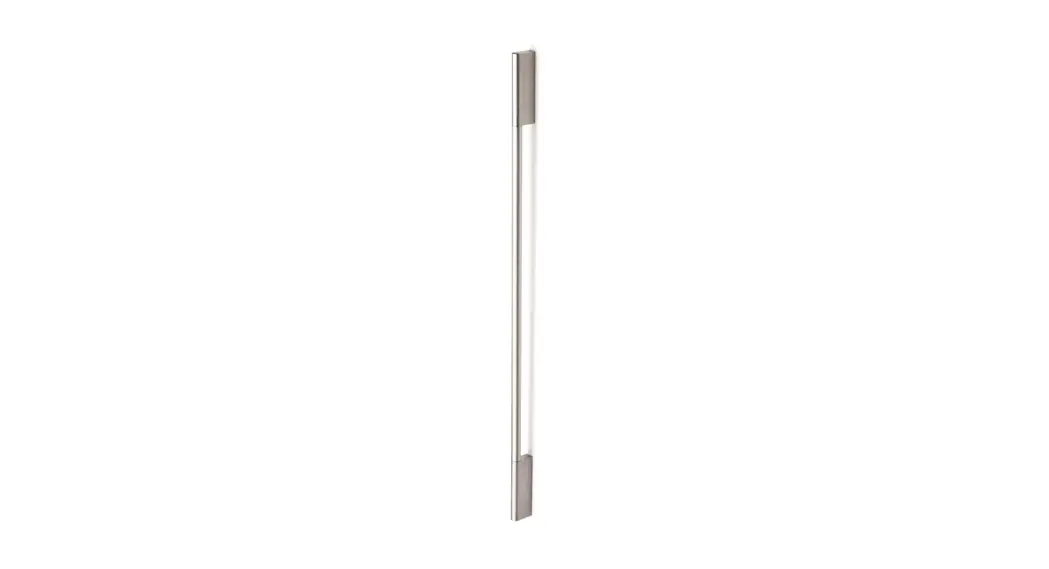
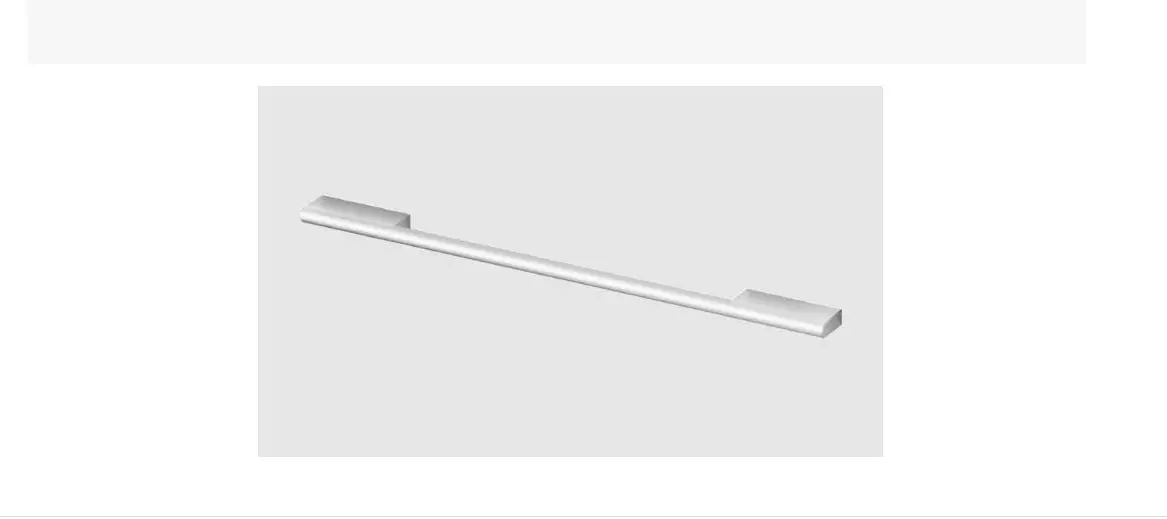
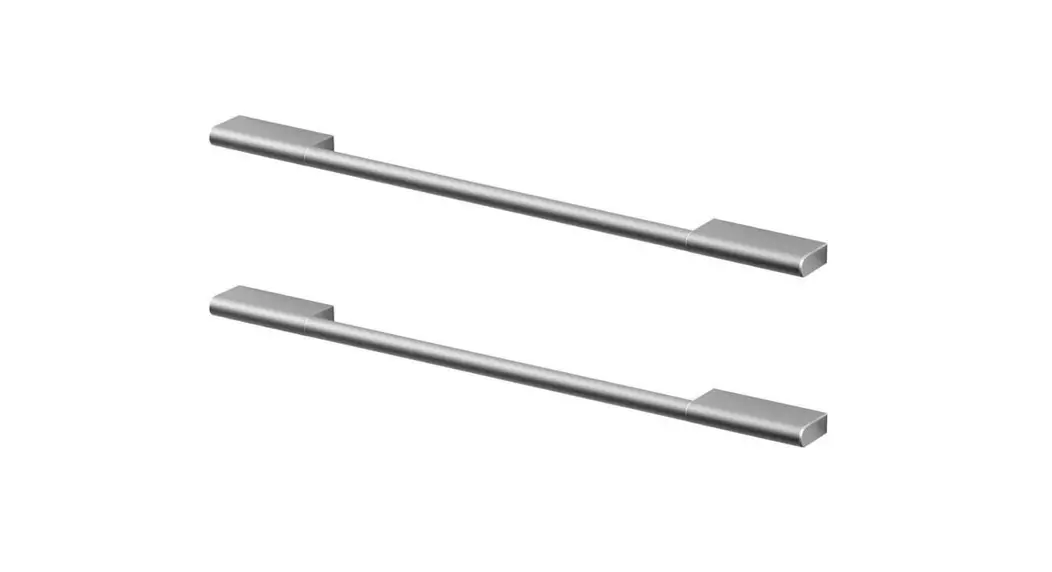
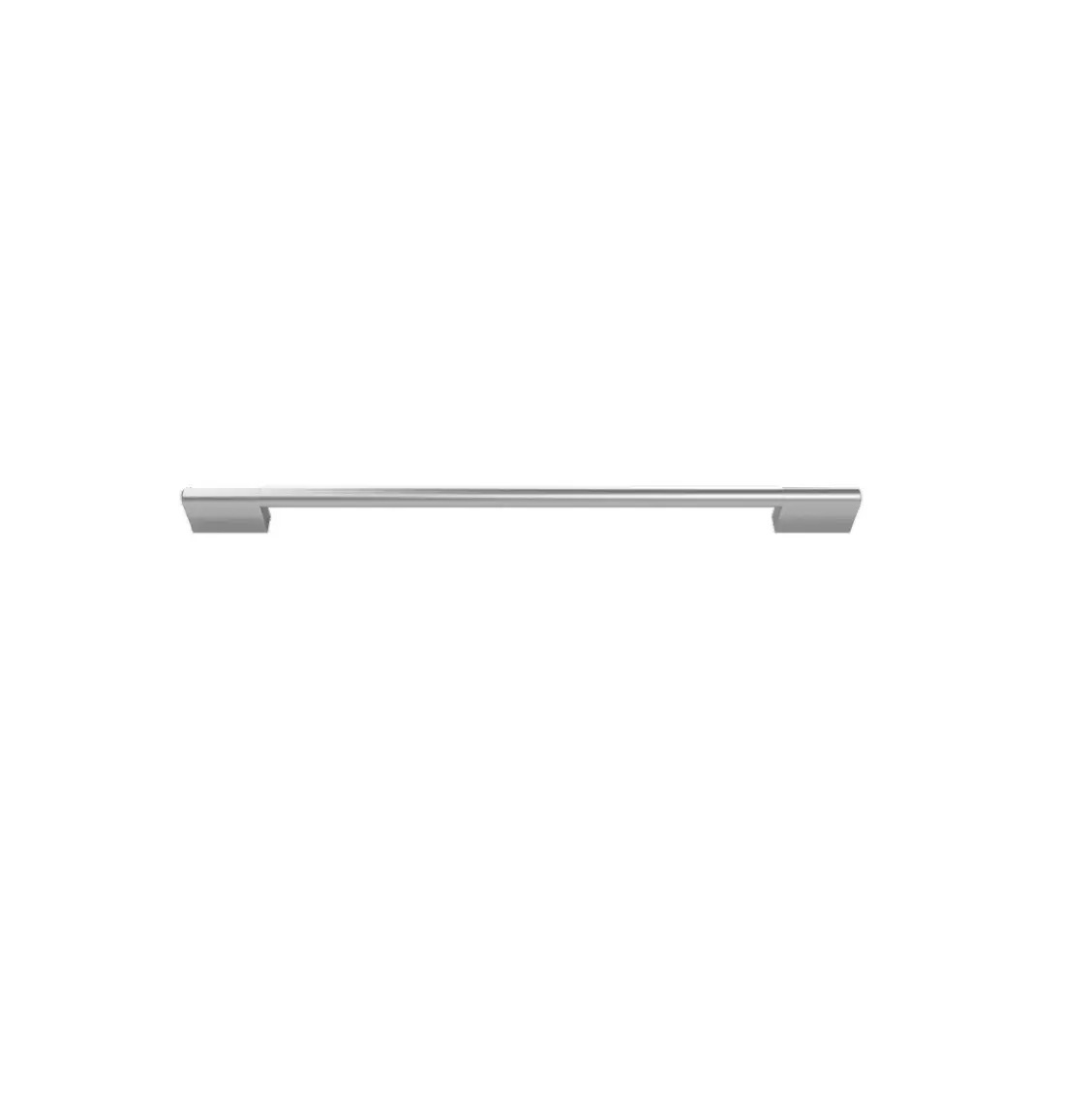
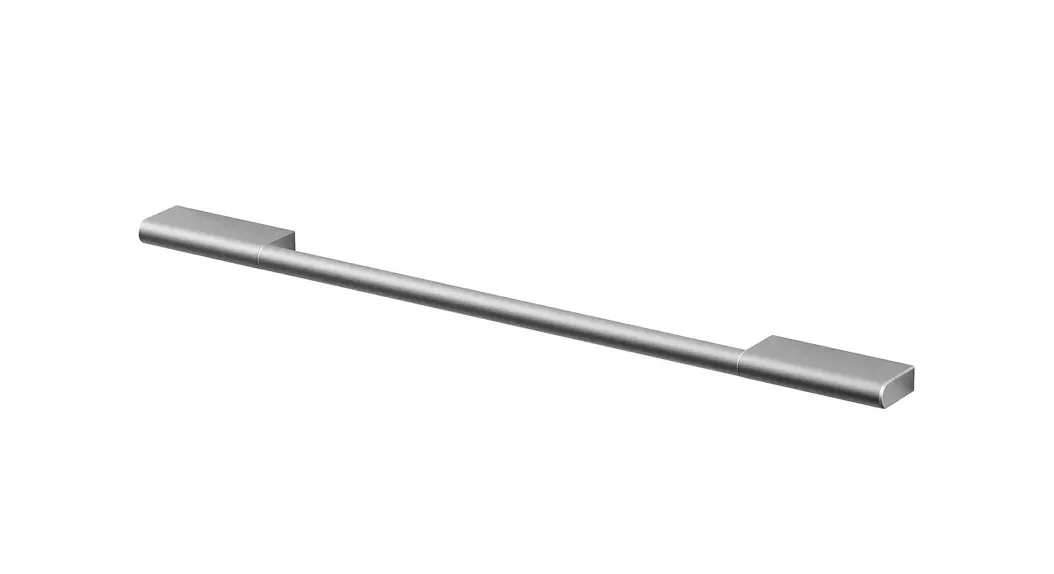
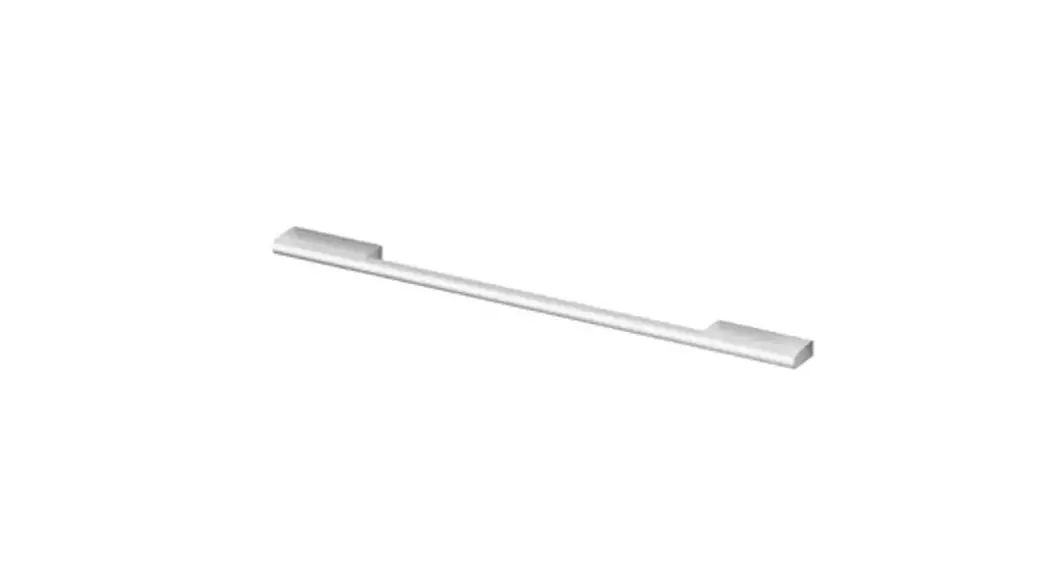
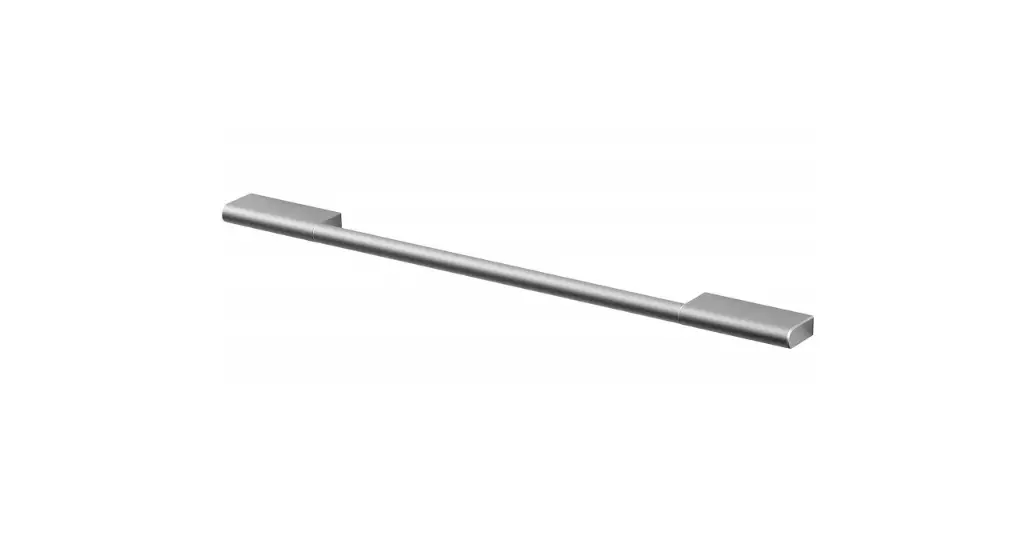
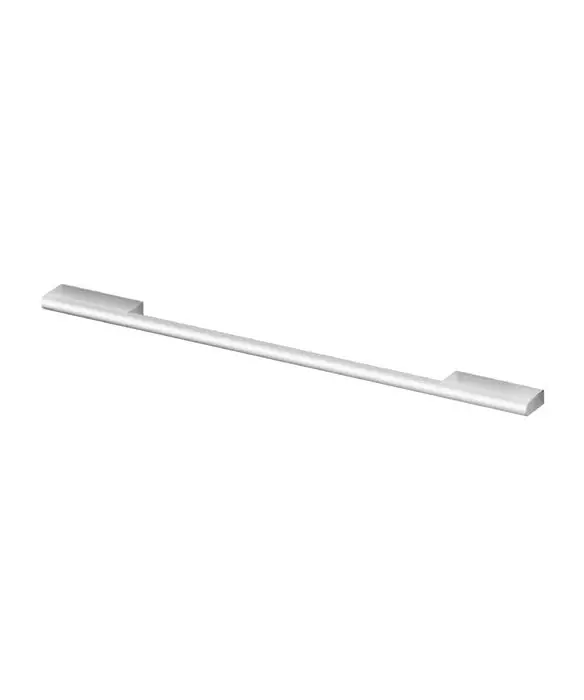
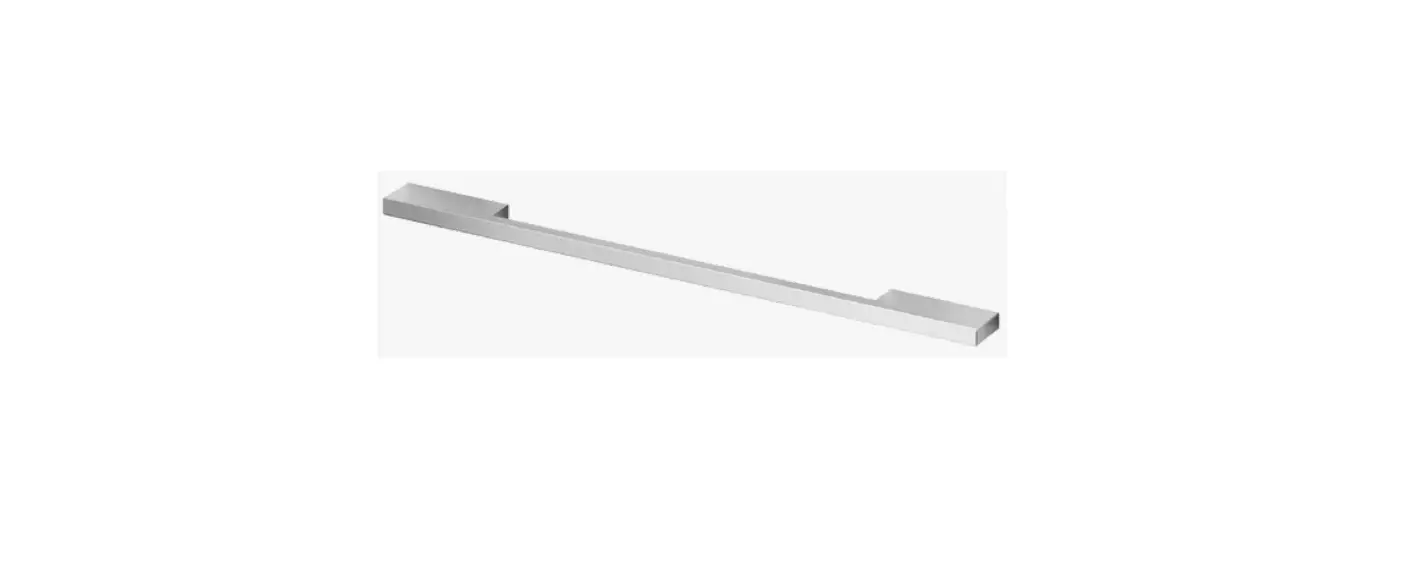
Monogram 48 Designer Collection Brass Long Handle for Pro Range
Product Information
The Designer Collection is a range of handles designed for
installation on doors. The handles are made of high-quality
materials and are available in various finishes to suit different
styles and preferences. The installation process is straightforward
and requires the use of the provided 1/8 Allen wrench and an
additional 3/16 Allen wrench.
Product Usage Instructions
- Removing the Handle:
- Locate the set screws on the handle caps (usually on the less
visible side). - Using the 1/8 Allen wrench, loosen the set screw on one end
while supporting the handle. Do not remove the set screw from the
handle cap. - Continue supporting the handle and loosen the set screw on the
other handle cap. Lift the handle from the fasteners on the door
and set it aside.
- Locate the set screws on the handle caps (usually on the less
- Replacing a New Handle:
- Ensure that the set screws are loosened. Place the new handle
over the fasteners of the door, with the screw side of the handle
facing the less visible side. Take care to support the handle to
prevent scratching the appliance finish. Ensure that both handle
caps are resting on the face of the door. - Lock one end of the handle into position by tightening the set
screw in the handle cap using the 1/8 Allen wrench. Avoid
over-tightening. - Continue supporting the handle and lock the other end into
position by tightening the set screw in the handle cap using the
1/8 Allen wrench. Avoid over-tightening.
- Ensure that the set screws are loosened. Place the new handle
Repeat these instructions for all other handles that need to be
replaced or installed.
DESIGNER COLLECTION
Installation Instructions
CUSTOMER SUPPORT
BEFORE YOU BEGIN
· The handle on your appliance may have a different orientation than what is shown, but the installation will be the same.
· Be extra careful of the appliance finish around the handle area, as it can scratch. During removal of the handle screws, hold onto the handle tightly so it won’t fall and scratch the appliance. We recommend having another person help you hold the handle in place as you remove the screws.
· When the handle has been removed, check the fasteners that are attached to the appliance front to see if they are loose. If so, tighten them with a 3/16″ Allen wrench before attaching the new handle. Note: Fastener shape may vary by appliance.
· For appliances with multiple handles, look at your current configuration before removing the handles, and make sure the replacement handles match that logo and set screw position.
Fig. 1
Fig. 2
TOOLS NEEDED
1/8″ Allen Wrench (Included)
3/16″ Allen Wrench (Not Included)
INSTALLATION STEPS
I. REMOVING THE HANDLE
1. Locate the set screws on the handle caps (they are usually on the less visible side).
2. Loosen the set screw on one end with the 1/8″ Allen wrench while supporting the handle. Do not remove the set screw from the handle cap.
3. Keep supporting the handle while you loosen the set screw on the other handle cap. Lift the handle from the fasteners on the door and set aside.
II. REPLACING A NEW HANDLE
1. Make sure the set screws are loosened. Place the handle over the fasteners of the door (we recommend putting the screw side of the handle toward the less visible side). Take care to support the handle so it doesn’t fall and scratch the appliance finish. Make sure both the handle caps are resting on the face of the door.
2. Lock one end of the handle into position by tightening the set screw in the handle cap with the 1/8″ Allen wrench. Be sure not to over tighten.
3. Keep supporting the handle as you lock the other end of the handle into position by tightening the set screw in the handle cap with the 1/8″ Allen wrench. Be sure not to over tighten.
Repeat these instructions on all other handles. aside.
Monogram Appliances Customer Support Team · 1.800.444.1845