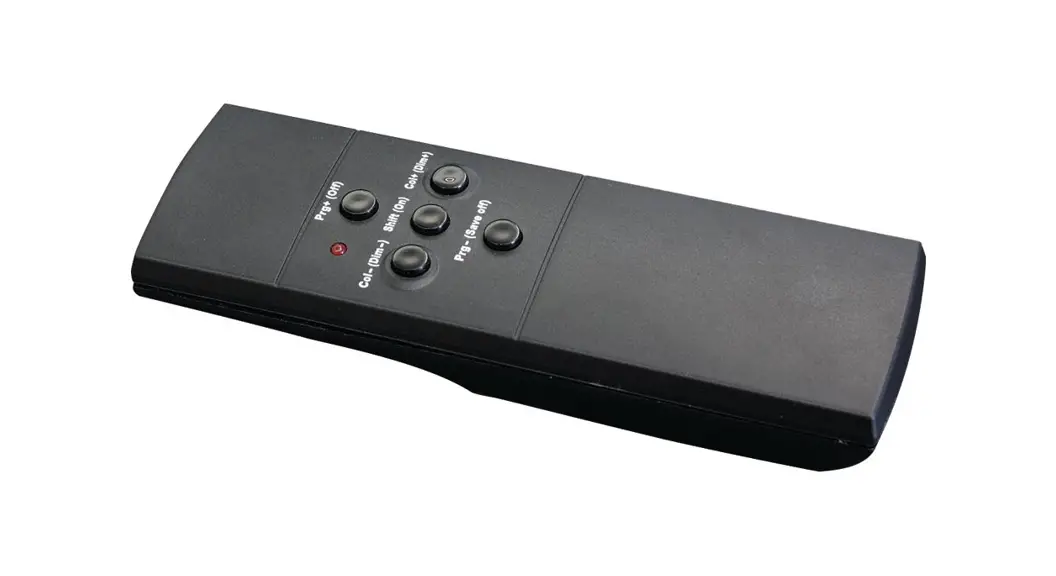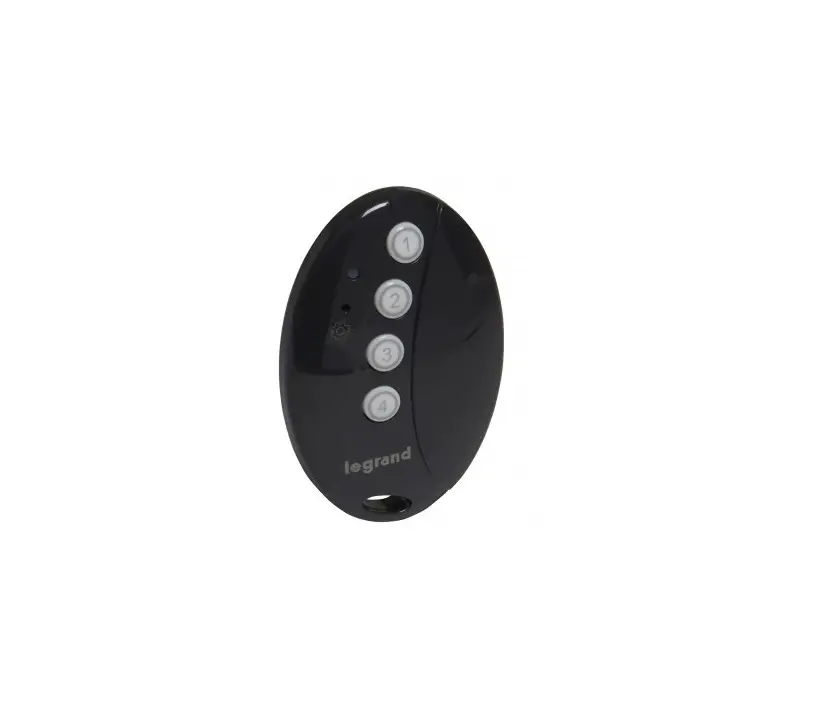
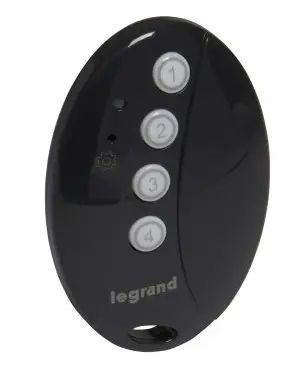
legrand 067695 4-Scene Pocket Remote Controller
Instruction Manual
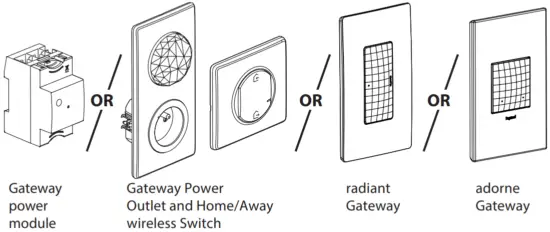
This product is a connected accessory which requires you to buy and install one of these first:
- … With Netatmo » connected starter pack and «… with Netatmo » connected power outlets, switches (with dimmer option).
- Connected lighting micromodules.
- Radiant with Netatmo Gateway and radiant with Netatmo Switch, Dimmer or Receptacle.
- Adorne with Netatmo Gateway and adorne with Netatmo Switch Dimmer or Receptacle.
Contents
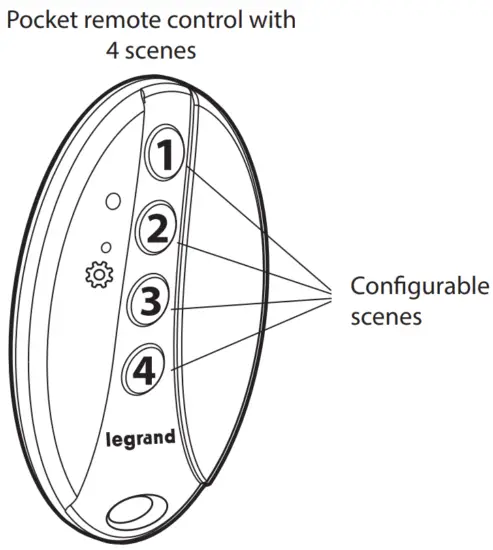
Frequency band: 2.4 – 2.4835 GHz
Power level : < 100 mW
Start configuration of the 4-scene pocket remote control
Press the gateway power module configuration button or the middle of the Home/Away wireless master switch until the LED briefly lights up green, then release. All the LEDs on the wired products light up with a steady green light.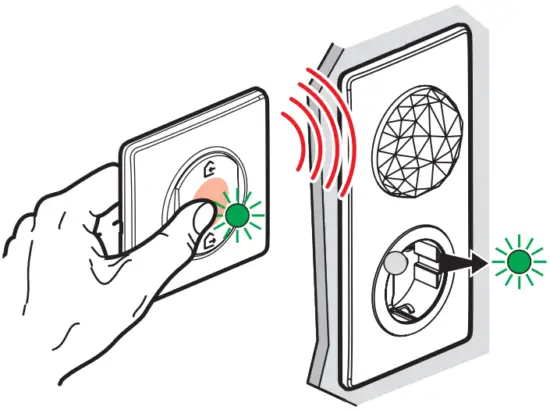
Press the gateway EZ button for 5 seconds and let go. The LED will turn solid green.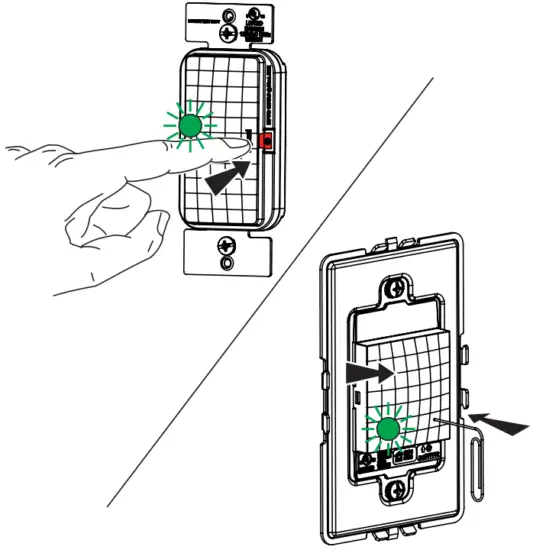
Prepare the 4-scene pocket remote control
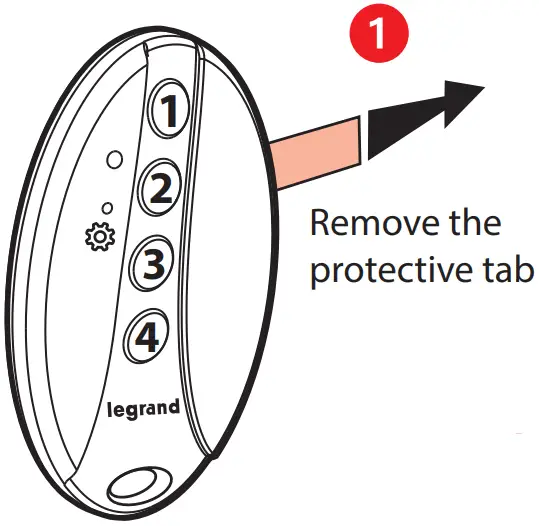
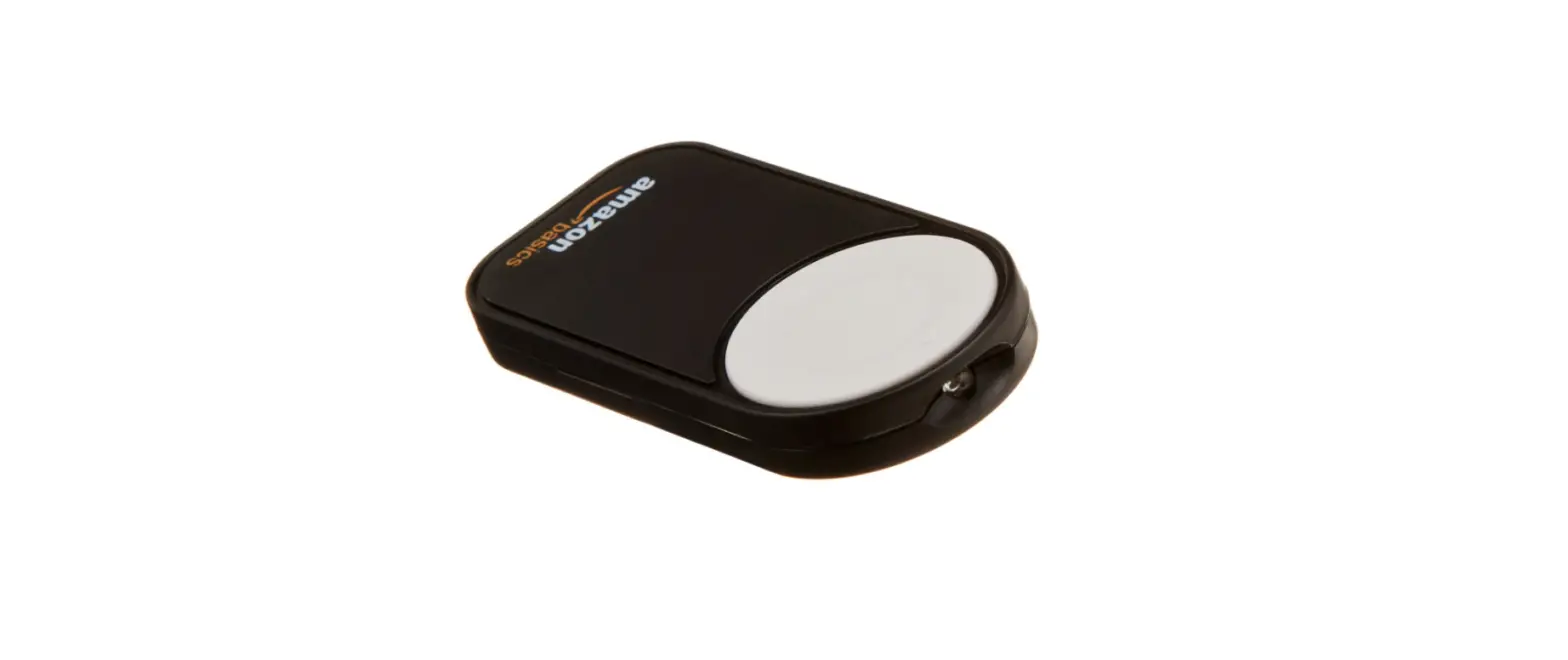
Briefly press one of the buttons on the 4-scene pocket remote control to activate it, the LED fl ashes green.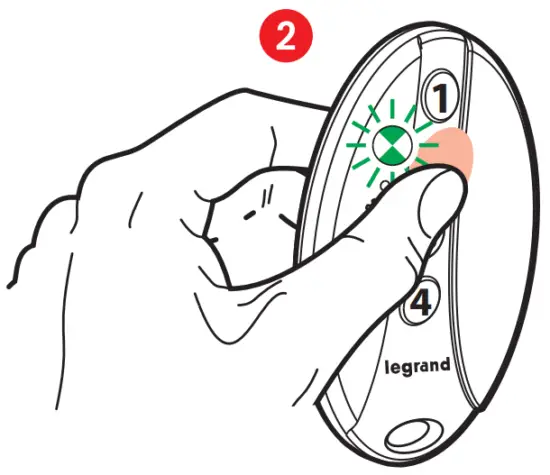
The LED on the 4-scene pocket remote control will fiash green and then switch off.
Your 4-scene pocket remote control is ready to use.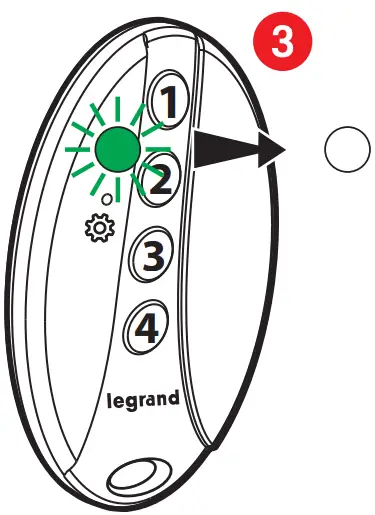
Complete the configuration
To complete your installation, briefly press the gateway power module configuration button or briefly press the middle of the wireless master switch.
All the LEDs on the products will switch off.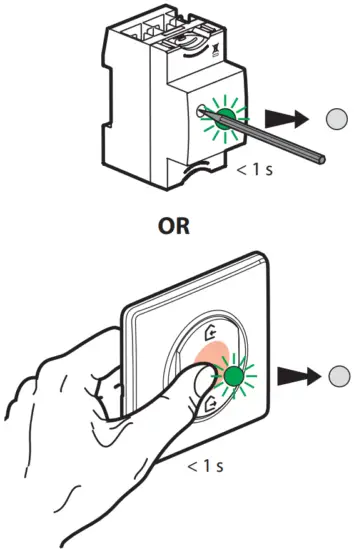
To complete your installation, briefly press the gateway EZ button.
All the LEDs on the products will switch off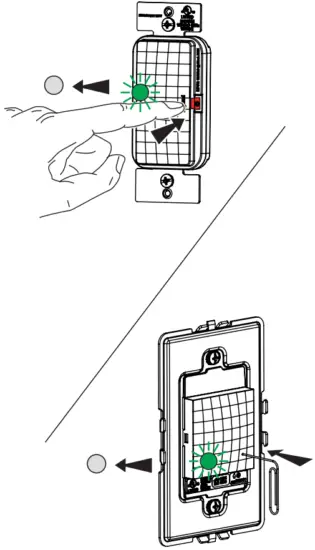
Customise your scene
From the Legrand Home + Control application (Settings/Scene section)
Follow the instructions in the guide
Reset To Factory Default:
To manually reset the device to factory defaults, press and hold the EZ Button for 10 seconds until you see the LED blink red, then release. The LED will turn off when the reset is complete.
Outside US:
www.legrandoc.com/064875
Legrand – Pro and Consumer Service
BP 30076 87002 Limoges CEDEX FRANCE
www.legrand.com
US :
Question? We’re here to help.
Phone: 1-877-833-3303 8:00 a.m. to 8:00 p.m. EST (M-F)
Email: [email protected]
Chat: https://wwwlegrand.us/radiant/smart-lighting.aspx (Click on the chat icon to open a dialogue box)
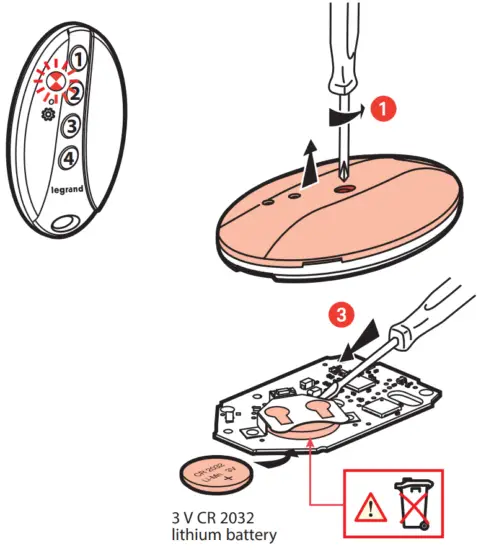
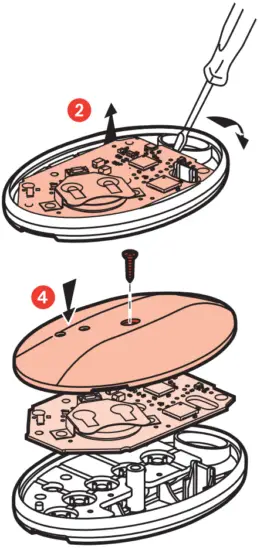
Replacing the battery
If the LED fl ashes red 3 times w h en you press the 4-scene pocket remote control → low battry
SIMPLIFIED EU DECLARATION OF CONFORMITY
The undersigned, Legrand declares that the radio-electric equipment referred to in these instructions complies with directive 2014/53/EU.
The full text of the EU declaration of conformity is available on the following website:
www.legrandoc.com

 Welcome to Legrand - Legrand
 legrandoc