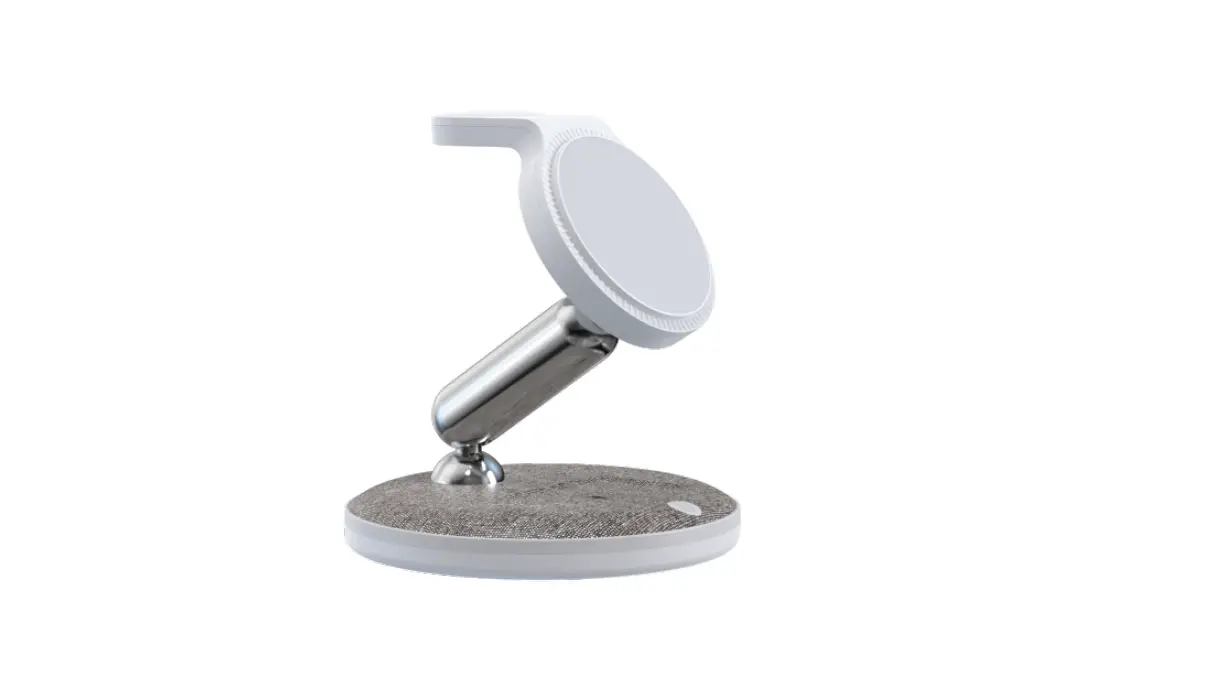
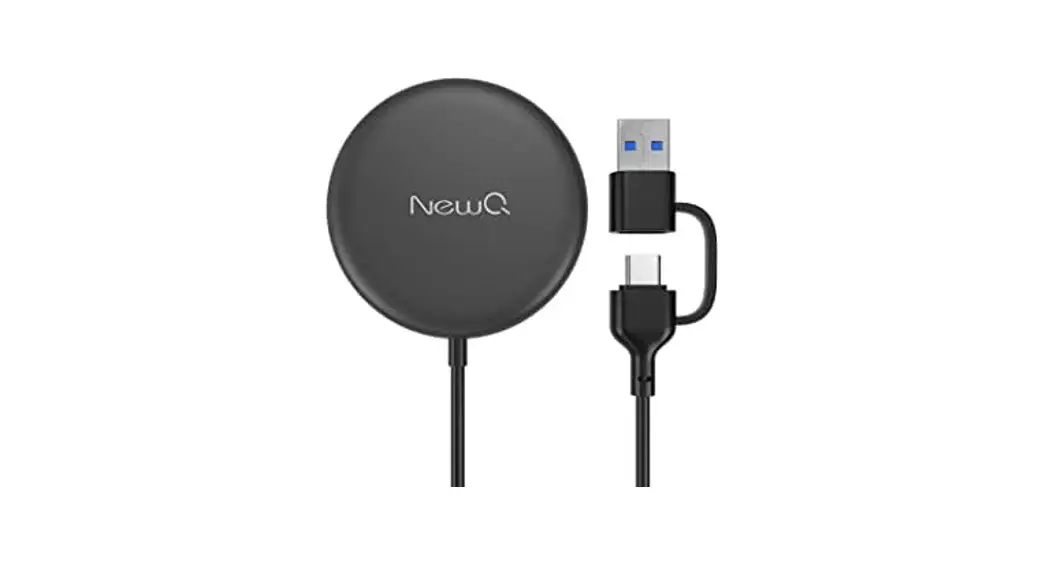
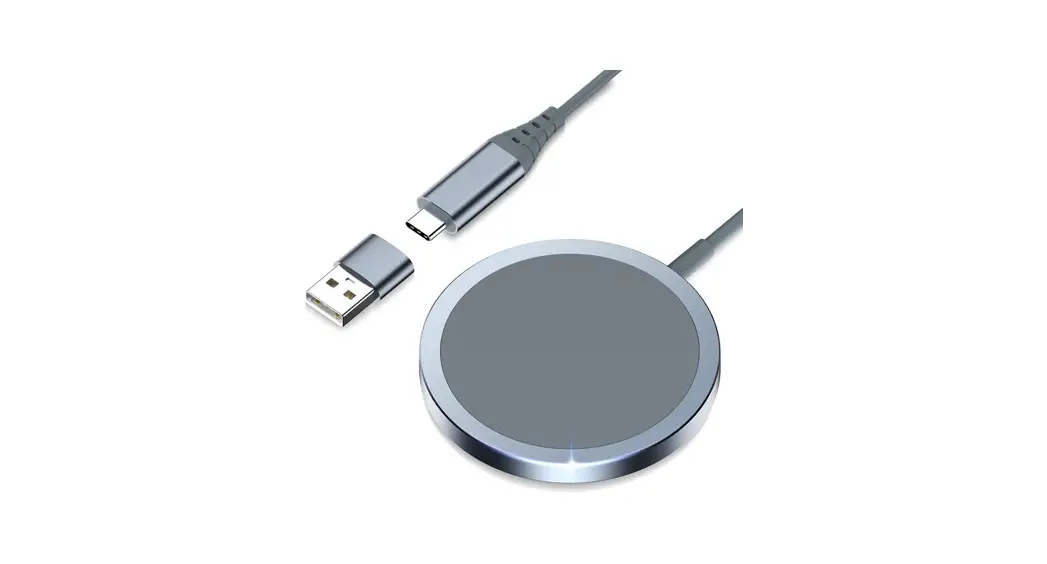
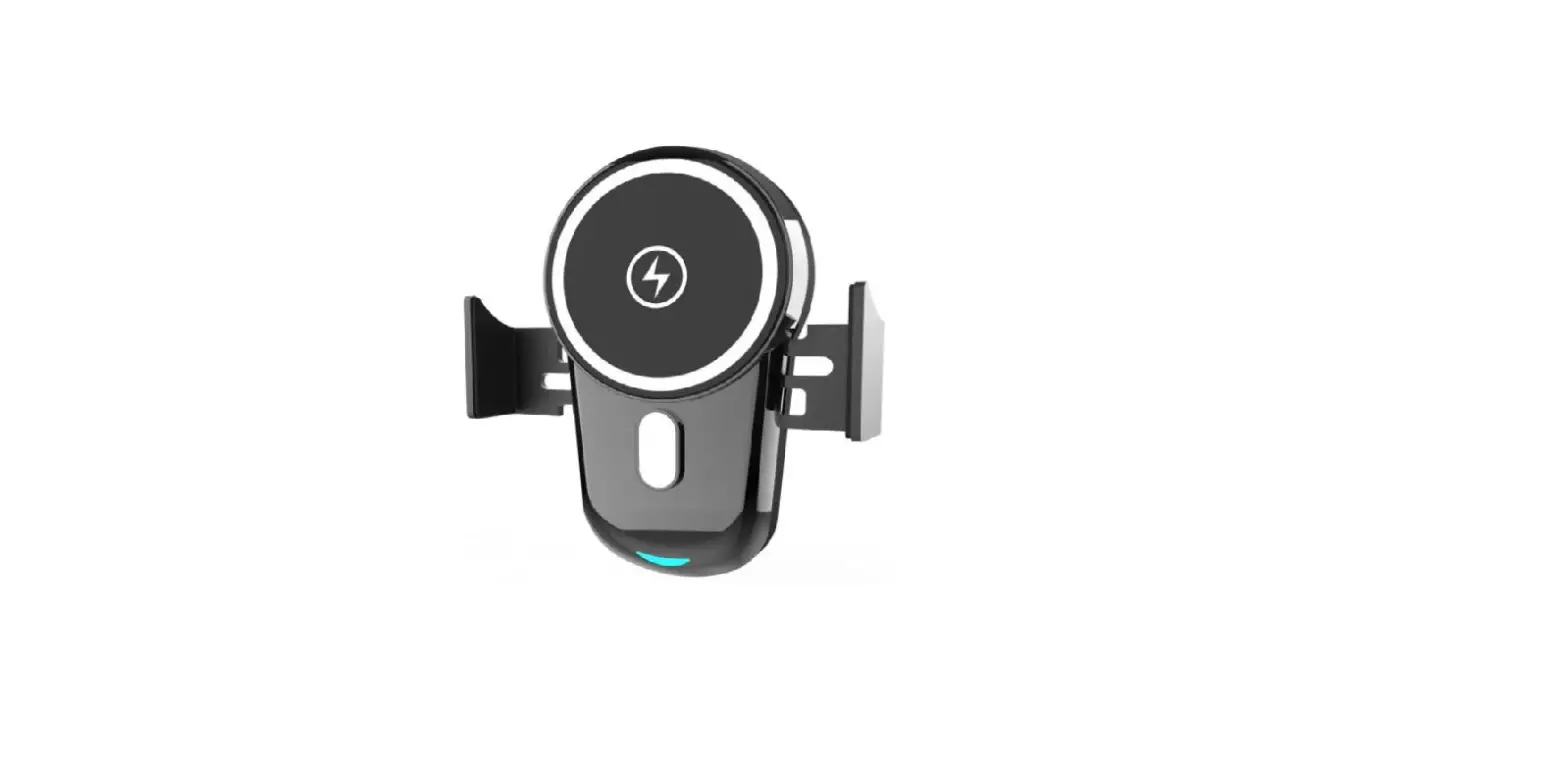
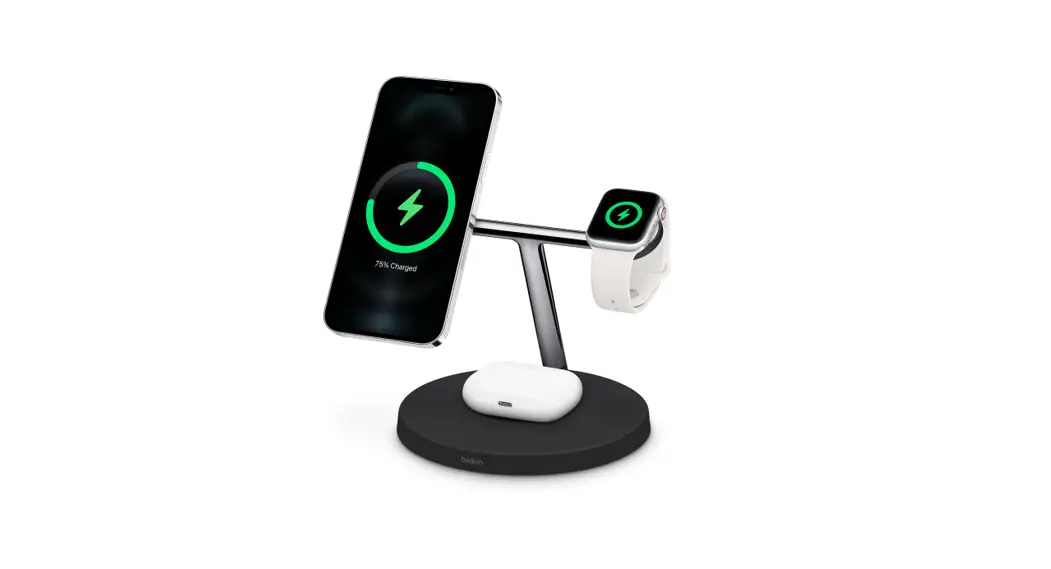
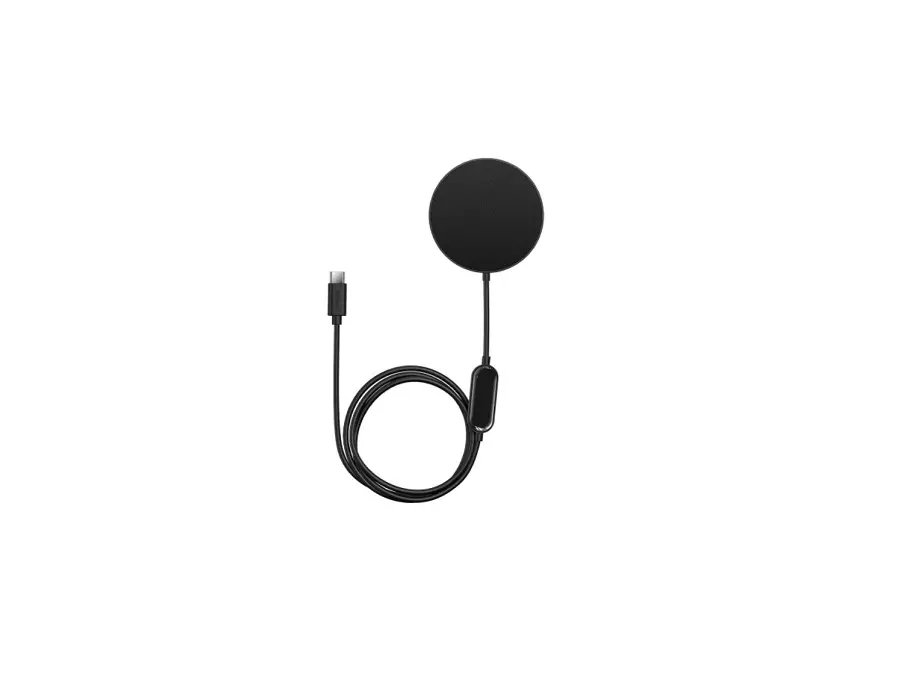
Y15S Magnetic 4 In 1 Wireless Charger
Product Information:
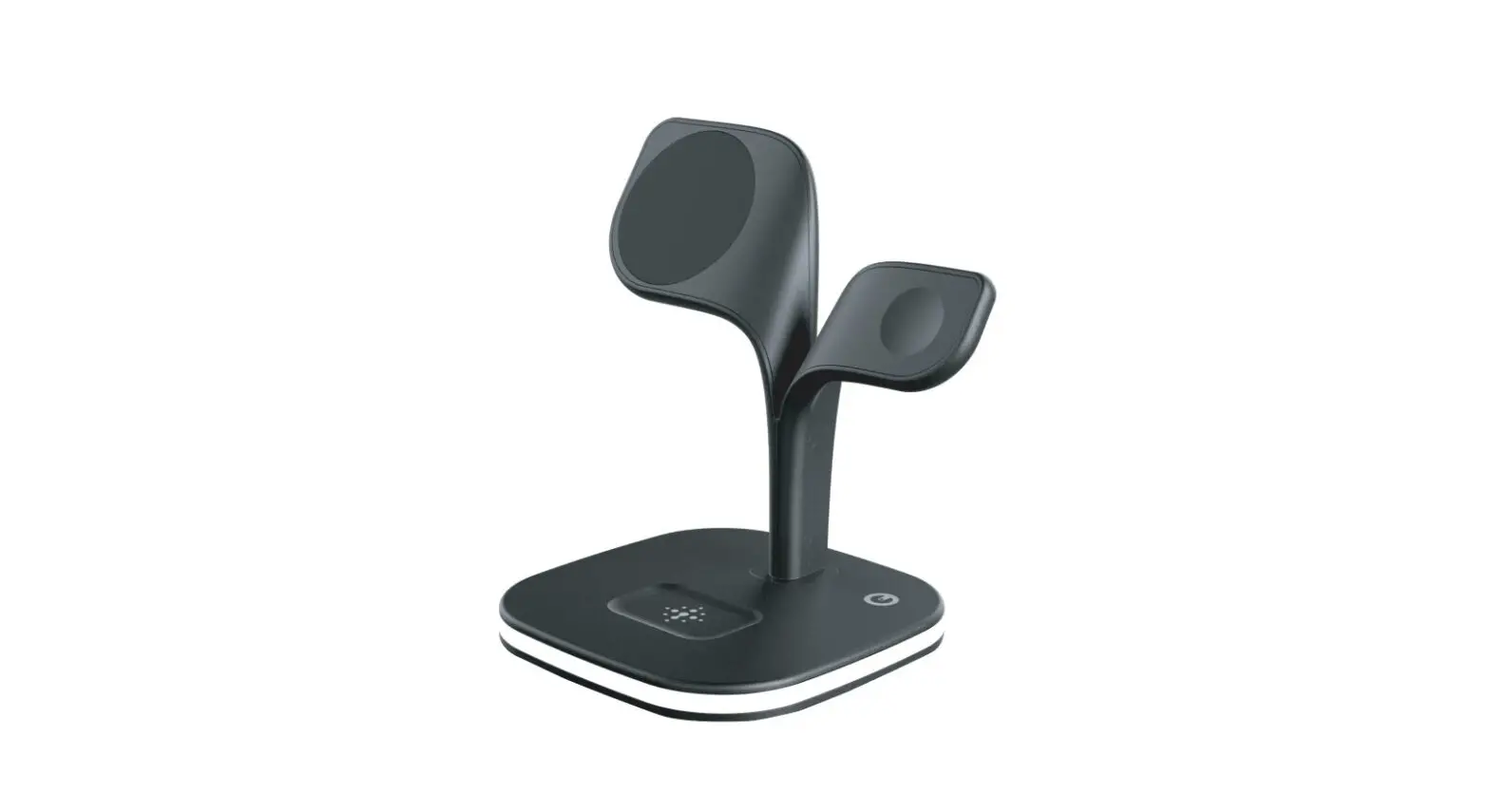
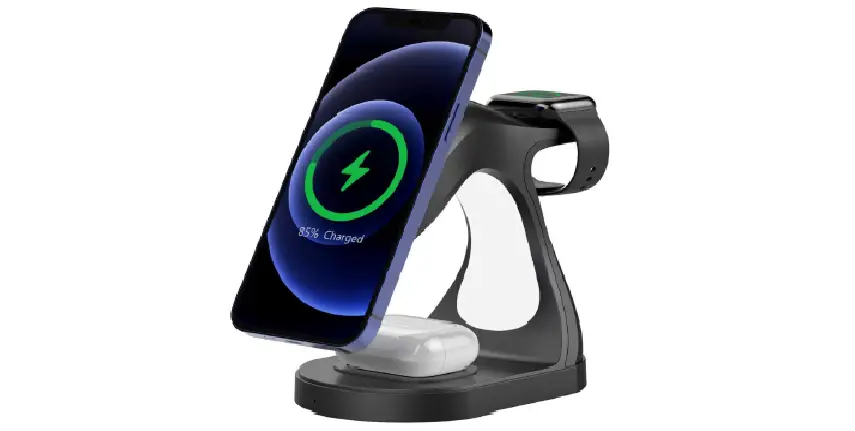
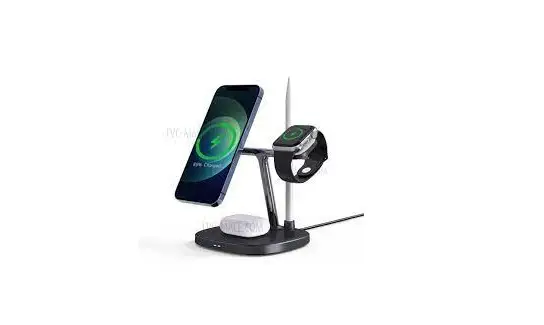
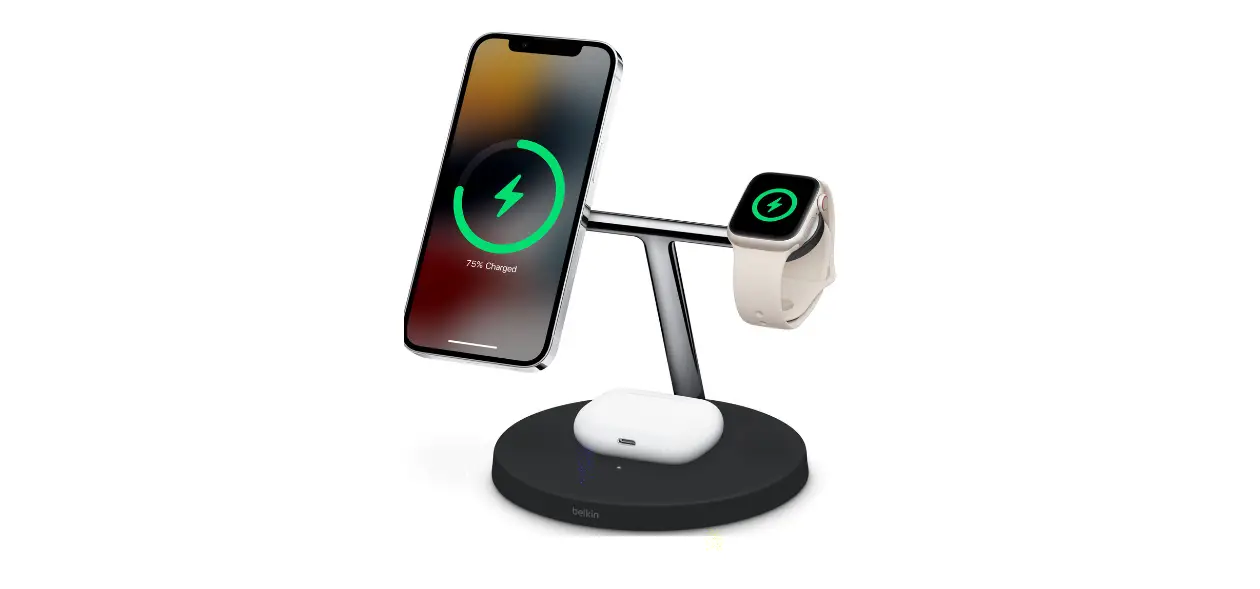
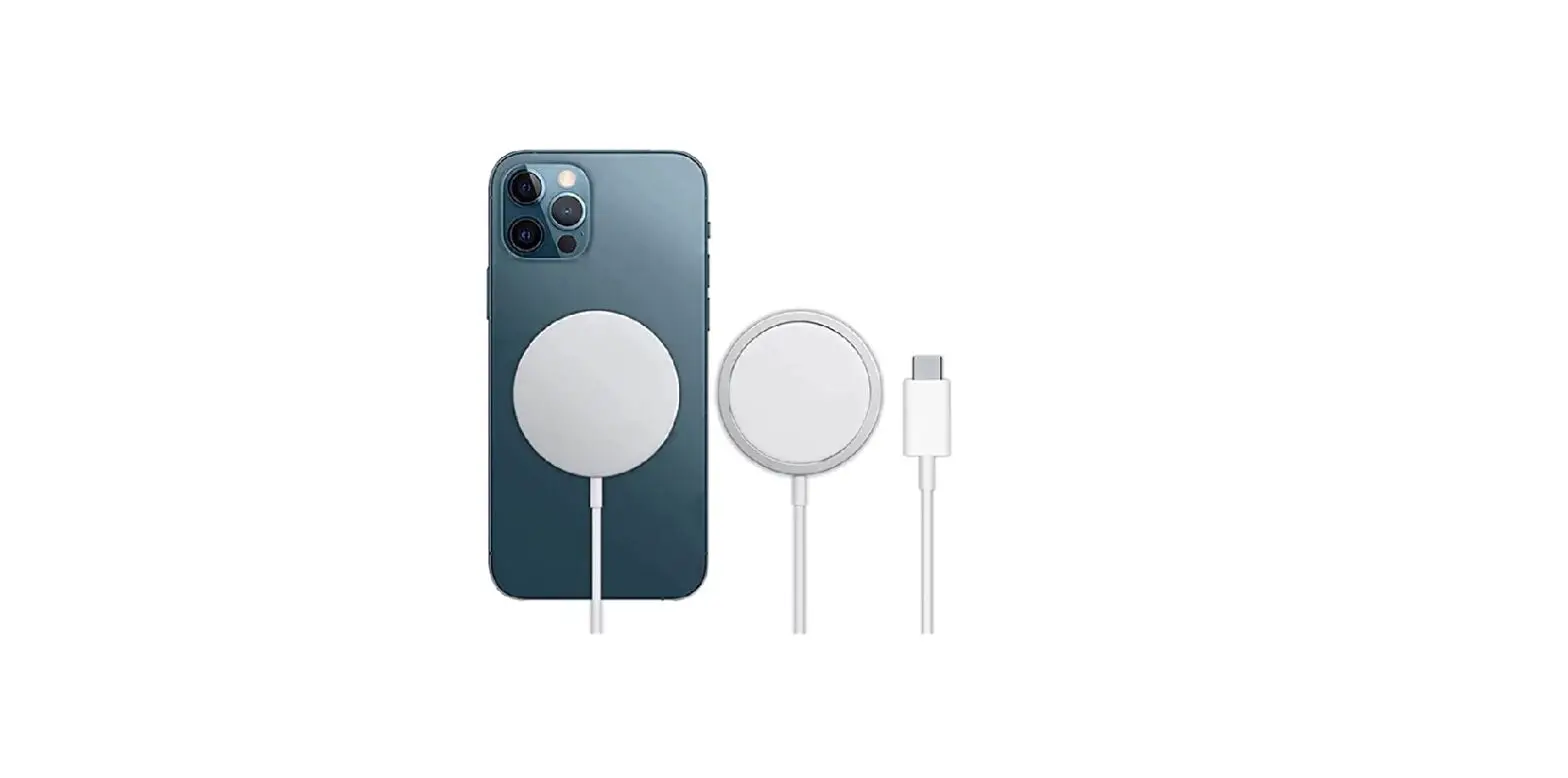
The Y15S is a magnetic four-in-one wireless charger that
supports the following:
- Apple 12.13.14 or higher mobile phone magnetic charging
- Apple 1-8 generation watch charging
- AirPods2.3.4.5WA charging
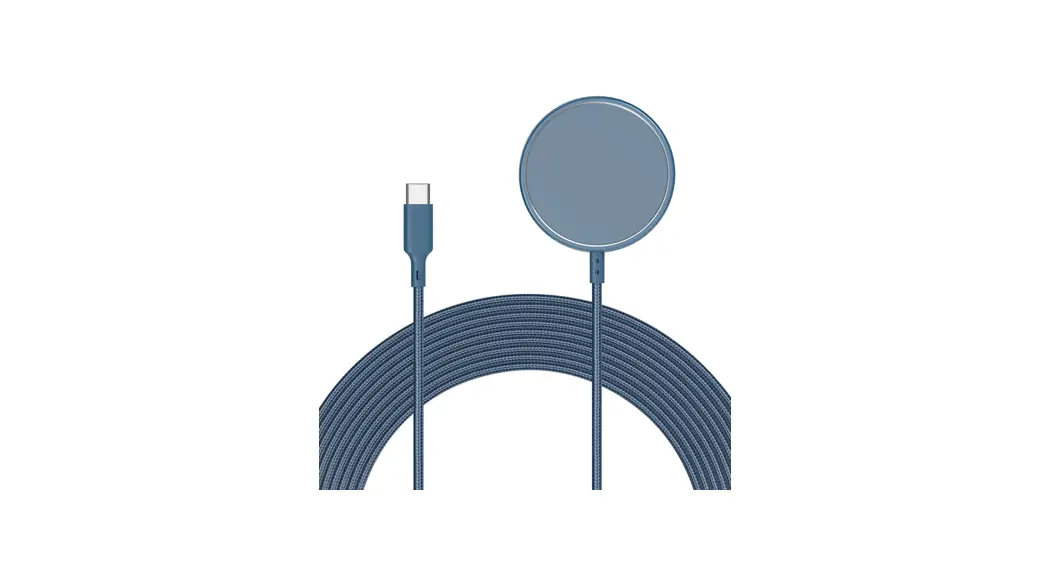
- Type-C output for IPAD10W wired charging or other electronic
devices
Applicable devices:
- Mobile phone: iPhone 12 or above or any mobile phone with
magnetic suction function - Earphones: AirPods2.3.4 generation and other wireless charging
earphones - Watch: Apple 1-7 generation watches
Product Usage Instructions:
- Connect the Y15S wireless charger to a power source using an
adapter with more than 20W power (QC3.0 or PD20W or more). - Place your compatible mobile phone with magnetic charging
capability on the charging area of the Y15S. - For charging AirPods2.3.4.5WA, place them on the charging area
of the Y15S. - If you want to charge your Apple watch, position it on the
charging area of the Y15S. - The LED indicator lights provide status information:
- Power on and standby: The power indicator light is always
red. - Mobile phone charging: The blue light is on, and the standby
light is off. - Headset charging: The blue light is on, and the standby light
is off. - Watch charging: The blue light is on, and the standby light is
off. - Foreign body induction: The blue light flashes.
Product Parameters:
- Product model: Y15S
- Input voltage: 9V/2A, 9V/3A, 12V/3A
- Output current: 9V/1.5A (mobile phone), 3W (headset)
- Mobile phone output power: 5W, 7.5W, 10W, 15W
- Headset output power: 3W
- Output power of the watch: 2W
- Product size: 130*107*80mm
- Receiving distance: 0-8mm
- Conversion efficiency: 75% tpcy-c
- Type-C output: 10W
Frequently Asked Questions:
- Q: Why is wireless charging slow?
A: Check if the power supply adapter has more than 18W power and
if the phone’s receiving coil allows for different wireless
charging current sizes. Additionally, reduce or close
power-consuming applications on the phone. - Q: Why is wireless charging intermittent for the mobile
phone?A: The charging current of the flashing charging head (adapter)
indicator light may be insufficient. Please use a power adapter
with sufficient power of 9V/2A or QC3.0/PD18W or above. - Q: Why does charging cause slight heating?
A: Slight heating in the receiving coil or transmitting plate
during wireless charging is normal. Adjust the charging position if
necessary. - Q: Why can’t the phone charge even though the indicator light
is normal?A: The phone’s receiving coil may be malfunctioning or not
aligned properly with the charging position. - Q: Why is the power indicator light not on?
A: If the host machine fails, contact the after-sales service
for maintenance.
Important Notes:
- Use an adapter with more than 20W power (QC3.0 or PD20W or
more) to avoid unstable charging. - Avoid placing metal objects or magnetic materials near the
charging area to prevent damage or charging malfunctions. - If the receiving coil or transmitting panel overheats during
charging and stops charging, remove the charged electric products,
let them cool down, and then try charging again. - If any abnormalities occur, the indicator light will blink,
indicating automatic protection.
Y15S12.13.14 1-8AirPods2.3.4.5WA, type-c IPAD10W
12.13.14 AirPods2.3.4.5. 1-8
LED
1. 2. 3. 4.
Y15S 9V/2A 9V/3A 12V/3A 9V/1.5A ; 5W/7.5W/10W/15W 3W
2W 145*140*75 mm 0-8mm 75% tpcy-c:10W
1. 18W
2. 9V/2A QC3.0/PD18W
3.
4. 5.
1.20W.QC3.0PD20W
20W
2.
3.
4.
1. 2. 3.
1. 2. 3.
Y15S
Product Instructions
Product description
Y15S is a magnetic four in one wireless charger that can support Apple 12.13.14 or higher Mobile phone magnetic charging, Apple 1-8 generation watch, AirPods2.3.4.5WA, type-c output Can support IPAD10W wired charging or other electronic devices wired charging
Applicable mobile phone: iPhone 12 or above or mobile phone with magnetic suction function Applicable earphones: AirPods2.3.4 generation and other wireless charging earphones Applicable watch: Support wireless charging of Apple 1-7 generation watches
LED Status
1. Turn on the power and stand by, the power indicator light is always on red 2. The blue light is on when the mobile phone is charging, and the standby light is off. 3. The blue light is on when the headset is charging, and the standby light is off 4. The watch is charged with a blue light, and the standby light is off. 5. The blue light flashes, foreign body induction
Product parameters
Product model: Y15S Input voltage: 9V/2A 9V/3A 12V/3A Output current: 9V/1.5A Mobile phone output power; 5W/7.5W/10W/15W Headset output power: 3W
Output power of the watch: 2W Product size: 130*107*80mm Receiving distance: 0-8mm Conversion efficiency: 75% tpcy-c Output :10W
Frequently Asked Questions
1. Wireless charging is slow. Check whether the power supply adapter has more than 18W power and the phone itself Or the external receiving coil allows the wireless charging current size is different, or the phone charging When the application program running power consumption, it is recommended to reduce or close the program should be
2. The wireless charging of the mobile phone is intermittent, and the charging current of the flashing charging head (adapter) of the indicator light is insufficient. bPlease use a power adapter with sufficient power of 9V/2A or QC3.0/PD18W or above
3. Charging and heating Slight heating in the receiving coil or transmitting plate of wireless charging is normal. It is recommended to adjust the charging position
4. The indicator light of the host machine is normal, but the phone cannot charge. The receiving coil of the phone is malfunctioning or the charging position is missing There is alignment,
5. The power indicator light is not on. If the host fails, contact the after-sales service for maintenance
Matters needing attention
1. Please use the adapter with more than 20W power for power supply (.QC3.0 or PD20W or more).Otherwise, it may cause unstable charging
20W
2. Do not put metal objects or magnetic materials near the charging area, otherwise it may cause damage or damage Charging not working
3. If the receiving coil or transmitting panel overheat during charging stops charging, please take off the charge Electric products, after cooling, try to charge again. 4. When there is any abnormity, the indicator light will blink, automatic protection
Safety instructions
1. Do not force the power cord to avoid breaking or falling off 2. Please do not disassemble the main engine or put it into fire or water to avoid short circuit and leakage 3. Do not use in severe high temperature, humidity, or corrosive environment to avoid damage to the circuit
Product After-sale Guide
Thank you for purchasing our wireless charger. In order to ensure that you can get reliable after-sales service, Please read the following warranty instructions carefully
The warranty scope
The product can not be used normally in the process of use or failure occurs during normal use After our company confirmed that we can enjoy our after-sales service commitment, the following circumstances are not within the scope of warranty 1. No warranty for accessories 2. Failure caused by improper user operation 3. Manmade damage, self-disassembly,
Extended maintenance
If the product is beyond the warranty period, customers still enjoy the warranty service, but they need to pay the maintenance cost. Cost of raw materials
Y15S
This device complies with part 15 of the FCC Rules. Operation is Subject To the following two conditions: (1)This device may not cause harmful interference, and (2) this device must accept any interference received, including interference that may cause undesired operation.
Caution: Any changes or modifications to this device not explicitly approved by manufacturer could void your authority to operate this equipment.
Note: this equipment has been tested and found to comply with the limits for a Class B digital device, pursuant to part 15 of the FCC Rules. These limits are designed to provide reasonable protection against harmful interference in a residential installation. This equipment generates, uses and candidate radio frequency energy and, if not installed and used in accordance with the instructions, may cause harmful interference to radio communications. However, there is no guarantee that interference will not occur in a particular installation. If this equipment does cause harmful interference to radio or television reception, which can be determined by turning the equipment off and on, the user is encouraged to try to correct the interference by one or more of the following measures: · Reorient or relocate the receiving antenna. · Increase the separation between the equipment and receiver. · Connect the equipment into an outlet on a circuit different from that to which the receiver is connected. · Consult the dealer or an experienced radio/TV technician for help.
The equipment complies with FCC radiation exposure limits set forth for an uncontrolled environment. During the operation of device a distance of 15 cm surrounding the device and 20 cm above the top surface of the device must be respected.