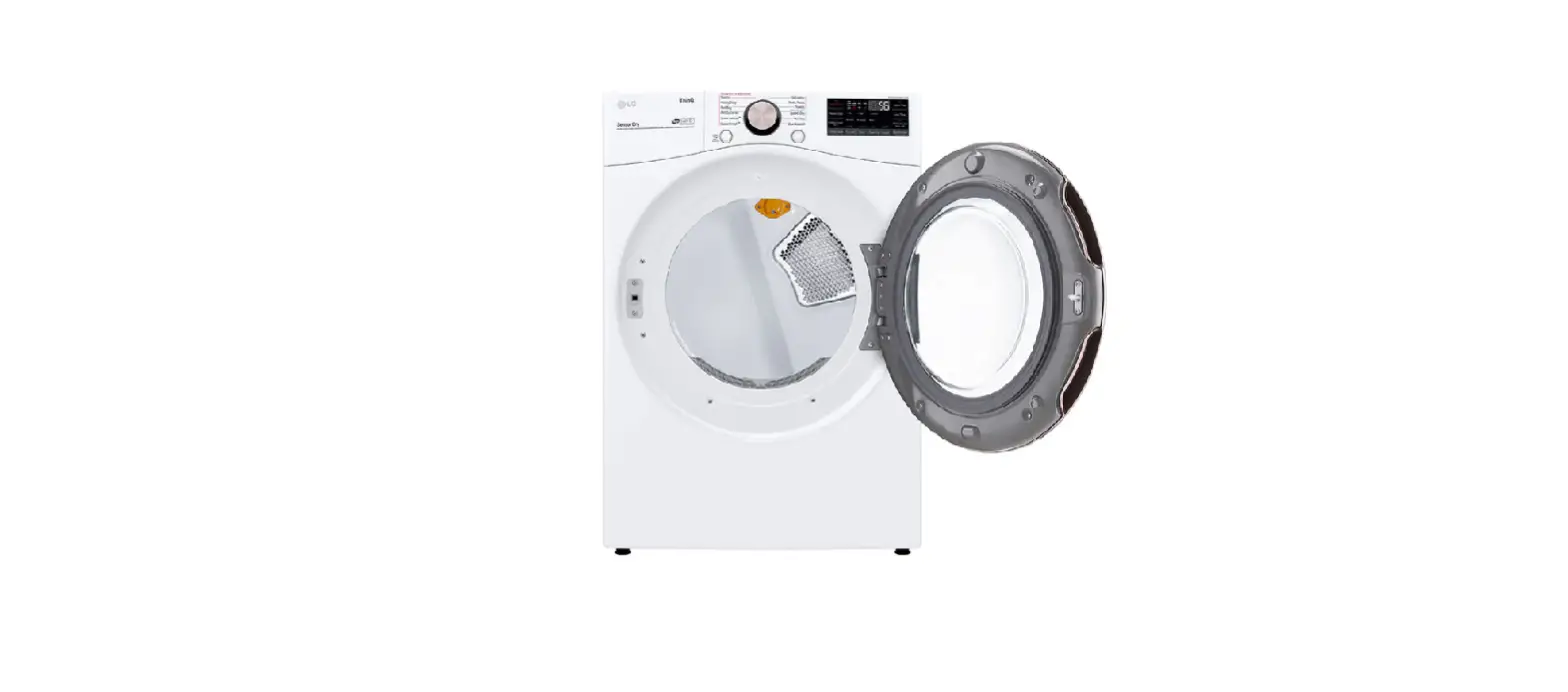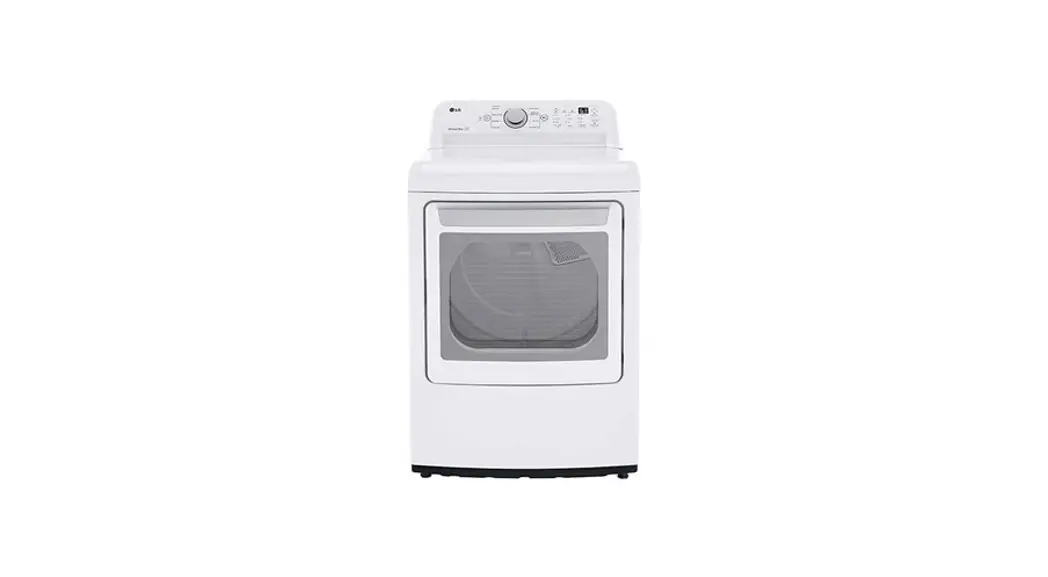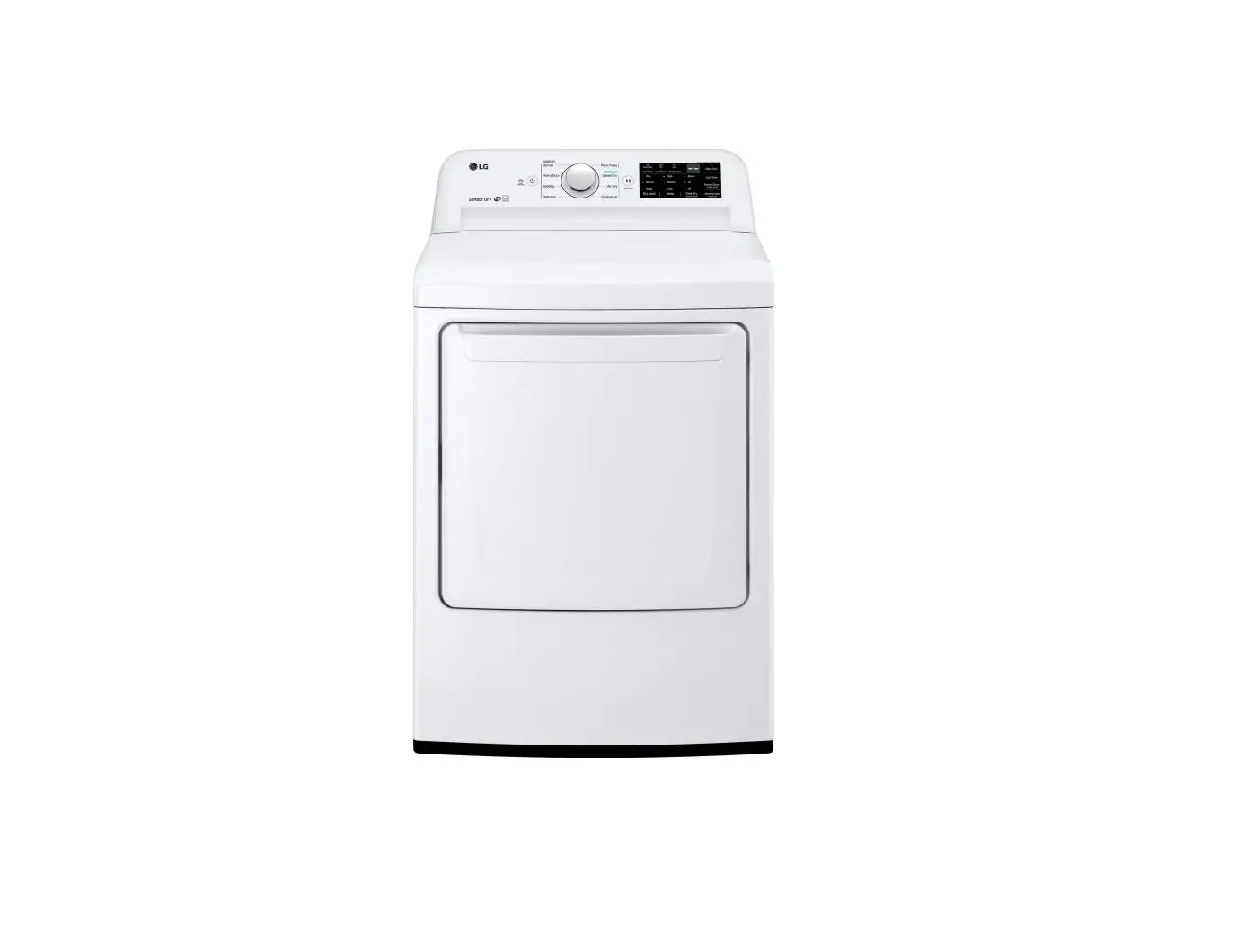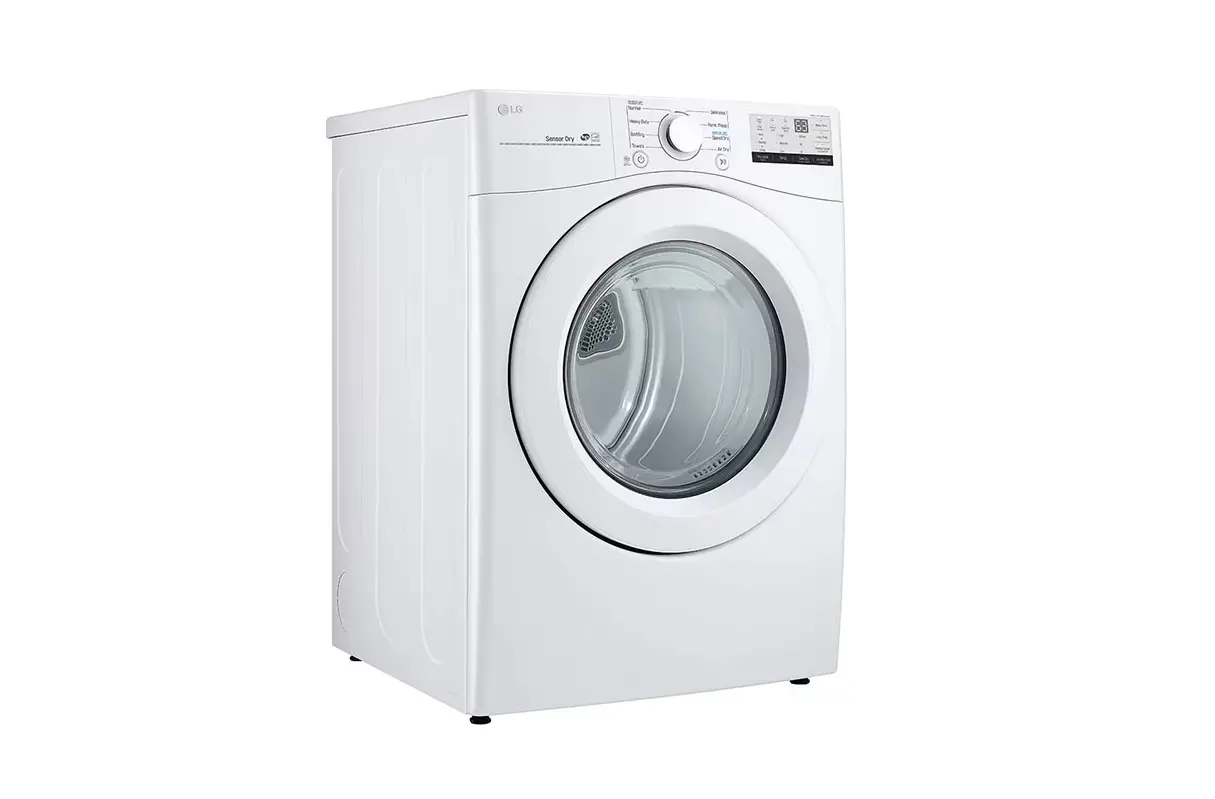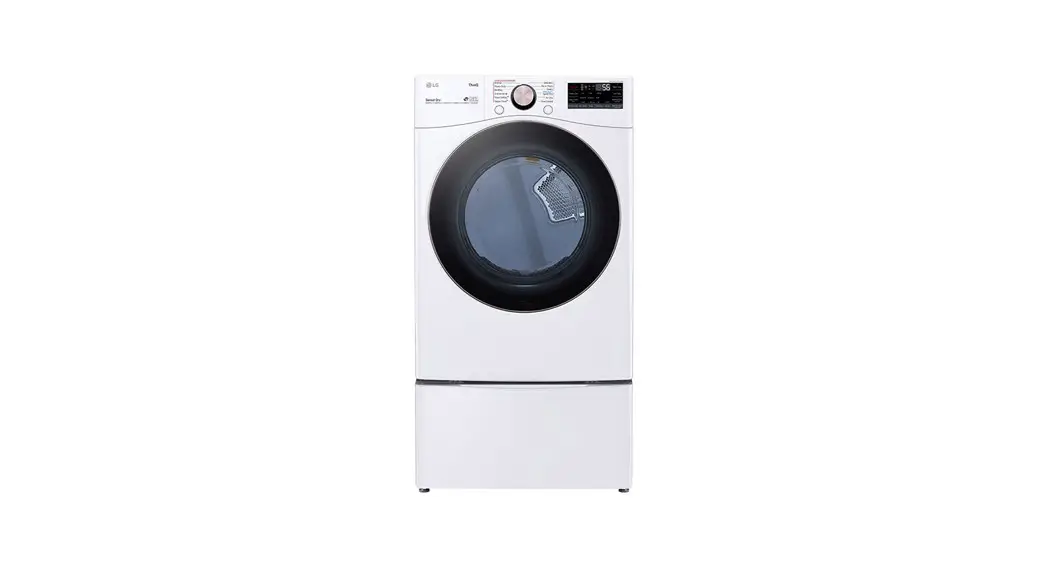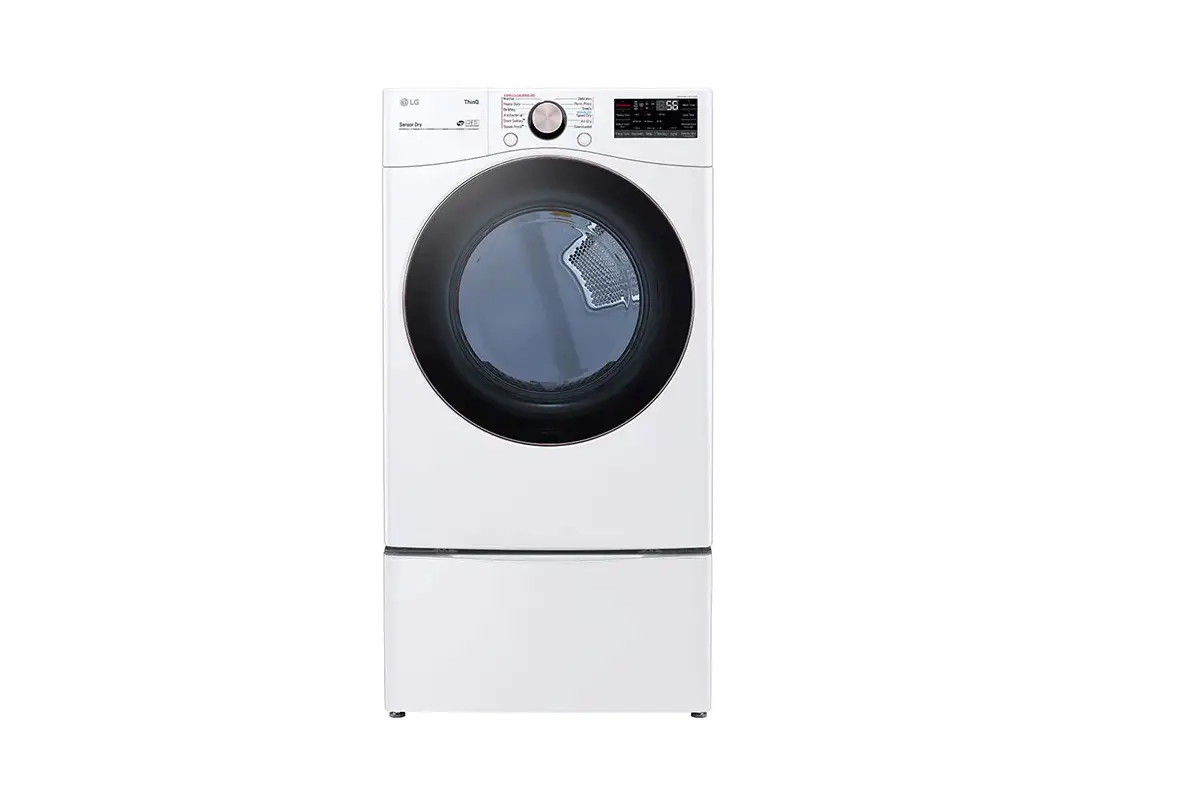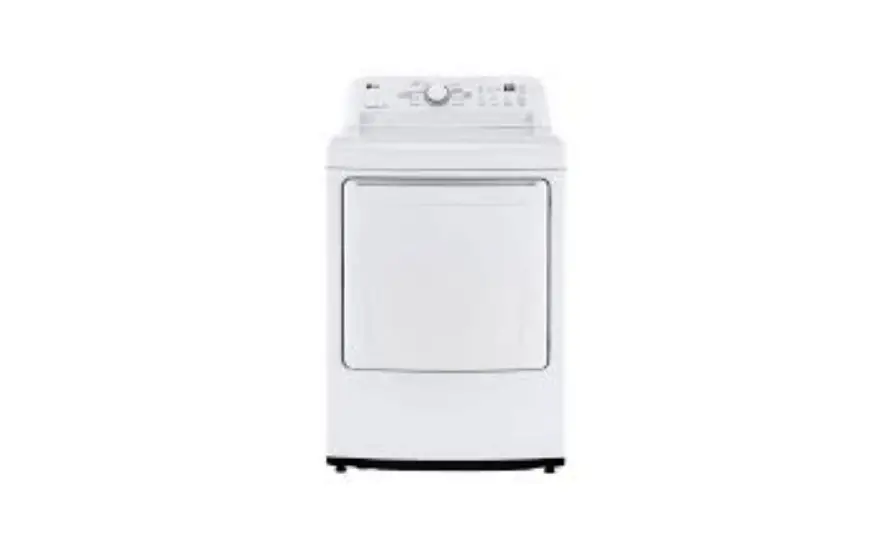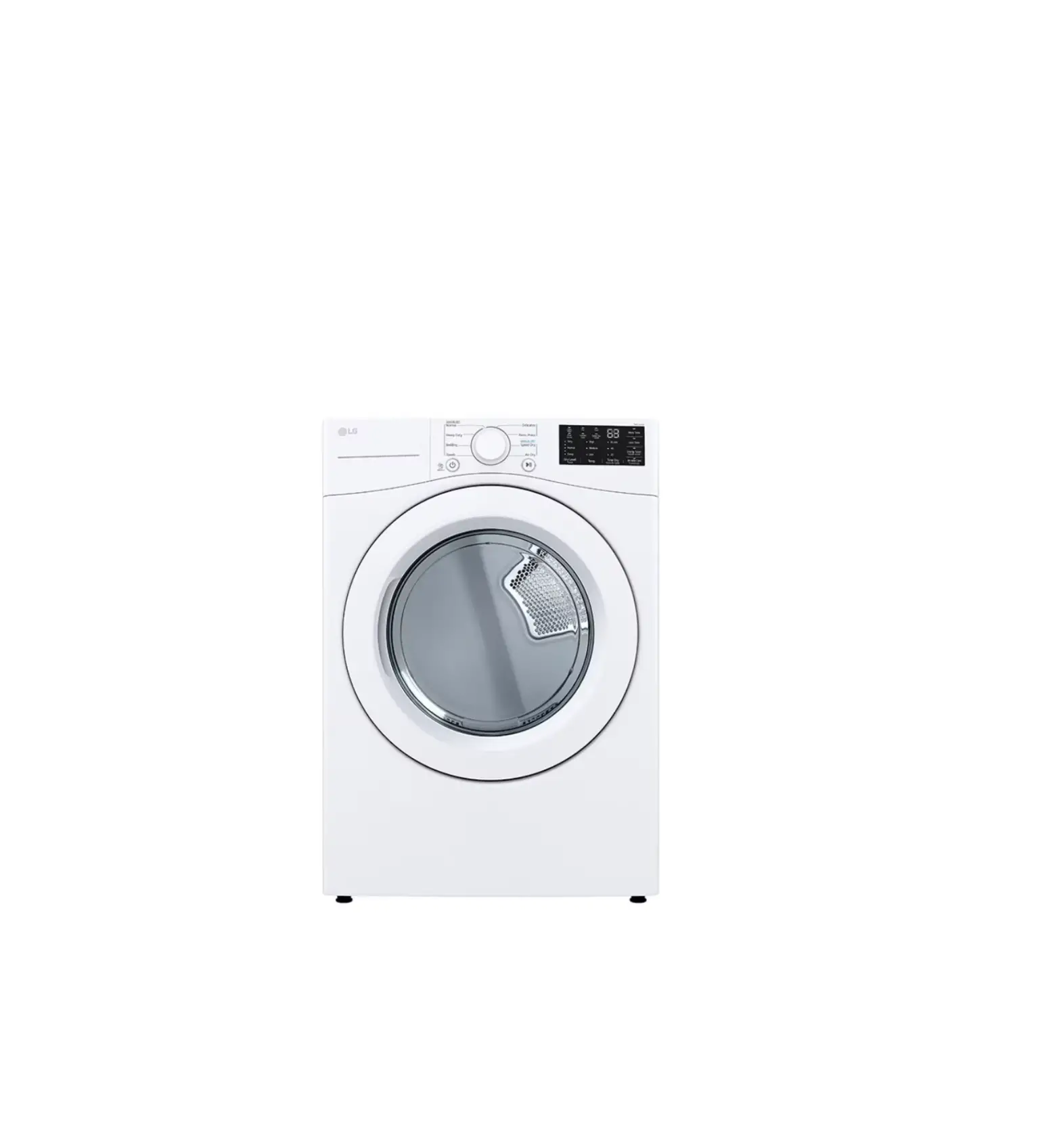
LG DLE3470W 7.4 Cu. Ft. Stackable Smart Electric Dryer
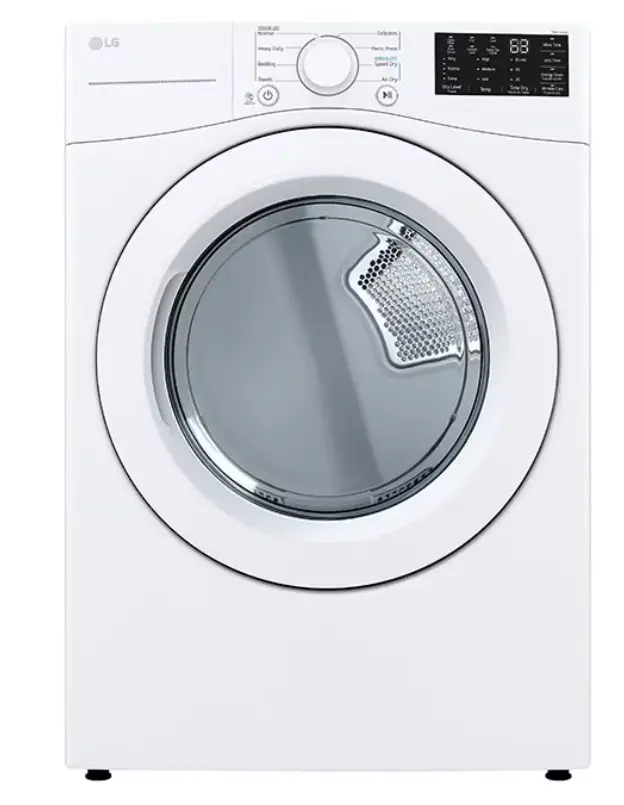
Before Operating Your Dryer
Read your dryer Owner’s Manual. It has important safety and warranty information. It also has many suggestions for dryer operation and solving problems.
Installation
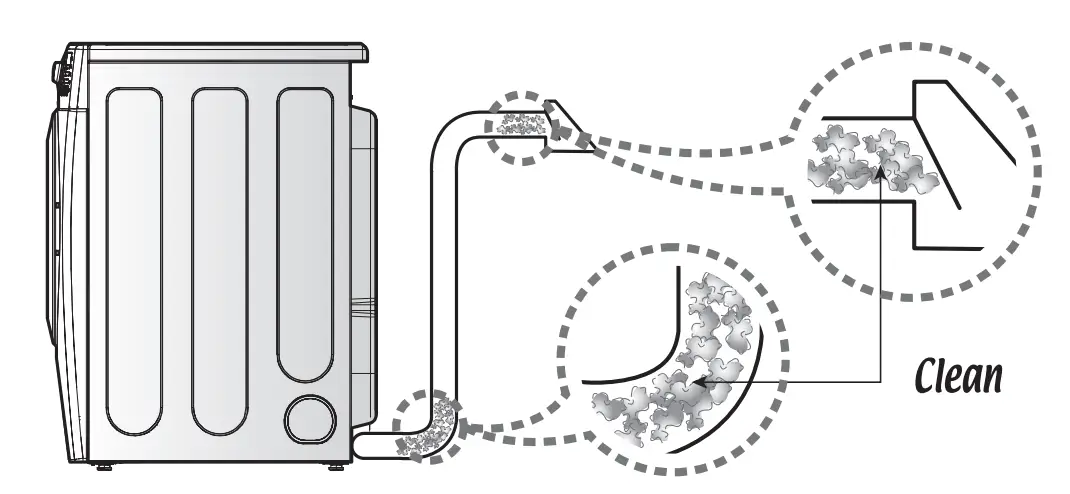
- The current duct should be cleaned prior to installing it on your new dryer. – –
- Good ventilation is required for proper operation of your dryer. The dryer should be installed on a stable and level floor.
- One end of the duct will connect to your dryer and the other end should be vented to the outside of your home.
 If the duct is clogged it may cause longer drying times and shorten the life of your dryer.
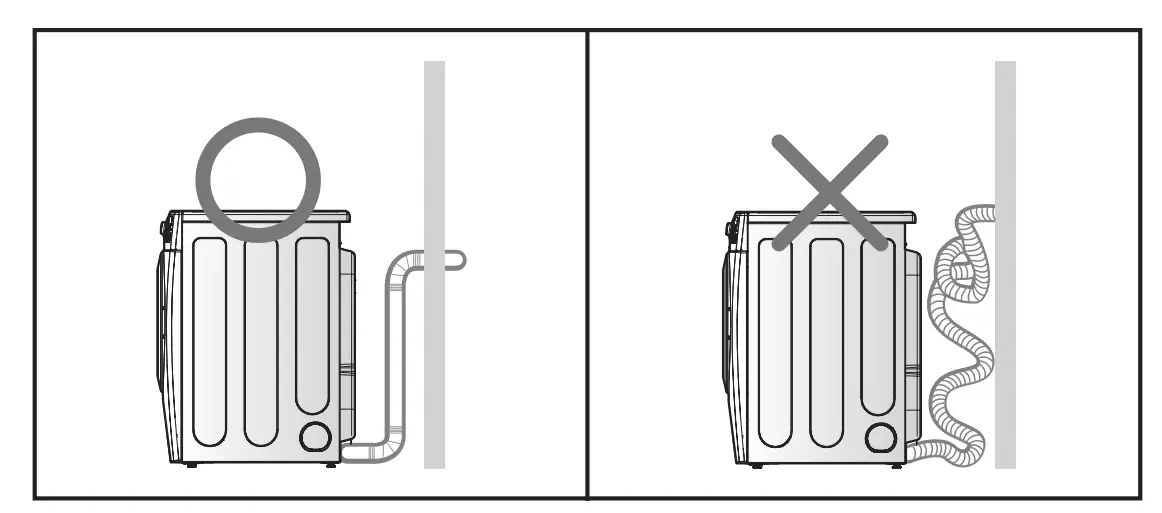
 Do not use plastic or thin foil duct. Improper ducting could cause a fire, longer drying times and shorter dryer life.
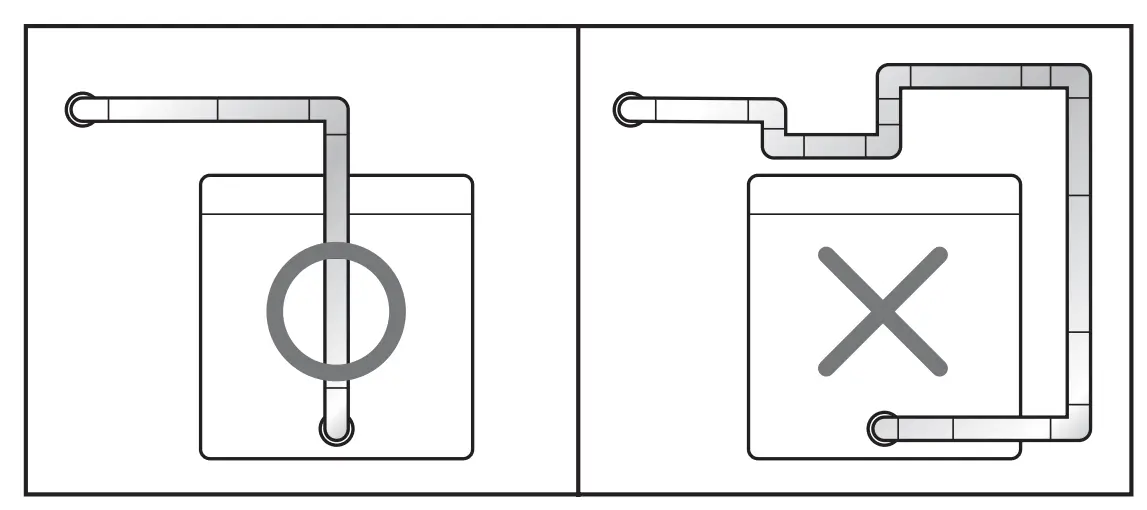
Use the shortest ventilation path possible. Shorter duct lengths result in more efficient drying.
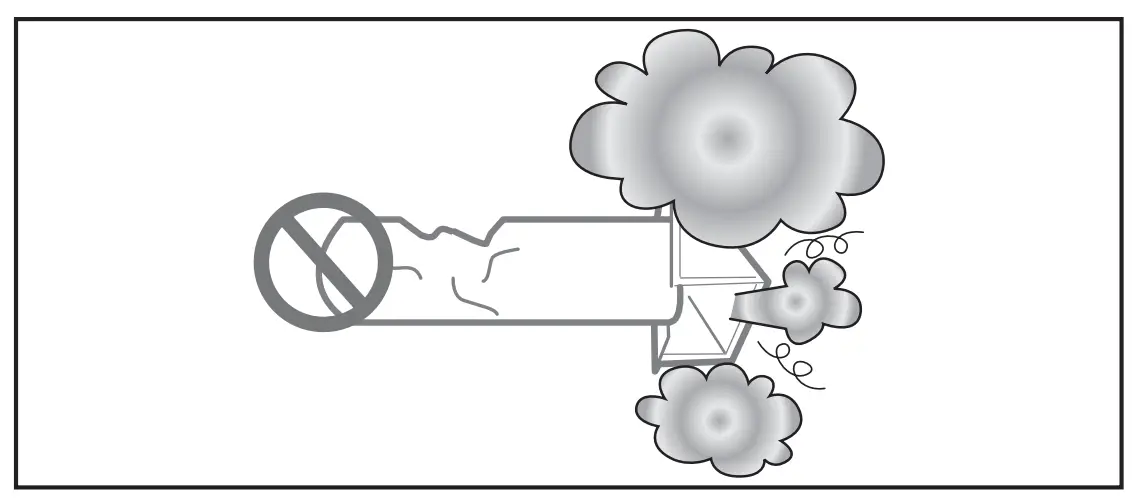
Avoid crushing duct material
Operating instructions
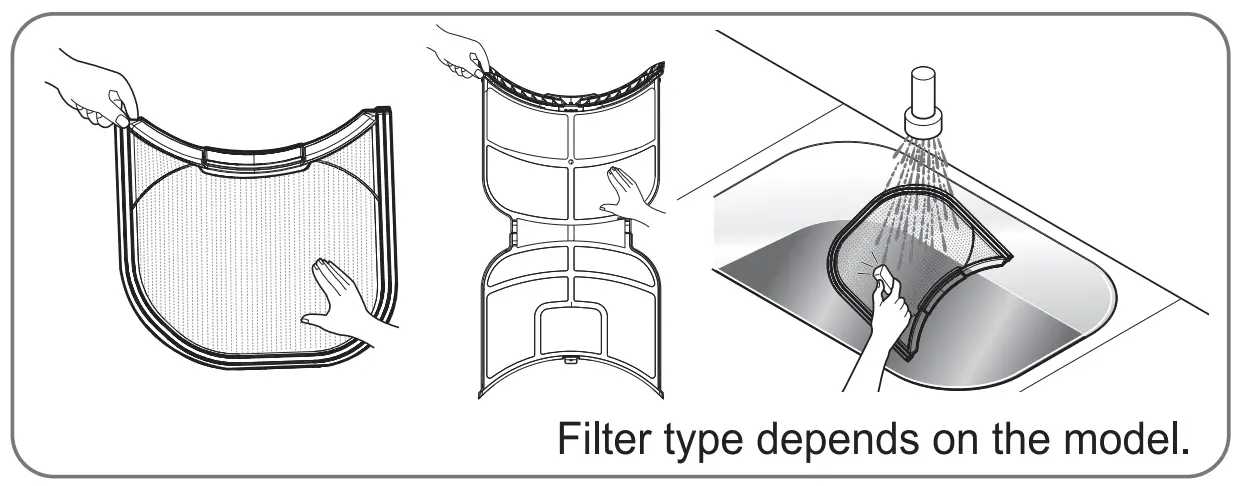
Before operation, clean the lint filter. Press power button. (In case of gas dryer, check if gas valve is open) Sort and load laundry. Select cycle according to the fabric types. Use the WRINKLE CARE option when unloading is delayed. Press start button.
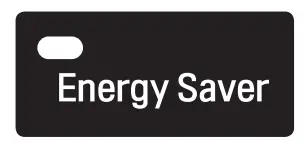 This option helps to reduce the energy consumption in the Normal cycle depending on the load l3lll\’EII size. When the Energy Saver option is selected, the cycle begins with an air dry section and the – drying time is increased. This option is turned on by default. To reduce drying time, disable the (on some models) option by pressing and holding the Energy Saver button for 3 seconds .
 Check (Clean) When the dryer is turned on, this light flashes as a reminder Filter Light that the lint filter must be cleaned for each load. The light goes out when the cycle is started.
 Pressing the Start/Pause button without selecting a cycle will cause the Normal cycle to begin.
For safety reasons, you must press and hold the Start/Pause button for 1 second to start the cycle.
Flow Sense Light:
 This light does not indicate a problem with your dryer, but rather a restriction in your home exhaust system. This issue can be easily fixed without calling for service. Please check for the following conditions if the Flow Sense light is lit or you are experiencing longer than usual dry times:
- Make sure that the exhaust connecting to the dryer is not kinked. II
 Make sure that the dryer duct is clean and free of buildup – one way to check if the exhaust is clogged is to start the dryer on a normal cycle, go outside where the dryer is vented and check the airflow. If there is no airflow or if the airflow is weak, then you may have a restriction (lint buildup) that needs to be removed. Using the dryer while the “Flow Sense ” light is on may create an unsafe environment.
 Make sure that the dryer duct is clean and free of buildup – one way to check if the exhaust is clogged is to start the dryer on a normal cycle, go outside where the dryer is vented and check the airflow. If there is no airflow or if the airflow is weak, then you may have a restriction (lint buildup) that needs to be removed. Using the dryer while the “Flow Sense ” light is on may create an unsafe environment.
Customer Support
Please consult your Owner’s manual for more details.
To contact the LG customer service, please call or
visit our website at http://us.lge.com or http://ca.lge.com