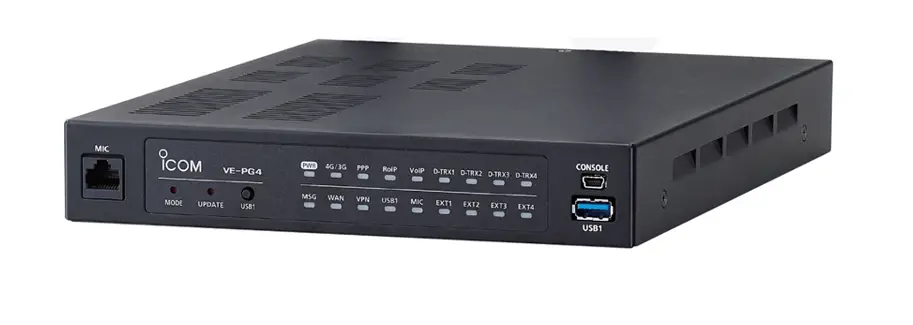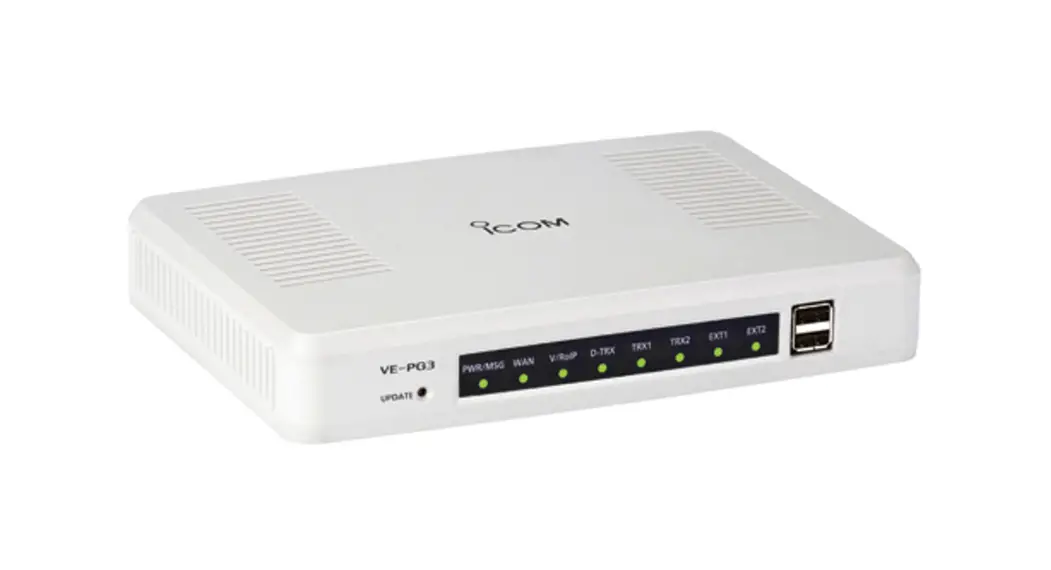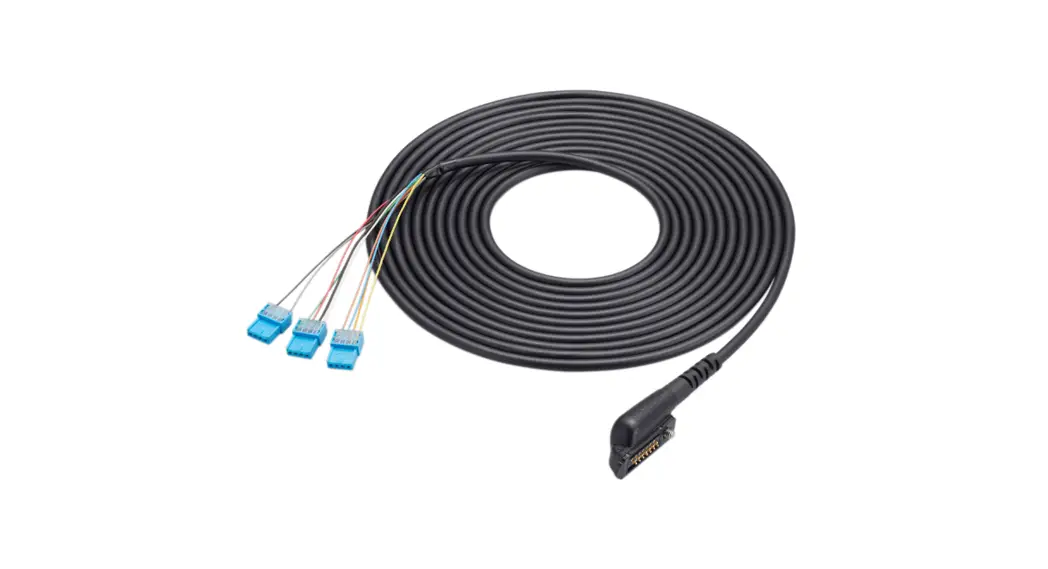
 VE-PG3 Radio Over IP Gateway
Instructions
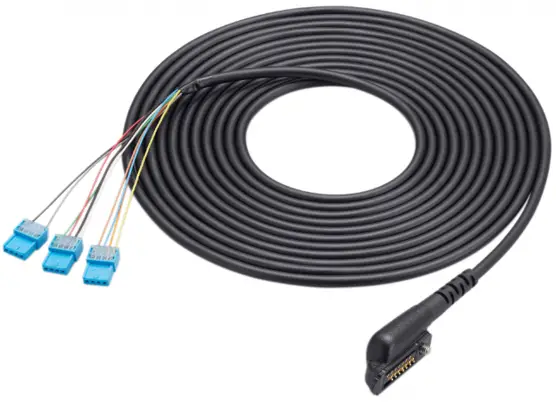
VE-PG3 Radio Over IP Gateway
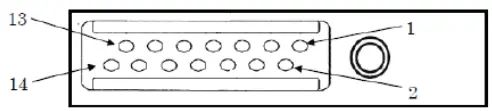
| Pin No. | Symbol | VO | Name of port | Remark | Spec. | |
| I | OPF | I | Customized input | Active in low | Less than I.15V to active the port. Necessary wiring 3.1V 10k Pull UP. | C4 |
| 2 | RTS | 0 | Request To Send port | Hardware flow control to require transmitting | 5.0V 47k Q Pull UP | |
| 3 | CTS | I | Clear To Send port | Hardware flow control to receive acknowledge for allowance of transmission | 5.0V 47k Q Pull UP | C3 |
| 4 | GND | – | GND | GND (separation with ground of MIC) | GND | B4 |
| 5 | AFO- | 0 | AF BTL – (Output) | port for AF BTL Amp (AB class Amplifier) | AF output 8Q load 1.0W @ 5% typ | A3
|
| 6 | AFO+ | 0 | AF BTL + (Output) | +port for AF BTL Amp (AB class Amplifier) | AF output 8Q load 1.0W 4 5% typ | |
| 7 | 5V | 0 | 5.0V DC output | 5V output from the radio | 5.0V less than 0.15A ci.10 25°C | |
| 8 | MDET | I | Detection of external device | Detection for connecting external device in some cases below. GND with speaker mic in case, open for programing in case, 10k Q with VOX headset in case, 4.7kQ with earphone. | – |
|
| 9 | MICE | – | MIC GND | GND of MIC | – | A2,AI1 |
| 10 | NC | No Connection | – | – | ||
| 11 | RXD | I | Serial Data Input | Data input for programing software, PC commands | 5.0V 47k Q Pull UP | Cl |
| 12 | TXD | 0 | Serial Data Output | Data output for programing software, PC commands | 5.0V 47k Q Pull UP | C2 |
| 13 | MIC | I | MIC Input | Input for external MIC | Impedance (Input) 2.2k Q 15mVrms *S! 60%Dev | Al |
| 14 | PTT | I | PTT | External PTT, Active in Low | 3.1V 47kQ Pull UP | B1 |
VE-PG3/4
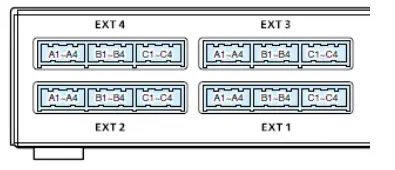
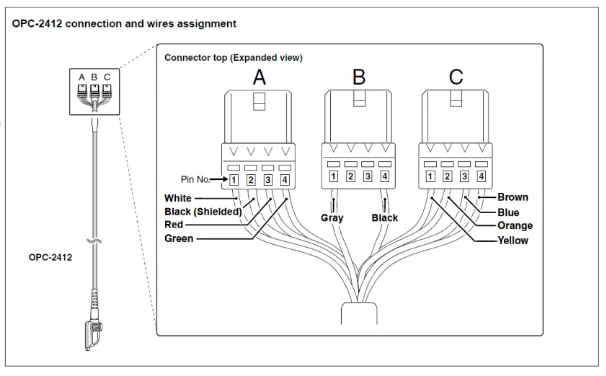
| Pin No. | Description |
| Al | Analog audio output (From the VE-PG4) / Superimpose PTT |
| A2 | Analog GND |
| A3 | Analog audio input (To the VE-PG4) / Superimpose squelch detection |
| A4 | Analog GND |
| El | General control output / Single PTT control i Relay output |
| B2 | Serial communication (Half duplex) / 8 V power supply / Relay output |
| 63 | General control input / Single squelch control |
| B4 | Common GND |
| Cl | Serial communication TXD (From the VE-PG4) |
| C2 | Serial communication RXD (To the VE-PG4) |
| C3 | Serial communication RTS (From the VE-PG4) |
| C4 | Serial communication 01-5 (To the VE-PO4) |
 You can change the configuration of ports B1 to 64 on the VE-PG4 setting screen.
Icom America Inc. ©2020