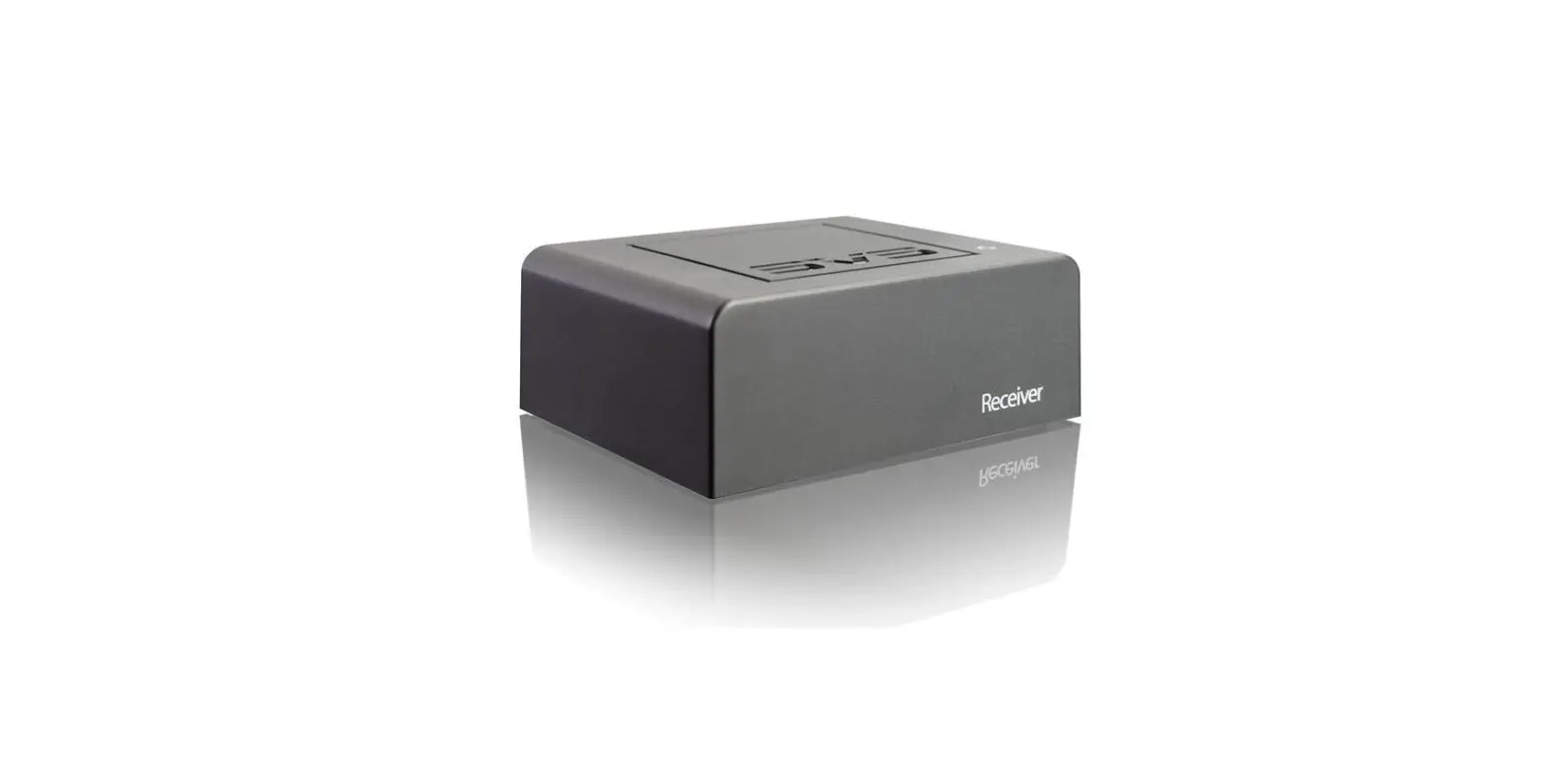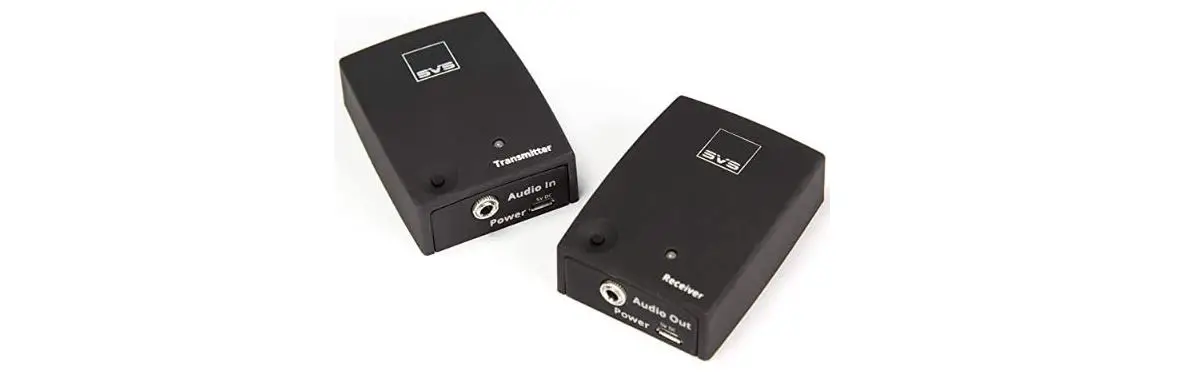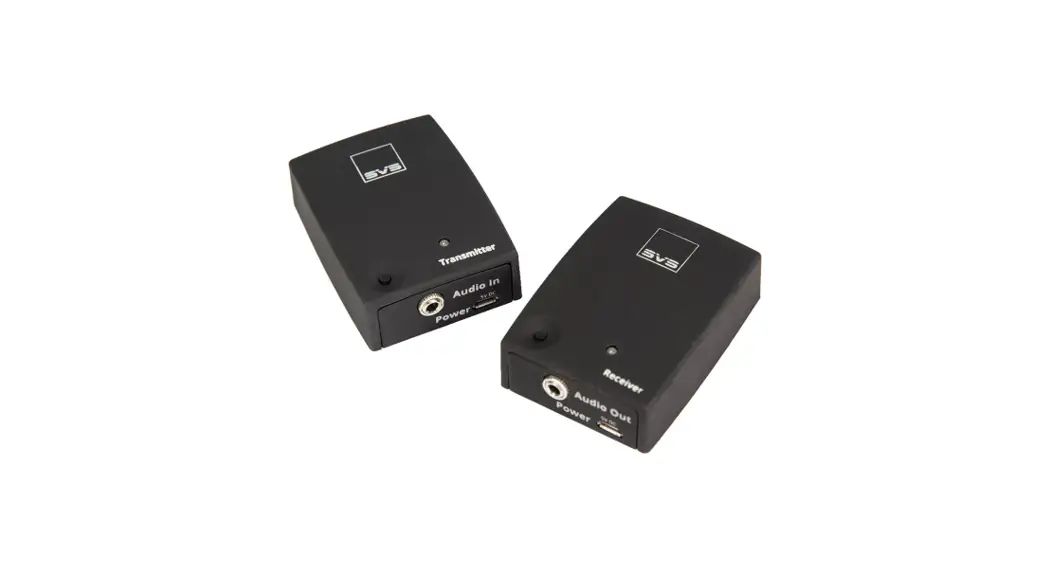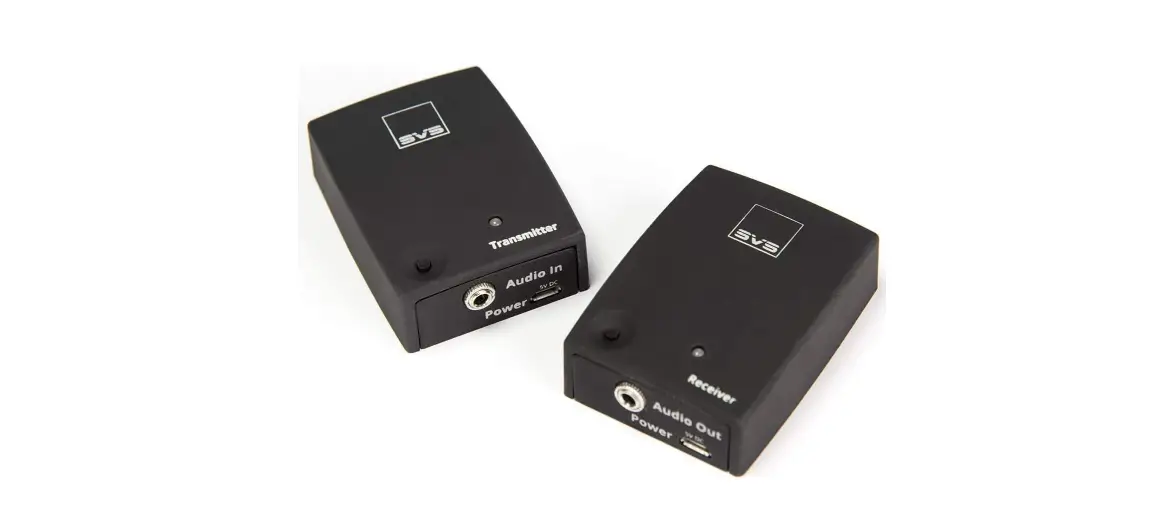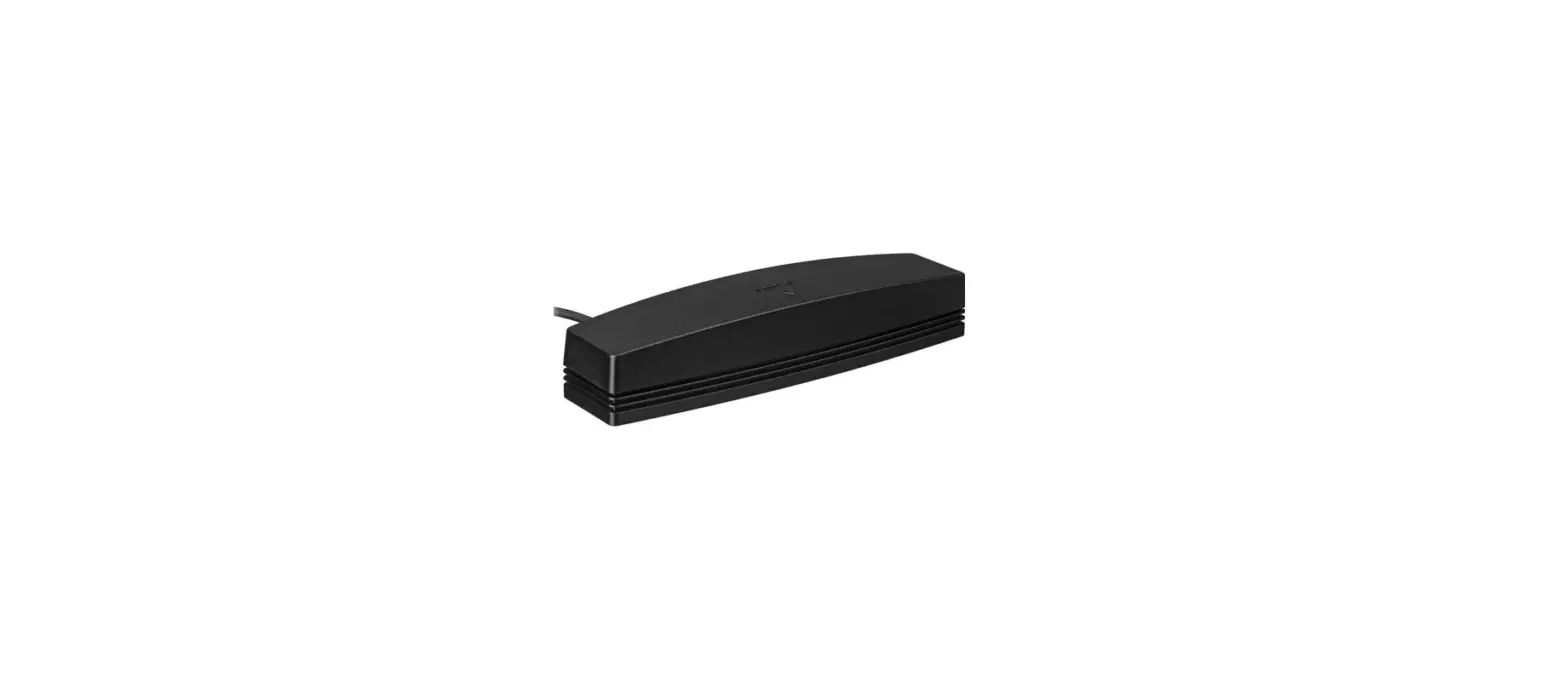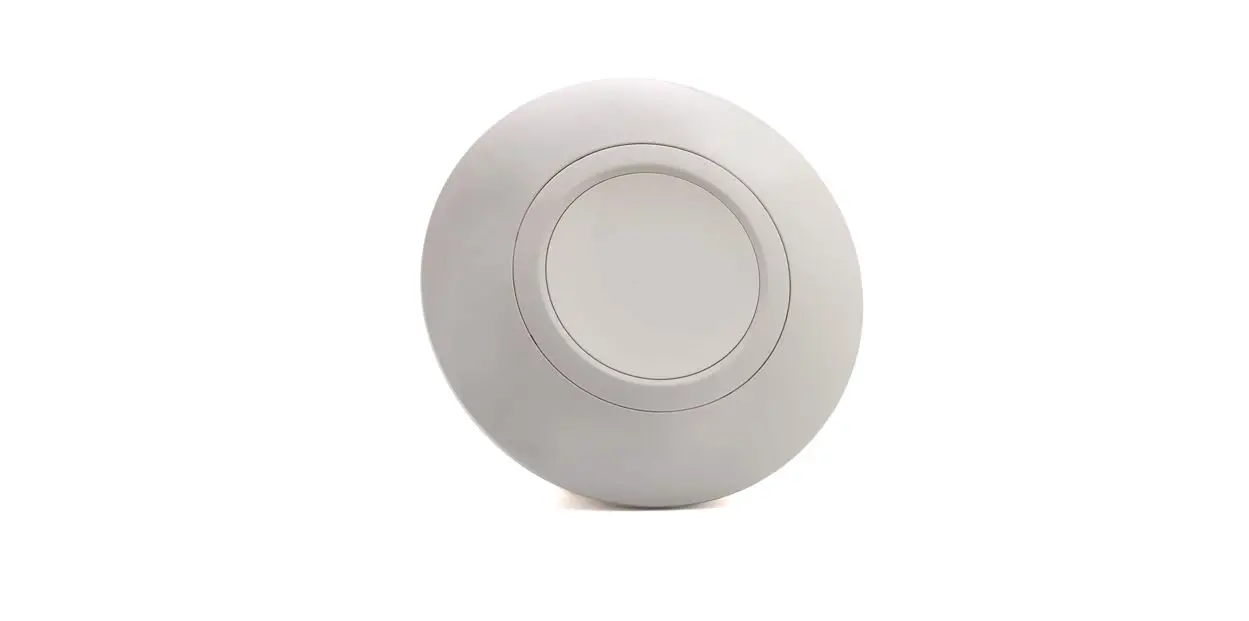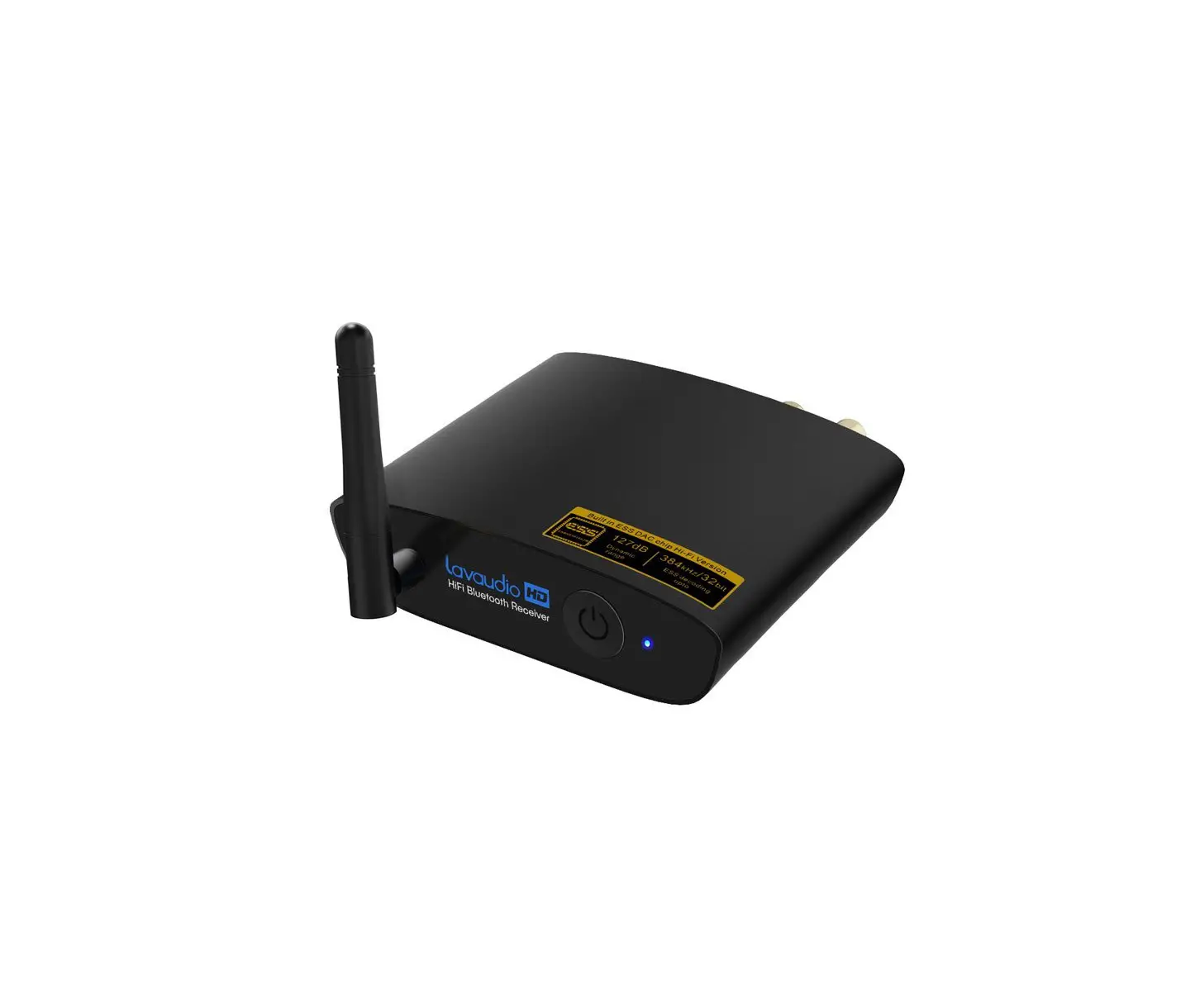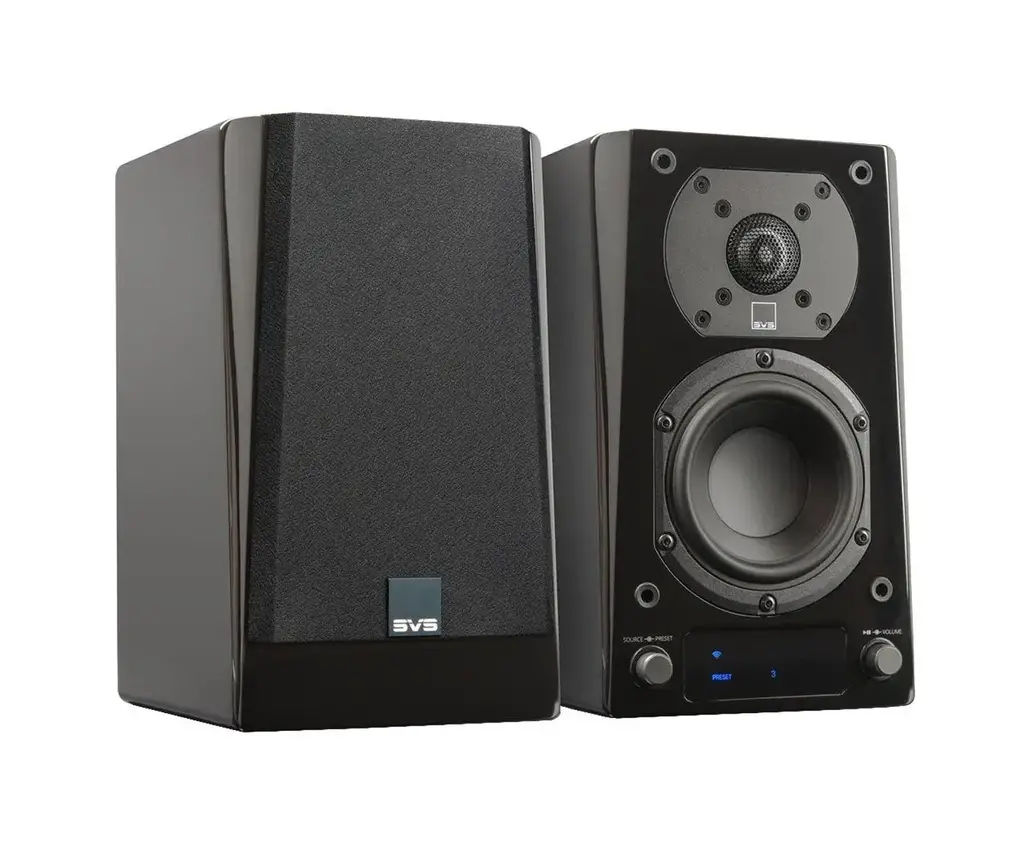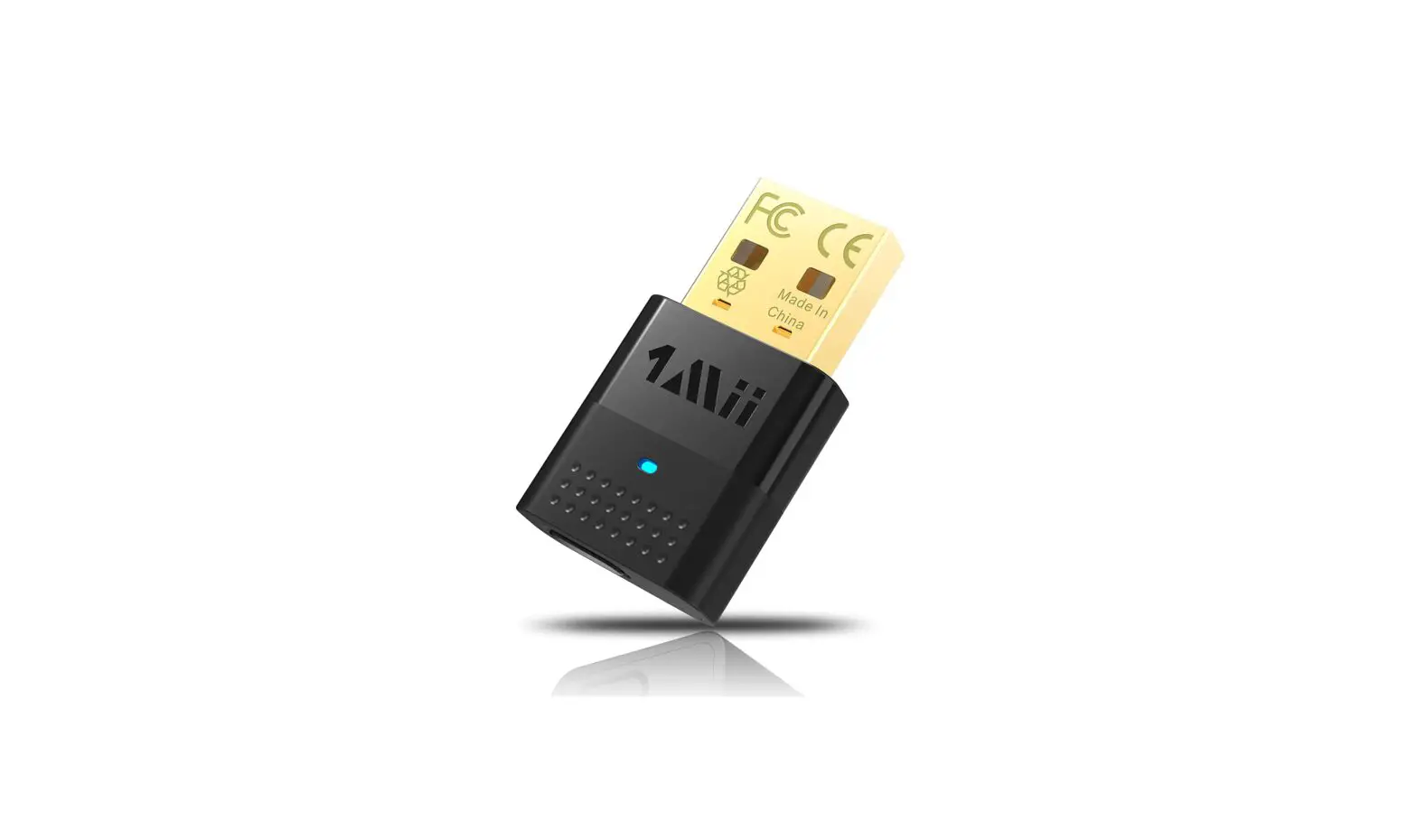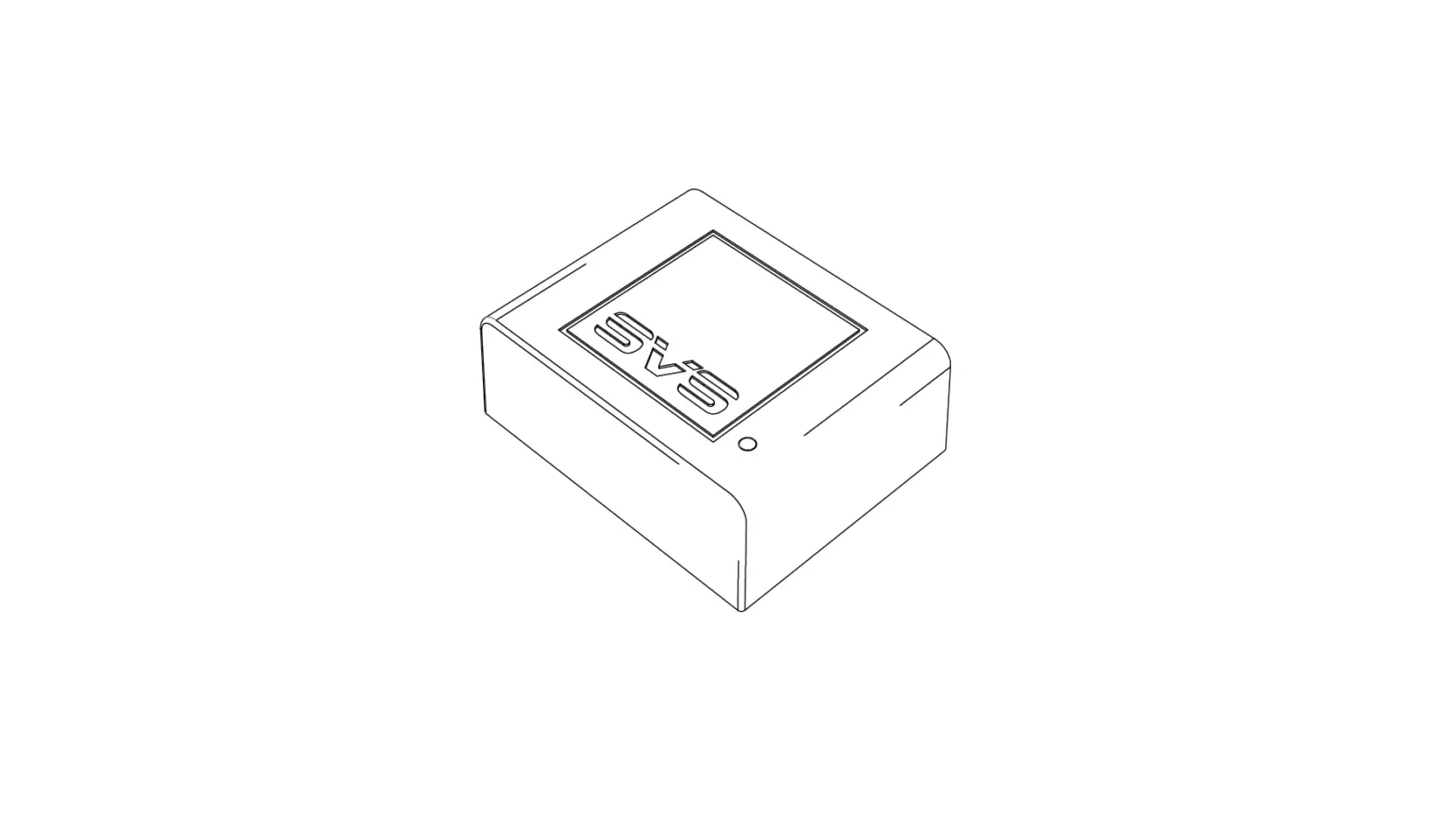

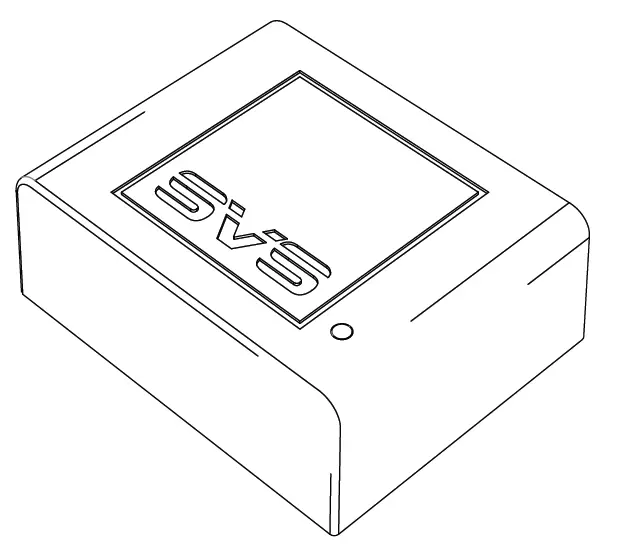
SVS 856677007886 SoundPath Tri-Band Wireless Audio Adapter
Thank you for choosing SVS!
The following instructions will help you setup additional Tri-Band wireless Receivers with your SVS SoundPath Tri-Band Wireless Audio Adapter. Before proceeding, please complete the setup and pairing instructions for the primary Transmitter/Receiver kit. Installation requires only a few simple steps. If you have questions about subwoofer or speaker placement, system optimization or installing the SVS SoundPath Tri-Band Wireless Audio Adapter, please contact the SVS Sound Experts tech support 7-days-a-week.
[email protected] | 877.626.5623 | www.svsound.com
Adding Additional Wireless Receivers
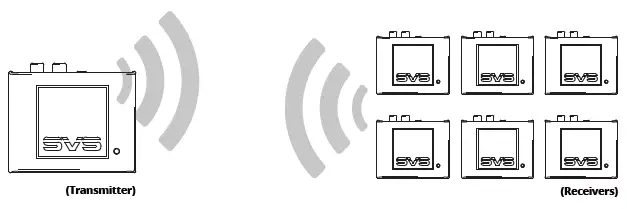
A single SVS SoundPath Tri-Band Wireless Audio Adapter Transmitter can wirelessly connect and transmit a signal to up to six (6) Receivers.
Before Pairing
Confirm the primary SoundPath Tri-Band Wireless Audio Transmitter and Receiver are paired. Successful pairing will be indicated by a steady blue light on both the transmitter and receiver.
Steps for Pairing Additional Receivers with Transmitter
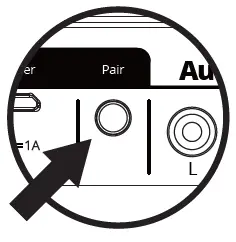
- Connect additional Receiver to subwoofer or speakers via RCA cable and connect power cord via USB or AC power outlet. A slow flashing light indicates the unit is not paired.
- Press and hold the PAIR button located on the back of the Receiver until the blue LED light located on the top of the unit flashes quickly.
- Within 30 seconds, press and hold the PAIR button located on the back of the Transmitter.
- When your Transmitter and additional Receiver are paired, the wireless status lights on the top of both units will turn solid blue.
- Repeat steps for any additional Receivers.
 Home Audio Speakers, Subwoofers and Cables | SVS